Tag @bot on X

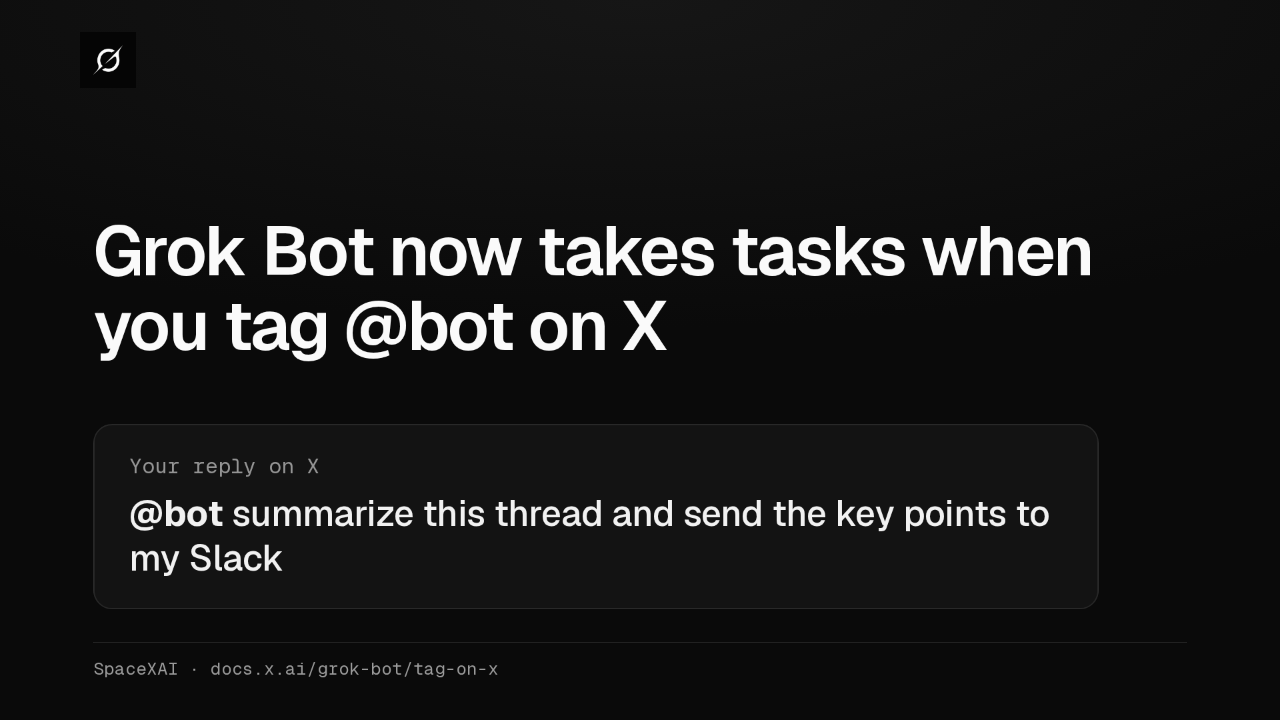
Grok Bot now takes tasks when you tag @bot on X
Grok Bot can now take work straight from X. Tag @bot in a post or reply, like this request for a thread summary in Slack, and your main Bot starts on its cloud computer.
Only a confirmation on X
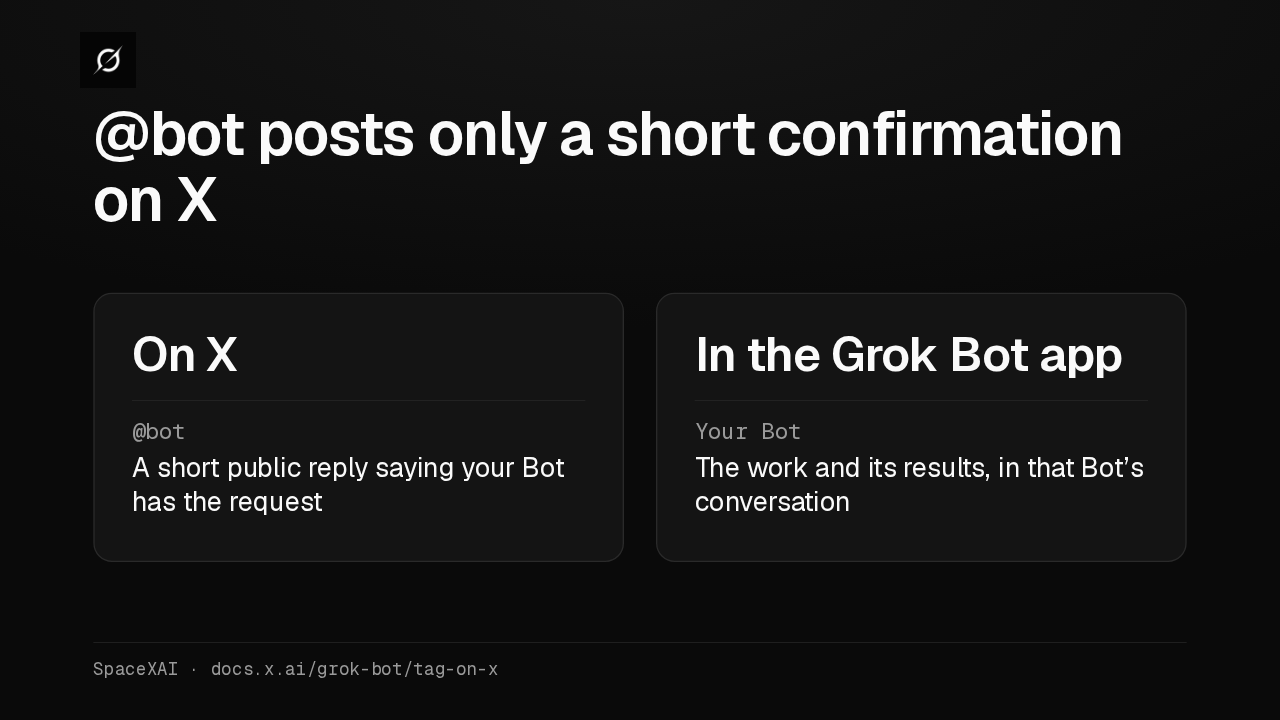
@bot posts only a short confirmation on X
The public part stays small. @bot replies with one line confirming your Bot has the request. The work itself and its results stay in that Bot's conversation in the Grok Bot app.
What your Bot receives
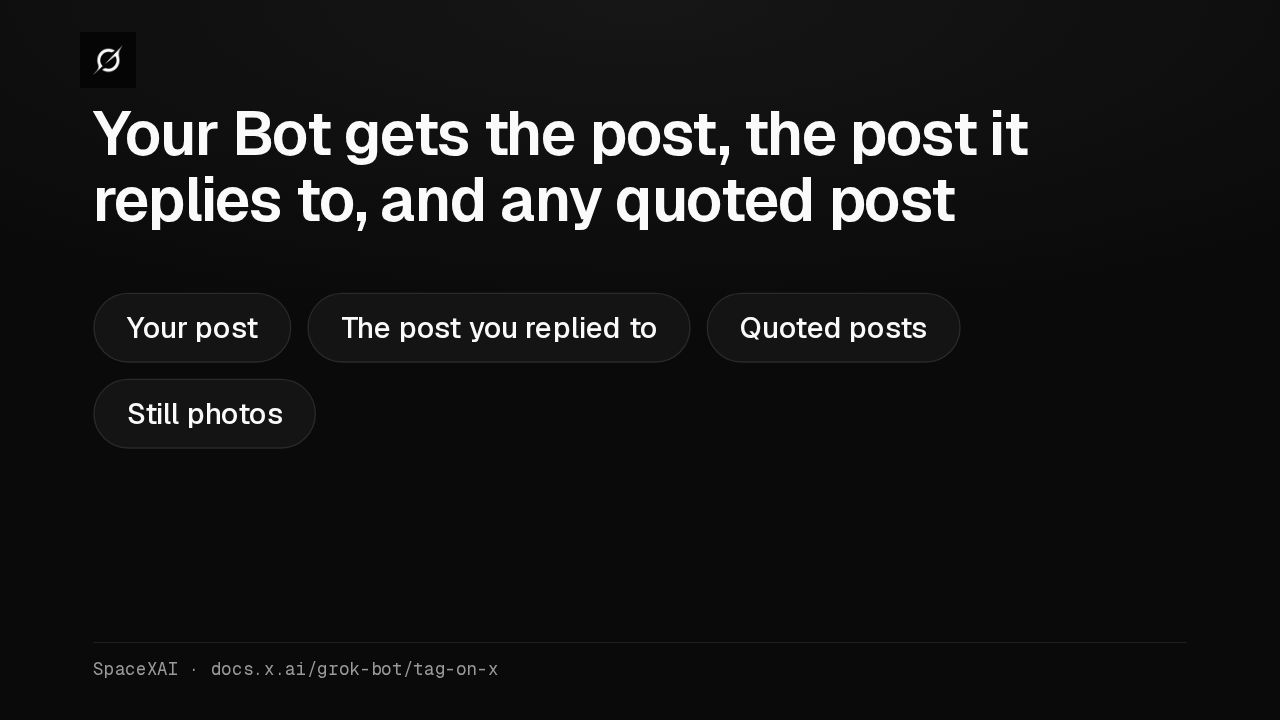
Your Bot gets the post, the post it replies to, and any quoted post
So the Bot has the context of the conversation. It receives your post, the post you replied to, and any post either of them quotes, still photos included.
Tagged work uses your usage
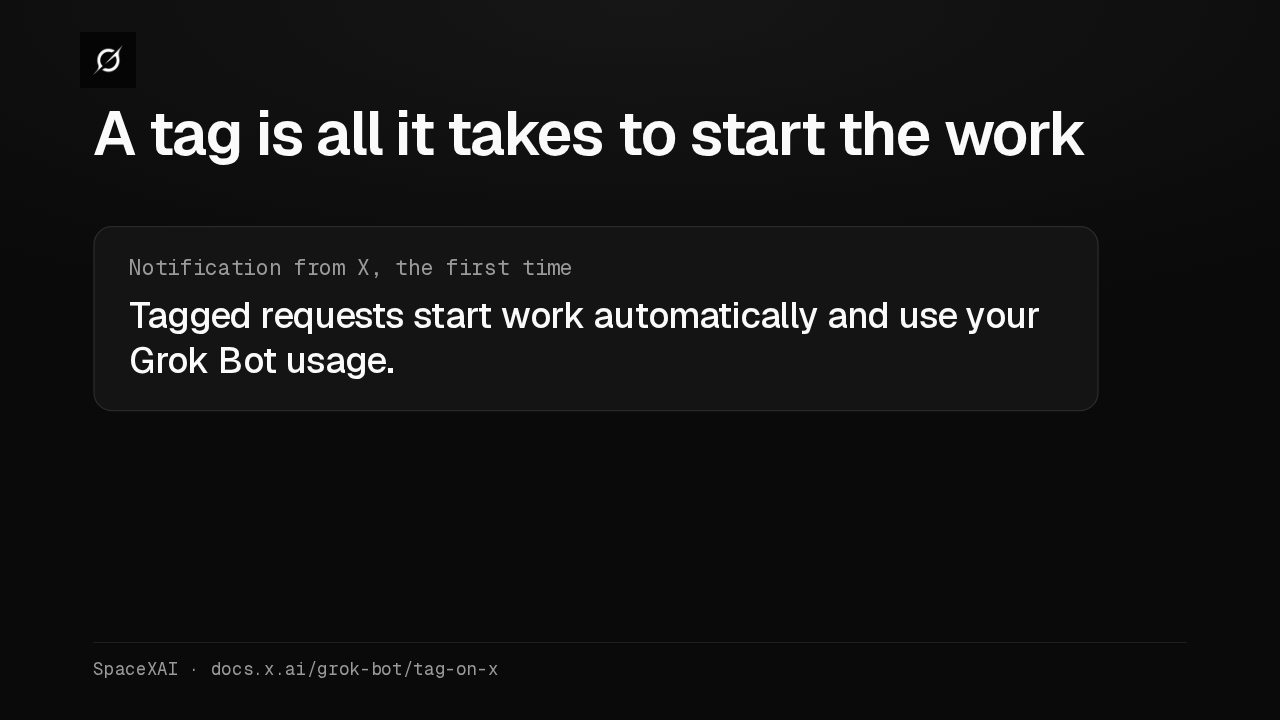
A tag is all it takes to start the work
Your Bot starts as soon as the tag arrives. The first time a request goes through, X sends you a notification that tagged requests start work automatically and use your Grok Bot usage.
What you need
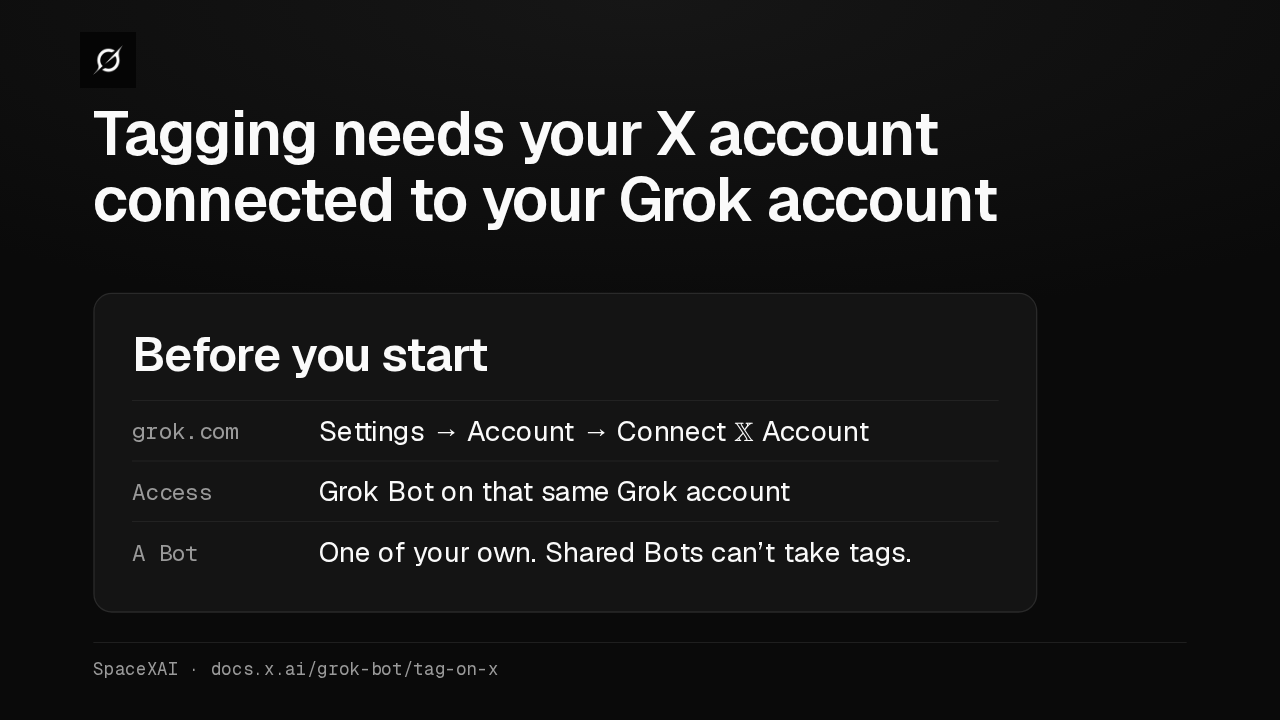
Tagging needs your X account connected to your Grok account
Connect your X account on grok.com, under Settings, then Account. That account also needs Grok Bot access and a Bot of your own. Shared Bots can't take tagged requests.
Where tagging works
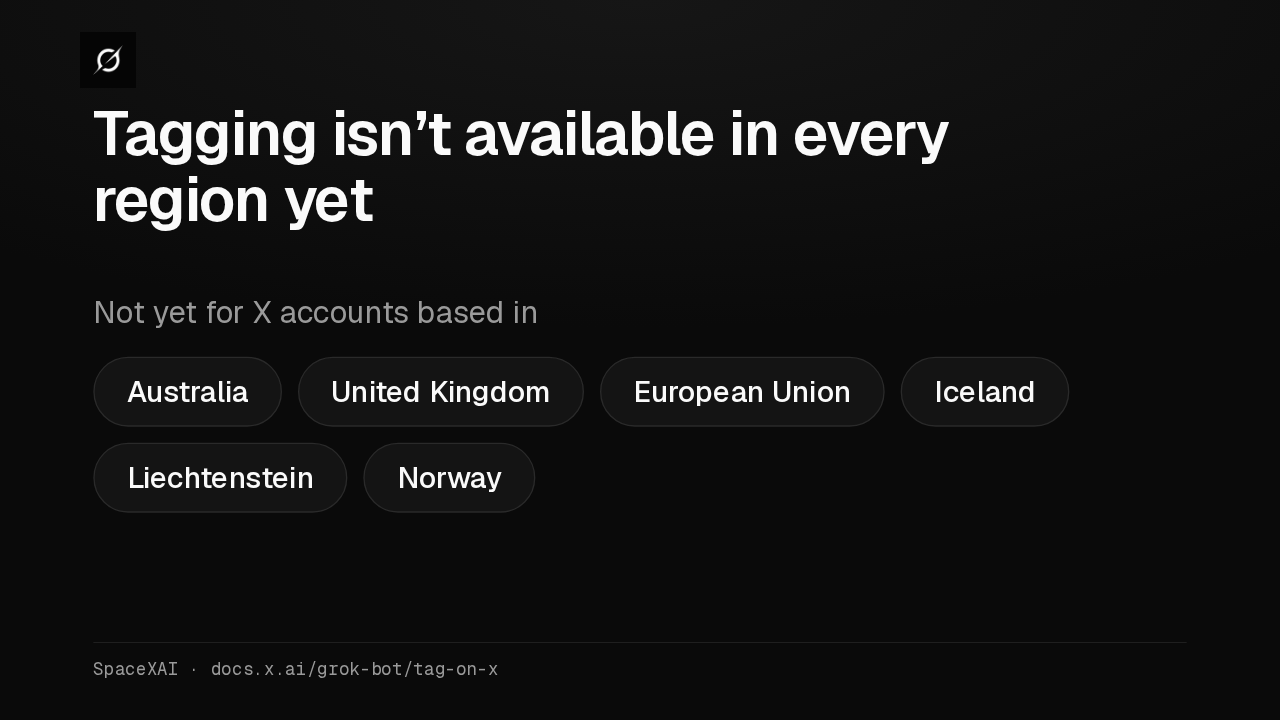
Tagging isn’t available in every region yet
Tagging works for X accounts based in most countries. It isn't available yet in Australia, the United Kingdom, the European Union, Iceland, Liechtenstein or Norway.
The country on record
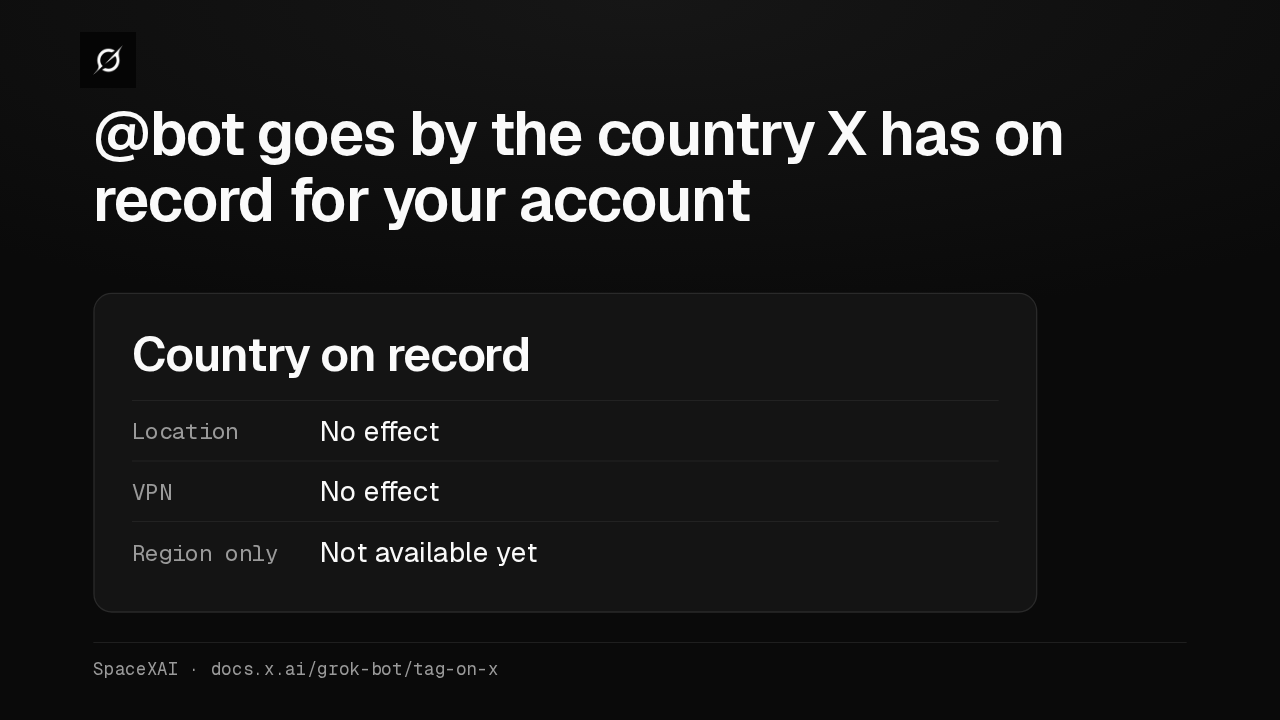
@bot goes by the country X has on record for your account
Where you are right now doesn't matter. A VPN changes nothing either. If X lists only a broad region for your account, like South Asia, or no country at all, tagging isn't available yet.
When @bot stays quiet
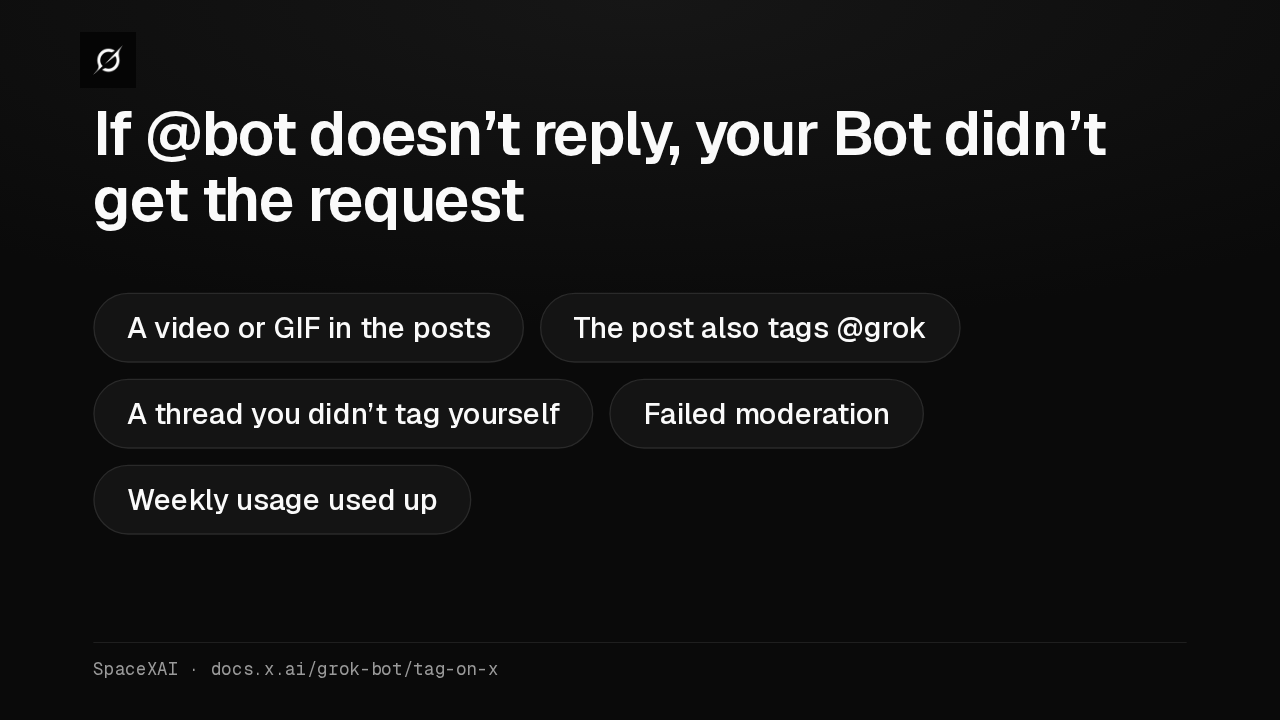
If @bot doesn’t reply, your Bot didn’t get the request
When @bot stays quiet, the request didn't reach your Bot. Common causes are a video or GIF in the posts, also tagging @grok, a thread you didn't tag yourself, moderation, or running out of weekly usage.
Cloud Agent results
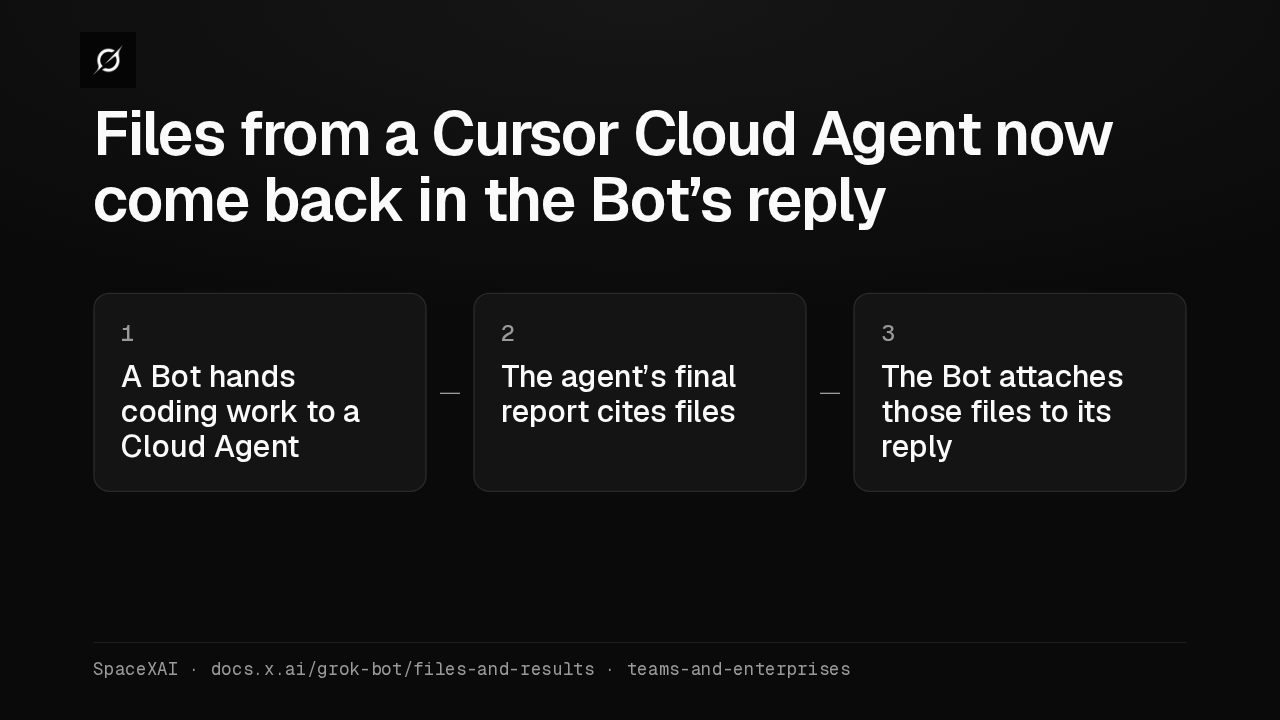
Files from a Cursor Cloud Agent now come back in the Bot’s reply
When a Bot hands coding work to a Cursor Cloud Agent, it now copies the images, videos and other files cited in the agent's final report and attaches them to its reply.
Bots in Marketplace
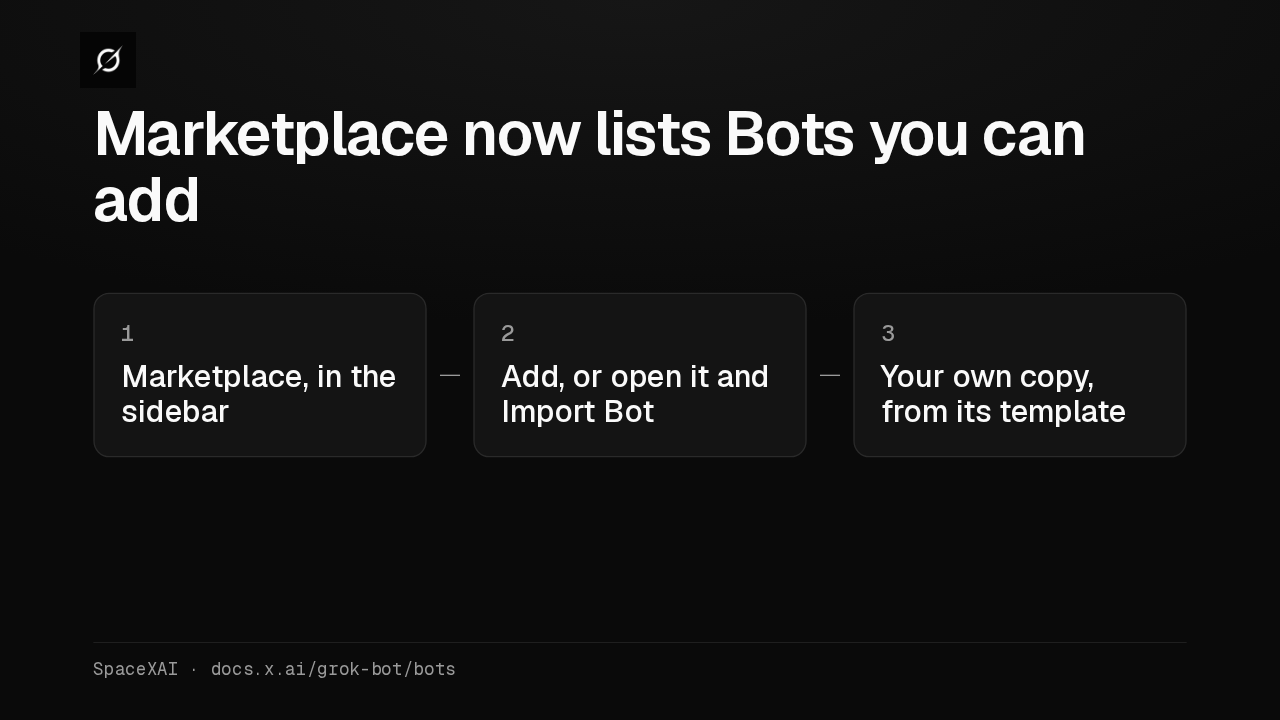
Marketplace now lists Bots you can add
Marketplace, in the sidebar, now lists Bots too. Choose Add, or open one and choose Import Bot, and you get your own copy built from its template.
Answers in group chats
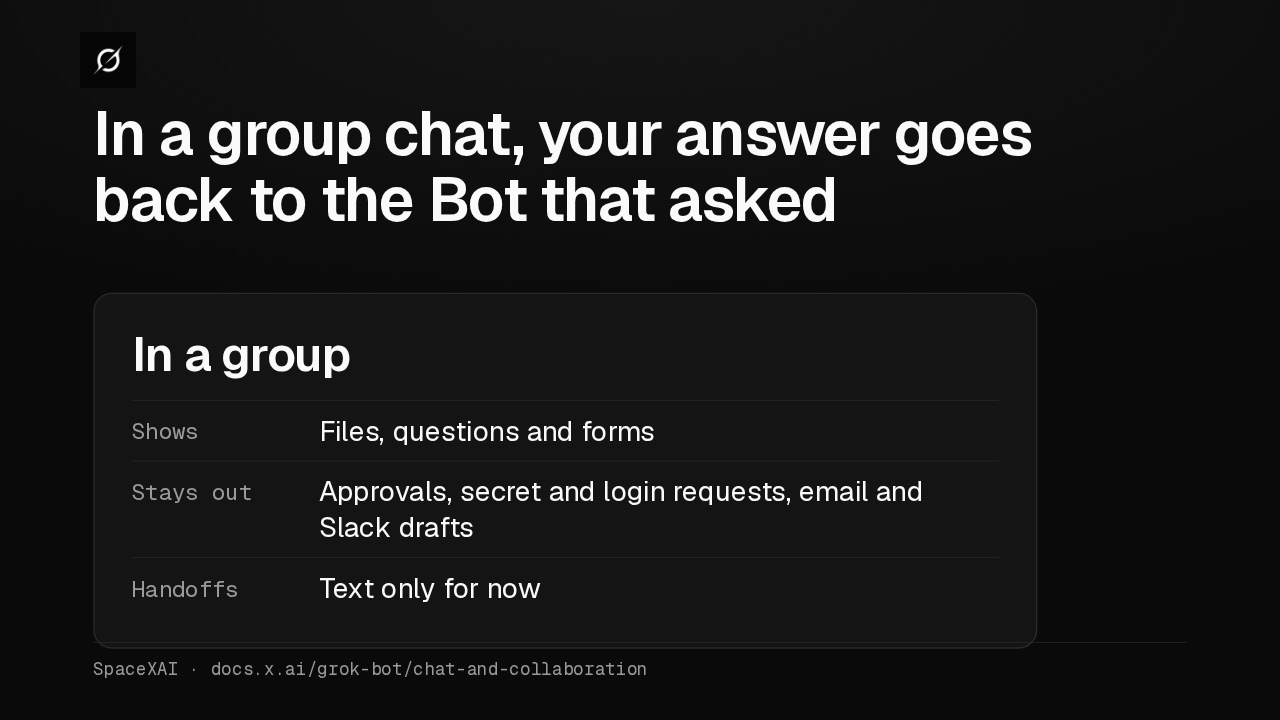
In a group chat, your answer goes back to the Bot that asked
A Bot's replies in a group chat can now carry files, questions and forms. Approvals, login requests and drafts stay out of groups, and handoffs between Bots there are text only.
Approvals expire
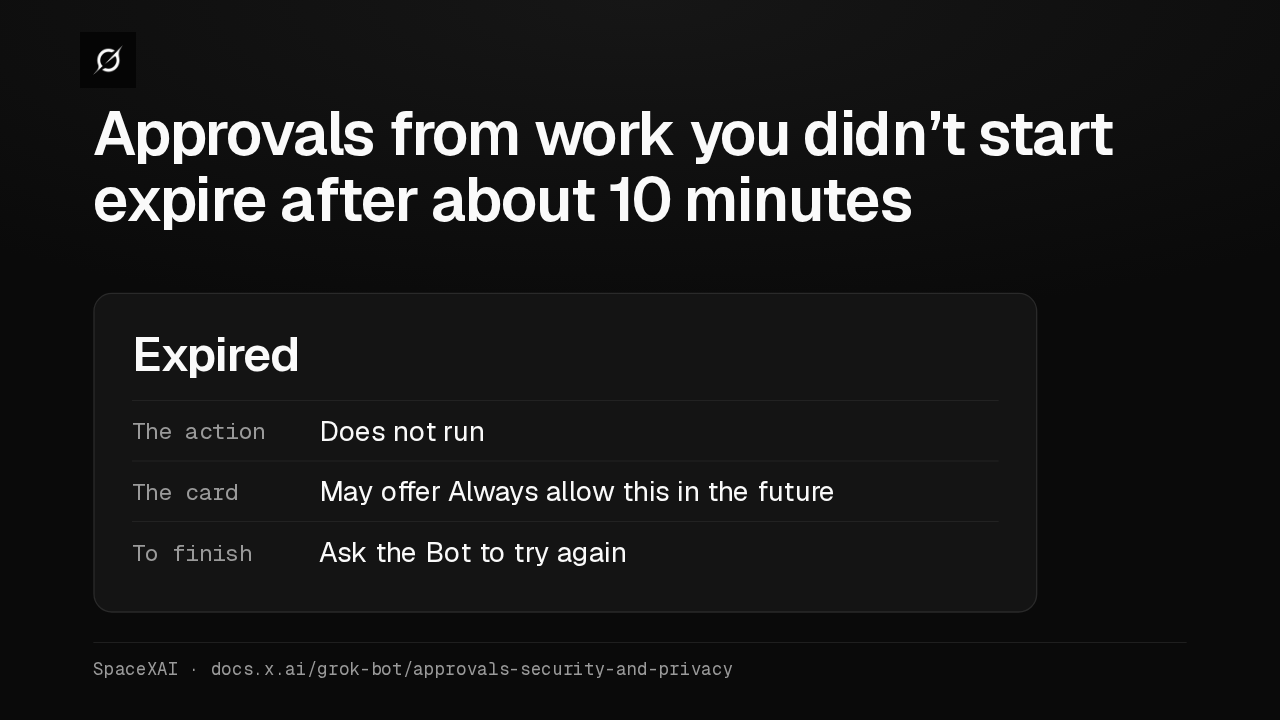
Approvals from work you didn’t start expire after about 10 minutes
An approval from a routine, a trigger or another Bot now expires after about ten minutes. The action doesn't run, so ask the Bot to try again. Approvals in a chat you're in still wait.
Routine limits
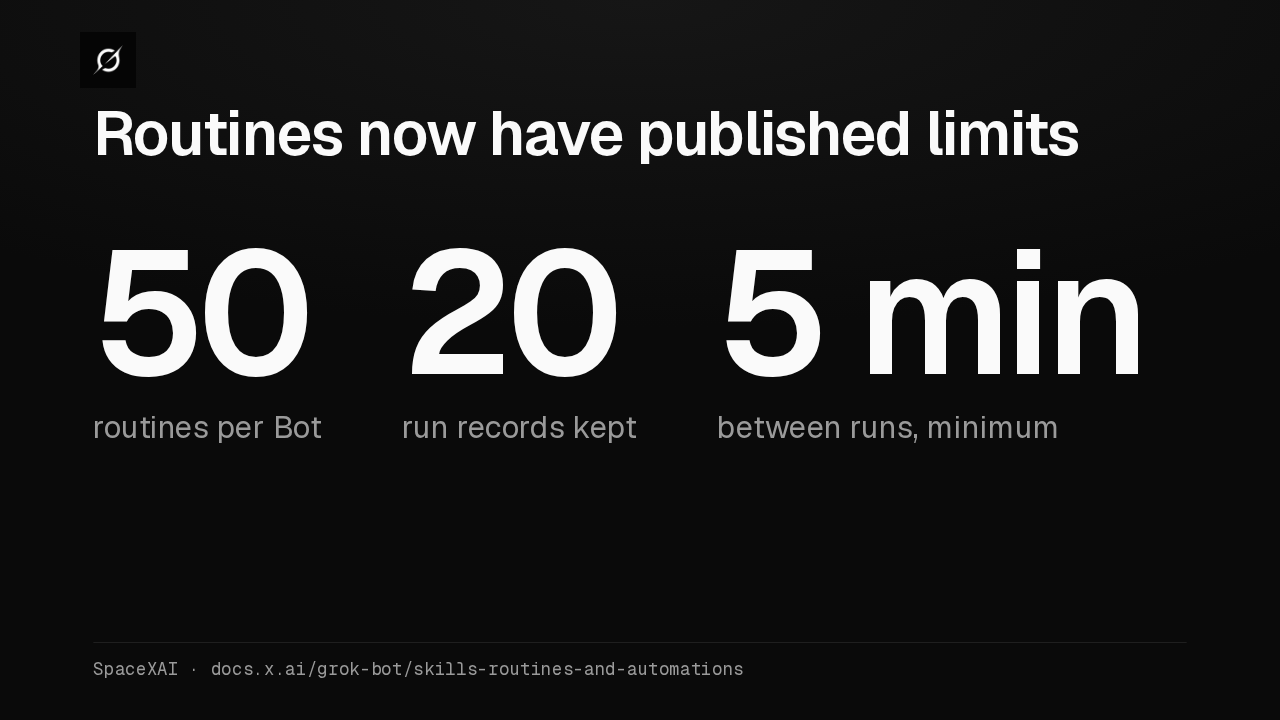
Routines now have published limits
A Bot can own up to fifty routines, the app keeps the twenty most recent run records for each, and schedules must be at least five minutes apart. Deleting a routine is immediate, with no undo.
Route through your computer
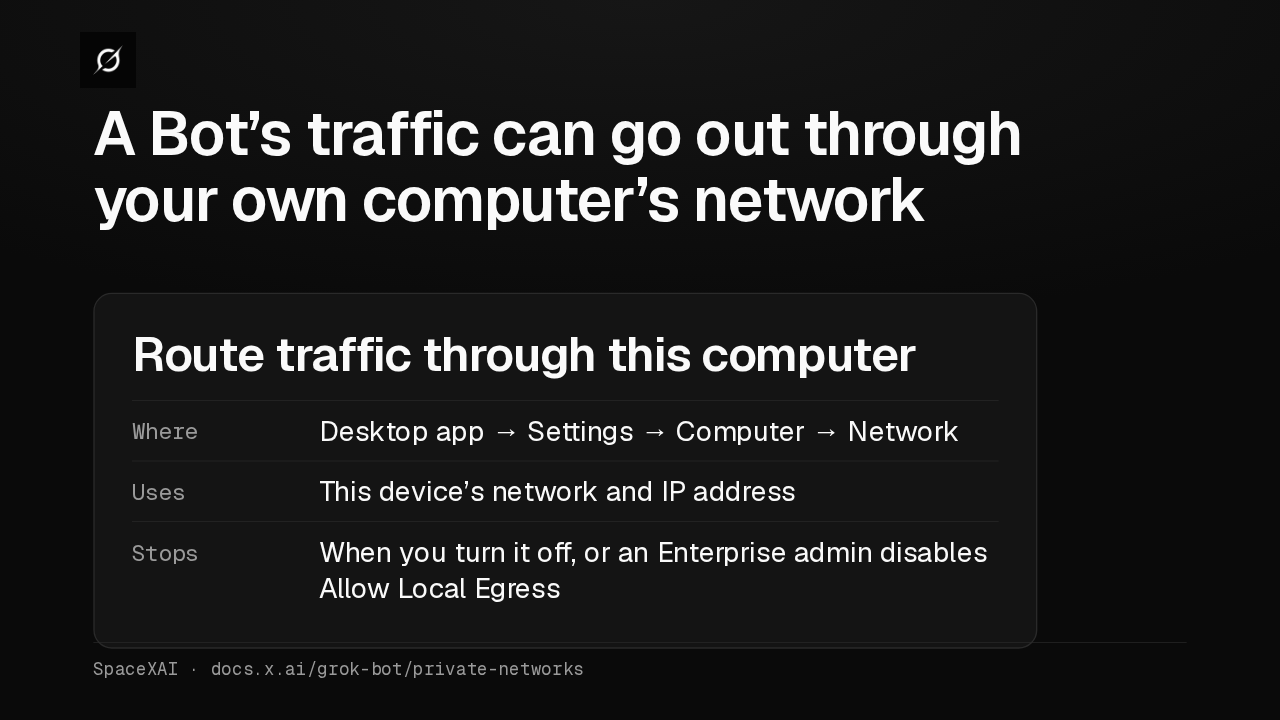
A Bot’s traffic can go out through your own computer’s network
The desktop app's network settings can route a Bot's web traffic through your computer. It uses that device's IP address, and stops when you turn it off or an Enterprise admin disables local egress.