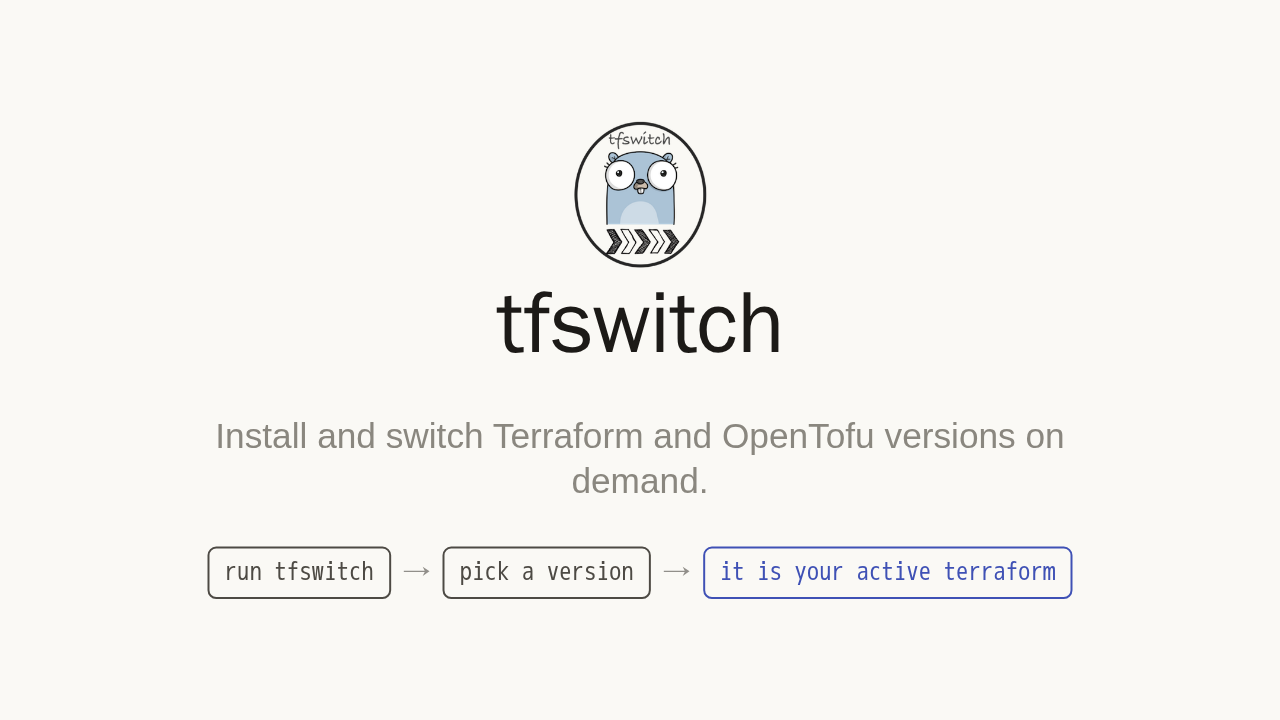
tfswitch

Install and switch Terraform and OpenTofu versions on demand.
Every Terraform project pins its own version. Run the wrong one, and Terraform stops with a version error before it does anything. tfswitch downloads and switches to the right version on demand.
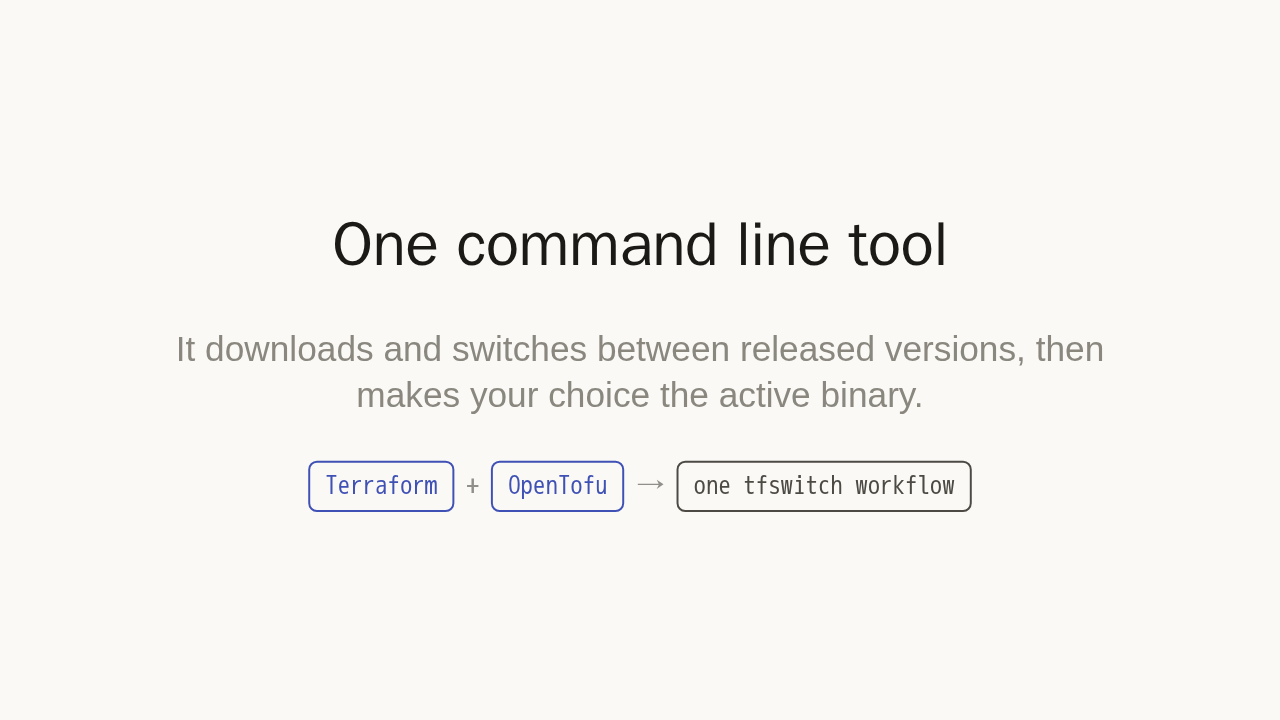
One command line tool
It downloads and switches between released versions, then makes your choice the active binary.
tfswitch is one small command line tool. It downloads and switches between versions on demand, then makes your choice the active terraform binary. The same workflow covers both Terraform and OpenTofu, so you never hand manage binaries again.
Install it
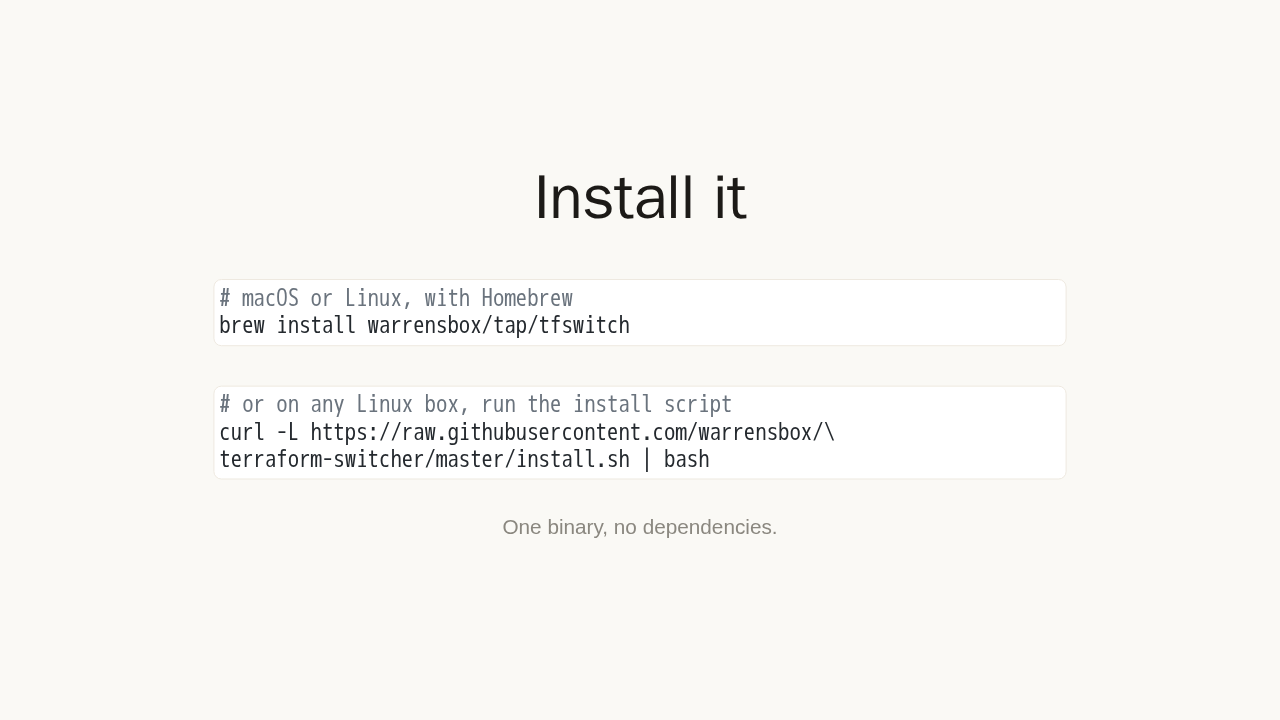
# macOS or Linux, with Homebrew
brew install warrensbox/tap/tfswitch
# or on any Linux box, run the install script
curl -L https://raw.githubusercontent.com/warrensbox/\
terraform-switcher/master/install.sh | bashOne binary, no dependencies.
Install it with Homebrew, on macOS or Linux. Or on any Linux box, pipe the install script. Either way, you get a single binary with no dependencies.
The first win: a version dropdown

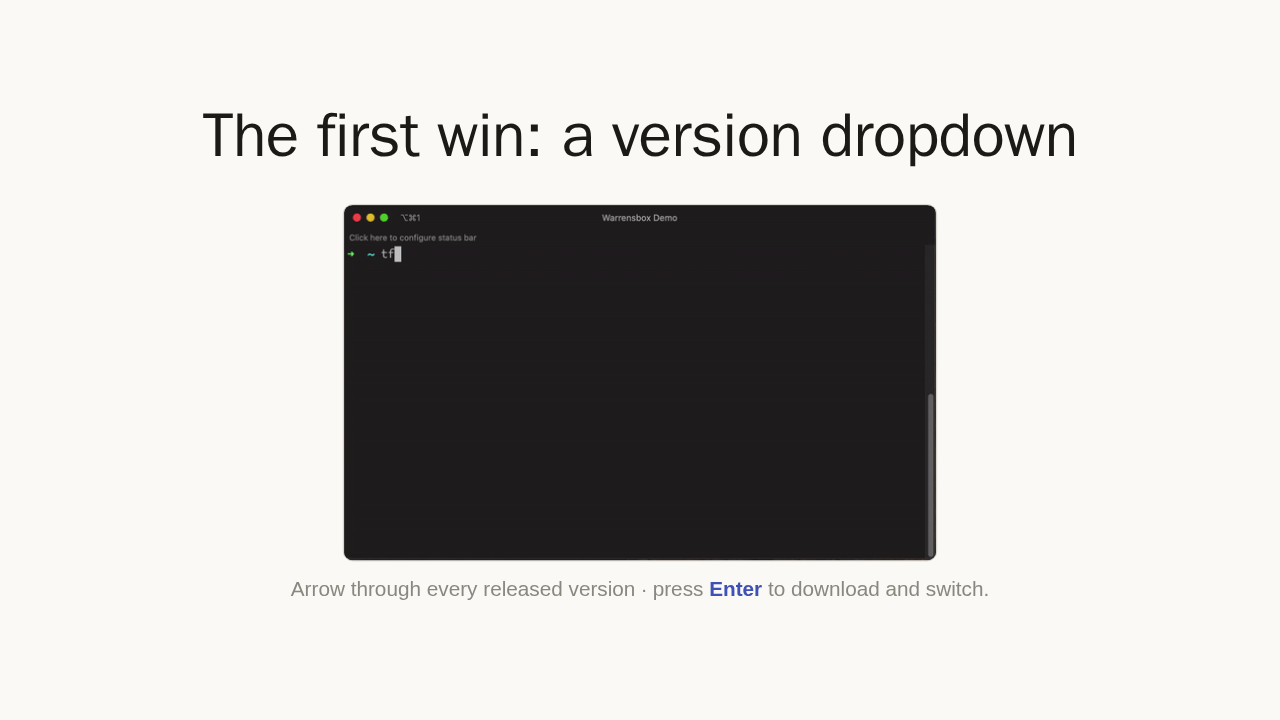
Arrow through every released version · press Enter to download and switch.
Now the first win. Just run tfswitch. It shows every released version in a dropdown. Arrow to the one you want, press Enter, and it downloads and switches to it. Your most recent picks float to the top.
Or pin one on the command line
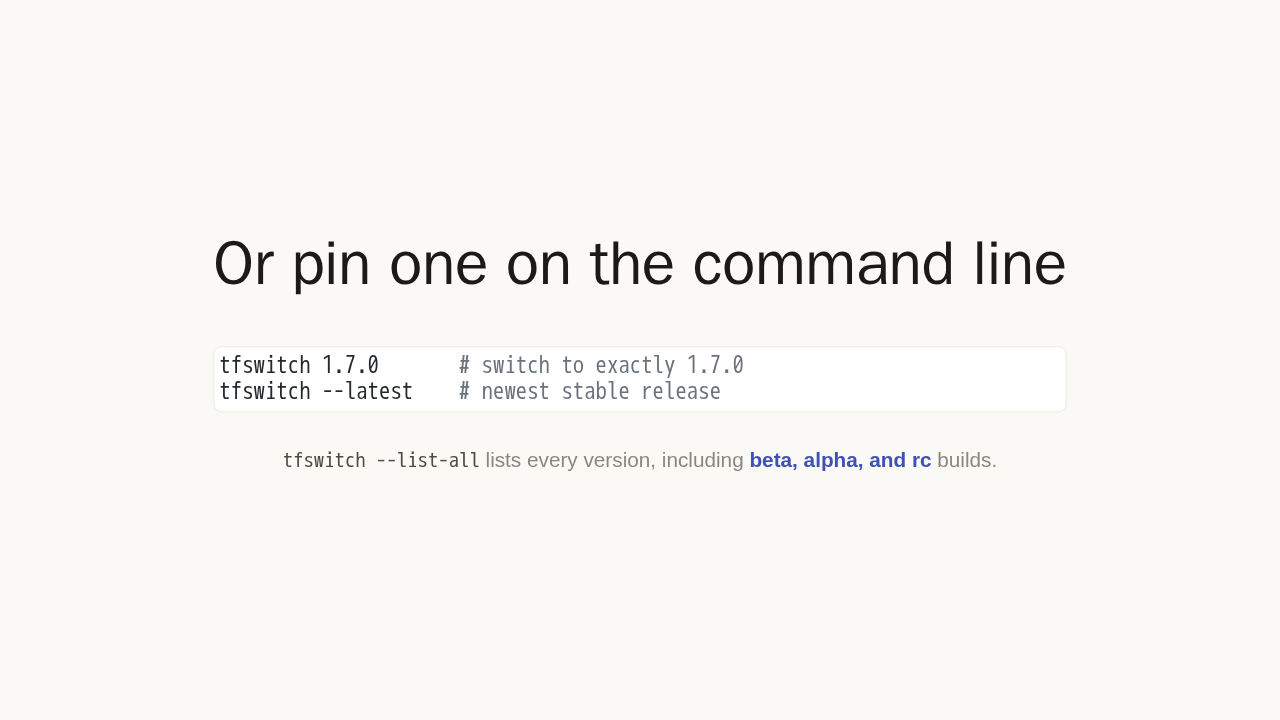
tfswitch 1.7.0       # switch to exactly 1.7.0
tfswitch --latest    # newest stable release
tfswitch --list-all lists every version, including
beta, alpha, and rc builds.
Already know the version you need? Pass it as an argument. tfswitch 1.7.0 grabs exactly that. Or ask for the latest stable release. Add the list all flag to see every version, including beta, alpha, and release candidate builds.
The payoff: it reads your project
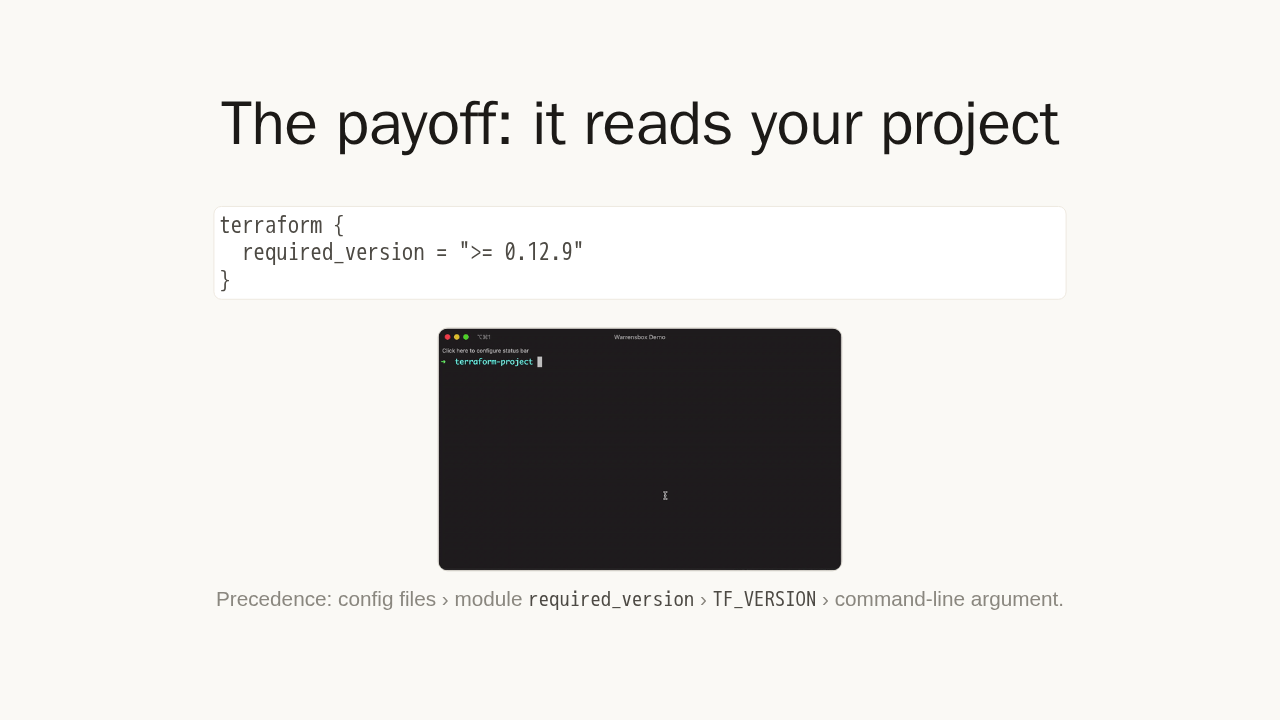
terraform {
  required_version = ">= 0.12.9"
}
Precedence: config files › module
required_version › TF_VERSION
› command-line argument.
Here is the real payoff. Drop a version file in your project, or add a required version to your Terraform. Then just run tfswitch with no arguments. It reads the constraint and installs the matching version. Change into any repository, and the correct version is active, every time.
The right version, automatically
- Dropdown · pick any released version interactively.
- Pin · pass an exact version on the command line.
- Auto-detect · reads your project's required version.
- Terraform + OpenTofu · the same workflow for both.
brew install warrensbox/tap/tfswitch · tfswitch.warrensbox.com
That is the whole idea. Pick from a dropdown, pin one on the command line, or let tfswitch read your project and switch automatically. It handles Terraform and OpenTofu the same way. Install it, and start from the docs.