pikepdf

Open, edit, and repair PDFs in Python. Losslessly.
You have a PDF to reshape in code. Rotate scanned pages, drop a blank one, split or merge, or repair a file that will not open. pikepdf does all of it in a few lines of Python, and it does it losslessly.
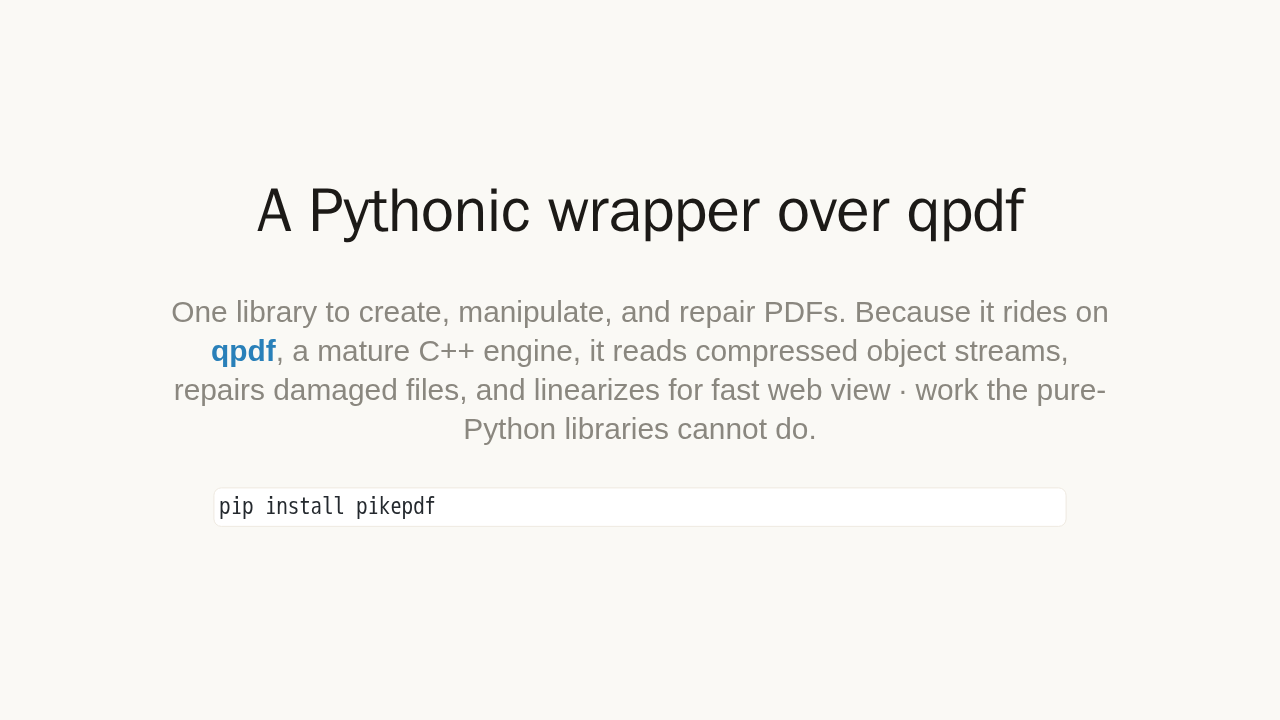
A Pythonic wrapper over qpdf
One library to create, manipulate, and repair PDFs. Because it rides on qpdf, a mature C++ engine, it reads compressed object streams, repairs damaged files, and linearizes for fast web view · work the pure-Python libraries cannot do.
pip install pikepdfpikepdf is a Python library to create, manipulate, and repair PDFs. It wraps qpdf, a mature and battle tested PDF engine, so it reads compressed object streams, repairs damaged files, and rewrites them for fast web view. Things the pure Python libraries cannot do. Install it with pip.
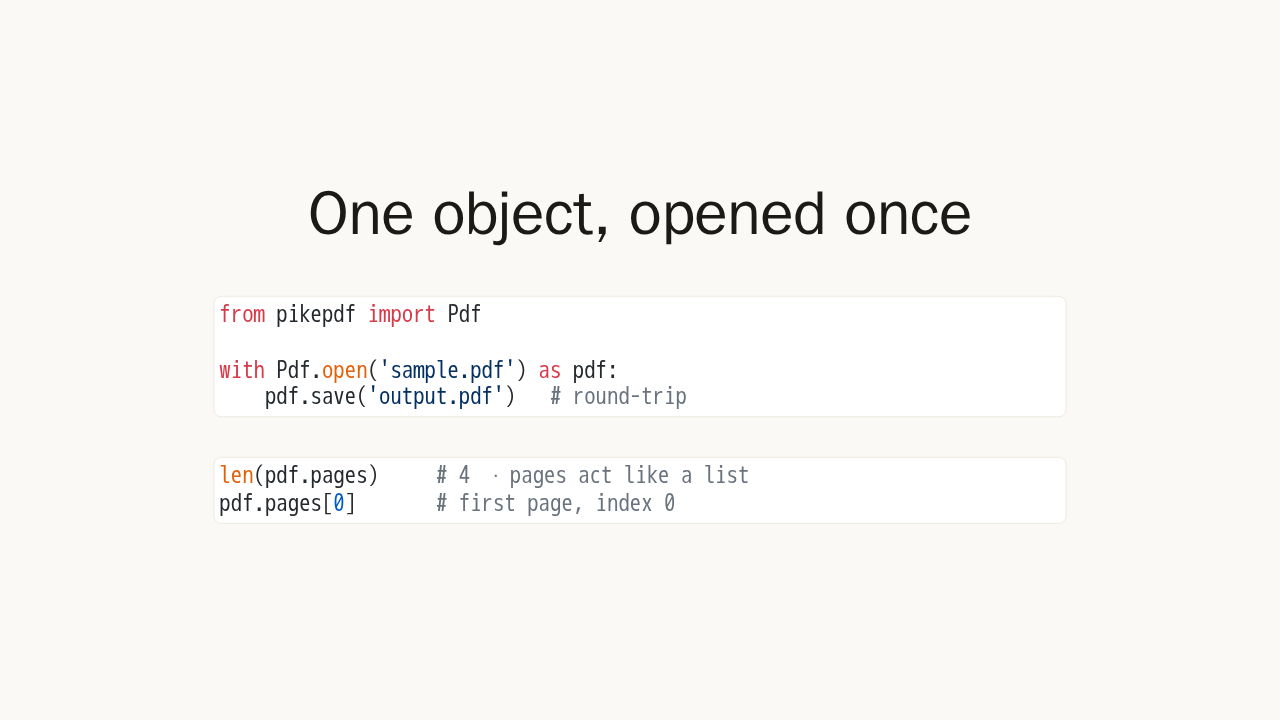
One object, opened once
from pikepdf import Pdf

with Pdf.open('sample.pdf') as pdf:
    pdf.save('output.pdf')   # round-trip
len(pdf.pages) # 4 · pages act like a list
pdf.pages[0] # first page, index 0pikepdf uses one object for reading, writing, and merging. Open a file with a context manager; the simplest round trip is open and save. Pages behave like a Python list. Ask for their length, index into them, and slice them. Page numbers start at zero.
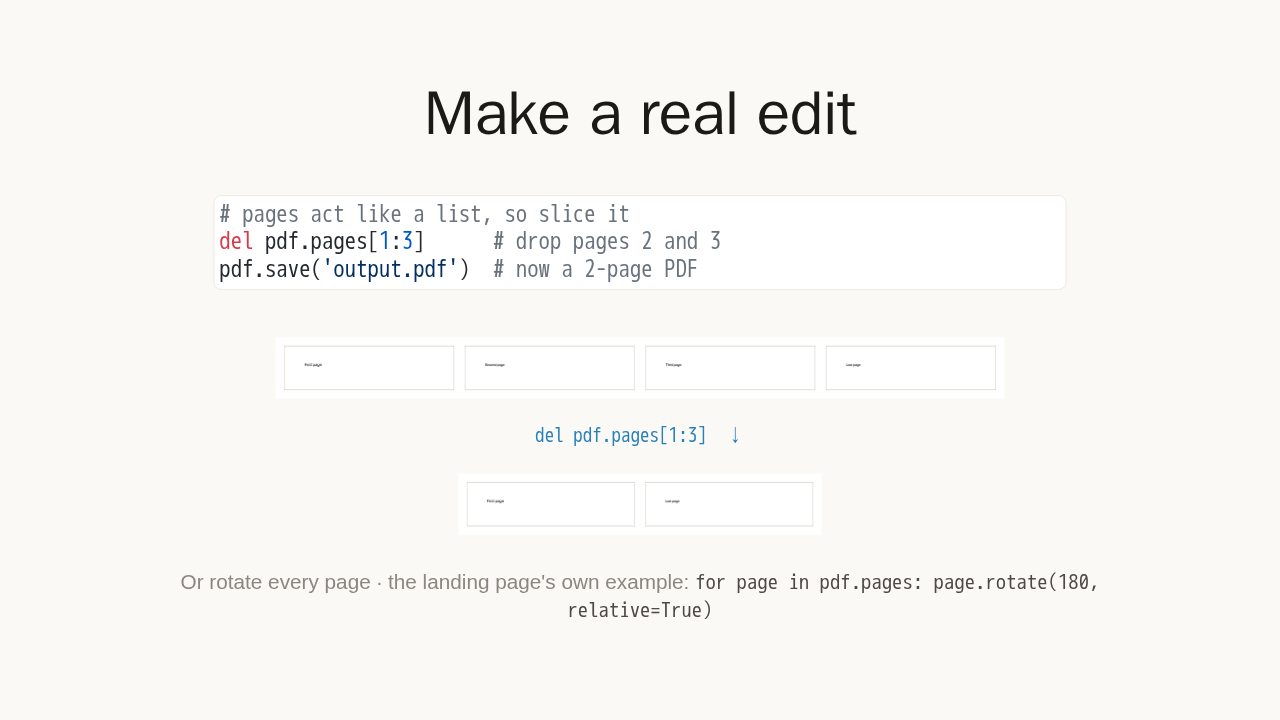
Make a real edit
# pages act like a list, so slice it
del pdf.pages[1:3]      # drop pages 2 and 3
pdf.save('output.pdf')  # now a 2-page PDF

Or rotate every page · the landing page's own example:
for page in pdf.pages: page.rotate(180, relative=True)
Now make a real edit. Pages act like a list, so you can slice them. Delete pages two and three, and this four page file becomes two: the first page and the last. Or rotate every page and save, the landing page's own example.
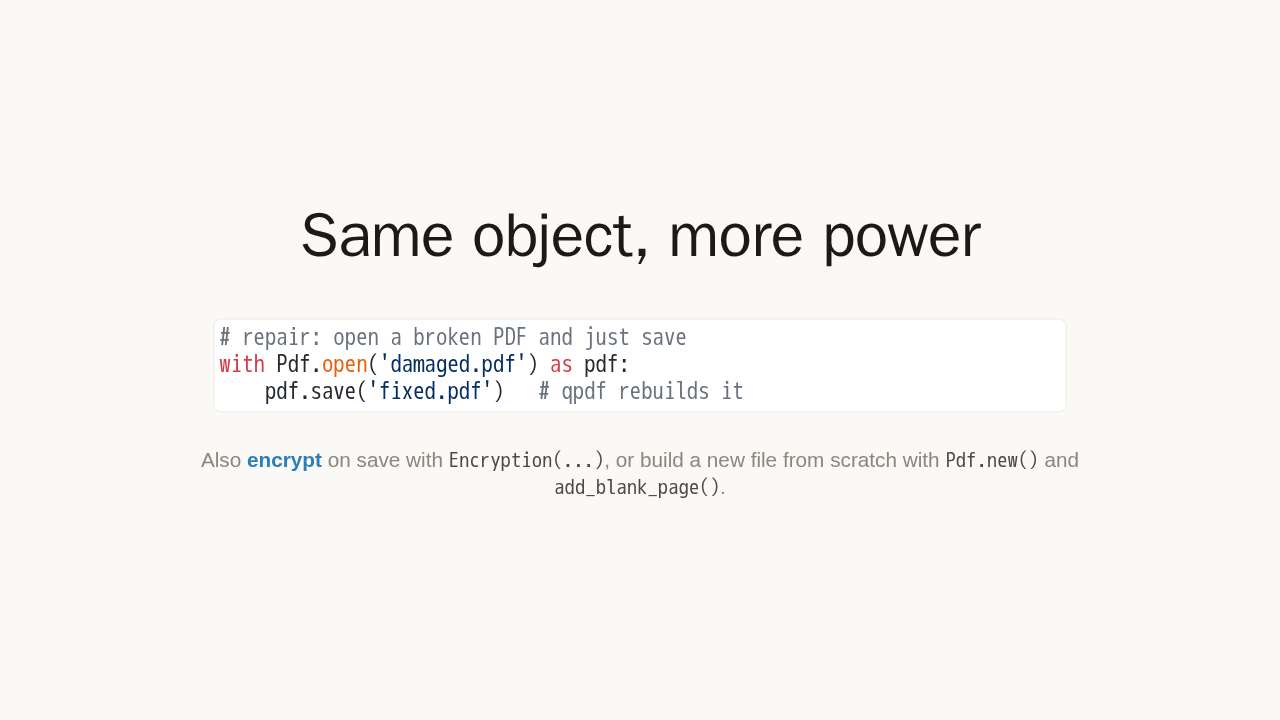
Same object, more power
# repair: open a broken PDF and just save
with Pdf.open('damaged.pdf') as pdf:
    pdf.save('fixed.pdf')   # qpdf rebuilds it
Also encrypt on save with
Encryption(...), or build a new file from scratch
with Pdf.new() and add_blank_page().
Because qpdf sits underneath, that same open and save loop does much more. Open a broken PDF and just save it, and qpdf rebuilds its structure. That is repair, in two lines. You can also encrypt on save, or build a new PDF from scratch.
Lossless by design
pdf.save('output.pdf')qpdf rewrites the file's structure without re-encoding your content · save again and keep editing · just do not overwrite the file while it is still open.
Save is lossless: qpdf rewrites the file's structure without touching your content, so nothing is re-encoded. Save again and keep editing. Just do not overwrite the file you opened while it is still open.
PDFs, as plain Python
- Open · one Pdf object for read, write, and merge.
- Edit · rotate, split, merge, and reorder pages.
- Repair · rebuild broken files, linearize, encrypt.
- More · images, metadata, forms, attachments, qpdf jobs.
pip install pikepdf · pikepdf.readthedocs.io
That is the whole idea. One Pdf object, pages that act like a list, and a lossless save. From there you also get images, metadata, forms, attachments, and full qpdf jobs when you need them. Install it with pip, and start from the docs.