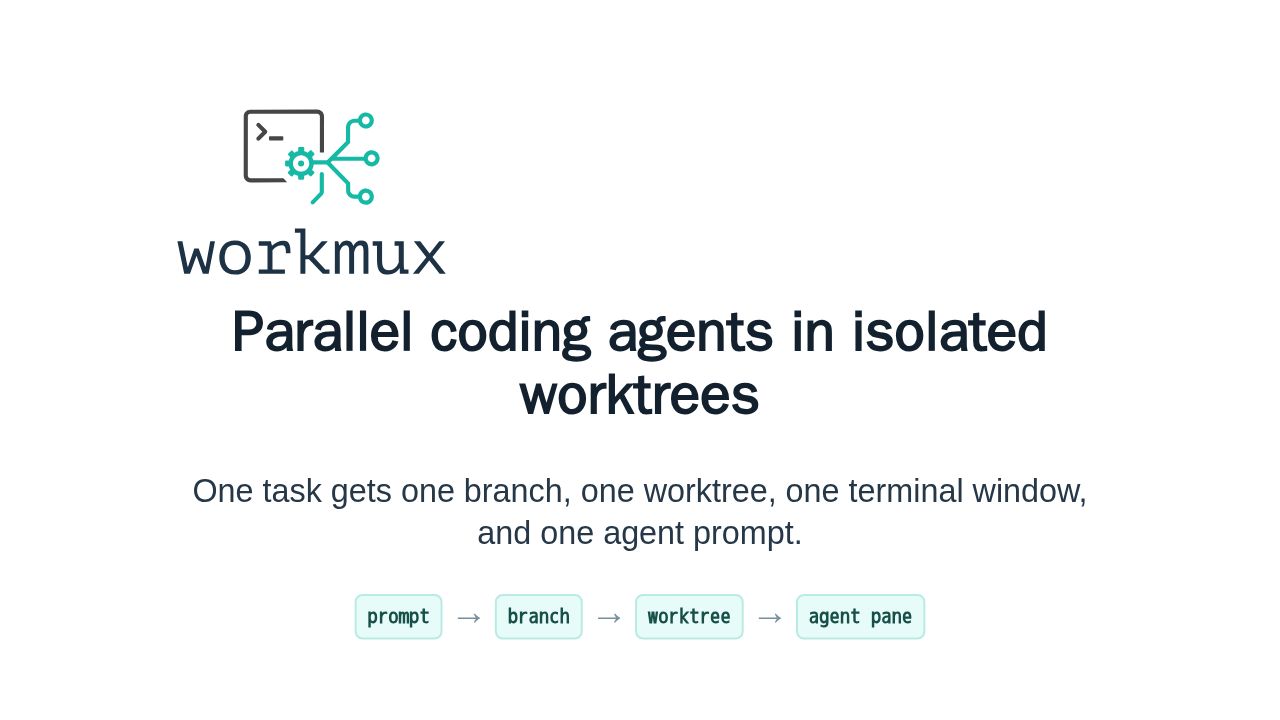
Parallel coding agents in isolated worktrees

One task gets one branch, one worktree, one terminal window, and one agent prompt.
workmux is a terminal workflow tool for running coding agents in parallel without sharing one checkout. It pairs git worktrees with tmux windows, so each task gets its own branch, terminal state, editor, dev server, and agent prompt.
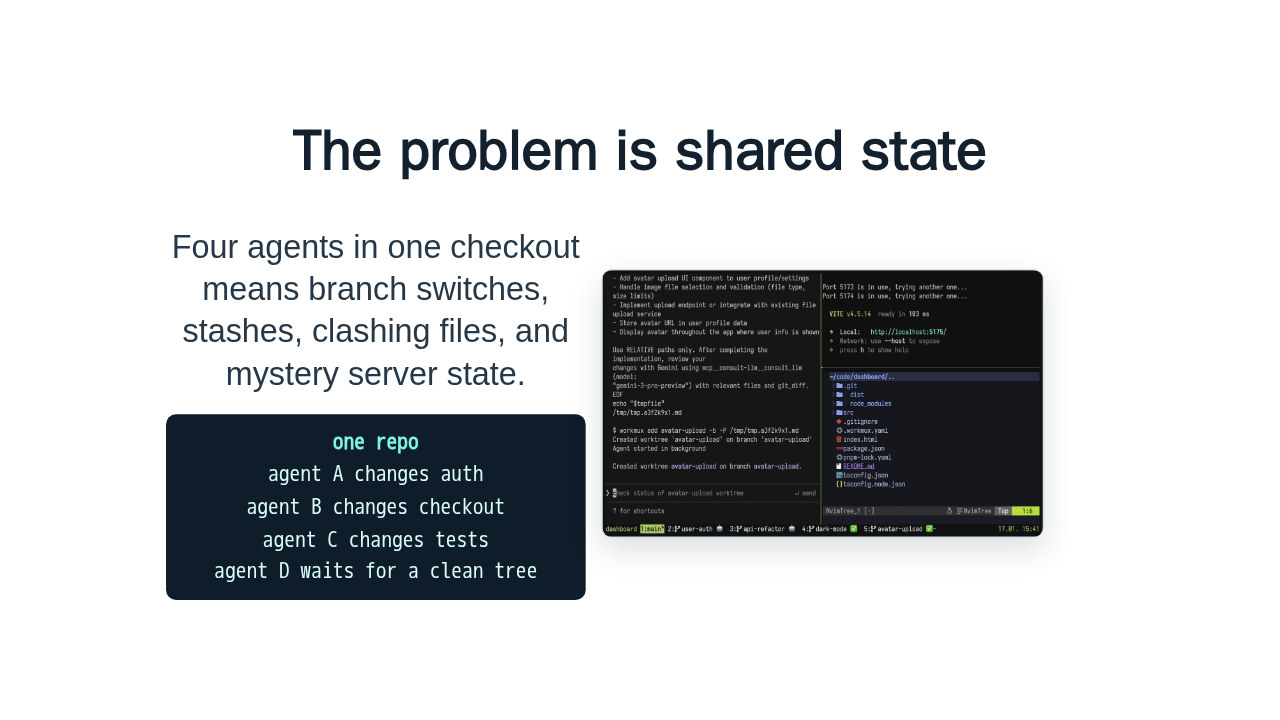
The problem is shared state
Four agents in one checkout means branch switches, stashes, clashing files, and mystery server state.
agent A changes auth
agent B changes checkout
agent C changes tests
agent D waits for a clean tree

The pain shows up fast. One agent is fine. Four agents in one working tree means branch switching, stashing, file conflicts, and dev servers left in the wrong state. workmux makes the isolation the default instead of a manual setup ritual.
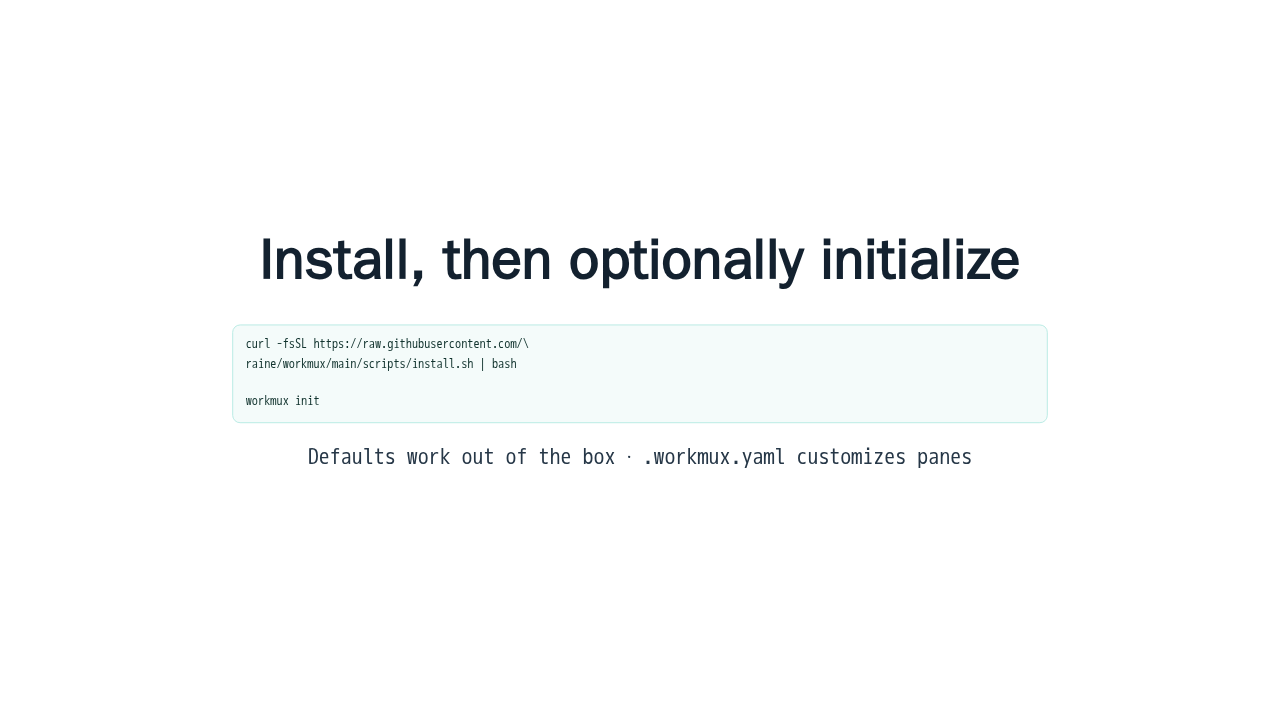
Install, then optionally initialize
curl -fsSL https://raw.githubusercontent.com/\
raine/workmux/main/scripts/install.sh | bash

workmux init
Defaults work out of the box · .workmux.yaml customizes panes
Start with the installer from the quick start. A terminal multiplexer is required, and tmux is the usual path. Then run workmux init if you want a dot workmux yaml file. The docs are clear that defaults work without that file, so configuration is optional.
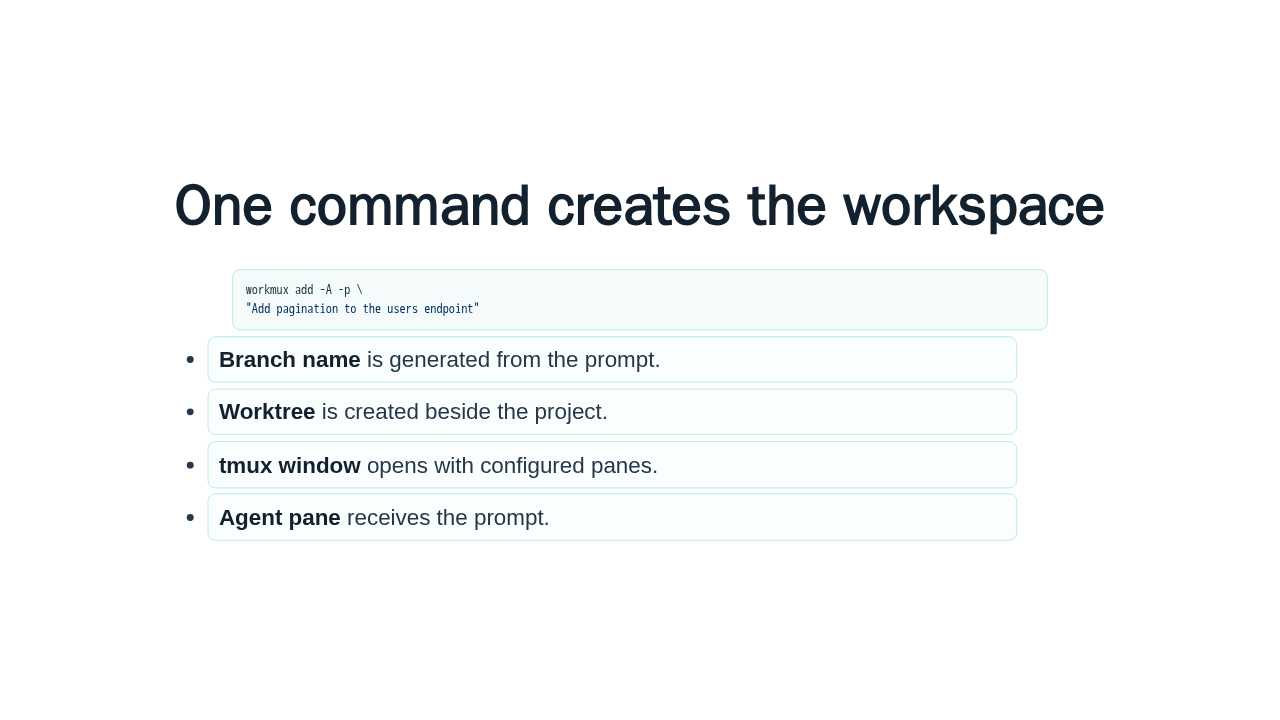
One command creates the workspace
workmux add -A -p \
"Add pagination to the users endpoint"- Branch name is generated from the prompt.
- Worktree is created beside the project.
- tmux window opens with configured panes.
- Agent pane receives the prompt.
The first win is the add command. With dash A and dash p, workmux generates a branch name from your prompt, creates the worktree under the project worktrees directory, opens a tmux window, runs setup, and passes the prompt into your configured agent pane.
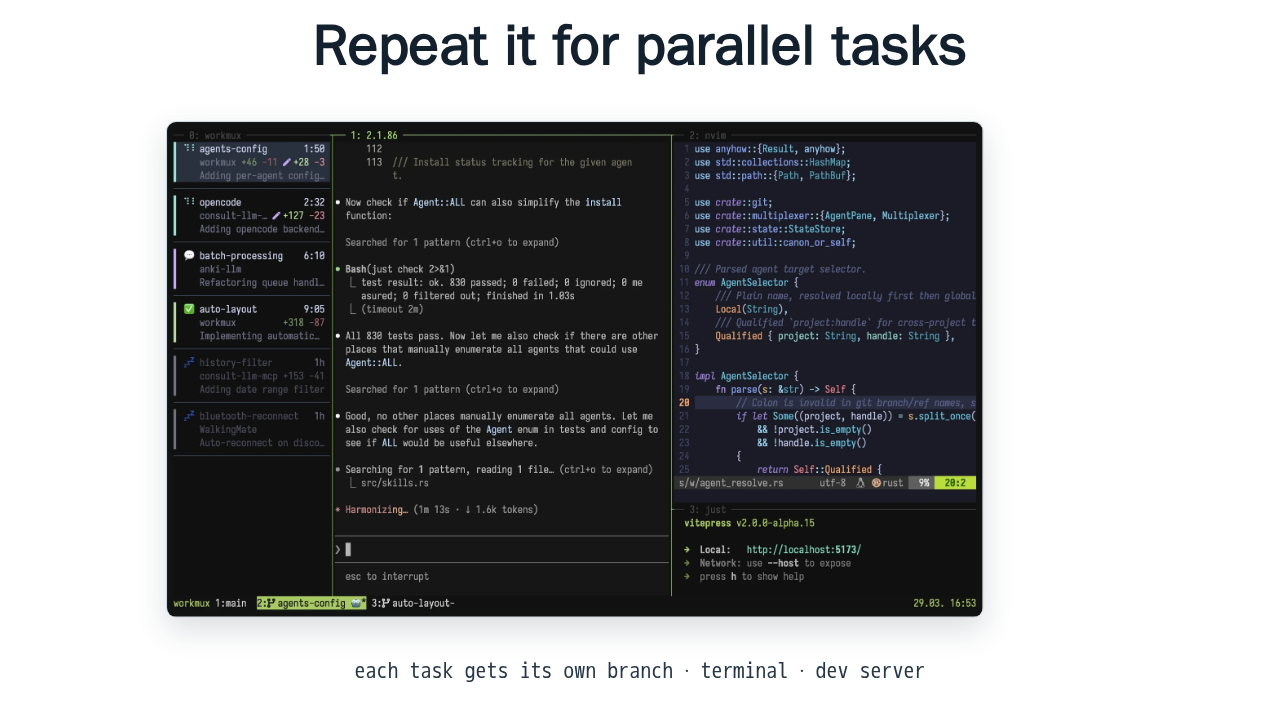
Repeat it for parallel tasks

each task gets its own branch · terminal · dev server
Then repeat the same command for the next task. This is where workmux becomes useful for agent work. Your pagination task, race condition task, and refactor task can all run at the same time, each with separate files and process state.
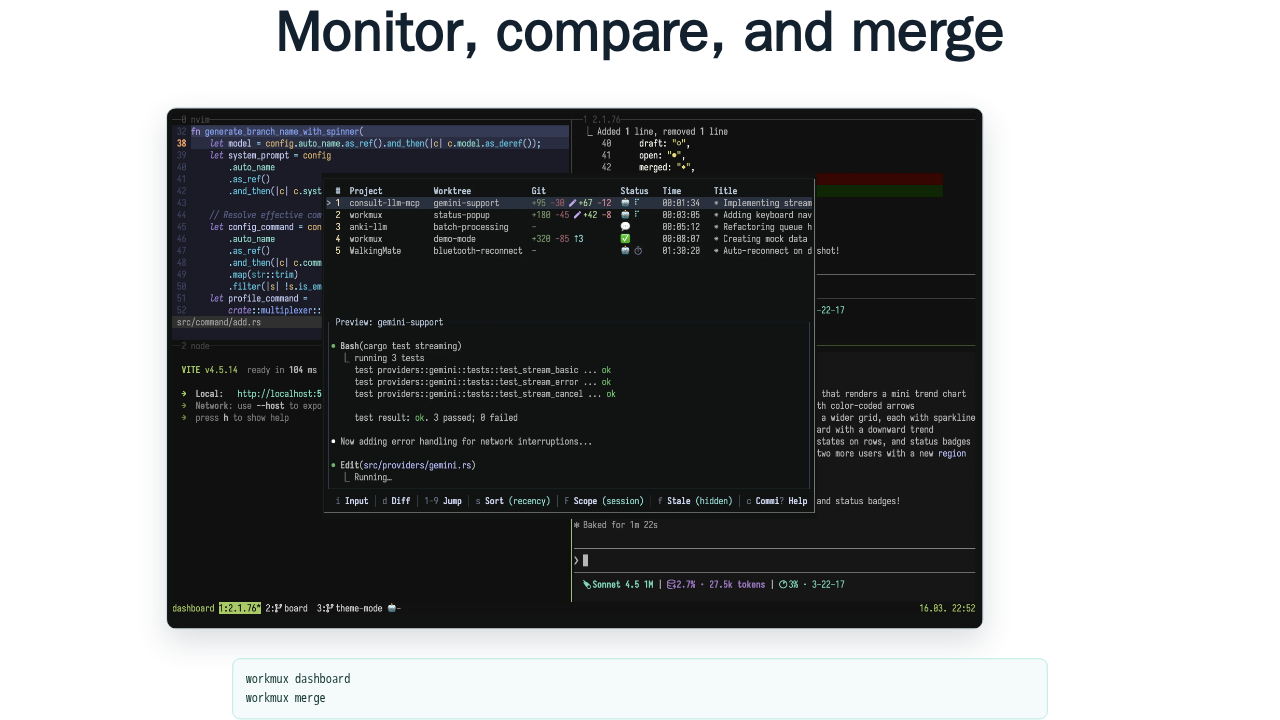
Monitor, compare, and merge

workmux dashboard
workmux merge
The dashboard is the control surface. It shows the active worktrees, agent status, and a diff preview, so you can see what is happening before you switch context. When a task is worth keeping, workmux merge handles the local merge and cleanup.
Start with the Quick start
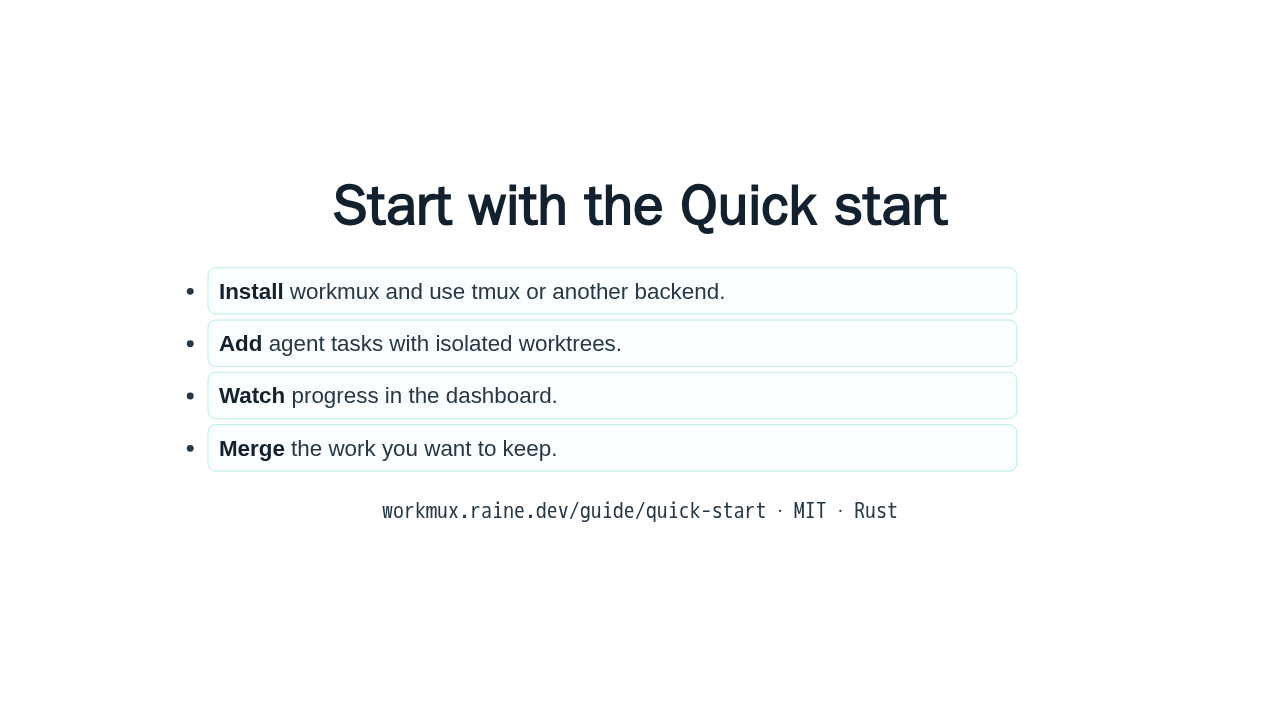
- Install workmux and use tmux or another backend.
- Add agent tasks with isolated worktrees.
- Watch progress in the dashboard.
- Merge the work you want to keep.
workmux.raine.dev/guide/quick-start · MIT · Rust
That is the first pass. Install workmux, add one agent task, add another when you are ready, watch them in the dashboard, and merge the result you want to keep. The next step is the Quick start at workmux dot raine dot dev slash guide slash quick start.