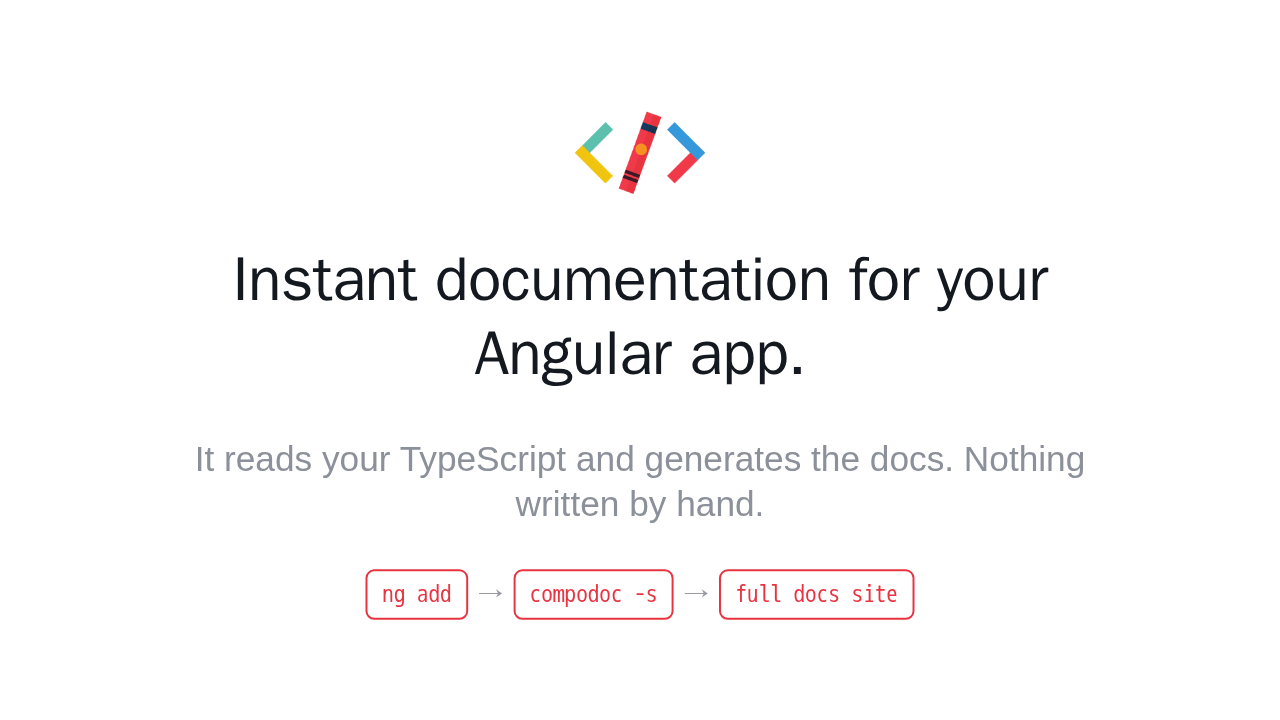
Instant documentation for your Angular app.

It reads your TypeScript and generates the docs. Nothing written by hand.
Compodoc turns your Angular app into a complete documentation site. It reads your TypeScript, and generates browsable, searchable docs for every component, module, and service, with nothing written by hand. Let me show you the whole thing in about a minute.
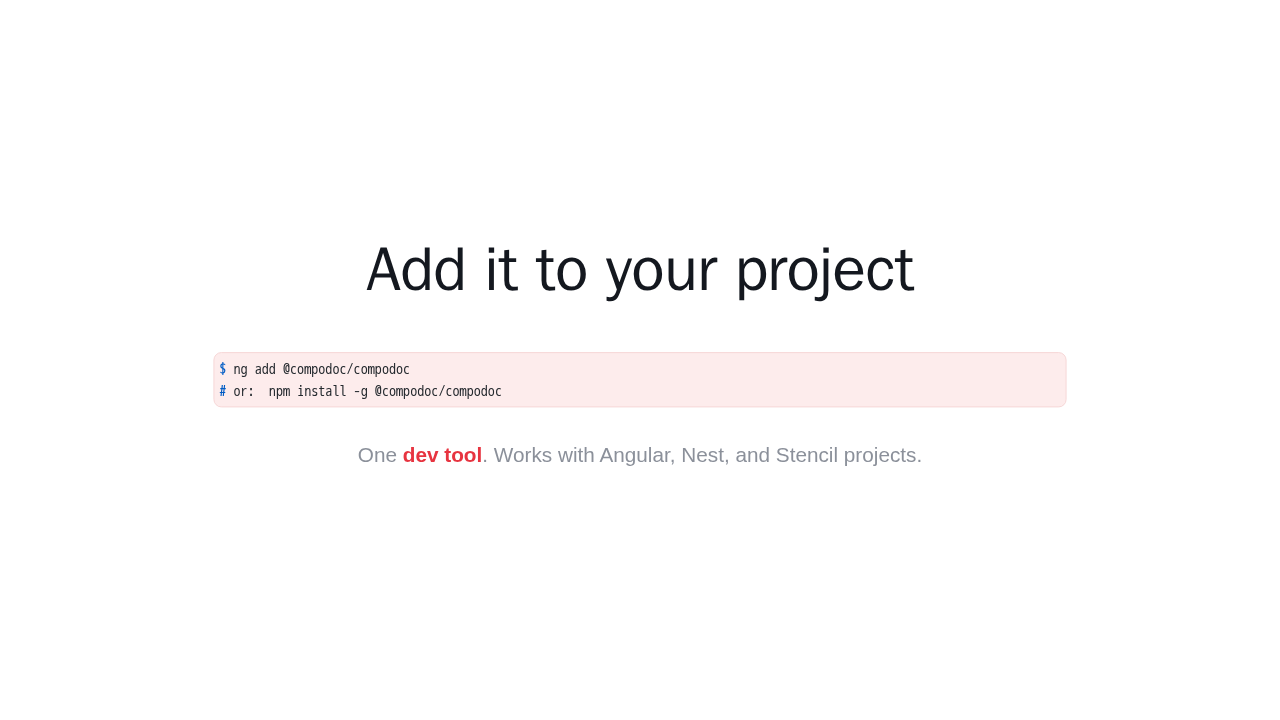
Add it to your project
$ ng add @compodoc/compodoc
# or:  npm install -g @compodoc/compodoc
One dev tool. Works with Angular, Nest, and Stencil projects.
Start by adding Compodoc to your project. With the Angular CLI it is a single command, or a one line npm install. It is one dev tool, and it also supports Nest and Stencil projects.
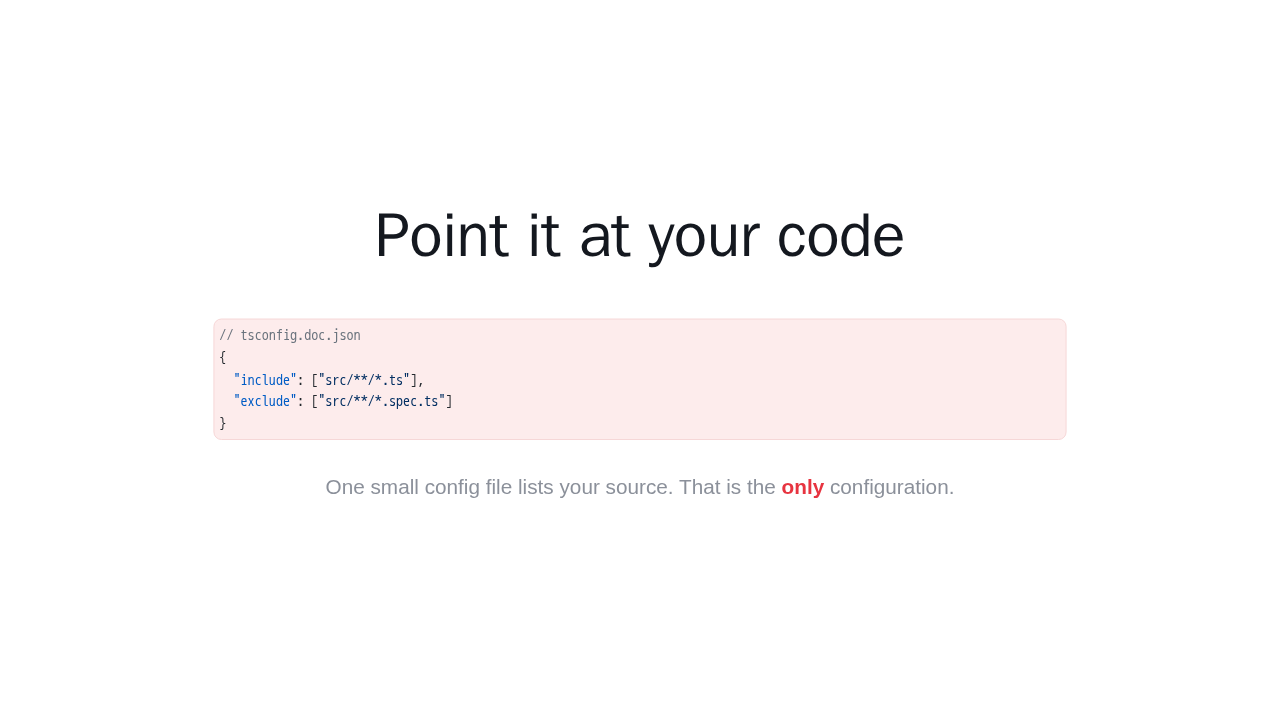
Point it at your code
// tsconfig.doc.json
{
  "include": ["src/**/*.ts"],
  "exclude": ["src/**/*.spec.ts"]
}
One small config file lists your source. That is the only configuration.
Next, point Compodoc at your code. You add one small config file that lists your source folder. That is the only configuration, and there is nothing else to wire up.
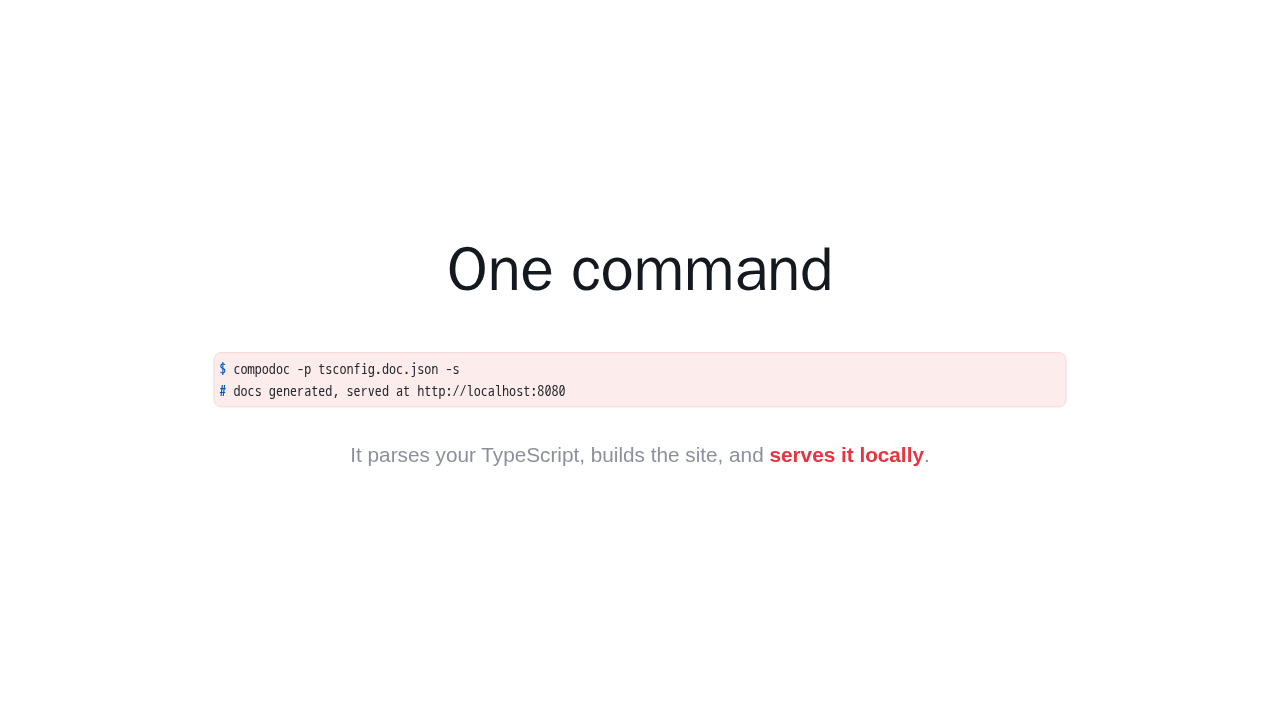
One command
$ compodoc -p tsconfig.doc.json -s
# docs generated, served at http://localhost:8080
It parses your TypeScript, builds the site, and serves it locally.
Now run Compodoc with that config, and pass dash s to serve. It parses your TypeScript, builds the whole site, and hosts it at localhost port 8080. One command, and your docs are live.
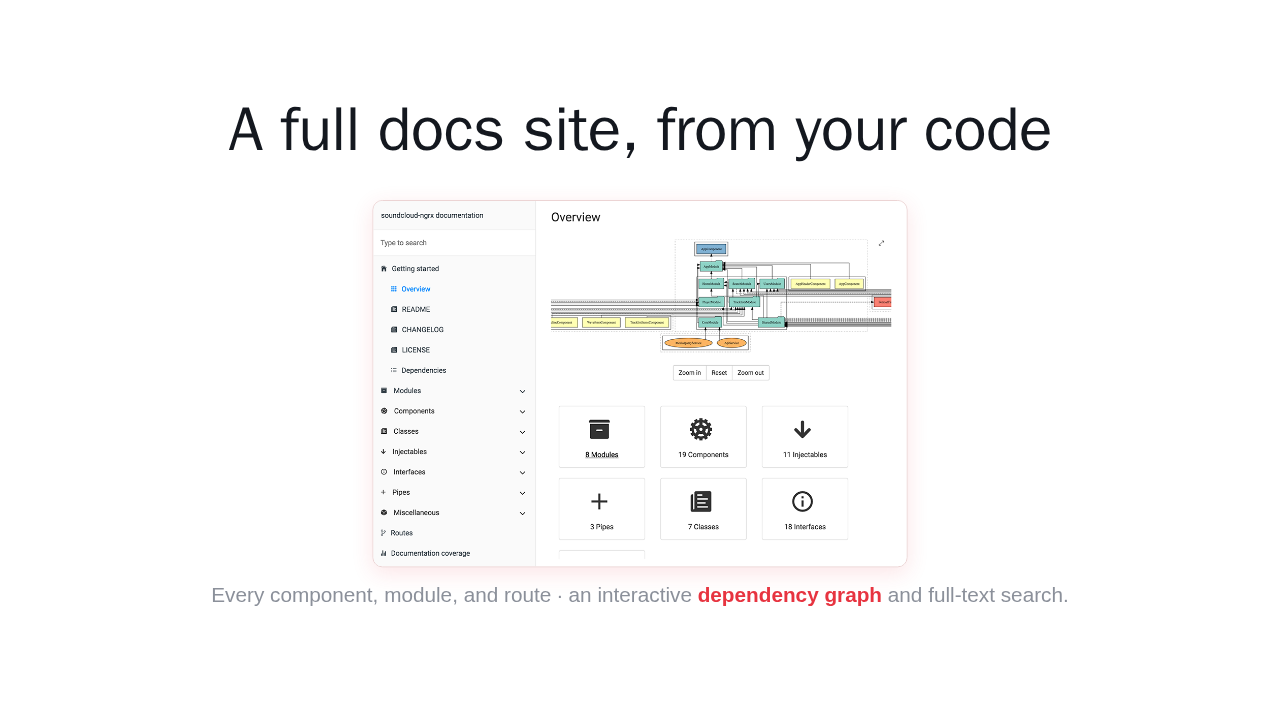
A full docs site, from your code

Every component, module, and route · an interactive dependency graph and full-text search.
Here is what you get. A full documentation site covering every component, module, injectable, and route, an interactive dependency graph, and instant search across all of it. Every page is generated from your code, so it stays in sync as your app changes.
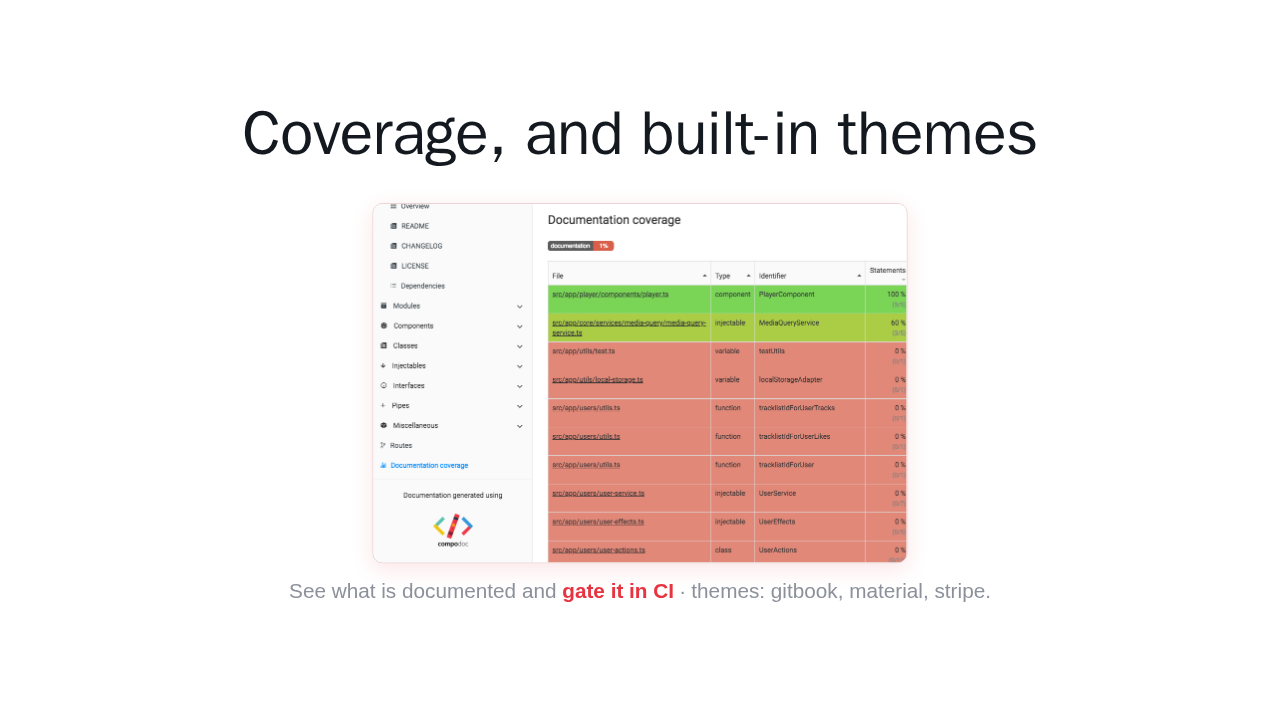
Coverage, and built-in themes

See what is documented and gate it in CI · themes: gitbook, material, stripe.
There is more under the surface. Compodoc measures your documentation coverage, so you can see exactly what is documented and gate it in your CI. And it ships with built in themes, including gitbook, material, and stripe, so the docs can match your project.
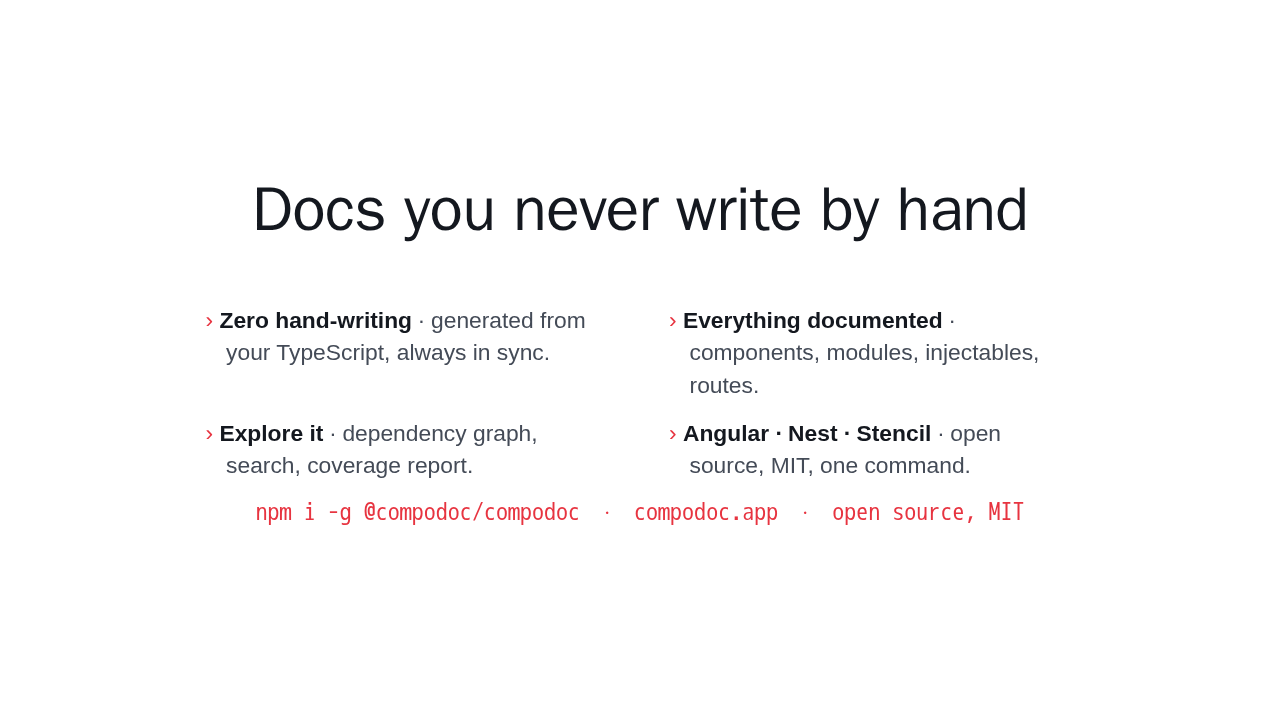
Docs you never write by hand
- Zero hand-writing · generated from your TypeScript, always in sync.
- Everything documented · components, modules, injectables, routes.
- Explore it · dependency graph, search, coverage report.
- Angular · Nest · Stencil · open source, MIT, one command.
npm i -g @compodoc/compodoc · compodoc.app · open source, MIT
That is Compodoc. Point it at your Angular, Nest, or Stencil code, run one command, and get a complete, searchable docs site you never have to write by hand. It is open source and free. Get started at compodoc dot app.