mq · jq, but for Markdown
4 months ago
You reach for jq when your data is JSON. But so much of what you work with is Markdown. READMEs, docs, the prompts and answers you trade with a language model. mq is jq, but for Markdown. Query and reshape any Markdown file, right from the shell.
Ask about this presentation
Chapters
Show transcriptHide transcript
You reach for jq when your data is JSON. But so much of what you work with is Markdown. READMEs, docs, the prompts and answers you trade with a language model. mq is jq, but for Markdown. Query and reshape any Markdown file, right from the shell.
Slide text

jq, but for Markdown
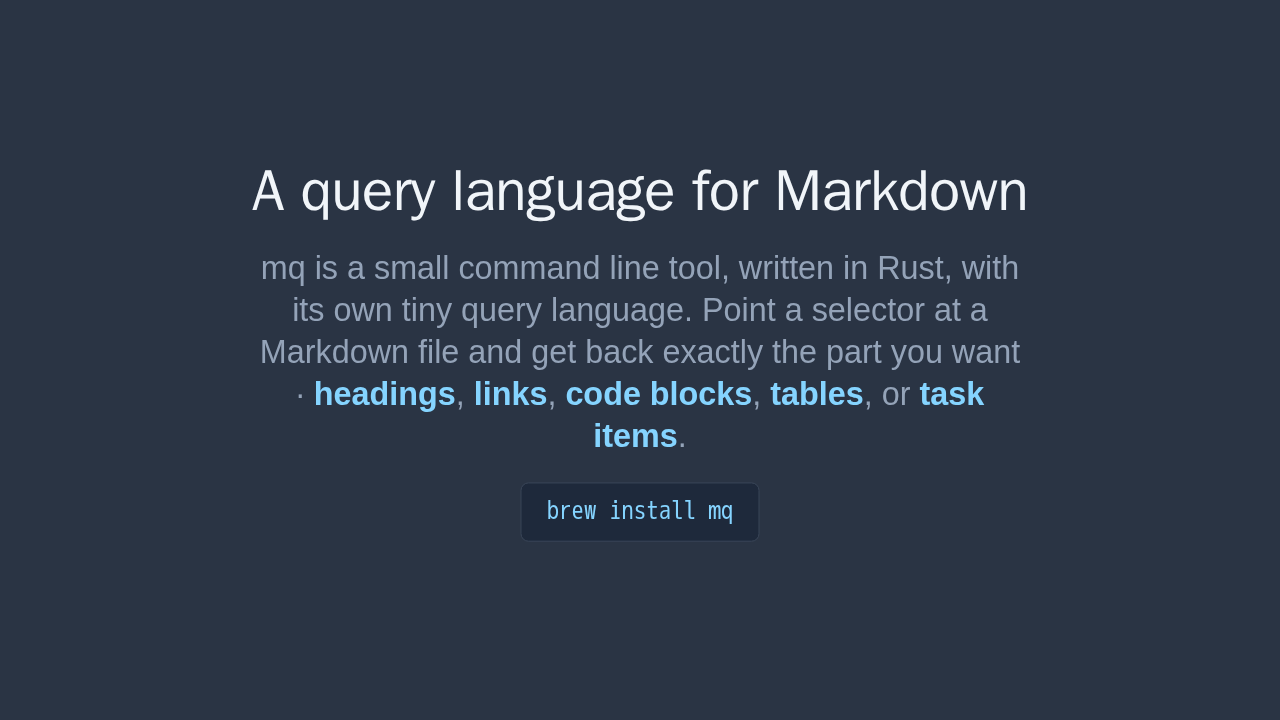
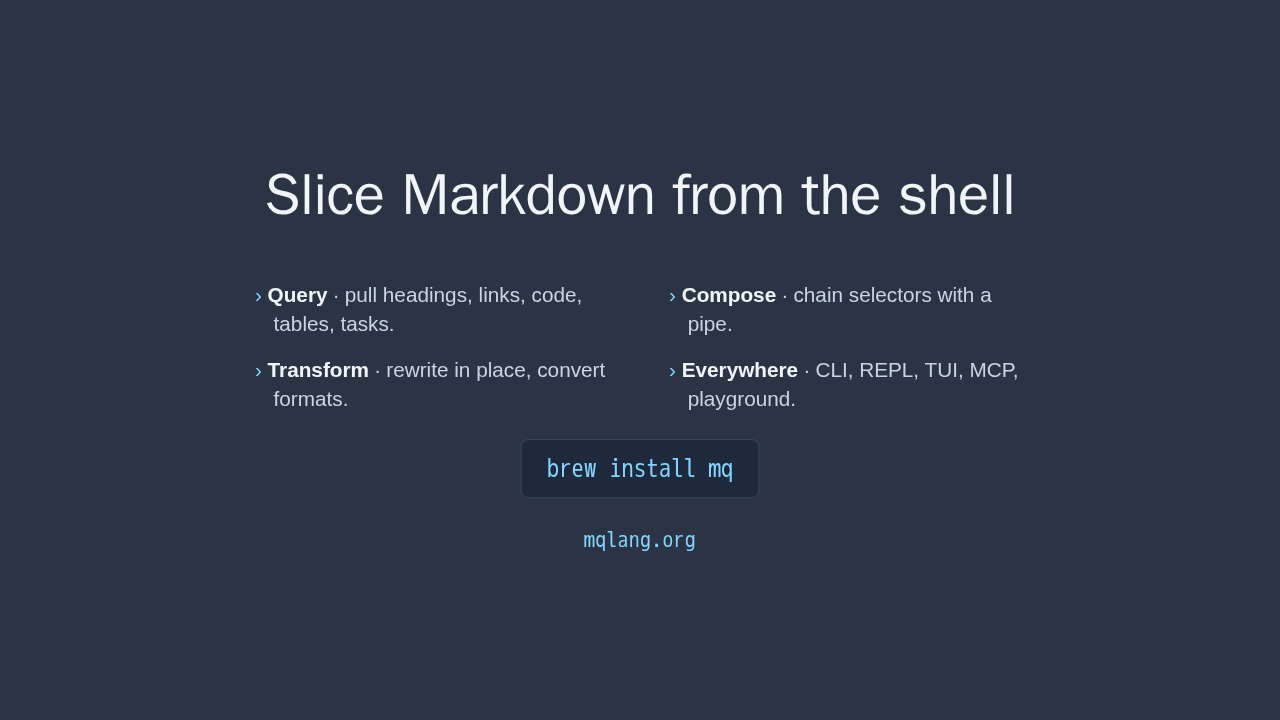
query → filter → transformmq is a small command line tool, written in Rust, with its own tiny query language. You point a selector at a Markdown file and get back exactly the part you want. Headings, links, code blocks, tables, or task items. Install it with Homebrew.
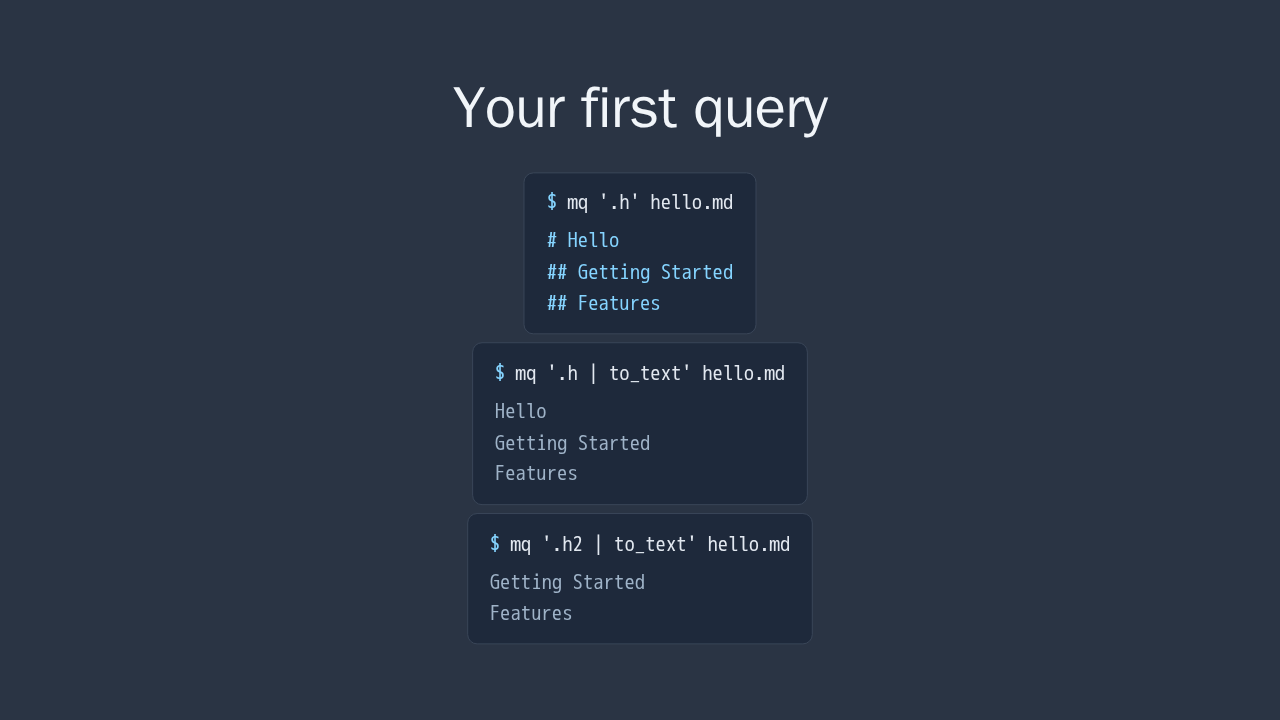
Here is your first query. Ask for the headings, and mq pulls every one out of the file. Pipe that to plain text, and you get just the words, without any Markdown syntax. Narrow the selector to the second level, and you get only those headings. A tiny query, no regular expressions, no manual parsing.
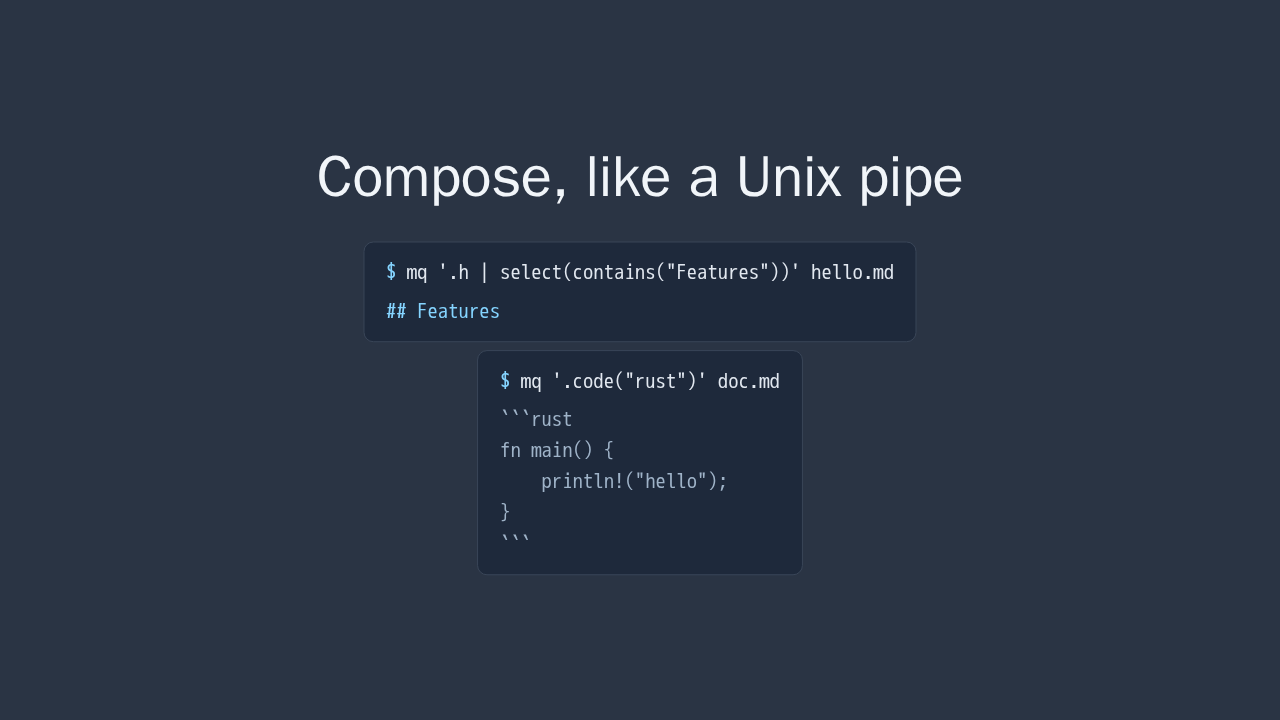
Queries compose with a pipe, exactly like a Unix pipeline. Take the headings, then keep only the ones that contain a word you care about. Or pull out a single fenced code block by its language. Small pieces, chained together.
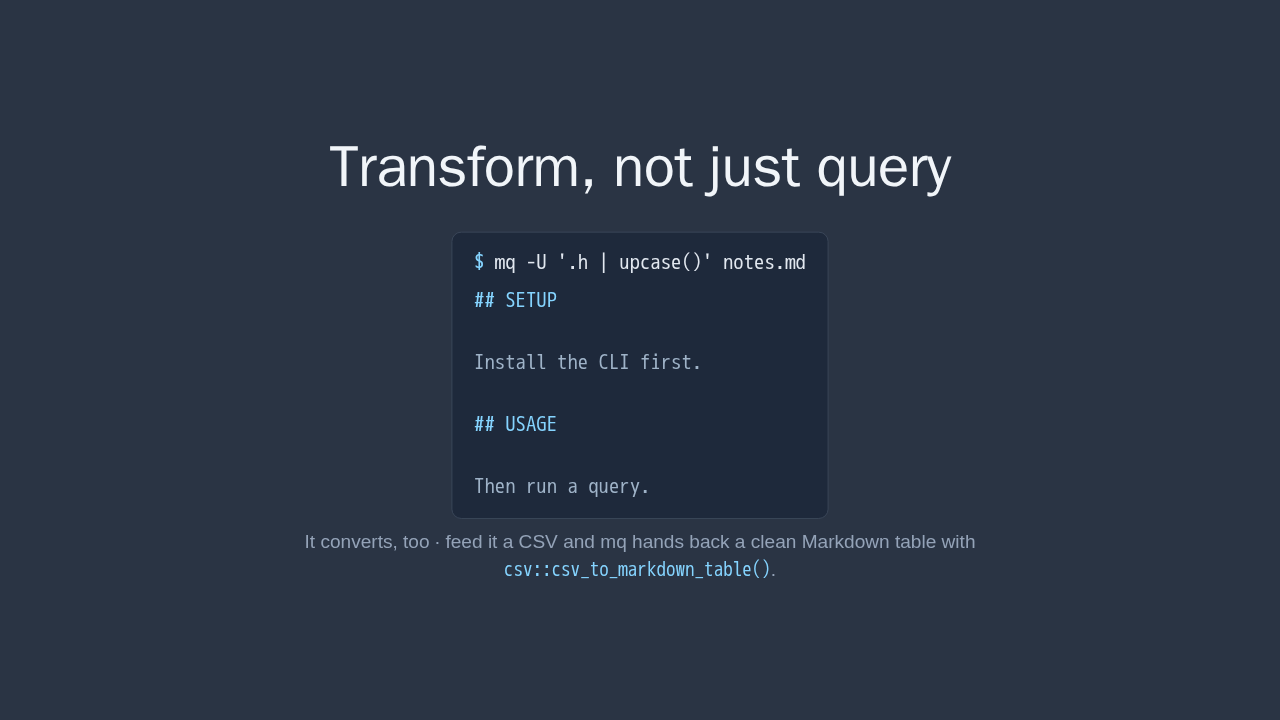
mq does not only read Markdown, it rewrites it. Update mode transforms the parts you match and leaves the rest of the document untouched. Here, every heading is uppercased, and nothing else moves. It converts, too. Hand it a CSV file, and mq gives you back a clean Markdown table.
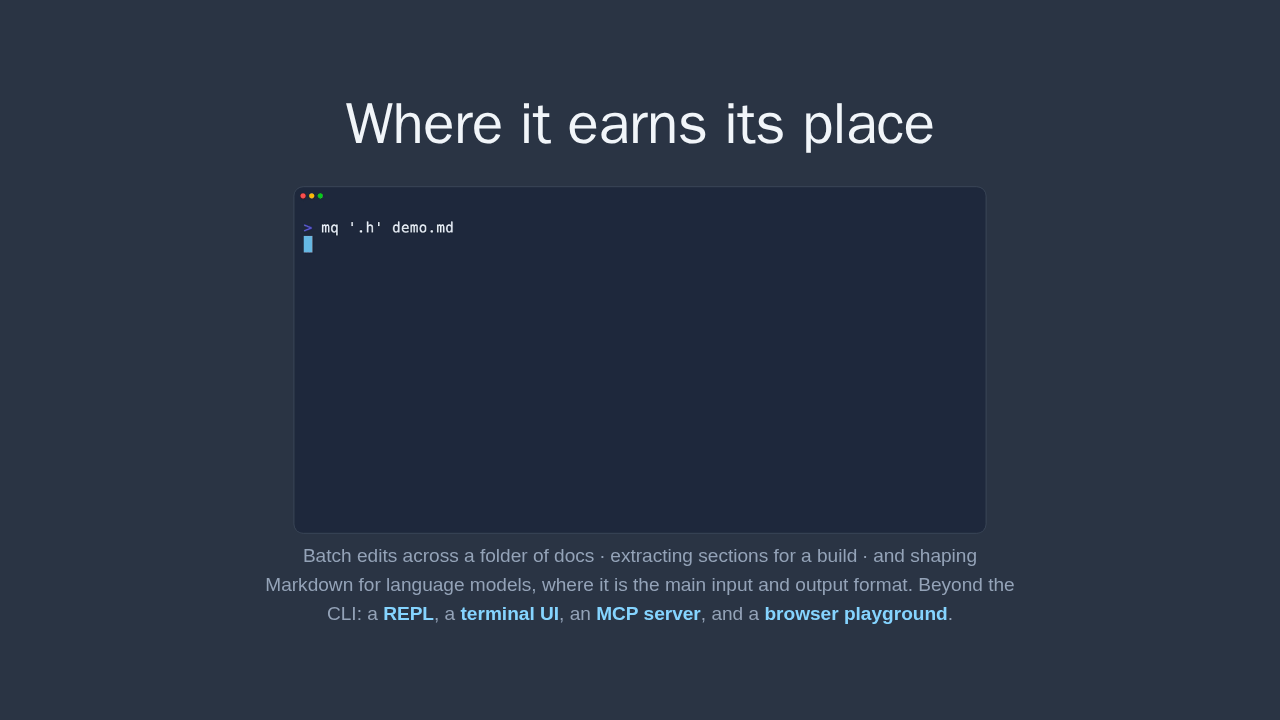
This is where it earns its place. Batch edits across a whole folder of docs. Pulling sections out for a build step. And shaping Markdown for language models, where it is the main input and output format. Beyond the command line there is an interactive shell, a terminal app, an MCP server, and a browser playground.
Slide text

Batch edits across a folder of docs · extracting sections for a build · and shaping Markdown for language models, where it is the main input and output format. Beyond the CLI: a REPL, a terminal UI, an MCP server, and a browser playground.
That is mq. jq, but for Markdown. Install it with Homebrew, and run your first query in under a minute. Everything you need is at mqlang.org.
Up next
 2:03
cargo-nextest · a next-generation test runner for Rust
@github
4 months ago
 1:24
Mimesis · realistic, locale-aware fake data in one line
@github
4 months ago
 1:38
pikepdf · open, edit and repair PDFs in Python, losslessly
@github
4 months ago
 1:22
tfswitch · the right Terraform version, automatically
@github
4 months ago
 1:21
PyPDFForm · fill a PDF form in Python in a few lines
@github
4 months ago
 1:35
MCP-UI - interactive apps for MCP tools
@github
4 months ago
 1:39
workmux - parallel coding agents in isolated worktrees
@github
4 months ago
 1:33
Pumpkin - start a Rust Minecraft server
@github
4 months ago
 1:39
Bifrost - your first reliable AI gateway
@github
4 months ago
 1:39
Honcho - memory that reasons across sessions
@github
4 months ago
 1:56
agentgateway · one governed proxy for your agent traffic
@github
4 months ago
 1:25
Compodoc · instant documentation for your Angular app
@github
4 months ago