Pumpkin

Start a pre-release Rust Minecraft server, then connect locally.
Pumpkin is a Minecraft server built in Rust. The useful first win is simple: start a pre-release server from the quickstart, then join it from Minecraft on localhost port 25565.
What you are starting

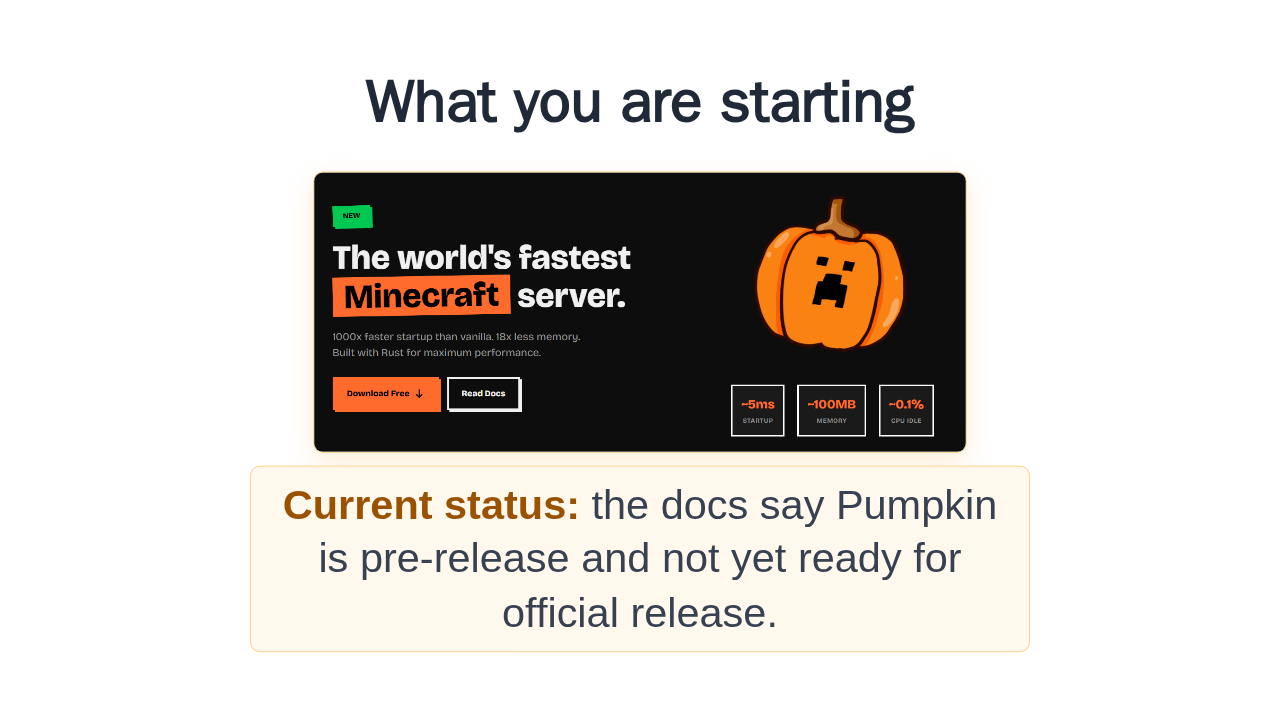
The repository describes Pumpkin as fast, efficient, customizable, and built around vanilla mechanics. It also says, clearly, that Pumpkin is still under heavy development. So this walkthrough keeps to the documented quickstart, not production promises.
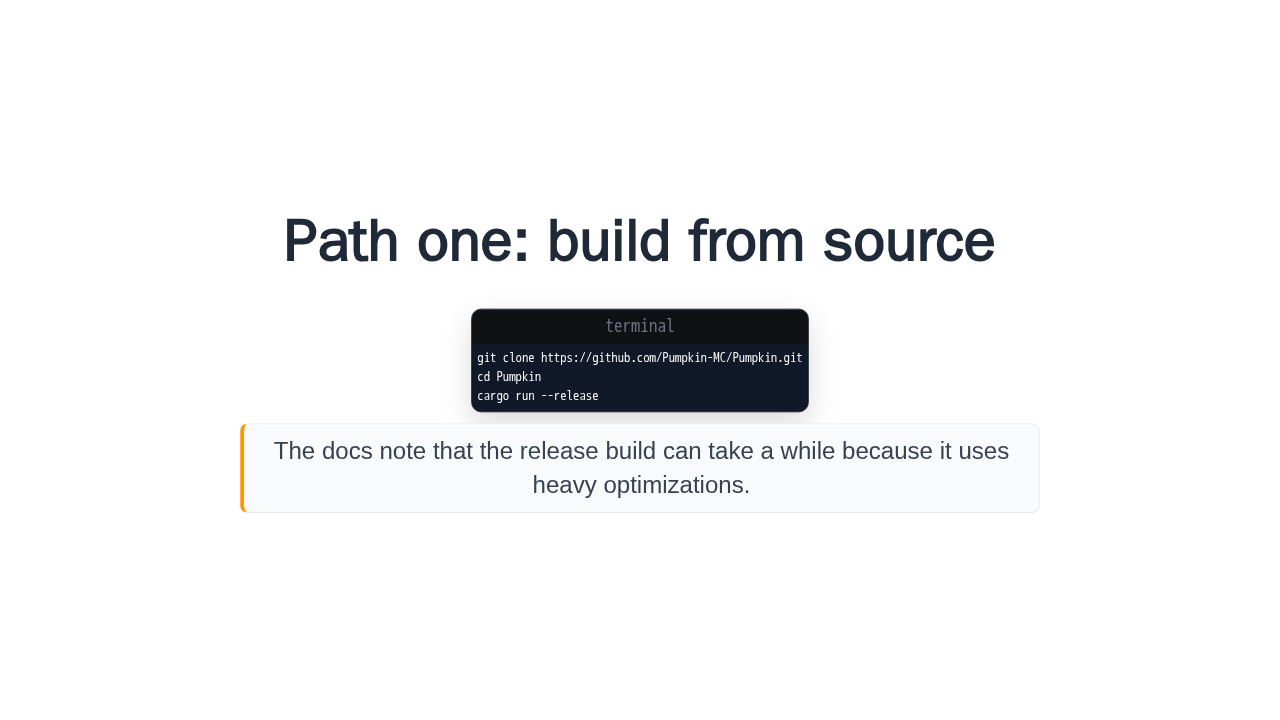
Path one: build from source
git clone https://github.com/Pumpkin-MC/Pumpkin.git
cd Pumpkin
cargo run --release
The docs note that the release build can take a while because it uses heavy optimizations.
If you have Rust installed, the source path is three commands: clone the Pumpkin repository, change into it, and run cargo run release. The quickstart warns that this build may take a while, because release builds use heavier optimization.
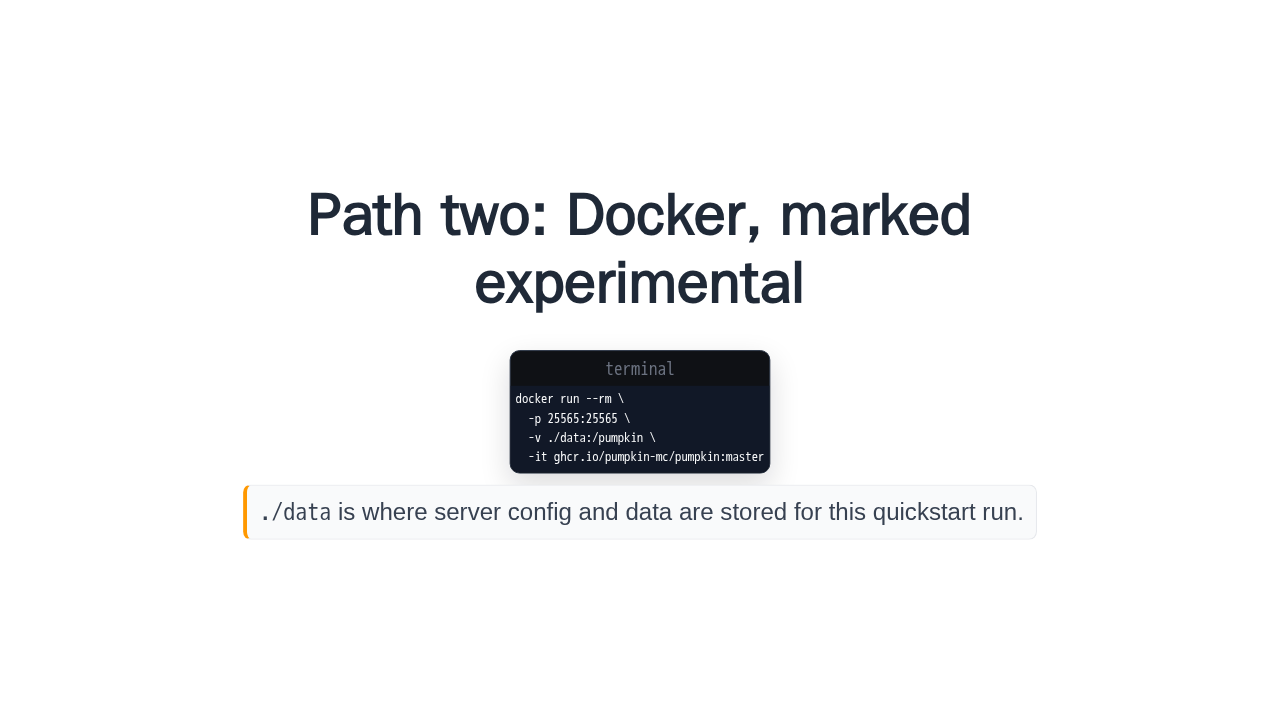
Path two: Docker, marked experimental
docker run --rm \
  -p 25565:25565 \
  -v ./data:/pumpkin \
  -it ghcr.io/pumpkin-mc/pumpkin:master
./data is where server config and data are stored for this
quickstart run.
The faster path is Docker, but the docs label Docker support experimental. This example maps local port 25565 to the server, and stores the server files in a local data directory.
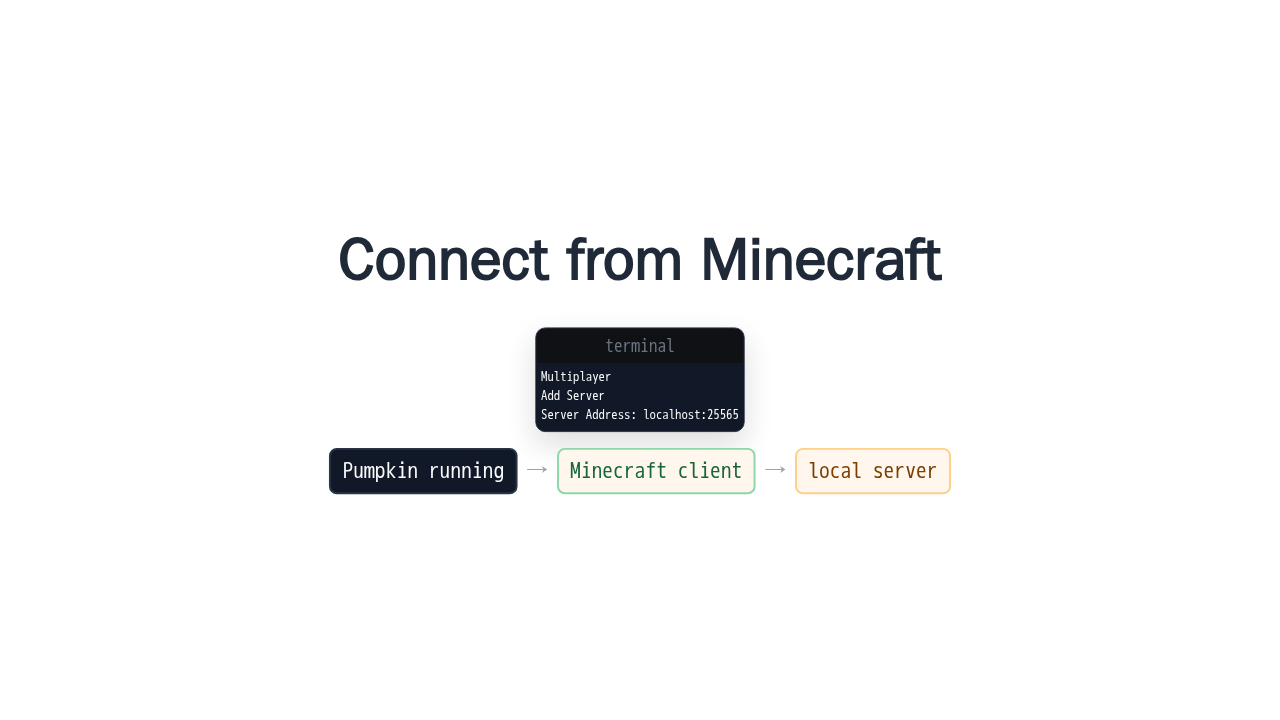
Connect from Minecraft
Multiplayer
Add Server
Server Address: localhost:25565Once the server is running on the same machine as your client, the docs say to use Minecraft multiplayer, add a server, and enter localhost:25565. That address may not appear in the terminal output, but it is the documented local address.
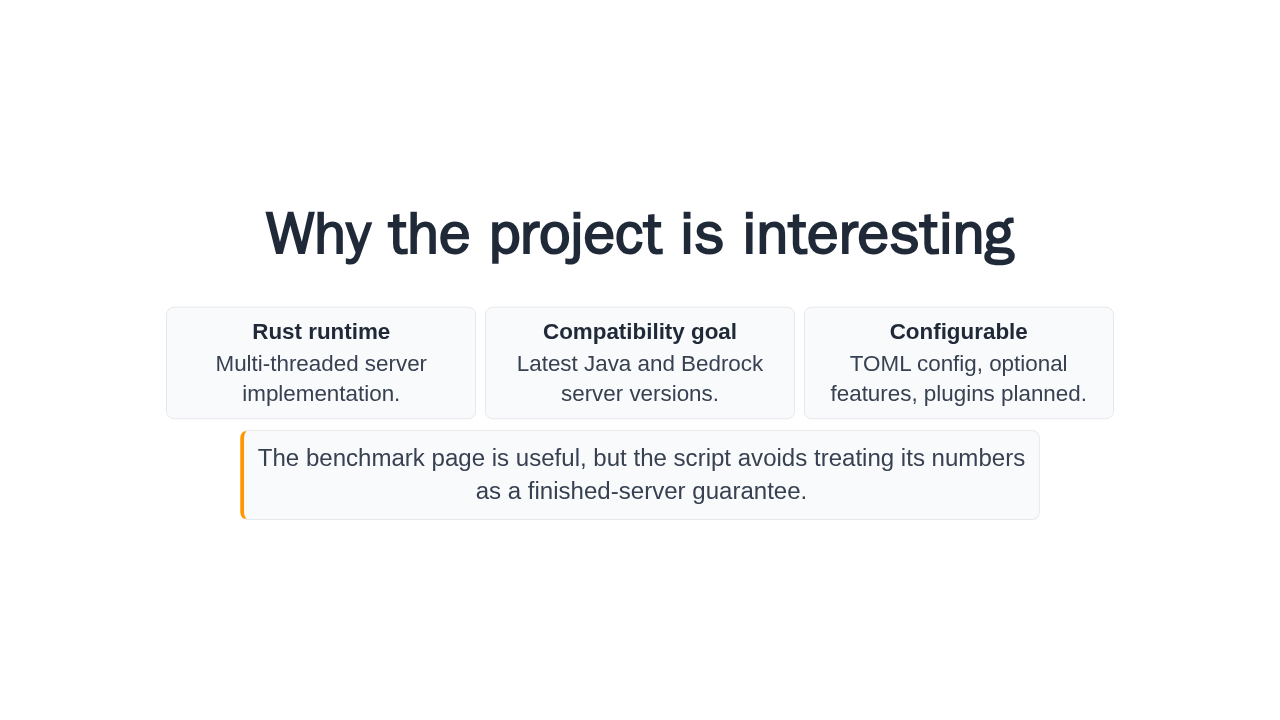
Why the project is interesting
The benchmark page is useful, but the script avoids treating its numbers as a finished-server guarantee.
The reason to try Pumpkin is the shape of the project: a Rust server, multi-threading, configuration in TOML, Java and Bedrock compatibility goals, and a plugin foundation. The project talks about startup and memory too, but its benchmark page is cautious, so the safe claim is curiosity, not a finished-server guarantee.
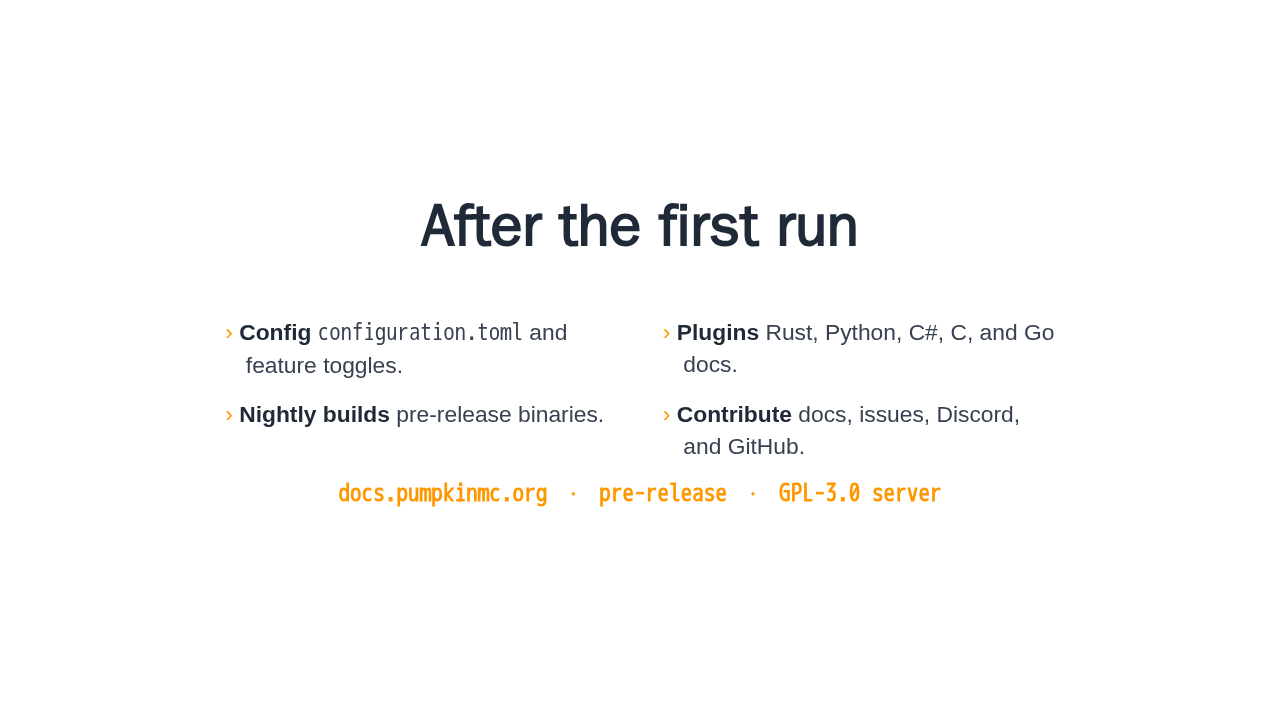
After the first run
- Config
configuration.tomland feature toggles. - Plugins Rust, Python, C#, C, and Go docs.
- Nightly builds pre-release binaries.
- Contribute docs, issues, Discord, and GitHub.
docs.pumpkinmc.org · pre-release · GPL-3.0 server
That is the quickstart. Start Pumpkin from source, or use the experimental Docker command, connect to localhost, and then branch into configuration, plugins, nightly downloads, or contributing. The right next page is the Pumpkin docs quickstart.