Memory that reasons across sessions

Store conversations, reason in the background, and ask what changed.
Honcho is memory infrastructure for stateful agents. Instead of only searching old chat logs, it stores sessions, reasons in the background, and gives your agent useful context later. Here is the quickstart path from empty workspace to a user insight.
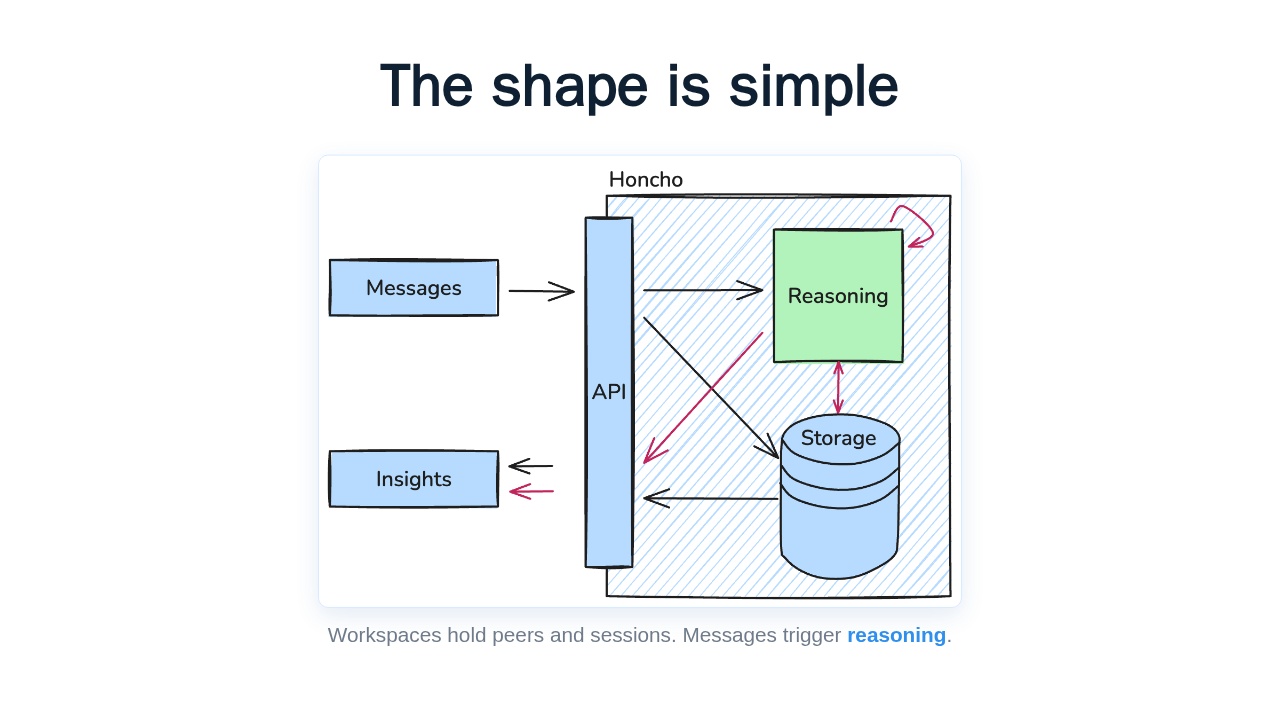
The shape is simple

Workspaces hold peers and sessions. Messages trigger reasoning.
The data model is deliberately small. A workspace contains peers, like a user and an assistant. Sessions are the threads between them. Messages are the units you write. When messages land, Honcho updates peer representations and conclusions your app can query.
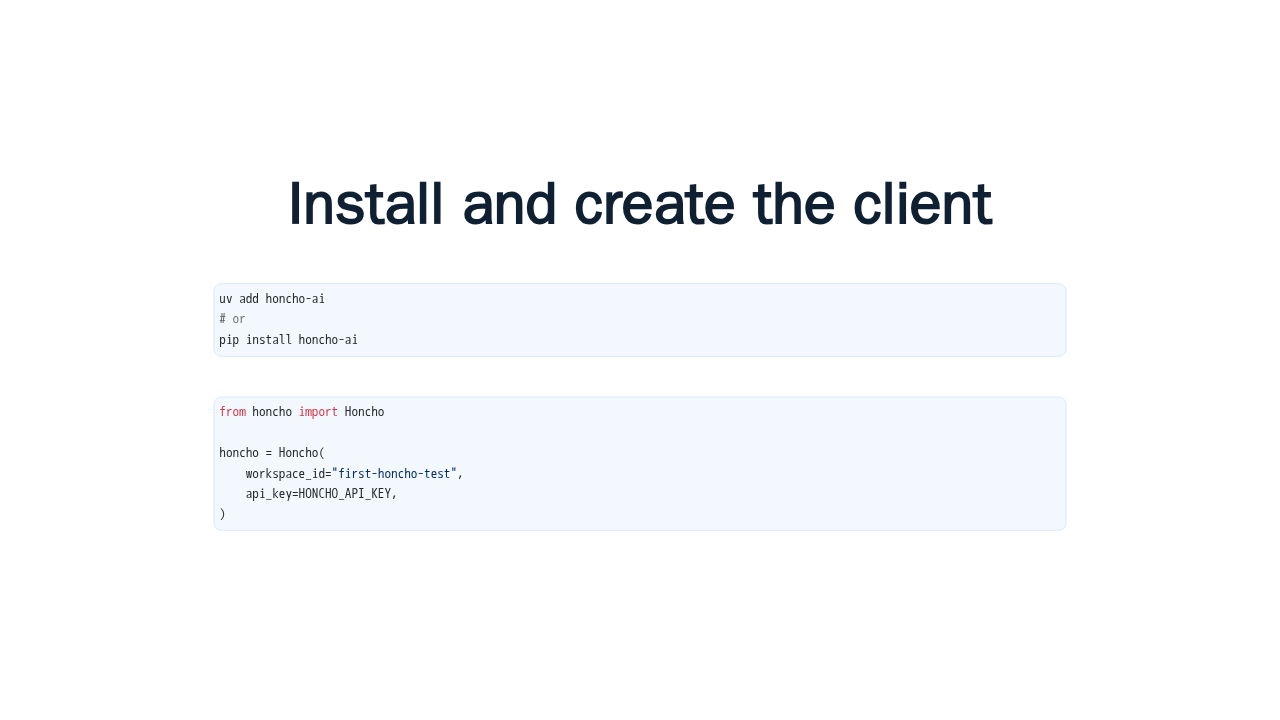
Install and create the client
uv add honcho-ai
# or
pip install honcho-ai
from honcho import Honcho
honcho = Honcho(
workspace_id="first-honcho-test",
api_key=HONCHO_API_KEY,
)Start with the Python SDK. The docs show uv add honcho ai, or pip install honcho ai. Then initialize the client with a workspace ID and your Honcho API key. This workspace isolates the memory for the quickstart.
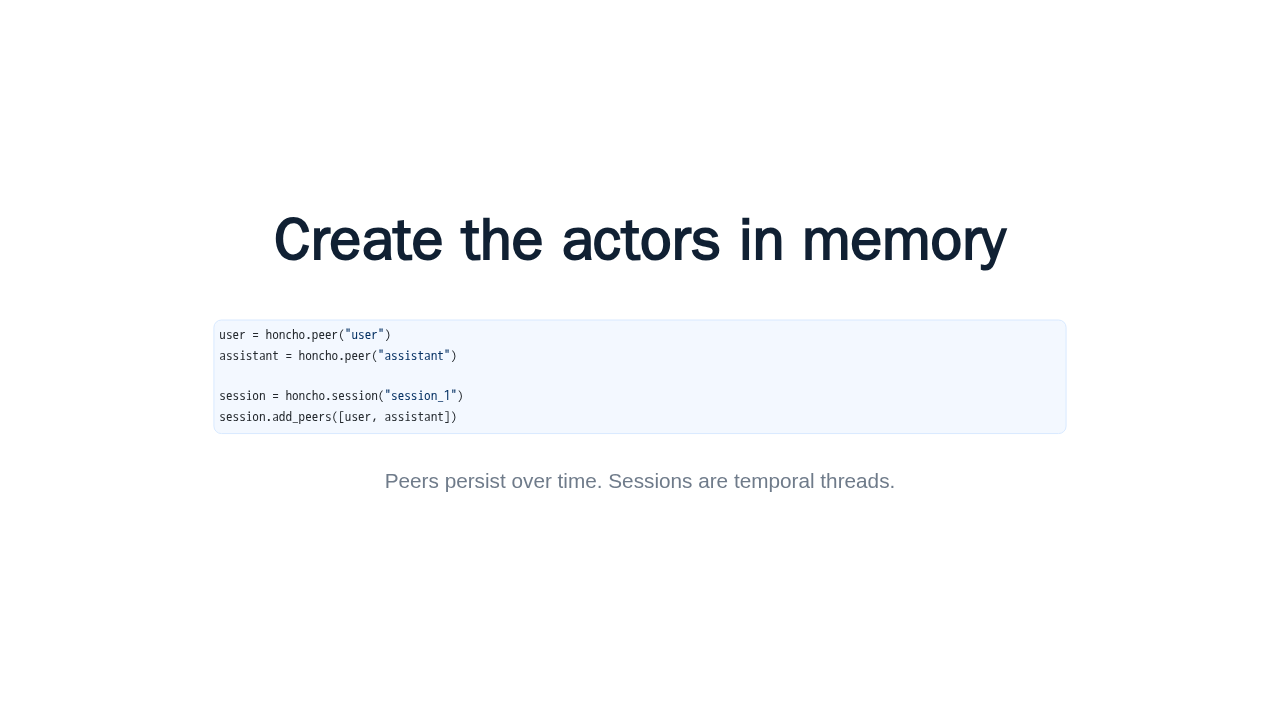
Create the actors in memory
user = honcho.peer("user")
assistant = honcho.peer("assistant")

session = honcho.session("session_1")
session.add_peers([user, assistant])
Peers persist over time. Sessions are temporal threads.
Next, create two peers, user and assistant. Then create a session and add both peers to it. The important idea is that peers persist across sessions, while each session captures one bounded interaction.
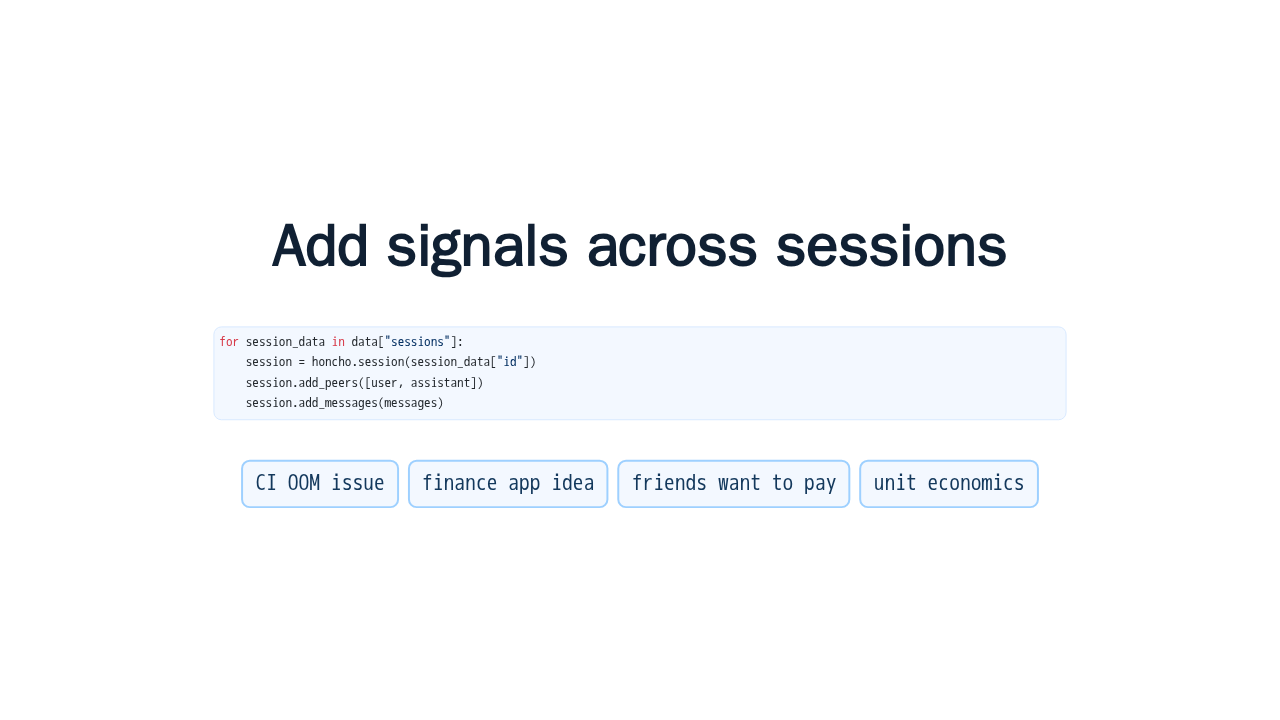
Add signals across sessions
for session_data in data["sessions"]:
    session = honcho.session(session_data["id"])
    session.add_peers([user, assistant])
session.add_messages(messages)The quickstart loads fourteen messages from four sessions. Some are about debugging a CI memory issue. Others reveal a side project: a personal finance assistant, friends asking to pay for it, and early thinking about unit economics. Honcho receives those messages with the right peer attribution.
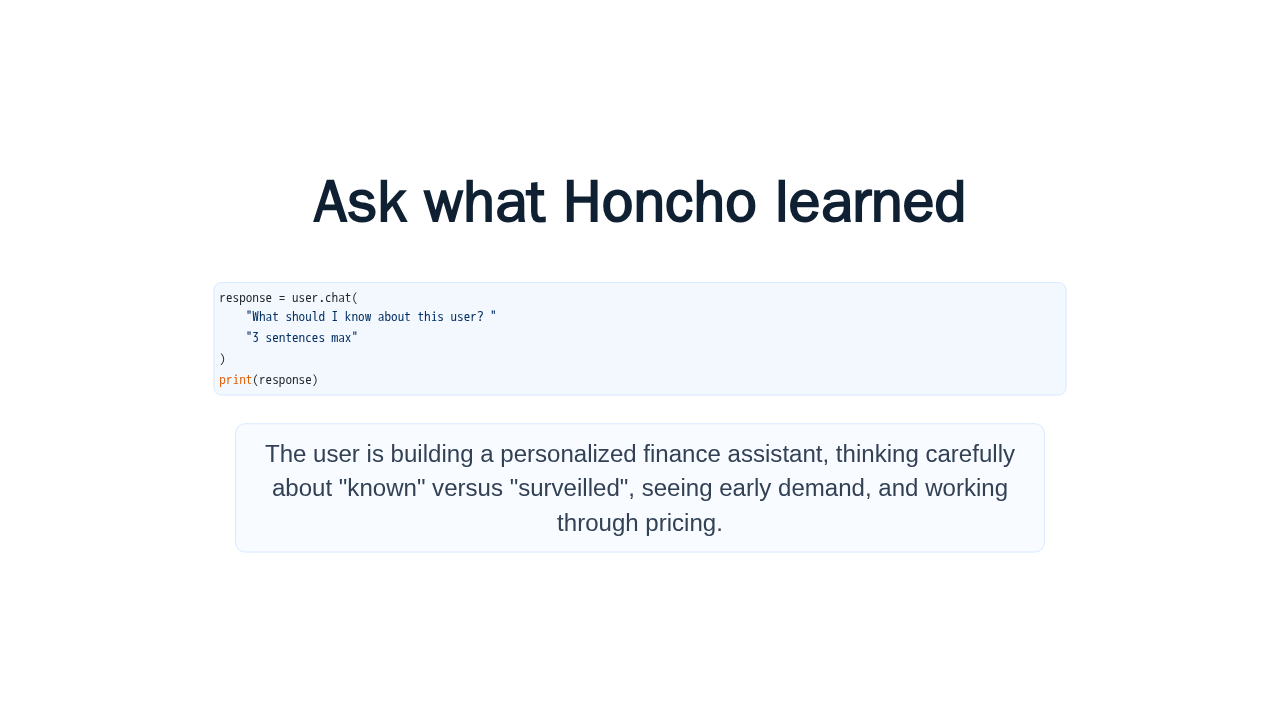
Ask what Honcho learned
response = user.chat(
    "What should I know about this user? "
    "3 sentences max"
)
print(response)Now comes the payoff. Ask the user peer what you should know about this user. Honcho synthesizes the pattern across all four sessions: they are building a personalized finance assistant, thinking about the balance between known and surveilled, seeing early demand, and working through pricing.
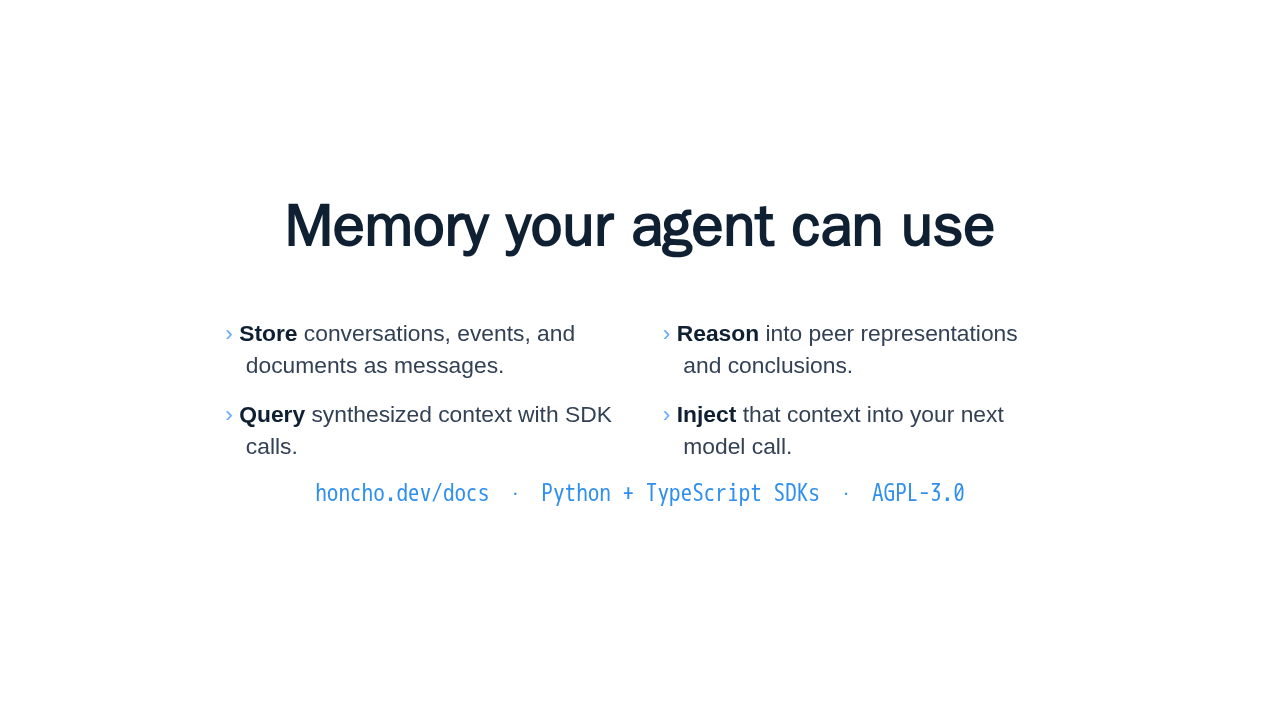
Memory your agent can use
- Store conversations, events, and documents as messages.
- Reason into peer representations and conclusions.
- Query synthesized context with SDK calls.
- Inject that context into your next model call.
honcho.dev/docs · Python + TypeScript SDKs · AGPL-3.0
That is Honcho's first win. Store messages, let Honcho reason over them, query the synthesized context, and inject it into your next model call. Follow the quickstart at honcho dot dev slash docs, then go deeper with session context, MCP, or self hosting.