Your first reliable AI gateway

One OpenAI-compatible endpoint for providers, routing, logs, and failover.
Bifrost is an AI gateway for apps that call large language models. Your app keeps an OpenAI-compatible API shape, while Bifrost handles provider access, routing, retries, fallbacks, caching, and request logs from one local gateway.
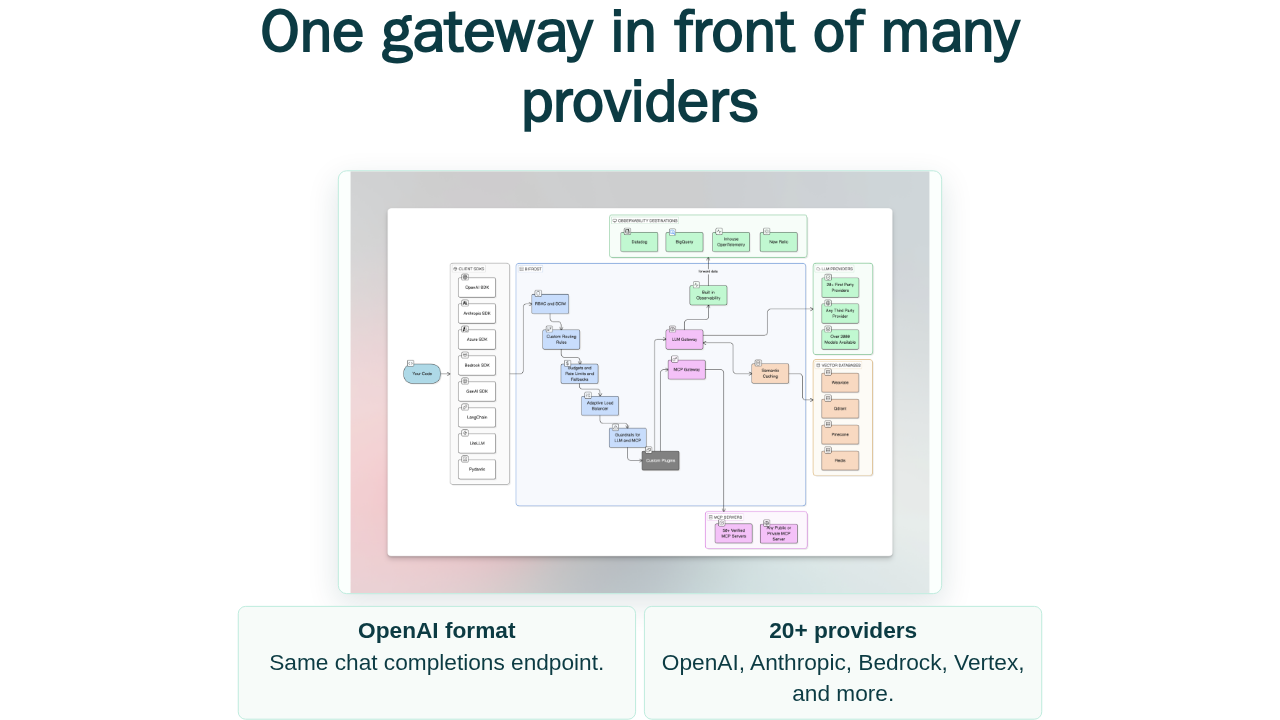
One gateway in front of many providers

Same chat completions endpoint.
OpenAI, Anthropic, Bedrock, Vertex, and more.
The mental model is simple. Put Bifrost between your application and the model providers. It exposes a unified API, then resolves the provider and model behind the scenes. The docs describe support for more than twenty providers, including OpenAI, Anthropic, AWS Bedrock, Google Vertex, and Azure.
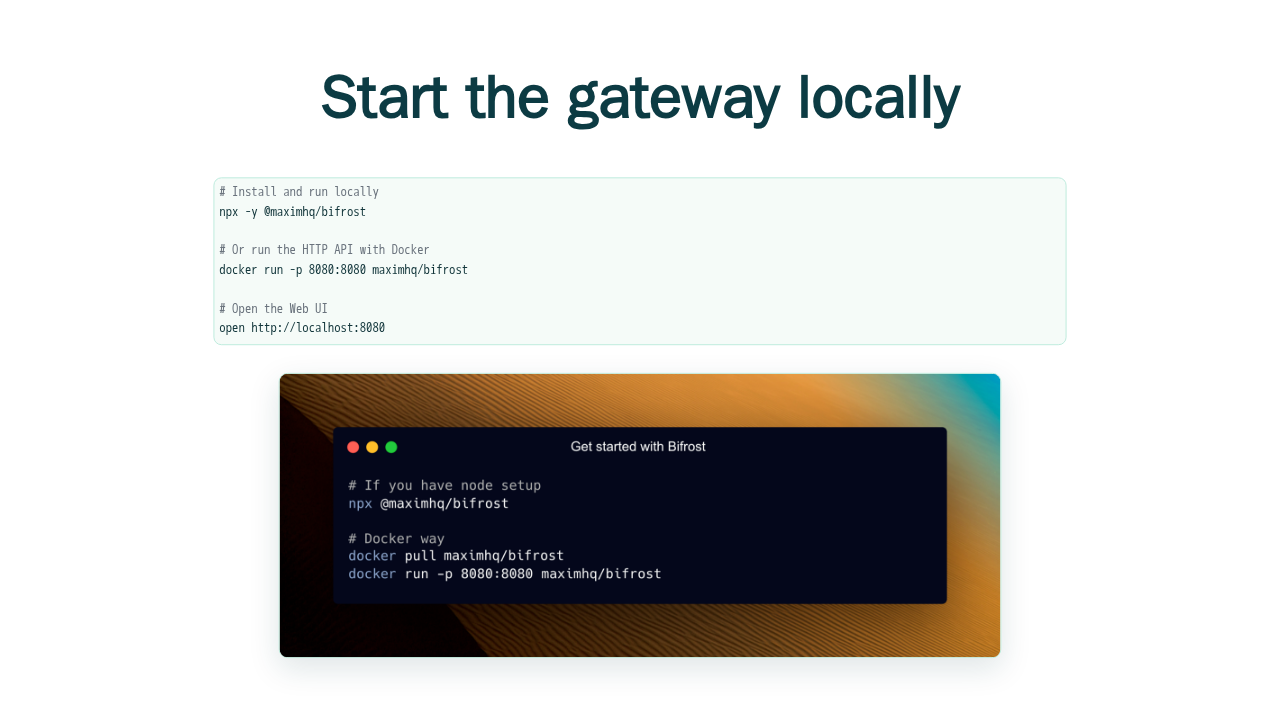
Start the gateway locally
# Install and run locally
npx -y @maximhq/bifrost

# Or run the HTTP API with Docker
docker run -p 8080:8080 maximhq/bifrost

# Open the Web UI
open http://localhost:8080
The gateway quickstart starts with zero configuration. Run the NPX binary, or run the Docker image on port eight thousand eighty. Then open localhost port eight thousand eighty. Bifrost stores its local data in an app directory and brings up the web interface.
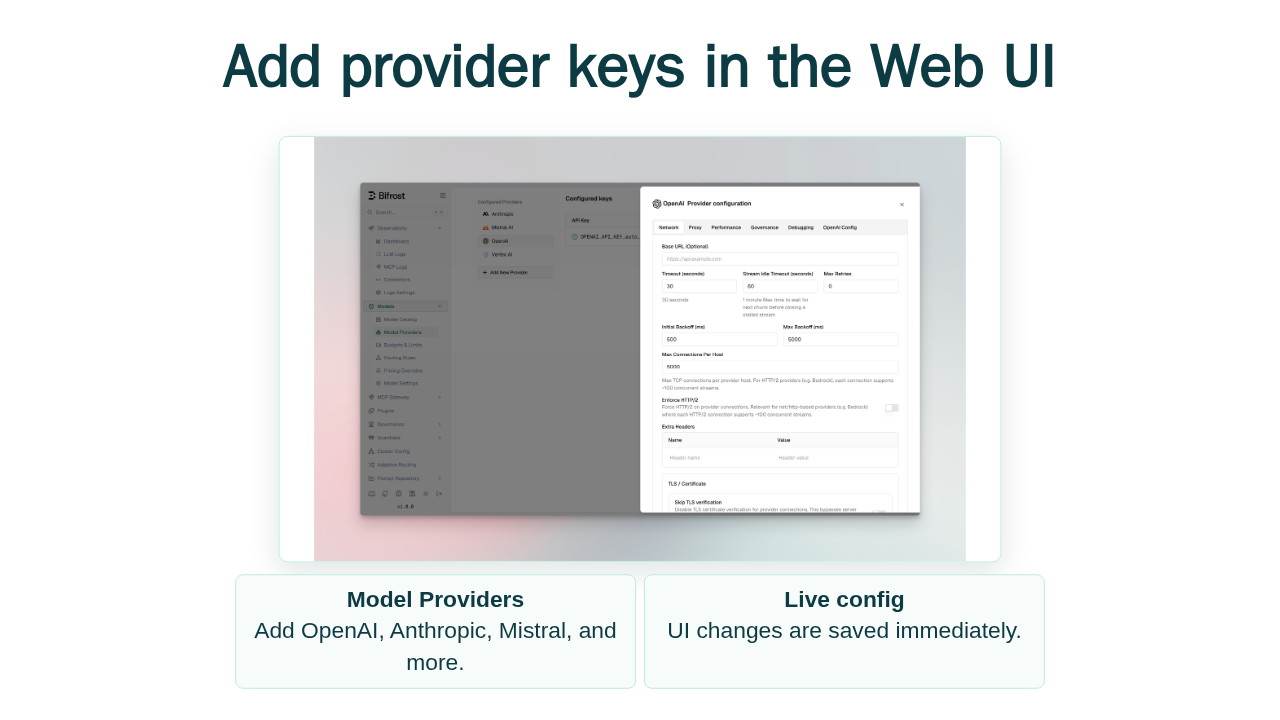
Add provider keys in the Web UI

Add OpenAI, Anthropic, Mistral, and more.
UI changes are saved immediately.
From the web interface, go to Model Providers and configure the providers you want. The quickstart calls out visual provider setup, real-time configuration, live monitoring, and governance management. You can also use config dot JSON or the management API later.
Send the first routed chat request
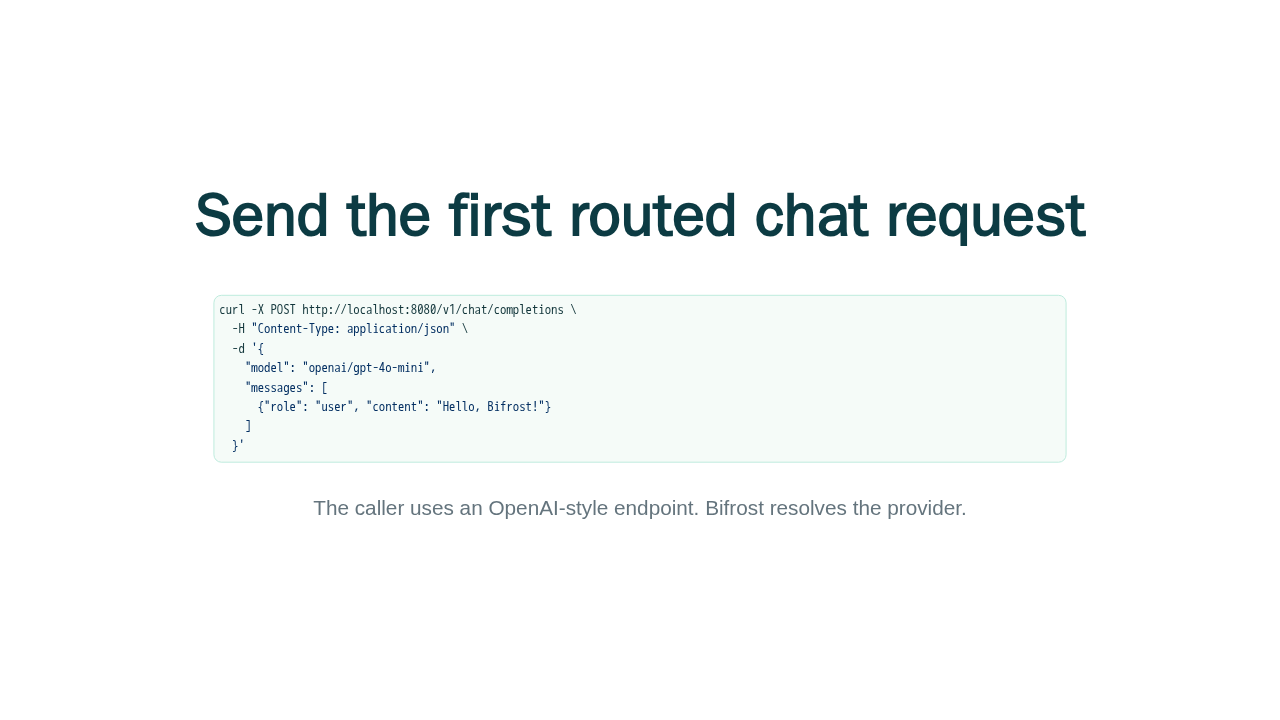
curl -X POST http://localhost:8080/v1/chat/completions \
  -H "Content-Type: application/json" \
  -d '{
    "model": "openai/gpt-4o-mini",
    "messages": [
      {"role": "user", "content": "Hello, Bifrost!"}
    ]
  }'
The caller uses an OpenAI-style endpoint. Bifrost resolves the provider.
Now send the first chat completion to slash v one slash chat slash completions. The model string openai slash gpt four o mini tells Bifrost which provider and model to use. The app still talks to an OpenAI-style endpoint.
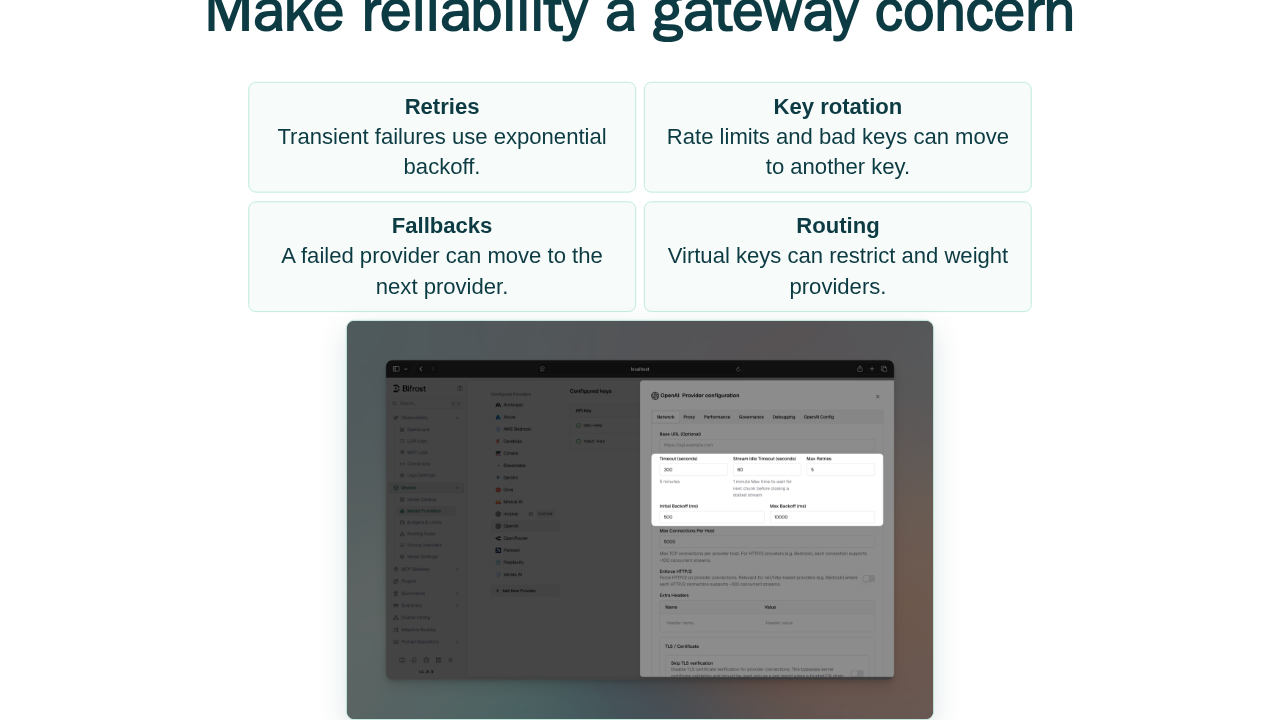
Make reliability a gateway concern
Transient failures use exponential backoff.
Rate limits and bad keys can move to another key.
A failed provider can move to the next provider.
Virtual keys can restrict and weight providers.

This is the reason to add a gateway. Bifrost can retry transient failures with backoff, rotate keys on per-key failures, and then fall back to another provider when the primary path is exhausted. Virtual keys can also restrict and weight provider choices for different callers.
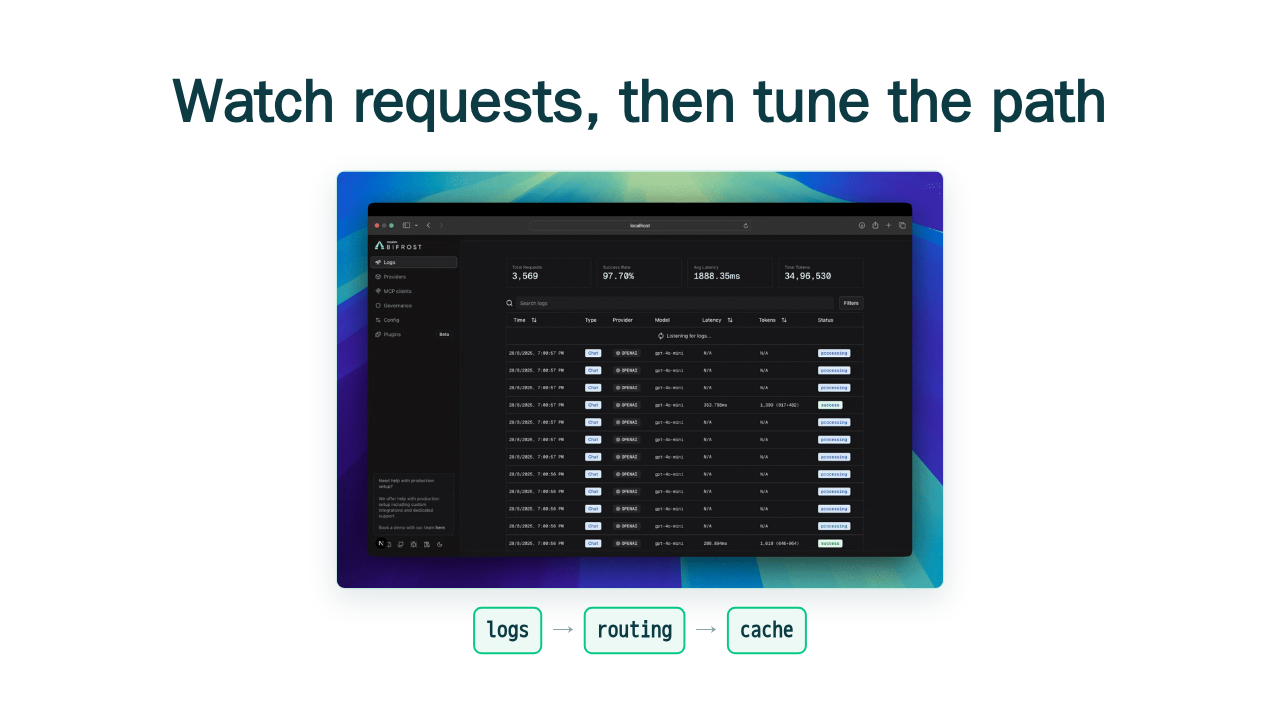
Watch requests, then tune the path

That is Bifrost's first win: start the gateway, configure providers, make one normal chat call, and get a place to see and control every request. Next, follow the gateway setup guide, then go deeper on retries, virtual key routing, observability, and local cache.