Slide 1

Create, inspect, style, and fill PDF forms in Python.
Filling a PDF form in code usually means fighting the PDF spec. PyPDFForm turns it into ordinary Python. Inspect a form to see its fields, fill it from a dictionary, and save the result, all in a few lines.
A library and a command line tool

Create, inspect, restyle, and fill forms · plus merge PDFs and extract pages.
It is a Python library and a command line tool for PDF forms. From one object you create forms, inspect them, restyle their fields, and fill them. It also merges PDFs and extracts pages.
Install it
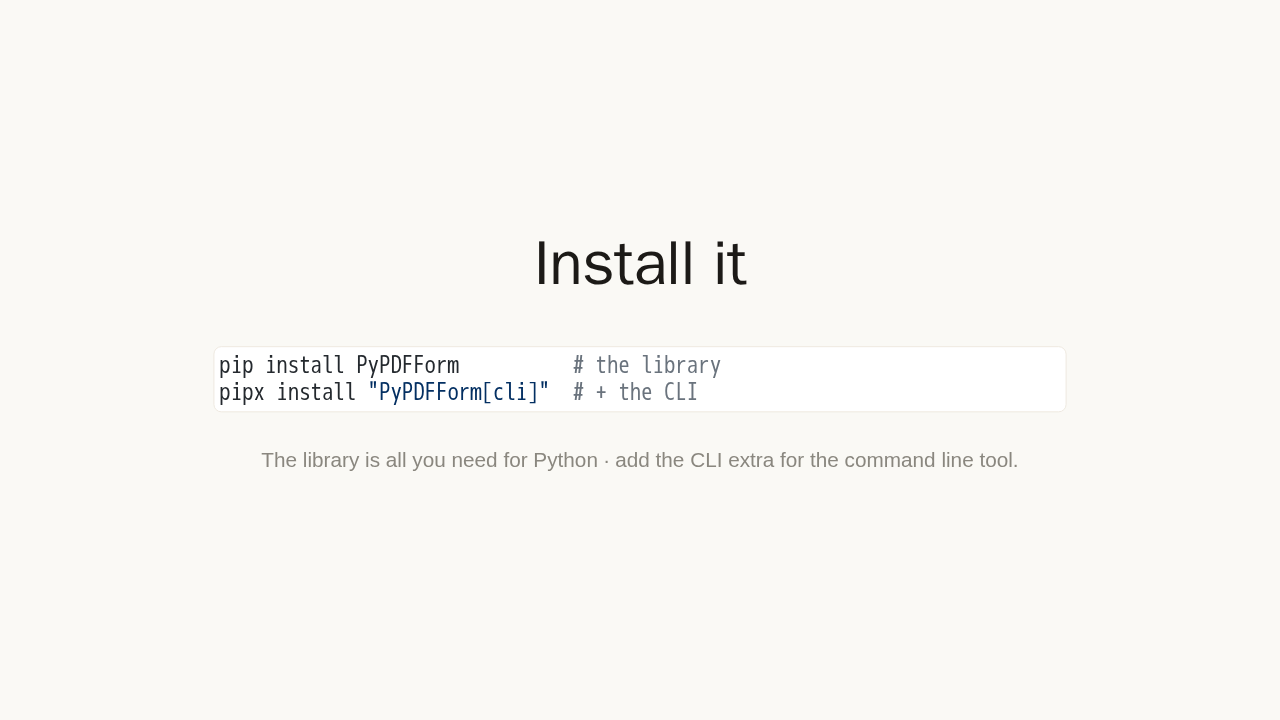
pip install PyPDFForm          # the library
pipx install "PyPDFForm[cli]"  # + the CLI
The library is all you need for Python · add the CLI extra for the command line tool.
Install the library with pip. Want the command line tool too? Install it with pipx and the CLI extra.
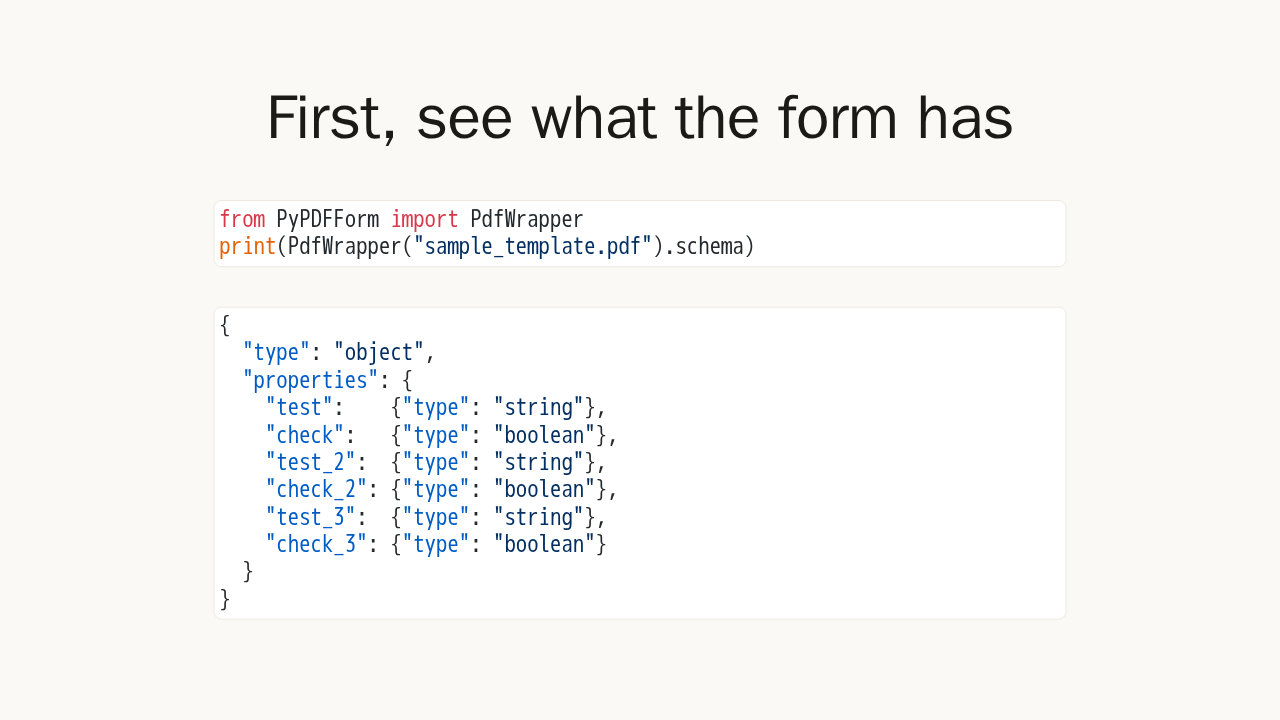
First, see what the form has
from PyPDFForm import PdfWrapper
print(PdfWrapper("sample_template.pdf").schema)
{
"type": "object",
"properties": {
"test": {"type": "string"},
"check": {"type": "boolean"},
"test_2": {"type": "string"},
"check_2": {"type": "boolean"},
"test_3": {"type": "string"},
"check_3": {"type": "boolean"}
}
}You fill fields by name, so first see what the form holds. Wrap your PDF and print its schema. You get a clean JSON schema of every field and its type. Here, three text fields and three checkboxes.
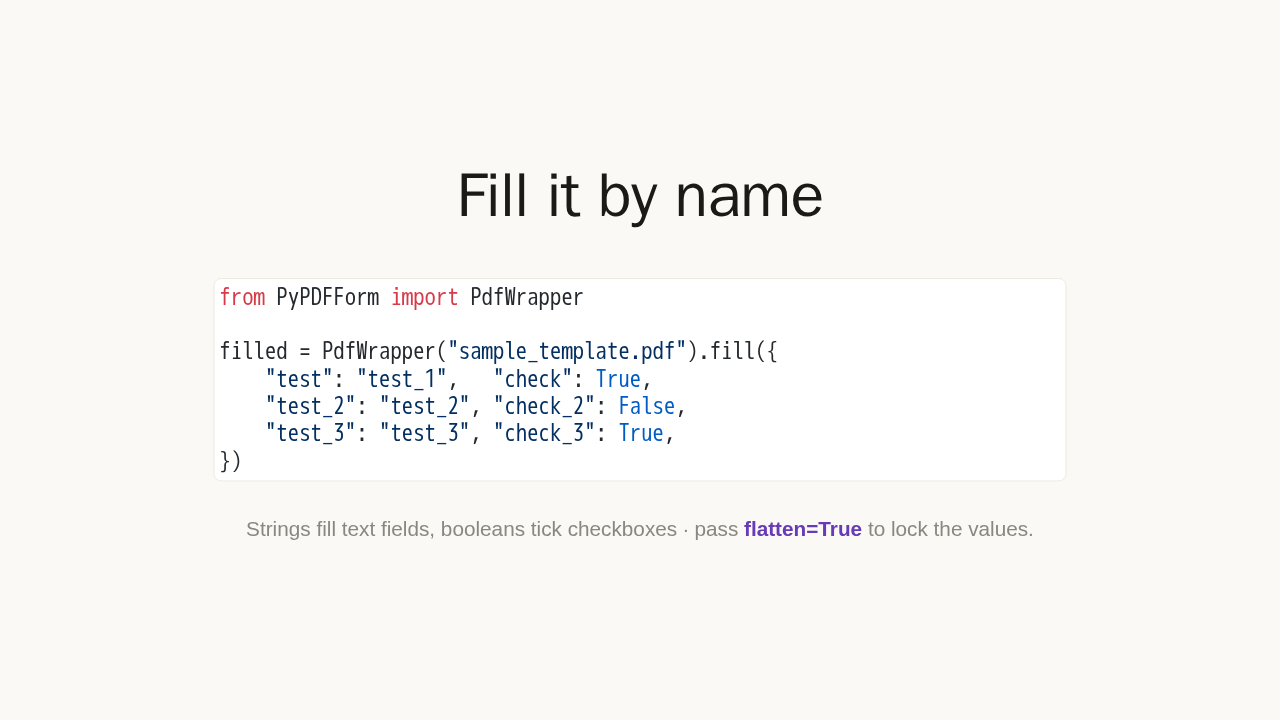
Fill it by name
from PyPDFForm import PdfWrapper

filled = PdfWrapper("sample_template.pdf").fill({
    "test": "test_1",   "check": True,
    "test_2": "test_2", "check_2": False,
    "test_3": "test_3", "check_3": True,
})
Strings fill text fields, booleans tick checkboxes · pass flatten=True to lock the values.
Now fill it. Pass a dictionary of field name to value. Strings go into text fields, and booleans tick the checkboxes. Add flatten equals True, and the filled values are locked, so no one can edit them later.
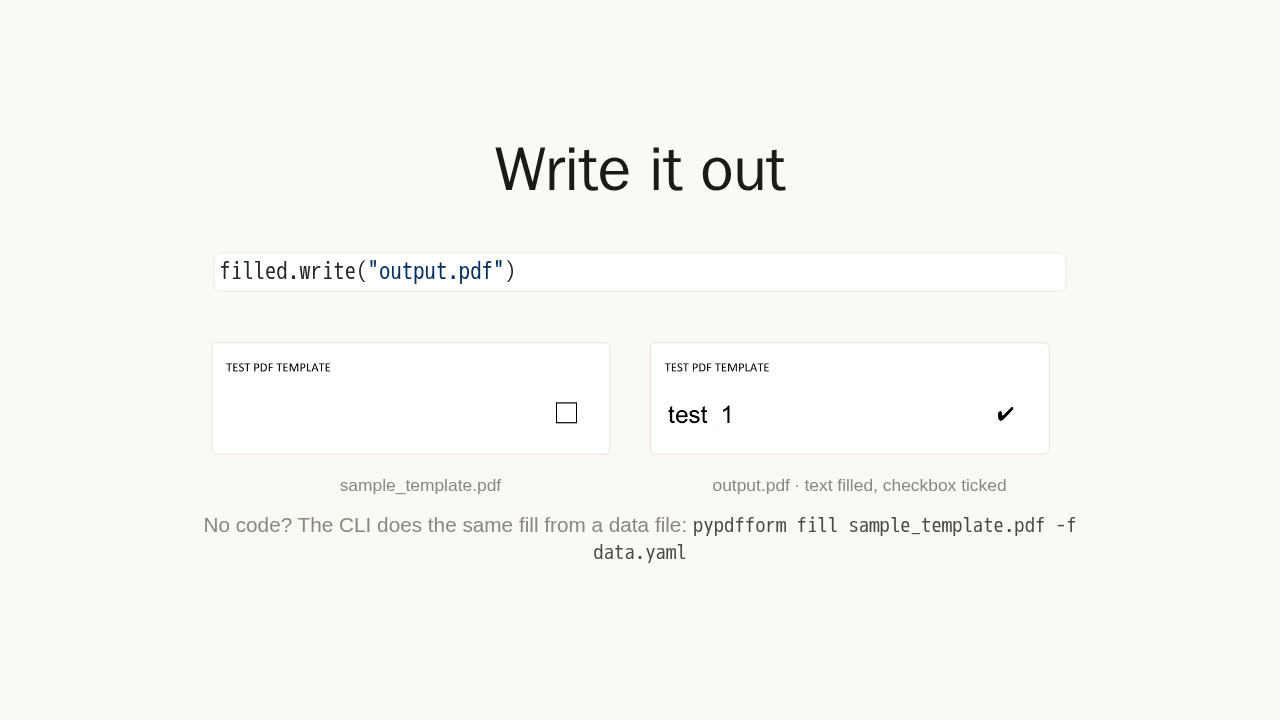
Write it out
filled.write("output.pdf")

No code? The CLI does the same fill from a data file:
pypdfform fill sample_template.pdf -f data.yaml
Write it out, and you have a finished PDF. Here is the blank template, and here it is filled: the text field now shows a value and the checkbox is ticked. Prefer no code? The command line tool runs the same fill from a data file in one line.
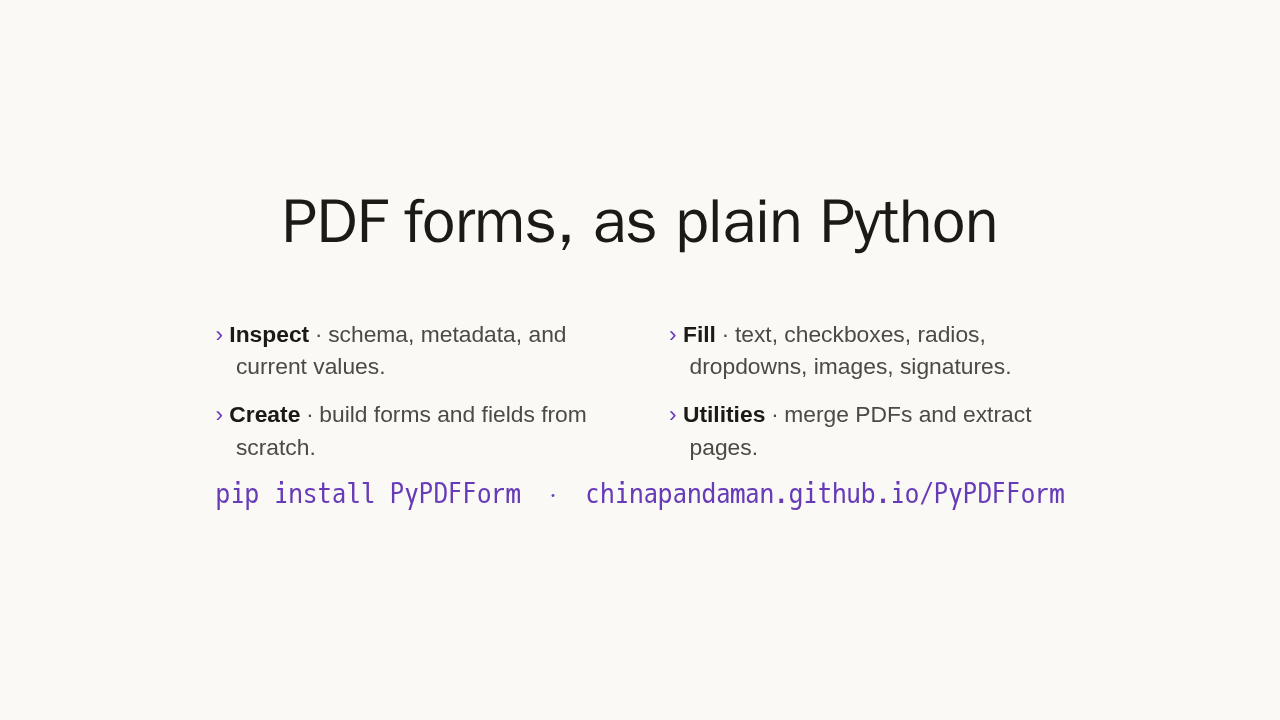
PDF forms, as plain Python
- Inspect · schema, metadata, and current values.
- Fill · text, checkboxes, radios, dropdowns, images, signatures.
- Create · build forms and fields from scratch.
- Utilities · merge PDFs and extract pages.
pip install PyPDFForm · chinapandaman.github.io/PyPDFForm
That is the first win: inspect, fill, and save. The same object also builds forms from scratch, restyles fields, adds signatures and images, and handles radios, dropdowns, merging, and page extraction. Install it with pip and start from the docs.