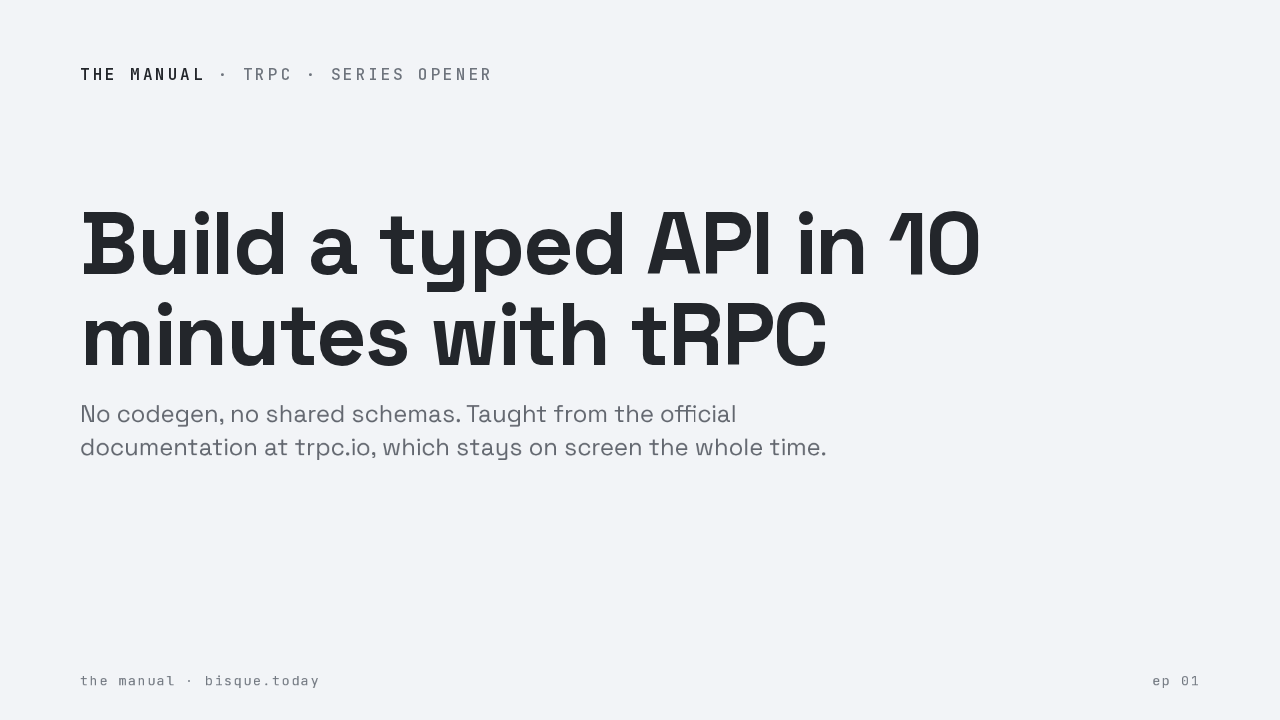
Build a typed API in 10 minutes
This is The Manual. One library, its own documentation, one sitting. Today, T R P C. By the end you will have a typed A P I running, and every step comes straight from the official docs, which stay on screen the whole time.
What you are building
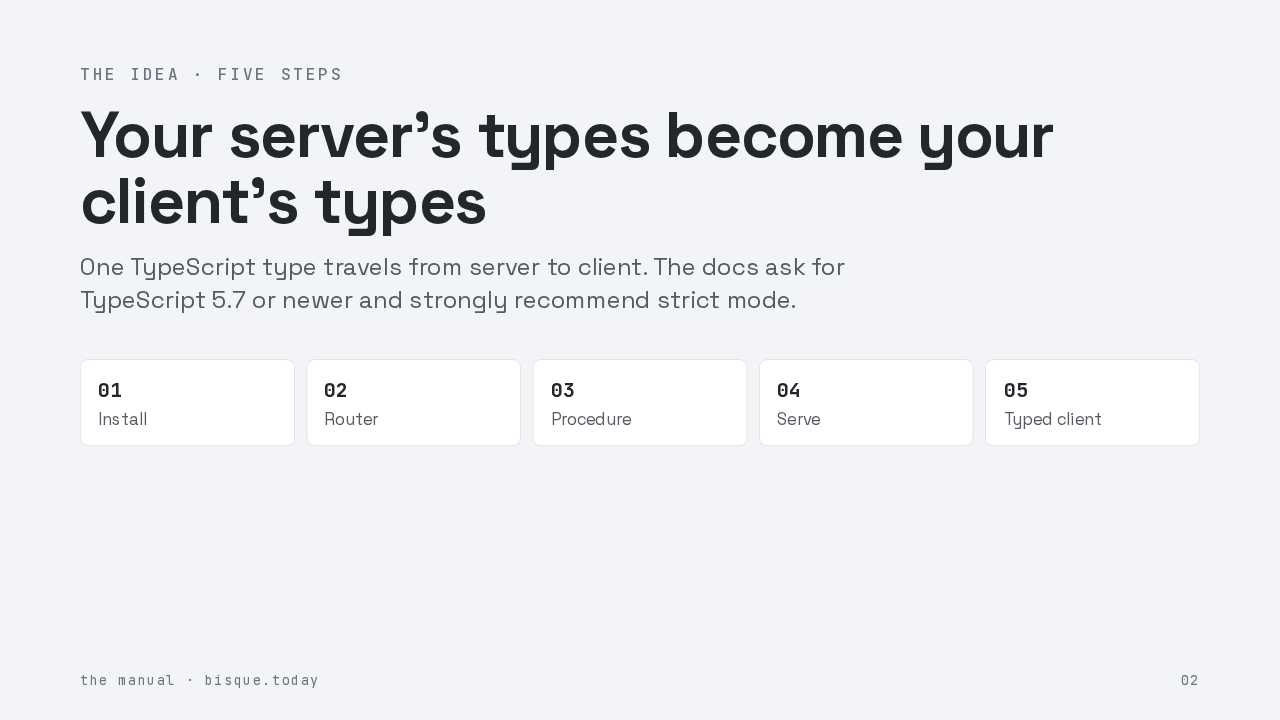
Here is why T R P C is shaped the way it is. Most stacks keep the A P I contract somewhere in the middle, a schema file, generated code, something you have to regenerate. T R P C deletes the middle. Your server exports one TypeScript type, your client imports it, and the compiler does the rest. That is also why the docs ask for TypeScript five point seven or newer, with strict mode on. The types are the product. Five steps. Install, router, procedure, serve, and the typed client. Let's go.
01 · Install
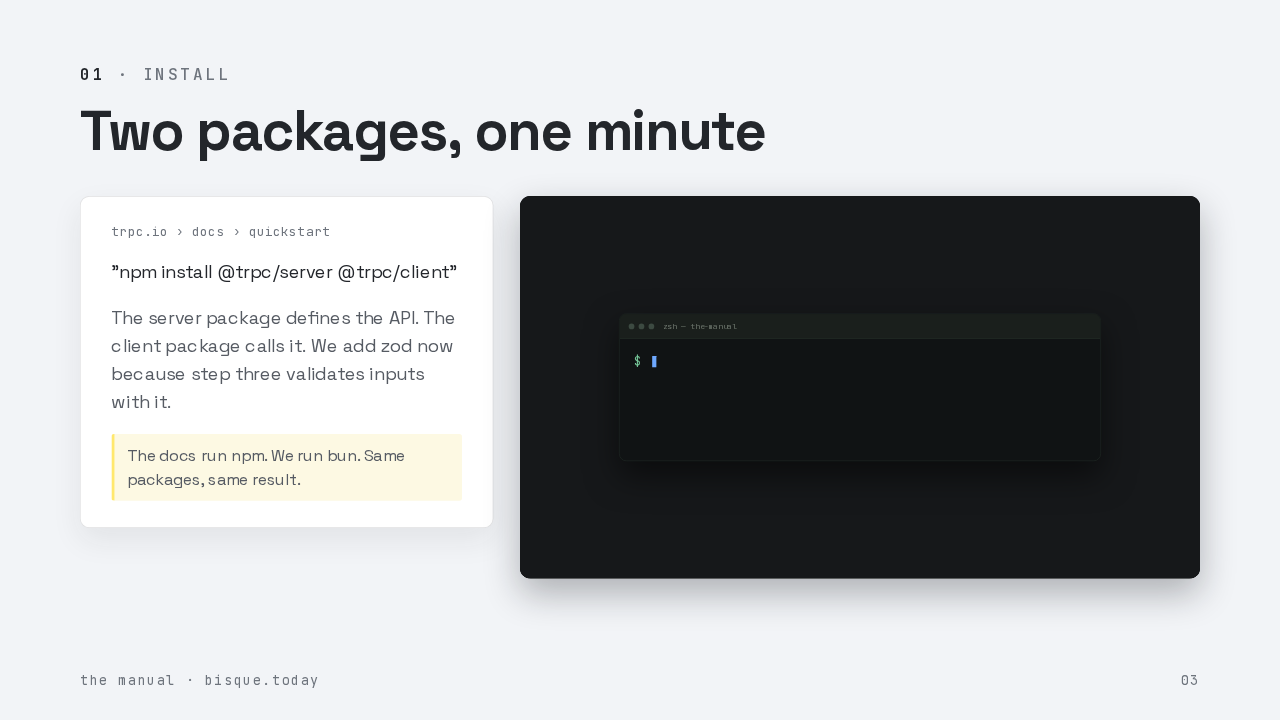
"npm install @trpc/server @trpc/client"
The server package defines the API. The client package calls it. We add zod now because step three validates inputs with it.
Step one. The quickstart asks for two packages, the server package and the client package. The docs run n p m. We run bun, and we add zod while we are here, because step three will validate inputs with it. Watch the install land. That is the whole footprint. No code generator, no build step, nothing to keep in sync.
02 · Initialize once
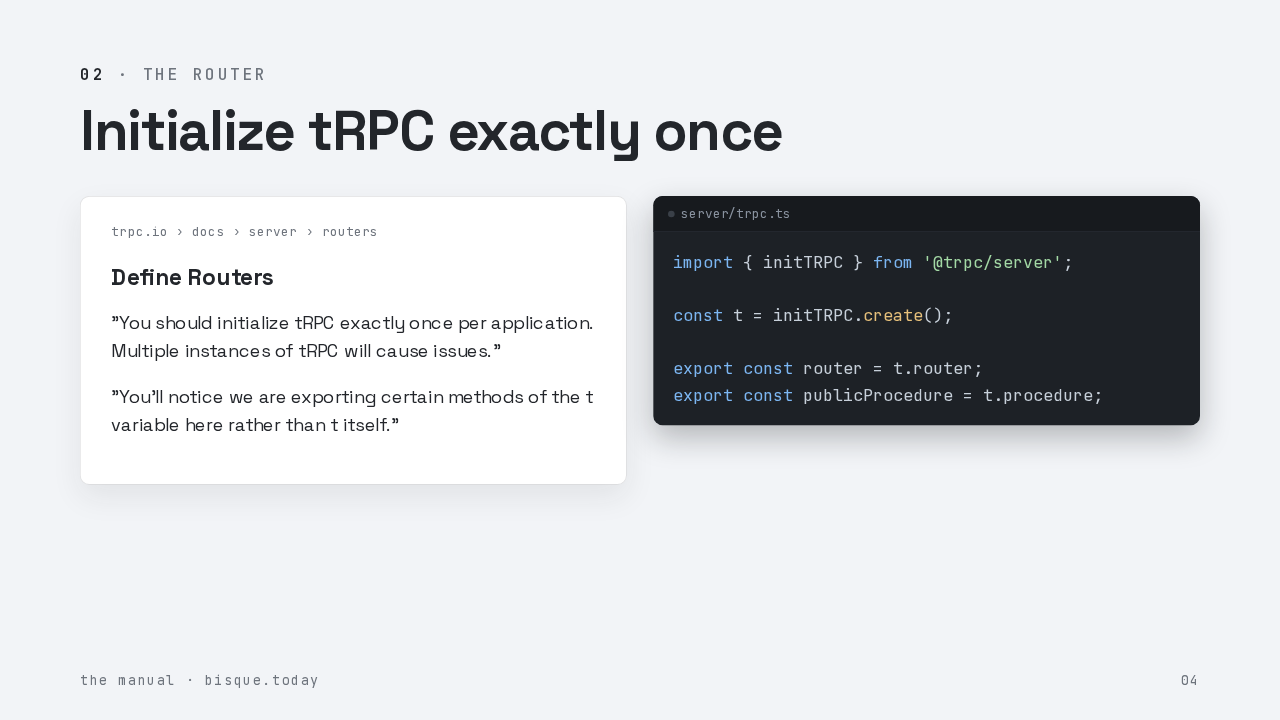
Define Routers
"You should initialize tRPC exactly once per application. Multiple instances of tRPC will cause issues."
"You'll notice we are exporting certain methods of the t variable here rather than t itself."
import { initTRPC } from '@trpc/server';

const t = initTRPC.create();

export const router = t.router;
export const publicProcedure = t.procedure;
Step two, and the first rule the manual states outright. You initialize T R P C exactly once per application. More than one instance causes real trouble, so this file exists to be imported everywhere else. Create the instance. Then export just the pieces you will use, the router helper and a public procedure. The docs are explicit about why. You export methods of t, never t itself, so the whole codebase speaks one idiom.
03 · A validated procedure
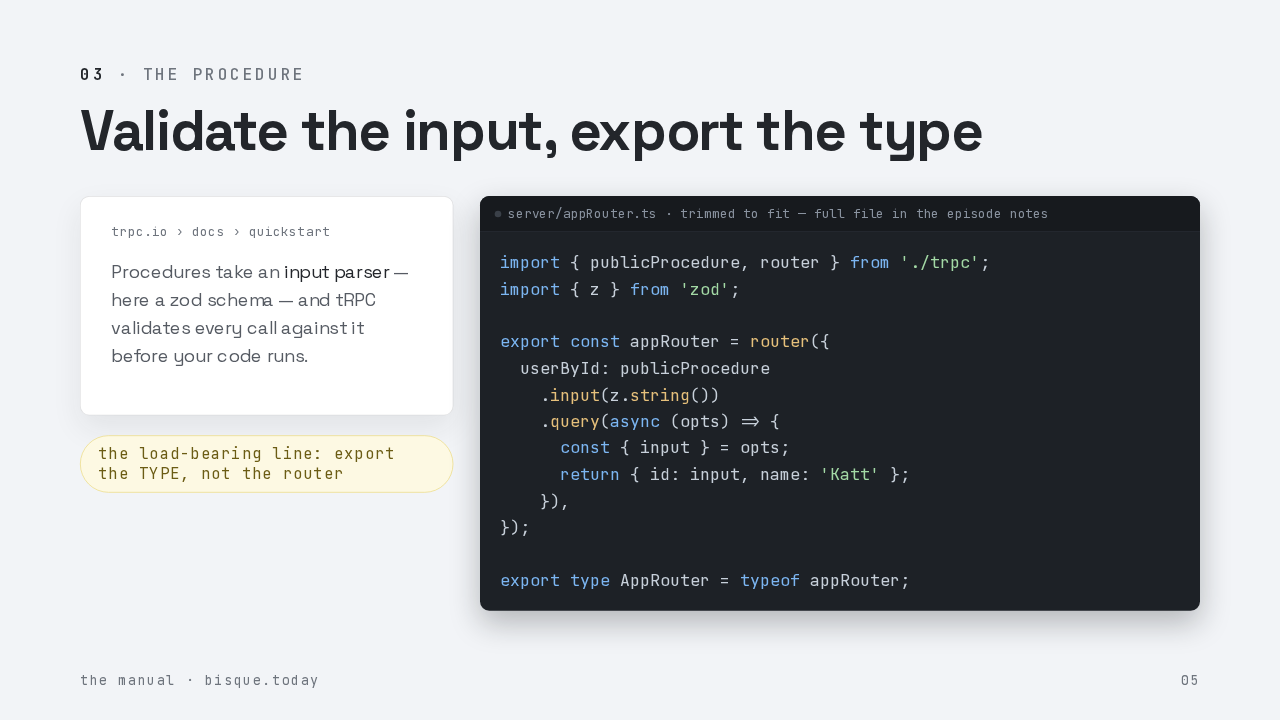
Procedures take an input parser — here a zod schema — and tRPC validates every call against it before your code runs.
import { publicProcedure, router } from './trpc';
import { z } from 'zod';

export const appRouter = router({
  userById: publicProcedure
    .input(z.string())
    .query(async (opts) => {
      const { input } = opts;
      return { id: input, name: 'Katt' };
    }),
});

export type AppRouter = typeof appRouter;
Step three is where the shape pays off. A procedure named user by I D takes an input parser, a zod schema, and T R P C validates every call before your code runs. The query gets the parsed input, already typed as a string, and returns a user. And then the load bearing line of the entire library. You export the type of the router. The type, not the router. The client will import only this, so no server code ever leaks into the browser bundle.
04 · Serve it
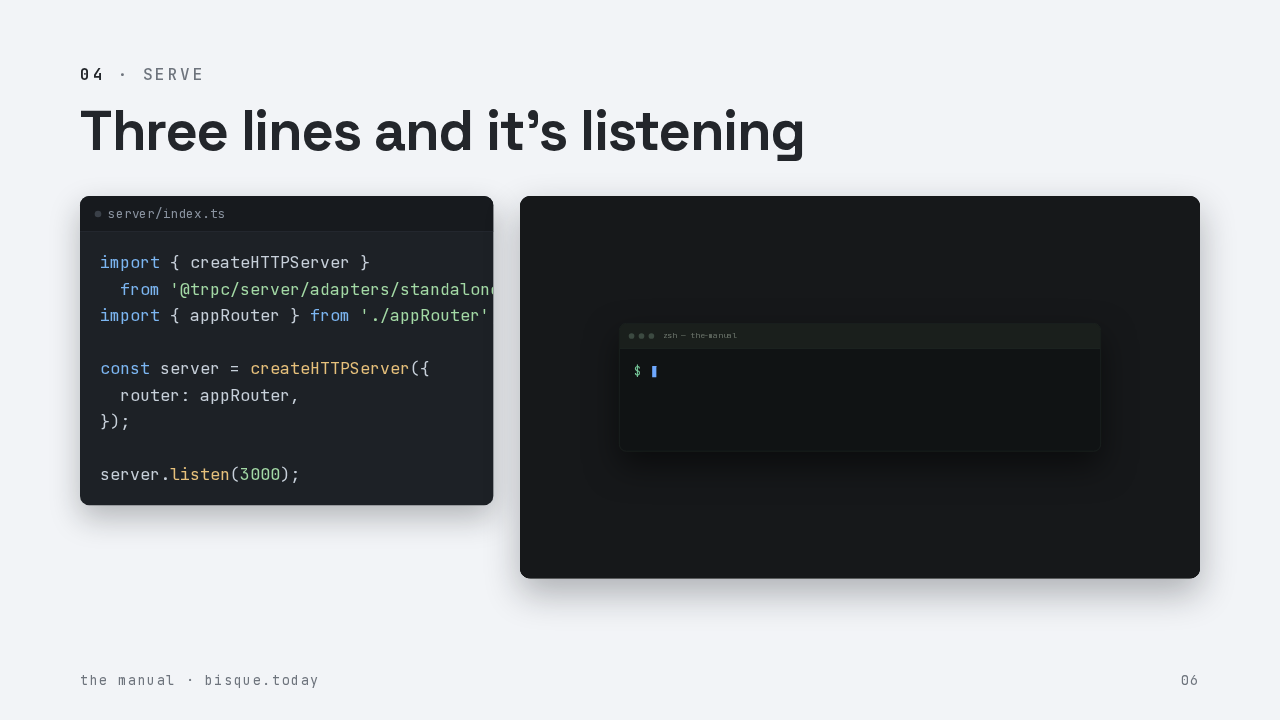
import { createHTTPServer }
  from '@trpc/server/adapters/standalone';
import { appRouter } from './appRouter';

const server = createHTTPServer({
  router: appRouter,
});

server.listen(3000);
Step four. The standalone adapter wraps your router in a plain node H T T P server. Listen on a port. That is genuinely the whole server. Adapters exist for express, fastify, next, and the edge runtimes, and the router code never changes. Run it, and the first request streams back.
05 · The typed client
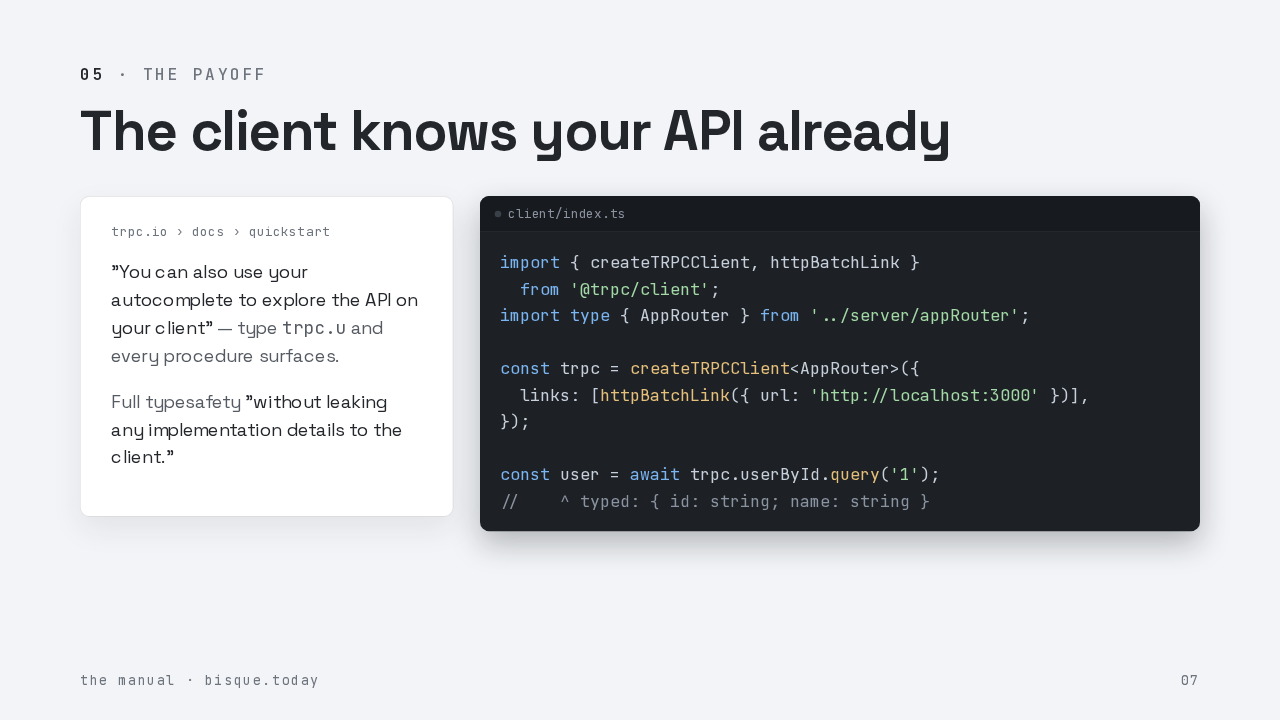
"You can also use your autocomplete to explore the API on your client" — type trpc.u and every procedure surfaces.
Full typesafety "without leaking any implementation details to the client."
import { createTRPCClient, httpBatchLink }
  from '@trpc/client';
import type { AppRouter } from '../server/appRouter';

const trpc = createTRPCClient<AppRouter>({
  links: [httpBatchLink({ url: 'http://localhost:3000' })],
});

const user = await trpc.userById.query('1');
//    ^ typed: { id: string; name: string }
Step five, the payoff. Import the type. Note the word type in that import, it means the server code itself never ships to the browser. Hand it to the client constructor with a batching link. And now the call site is fully typed. The input must be a string, the result is a user object, and if the server renames a field, this line turns red before you ever run it. The docs put it plainly. Type t r p c dot u, and your whole A P I surfaces in autocomplete.
Gotchas
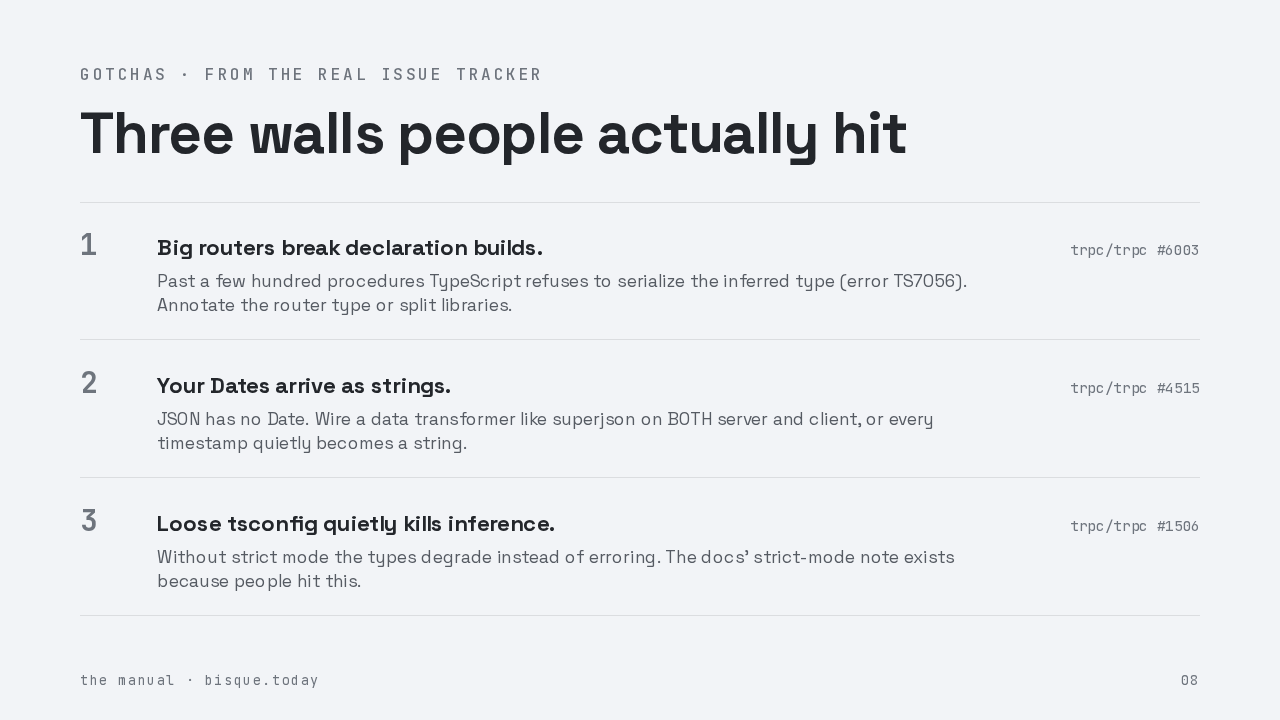
Before you ship this, three walls people actually hit, straight from the issue tracker. One. Very large routers can break declaration builds. TypeScript refuses to serialize the inferred type once it gets enormous. Annotate the router type or split your libraries. Two. Your dates arrive as strings, because JSON has no date type. Wire a transformer like superjson on both the server and the client, or every timestamp quietly degrades. Three. A loose T S config quietly kills inference. Strict mode is not a style preference here, it is load bearing.
The snippet ships
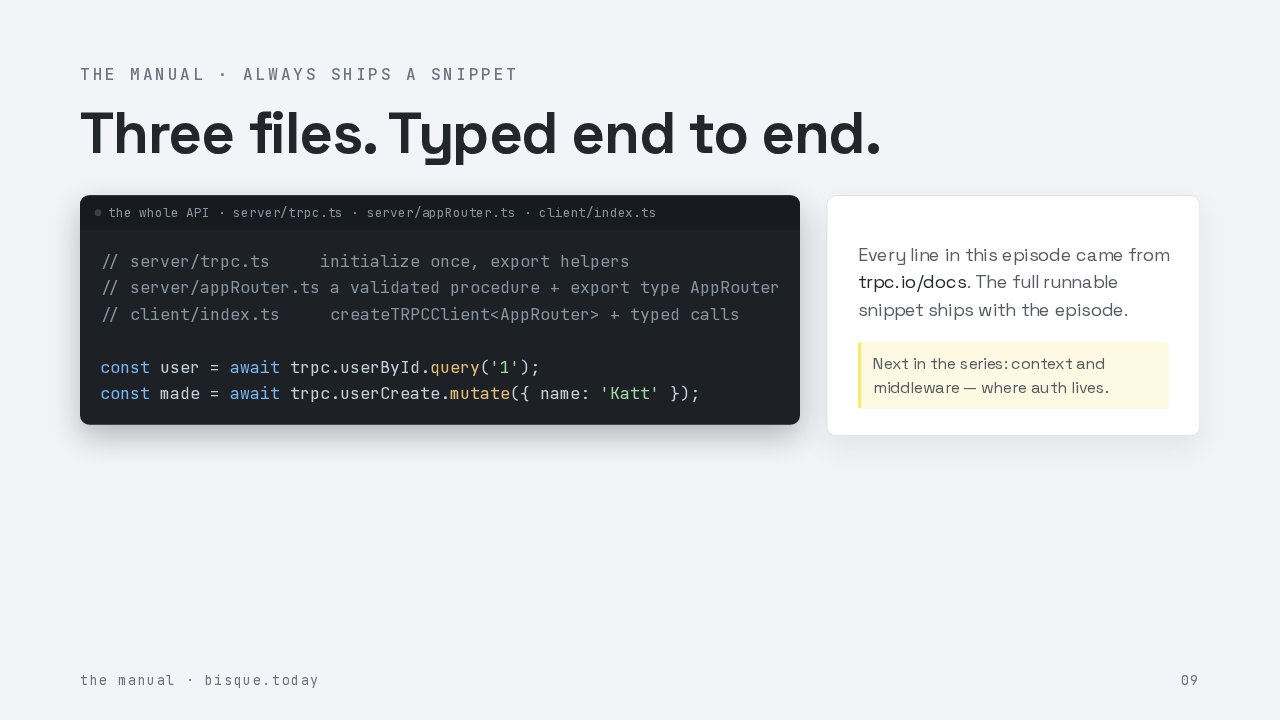
// server/trpc.ts     initialize once, export helpers
// server/appRouter.ts a validated procedure + export type AppRouter
// client/index.ts     createTRPCClient<AppRouter> + typed calls

const user = await trpc.userById.query('1');
const made = await trpc.userCreate.mutate({ name: 'Katt' });
Every line in this episode came from trpc.io/docs. The full runnable snippet ships with the episode.
That is the whole A P I. Three small files, one exported type, and a client that refuses to compile when the server changes underneath it. The full runnable snippet ships with this episode, so you can paste it and go. Next in the series, context and middleware, which is where auth lives. The Manual. Read so you don't have to wander.