The model called a weather tool
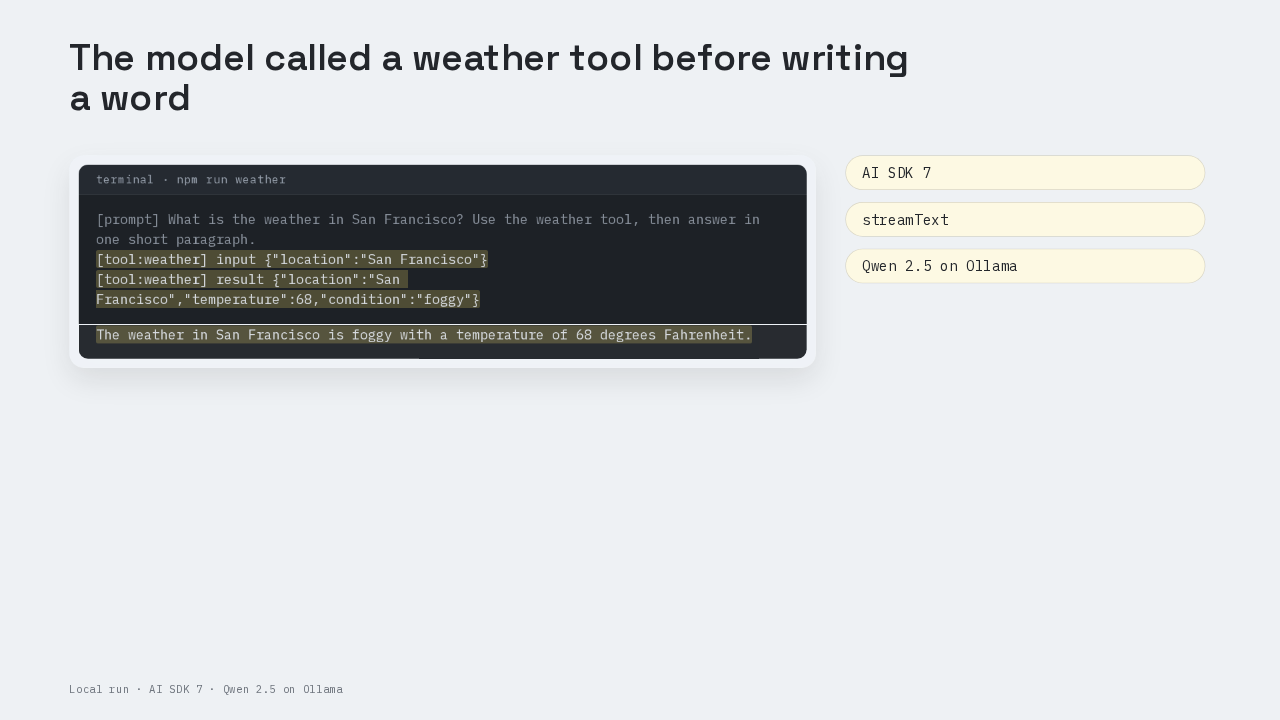
[prompt] What is the weather in San Francisco? Use the weather tool, then answer in one short paragraph.
[tool:weather] input {"location":"San Francisco"}
[tool:weather] result {"location":"San Francisco","temperature":68,"condition":"foggy"}
The weather in San Francisco is foggy with a temperature of 68 degrees Fahrenheit.
The model asked this script for San Francisco's weather before the model wrote a single word. The script answered sixty-eight degrees and foggy, and the model wrote its reply from that result. The script is one TypeScript file on AI SDK 7, Vercel's toolkit for calling AI models from an app. The call is `streamText`, the AI SDK function that streams an answer out in pieces. Tool calling means the model asks your app to run a named function, then uses what the function returns.
Install three packages
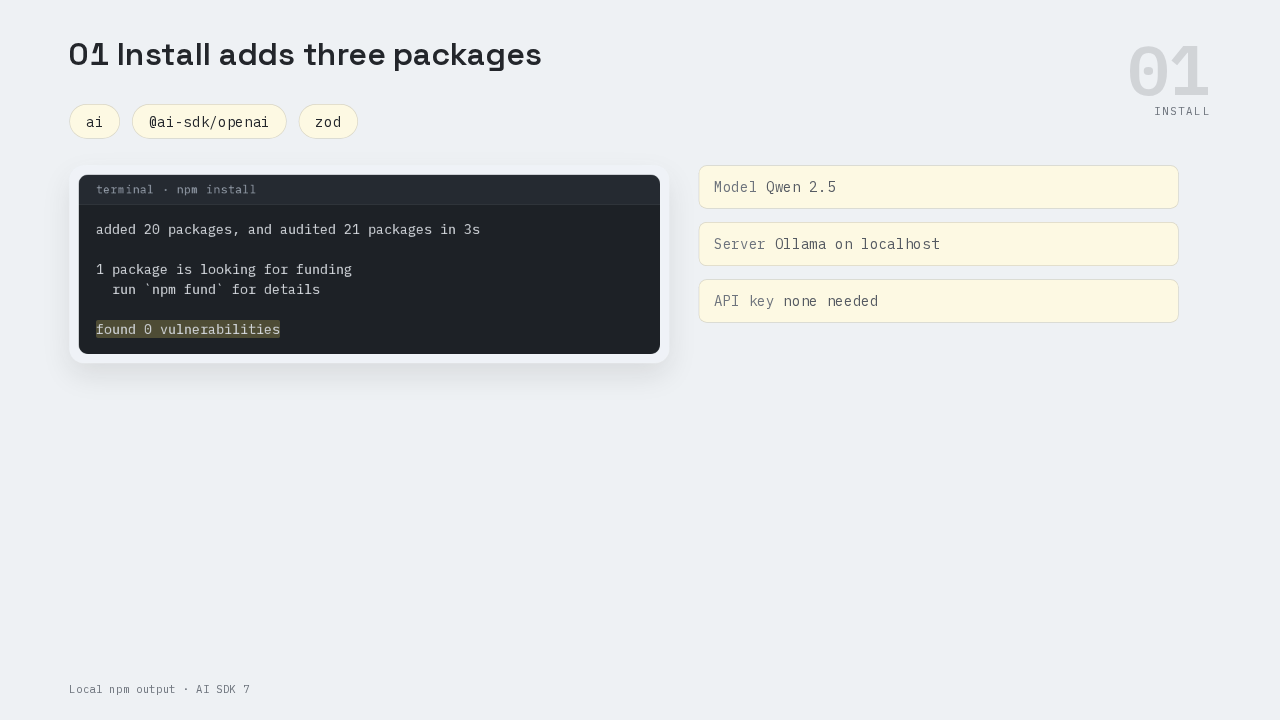
added 20 packages, and audited 21 packages in 3s

1 package is looking for funding
  run `npm fund` for details

found 0 vulnerabilities
This was run on AI SDK 7. The project installs three packages. The `ai` package is the AI SDK itself. The second package is the AI SDK's OpenAI provider, the adapter that turns AI SDK calls into requests a model server understands. The third is Zod, a TypeScript library that describes the shape of data, and the weather tool uses Zod for its input. The model runs on this machine, inside Ollama. Ollama is a local app that runs open models and speaks OpenAI's API format. The model is Qwen 2.5, a small open model, so the demo needs no paid API key.
One file with one tool
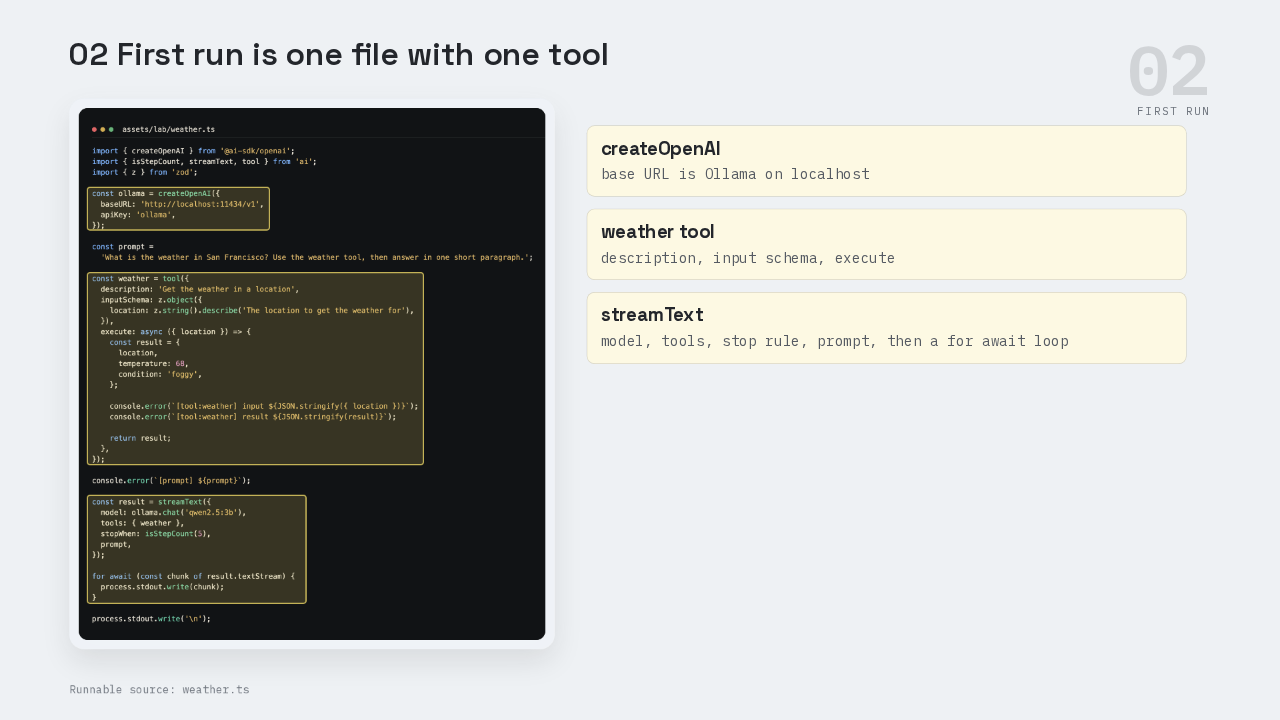
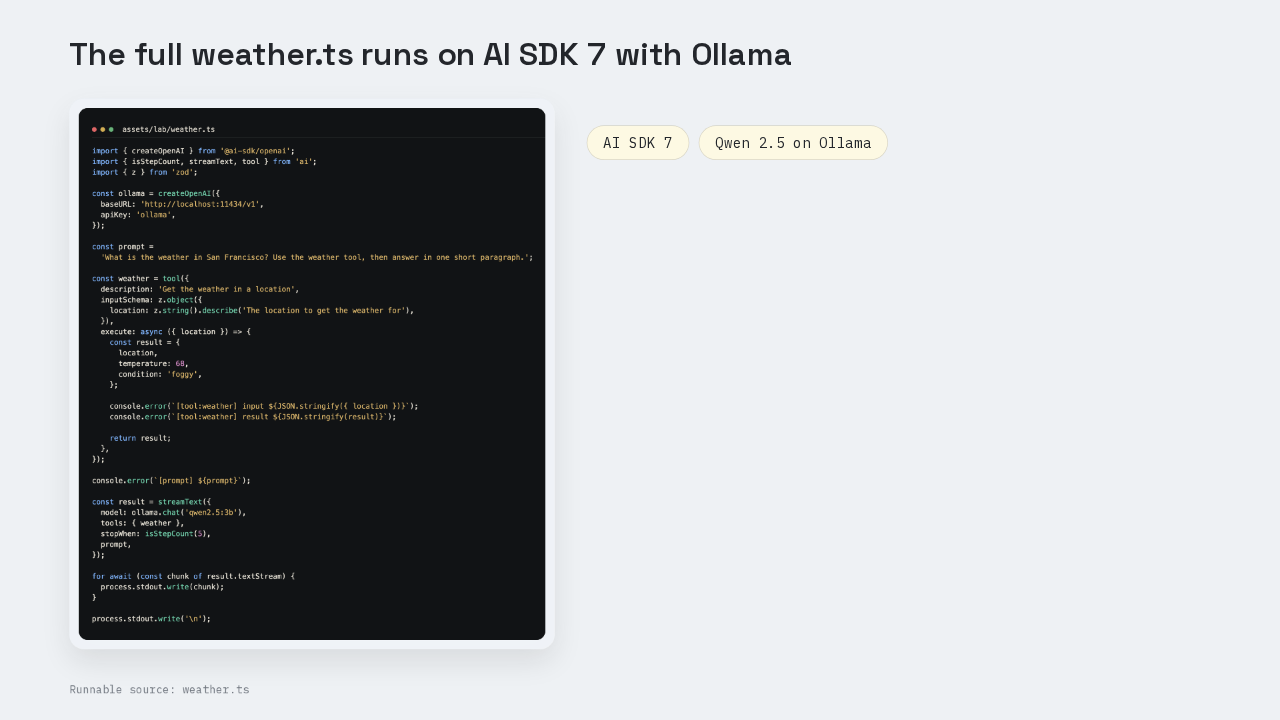
The whole program is one file, weather dot T S. At the top, `createOpenAI` builds a provider whose base URL points at Ollama on localhost. Next comes the weather tool. The tool has a description, get the weather in a location. The tool has an input schema, an object with one text field called location. The tool also has an execute function, and that function returns a fixed sixty-eight degrees and foggy. At the bottom, `streamText` gets the model, a tools object with weather inside it, a stop rule, and the prompt. A `for await` loop writes each piece of text to the terminal as the piece arrives.
The docs define a tool
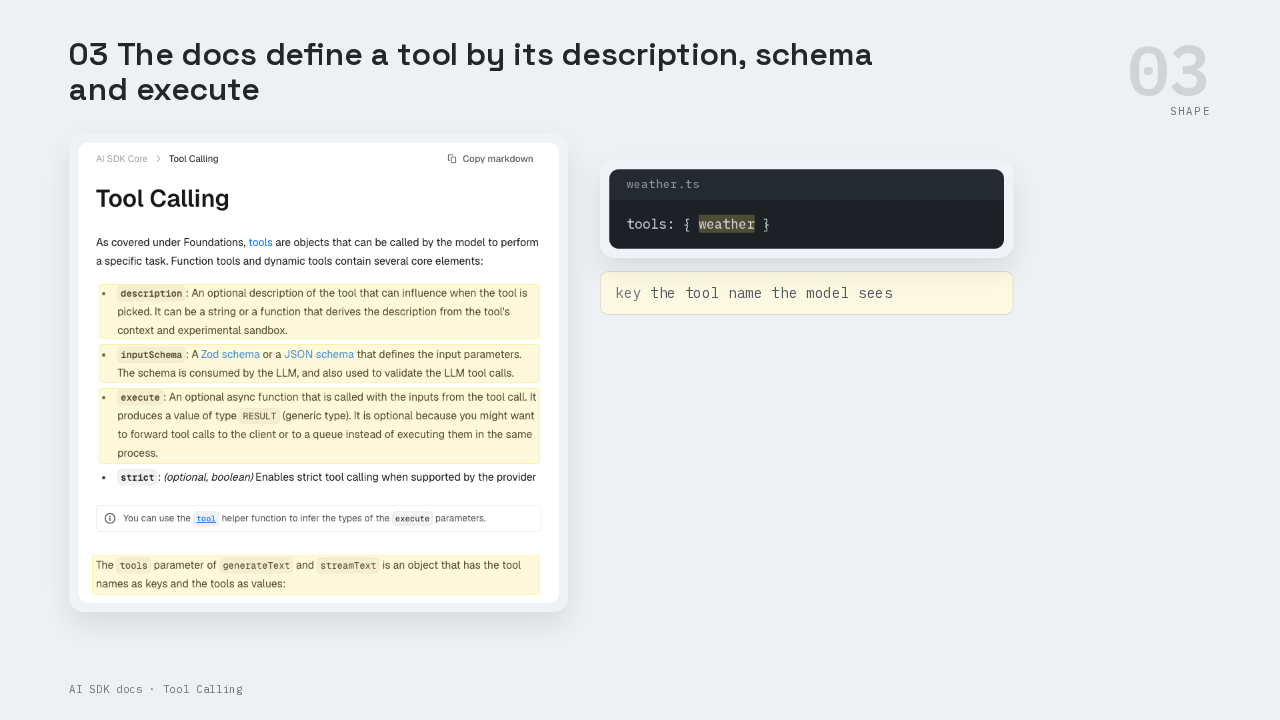
tools: { weather }
The official Tool Calling page lists the parts of a tool. The description is optional, and the docs say it can influence when the model picks the tool. The input schema is a Zod schema or a JSON schema. The model reads that schema, and the SDK uses the same schema to validate the model's tool calls. Execute is an optional async function that receives the inputs from the tool call. The same page says the tools parameter of `generateText` and `streamText` is an object with tool names as keys. So the key, weather, is the tool name the model sees.
Who owns the tool call
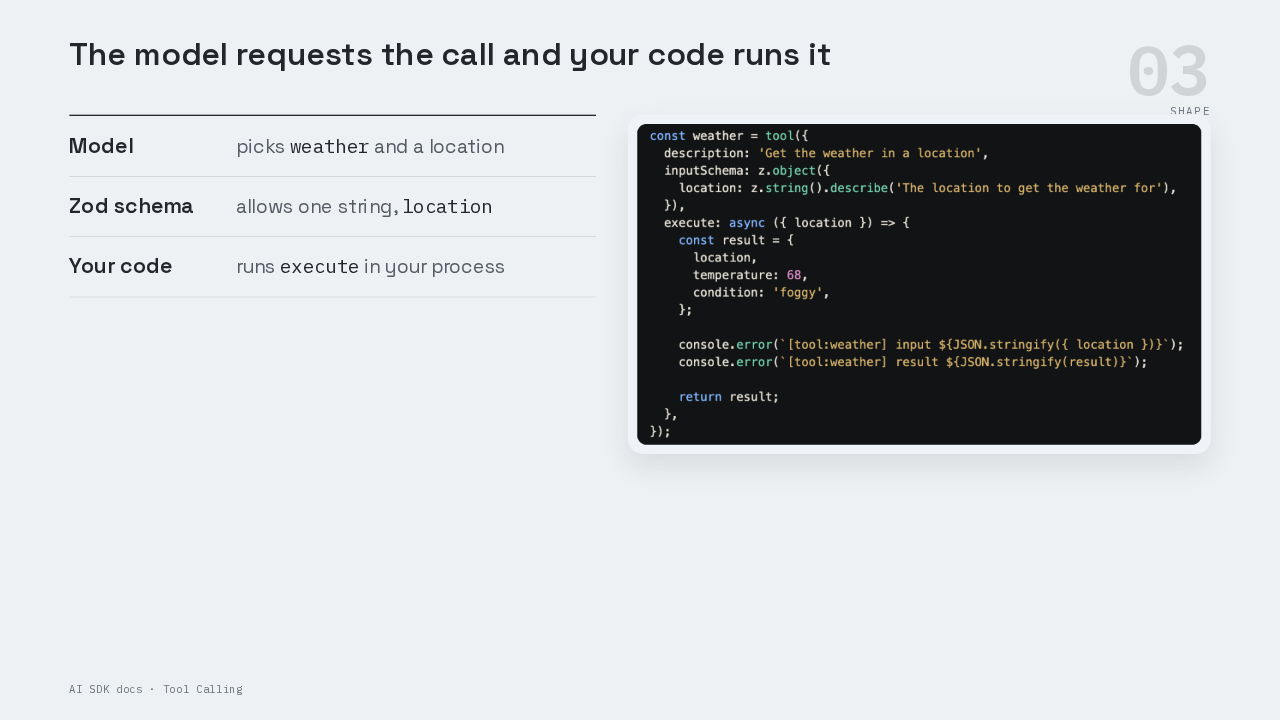
The API is shaped around who owns each part of a tool call. The model decides whether to call weather, and which location to ask for. The Zod schema sets what the model is allowed to send, one string called location. The model only writes a request. The AI SDK checks that request against the schema, and then the AI SDK calls execute inside your own process. So the weather data comes from code you wrote, running next to the rest of your app. The `tool` helper wraps the description, the schema and execute together. The docs say the `tool` helper infers the types of the execute parameters. Inside execute, location is already typed as a string.
Two steps of five
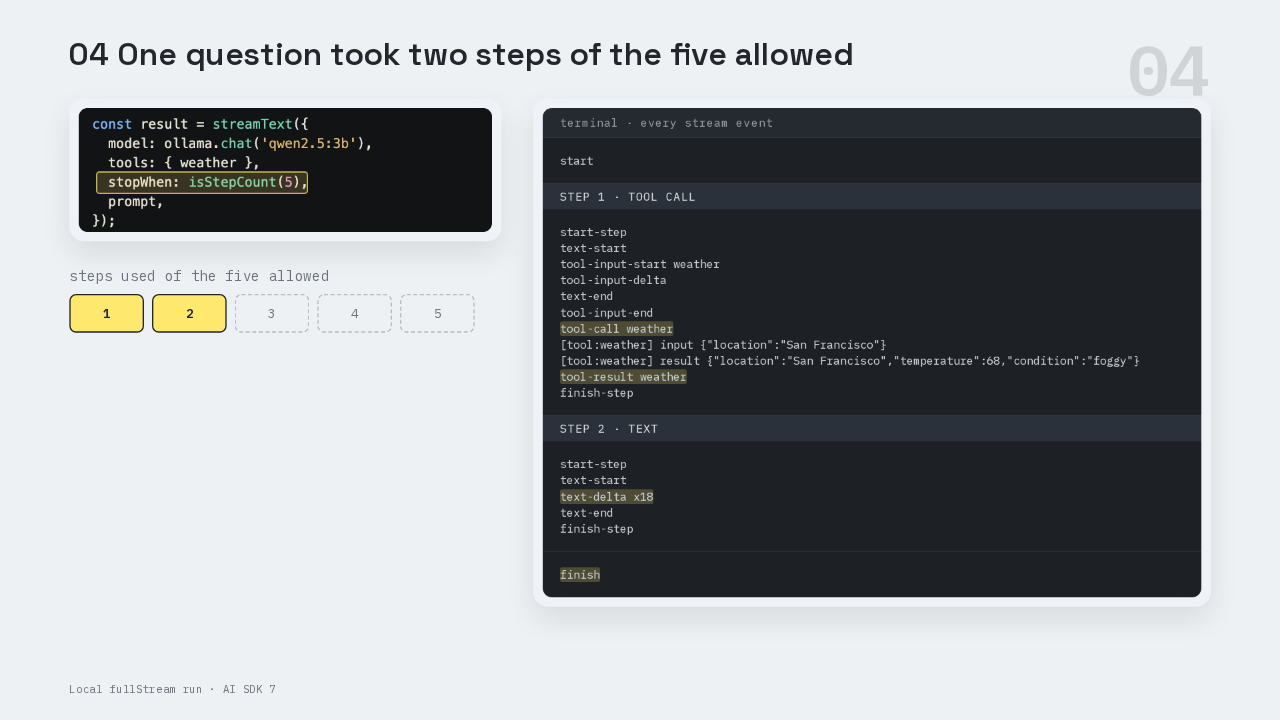
start
start-step
text-start
tool-input-start weather
tool-input-delta
text-end
tool-input-end
tool-call weather
[tool:weather] input {"location":"San Francisco"}
[tool:weather] result {"location":"San Francisco","temperature":68,"condition":"foggy"}
tool-result weather
finish-step
start-step
text-start
text-delta x18
text-end
finish-step
finish
Tool calling runs as a loop, and `stopWhen` sets the limit on that loop. Each pass through the loop is a step. In step one, the model answers with a tool call in place of text, and the AI SDK runs execute to get a tool result. In step two, the model receives that result and writes its text. `isStepCount(5)` stops the loop once the run reaches five steps. This terminal shows every stream event from the same script. Step one ends with a tool call named weather, followed by a tool result named weather. Step two streams eighteen pieces of text and then finishes. The run used two steps of the five it was allowed.
Five runs, five calls
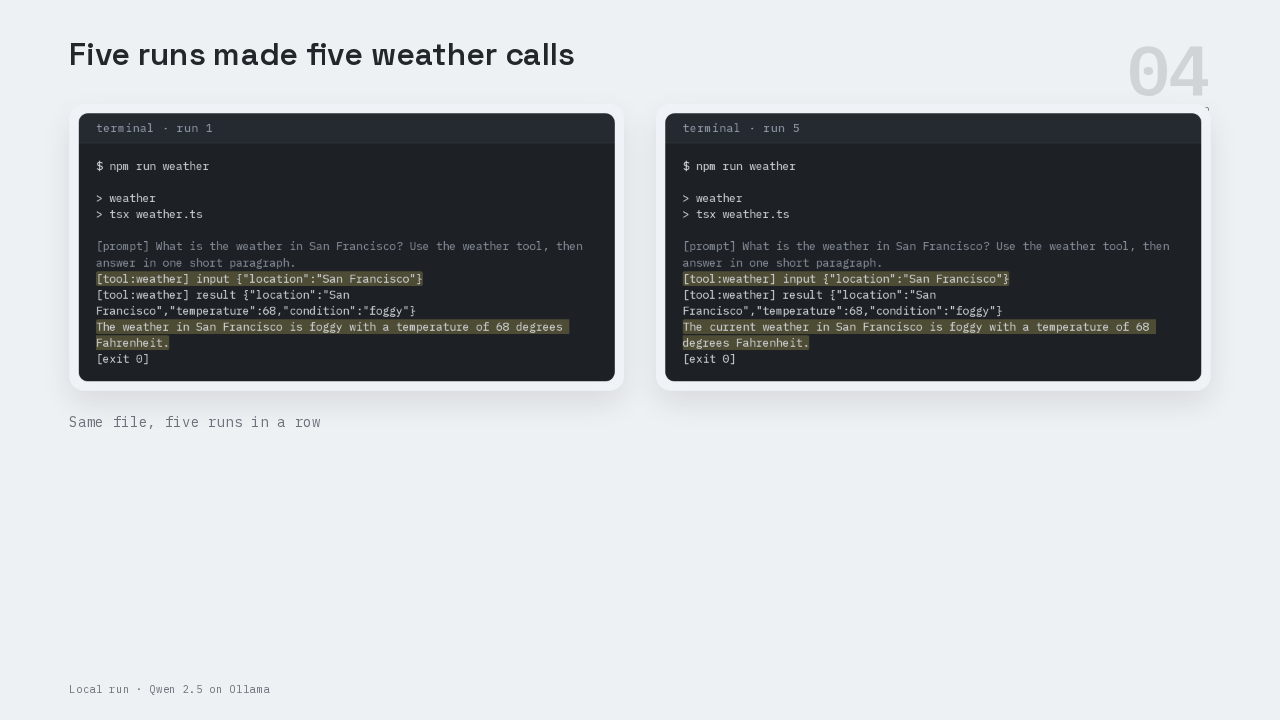
$ npm run weather

> weather
> tsx weather.ts

[prompt] What is the weather in San Francisco? Use the weather tool, then answer in one short paragraph.
[tool:weather] input {"location":"San Francisco"}
[tool:weather] result {"location":"San Francisco","temperature":68,"condition":"foggy"}
The weather in San Francisco is foggy with a temperature of 68 degrees Fahrenheit.
[exit 0]
$ npm run weather

> weather
> tsx weather.ts

[prompt] What is the weather in San Francisco? Use the weather tool, then answer in one short paragraph.
[tool:weather] input {"location":"San Francisco"}
[tool:weather] result {"location":"San Francisco","temperature":68,"condition":"foggy"}
The current weather in San Francisco is foggy with a temperature of 68 degrees Fahrenheit.
[exit 0]
The script ran five times in a row. The prompt asks for the weather in San Francisco and tells the model to use the weather tool. On every run, the tool logged its input, San Francisco, and its result, sixty-eight degrees and foggy. Every streamed answer used the sixty-eight degrees that execute returned. These runs used Qwen 2.5 through Ollama. To use OpenAI's hosted models, replace the whole `createOpenAI` block with the default `openai` provider, and call that provider with a model id. The provider docs say the default provider's base URL points at OpenAI's own API. The provider docs also say its key comes from the OpenAI API key environment variable. The weather tool code stays the same.
Provider schema limits
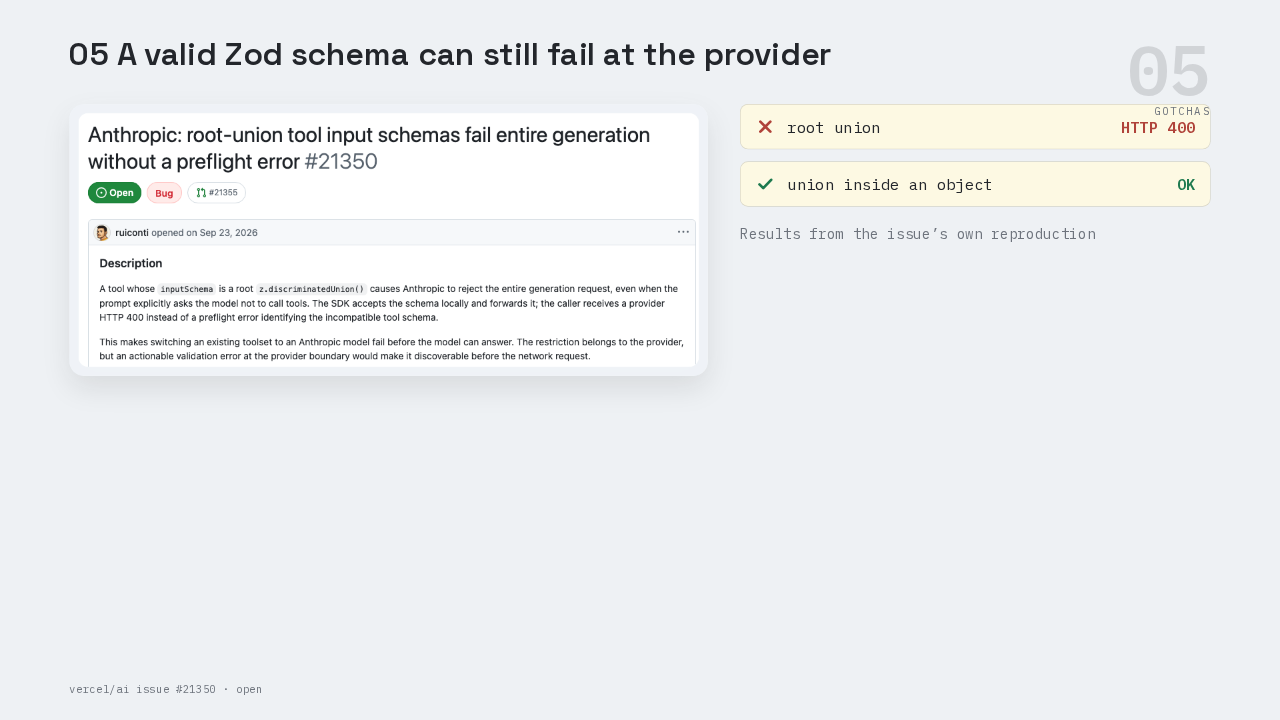
This is the part people get wrong. A Zod schema can compile in TypeScript and still break a provider's rules for tools. Issue twenty-one three fifty is open and shows the case. The tool's input schema was a Zod discriminated union at the top level, meaning one of several object shapes, picked by one field. The AI SDK accepted that schema. Anthropic's API rejected the whole request with an HTTP four hundred error. The same union worked once the author wrapped it inside an object property. Keep the top level of every input schema a plain object, the way the weather tool does.
NoSuchToolError
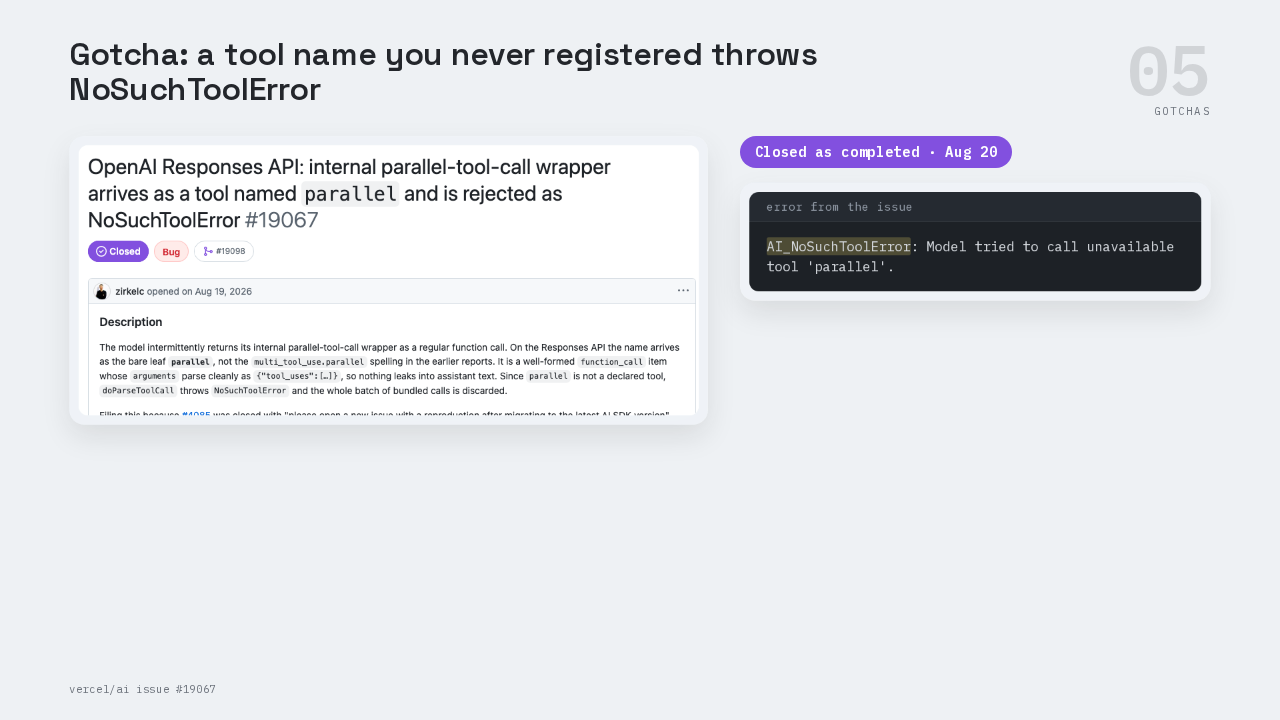
AI_NoSuchToolError: Model tried to call unavailable tool 'parallel'.
This is the part people get wrong when a provider sends something unexpected. A model can only call the tools registered in your tools object. Issue nineteen oh six seven was filed against OpenAI's Responses API, the interface the default OpenAI provider uses to send a request to OpenAI's models. The issue shows a model calling a tool named parallel. That name belonged to OpenAI's internal wrapper for several calls at once, and the app had never registered it. The AI SDK threw a NoSuchToolError and sent the error back to the model as the tool result, so the run kept going. The maintainers closed that issue as completed in August. When your log shows a NoSuchToolError, compare the tool name in the error with the keys in your tools object.
Tool call and tool result stay paired
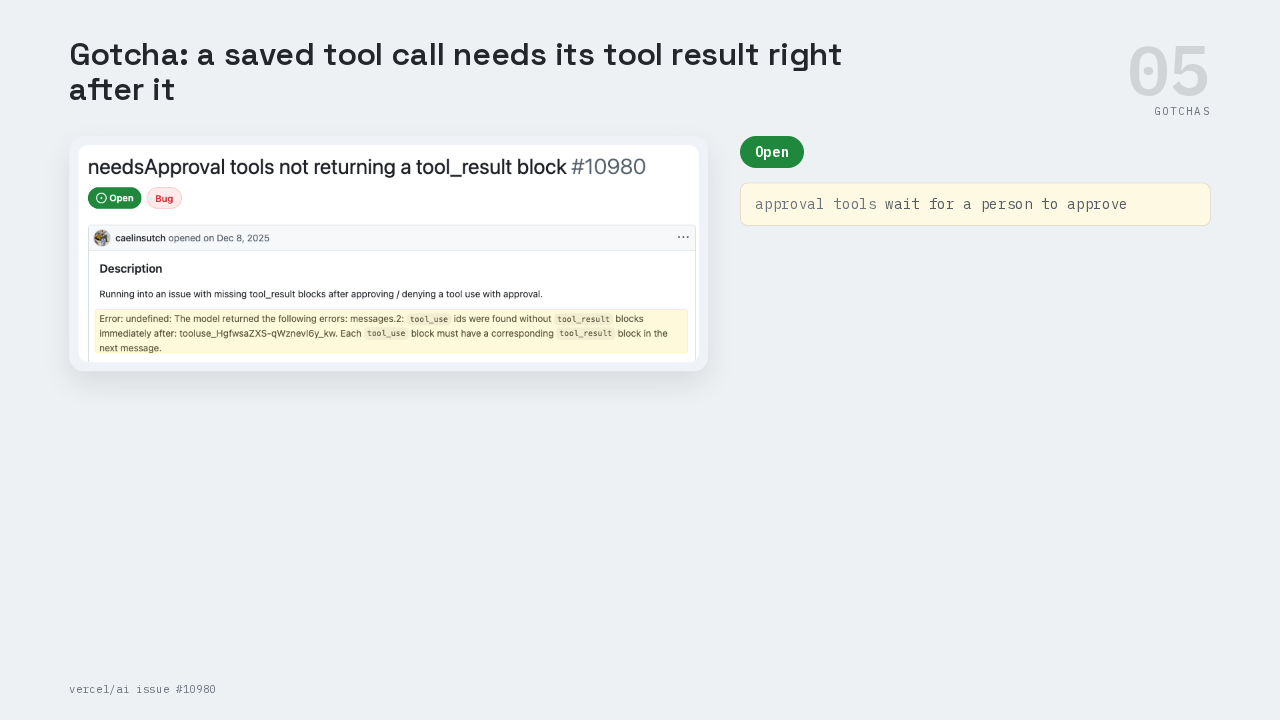
This is the part people get wrong after the demo works. Once you save a conversation, every tool call has to stay paired with its tool result. Issue ten nine eighty is about tools that wait for a person to approve them. After the person clicked approve or deny, the next request failed. The provider's error said each tool use block needs a matching tool result block in the next message. The issue is open. This script never saves messages, so the pairing stays inside one `streamText` call. When you store chat history, store each tool call and its tool result together, in order.
The full weather.ts
The provider points at Ollama. The weather tool has a description, a Zod input schema, and an execute function. The `streamText` call passes the tools object, a five-step limit, and the prompt.