streamText starts moving
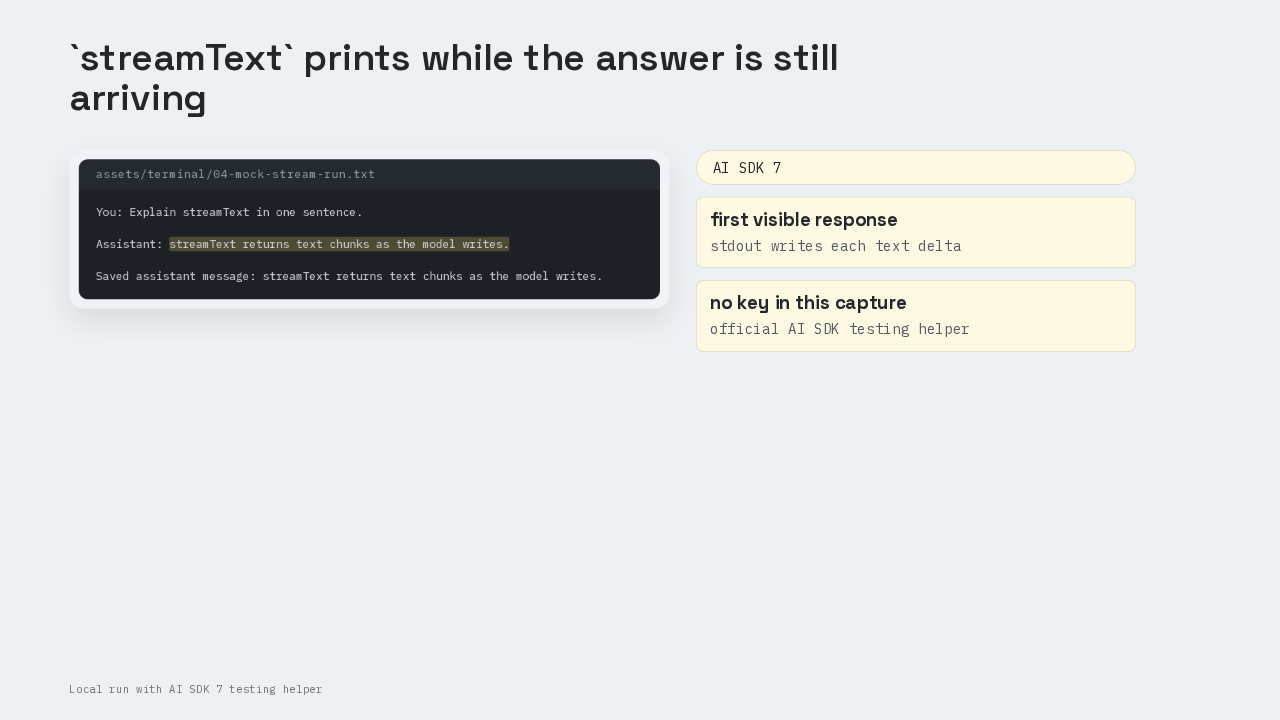
You: Explain streamText in one sentence.

Assistant: streamText returns text chunks as the model writes.

Saved assistant message: streamText returns text chunks as the model writes.
A one-file Node script can print the first words before the full answer exists. This was run on AI SDK 7, Vercel’s TypeScript toolkit for calling AI models from an app. The function is `streamText`, and the terminal starts writing while the answer is still being produced. That early movement tells the user the chat UI is alive.
Install prerequisites
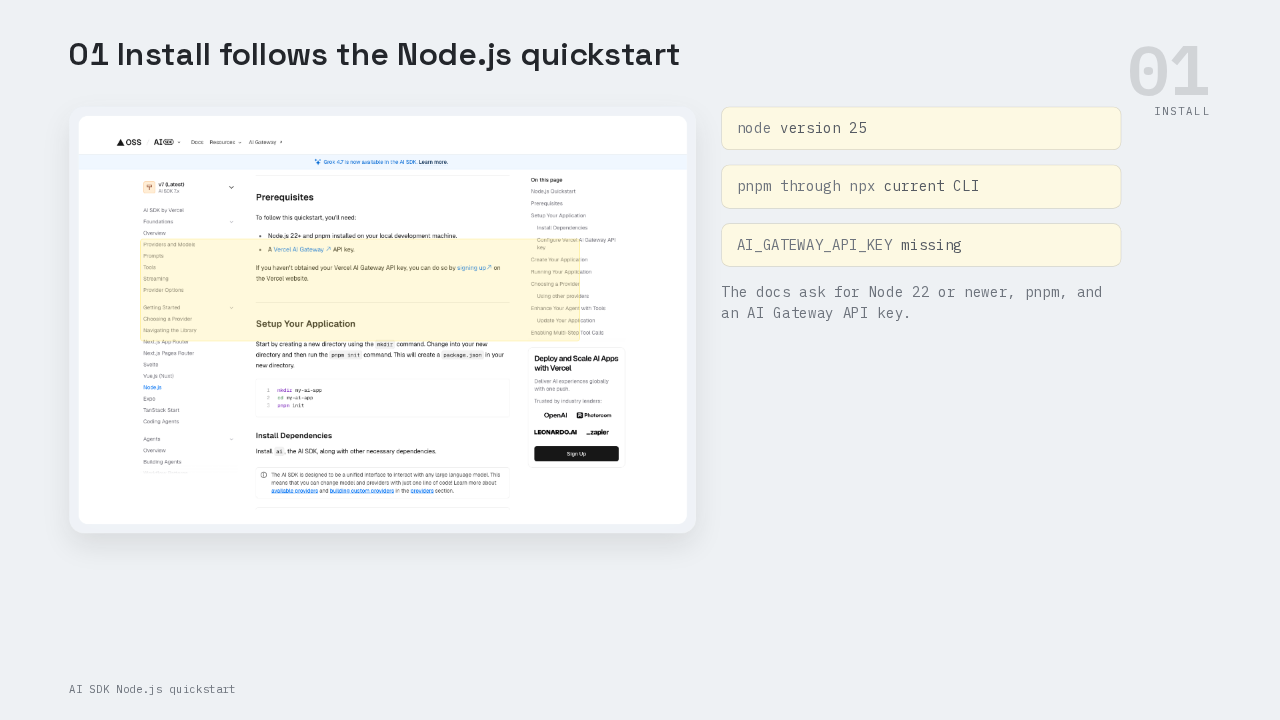
The official Node.js quickstart asks for Node twenty-two or newer, pnpm, and a Vercel AI Gateway API key. Vercel AI Gateway is the hosted gateway the quickstart uses to reach a model with one key. The local run used Node twenty-five and pnpm through npx, so the runtime meets the docs’ floor. The missing piece on this machine was the AI Gateway key. The docs put that key in `.env`, and that setup choice shows up again in the gotchas.
Runtime packages
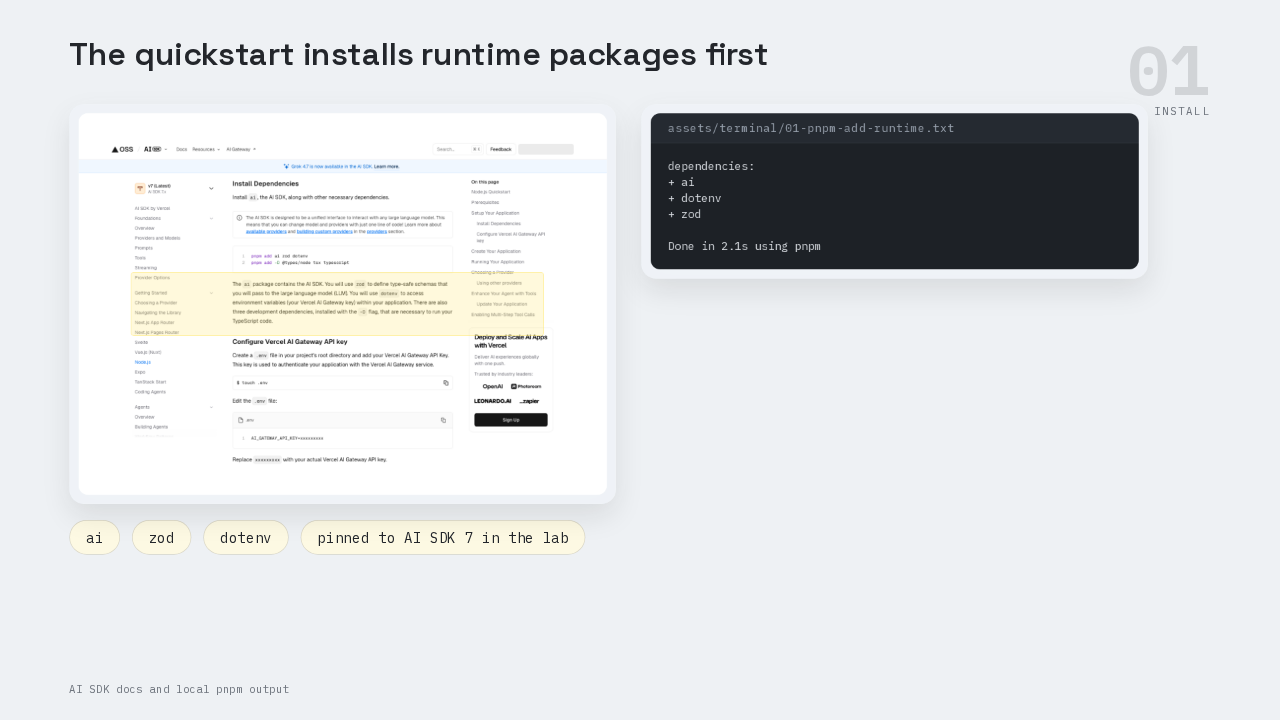
dependencies:
+ ai
+ dotenv
+ zod

Done in 2.1s using pnpm
The first install command adds three runtime packages. The `ai` package is the AI SDK itself. Zod handles schemas later in the quickstart, even though this first script only needs text. Dotenv loads environment variables from `.env`, including the Gateway key. In the code, `import 'dotenv/config'` runs before the model call, so the Gateway key is available when the AI SDK reads the environment. The local transcript shows those packages being added, then the lab pinned the AI SDK package to the current AI SDK 7 build checked from npm.
TypeScript runner
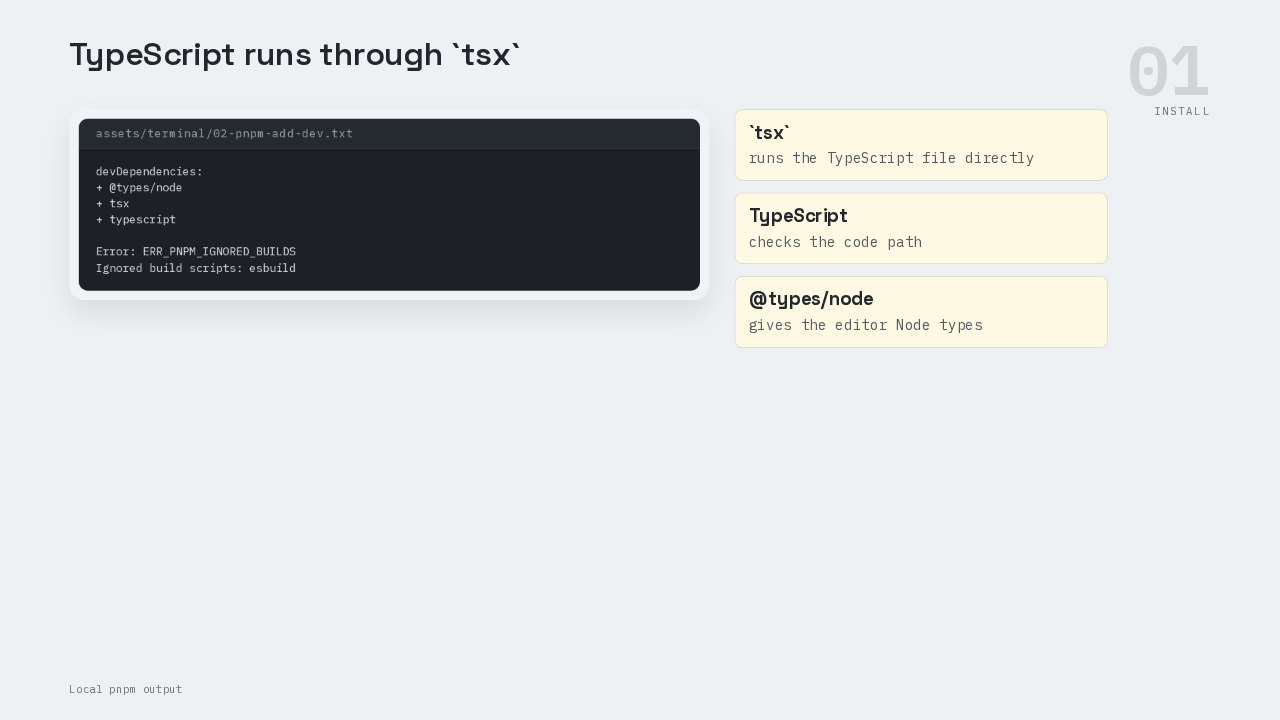
devDependencies:
+ @types/node
+ tsx
+ typescript

Error: ERR_PNPM_IGNORED_BUILDS
Ignored build scripts: esbuild
The second install command adds the TypeScript runner side. `tsx` runs the TypeScript file directly, TypeScript checks the code, and `@types/node` gives the editor Node’s types. Pnpm also reported that it ignored the esbuild build script. The typecheck still passed in this lab, so that warning did not stop the first-response path. After this step, the project has enough machinery to run `pnpm tsx index.ts`.
One streamText call
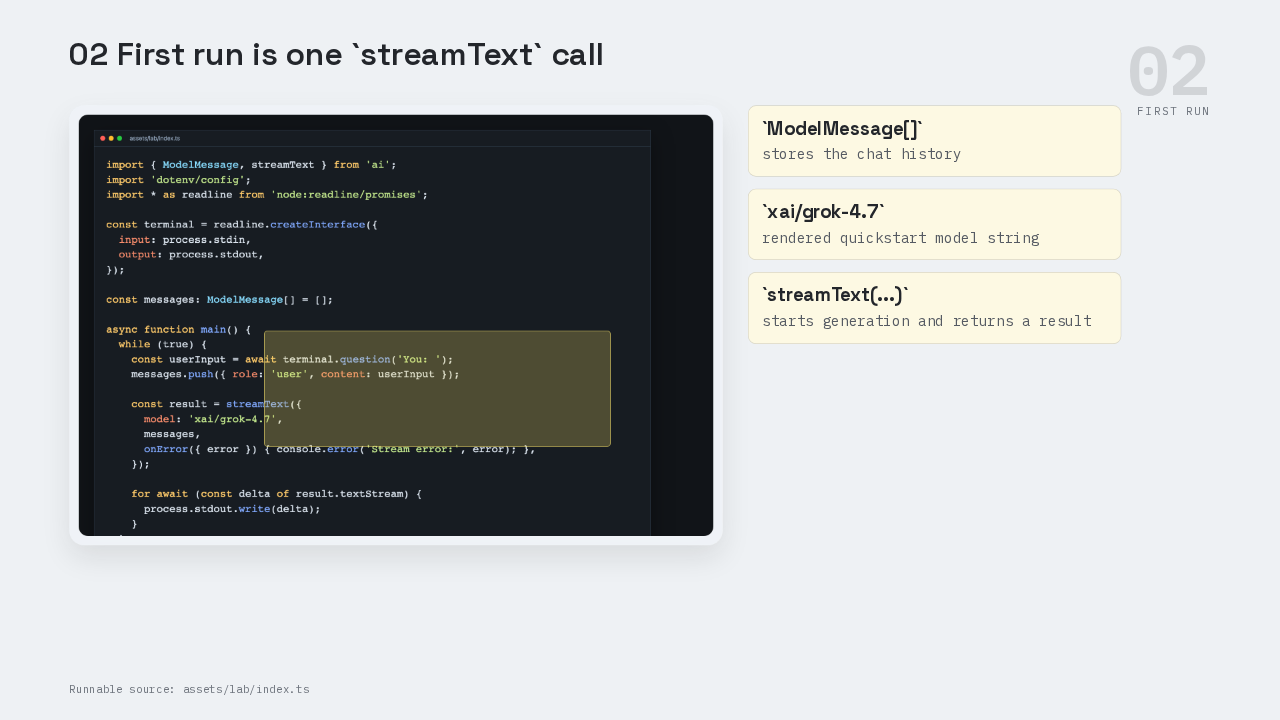
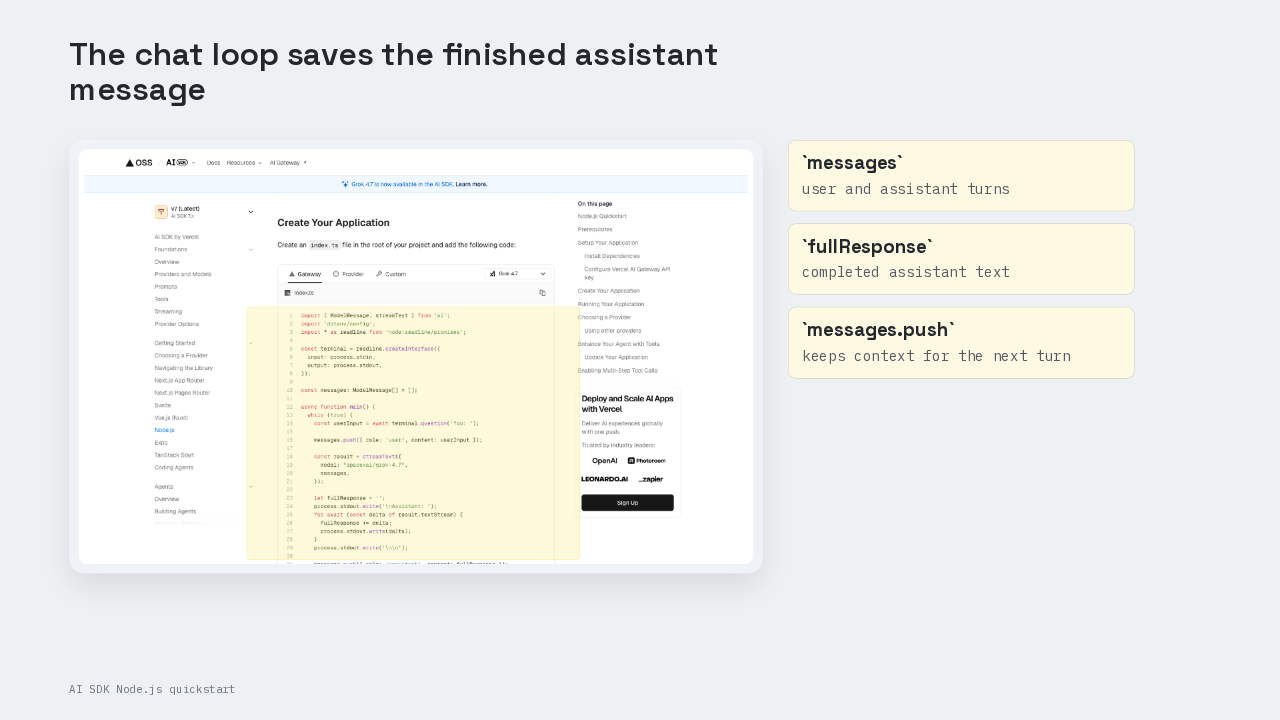
The smallest program imports `ModelMessage` and `streamText` from `ai`, then opens a readline prompt. Readline is Node’s built-in terminal question API. `ModelMessage` is the AI SDK message type for chat history. The script stores every user and assistant turn in a `messages` array. When the user types a prompt, the script calls `streamText` with the rendered quickstart model string, `xai/grok-4.7`, and the current messages. `streamText` starts the generation and returns a result object.
The stream shape
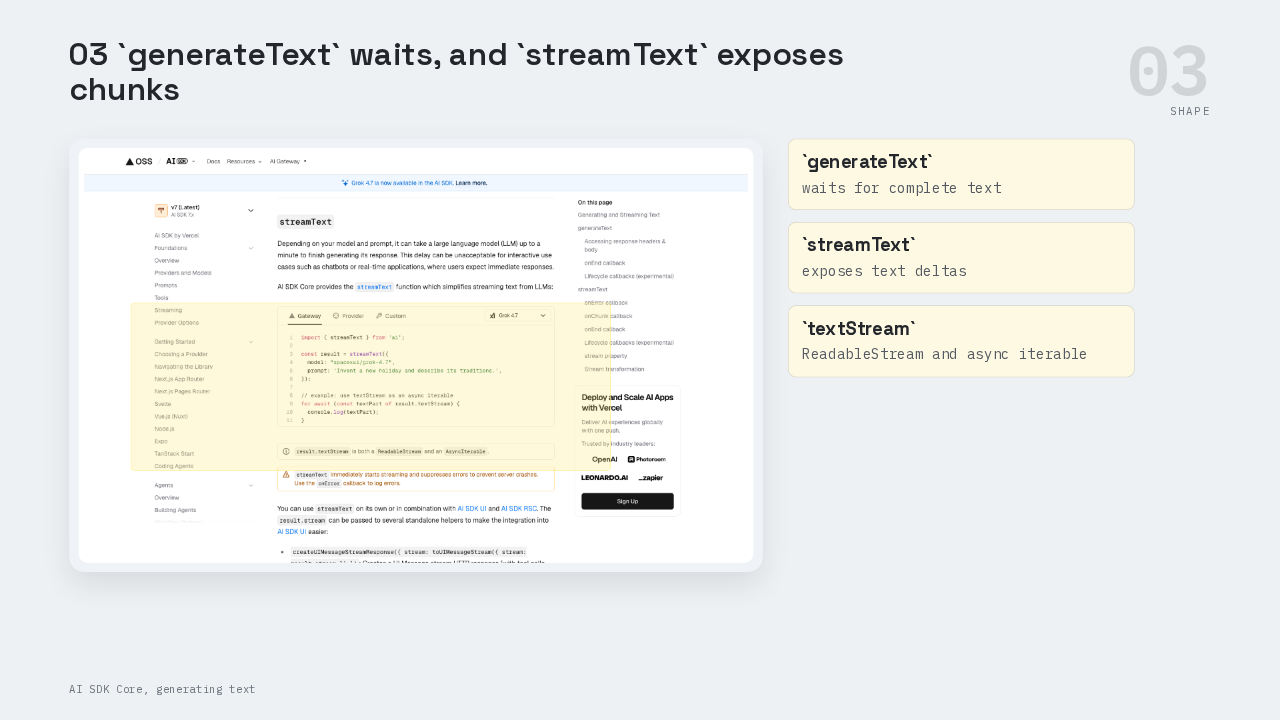
The docs split the two text-generation shapes. `generateText` is the sibling function that waits for a complete text answer. `streamText` exposes the answer as pieces. The property is `result.textStream`, which is the stream of text deltas on the result object. The docs say that `textStream` is both a ReadableStream and an async iterable. A ReadableStream is the web stream shape that browser and server runtimes already understand. An async iterable is a value Node can loop over with `for await` as new pieces arrive.
The stdout loop
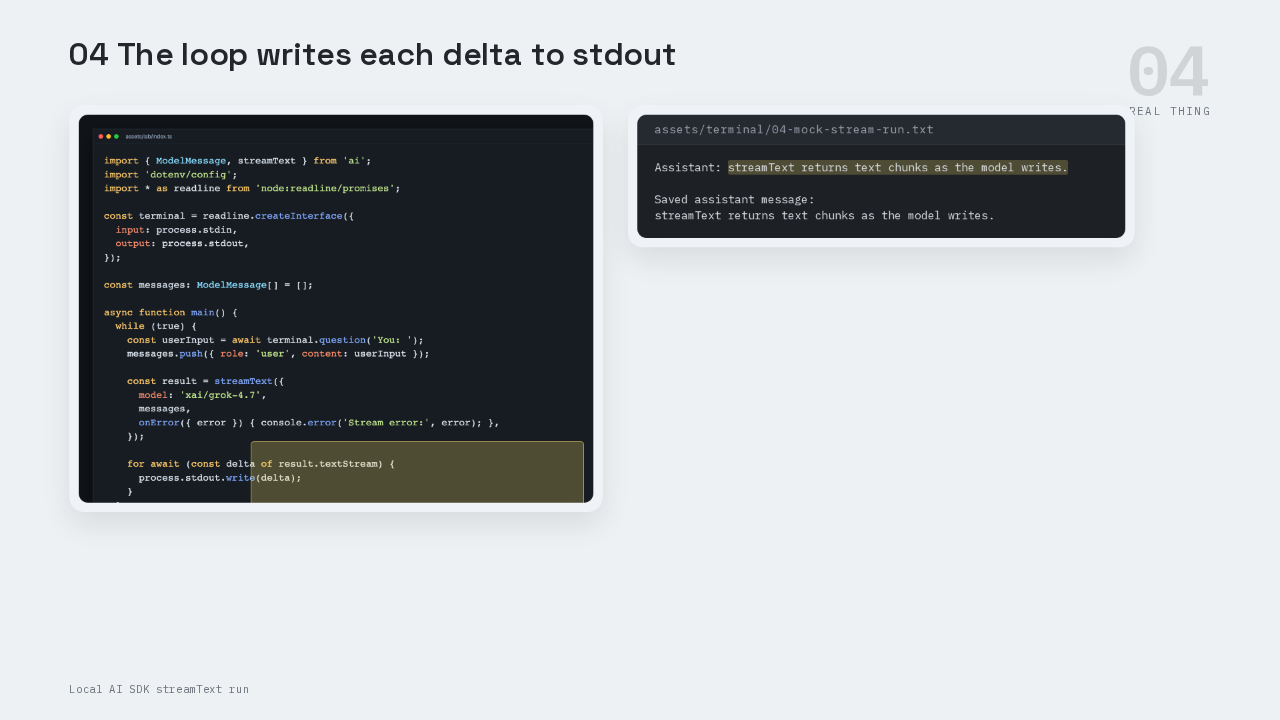
Assistant: streamText returns text chunks as the model writes.

Saved assistant message:
streamText returns text chunks as the model writes.
The loop is the visible payoff. The script creates `fullResponse`, prints the assistant label, then loops over `result.textStream`. Each delta is one new text piece. `process.stdout.write(delta)` sends each piece straight to the terminal. That is why the answer can appear word by word while the final newline is still ahead. The lab output uses AI SDK’s official testing helper with three text chunks. It proves the stream consumption path. A live provider response needs the Gateway key from the quickstart.
Save the message
After the stream finishes, the script saves the full assistant response back into `messages`. That saved assistant message is what turns the first run into a terminal chat. The next user message carries the previous turns with it, so the model sees the conversation so far. The quickstart also shows the current Gateway default as Grok four point seven with the model string `xai/grok-4.7`. If you copy the docs today, that is the model string the rendered page shows.
Gateway auth
injected env (0) from .env
onError: Error [GatewayAuthenticationError]:
Unauthenticated request to AI Gateway.

To authenticate, set the
AI_GATEWAY_API_KEY environment variable
with your API key.
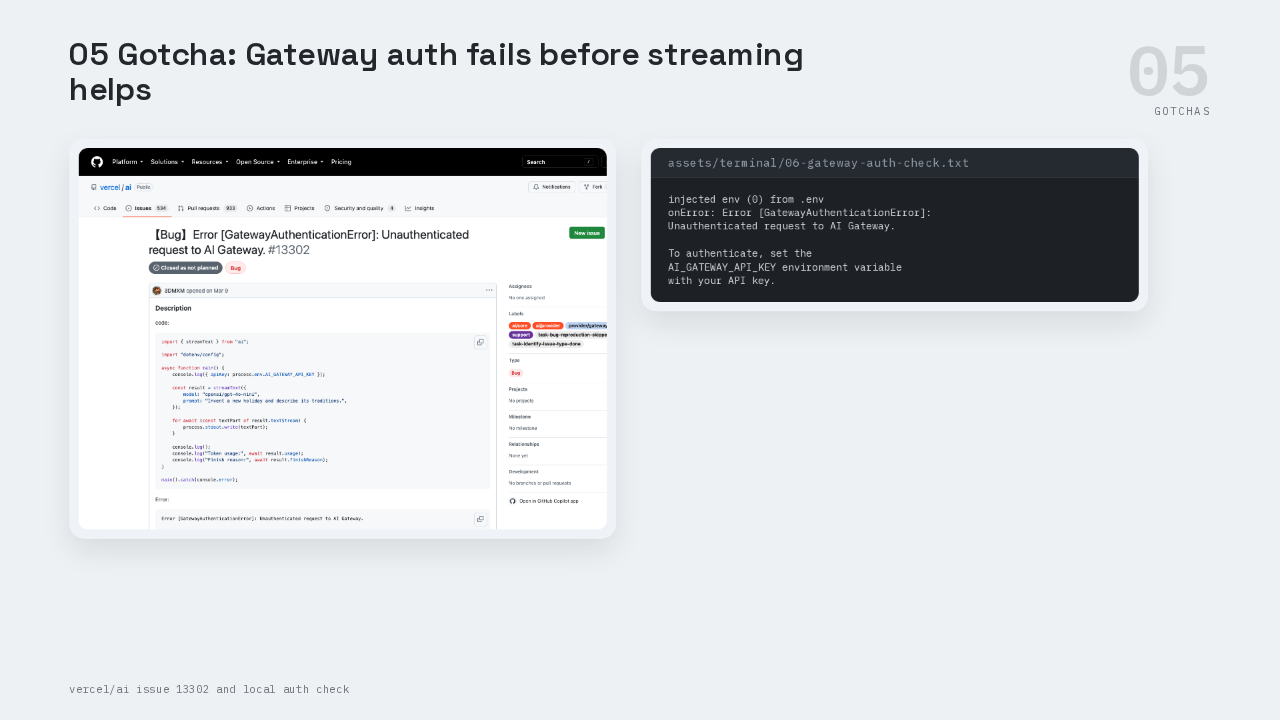
This is the part people get wrong with Gateway auth. The quickstart depends on `AI_GATEWAY_API_KEY` in `.env`. When that key is missing, the local Gateway check raises `GatewayAuthenticationError` before there is useful model output to stream. The captured error also says zero variables were injected from `.env`, which is the clue to follow first. Issue thirteen three oh two is the same class of error in the AI SDK repository. Check `.env` first, then check that the shell running `tsx` can actually read the key.
onError
onError({ error }) {
  console.error(
    "\nStream error:",
    error
  );
}
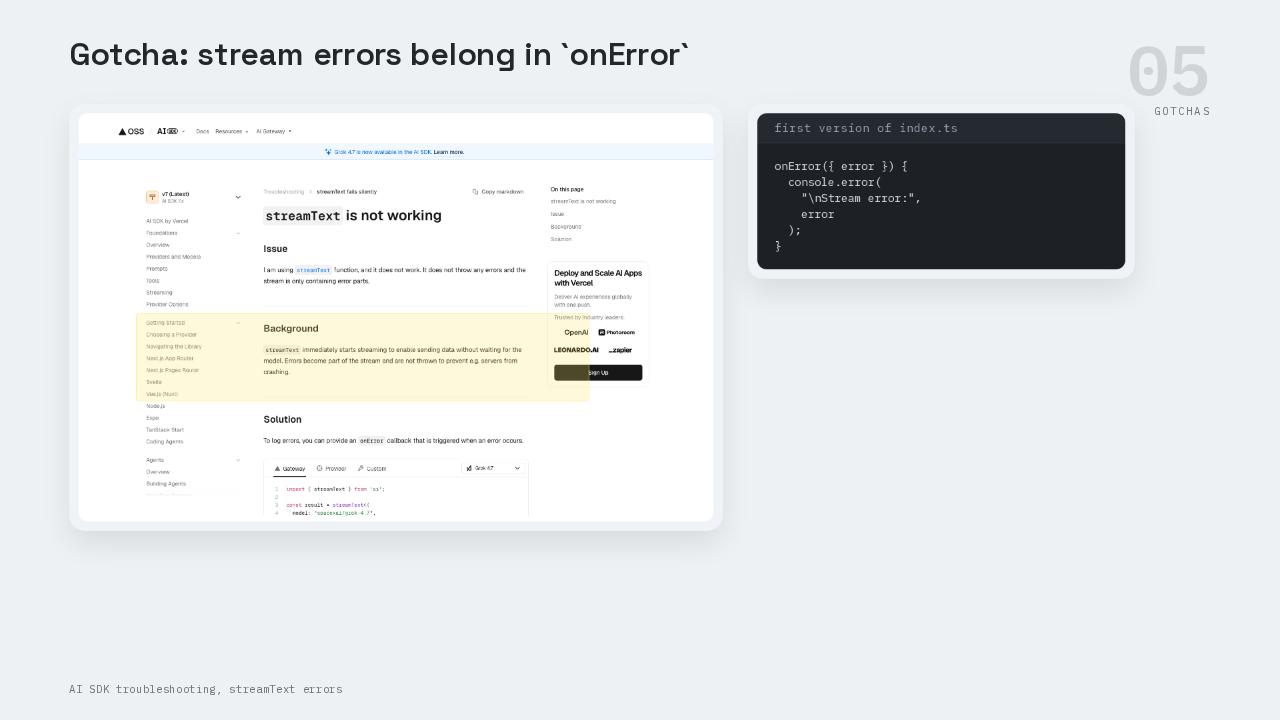
This is the part people get wrong with stream errors. The docs say `streamText` starts streaming immediately, and stream errors are surfaced through the error path so the server can stay up. `onError` is the callback where those failures can be logged. Put `onError` into the first version of the script. The `textStream` loop is for successful text deltas. The error callback is for provider, network, and authentication failures.
Fallbacks
const result = streamText({
  model: 'xai/grok-4.7',
  messages,
  onError({ error }) {
    console.error('\nStream error:', error);
  },
});

let fullResponse = '';
for await (const delta of result.textStream) {
  fullResponse += delta;
  process.stdout.write(delta);
}

messages.push({ role: 'assistant', content: fullResponse });
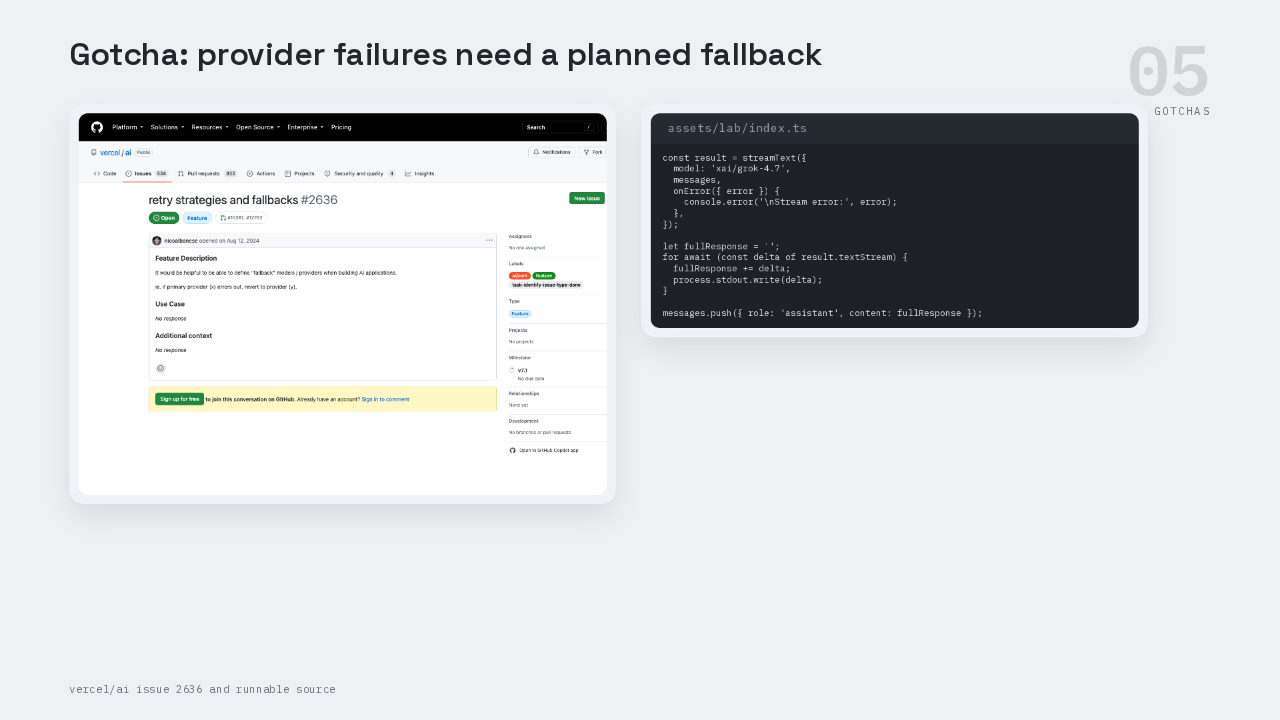
This is the part people get wrong after the first response works. Provider failures still happen, and issue twenty-six thirty-six is the long-running thread about retry strategies and fallbacks. For the first script, keep the shape provider-simple: one Gateway model, one messages array, one stream loop, and one `onError` logger. The reusable path is small. Call `streamText`, loop over `result.textStream`, write each delta to stdout, then save the completed assistant message back into `messages`.