Bun.cron can calculate the next run inside Bun
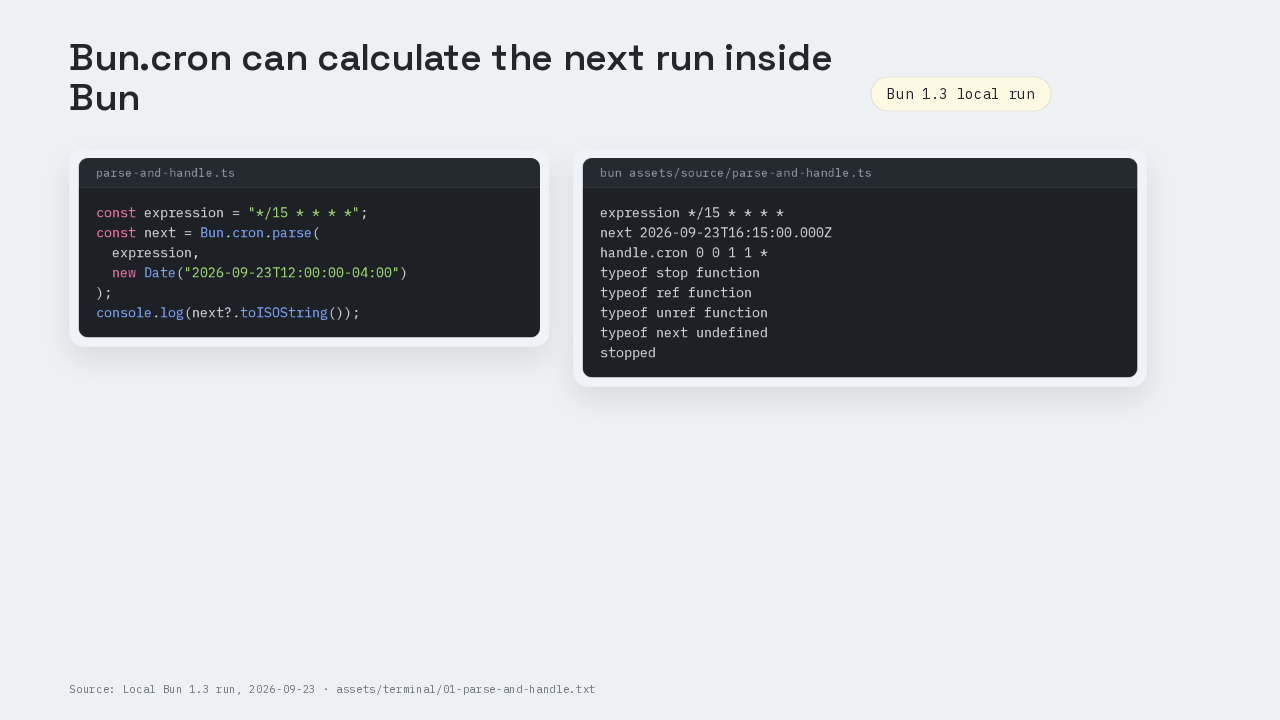
const expression = "*/15 * * * *";
const next = Bun.cron.parse(
  expression,
  new Date("2026-09-23T12:00:00-04:00")
);
console.log(next?.toISOString());
expression */15 * * * *
next 2026-09-23T16:15:00.000Z
handle.cron 0 0 1 1 *
typeof stop function
typeof ref function
typeof unref function
typeof next undefined
stopped
A five-field cron expression can already run inside Bun. This was run on Bun 1.3. The program asks Bun.cron for the next quarter-hour match, and Bun returns a JavaScript Date. No node-cron package is installed. That parse call is the first step toward a real scheduled TypeScript job.
01 Install starts with a Bun project
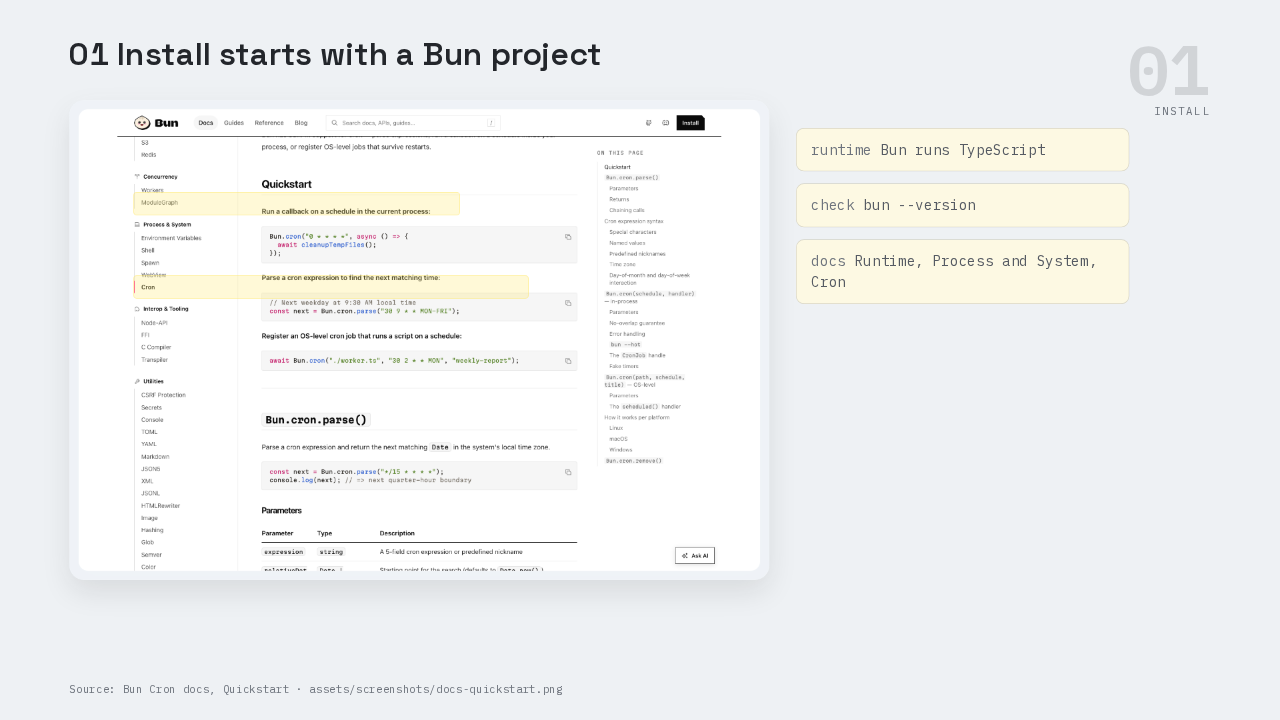
The setup is the normal Bun setup. Bun runs TypeScript files directly, so the smallest cron project does not need a compiler step before the first run. The docs page we are walking is Runtime, Process and System, Cron. The API on this page is Bun.cron, Bun’s built-in scheduler API.
02 First run parses one schedule string
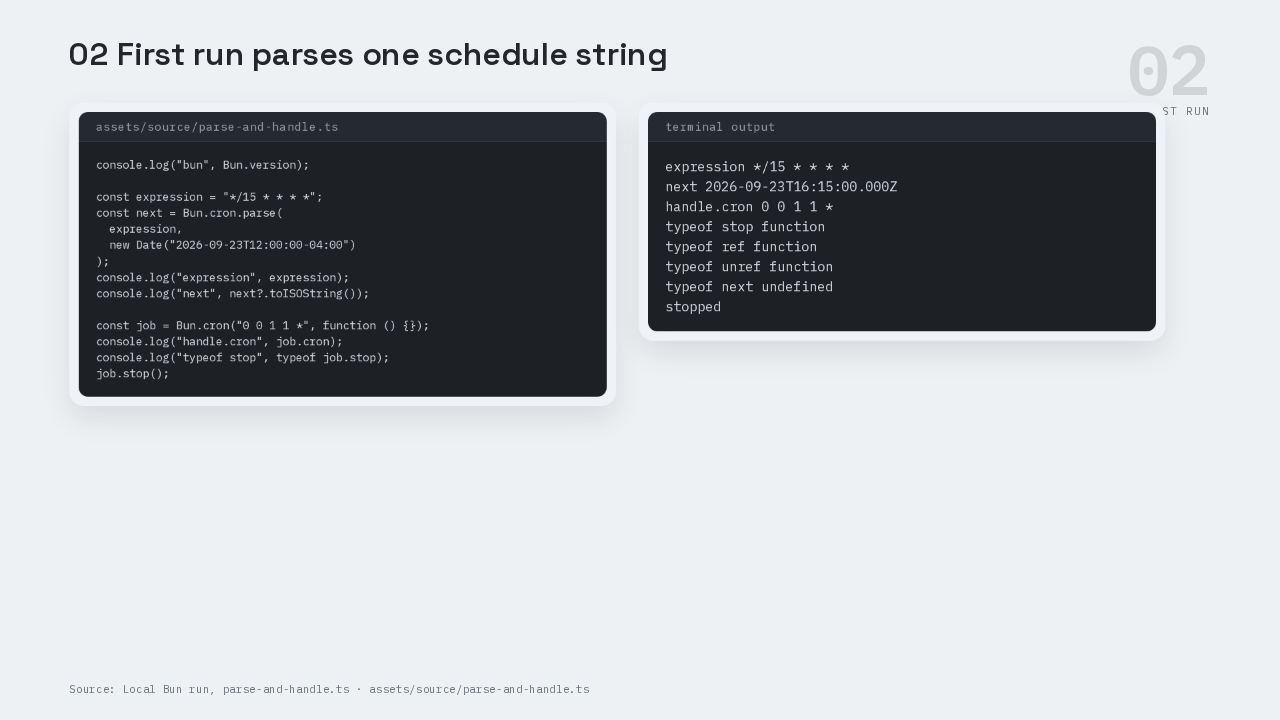
console.log("bun", Bun.version);

const expression = "*/15 * * * *";
const next = Bun.cron.parse(
  expression,
  new Date("2026-09-23T12:00:00-04:00")
);
console.log("expression", expression);
console.log("next", next?.toISOString());

const job = Bun.cron("0 0 1 1 *", function () {});
console.log("handle.cron", job.cron);
console.log("typeof stop", typeof job.stop);
job.stop();
expression */15 * * * *
next 2026-09-23T16:15:00.000Z
handle.cron 0 0 1 1 *
typeof stop function
typeof ref function
typeof unref function
typeof next undefined
stopped
A cron expression is a schedule string with five fields. The fields are minute, hour, day of month, month, and weekday. In this first run, the expression says every fifteen minutes. The star in the other four fields means every hour, every day of month, every month, and every weekday. We pass noon Eastern on September twenty-third as the reference time. Bun returns four fifteen PM UTC, which is the same instant as twelve fifteen PM Eastern.
03 Bun.cron has three jobs on one docs page
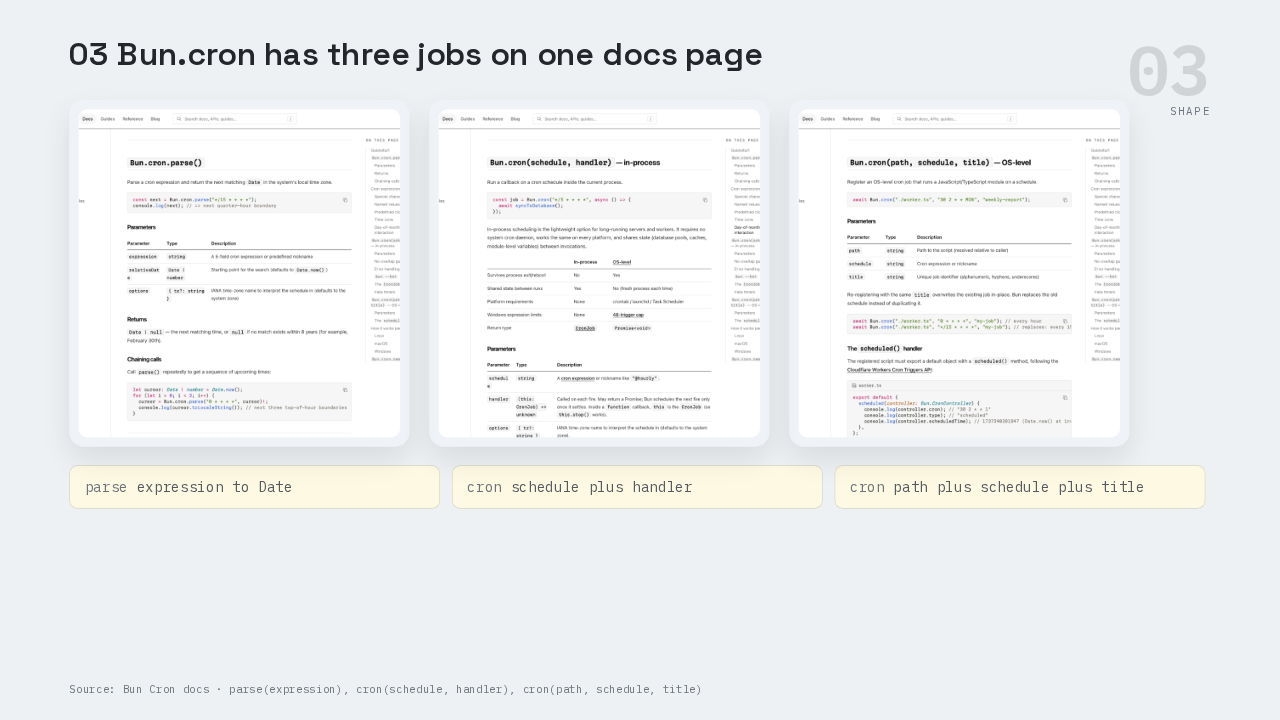
The docs split Bun.cron into three related jobs. The parse form turns a schedule into the next matching Date. The in-process form runs a callback inside the Bun process that is already alive. The OS-level form registers a TypeScript module with the operating system, so the operating system starts Bun later. That split is the shape of the API.
04 The in-process job shares the live Bun process
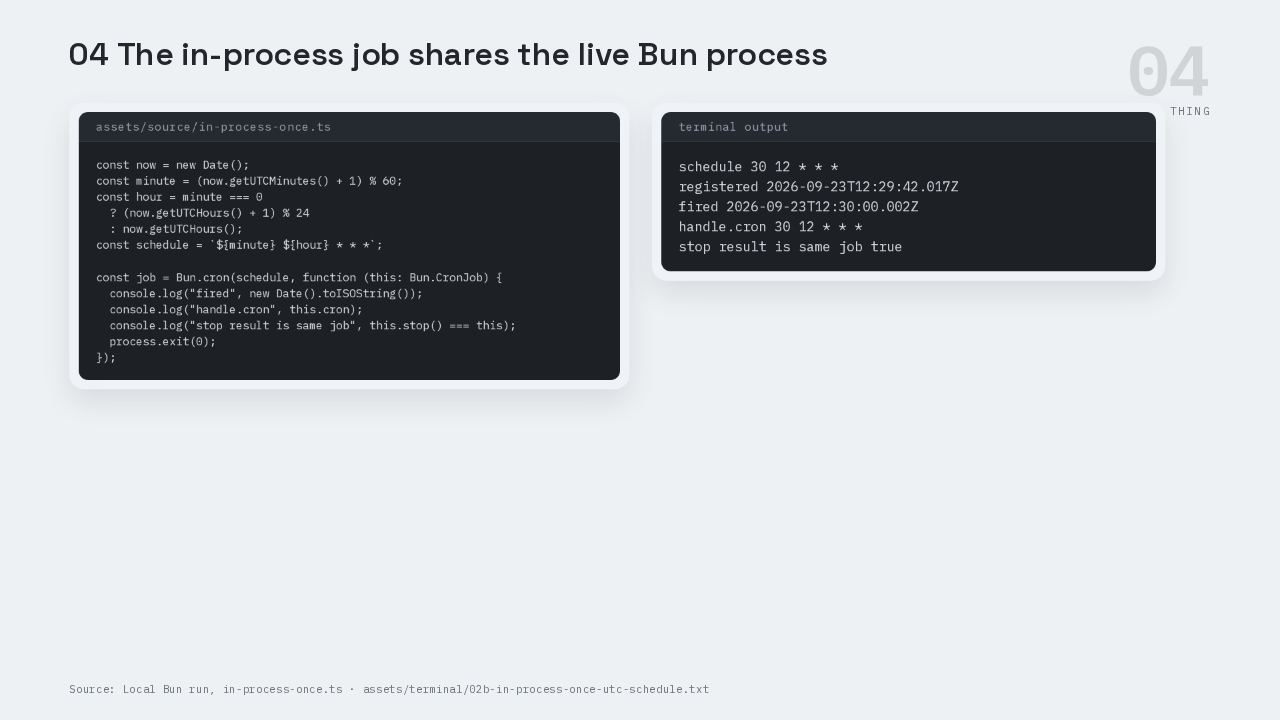
const now = new Date();
const minute = (now.getUTCMinutes() + 1) % 60;
const hour = minute === 0
  ? (now.getUTCHours() + 1) % 24
  : now.getUTCHours();
const schedule = `${minute} ${hour} * * *`;

const job = Bun.cron(schedule, function (this: Bun.CronJob) {
  console.log("fired", new Date().toISOString());
  console.log("handle.cron", this.cron);
  console.log("stop result is same job", this.stop() === this);
  process.exit(0);
});
schedule 30 12 * * *
registered 2026-09-23T12:29:42.017Z
fired 2026-09-23T12:30:00.002Z
handle.cron 30 12 * * *
stop result is same job true
The first real job uses the in-process form. The schedule is built for the next minute. Bun.cron registers a callback. When the minute arrives, the callback prints the current time, prints the cron string on the handle, then calls stop. A CronJob handle is the object Bun returns so your code can stop, ref, or unref the job. The callback uses a normal function instead of an arrow function because Bun binds the handle as `this`. In this capture, stop returns the same job object, and the process exits cleanly after the first fire.
Bun waits before scheduling the next callback
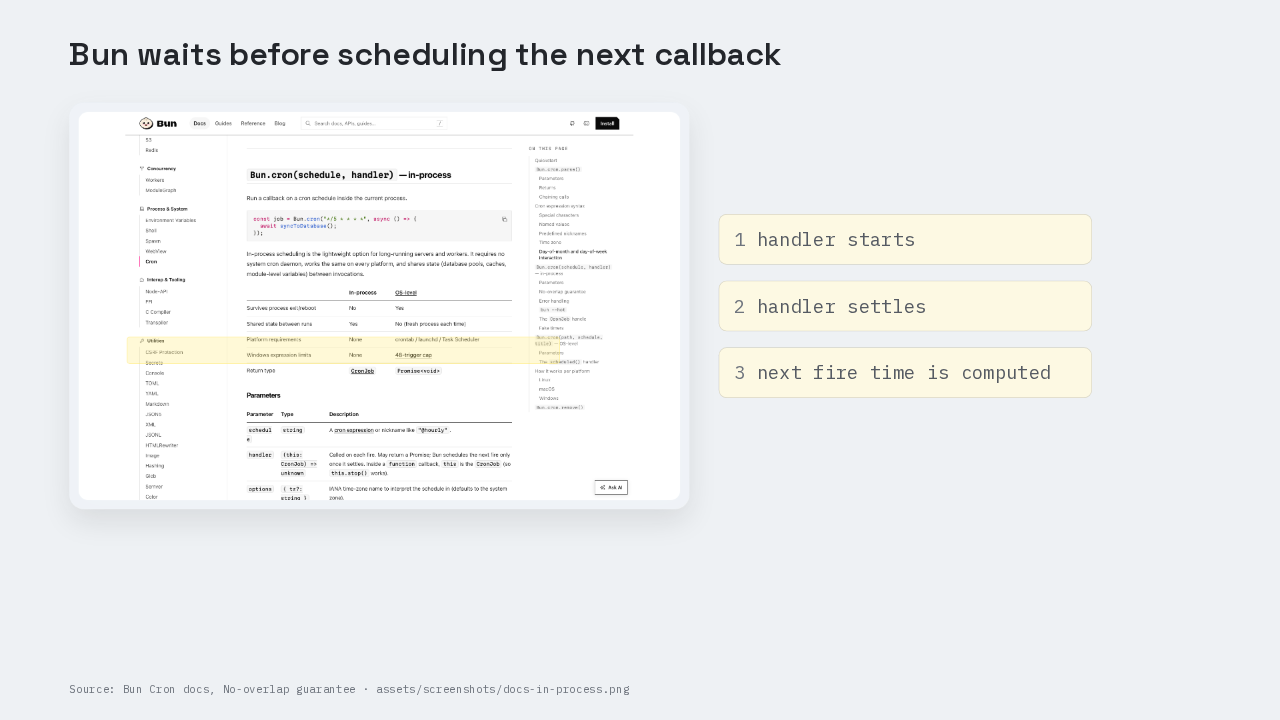
The in-process form has a no-overlap guarantee in the docs. Bun waits for the handler to finish before it computes the next fire time. If the handler returns a promise, Bun waits for that promise to settle. That means a slow callback does not stack another copy on top of itself. Cleanup jobs and cache refresh jobs usually need that single-copy behavior.
The OS-level job imports a module later
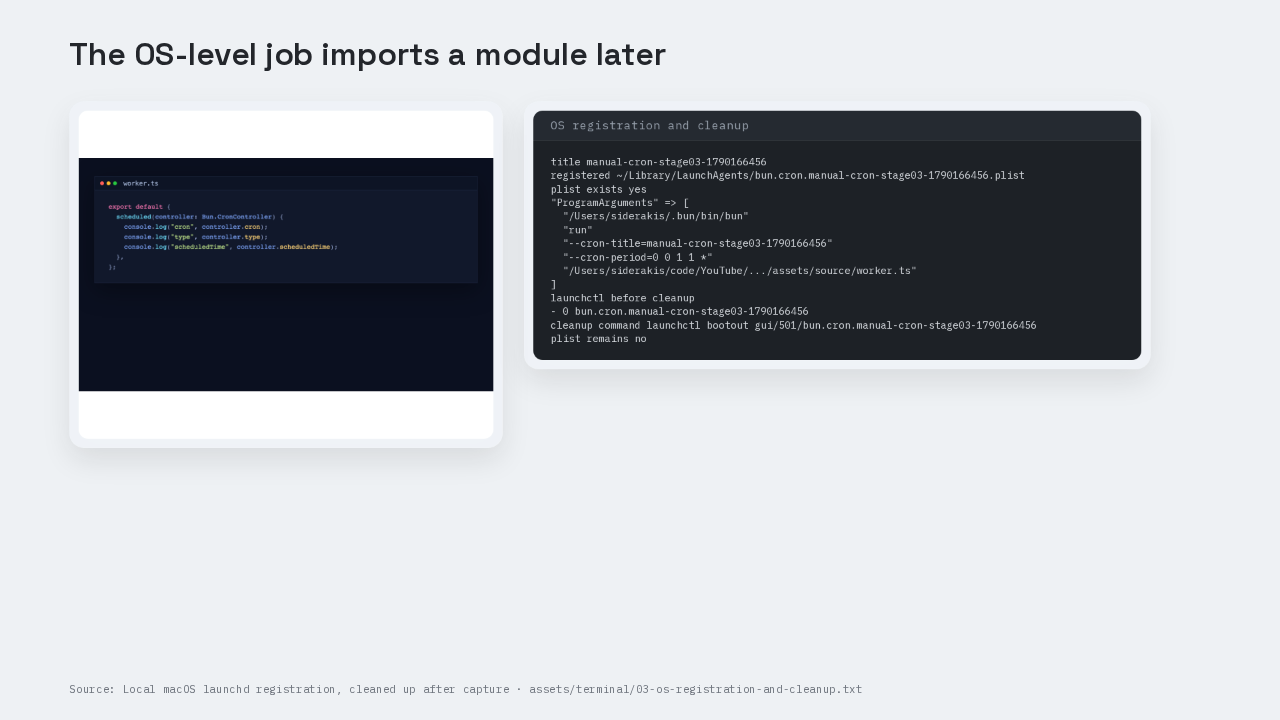
title manual-cron-stage03-1790166456
registered ~/Library/LaunchAgents/bun.cron.manual-cron-stage03-1790166456.plist
plist exists yes
"ProgramArguments" => [
  "/Users/siderakis/.bun/bin/bun"
  "run"
  "--cron-title=manual-cron-stage03-1790166456"
  "--cron-period=0 0 1 1 *"
  "/Users/siderakis/code/YouTube/.../assets/source/worker.ts"
]
launchctl before cleanup
- 0 bun.cron.manual-cron-stage03-1790166456
cleanup command launchctl bootout gui/501/bun.cron.manual-cron-stage03-1790166456
plist remains no
The OS-level form trades live app state for persistence. The worker exports a scheduled function. Bun registers that file with the operating system. The controller argument gives the worker the cron string, the scheduler type, and the scheduled time. On macOS, the operating system piece is launchd. On Linux, the docs say Bun writes a crontab entry. On Windows, the docs say Bun writes a Task Scheduler task. The local capture registered a macOS LaunchAgents plist. The plist points back to Bun, passes the cron title and cron period, and names the worker TypeScript file. The capture checked that launchd knew about the job, then removed the plist and booted the job out.
Choose the job by what the job must keep
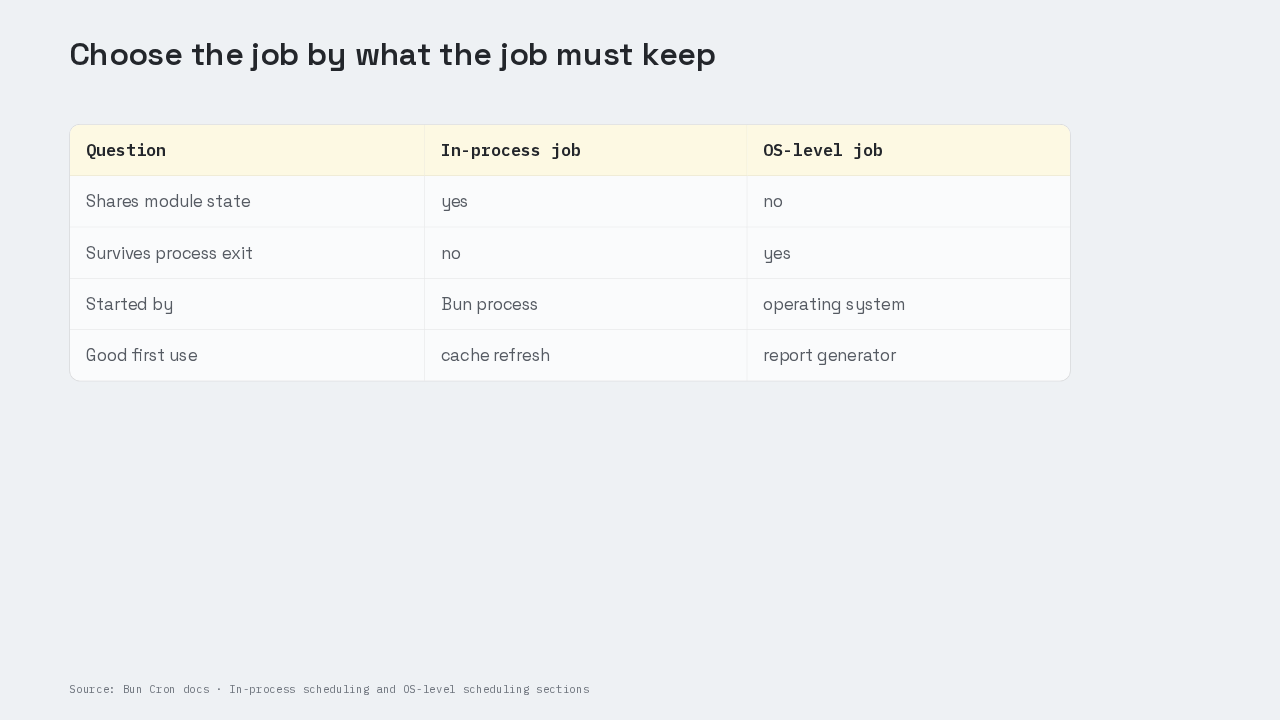
Use an in-process job when the scheduled work needs the server’s memory, database pool, cache, or feature flags that already live in the process. That is the shape for a cache refresher inside a long-running server. Use an OS-level job when the scheduled work must survive a server restart or a reboot. That is the shape for a report generator or a cleanup script that can start fresh. The price is that the OS-level job starts a fresh Bun process, so shared in-memory state is gone.
05 Gotcha one: Bun.cron uses five fields
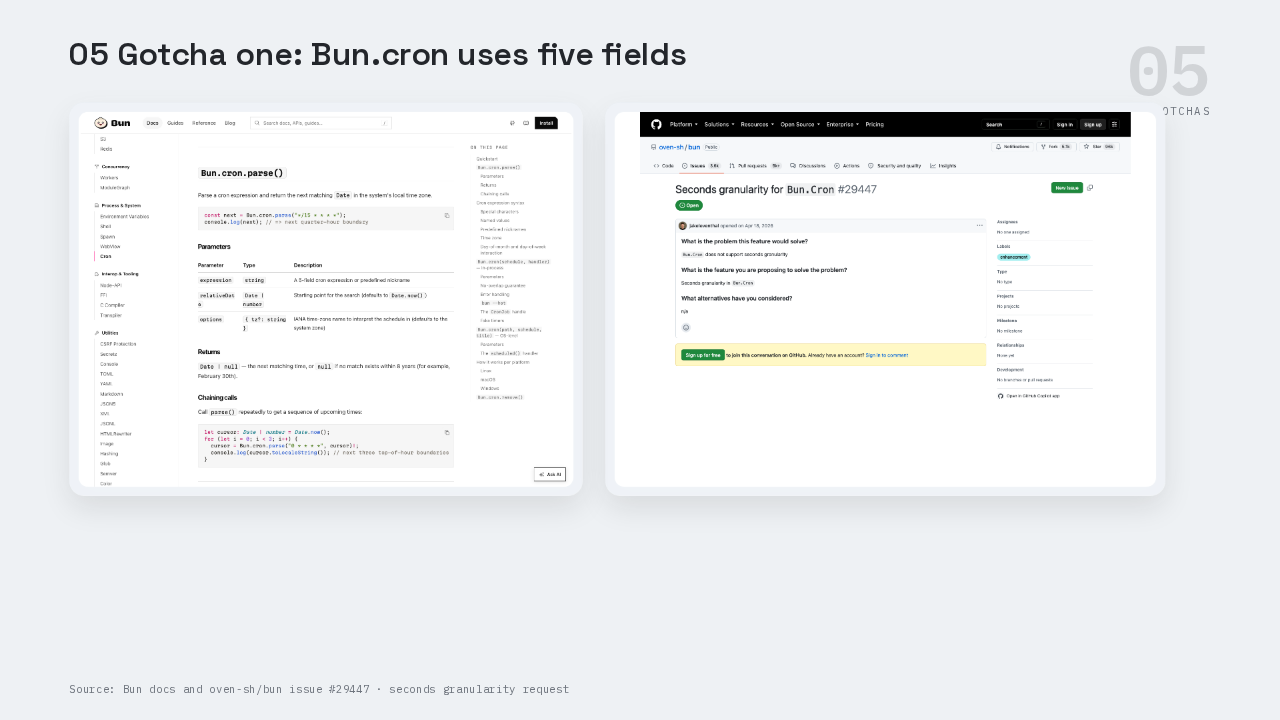
This is the part people get wrong with seconds. Bun.cron uses five fields today. The first field is minutes. If you bring over a six-field schedule from another library and expect the first field to mean seconds, you are teaching Bun a shape the docs do not show. Bun issue twenty-nine four forty-seven asks for seconds granularity, and that issue is still open in the captured data.
Gotcha two: OS jobs need a real path string
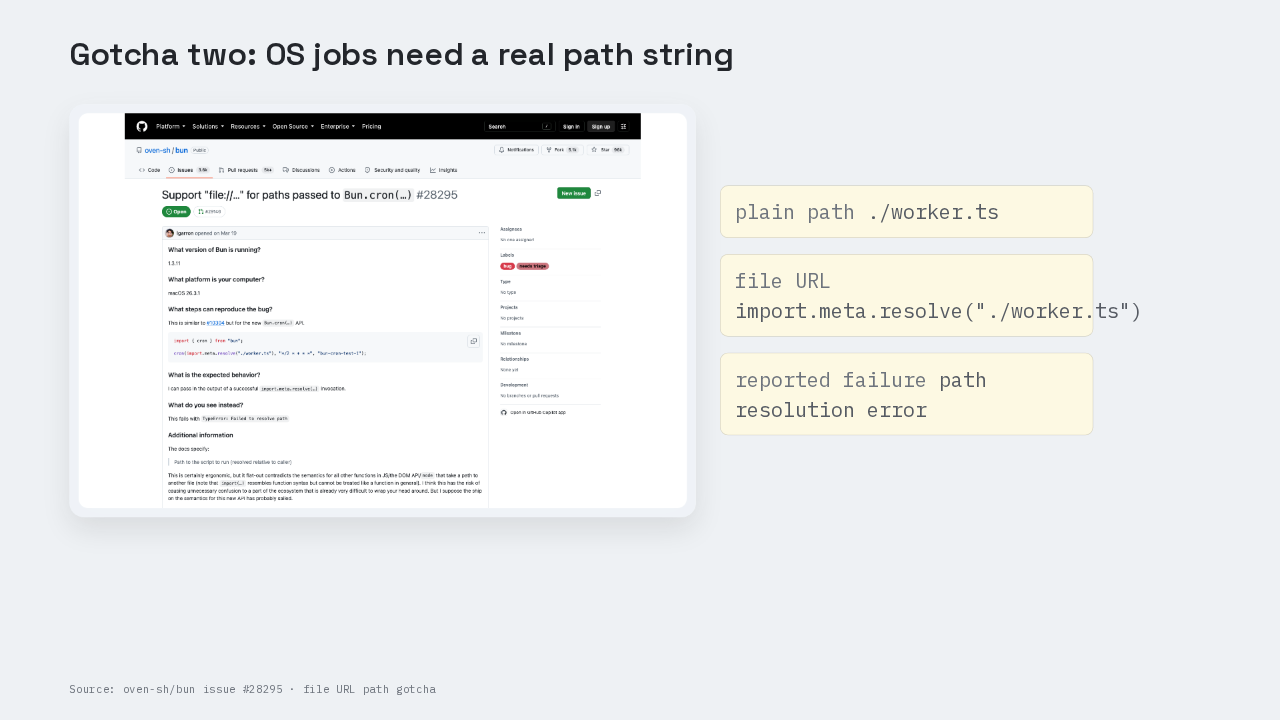
This is the part people get wrong with paths. The OS-level form wants a path that Bun resolves relative to the caller. The docs example uses a plain path string. Issue twenty-eight two ninety-five reports that `import.meta.resolve("./worker.ts")` produces a file URL, and that file URL fails with a path resolution error. That is easy to hit because import.meta.resolve is a common JavaScript habit for module paths. Use the plain path unless the issue has been fixed in the Bun version you are running.
Gotcha three: registration is separate from the first run
Bun.cron(
  "./worker.ts",
  "*/15 * * * *",
  "cache-refresh"
);
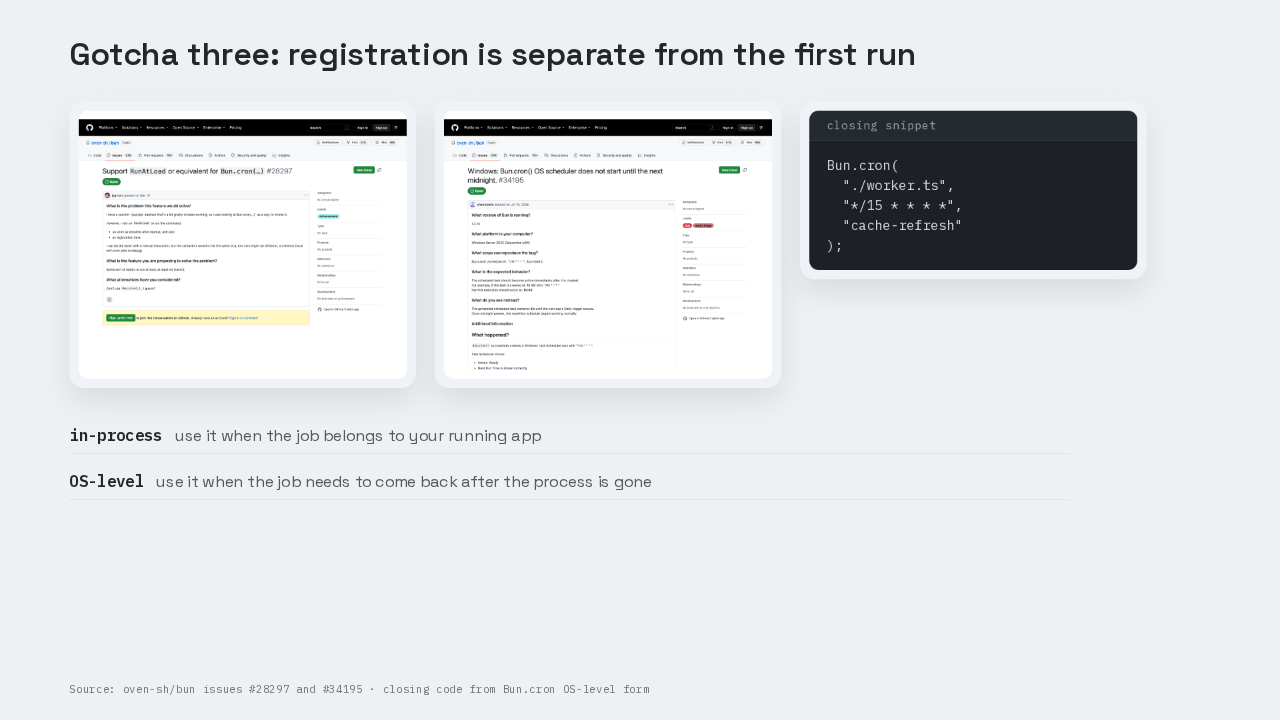
This is the part people get wrong with registration. Registering an OS-level job does not also run the job immediately. Issue twenty-eight two ninety-seven asks for a RunAtLoad-style option, and the captured issue is open. One Windows Server report, issue thirty-four one ninety-five, says a repeating OS-level Bun.cron task stayed idle until the next midnight. Treat that as one reported Windows scheduler edge case, then test your target host. For the first job, use the in-process form when the job belongs to your running app. Use the OS-level form when the job needs to come back after the process is gone. The runnable pieces are `parse-and-handle.ts`, `in-process-once.ts`, and `worker.ts`.