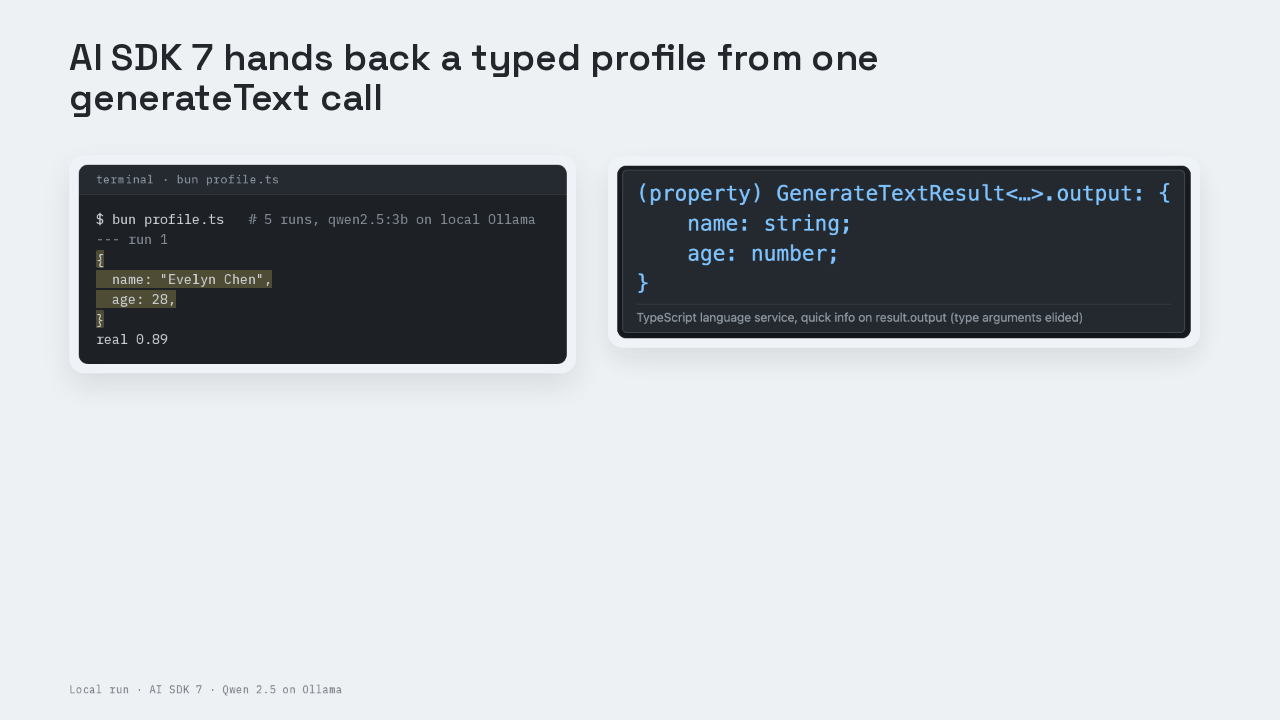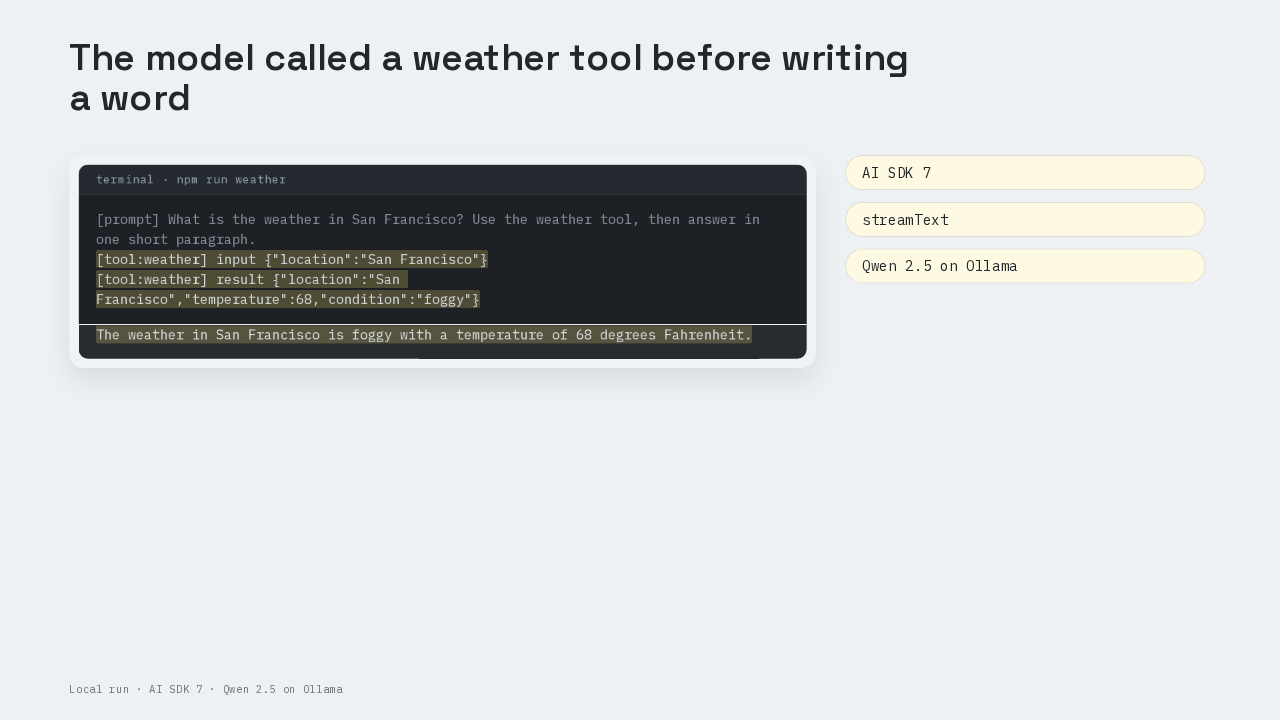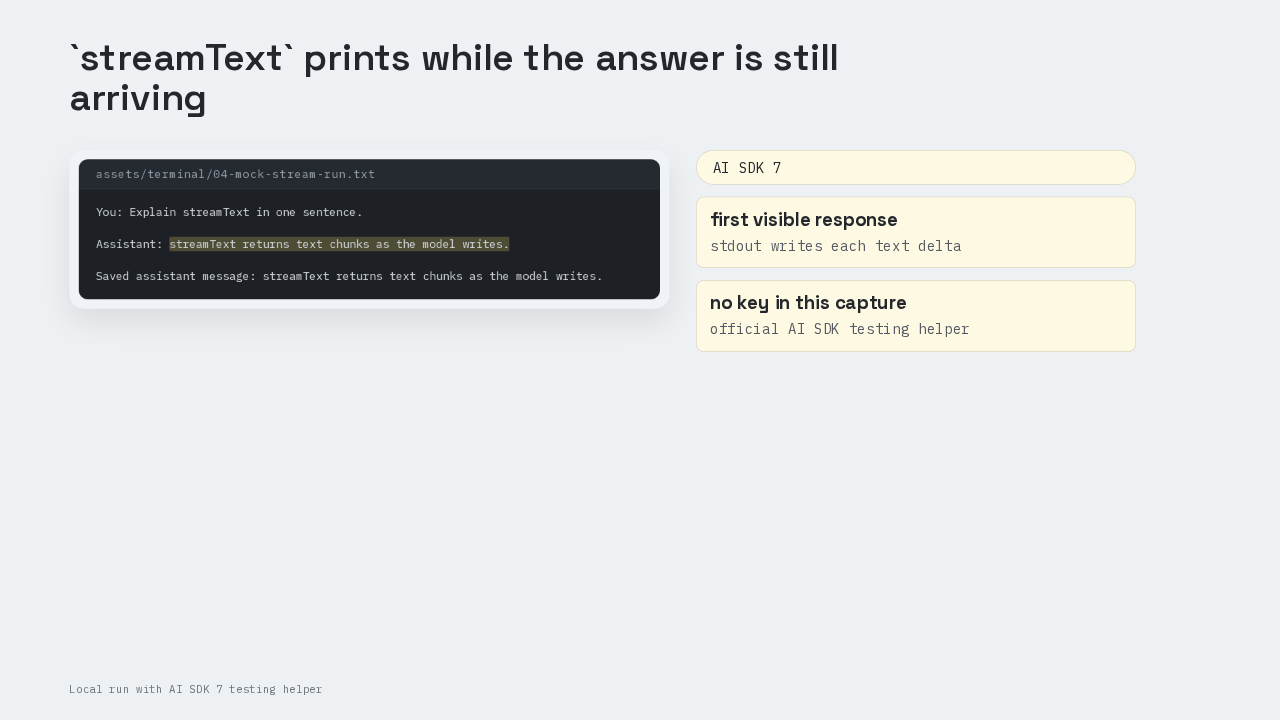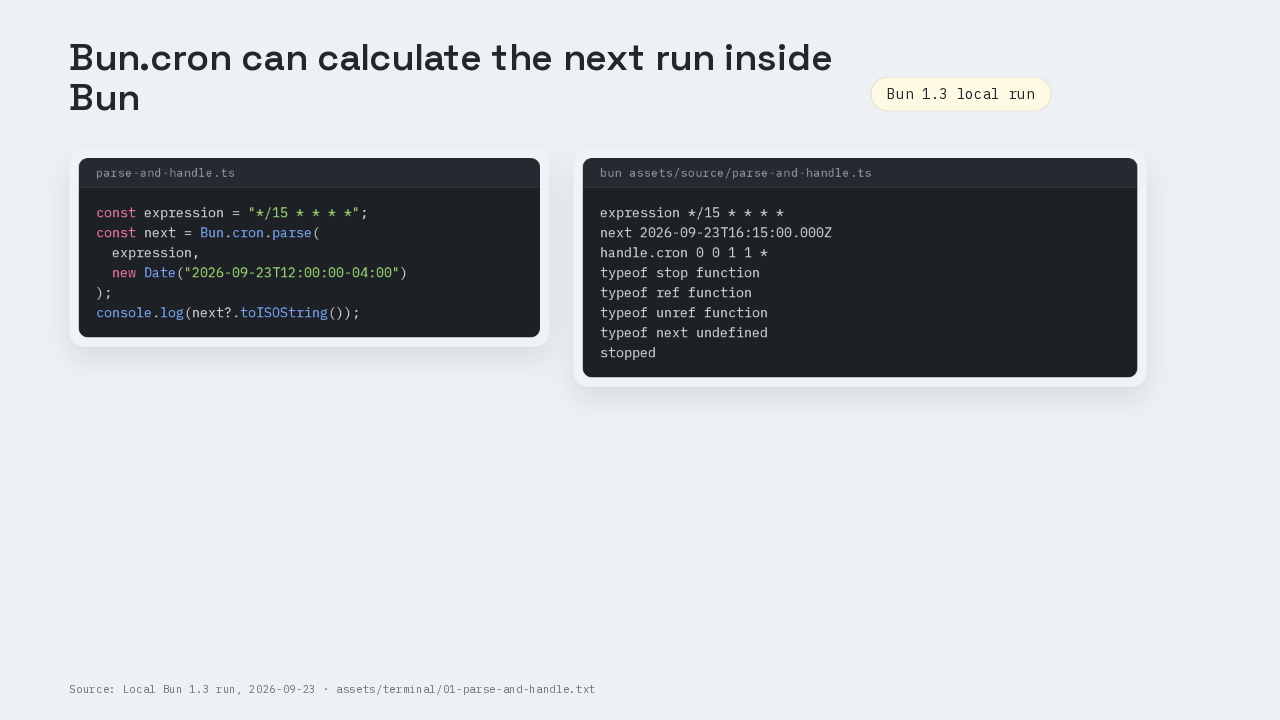
Ada and Grace printed from a file next to the code
import { Database } from "bun:sqlite";

const db = new Database("mydb.sqlite", { create: true });
db.run(
  "CREATE TABLE users (id INTEGER PRIMARY KEY, name TEXT)"
);
const insert = db.query(
  "INSERT INTO users (name) VALUES ($name)"
);
insert.run({ $name: "Ada" });
insert.run({ $name: "Grace" });
const rows = db.query(
  "SELECT id, name FROM users ORDER BY id"
).all();
console.log(rows);
[
  {
    id: 1,
    name: "Ada",
  }, {
    id: 2,
    name: "Grace",
  }
]
-rw-r--r--     1 siderakis  wheel    384 Sep  4 20:29 index.ts
-rw-r--r--@    1 siderakis  wheel   8192 Sep  4 20:29 mydb.sqlite
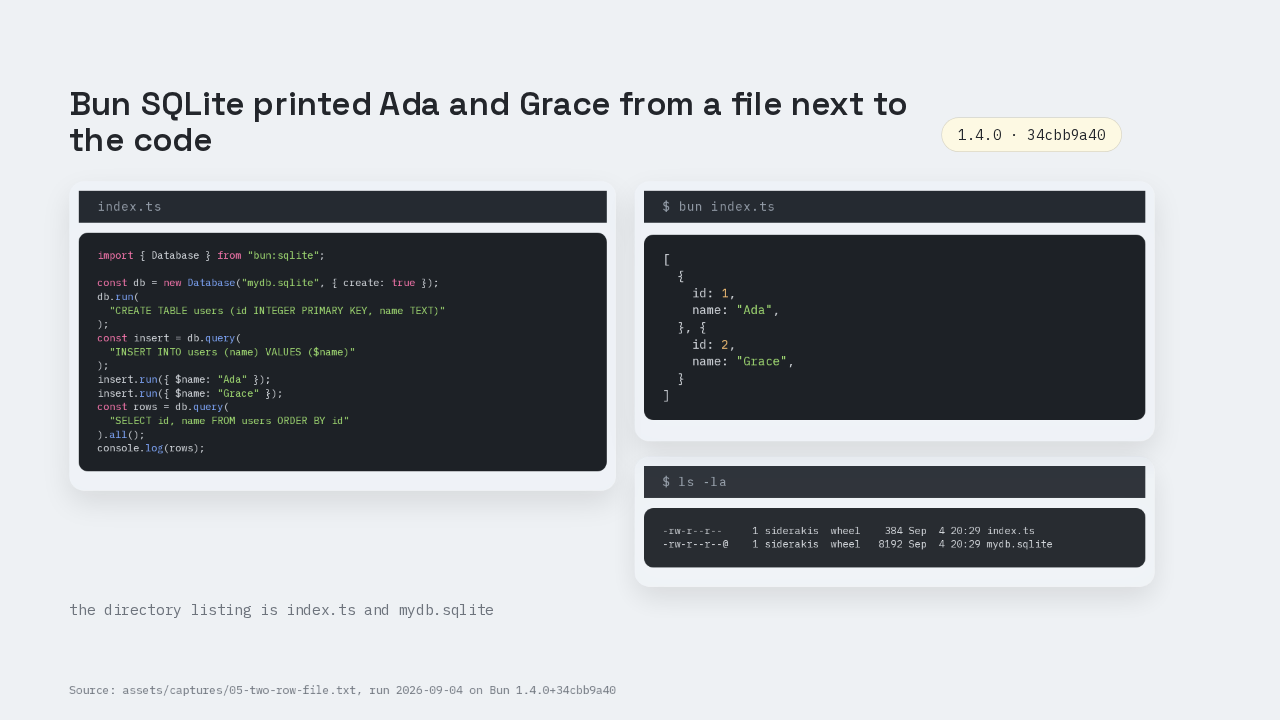
Two names printed. Ada, then Grace. That is the bun sqlite module on Bun 1.4.0. SQLite is compiled into the Bun binary. You import bun sqlite. The directory listing is index.ts and mydb.sqlite. A table that used to wait on Docker Postgres is a file next to the server.
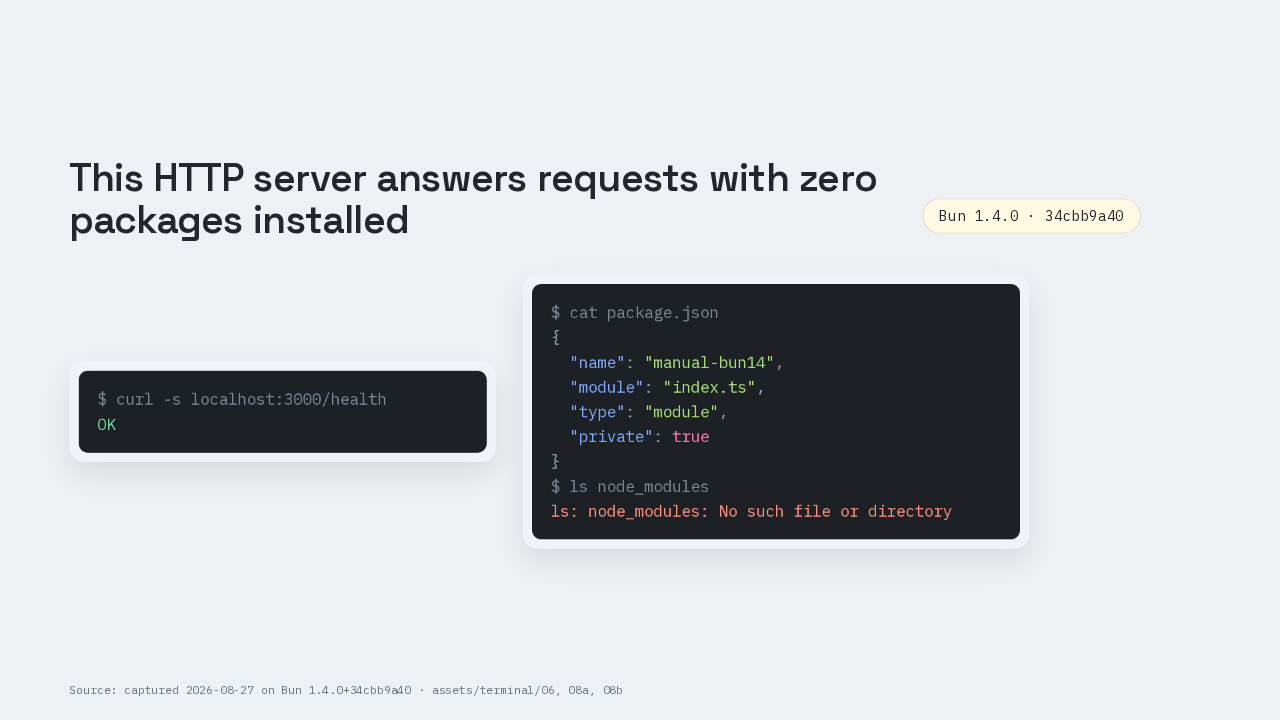
This binary prints SQLite 3.51.0
$ bun --version
1.4.0
$ bun --revision
1.4.0+34cbb9a40
$ bun sqlite-version.ts
{
  v: "3.51.0",
}
import { Database } from "bun:sqlite"
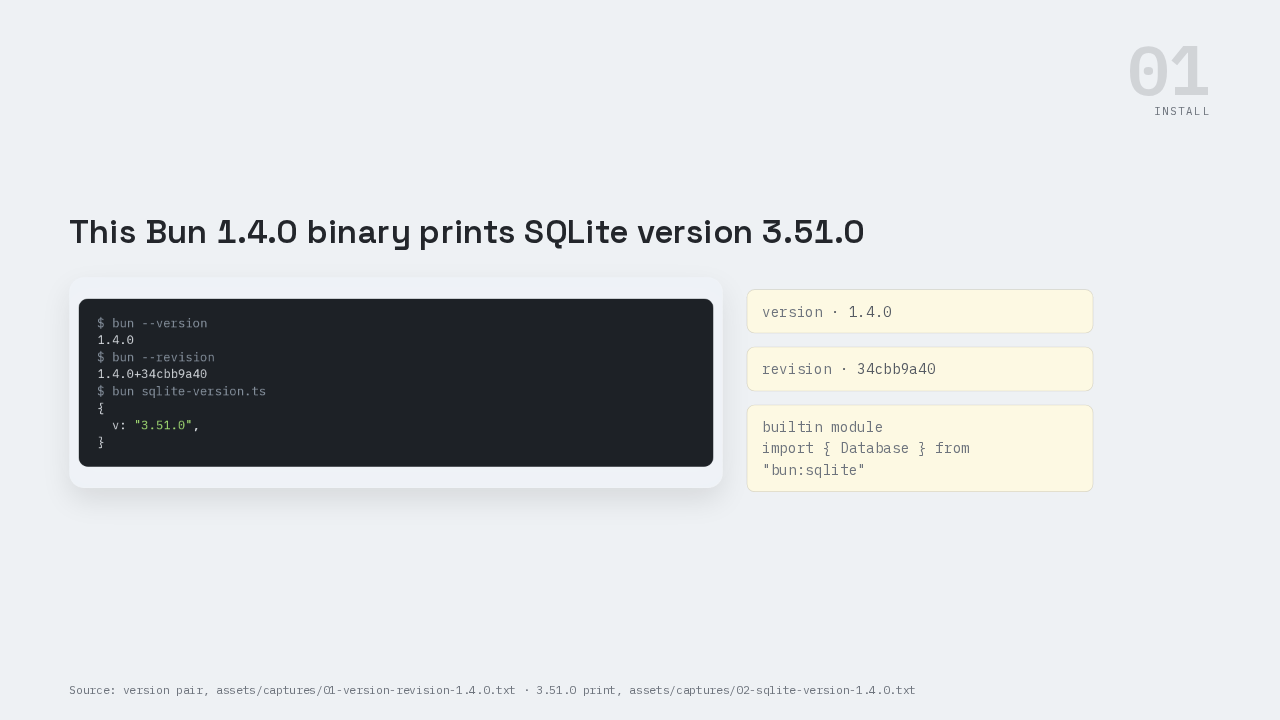
Install is already done. Episode one of this series put Bun on the machine. Bun dash dash version prints 1.4.0. Bun dash dash revision prints 1.4.0 plus 34cbb9a40, the commit this binary was built from. Then one query: select sqlite version. This binary prints 3.51.0. The import line is from bun sqlite. bun sqlite is a builtin module.
The opening snippet opens an in-memory database
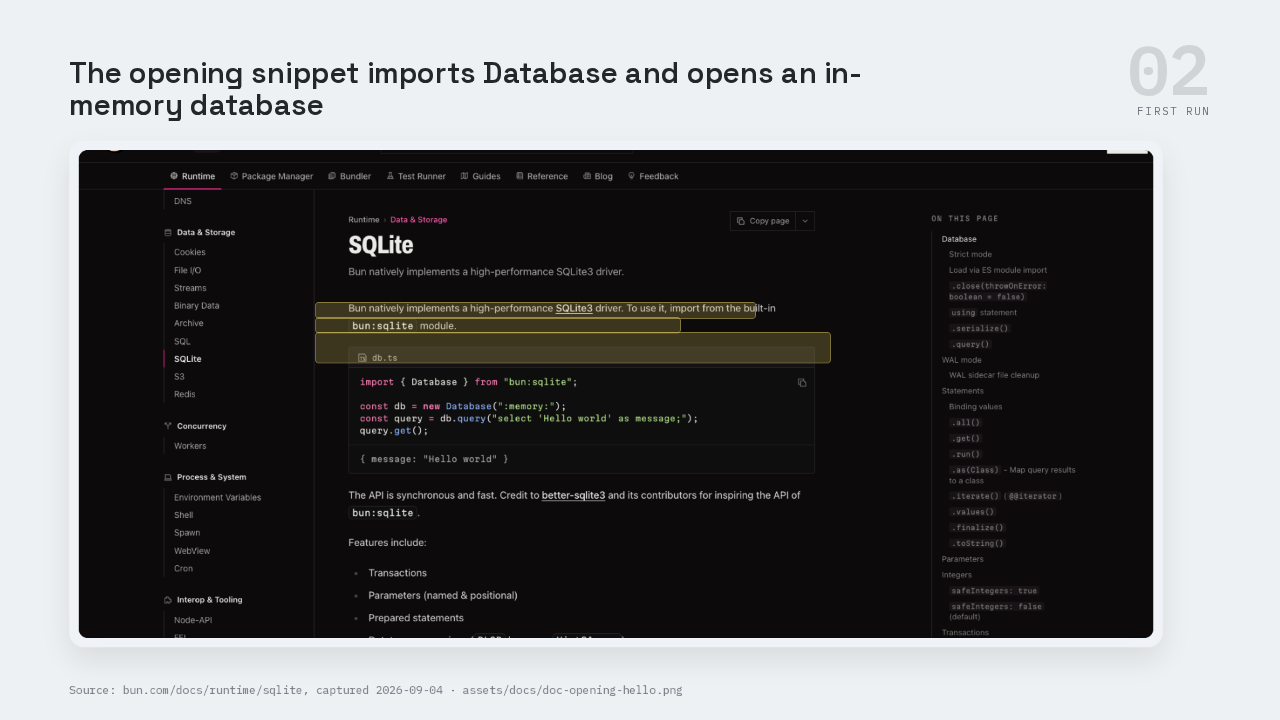
The top of the runtime sqlite page opens with the bun sqlite import. Then new Database colon memory. Then db dot query with select Hello world as message. Then dot get. Query is one call. Dot get is the other.
hello.ts returns Hello world after query, then get
import { Database } from "bun:sqlite";
const db = new Database(":memory:");
const query = db.query("select 'Hello world' as message;");
console.log(query.get());
{
  message: "Hello world",
}
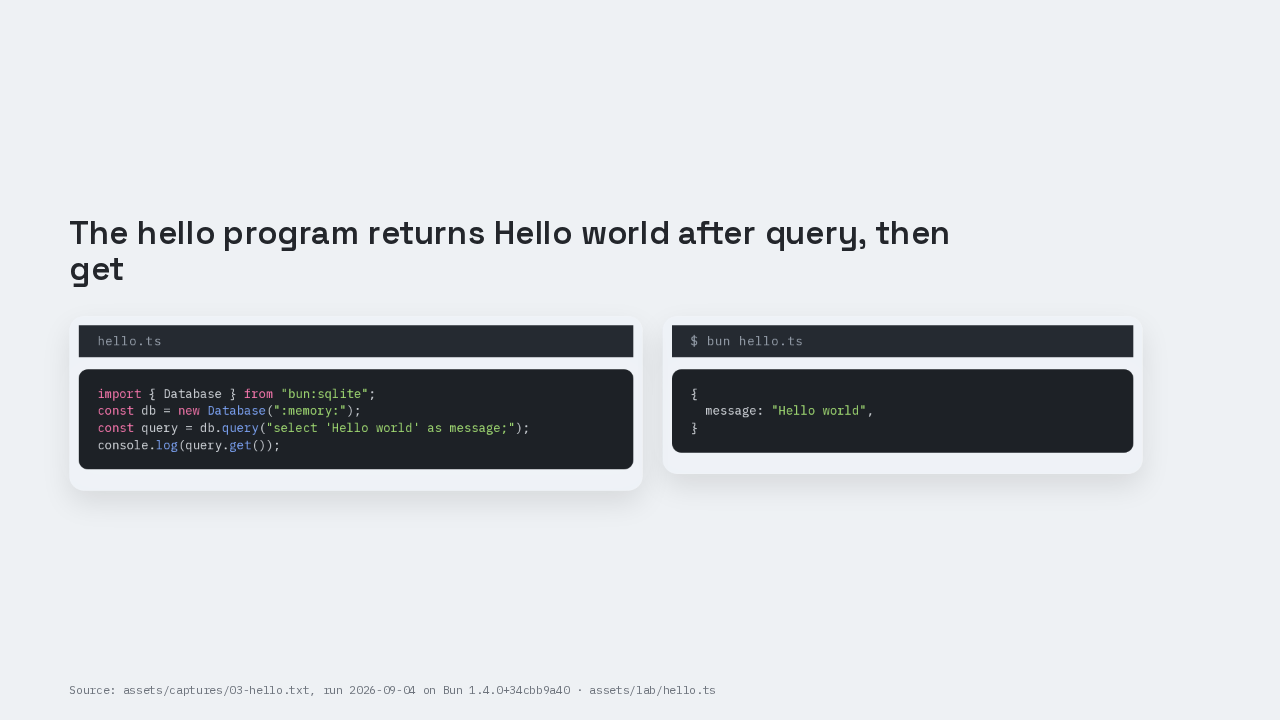
Run hello.ts on this 1.4.0 binary. The captured print is message Hello world, with the trailing comma Bun’s inspect adds. The lab is hello.ts. We called query, then we called get. Query and get are two different calls.
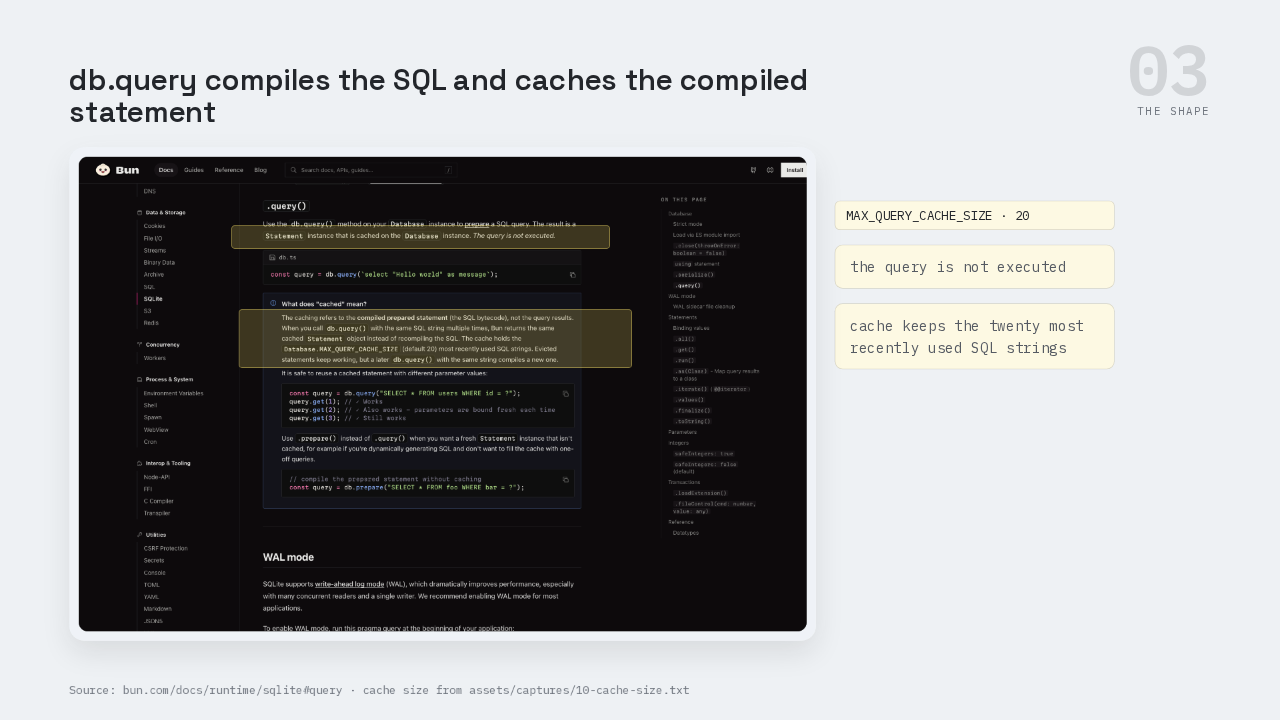
db.query compiles and caches the statement
On the query section of bun.com/docs/runtime/sqlite, the page says the query is not executed. db dot query takes a SQL string and prepares a Statement. db dot query compiles the SQL into a reusable object and caches that object on the Database. A prepared statement is compiled SQL you can run more than once. The cache holds that compiled object. The same SQL string returns the same Statement. The cache keeps the twenty most recently used SQL strings. That twenty is Database dot MAX QUERY CACHE SIZE, readable from JavaScript on this binary. When a statement is evicted the statement still works. A later query of the same string compiles a new Statement. db dot prepare compiles a fresh Statement for generated SQL. The page credits better-sqlite3 for the synchronous API shape.
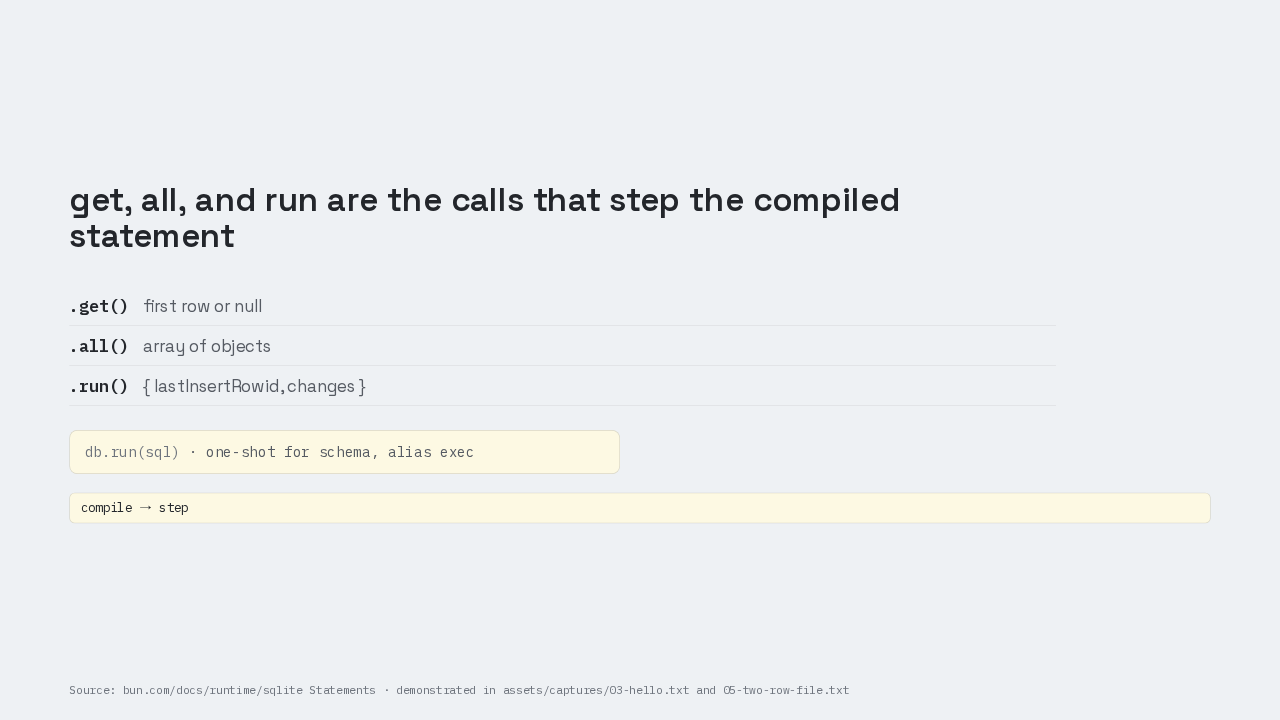
get, all, and run step the compiled statement
The step is a later call. Dot get returns the first row, or null if there is no row. Dot all returns an array of objects. Dot run steps once and returns last insert row id and changes. db dot run, alias exec, is the one-shot for schema. The hello program was query compiling, then dot get doing the step. Compile, then step. Two calls exist because compile and step are separate.
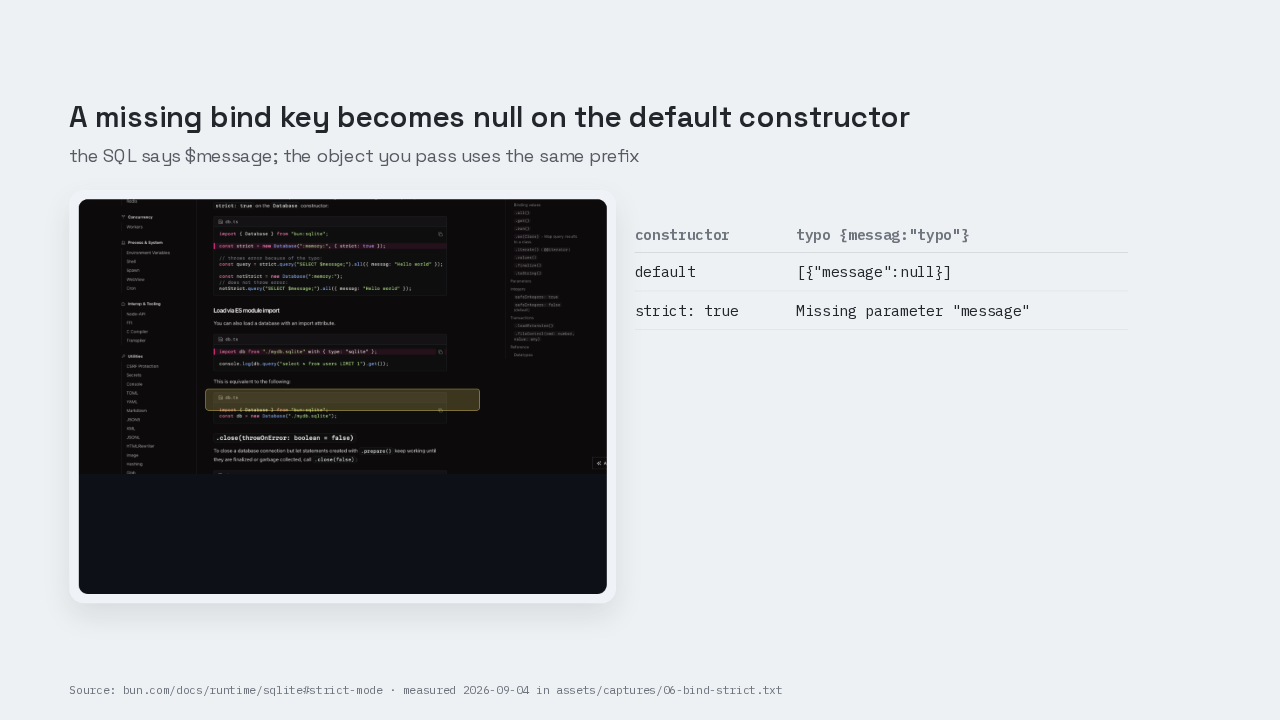
A missing bind key becomes null by default
| constructor | typo {messag:"typo"} |
|---|---|
| default | [{"message":null}] |
| strict: true | Missing parameter "message" |
Binding is a second compile-time contract. The SQL can name a parameter with dollar, colon, or at, or with a numbered question mark. By default, the object you pass must use the same prefix. A missing key becomes null. Measured on this 1.4.0 binary: select dollar message, with messag spelled wrong, returns message null. Strict true is an option on the constructor. Missing keys throw. Keys may omit the dollar, the colon, or the at. The same typo under strict true throws Missing parameter message. Under strict true, the bind object uses the name without the prefix. A dollar message key is the trap in issue 13409.
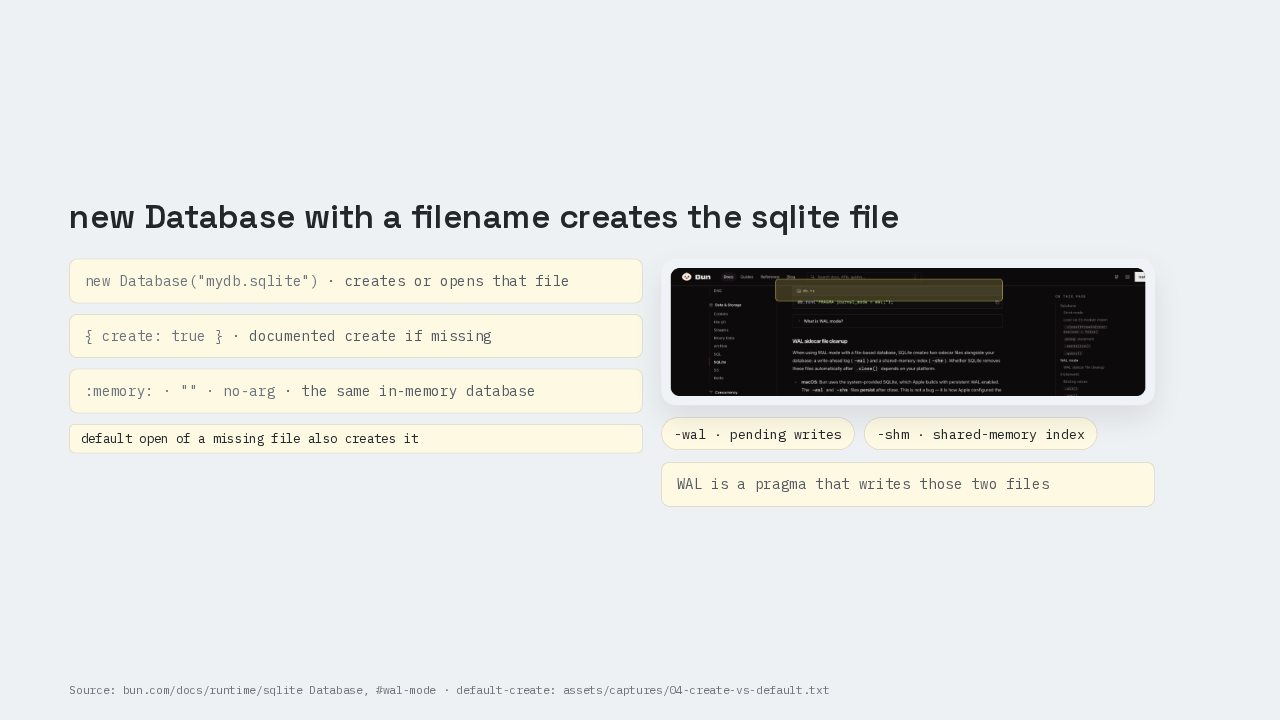
new Database with a filename creates the sqlite file
Open is a constructor. new Database mydb.sqlite creates or opens that file. Colon memory, an empty string, and no argument are the same in-memory database. The documented create-if-missing form is create true. Default open of a missing file also creates the file on this binary. The visible first result uses a file, so you can ls the file. Write-ahead logging is a pragma you run. Constructor flags are create, readonly, and strict. You run pragma journal mode equals WAL. Writes go to a dash wal file. Dash shm is the shared-memory index. Those are two extra files SQLite writes next to the database. Those sidecar files can remain after close.
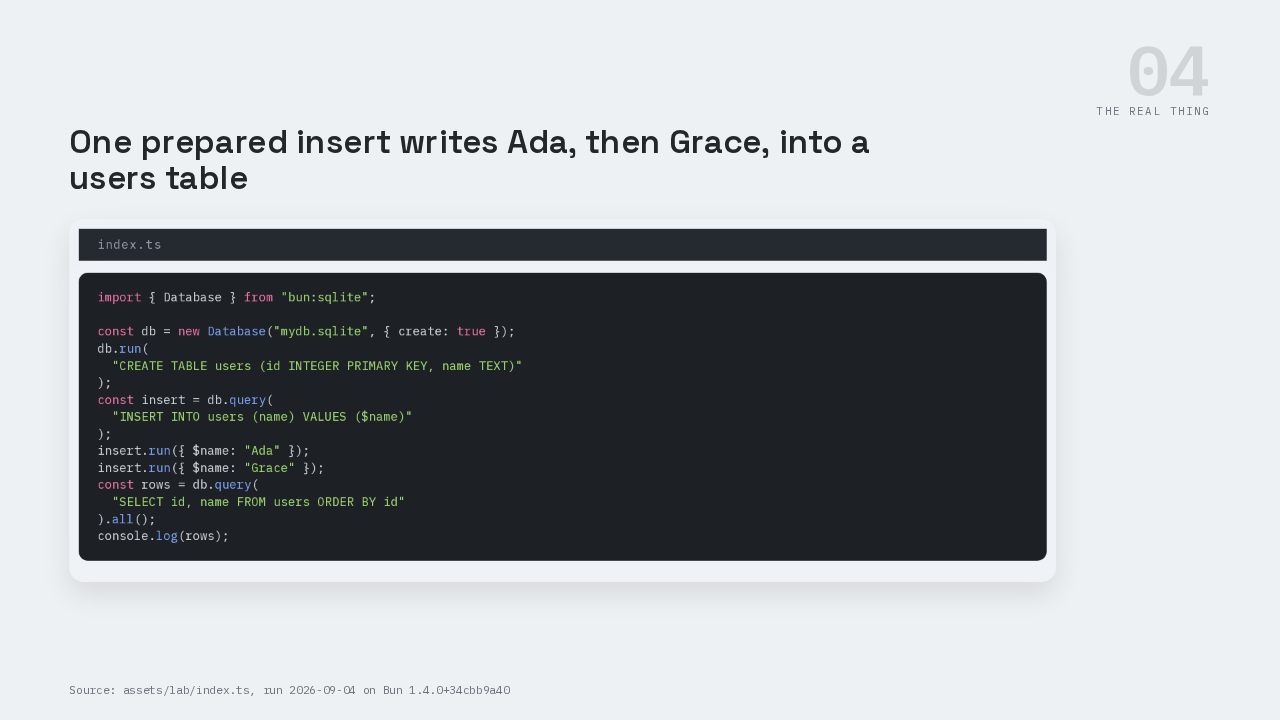
One prepared insert writes Ada, then Grace
import { Database } from "bun:sqlite";

const db = new Database("mydb.sqlite", { create: true });
db.run(
  "CREATE TABLE users (id INTEGER PRIMARY KEY, name TEXT)"
);
const insert = db.query(
  "INSERT INTO users (name) VALUES ($name)"
);
insert.run({ $name: "Ada" });
insert.run({ $name: "Grace" });
const rows = db.query(
  "SELECT id, name FROM users ORDER BY id"
).all();
console.log(rows);
Now build the table the title promised. new Database mydb.sqlite, create true. db dot run creates a users table with an integer id and a text name. Then one prepared insert: insert into users name values dollar name. That insert statement is compiled once. The same Statement runs twice. First bind, dollar name Ada. Second bind, dollar name Grace. The bind object uses dollar name, the same prefix as the SQL. Then a select of id and name, ordered by id. Dot all is the step that prints the rows.
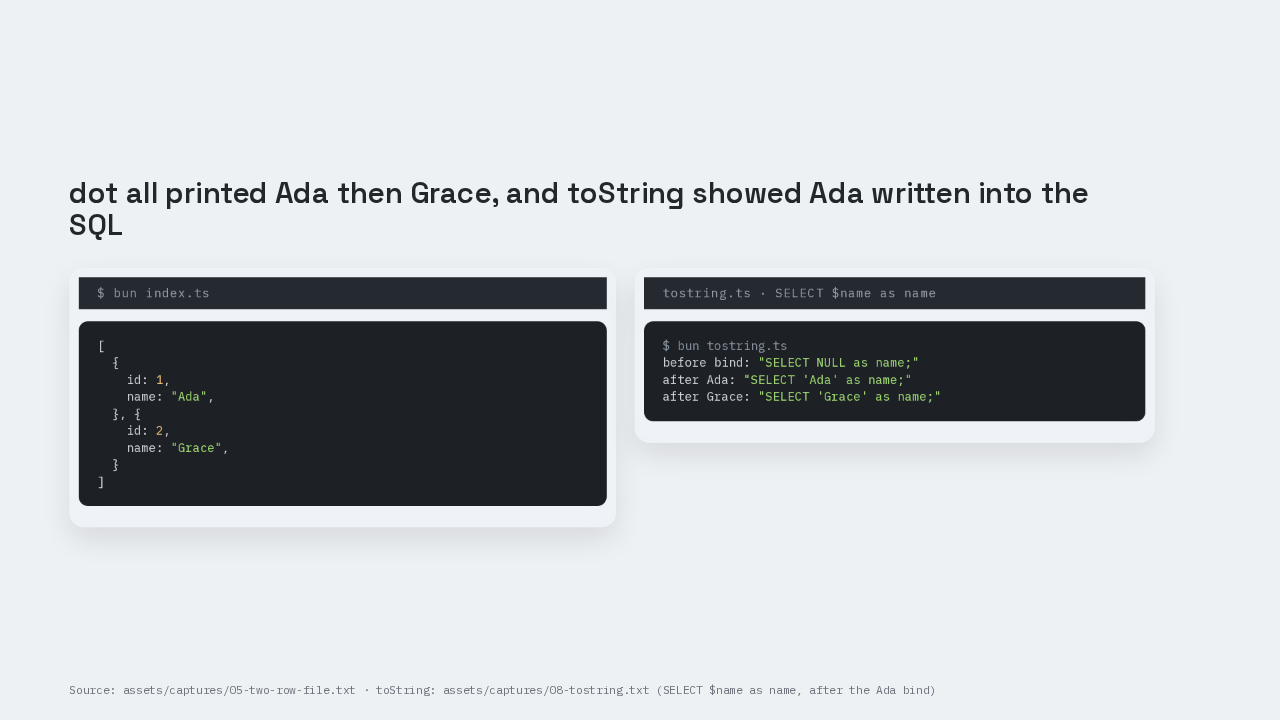
dot all printed Ada then Grace
[
  {
    id: 1,
    name: "Ada",
  }, {
    id: 2,
    name: "Grace",
  }
]
$ bun tostring.ts
before bind: "SELECT NULL as name;"
after Ada: "SELECT 'Ada' as name;"
after Grace: "SELECT 'Grace' as name;"
The captured inspect dump is Ada, then Grace, with trailing commas. After binding Ada into a select dollar name as name, query toString prints select Ada as name. That print is the compiled statement with Ada written into the SQL you can read.
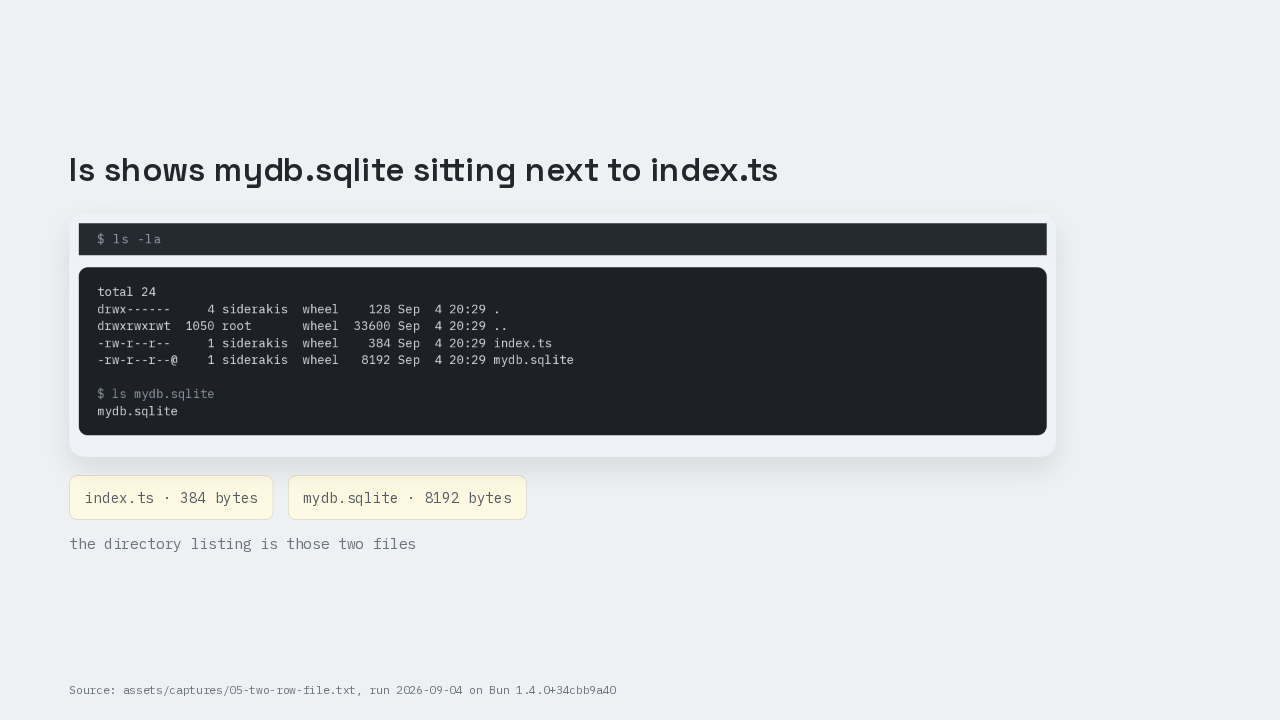
ls shows mydb.sqlite sitting next to index.ts
total 24
drwx------     4 siderakis  wheel    128 Sep  4 20:29 .
drwxrwxrwt  1050 root       wheel  33600 Sep  4 20:29 ..
-rw-r--r--     1 siderakis  wheel    384 Sep  4 20:29 index.ts
-rw-r--r--@    1 siderakis  wheel   8192 Sep  4 20:29 mydb.sqlite

$ ls mydb.sqlite
mydb.sqlite
ls mydb.sqlite. The file is there, eight thousand one hundred and ninety-two bytes. Next to mydb.sqlite, index.ts. The directory listing is those two files. A table that used to wait on Docker Postgres is sitting next to the server.
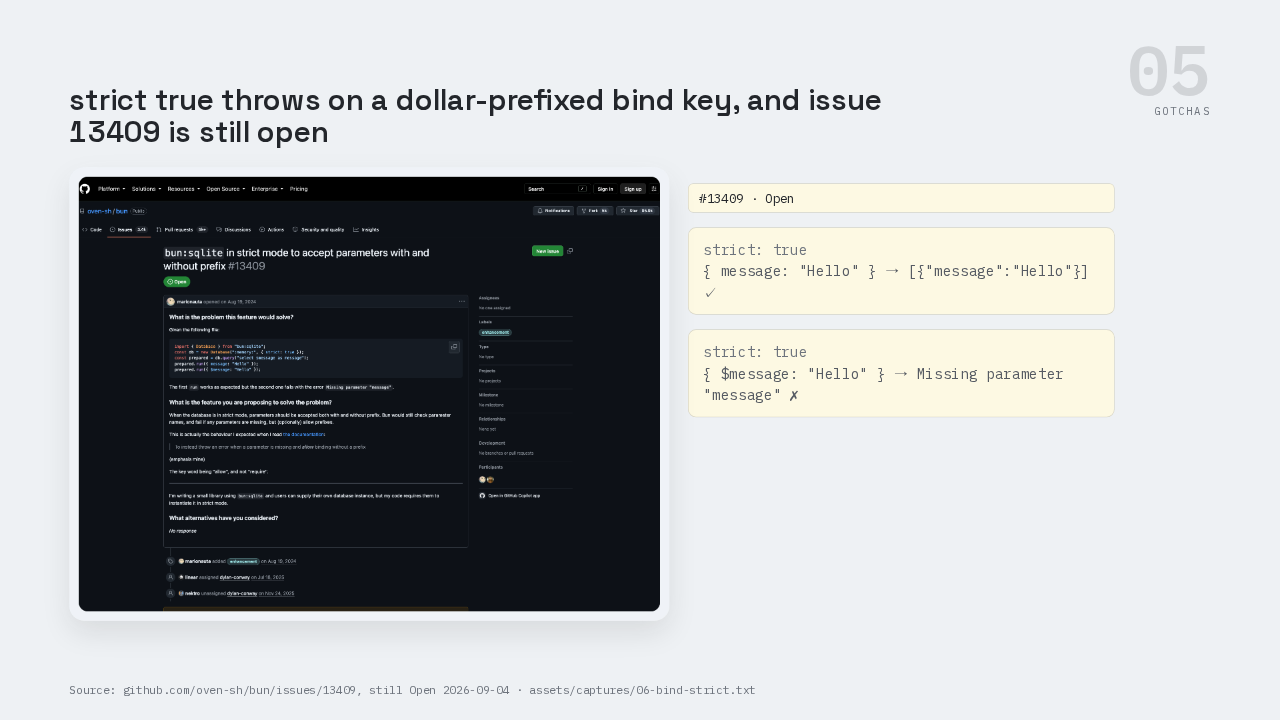
strict true throws on a dollar-prefixed bind key

{ message: "Hello" } → [{"message":"Hello"}] ✓
{ $message: "Hello" } → Missing parameter "message" ✗
This is the part people get wrong. Default bind turns a typo into null. Strict true throws Missing parameter message, and strict true lets you omit the prefix. With strict true, passing dollar message still throws Missing parameter message, even though the SQL is dollar message. The docs say allow binding without a prefix. The constructor still rejects the dollar key. Issue 13409 is open as of this recording.
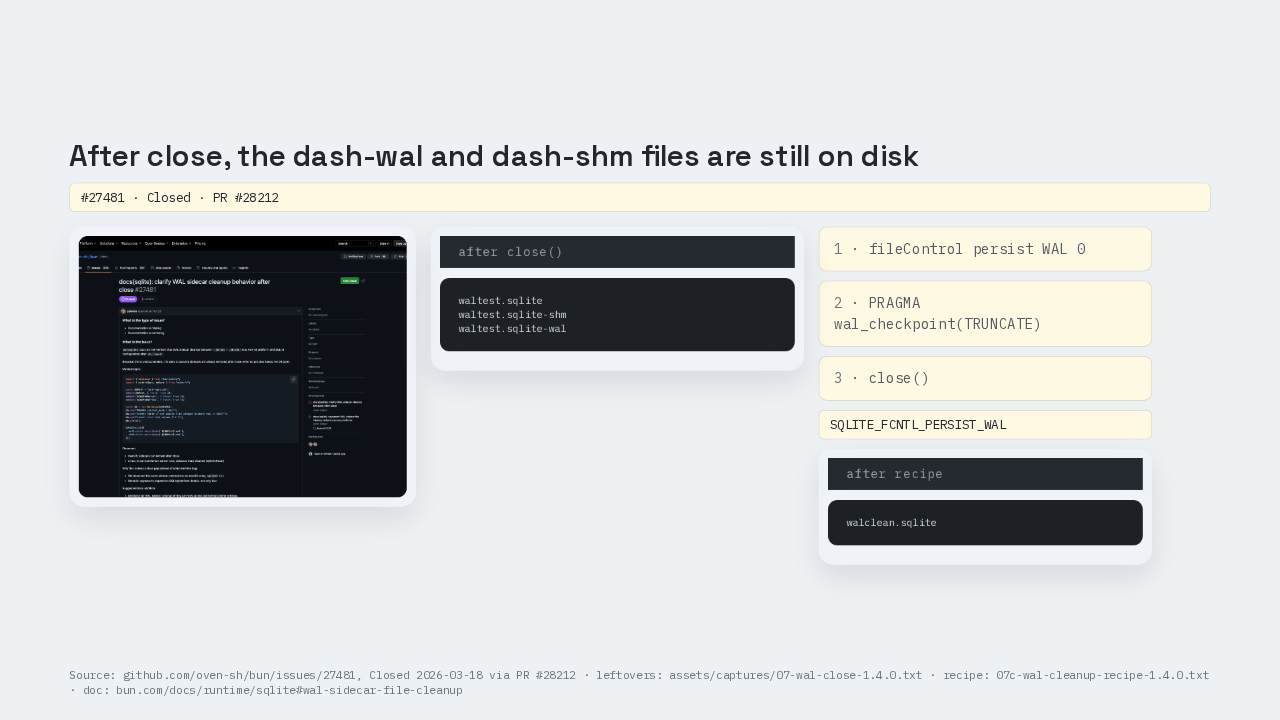
After close, dash-wal and dash-shm are still on disk

waltest.sqlite
waltest.sqlite-shm
waltest.sqlite-wal
walclean.sqlite
This is the part people get wrong. After write-ahead logging and close, on this Mac the dash wal and dash shm files still exist. Those leftover files exist on 1.4.0 and on 1.4.1. Issue 27481 is closed. Issue 27481 closed on March the eighteenth, 2026, through pull request 28212. Pull request 28212 added the cleanup recipe to the page. The recipe is: turn off persistent write-ahead logging with file control, run pragma wal checkpoint truncate, then close. After the recipe, only the database file remains.
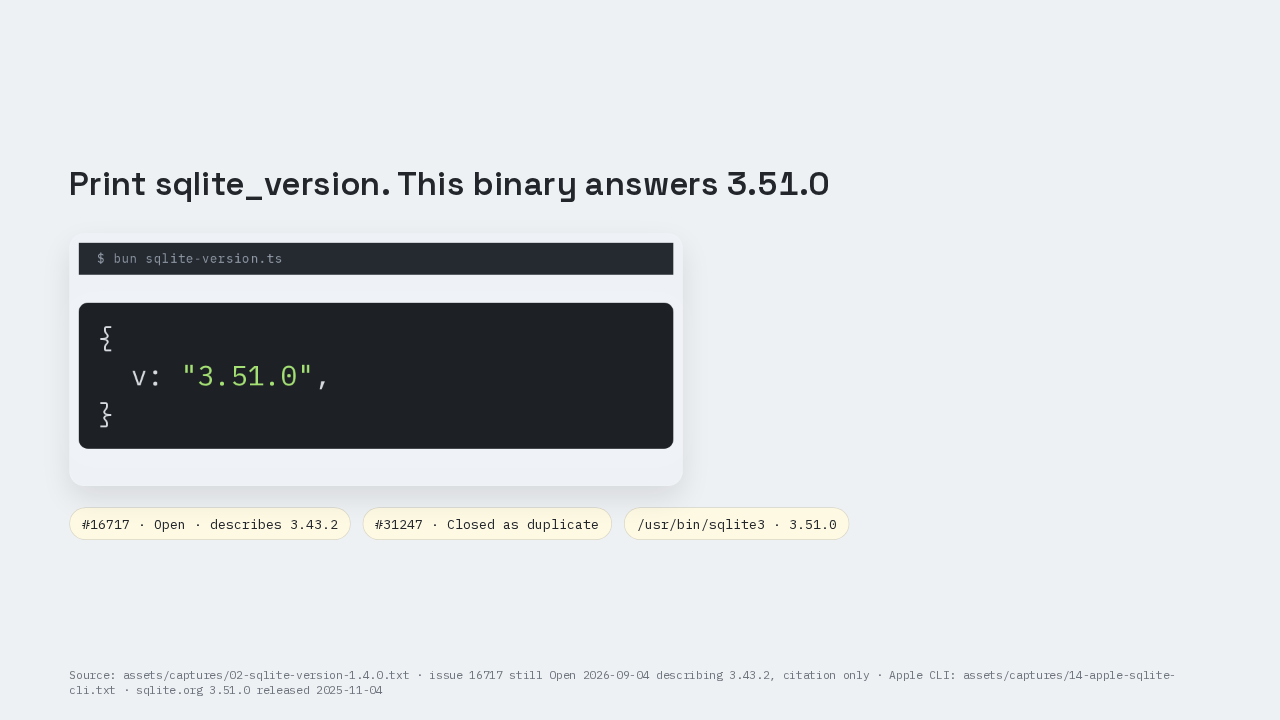
This binary answers sqlite_version 3.51.0
{
  v: "3.51.0",
}
This is the part people get wrong. Issue 16717 is still open. It describes sqlite version 3.43.2. Print the function. This 1.4.0 binary, revision 34cbb9a40, prints 3.51.0. 1.4.1 prints the same 3.51.0. sqlite.org released 3.51.0 on November the fourth, 2025. This Mac’s system sqlite3 also prints 3.51.0.
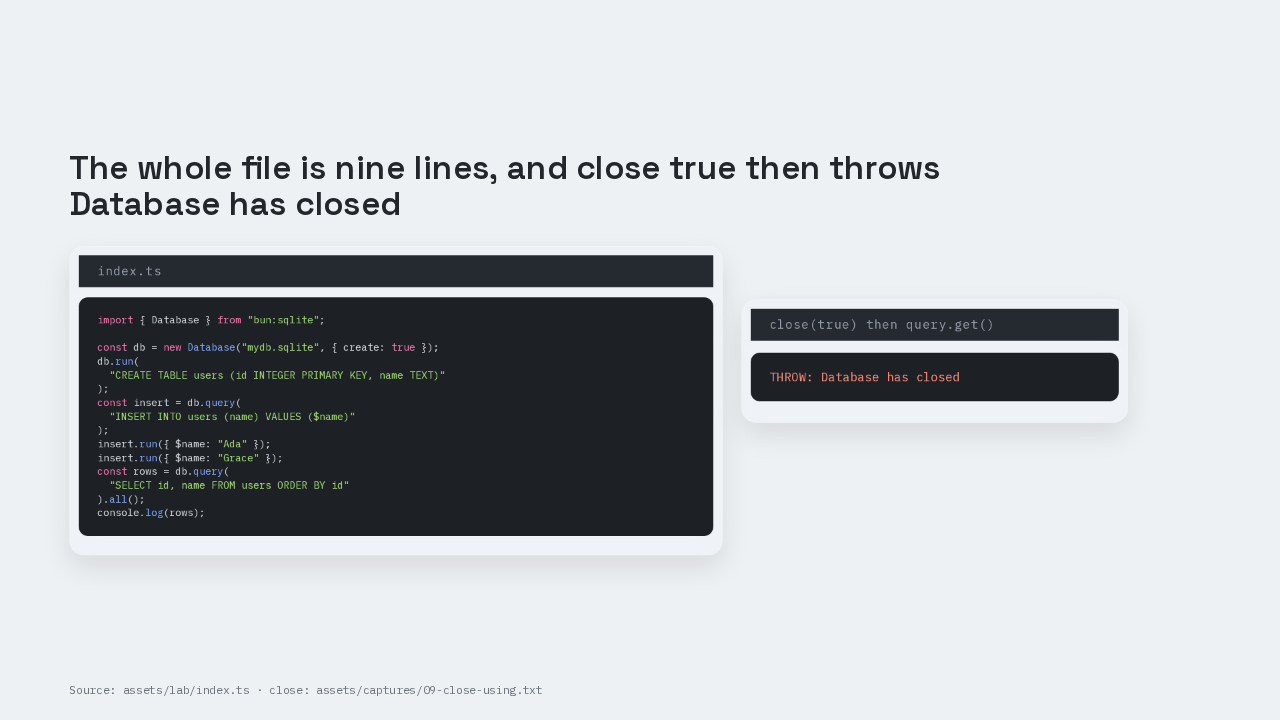
The whole file is nine lines
import { Database } from "bun:sqlite";

const db = new Database("mydb.sqlite", { create: true });
db.run(
  "CREATE TABLE users (id INTEGER PRIMARY KEY, name TEXT)"
);
const insert = db.query(
  "INSERT INTO users (name) VALUES ($name)"
);
insert.run({ $name: "Ada" });
insert.run({ $name: "Grace" });
const rows = db.query(
  "SELECT id, name FROM users ORDER BY id"
).all();
console.log(rows);
THROW: Database has closed
Here is the whole file. Import Database from bun sqlite. Open a file. One prepared insert used twice. One select. Beside the script, mydb.sqlite. Close true, then a later get throws Database has closed.
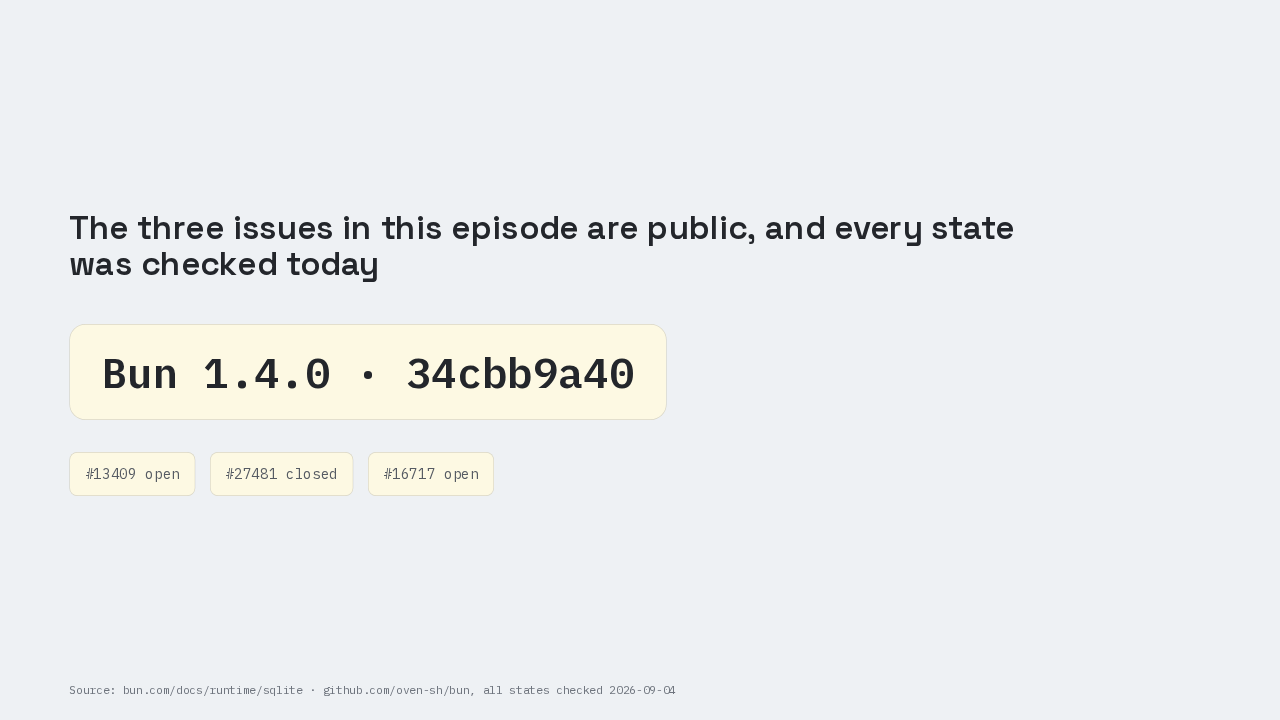
The three issues were checked today
So take one question back to your own project. How many of the databases in your stack would fit in a file next to the server?