All-in-one animation engine
 DOCSEASINGSLEARNGITHUB♥ SPONSOR
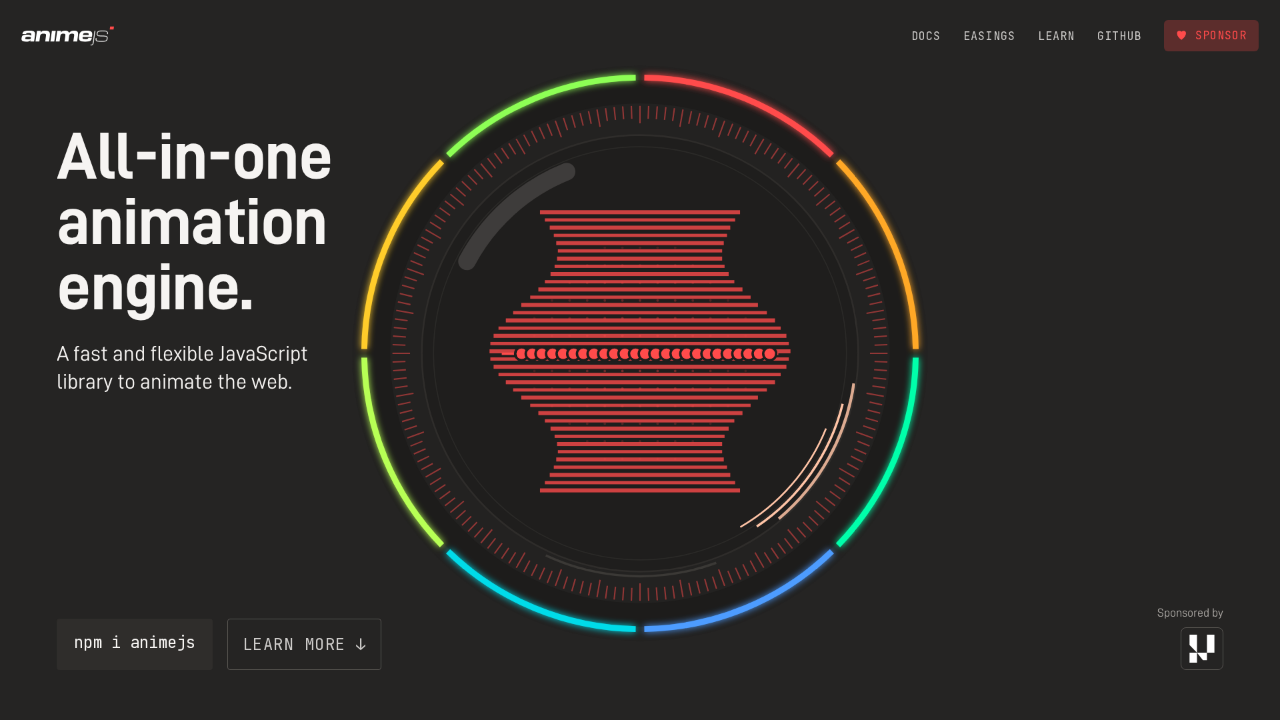
All-in-one animation engine.
A fast and flexible JavaScript library to animate the web.

Anime.js is an all-in-one animation engine: a fast, flexible JavaScript library for animating the web. You get it with one command, npm i animejs. Keep an eye on the ring. It stays with us the whole way down the page, and every feature we reach lights up one more segment of it.
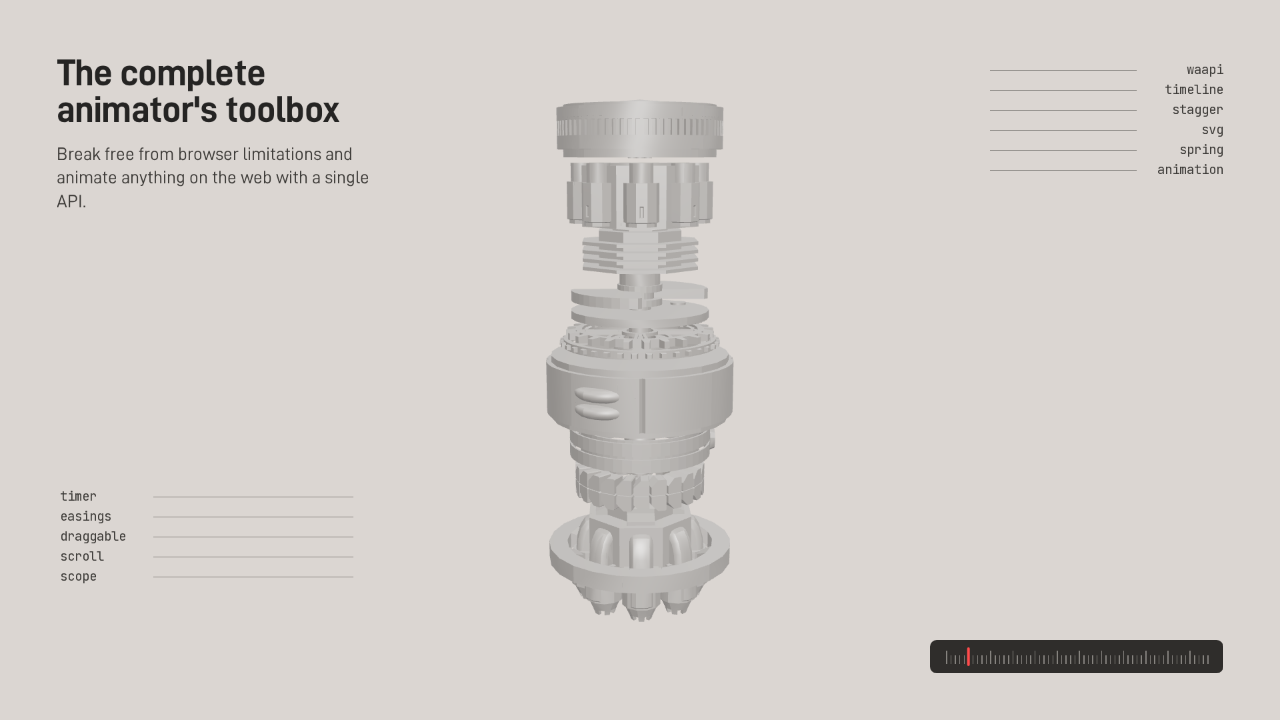
The complete animator's toolbox
Break free from browser limitations and animate anything on the web with a single API.
- timer
- easings
- draggable
- scroll
- scope
- waapi
- timeline
- stagger
- svg
- spring
- animation
This is the complete animator's toolbox. Break free from browser limitations and animate anything on the web with a single API. Every part of this machine is a module: the timer, easings, draggable, scroll and scope on one side, and animation, spring, SVG, stagger, timeline and the Web Animations API on the other.
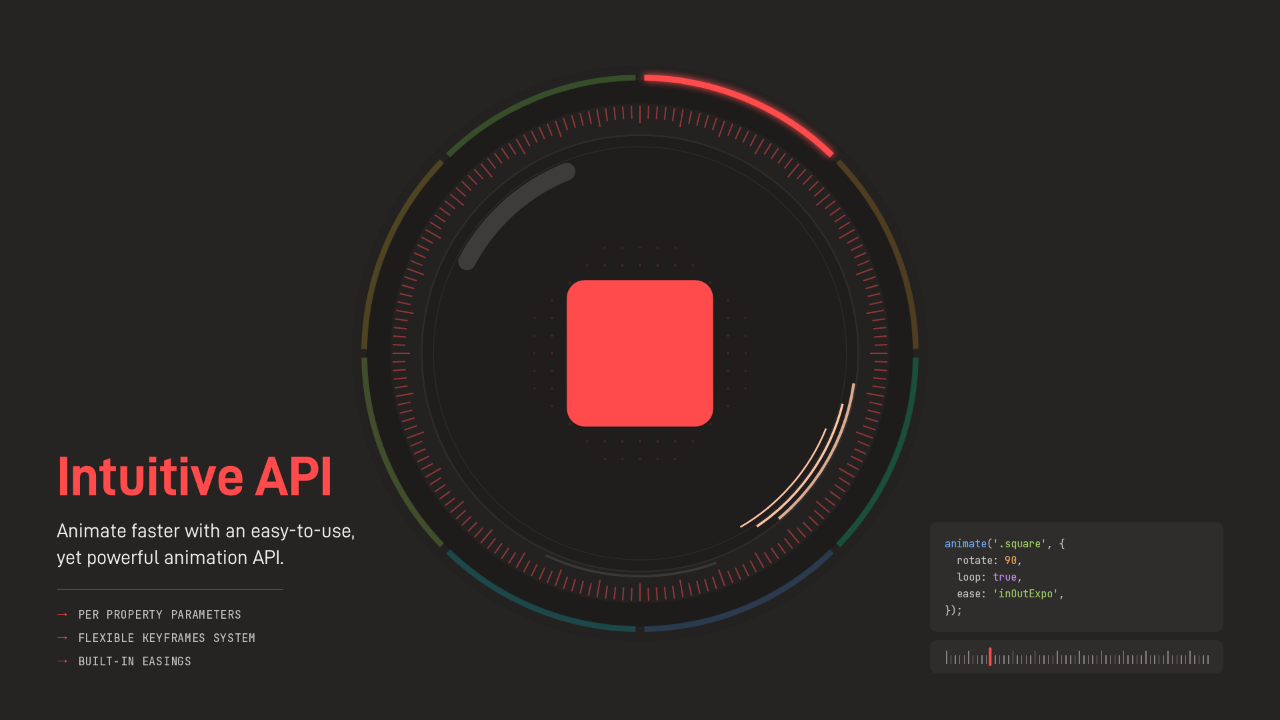
Intuitive API
Animate faster with an easy-to-use, yet powerful animation API.
- →Per property parameters
- →Flexible keyframes system
- →Built-in easings
It starts with an intuitive API, easy to use and still powerful. That square is four lines: rotate ninety degrees, loop, and ease in and out on an exponential curve. Every property can take its own parameters, the keyframe system is flexible, and the easings come built in.
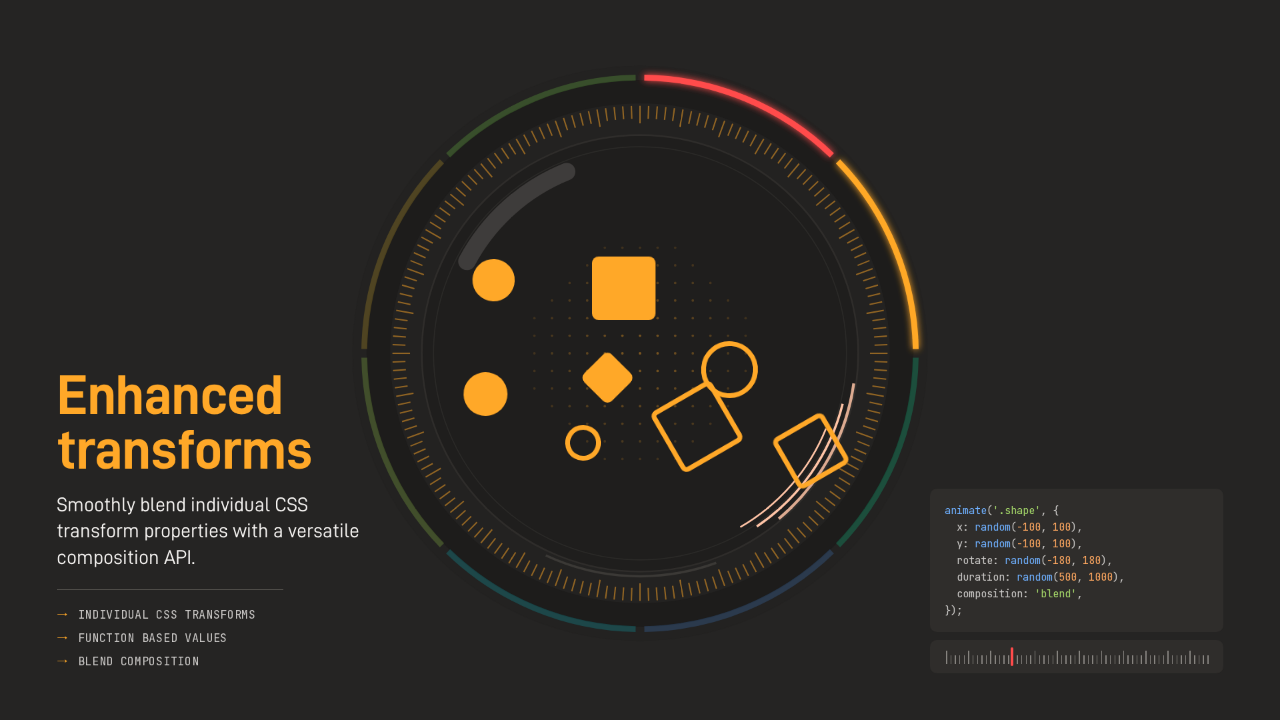
Enhanced transforms
Smoothly blend individual CSS transform properties with a versatile composition API.
- →Individual CSS Transforms
- →Function based values
- →Blend composition
Enhanced transforms let you animate translate, rotate and scale as separate properties, and blend them. Each shape here gets a random position, angle and duration, and with composition set to blend, overlapping animations on one element add up instead of cutting each other off. Individual CSS transforms, function based values, and blend composition.
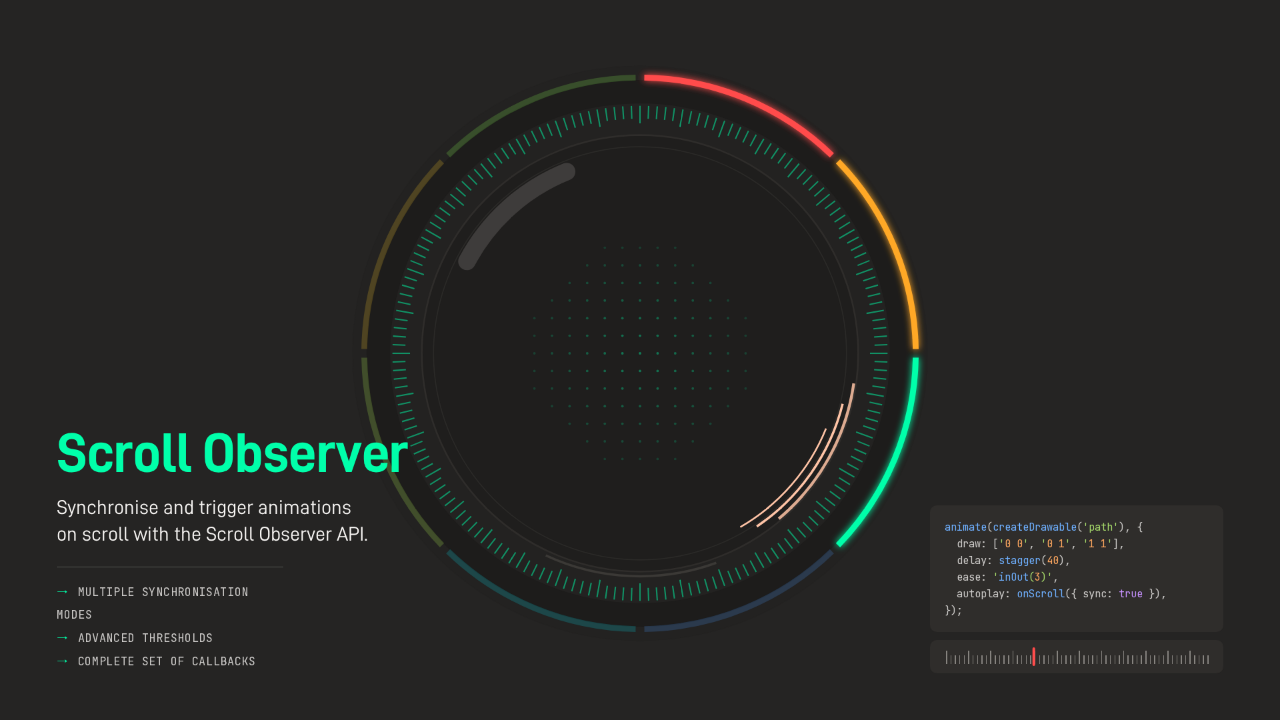
Scroll Observer
Synchronise and trigger animations on scroll with the Scroll Observer API.
- →Multiple synchronisation modes
- →Advanced thresholds
- →Complete set of callbacks
The Scroll Observer synchronises and triggers animations on scroll. This sphere draws its lines one after another, and with autoplay set to on scroll and sync turned on, the drawing follows the scroll bar instead of a clock. There are several synchronisation modes, advanced thresholds, and a complete set of callbacks.
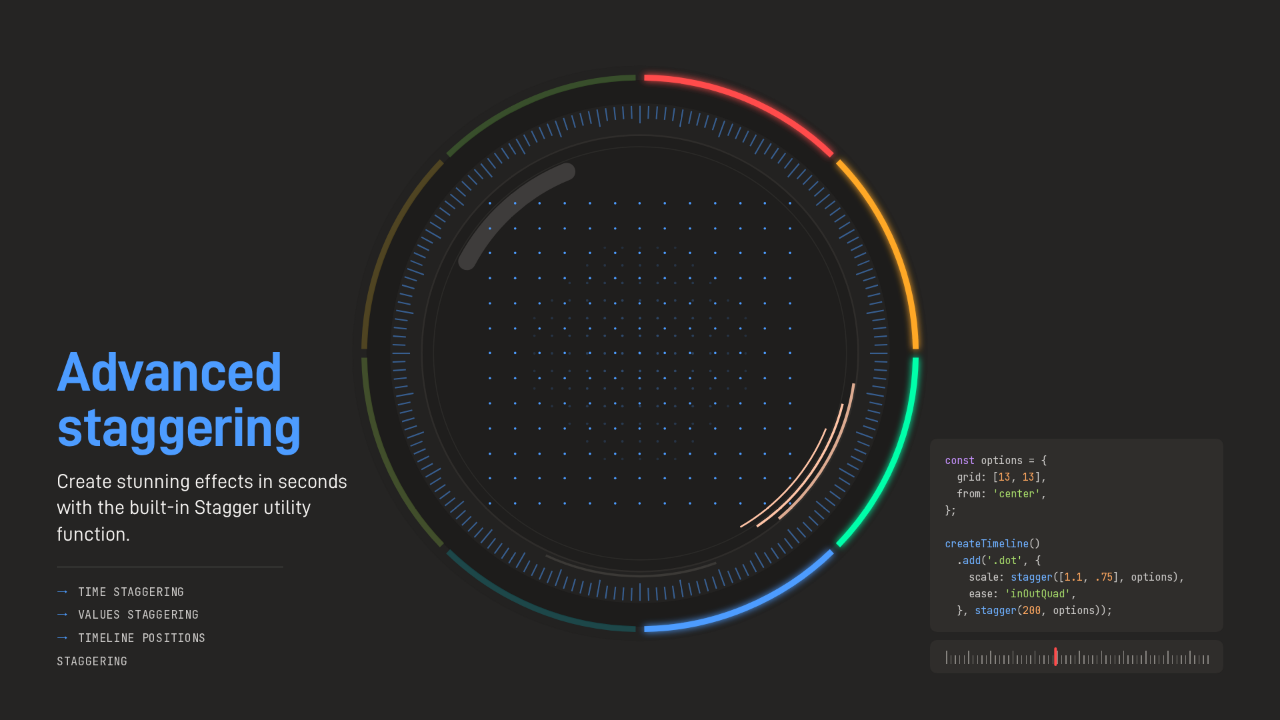
Advanced staggering
Create stunning effects in seconds with the built-in Stagger utility function.
- →Time staggering
- →Values staggering
- →Timeline positions staggering
Advanced staggering makes effects like this one in seconds. It's a thirteen by thirteen grid of dots, staggered from the center, so both the size of each dot and the moment it starts ripple outward. You can stagger time, stagger values, and stagger positions on a timeline.
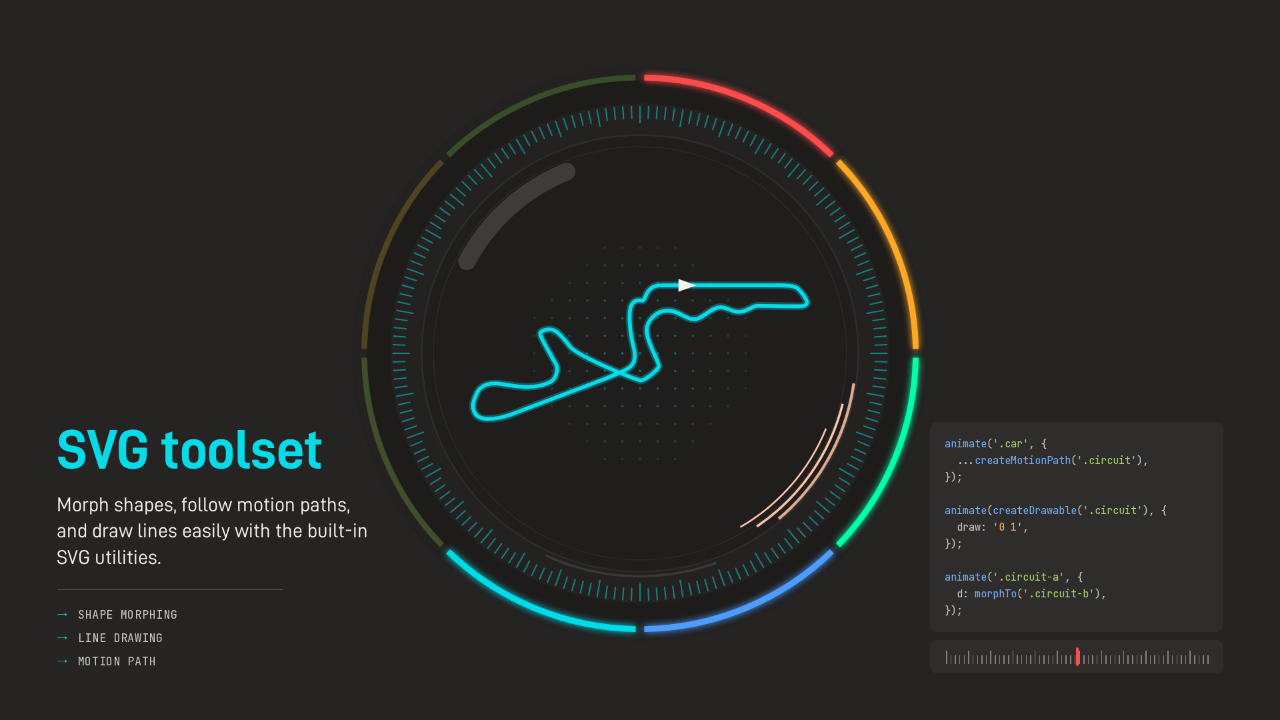
SVG toolset
Morph shapes, follow motion paths, and draw lines easily with the built-in SVG utilities.
- →Shape morphing
- →Line drawing
- →Motion path
The SVG toolset morphs shapes, follows motion paths and draws lines. A race circuit draws itself, and a car follows the same path, turning with every corner. Shape morphing, line drawing, and motion paths, all built in.
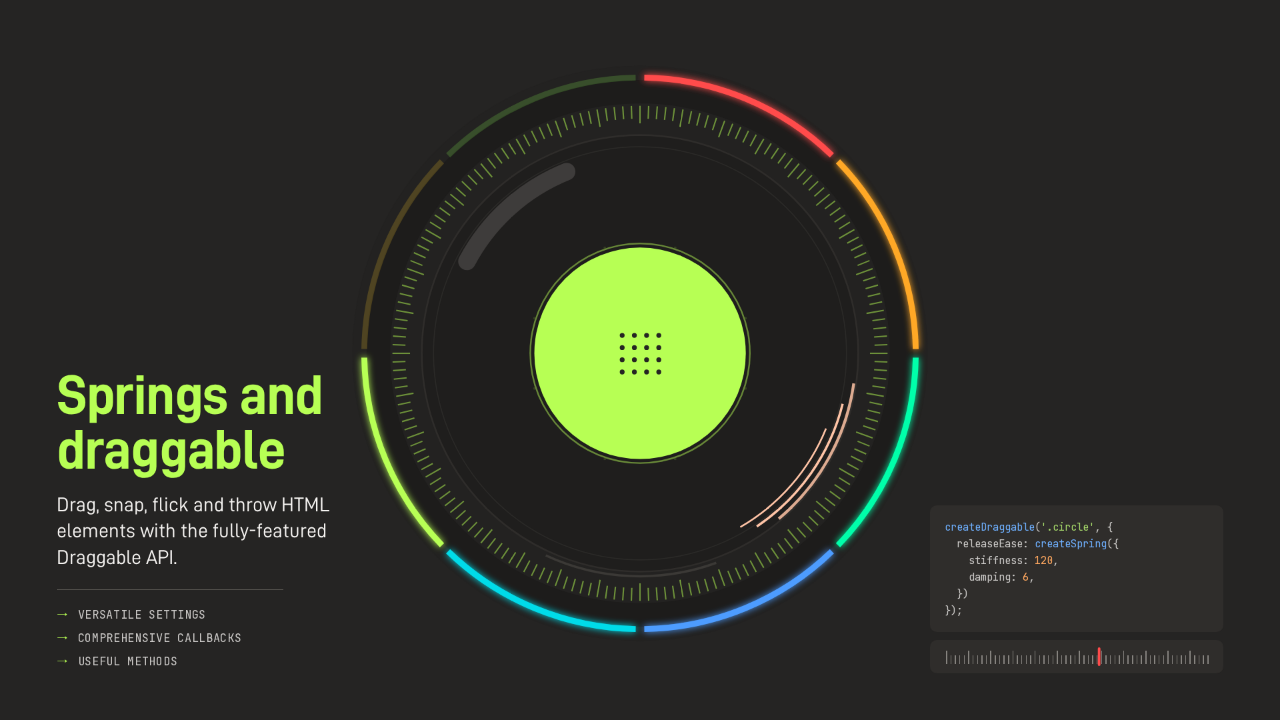
Springs and draggable
Drag, snap, flick and throw HTML elements with the fully-featured Draggable API.
- →Versatile settings
- →Comprehensive callbacks
- →Useful methods
Springs and draggable. Drag, snap, flick and throw HTML elements, and when you let go, a spring settles them: stiffness 120, damping 6, which is that wobble on the way back. The settings are versatile, the callbacks are comprehensive, and the methods are useful.
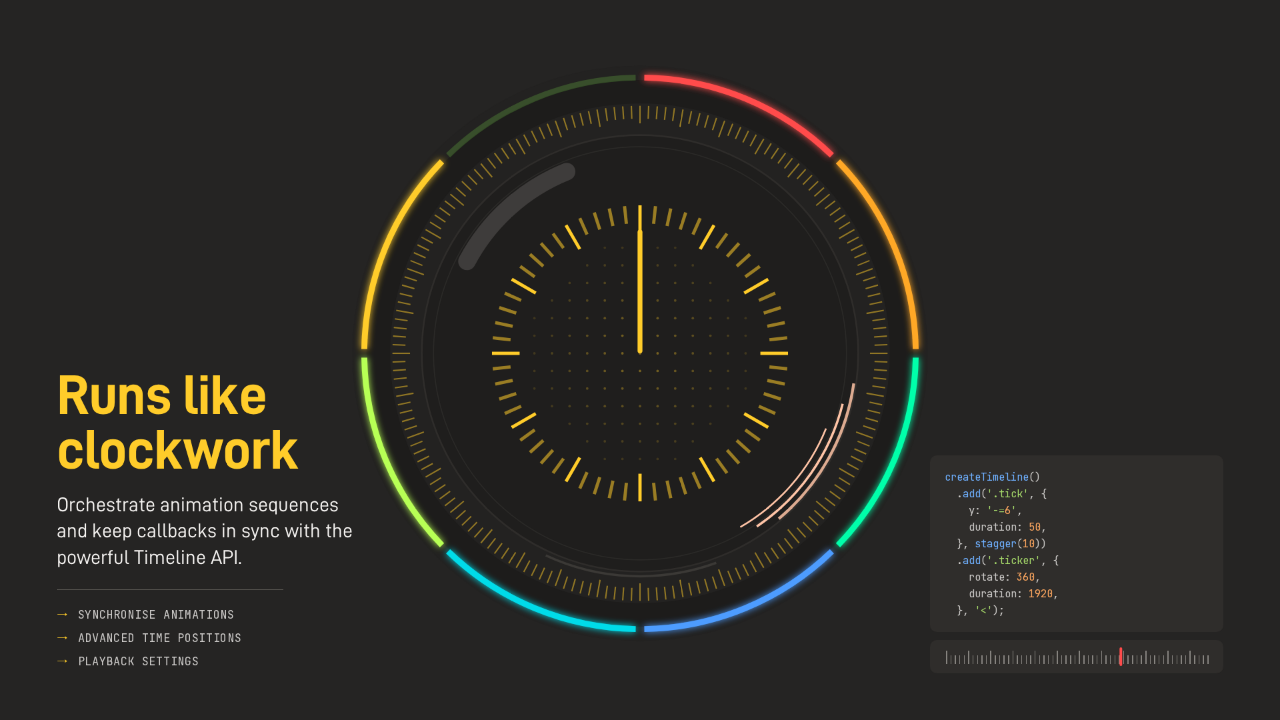
Runs like clockwork
Orchestrate animation sequences and keep callbacks in sync with the powerful Timeline API.
- →Synchronise animations
- →Advanced time positions
- →Playback settings
It runs like clockwork. The Timeline API orchestrates sequences and keeps callbacks in sync. The ticks bounce one after another while the hand sweeps a full turn in just under two seconds, both on one timeline. Synchronised animations, advanced time positions, and playback settings.
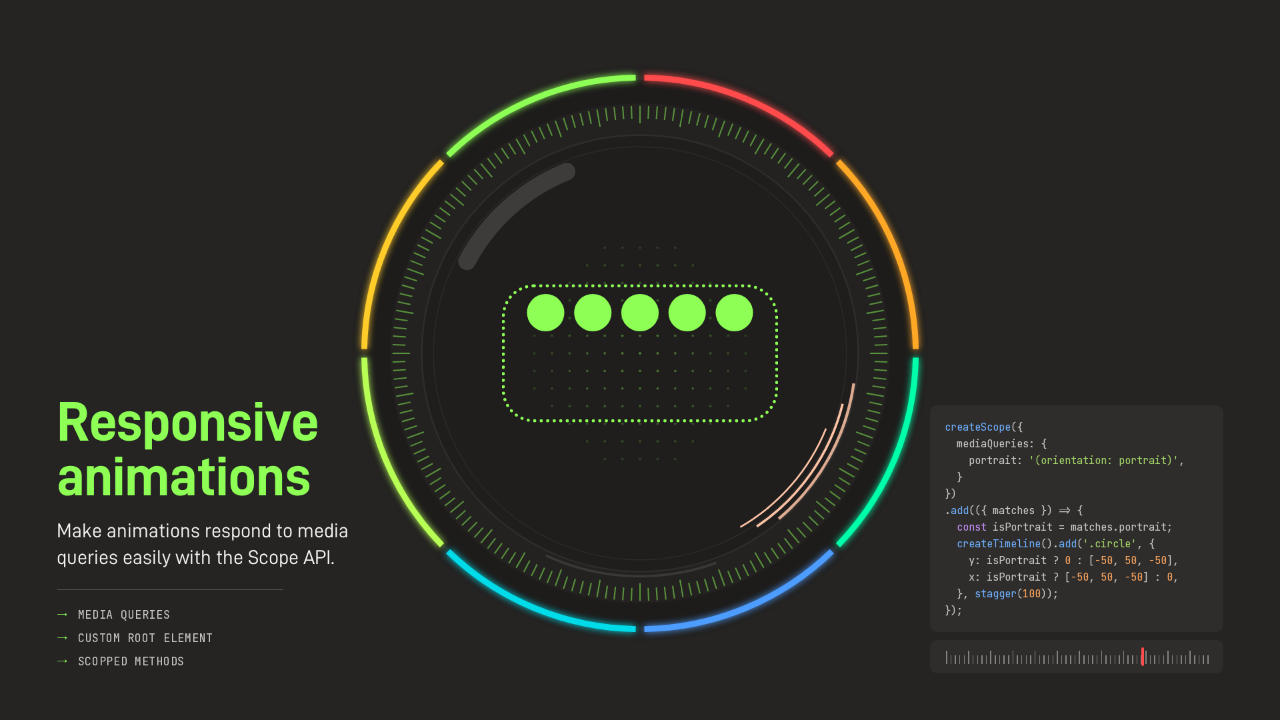
Responsive animations
Make animations respond to media queries easily with the Scope API.
- →Media queries
- →Custom root element
- →Scopped methods
Responsive animations respond to media queries through the Scope API. In landscape these circles wave up and down. Turn a phone to portrait and the same code waves them side to side. Media queries, a custom root element, and scoped methods.
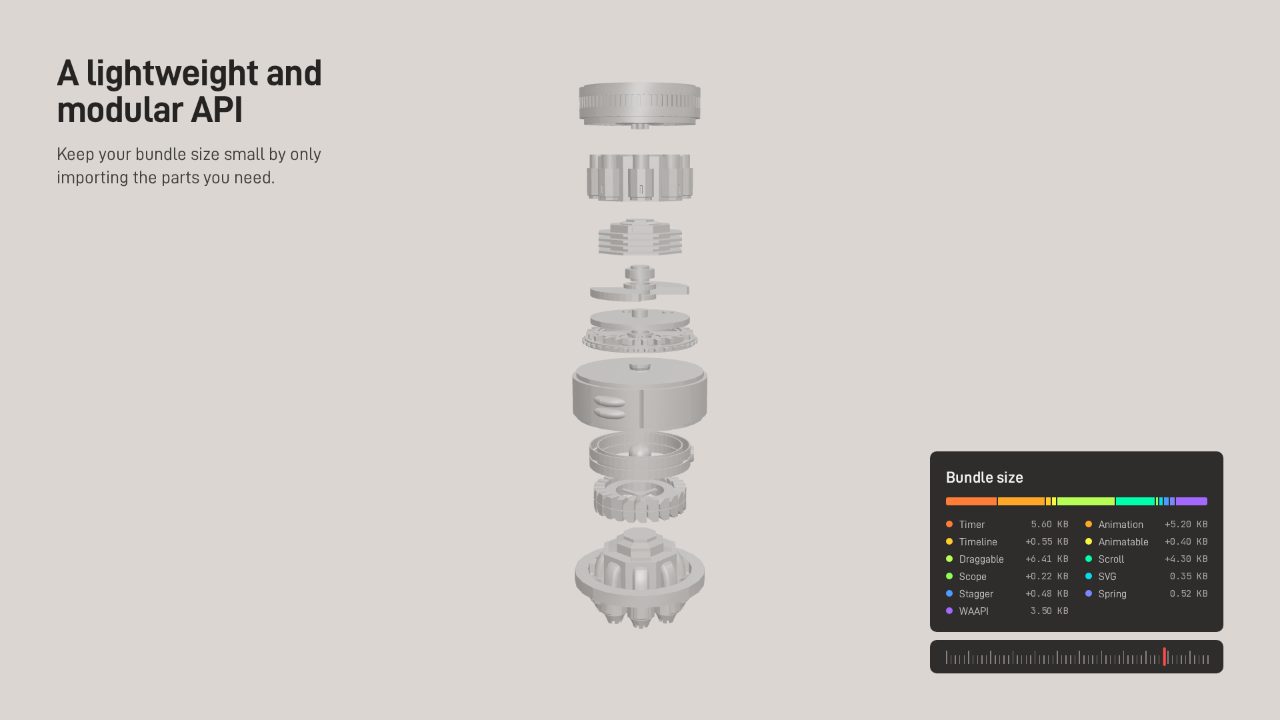
A lightweight and modular API
Keep your bundle size small by only importing the parts you need.
- Timer5.60 KB
- Animation+5.20 KB
- Timeline+0.55 KB
- Animatable+0.40 KB
- Draggable+6.41 KB
- Scroll+4.30 KB
- Scope+0.22 KB
- SVG0.35 KB
- Stagger+0.48 KB
- Spring0.52 KB
- WAAPI3.50 KB
And it stays light. The API is modular, so your bundle carries only the parts you import. The timer at the core is about five and a half kilobytes, animation adds about five more, and the SVG helpers weigh about a third of a kilobyte on their own.
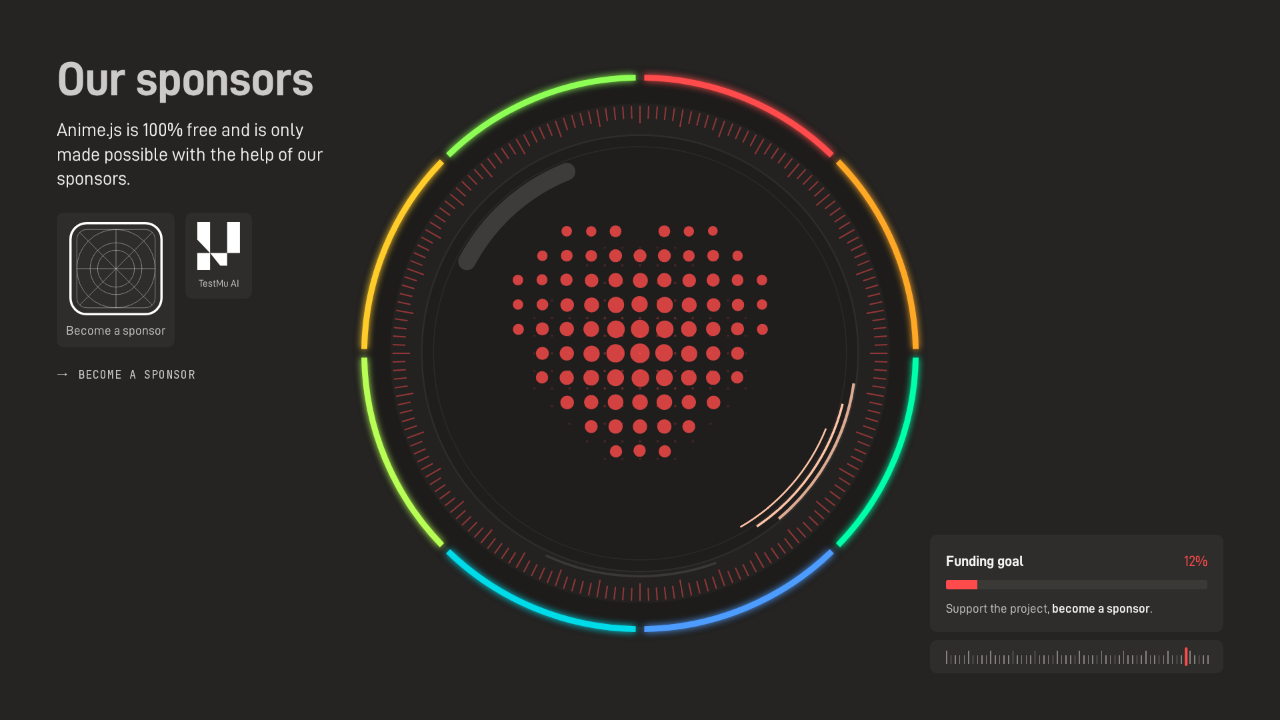
Our sponsors
Anime.js is 100% free and is only made possible with the help of our sponsors.
 Become a sponsorTestMu AI
Support the project, become a sponsor.
Anime.js is one hundred percent free, and it's only possible with the help of its sponsors. TestMu AI is one of them, and the funding goal stands at twelve percent. If your team ships with it, this is where you give back.
Start animating
Get started quickly with our in-depth documentation.
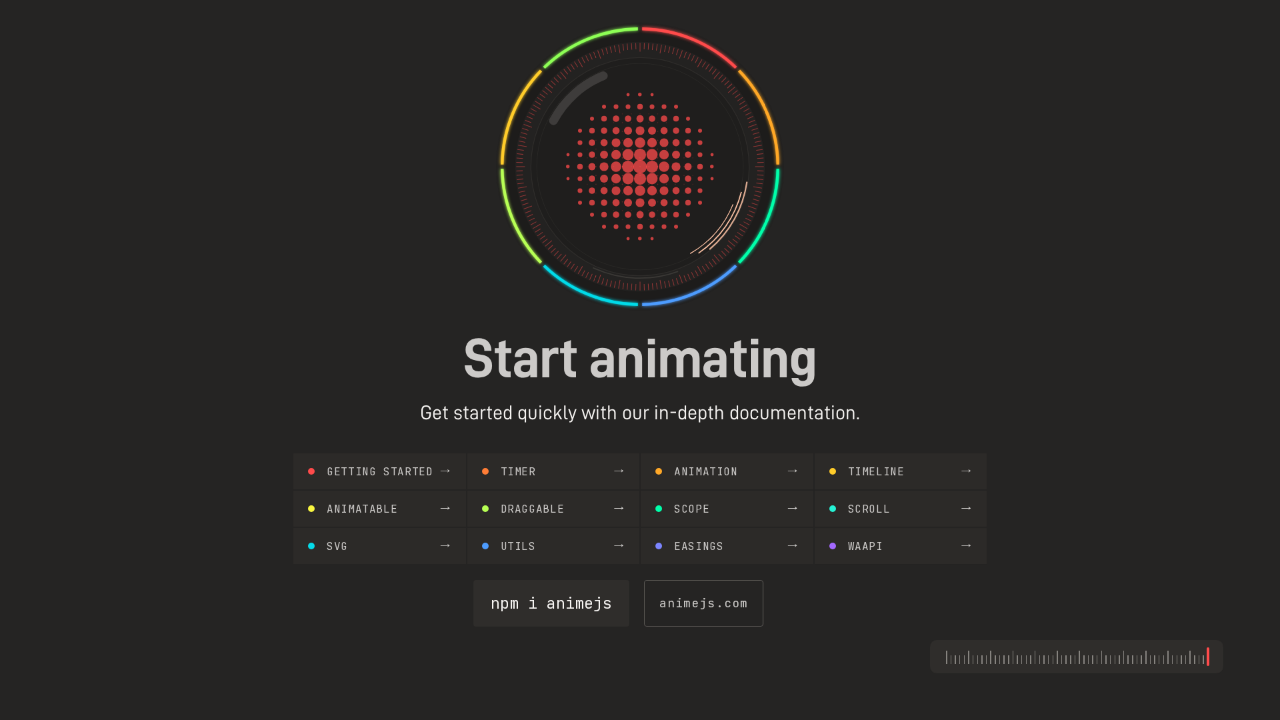
Every segment is lit. To start animating, the documentation covers each module in depth: getting started, the timer, animation, timelines, draggable, scroll, SVG, easings and the rest. Install it with npm i animejs, and the docs are at animejs.com.