Every release, explained
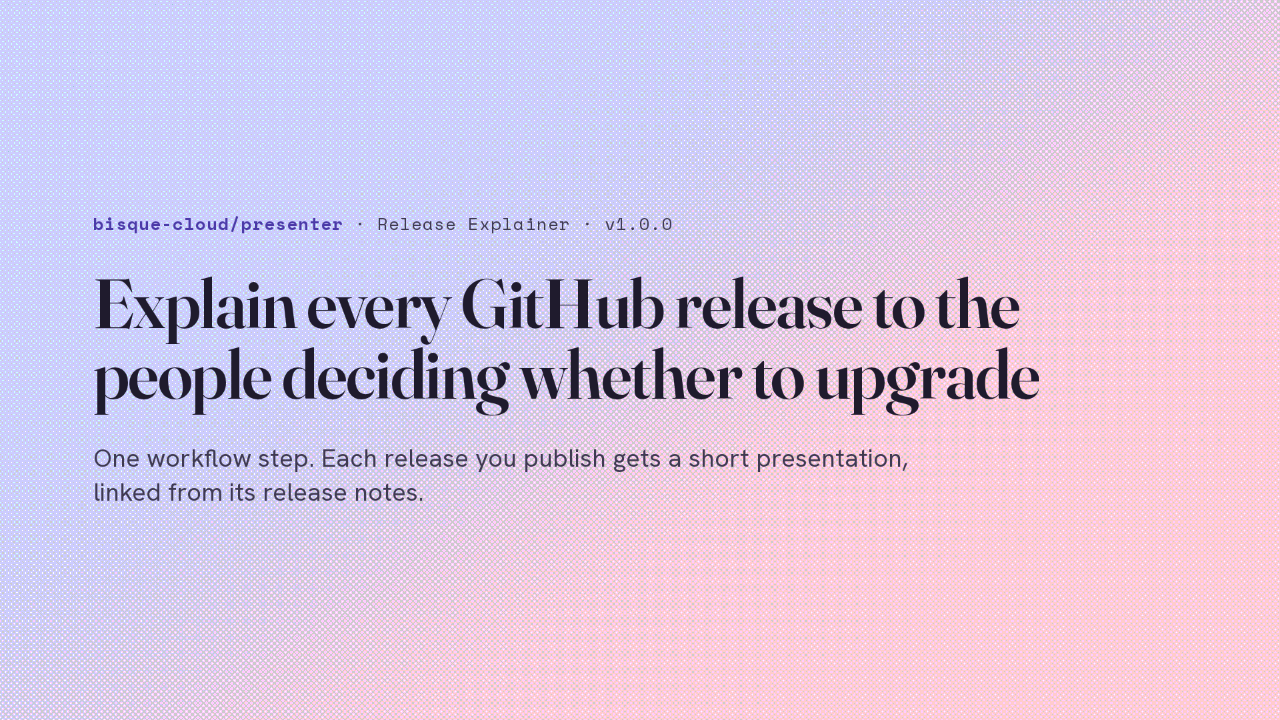
Explain every GitHub release to the people deciding whether to upgrade
One workflow step. Each release you publish gets a short presentation, linked from its release notes.
The people deciding whether to upgrade want to know what changed, what could break, and what they have to do. The Release Explainer is a GitHub Action from the presenter repository. Add one step to a workflow, and every release you publish gets a short presentation explaining it, with the link added to the release notes. Version 1.0.0 is its first stable release. It runs on your own model key, and here is what it needs and what it does.
One workflow step
One step in a release workflow
Three secrets. The rest has defaults.
on:
  release:
    types: [published]
permissions:
  contents: write # append the watch link
jobs:
  explain:
    runs-on: ubuntu-latest
    steps:
      - uses: bisque-cloud/presenter@v1
        with:
          anthropic-api-key: ${{ secrets.ANTHROPIC_API_KEY }}
          bisque-api-key: ${{ secrets.BISQUE_API_KEY }}
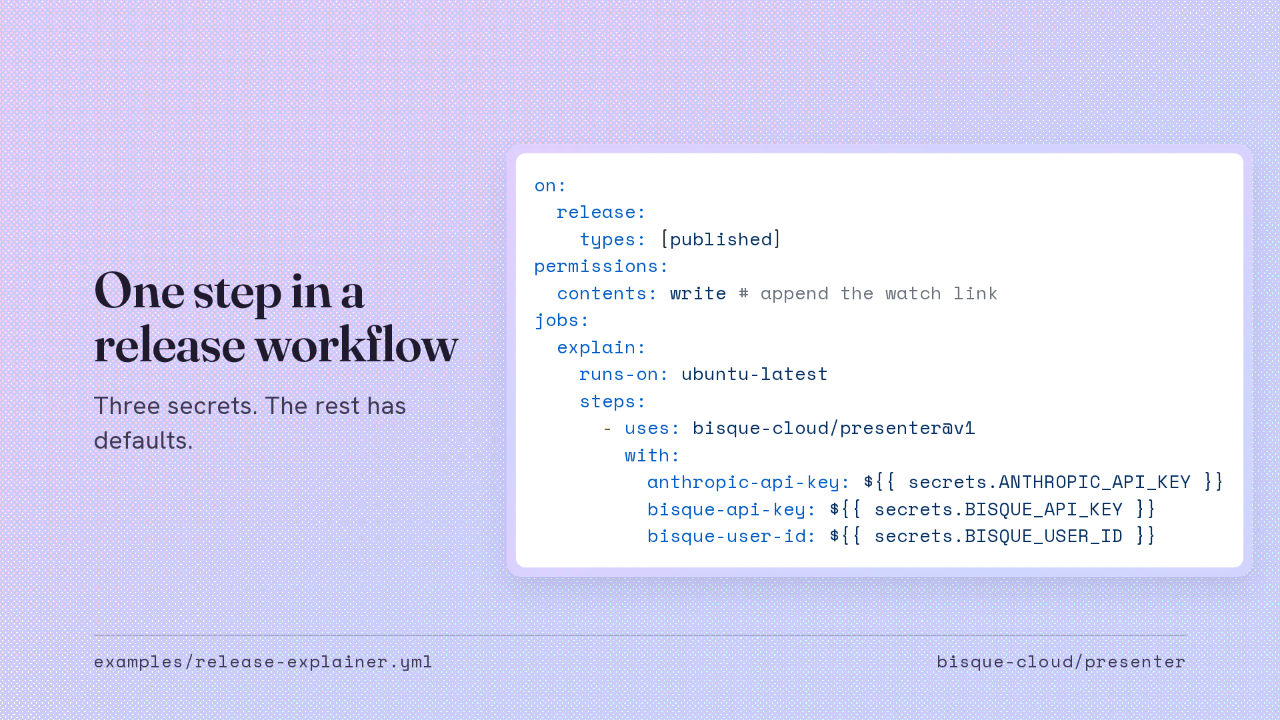
bisque-user-id: ${{ secrets.BISQUE_USER_ID }}Here's the whole setup, from the example in the repository. The workflow runs when a release is published. It asks for write access to contents, because it edits the release notes to add the link. Then one step uses the action at v1. You give it a key for your model provider, plus a Bisque API key and user ID, which name the channel the explainer is published to.
The key picks the model
The key you set picks the model
Name any other with model:, from models.dev.
| anthropic-api-key | claude-opus-5, medium effort |
| openai-api-key | gpt-5.6-sol, medium effort |
| google-api-key | gemini-3.1-pro-preview |
| xai-api-key | grok-4.6 |
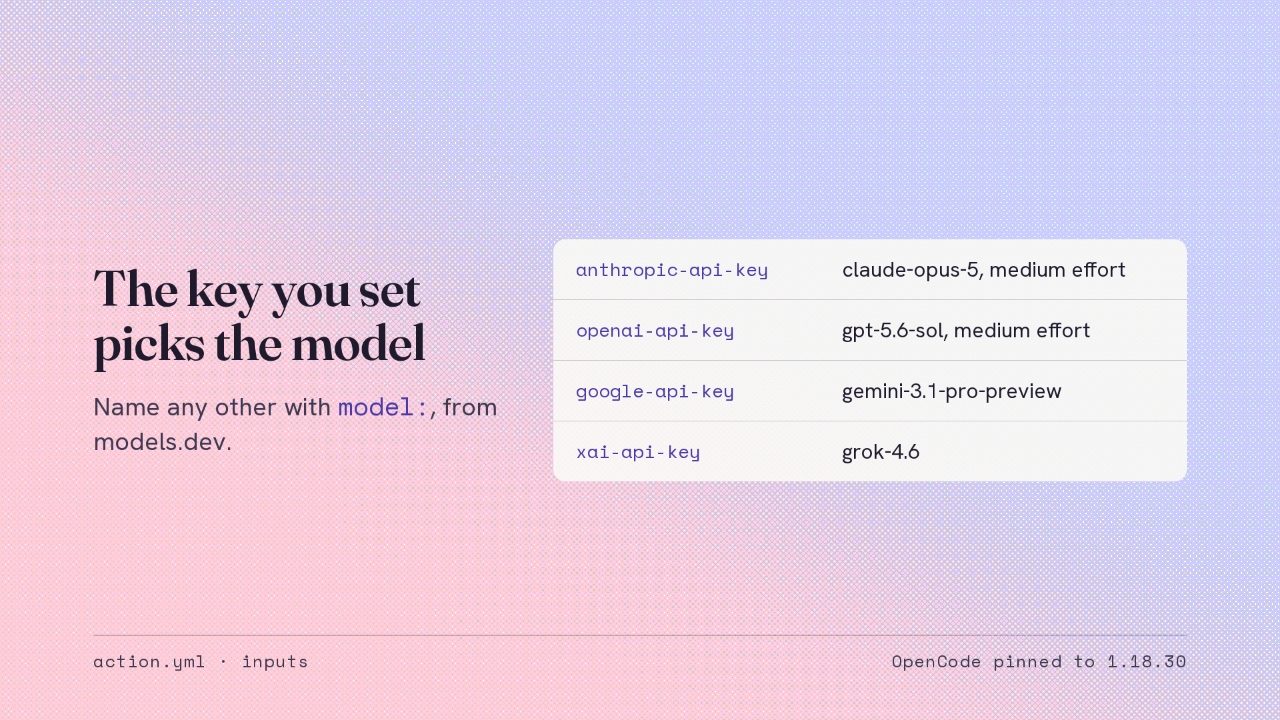
You set one provider key, and the provider decides the model. An Anthropic key runs Claude Opus 5 at medium effort. OpenAI runs GPT 5.6 Sol, Google runs Gemini 3.1 Pro preview, and xAI runs Grok 4.6. To spend less, or to use something else, set the model input to any provider and model ID from models.dev. OpenCode runs the model, pinned to one fixed version, so a new model needs no new release of the action.
What happens on the runner
From a published release to a link in its notes
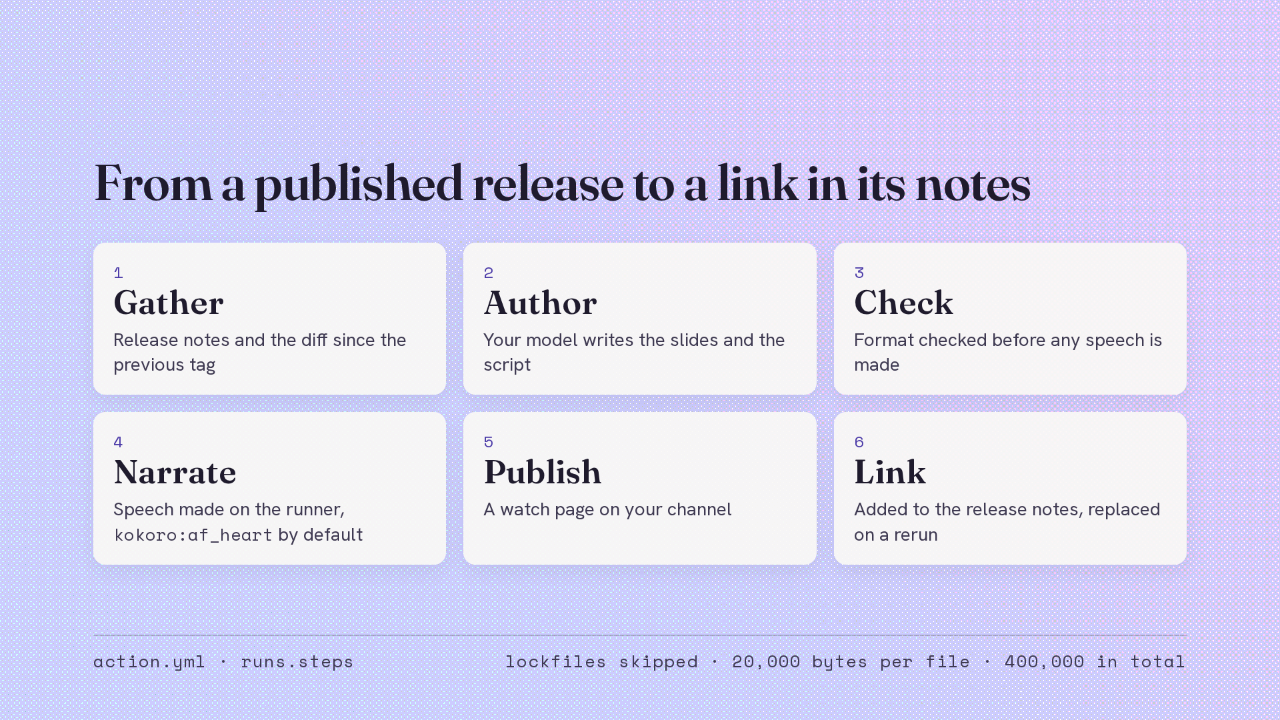
kokoro:af_heart by defaultWhen the release is published, the job runs in order. It reads the release notes and the diff since the previous tag through the GitHub API, without checking out your code. Lockfiles are skipped and each file's diff is capped, so the model spends its attention on source. Your model writes the slides and the narration script, and the job checks the format before any speech is made. Then the speech is made on the runner itself, the presentation is published, and the link goes at the bottom of your release notes with the first slide as a poster. Run it again for the same tag and it replaces that link instead of adding a second one.
The key stays out of the agent
Your model key stays out of the agent's reach
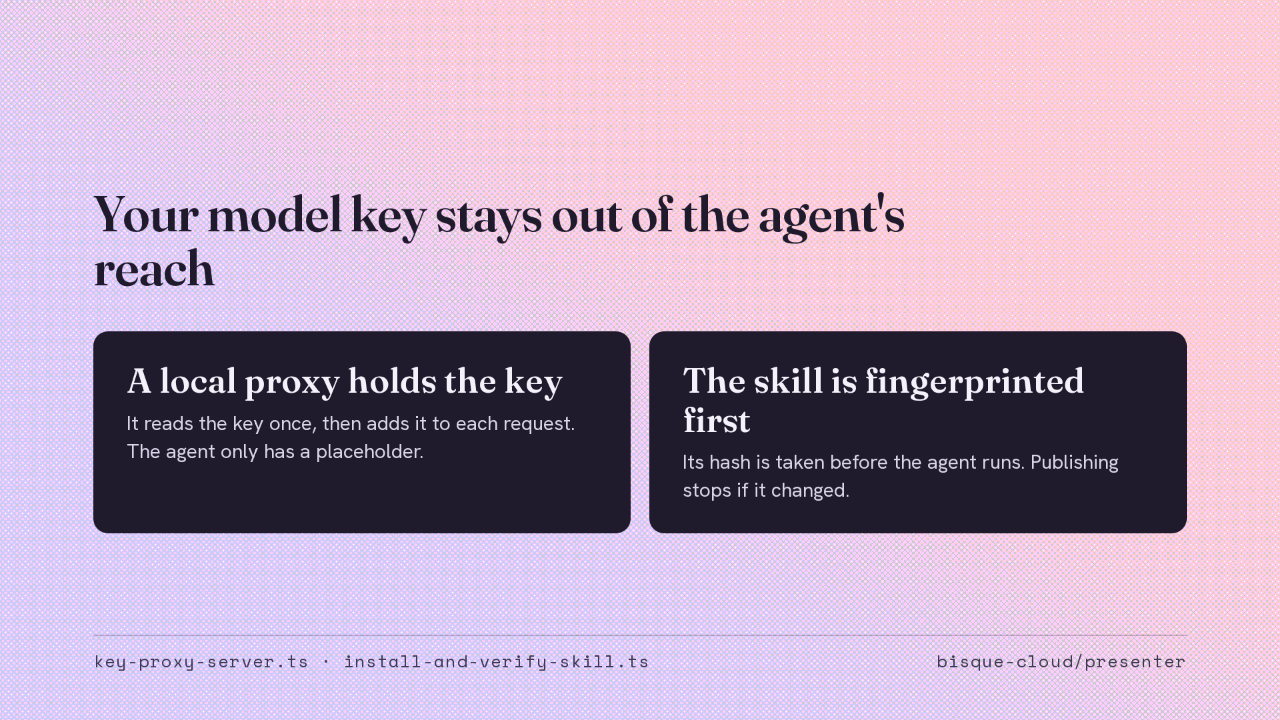
The agent reads text you didn't write, so it never holds a credential. One step starts a small proxy on the runner and passes it your model key on standard input. The agent talks to that proxy with a placeholder key, and the proxy swaps in the real one on the way out. So the key isn't in any environment the agent or its tools can read. Before the agent runs, the action also records a hash of the skill it uses. The publishing step checks that hash, and it refuses to run a skill the agent edited.
Explain a pull request
Comment /explain on a pull request
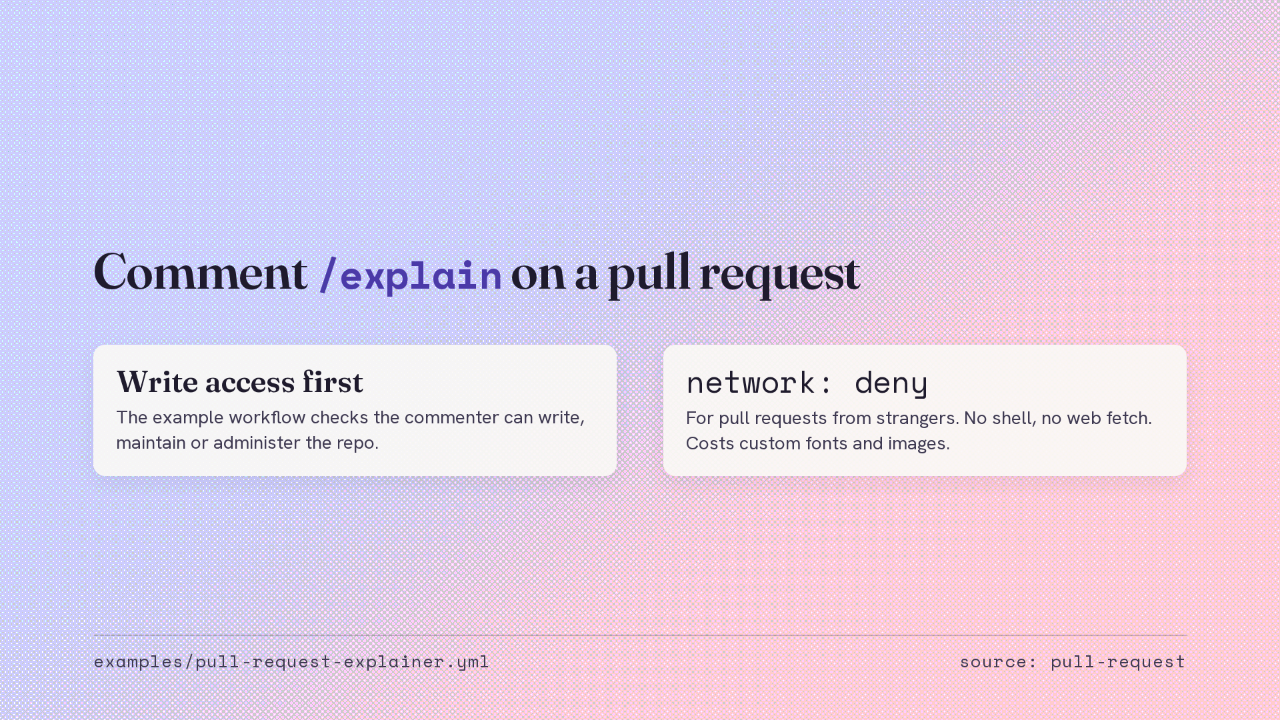
network: denyThe same step explains a pull request. A collaborator comments slash explain, and the walkthrough link arrives as a comment on it. The example workflow first checks the commenter's permission on the repository, so your model key is only spent for people who could merge. A pull request from a stranger is text you didn't write. On a repository that takes those, set network to deny. The agent then has no shell and can't fetch from the web, which costs the custom fonts and images it would have downloaded.
What it costs and who sees it
Narration, publishing and hosting are free
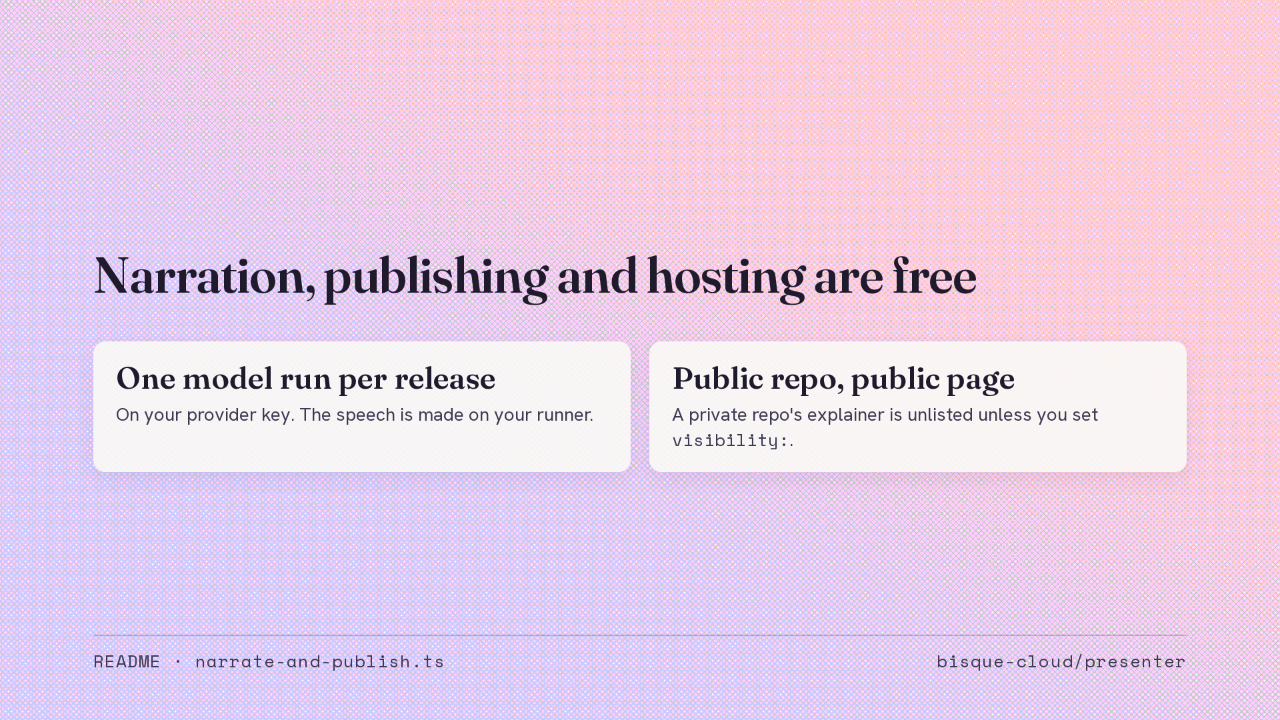
visibility:.Narration, publishing and hosting are free. Authoring is one model run on your own key for each release. The speech is made on your runner, and the speech model is cached between runs. The explainer takes the repository's visibility. A public repository gets a public page, and a private repository's explainer is unlisted, so copying the example unchanged never puts private notes on a public channel. The visibility input overrides it.
Add it
It needs your own model key and a Bisque key.
Pin bisque-cloud/presenter@v1 and every release explains itself
No input will be renamed or removed in 1.x. The 0.1.x tags still resolve.
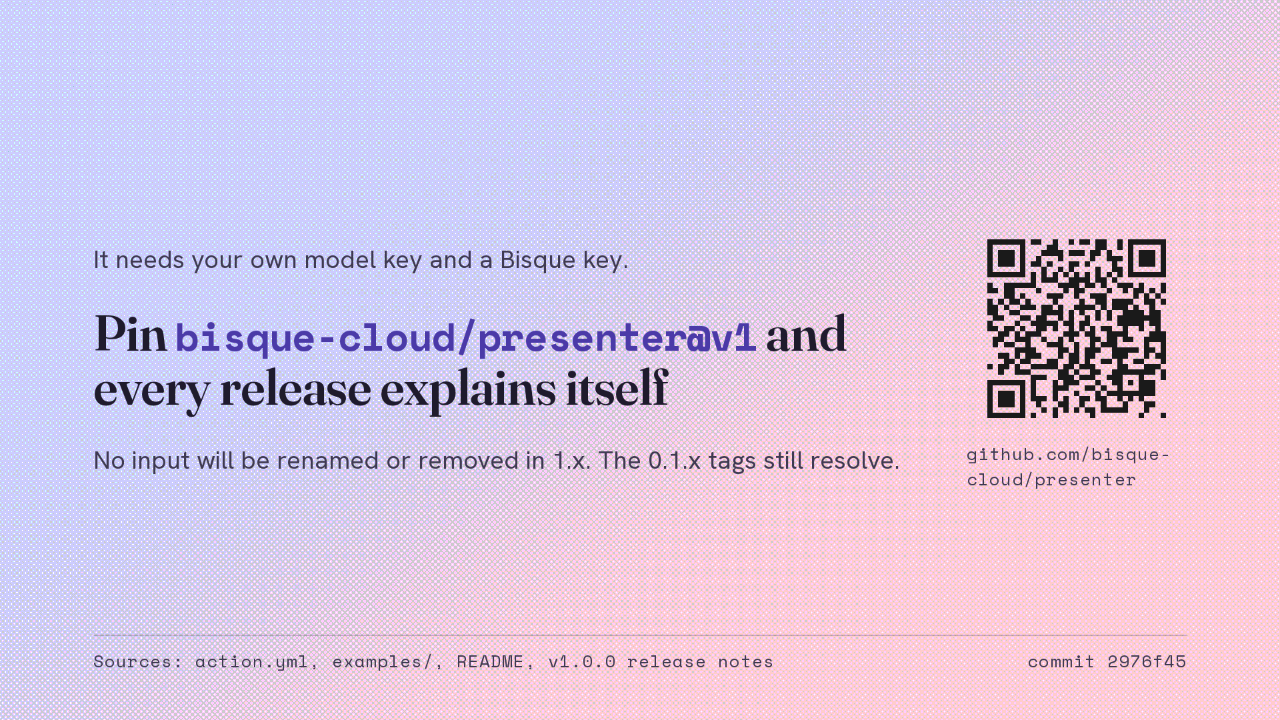
It isn't zero setup. You need a key for a model provider and a Bisque key, stored as repository secrets. In return, version one makes the inputs a compatibility promise. Version 1.x won't rename or remove an input, and workflows pinned to the older 0.1 tags keep working. The action and both example workflows are in the presenter repository. Pin it at v1, and every release you publish explains itself to the people deciding whether to upgrade.