Orca v1.4.268 runs bots on Cursor, GitHub Copilot and Hermes
1 day ago
Orca v1.4.268 lets bots run on Cursor, GitHub Copilot and Hermes, takes images and files in bot chats, group chats and item comments, and gives agents scheduled Slack posts, pins, canvases and lists. Orca also does less work in the background, and chats cut by a crash or restart can continue.
Links
- Orca v1.4.268 release notesgithub.com
- Compare viewgithub.com
- Bots on Cursor, PR #45197github.com
- Bots on GitHub Copilot, PR #45259github.com
- Bots on Hermes, PR #45260github.com
- OpenCode 2.x standing instructions, PR #45270github.com
- Images in bot group chats, PR #45539github.com
- Files on item comments, PR #45189github.com
- Files with mail to a paired computer, PR #45194github.com
- Slack images reach the agent, PR #45381github.com
- orca slack post --at, PR #45390github.com
- orca slack pin, canvas, list and scheduled, PR #45413github.com
- Credential files off the main thread, PR #44661github.com
- One fewer process per hook event, PR #45301github.com
- Automatic heap profiles stopped, PRs #44950 and #45137github.com
- Disk almost full suggestion, PR #45242github.com
- Chats continue after a crash or restart, PR #43918github.com
- Worker final report wakes its agent, PR #45819github.com
- Worker name chips, PR #45363github.com
Ask about this presentation
Chapters
Show transcriptHide transcript
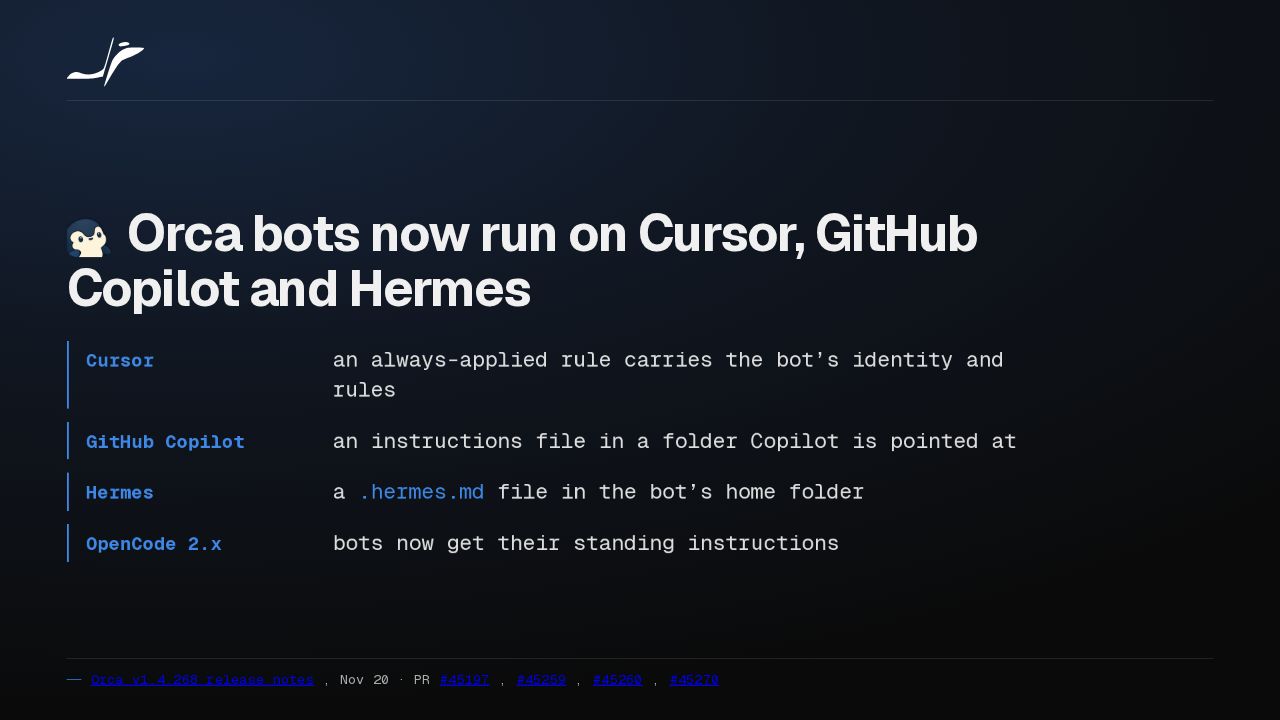
Orca bots now run on Cursor, GitHub Copilot and Hermes. Each one receives the bot's identity and rules in a file that agent already reads. OpenCode 2.x bots get their standing instructions too.
Slide text

Orca bots now run on Cursor, GitHub Copilot and Hermes
- Cursor
- an always-applied rule carries the bot’s identity and rules
- GitHub Copilot
- an instructions file in a folder Copilot is pointed at
- Hermes
- a
.hermes.mdfile in the bot’s home folder - OpenCode 2.x
- bots now get their standing instructions
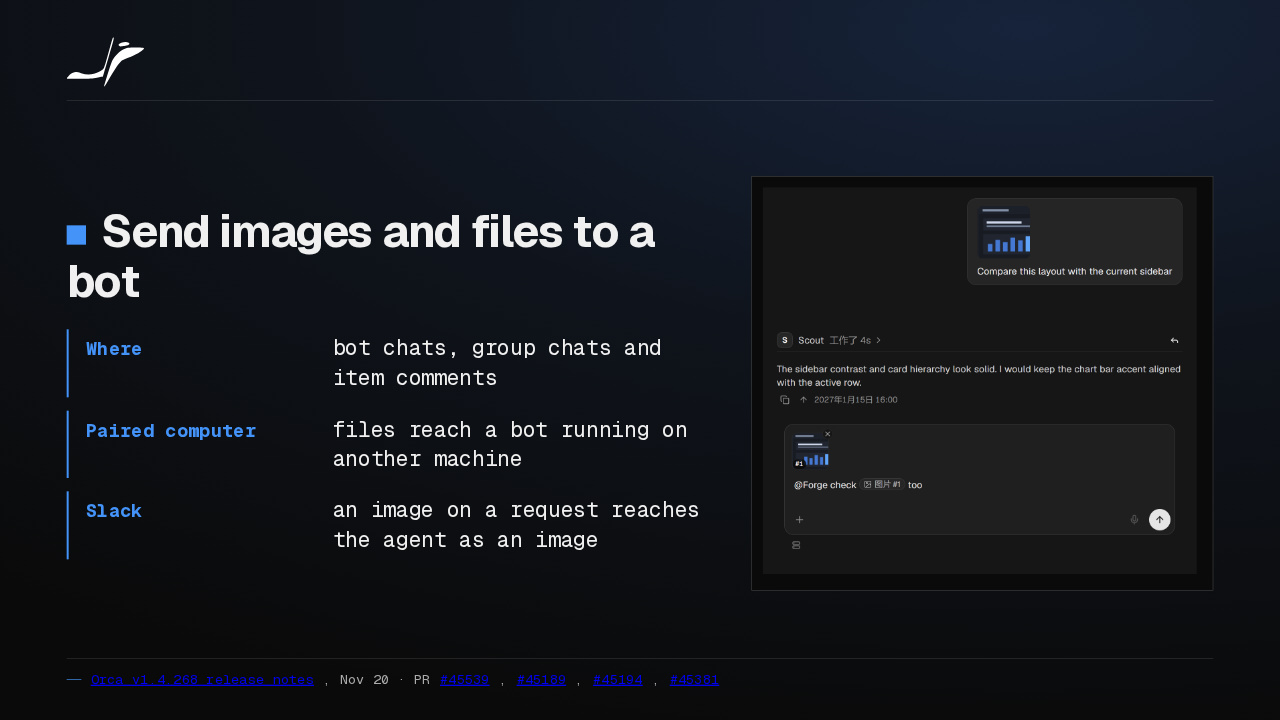
Bots now take images and files: in a bot chat, a group chat, or an item comment, even on a paired computer. An image on a Slack request reaches the agent as an image.
Slide text
- Where
- bot chats, group chats and item comments
- Paired computer
- files reach a bot running on another machine
- Slack
- an image on a request reaches the agent as an image

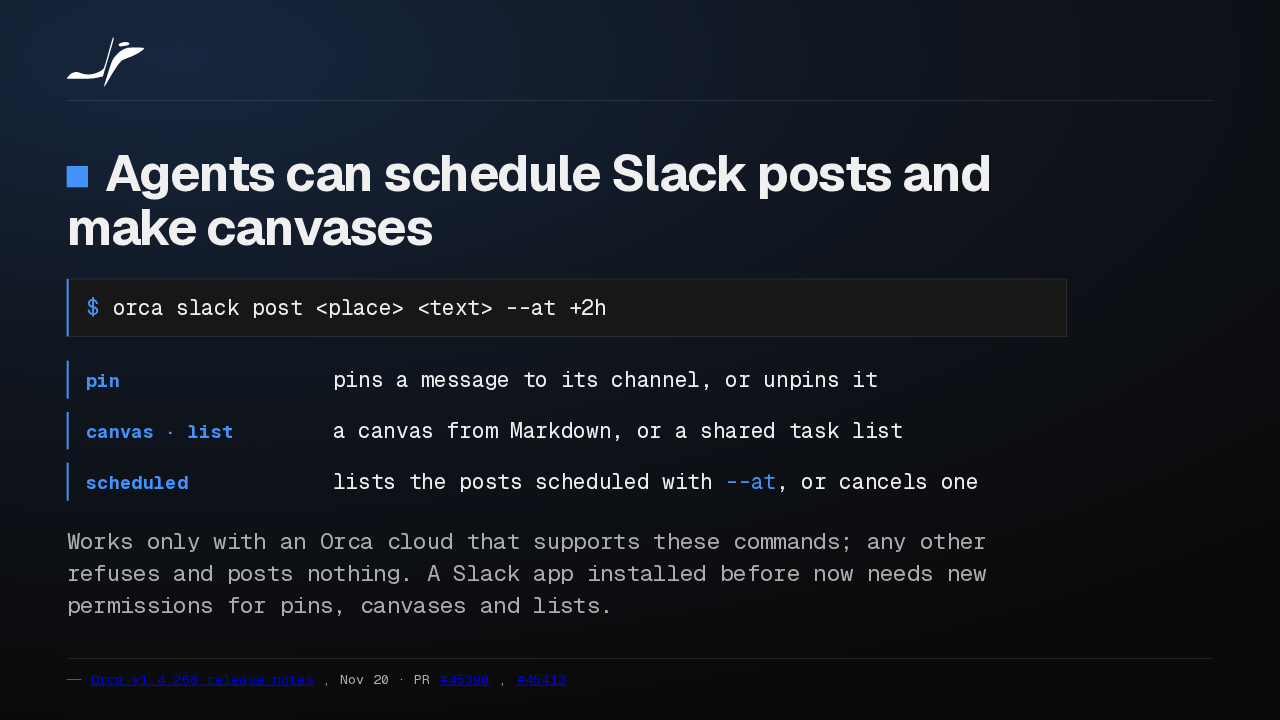
From the command line, agents can now schedule a Slack post for later. New commands pin messages, make canvases and task lists, and cancel scheduled posts. A Slack app installed earlier needs new permissions first.
Slide text
Agents can schedule Slack posts and make canvases
$ orca slack post <place> <text> --at +2h- pin
- pins a message to its channel, or unpins it
- canvas · list
- a canvas from Markdown, or a shared task list
- scheduled
- lists the posts scheduled with
--at, or cancels one
Works only with an Orca cloud that supports these commands; any other refuses and posts nothing. A Slack app installed before now needs new permissions for pins, canvases and lists.
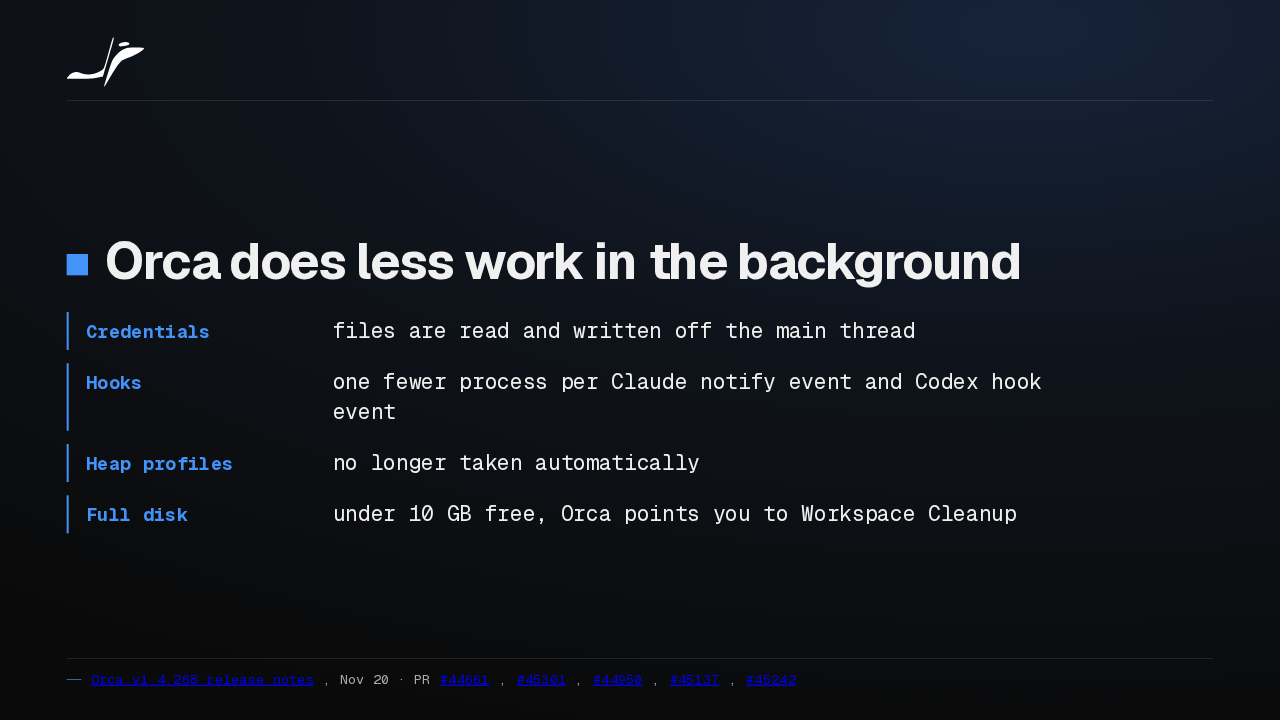
Orca now does less in the background. Credential reads leave the main thread, Claude and Codex hook events start one fewer process, and automatic heap profiles are gone. A nearly full disk now gets a cleanup suggestion.
Slide text
Orca does less work in the background
- Credentials
- files are read and written off the main thread
- Hooks
- one fewer process per Claude notify event and Codex hook event
- Heap profiles
- no longer taken automatically
- Full disk
- under 10 GB free, Orca points you to Workspace Cleanup
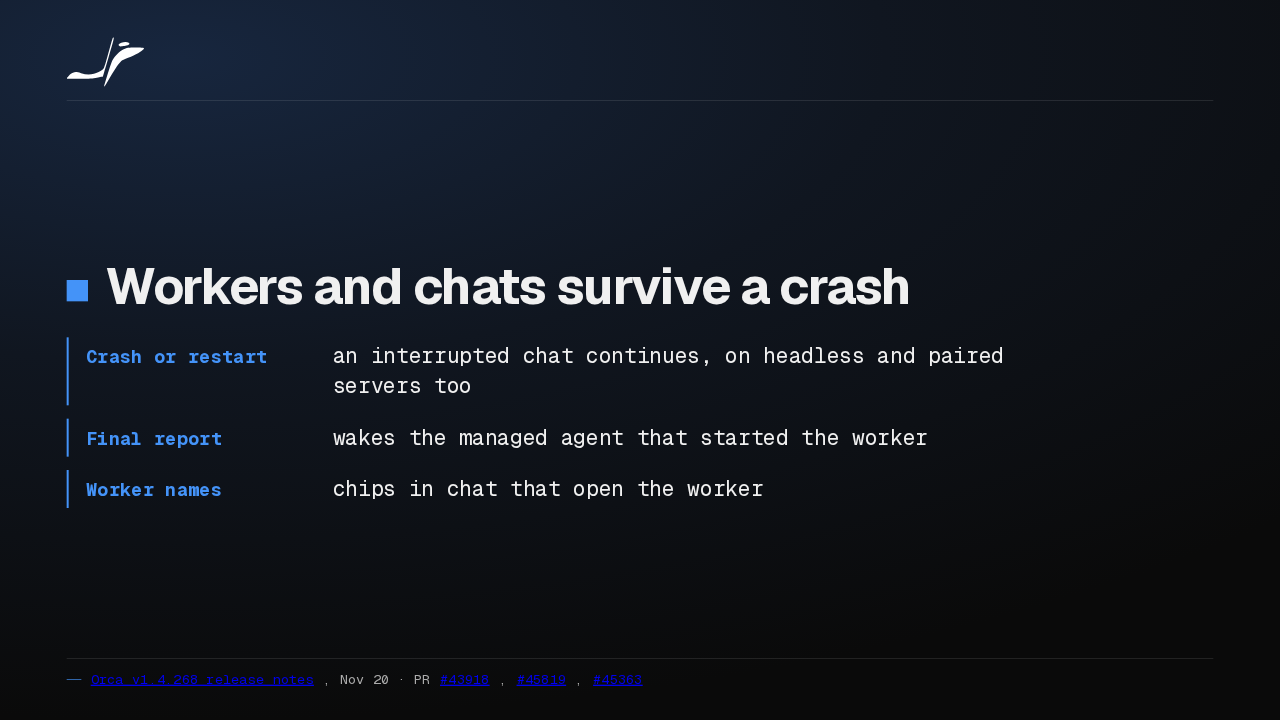
A chat cut off by a crash or a restart can now continue. A worker's final report wakes the agent that started it, and a worker's name in chat opens that worker.
Slide text
Workers and chats survive a crash
- Crash or restart
- an interrupted chat continues, on headless and paired servers too
- Final report
- wakes the managed agent that started the worker
- Worker names
- chips in chat that open the worker
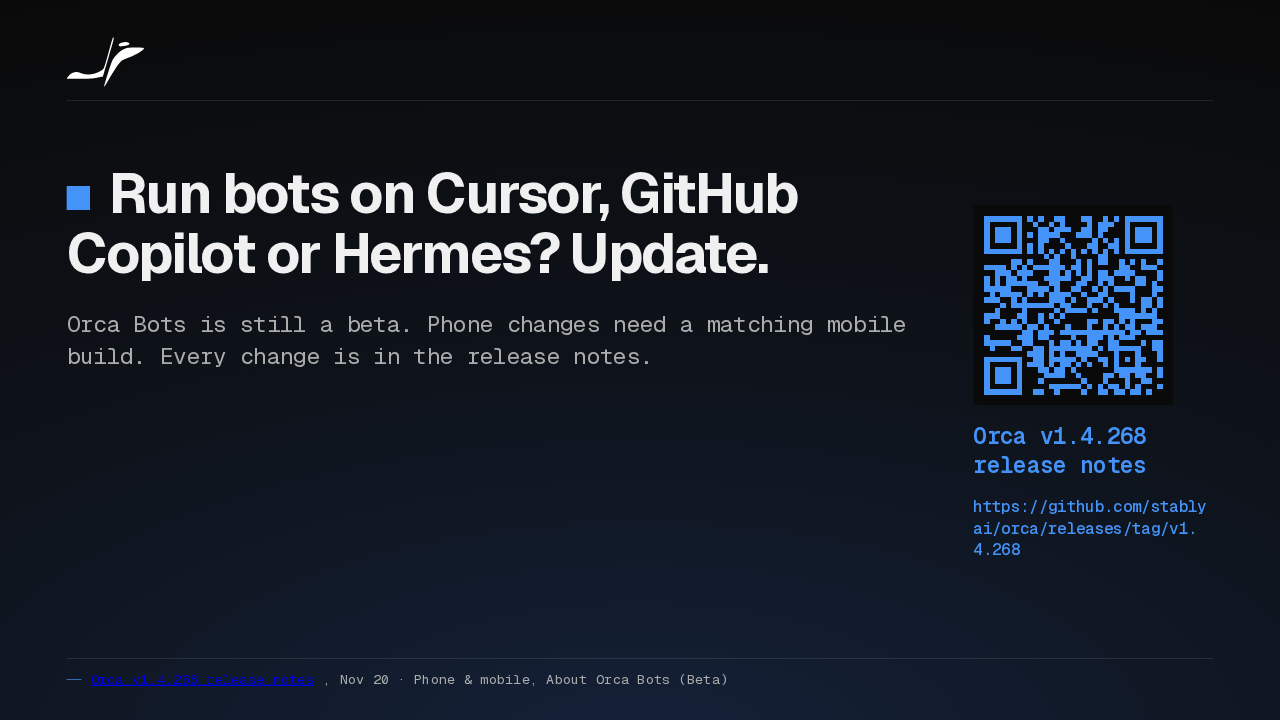
I would say yes, update, if you want bots on Cursor, GitHub Copilot or Hermes. The limits: Orca Bots is still a beta, and phone changes wait for a matching mobile build.
Slide text
Run bots on Cursor, GitHub Copilot or Hermes? Update.
Orca Bots is still a beta. Phone changes need a matching mobile build. Every change is in the release notes.
Orca v1.4.268 release notes
https://github.com/stablyai/orca/releases/tag/v1.4.268
Up next
 1:13
Orca v1.4.269 runs bots on Gemini CLI, Goose and six more agents
@orca
20 hours ago
 1:04
Orca v1.4.267 stops the status bar and bot chats from crashing
@orca
1 day ago
 1:38
Orca v1.4.266 signs Antigravity in with a Gemini API key and installs six more agents
@orca
2 days ago
 1:54
Orca bots now get their own tools on Grok, OpenCode, Pi and Antigravity
@orca
2 days ago
 1:35
Orca v1.4.263 runs Hermes in Chat and opens Chrome extension side panels
@orca
4 days ago
 1:36
Orca v1.4.262 runs 150 agent chats in a third of the memory and adds git blame
@orca
4 days ago
 1:27
Orca v1.4.261 brings Cursor into Chat and frees memory from idle browser tabs
@orca
5 days ago
 1:30
Orca v1.4.259 clears out the workspaces your agents leave behind
@orca
1 week ago
 1:30
Orca v1.4.258 runs GitHub Copilot in Chat and scrolls phone chats again
@orca
1 week ago
 1:34
Orca v1.4.257 freezes less on long agent chats and keeps your browser notes
@orca
1 week ago
 1:35
Orca v1.4.256 sets up dictation in one click and keeps your phone drafts
@orca
1 week ago
 0:57
Orca v1.4.255 puts every agent from every desktop on your phone
@orca
1 week ago