Ollama v0.33.1

1 month ago

Ollama v0.33.1 is out. Claude on your Mac now talks to your local models, the MLX runner enforces JSON schemas, and large models load from slow disks without failing.

Ask

Ask about this presentation

Answers are generated from this presentation.

Chapters

  1. 0:00Ollama v0.33.1
  2. 0:1401 Claude, running on your models
  3. 0:16Turn Claude on inside Ollama
  4. 0:24You choose which model answers
  5. 0:34What Claude keeps when it runs on Ollama
  6. 0:45Switching it off puts Claude back
  7. 0:55The suggested pairings come from Ollama’s servers
  8. 1:06The model picker holds its place
  9. 1:1502 The MLX runner
  10. 1:17A JSON schema is now enforced, not just accepted
  11. 1:28What the constraint costs you
  12. 1:40Big models load off slow disks
  13. 1:5003 Models and machines
  14. 1:52Qwen3.8 Flash Next runs on MLX
  15. 2:04gemma3 stays where it can see images
  16. 2:15Pi follows OLLAMA_HOST to a remote server
  17. 2:26Under the hood
  18. 2:36Update to v0.33.1
Show transcript

Ollama v0.33.1

Ollama
Ollama
26 August 2026
Ollama
v0.33.1
Claude runs on your local models, the MLX runner enforces JSON schemas, and large models load off slow disks.
Released 26 August 2026
Release v0.33.1, ollama/ollama

Ollama v0.33.1 is out. Claude on your Mac now talks to your local models, the MLX runner enforces JSON schemas, and large models load from slow disks without failing.

01 Claude, running on your models

Ollama
Ollama
v0.33.1
01
Claude, running on your models
Release v0.33.1
Part 01

Claude, running on your models.

Turn Claude on inside Ollama

Ollama
Ollama
v0.33.1
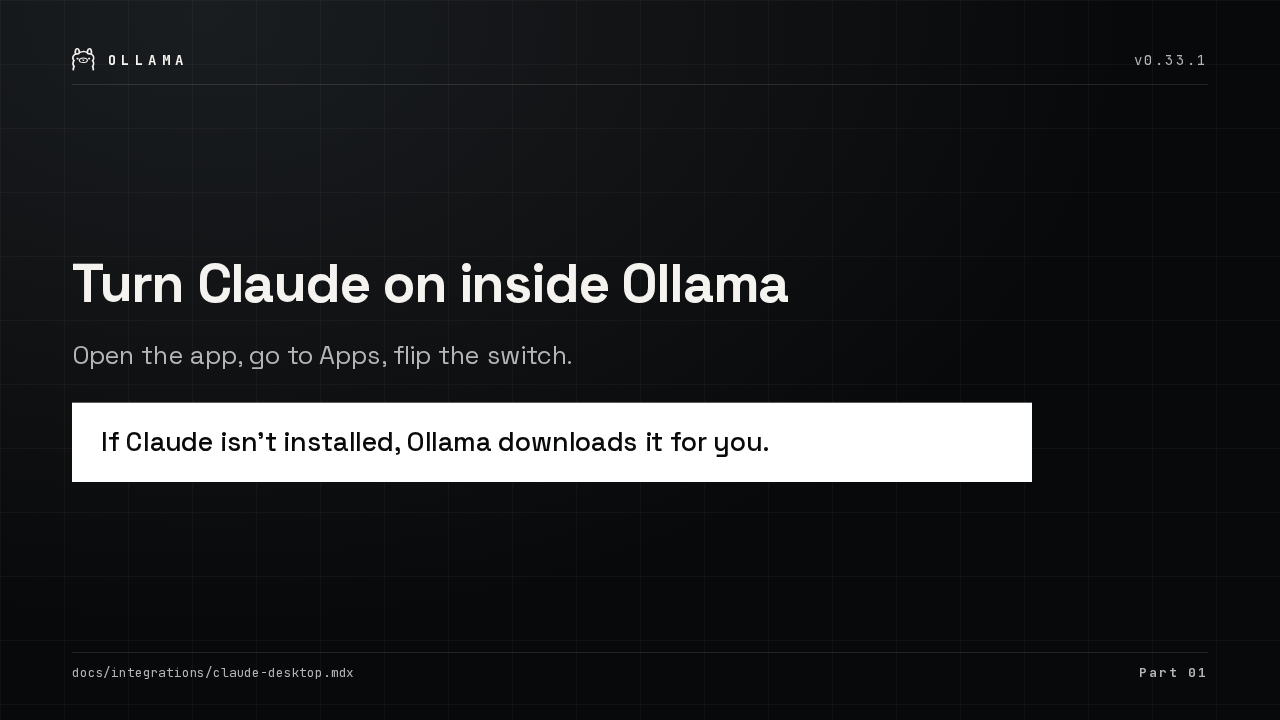
Open the app, go to Apps, flip the switch.
If Claude isn’t installed, Ollama downloads it for you.
docs/integrations/claude-desktop.mdx
Part 01

Open Ollama, go to Apps, and switch Claude on. If Claude isn't installed on your Mac, Ollama downloads it and finishes the install for you.

You choose which model answers

Ollama
Ollama
v0.33.1
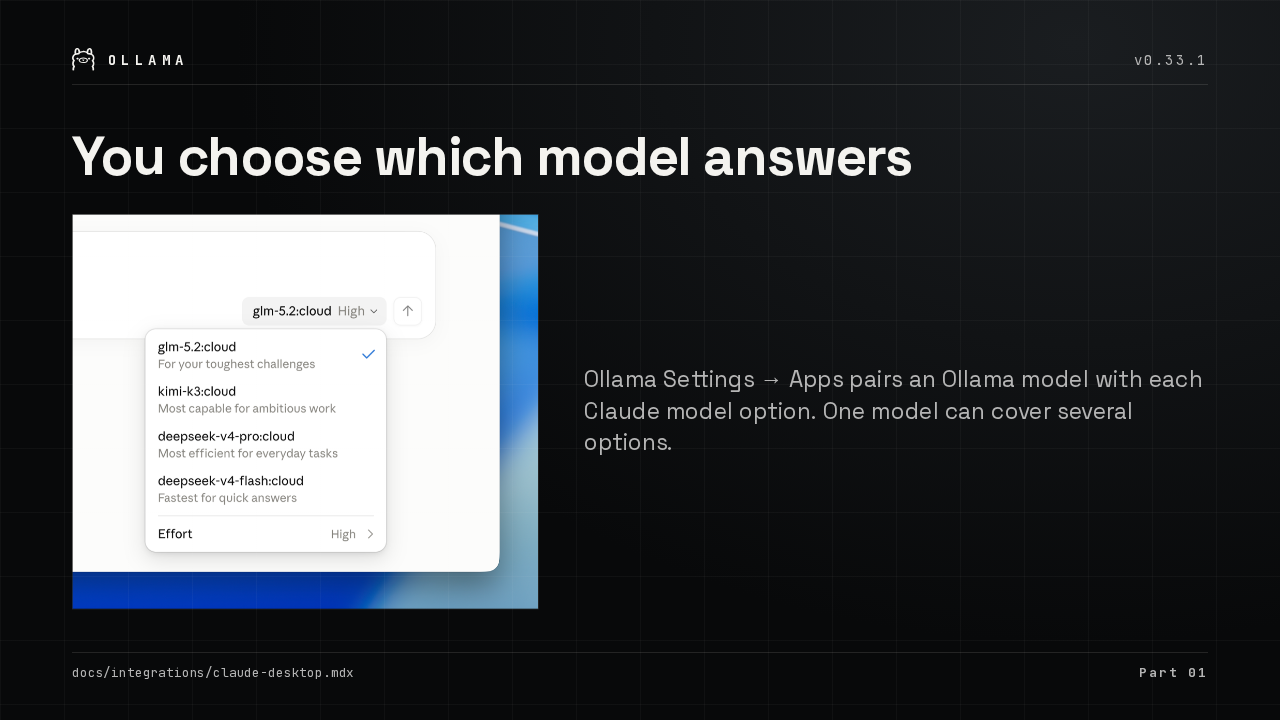
Claude model picker listing Ollama models
Ollama Settings → Apps pairs an Ollama model with each Claude model option. One model can cover several options.
docs/integrations/claude-desktop.mdx
Part 01

In Ollama Settings, under Apps, pick an Ollama model for each Claude model option, then restart Claude. One model can cover more than one option.

What Claude keeps when it runs on Ollama

Ollama
Ollama
v0.33.1

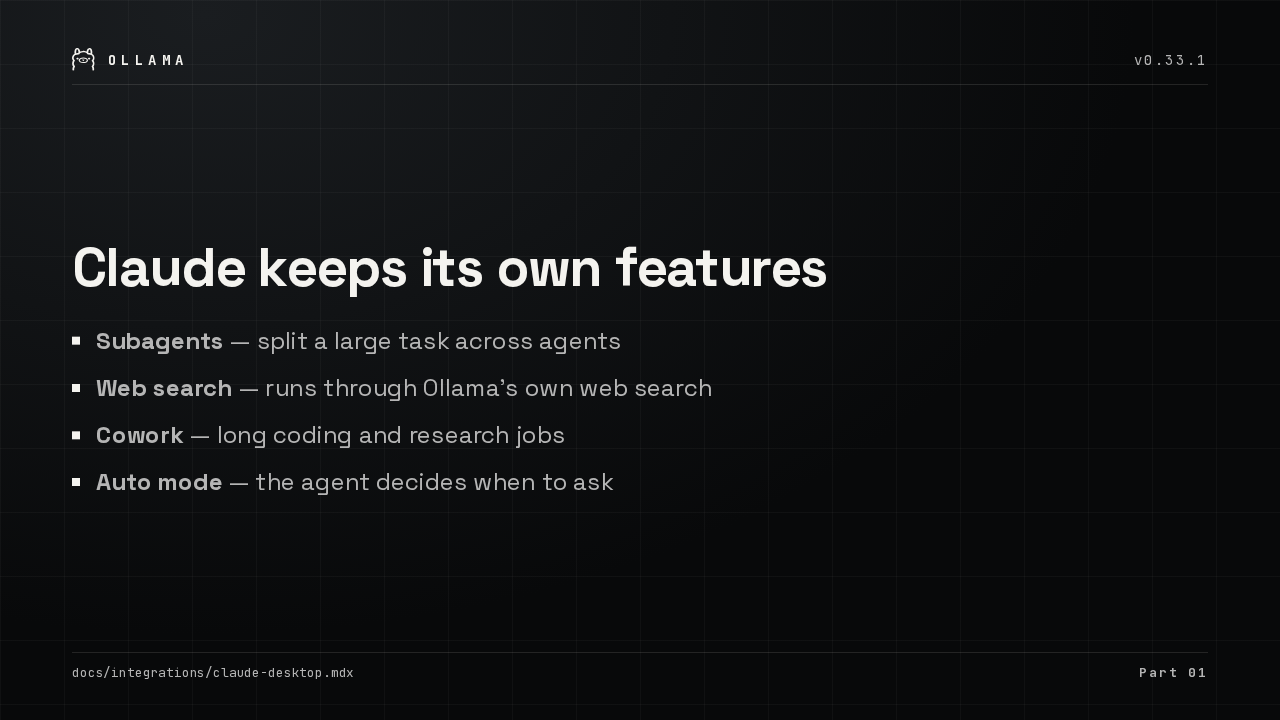
Claude keeps its own features

  • Subagents — split a large task across agents
  • Web search — runs through Ollama’s own web search
  • Cowork — long coding and research jobs
  • Auto mode — the agent decides when to ask
docs/integrations/claude-desktop.mdx
Part 01

Claude keeps its own features here. Subagents split a big task up, web search comes through Ollama's own search, Cowork handles the long jobs, and auto mode decides when to ask you.

Switching it off puts Claude back

Ollama
Ollama
v0.33.1
Ollama restores the configuration Claude had before you connected it.
Quitting Ollama restores it too.
docs/integrations/claude-desktop.mdx
Part 01

Turn Claude off in Apps and Ollama restores the configuration Claude had before. Quitting Ollama does the same thing. If Claude is open, Ollama asks to restart it.

The suggested pairings come from Ollama’s servers

Ollama
Ollama
v0.33.1
The app used to carry a fixed table of Claude-model-to-Ollama-model defaults.
New recommendations reach you without an app update.
internal/proxy/claude_desktop_models.go
Part 01

The pairings Ollama suggests for each Claude model now come from Ollama's servers instead of a list baked into the app. So new recommendations reach you without an update.

The model picker holds its place

Ollama
Ollama
v0.33.1
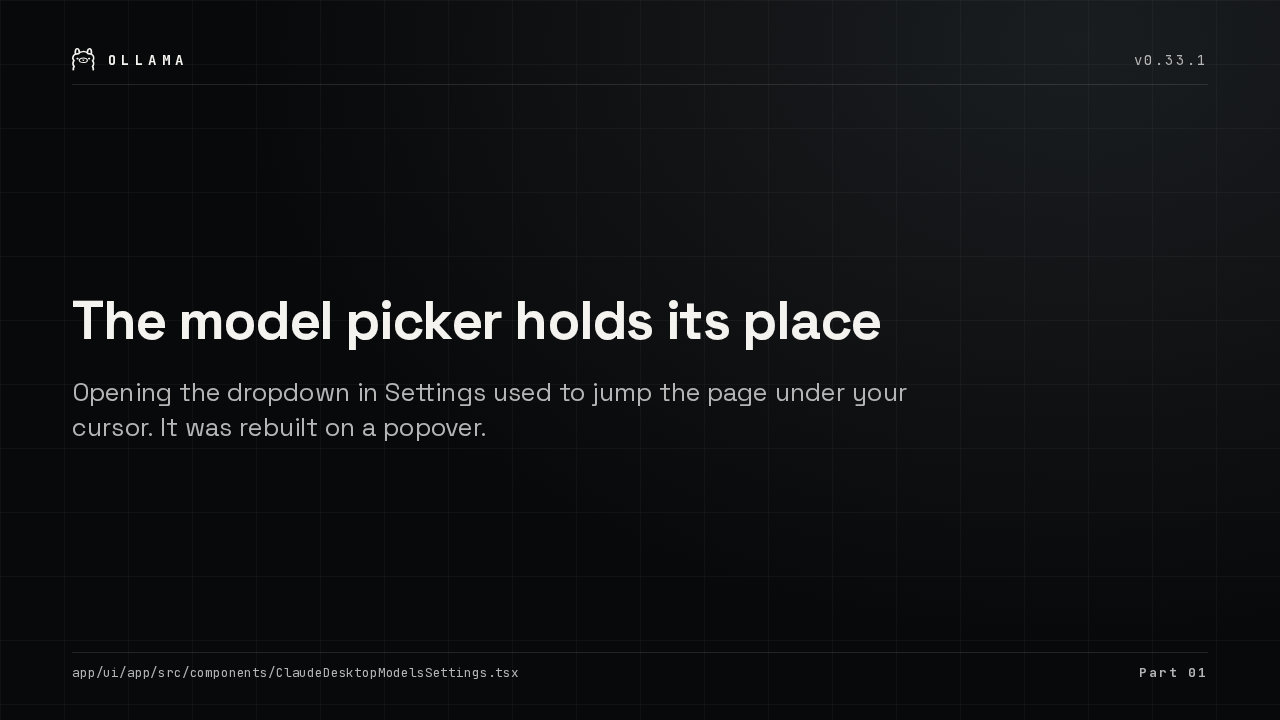
Opening the dropdown in Settings used to jump the page under your cursor. It was rebuilt on a popover.
app/ui/app/src/components/ClaudeDesktopModelsSettings.tsx
Part 01

Picking a model in Settings used to jump the page. The picker was rebuilt on a popover, so the list opens where you left it and the scroll position stays put.

02 The MLX runner

Ollama
Ollama
v0.33.1
02
The MLX runner
Release v0.33.1
Part 02

The MLX runner.

A JSON schema is now enforced, not just accepted

Ollama
Ollama
v0.33.1

A JSON schema is enforced, not just accepted

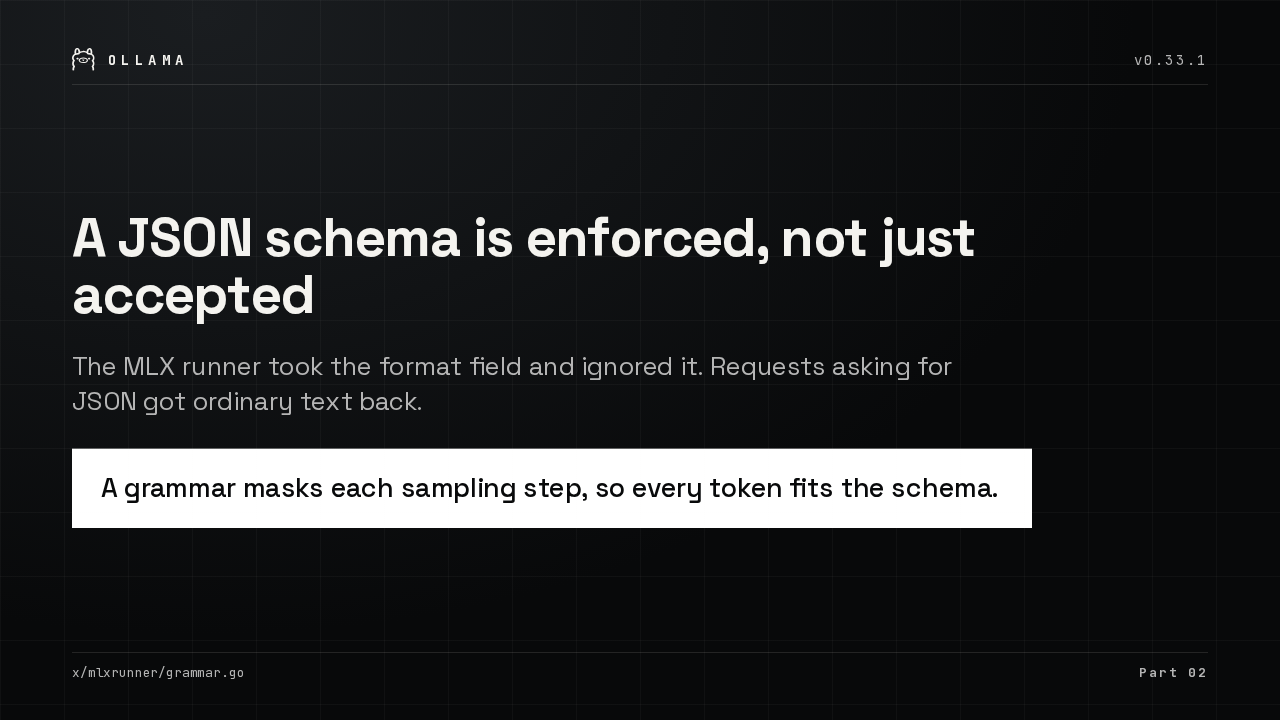
The MLX runner took the format field and ignored it. Requests asking for JSON got ordinary text back.
A grammar masks each sampling step, so every token fits the schema.
x/mlxrunner/grammar.go
Part 02

Ask the MLX runner for JSON and it used to hand back ordinary text. Now a grammar masks every sampling step, so each token it emits fits your schema.

What the constraint costs you

Ollama
Ollama
v0.33.1
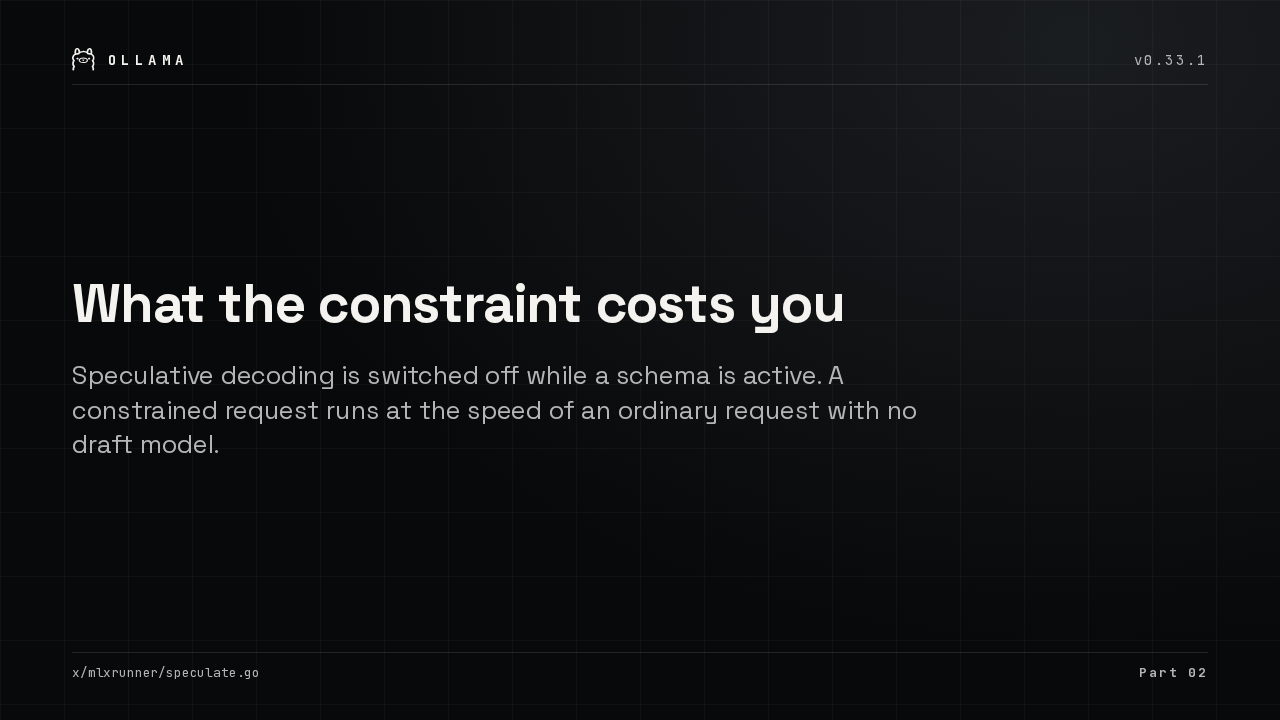
Speculative decoding is switched off while a schema is active. A constrained request runs at the speed of an ordinary request with no draft model.
x/mlxrunner/speculate.go
Part 02

Constrained generation runs as fast as generating without a draft model. Speculative decoding is switched off while a schema is active, and that is the whole difference in speed.

Big models load off slow disks

Ollama
Ollama
v0.33.1
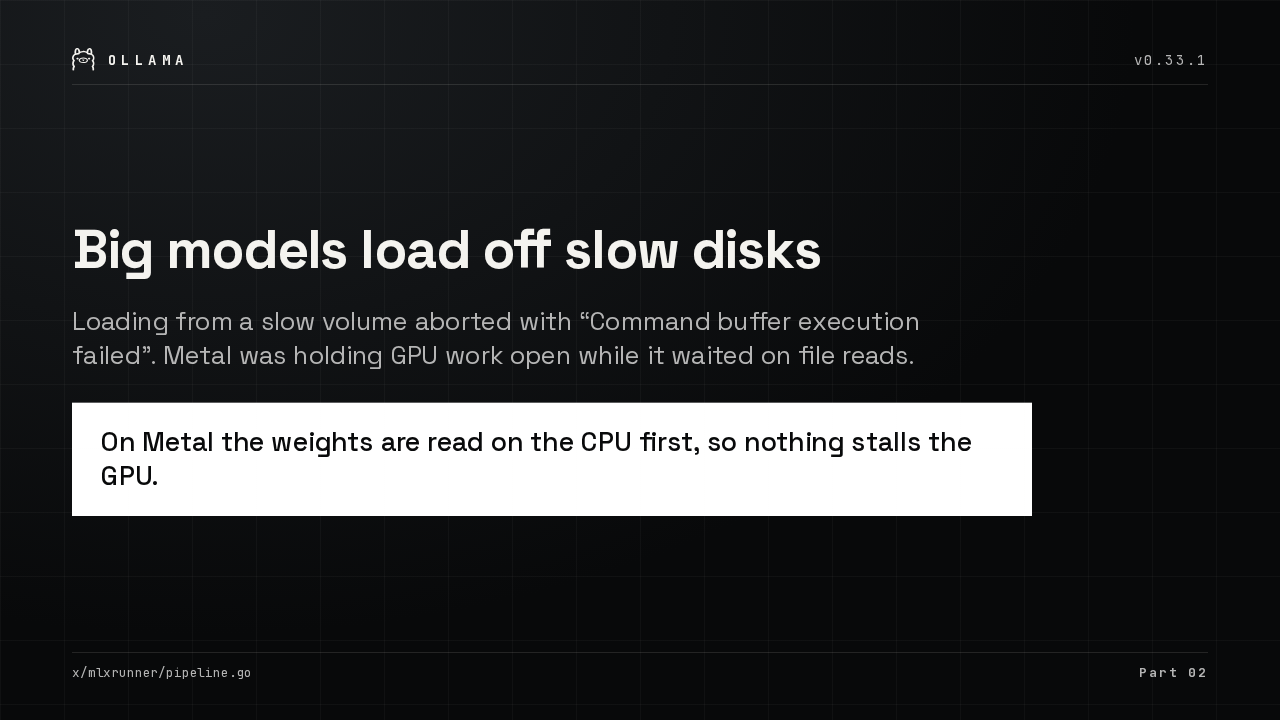
Loading from a slow volume aborted with “Command buffer execution failed”. Metal was holding GPU work open while it waited on file reads.
On Metal the weights are read on the CPU first, so nothing stalls the GPU.
x/mlxrunner/pipeline.go
Part 02

Loading a large model off a slow volume used to abort with a command buffer failure. Metal was waiting on file reads, so the weights are now read on the CPU first.

03 Models and machines

Ollama
Ollama
v0.33.1
03
Models and machines
Release v0.33.1
Part 03

Models and machines.

Qwen3.8 Flash Next runs on MLX

Ollama
Ollama
v0.33.1
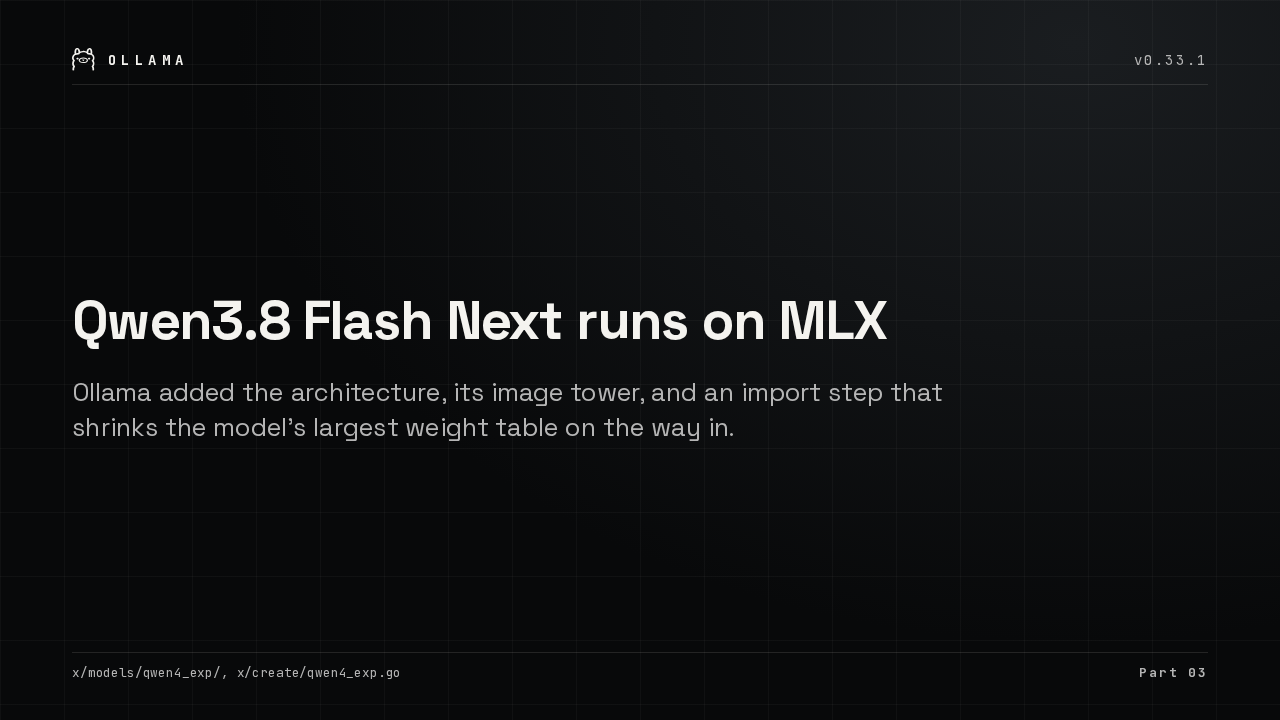
Ollama added the architecture, its image tower, and an import step that shrinks the model’s largest weight table on the way in.
x/models/qwen4_exp/, x/create/qwen4_exp.go
Part 03

Qwen3.8 Flash Next now runs on Apple silicon through the MLX engine. Ollama added the architecture, its image tower, and the import step that shrinks its largest weights.

gemma3 stays where it can see images

Ollama
Ollama
v0.33.1
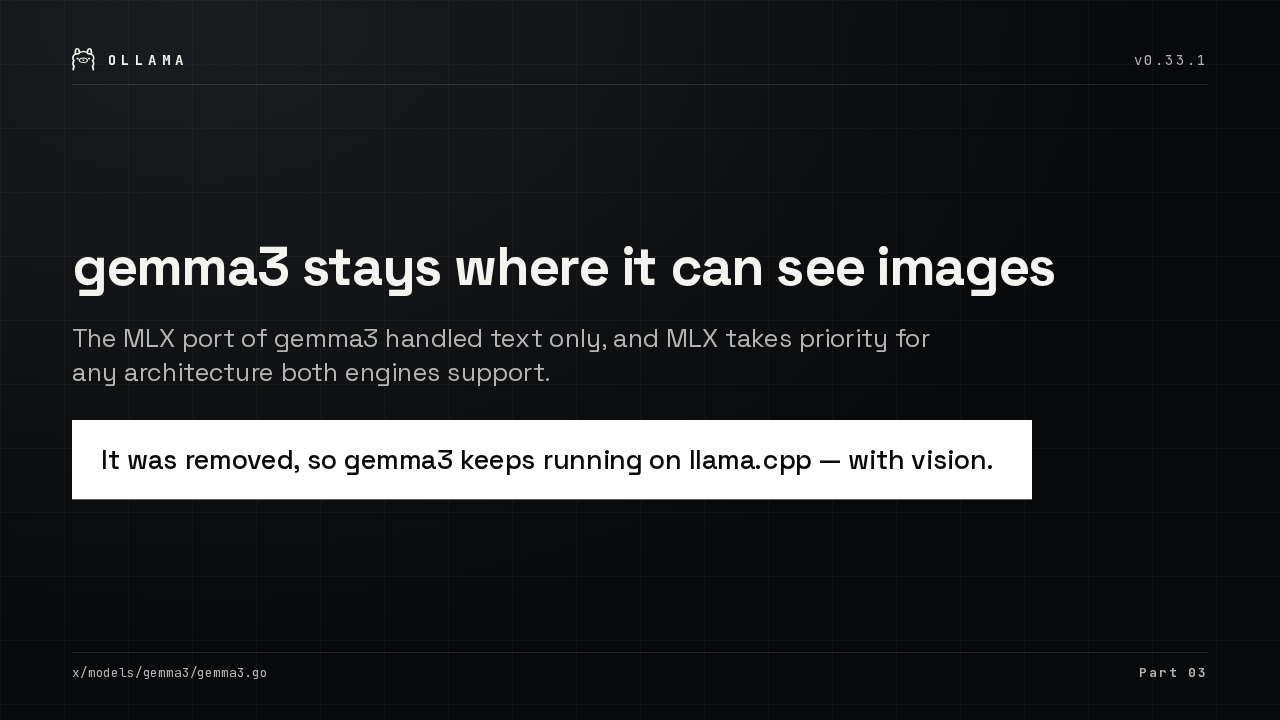
The MLX port of gemma3 handled text only, and MLX takes priority for any architecture both engines support.
It was removed, so gemma3 keeps running on llama.cpp — with vision.
x/models/gemma3/gemma3.go
Part 03

The MLX port of gemma3 handled text only. Ollama removed it, so gemma3 keeps running on llama.cpp, where it can still look at your images.

Pi follows OLLAMA_HOST to a remote server

Ollama
Ollama
v0.33.1
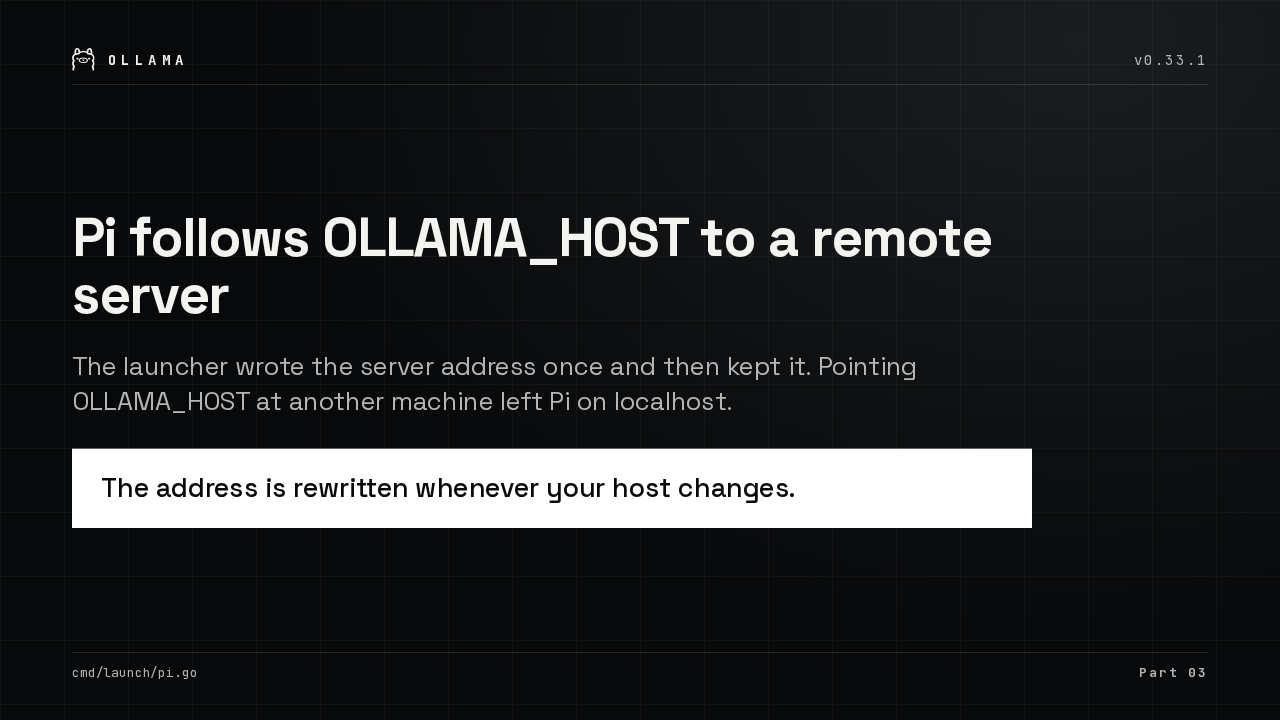
The launcher wrote the server address once and then kept it. Pointing OLLAMA_HOST at another machine left Pi on localhost.
The address is rewritten whenever your host changes.
cmd/launch/pi.go
Part 03

Ollama can launch the Pi coding agent. It kept whatever server address it had saved, so pointing OLLAMA_HOST at a remote machine did nothing. The launcher now rewrites it.

Under the hood

Ollama
Ollama
v0.33.1
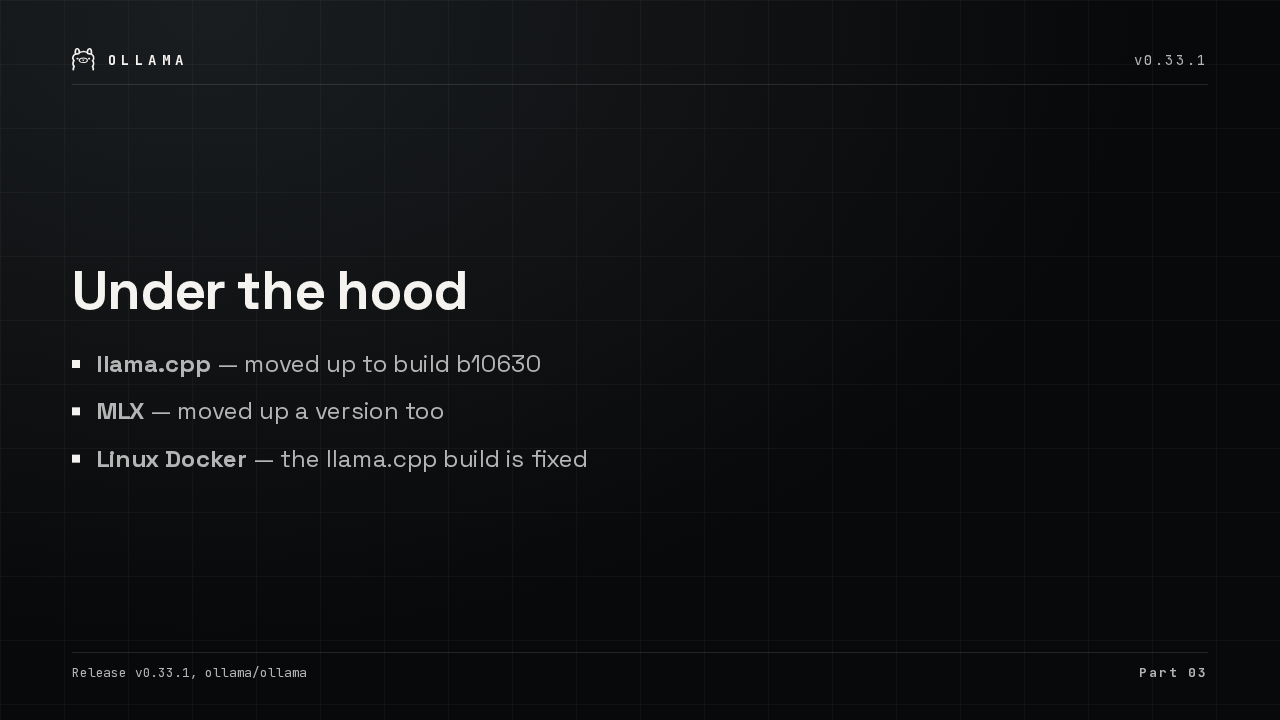
  • llama.cpp — moved up to build b10630
  • MLX — moved up a version too
  • Linux Docker — the llama.cpp build is fixed
Release v0.33.1, ollama/ollama
Part 03

Both inference engines moved up a version, llama.cpp to build b10630. And the Linux Docker build, which broke on a missing file, works again.

Update to v0.33.1

Ollama
Ollama
v0.33.1
Ollama
v0.33.1
ollama.com/download
ollama.com/download
v0.33.1

That is Ollama v0.33.1. Update from ollama.com, or let the app update itself.