Ollama v0.40.0: models run on MLX by default on Apple Silicon

In Ollama v0.40.0, Macs with Apple Silicon run models on MLX by default. When MLX supports a model's architecture, Ollama picks MLX automatically, and you pull and run the model the same way.
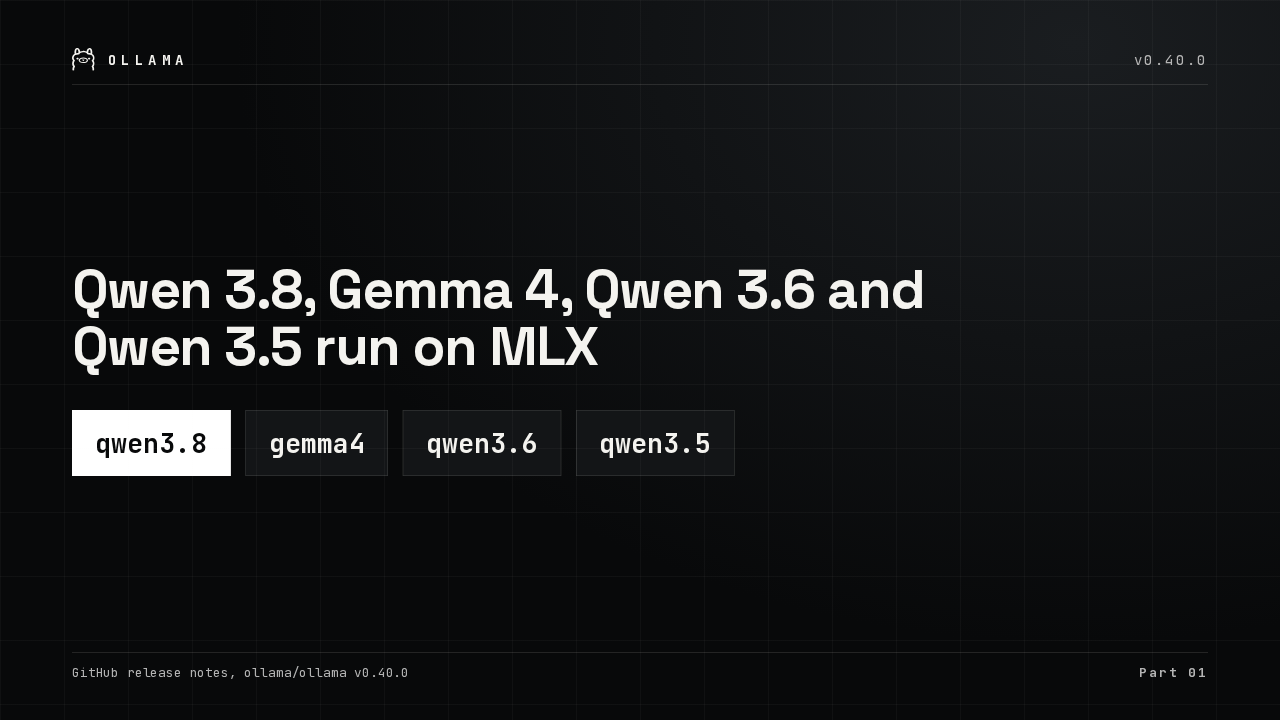
Qwen 3.8, Gemma 4, Qwen 3.6 and Qwen 3.5 run on MLX
Qwen 3.8 is the release's own example. Gemma 4, Qwen 3.6 and Qwen 3.5 also run on MLX now, with no setting to change.
Only architectures MLX supports move to MLX
Only architectures MLX supports move over
The switch covers only the model architectures that the MLX runtime supports. A model outside that set stays off MLX in this release, and the team says it will keep testing and enabling more models.
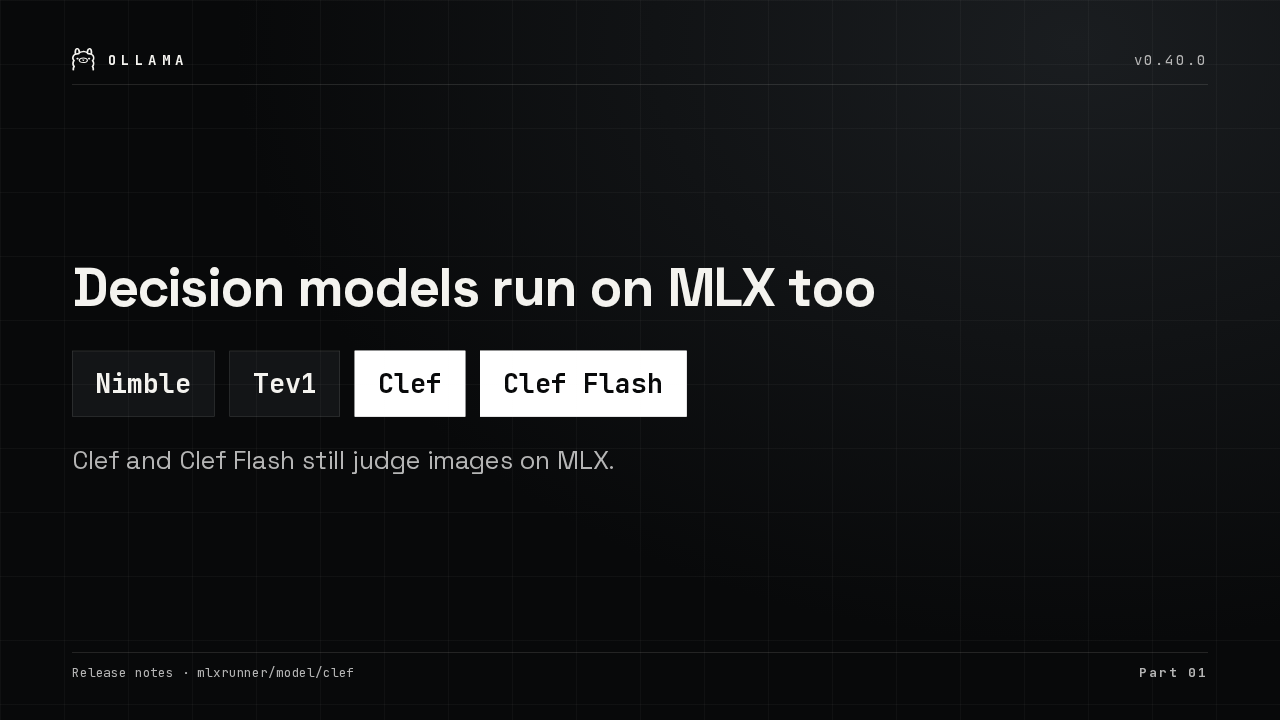
Nimble, Tev1, Clef and Clef Flash now run on MLX
Decision models run on MLX too
The decision models moved as well. Nimble, Tev1, Clef and Clef Flash now score on MLX, and Clef and Clef Flash can still judge an image alongside the text.
MLX models stay in memory between requests on macOS 27
The slow first request after idle is fixed
On macOS 27, MLX let go of a model's memory about two seconds after each request, so the next request waited while the weights paged back in. The runner now refreshes that memory every second.
02: Embeddings with images and audio
Embeddings now take images and audio.
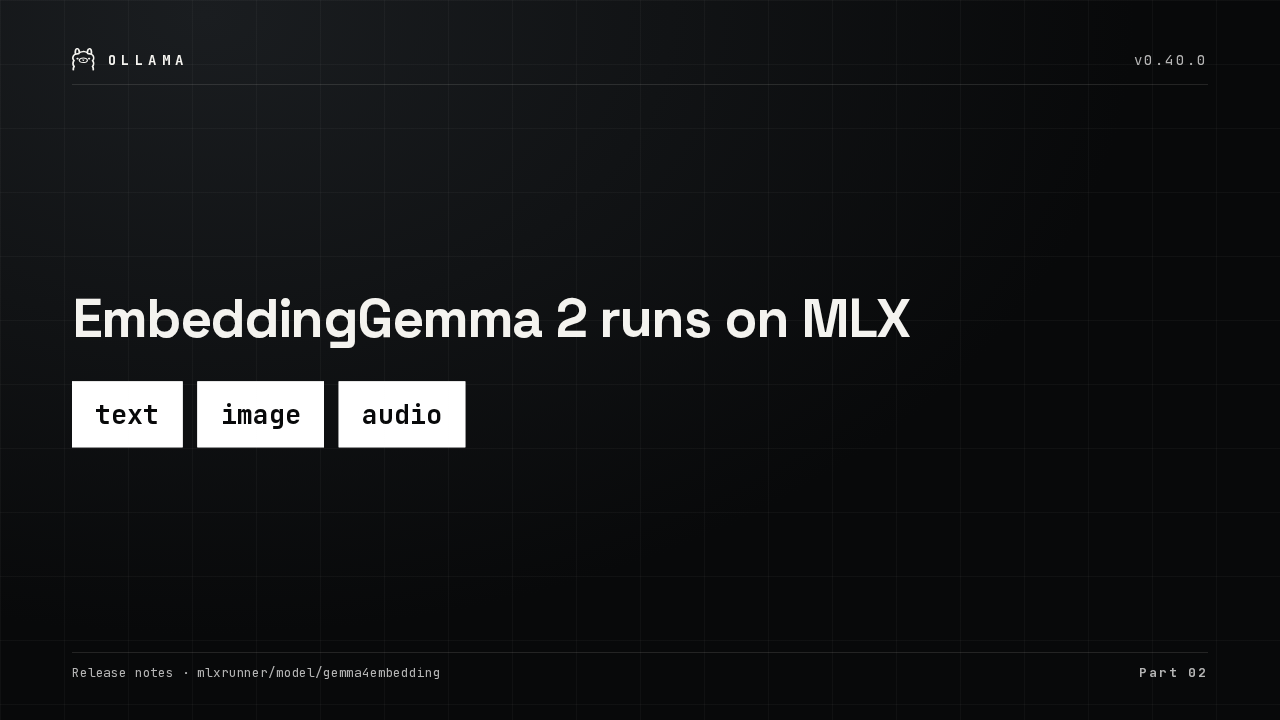
EmbeddingGemma 2 runs on MLX
MLX now runs an embedding model, EmbeddingGemma 2. It turns text, images and audio into vectors, so one local model can index all three for search.
The embed API accepts images and audio
The embed endpoint now accepts an image or an audio clip with each item, and one batch can mix plain text with media. Video isn't accepted, and only multimodal embedding models take media.
03: One model tag, several runners
One model name can now hold several runners.
One model tag can hold an MLX build and a llama.cpp build
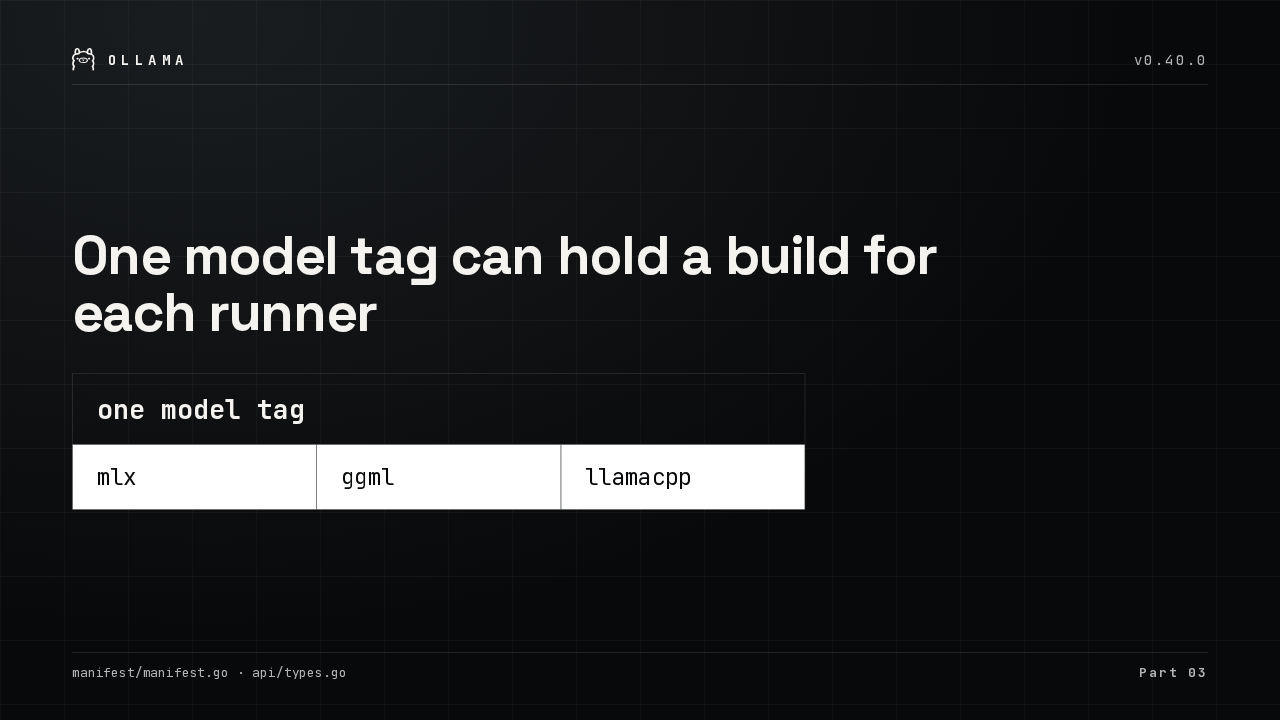
One model tag can hold a build for each runner
A model tag can now be a list. Each entry targets one runner, MLX, GGML or llama.cpp, and pull, push, copy and remove all handle the whole list.
ollama ps shows which runner serves each model
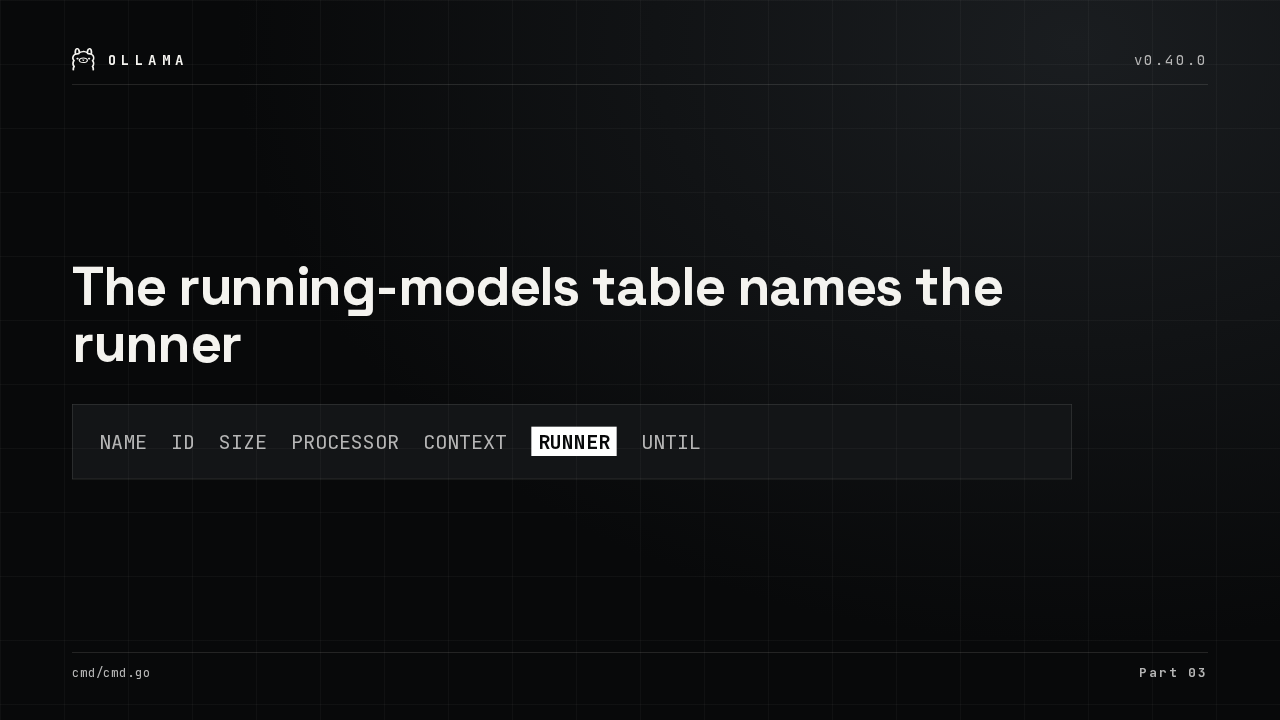
The running-models table names the runner
NAME ID SIZE PROCESSOR CONTEXT RUNNER UNTIL
You can see which one you got. The table of running models gains a runner column, and showing a model prints its selected runner plus every runner its tag offers.
Models already on disk convert in place, without a re-pull
Models already on disk convert in place
Models you already downloaded don't need a fresh pull. After the first load, Ollama converts older model files into a llama.cpp build in the background, as long as the disk has room for it.
The in-place conversion is temporary
The conversion step is temporary
That conversion step won't stay. Ollama plans to remove it once enough releases ship models in the new format, and a model still unconverted by then will need a fresh pull.
04: Smaller fixes
And a few smaller fixes.
Tool results keep their call ID, and overlong decision requests are rejected
Also in this release
- OpenAI API tool results keep their call ID when sent as parts
- Decision models reject an overlong request instead of cutting it
- MLX tokenizer matches each publisher’s tokenizer
Tool results sent through the OpenAI-compatible API keep their call ID when split into parts. Overlong decision requests are rejected instead of cut short. And MLX now splits text into tokens the way each publisher's tokenizer does.
llama.cpp and MLX are updated
Both engines are updated, llama.cpp and MLX. The full list of changes is in the Ollama release notes on GitHub.