Zudoku · turn an OpenAPI file into interactive API docs
4 months ago
Great API documentation is hard to build and expensive to maintain. Zudoku fixes that. It is an open-source framework that turns an OpenAPI file into a full, interactive documentation site. Point it at your schema, and you get a branded API reference with a built-in playground, all self-hostable and built on React.
Ask about this presentation
Chapters
Show transcriptHide transcript
Great API documentation is hard to build and expensive to maintain. Zudoku fixes that. It is an open-source framework that turns an OpenAPI file into a full, interactive documentation site. Point it at your schema, and you get a branded API reference with a built-in playground, all self-hostable and built on React.
Slide text

Open-source, interactive API documentation from your OpenAPI file.
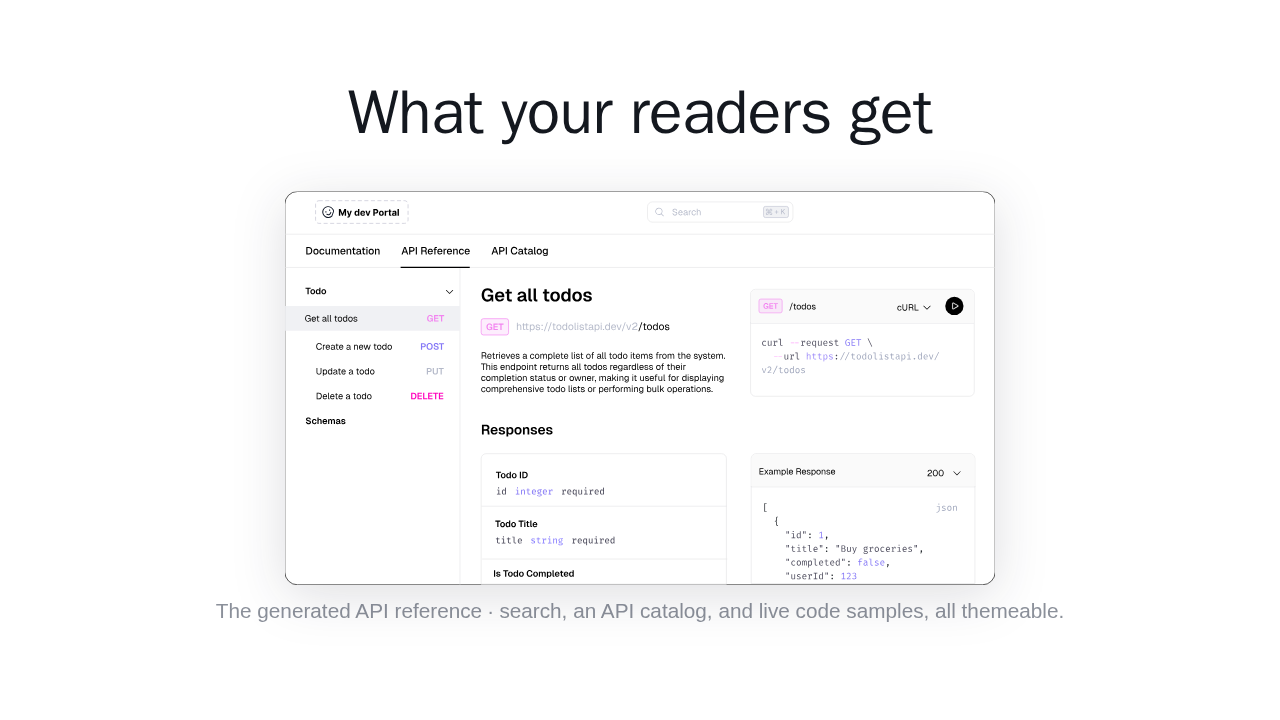
OpenAPI file → interactive API reference + playgroundHere is what your readers actually get. Every endpoint and every schema, laid out cleanly, with live request and response samples right beside them. It is a real developer portal, with search, an API catalog, and dark mode, not a static page dump. And every part of it is yours to theme.
Slide text

The generated API reference · search, an API catalog, and live code samples, all themeable.
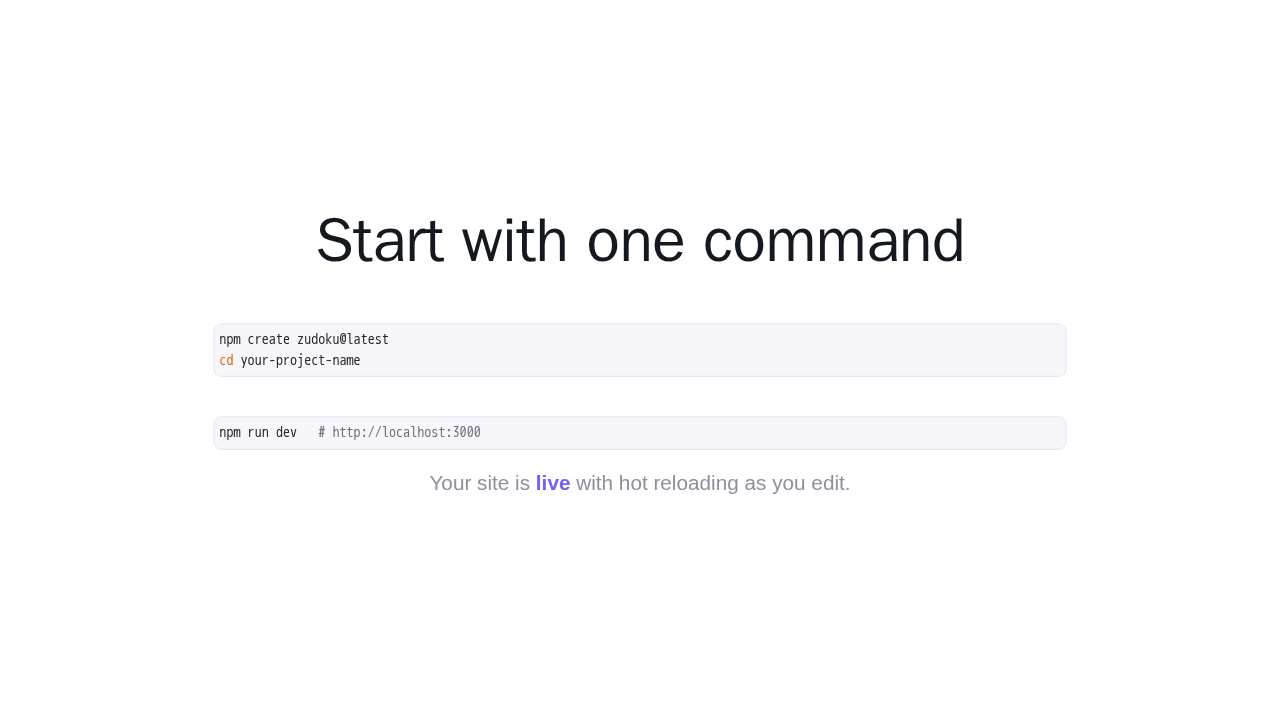
Getting started takes one command. Run npm create zudoku, and the CLI walks you through it: pick API docs, a full portal, or a blank start. Then change into your new project folder. Now run npm run dev. Your site is live on localhost, hot reloading every change as you make it.
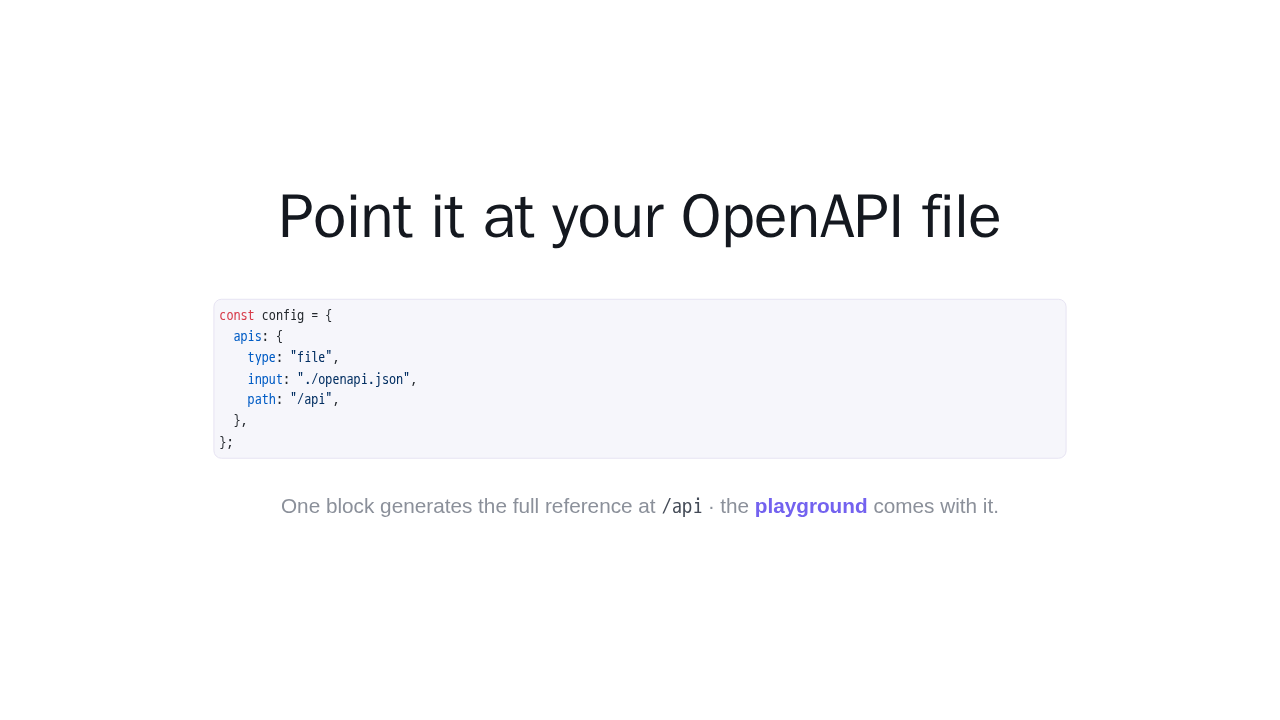
To document your own API, you add a single apis block to the config, set the type to file, and point the input at your OpenAPI document, in JSON or YAML. That one block generates the complete API reference at slash api. The interactive playground is included automatically, with no extra wiring to do.
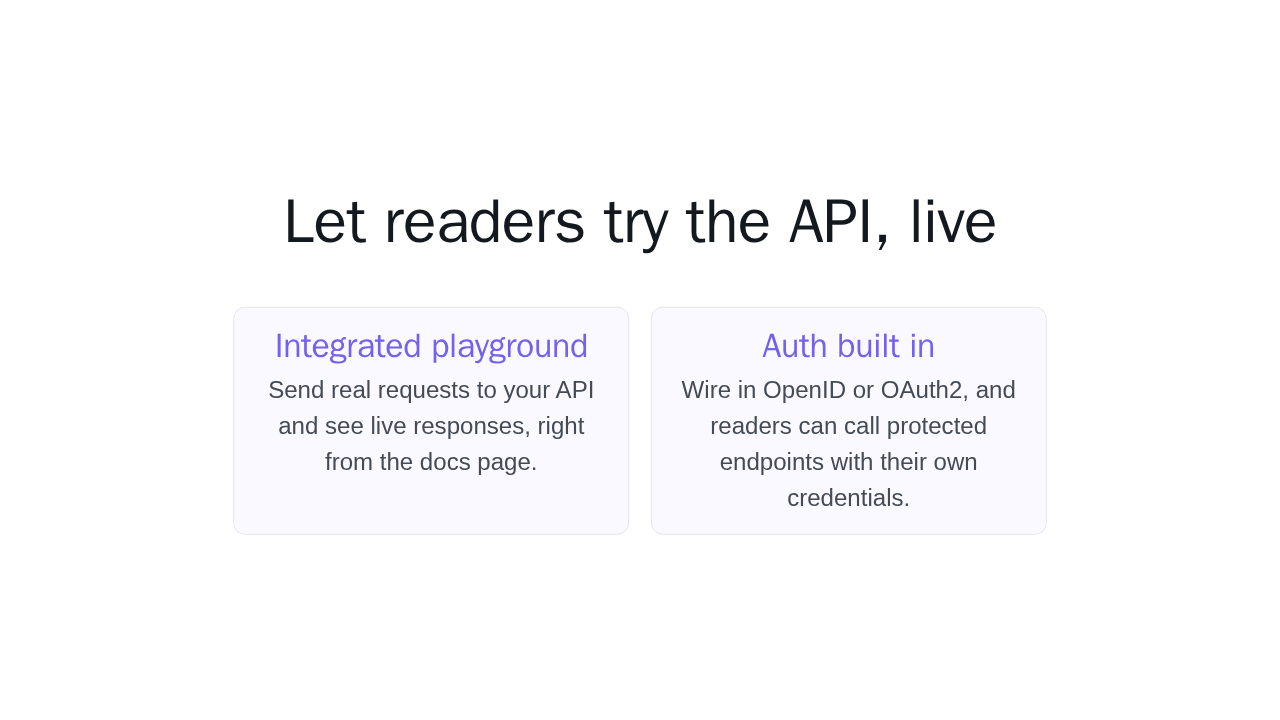
The integrated playground is the part readers love. They can send real requests to your API and see live responses without ever leaving the documentation. It handles authentication too. Connect OpenID or OAuth, and your readers can call protected endpoints with their own credentials, right there on the page.
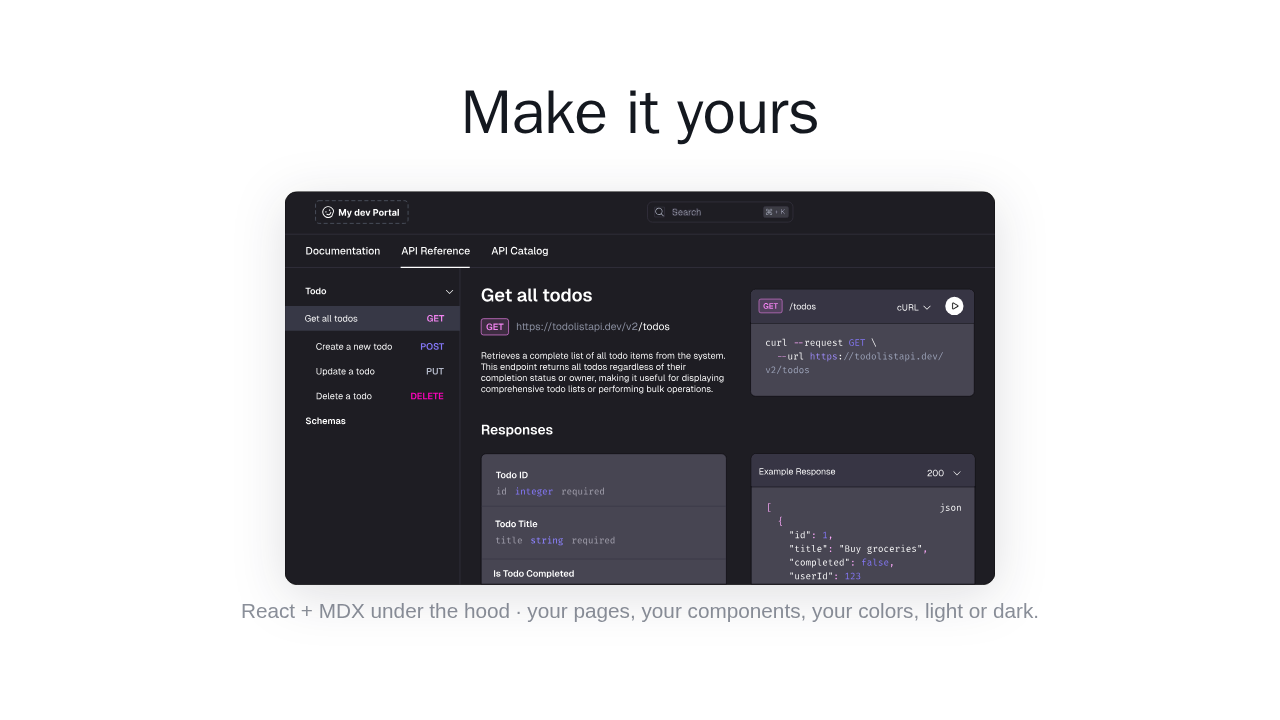
And because it is React and MDX underneath, you are not boxed in. Write your own pages in Markdown, drop in custom components, and theme every color to match your brand. Same docs, light or dark, completely yours.
Slide text

React + MDX under the hood · your pages, your components, your colors, light or dark.
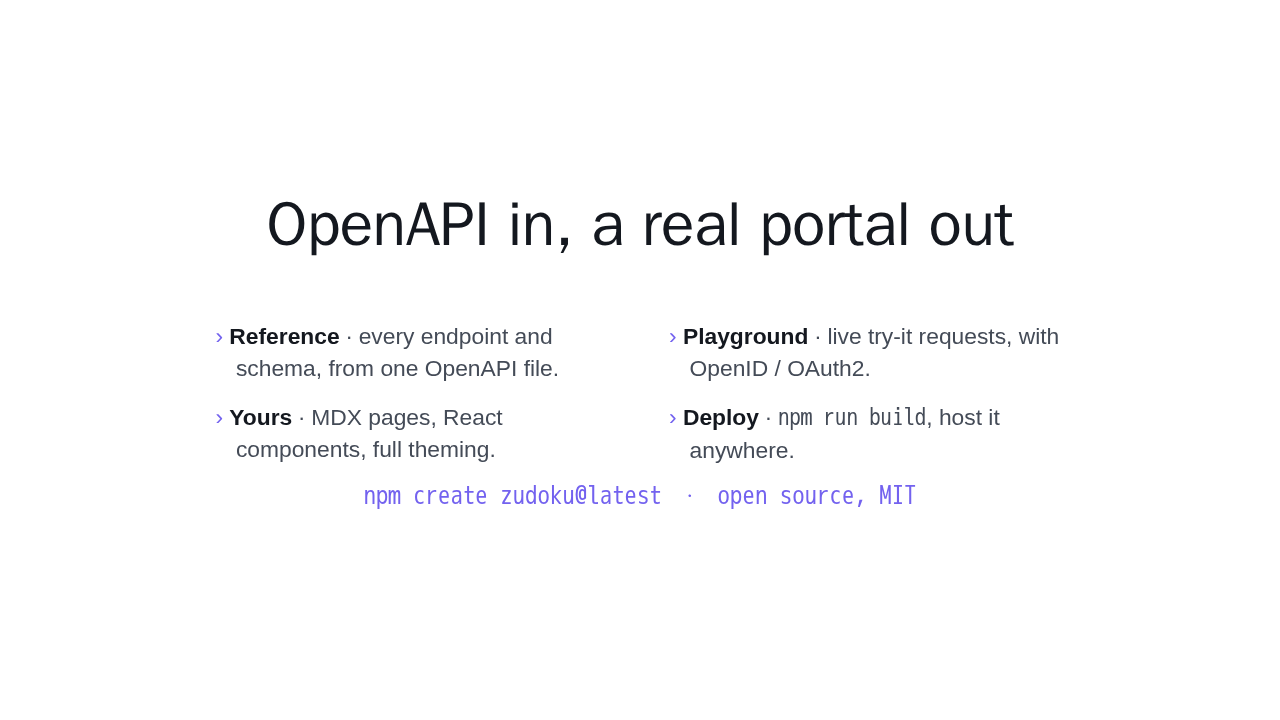
So that is Zudoku: an OpenAPI file in, a polished, interactive developer portal out, open source and free. Run npm create zudoku to scaffold your own, and explore the rest of these docs to make it your own.
Up next
 2:03
cargo-nextest · a next-generation test runner for Rust
@github
4 months ago
 1:35
mq · jq, but for Markdown
@github
4 months ago
 1:24
Mimesis · realistic, locale-aware fake data in one line
@github
4 months ago
 1:38
pikepdf · open, edit and repair PDFs in Python, losslessly
@github
4 months ago
 1:22
tfswitch · the right Terraform version, automatically
@github
4 months ago
 1:21
PyPDFForm · fill a PDF form in Python in a few lines
@github
4 months ago
 1:35
MCP-UI - interactive apps for MCP tools
@github
4 months ago
 1:39
workmux - parallel coding agents in isolated worktrees
@github
4 months ago
 1:33
Pumpkin - start a Rust Minecraft server
@github
4 months ago
 1:39
Bifrost - your first reliable AI gateway
@github
4 months ago
 1:39
Honcho - memory that reasons across sessions
@github
4 months ago
 1:56
agentgateway · one governed proxy for your agent traffic
@github
4 months ago