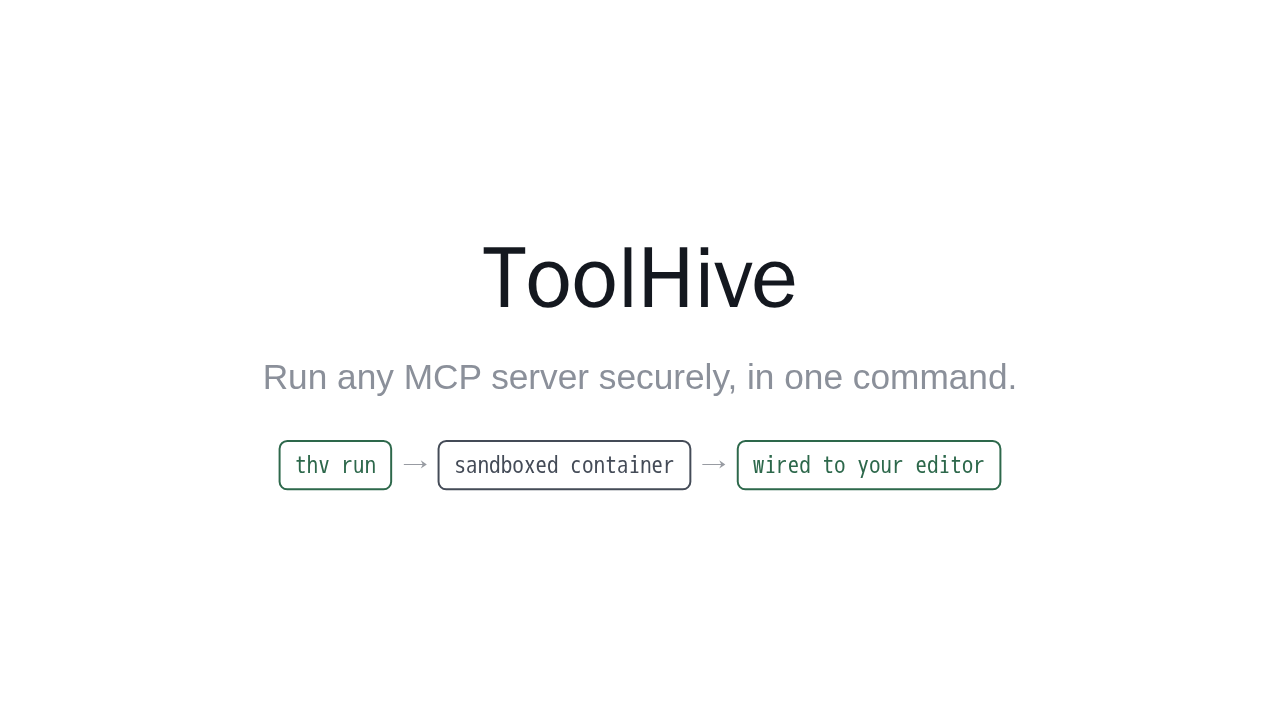
ToolHive
Run any MCP server securely, in one command.
MCP servers extend your AI assistant, but running one usually means executing a stranger's code on your machine and hand editing config for every client. ToolHive fixes that. One command runs any MCP server inside a locked down container, then wires it into your editor for you. No account needed. Let me show you.
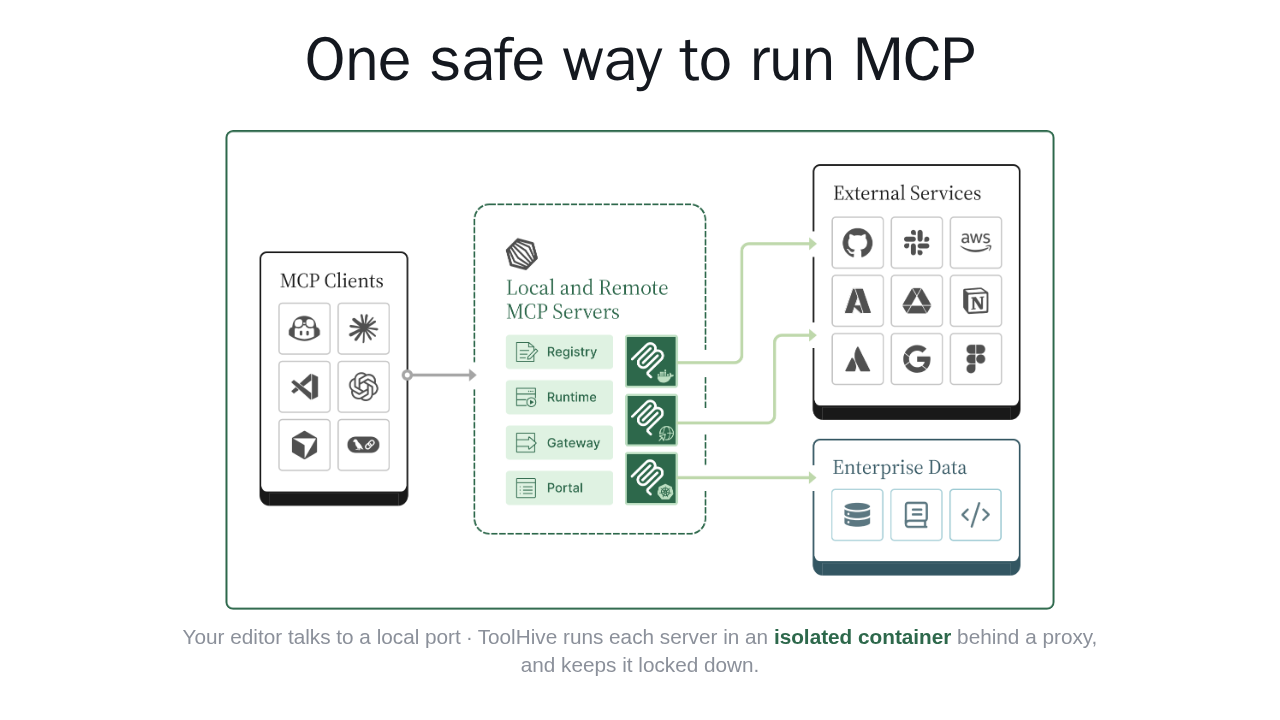
One safe way to run MCP

Your editor talks to a local port · ToolHive runs each server in an isolated container behind a proxy, and keeps it locked down.
Here is how it works. Your editors, like VS Code, Cursor, or Claude Code, connect to ToolHive. ToolHive runs each MCP server in its own isolated container behind a local proxy, and reaches the tools and data those servers need. You talk to a local port, and the server stays locked down.
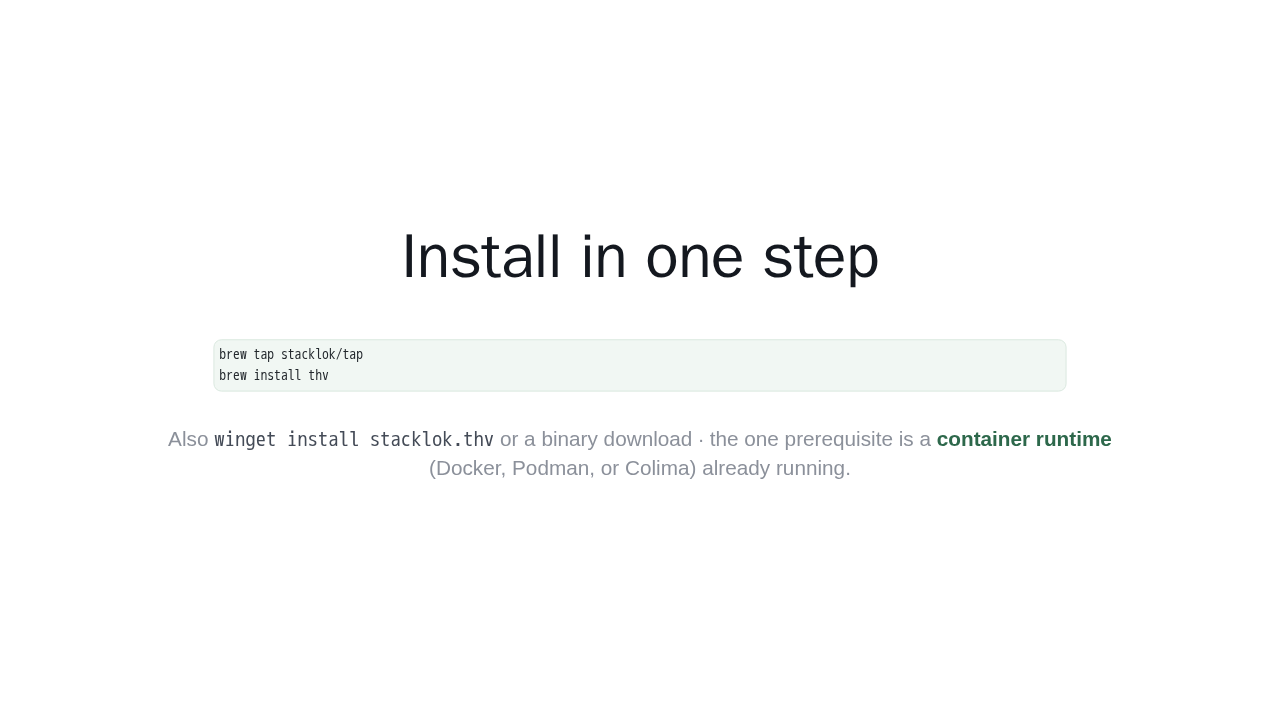
Install in one step
brew tap stacklok/tap
brew install thv
Also winget install stacklok.thv or a binary download
· the one prerequisite is a
container runtime (Docker, Podman,
or Colima) already running.
Getting started is one install. On macOS or Linux, add the Stacklok tap, then run brew install thv. There is also a Windows package and a plain binary download. The only prerequisite is a container runtime, like Docker or Podman, already running on your machine.
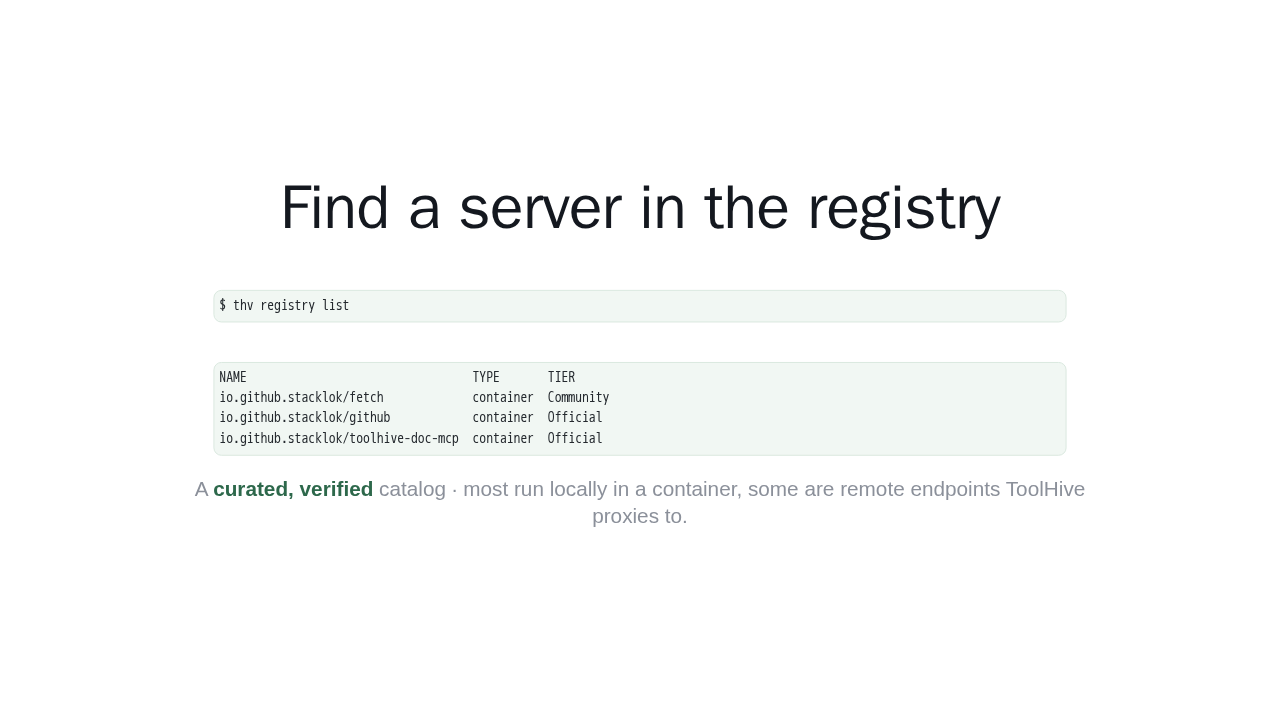
Find a server in the registry
$ thv registry listNAME TYPE TIER
io.github.stacklok/fetch container Community
io.github.stacklok/github container Official
io.github.stacklok/toolhive-doc-mcp container OfficialA curated, verified catalog · most run locally in a container, some are remote endpoints ToolHive proxies to.
ToolHive ships a curated registry of MCP servers, so you are not copying URLs from random repos. Run thv registry list to browse it. Each entry is verified and tiered. Most run locally in a container, and some are remote endpoints ToolHive proxies to. Pick one, like the ToolHive docs server.
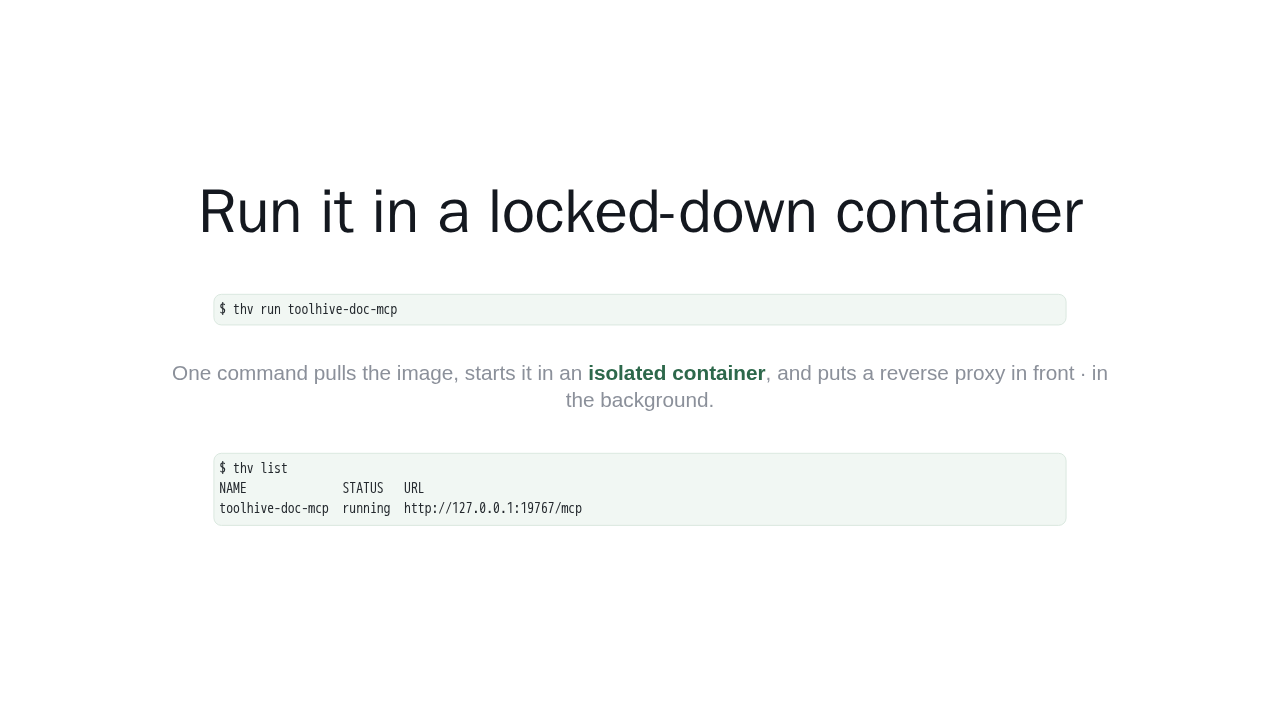
Run it in a locked-down container
$ thv run toolhive-doc-mcpOne command pulls the image, starts it in an isolated container, and puts a reverse proxy in front · in the background.
$ thv list
NAME              STATUS   URL
toolhive-doc-mcp  running  http://127.0.0.1:19767/mcp
Now the payoff. Run thv run, with the server name. That one command pulls the image, starts it inside a locked down container, and puts a reverse proxy in front. thv list shows it running, on a free local port, isolated from the rest of your machine. No manual setup, no exposed process.
Wire it into your editor
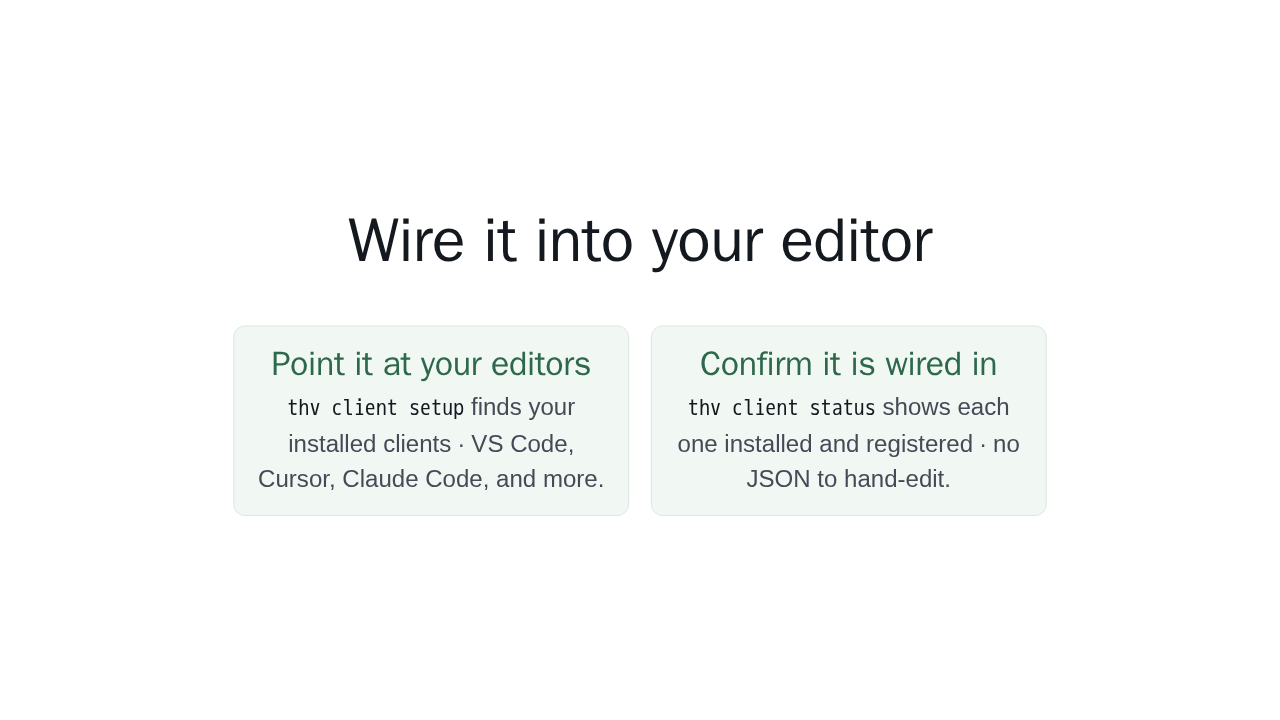
Point it at your editors
thv client setup finds your installed clients
· VS Code, Cursor, Claude Code, and more.
Confirm it is wired in
thv client status shows each one installed and
registered · no JSON to hand-edit.
Last step, connect your editor. Run thv client setup, and ToolHive finds your installed clients, VS Code, Cursor, Claude Code, and configures them for you. thv client status confirms each one is installed and registered. There is no JSON to hand edit. Your assistant can now call the server, safely.
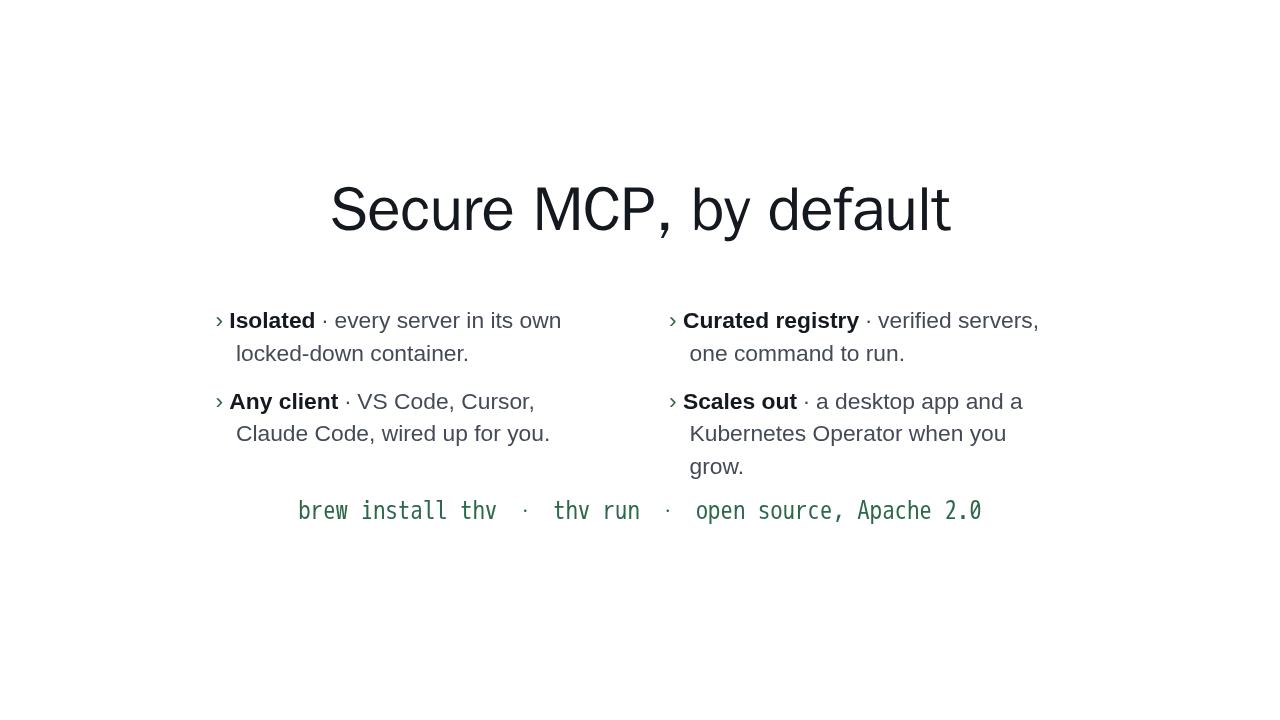
Secure MCP, by default
- Isolated · every server in its own locked-down container.
- Curated registry · verified servers, one command to run.
- Any client · VS Code, Cursor, Claude Code, wired up for you.
- Scales out · a desktop app and a Kubernetes Operator when you grow.
brew install thv · thv run · open source, Apache 2.0
So that is ToolHive. Every MCP server in its own isolated container, a curated registry to run them from, and every client wired up for you. Install it, run one command, and your MCP servers are secure by default. When you are ready to grow, there is a desktop app and a Kubernetes operator too.