Scaleway CLI

Your whole Scaleway cloud, from the terminal.
Scaleway is a European cloud, and this is its official command-line tool. One binary puts your whole cloud in the terminal. Instances, Kubernetes, managed databases, object storage, serverless, every service, behind one consistent command. Let me take you from install to a live serverless function.
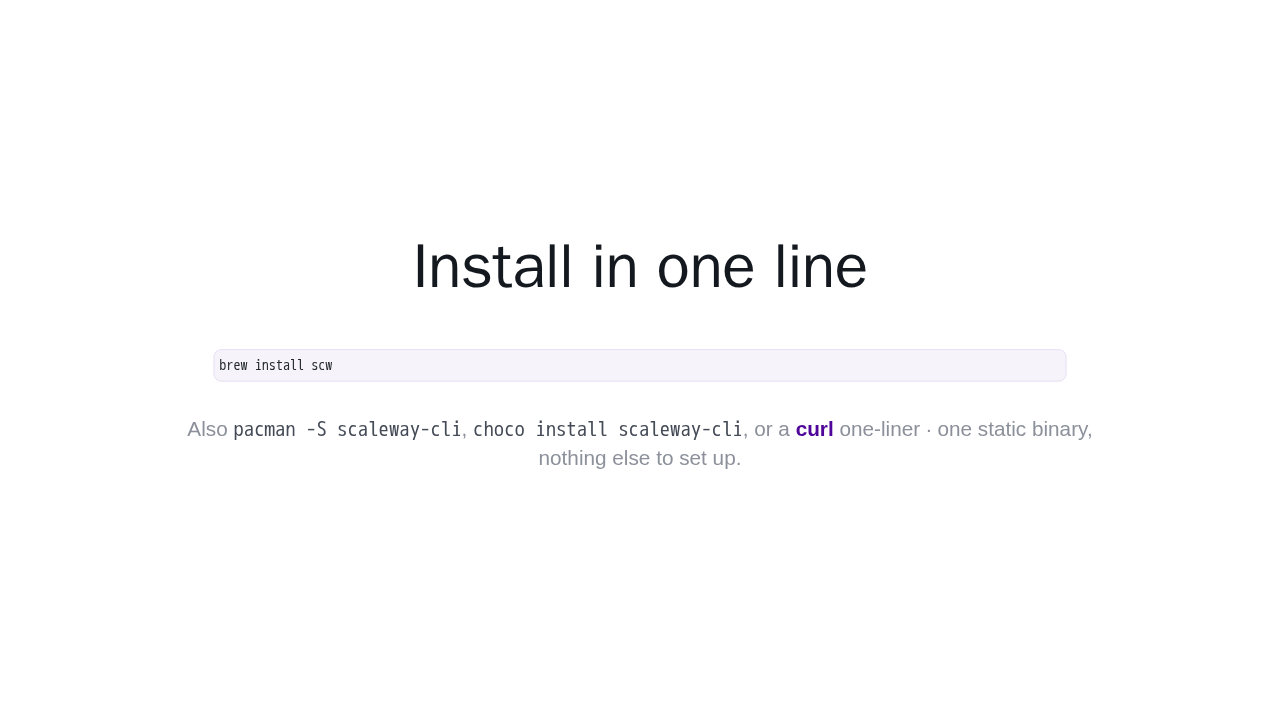
Install in one line
brew install scw
Also pacman -S scaleway-cli,
choco install scaleway-cli, or a
curl one-liner · one static
binary, nothing else to set up.
Installing is one line. On macOS or Linux, brew install scw. There is also a package for Arch Linux, one for Windows, and a plain curl script. It is a single static binary, with nothing else to set up.
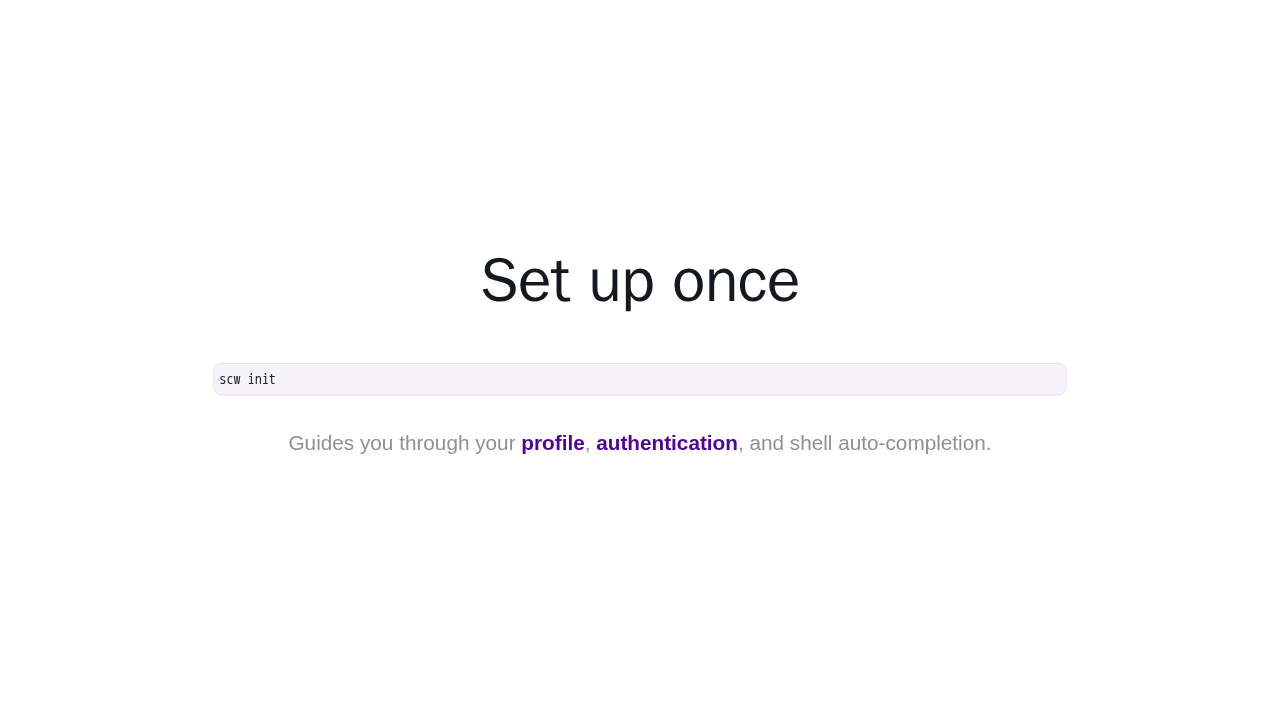
Set up once
scw initGuides you through your profile, authentication, and shell auto-completion.
Next, run scw init, one time. It walks you through setup, and configures your profile, your authentication, and shell auto-completion. That is it. You are ready to talk to your cloud.
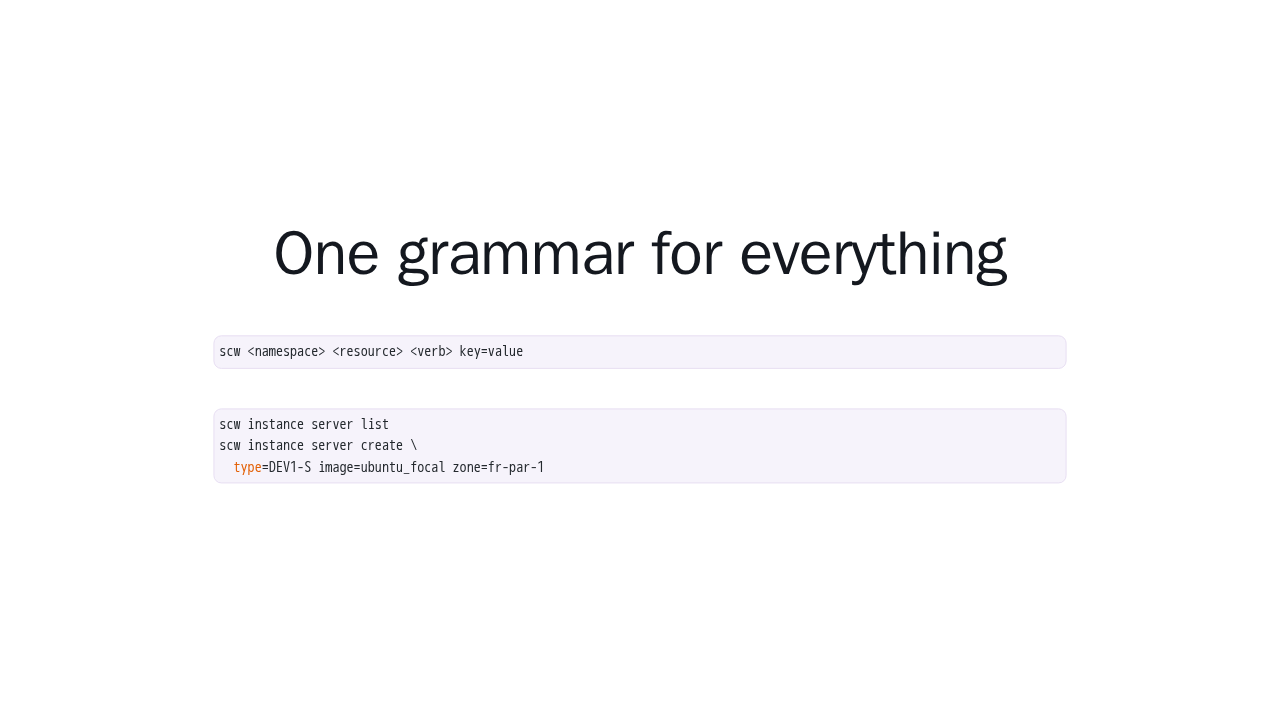
One grammar for everything
scw <namespace> <resource> <verb> key=valuescw instance server list
scw instance server create \
type=DEV1-S image=ubuntu_focal zone=fr-par-1Every command follows the same shape. scw, then a service, a resource, a verb, and key equals value arguments. So this lists your servers, and this one creates a new server from a type, an image, and a zone. Learn the shape once, and it is identical for every service.
Deploy a serverless function
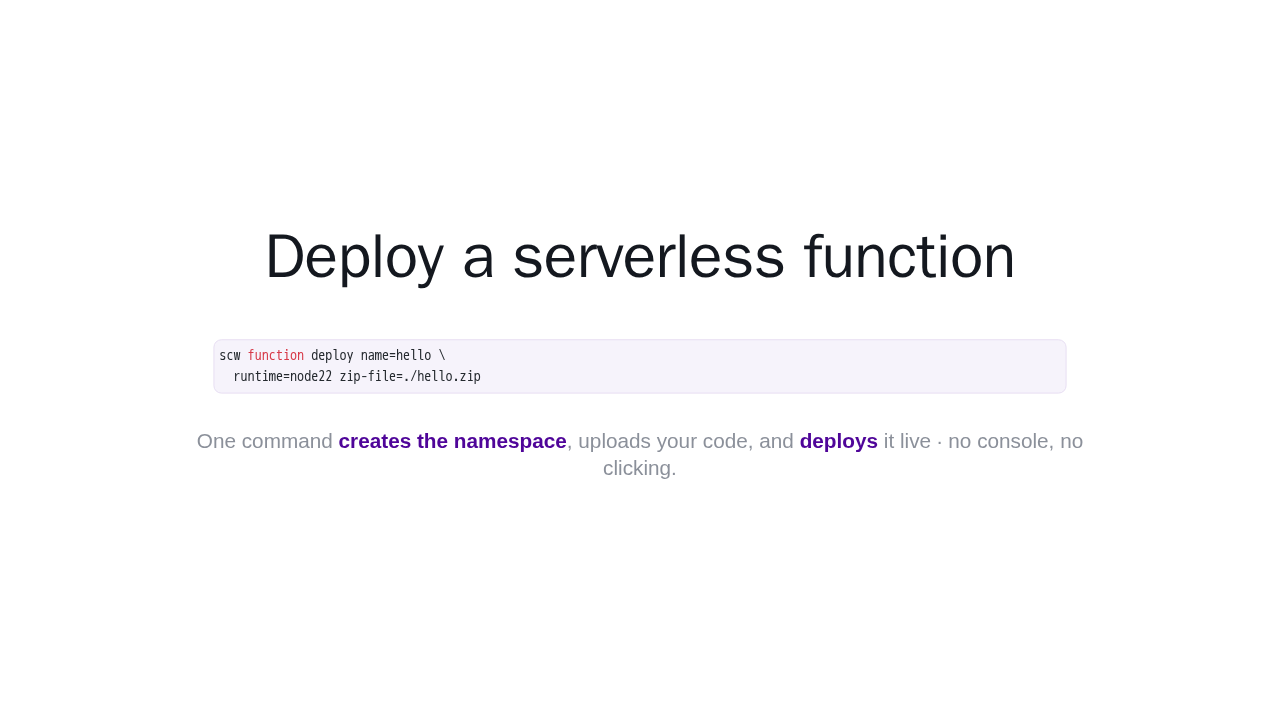
scw function deploy name=hello \
  runtime=node22 zip-file=./hello.zip
One command creates the namespace, uploads your code, and deploys it live · no console, no clicking.
Now the first real win. Zip up your function code, then run scw function deploy, with a name, a runtime like node22, and your zip file. That single command creates the namespace for you, uploads your code, and deploys it live. No console, no clicking around.
Run it all from the terminal
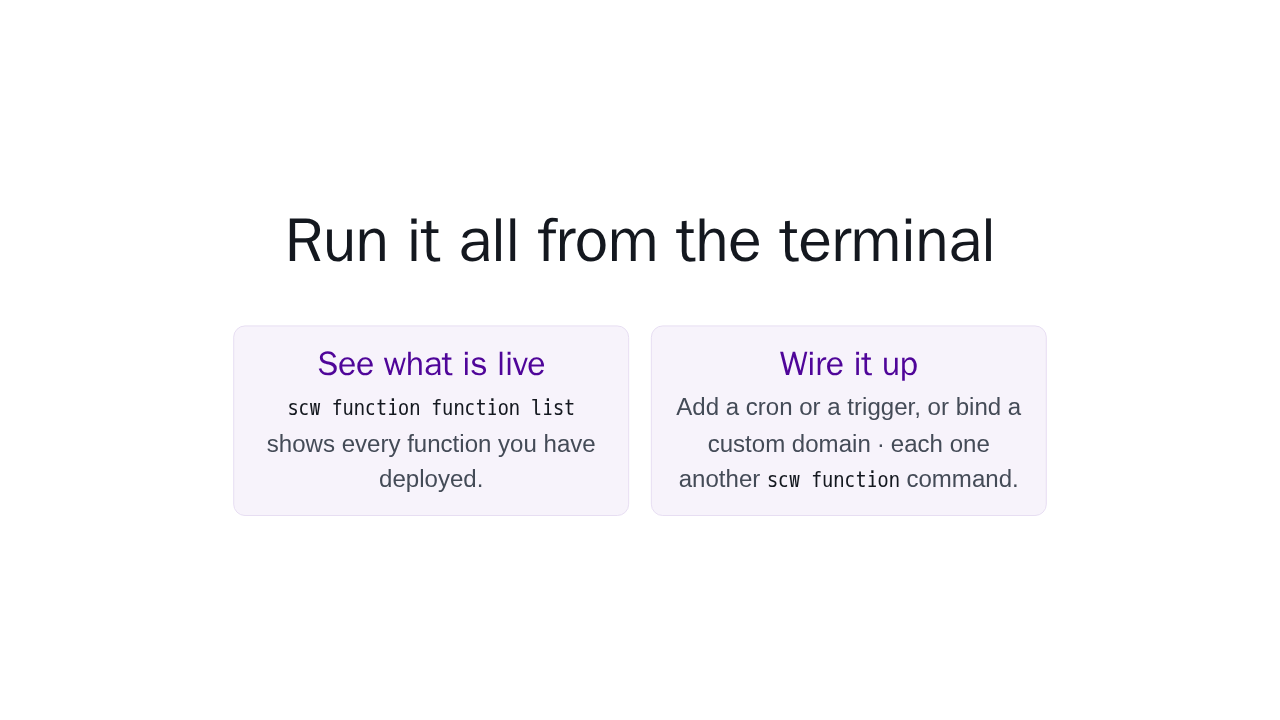
See what is live
scw function function list shows every function
you have deployed.
Wire it up
Add a cron or a trigger, or bind a custom domain · each
one another scw function command.
And you run it all from the same place. scw function function list shows what you have deployed. From there, add a cron or a trigger to invoke it, or bind your own custom domain. Every one of them is just another scw function command.
One CLI for your whole cloud
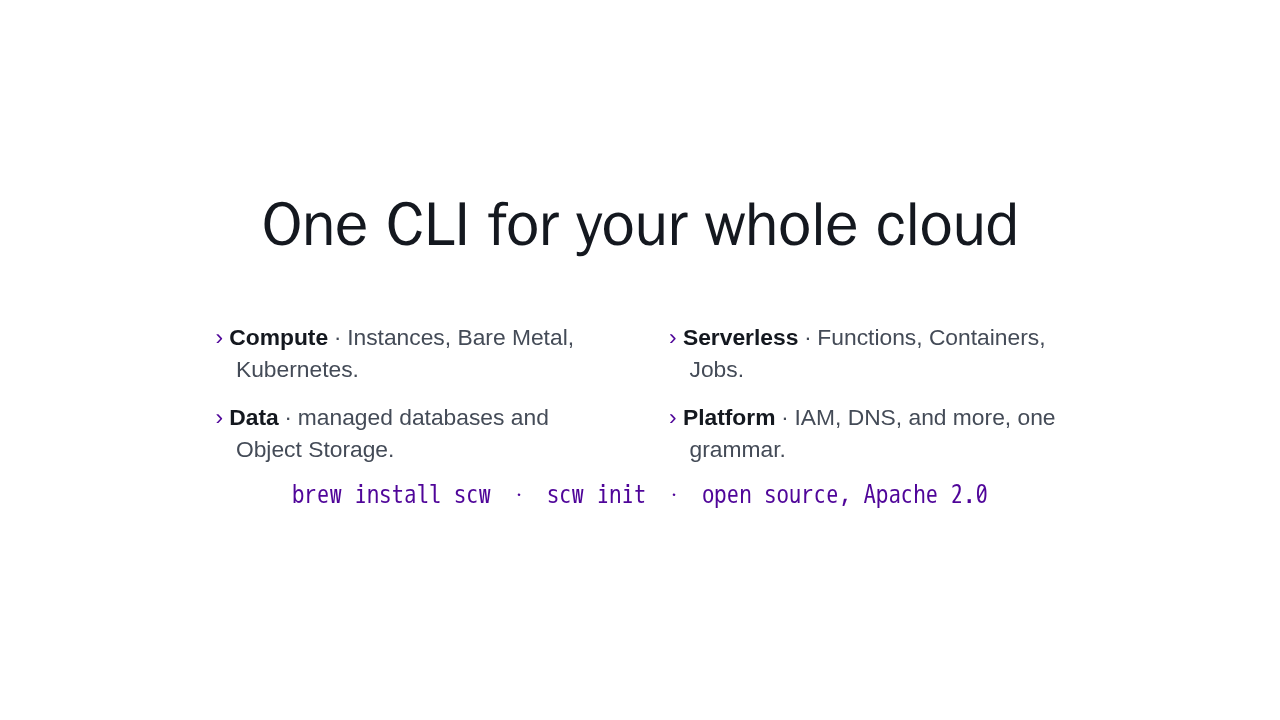
- Compute · Instances, Bare Metal, Kubernetes.
- Serverless · Functions, Containers, Jobs.
- Data · managed databases and Object Storage.
- Platform · IAM, DNS, and more, one grammar.
brew install scw · scw init · open source, Apache 2.0
That is scw. The same clean grammar across Instances, Kubernetes, managed databases, object storage, serverless, IAM, and DNS. Install it, run scw init, and drive your entire Scaleway cloud from the terminal.