Slide 1

A high-performance Markdown linter and formatter, written in Rust.
Your Markdown drifts. Headings without blank lines around them, lines that run too long, files missing a top-level title, scattered across a whole docs folder. Nobody wants to police that by hand in review. rumdl fixes it: a fast Markdown linter and formatter, written in Rust.
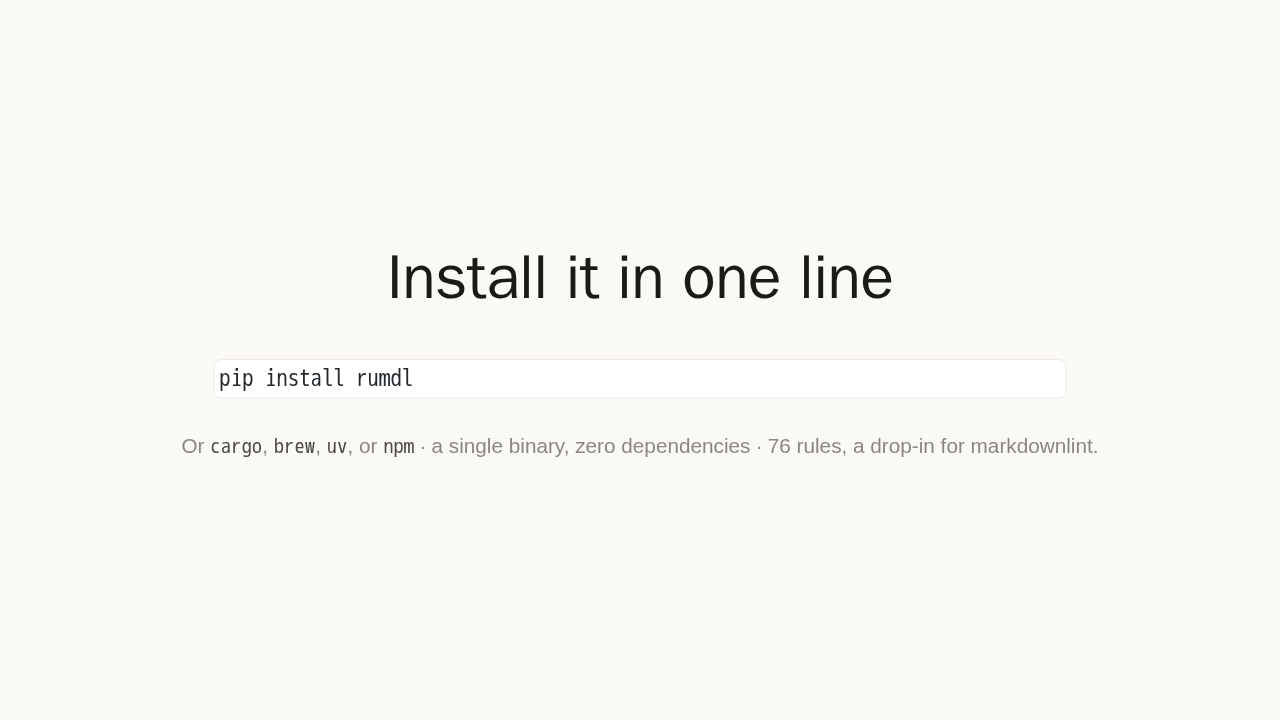
Install it in one line
pip install rumdl
Or cargo, brew, uv, or
npm · a single binary, zero dependencies
· 76 rules, a drop-in for markdownlint.
Install it however you like. One line with pip, or Cargo, Homebrew, or npm. It is a single binary with zero dependencies, and it ships 76 lint rules, a drop-in for the classic markdownlint rule set.
Point it at your docs
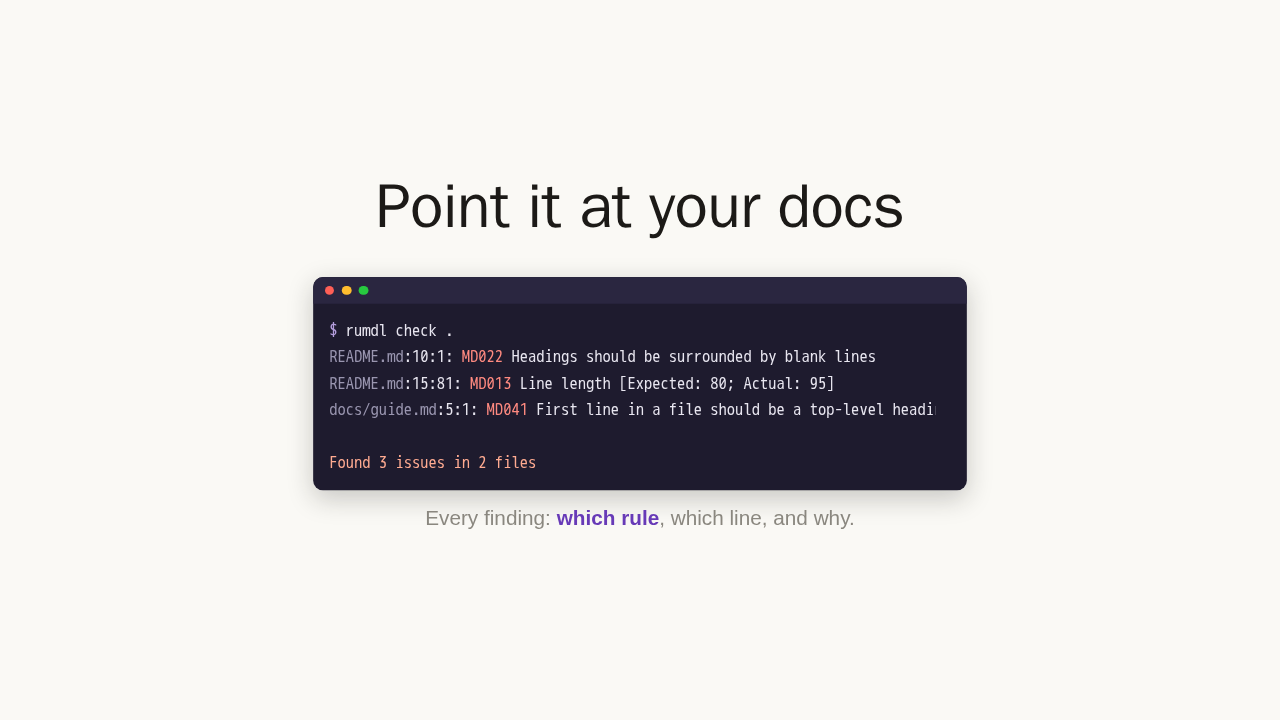
$ rumdl check .
README.md:10:1: MD022 Headings should be surrounded by blank lines
README.md:15:81: MD013 Line length [Expected: 80; Actual: 95]
docs/guide.md:5:1: MD041 First line in a file should be a top-level heading

Found 3 issues in 2 files
Every finding: which rule, which line, and why.
Run it on your project. It scans every Markdown file and tells you exactly what is wrong. Which rule broke, which line, and why. Here it finds three issues across two files, each one a specific, fixable problem.
Fix most of them automatically
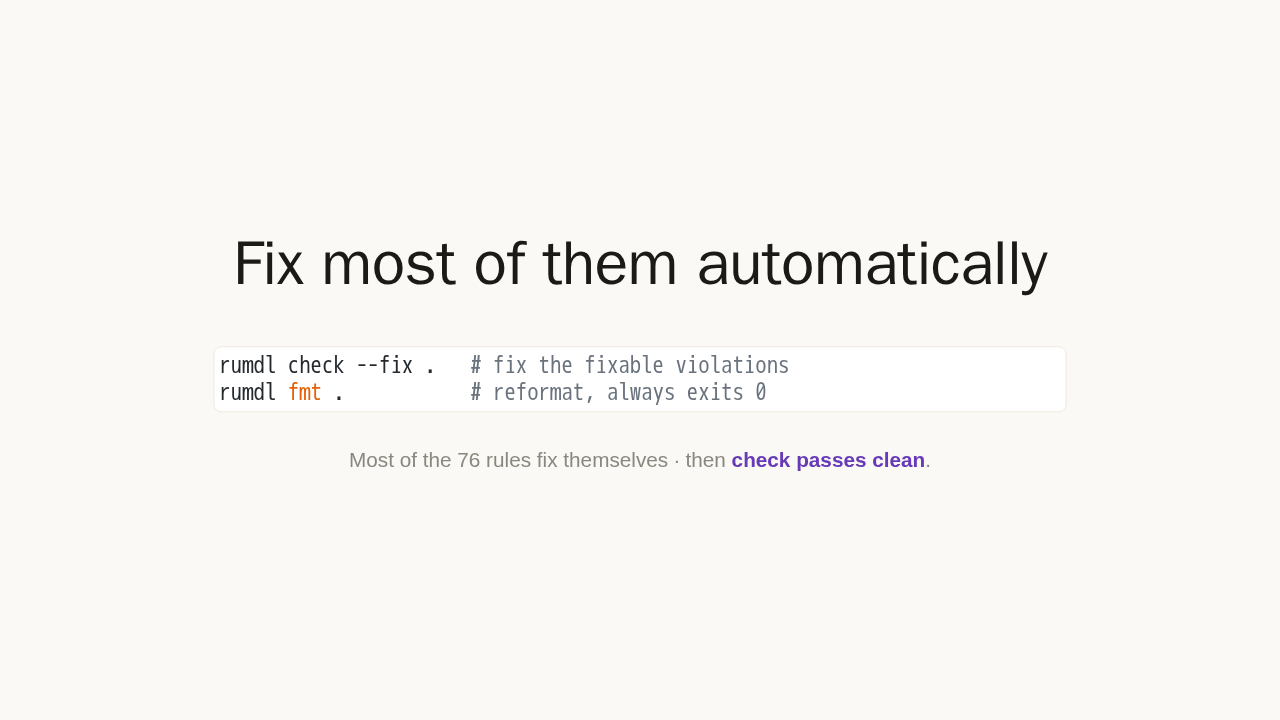
rumdl check --fix .   # fix the fixable violations
rumdl fmt .           # reformat, always exits 0
Most of the 76 rules fix themselves · then check passes clean.
Most of those 76 rules fix themselves. Add the fix flag, or run the formatter, and rumdl rewrites the files in place. Run the check again and it passes clean. No more nitpicking whitespace in code review.
And it is fast

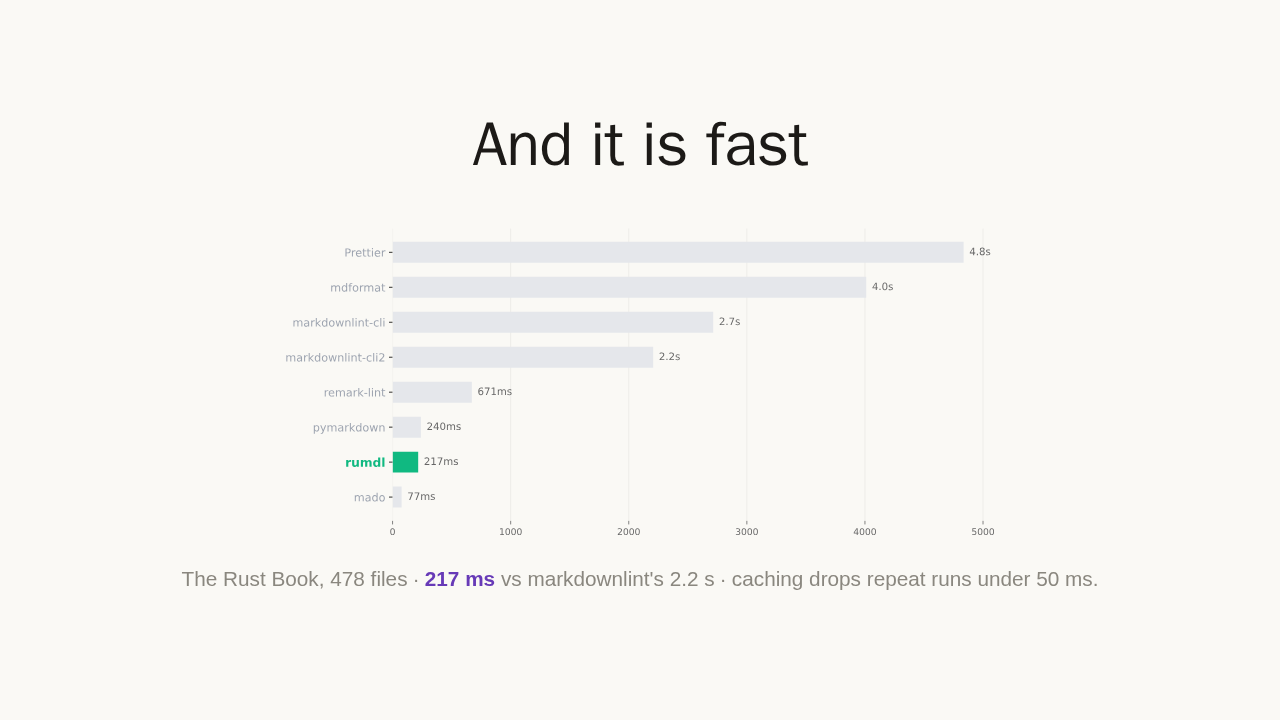
The Rust Book, 478 files · 217 ms vs markdownlint's 2.2 s · caching drops repeat runs under 50 ms.
And it is fast. On the Rust Book, 478 Markdown files, it lints everything in just over 200 milliseconds. That is roughly ten times faster than markdownlint. Turn on caching and repeat runs finish in tens of milliseconds.
Gate it in CI
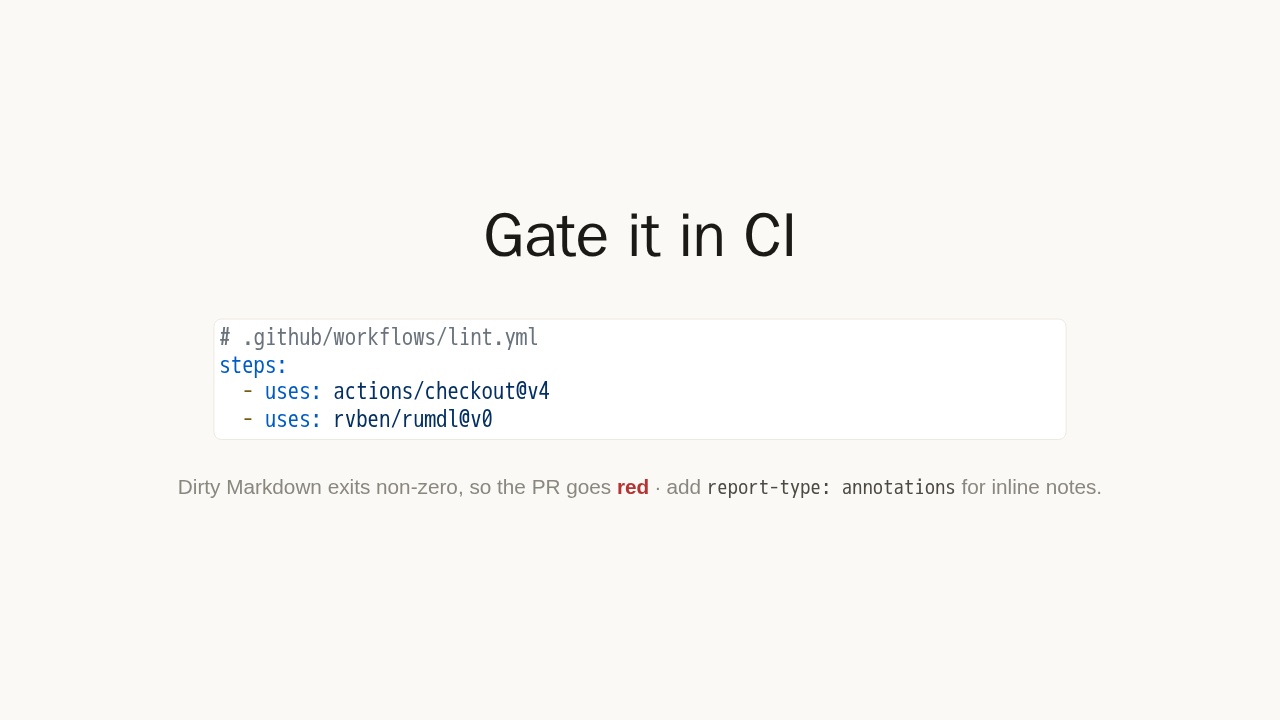
# .github/workflows/lint.yml
steps:
  - uses: actions/checkout@v4
  - uses: rvben/rumdl@v0
Dirty Markdown exits non-zero, so the PR goes
red · add
report-type: annotations for inline notes.
Now make it stick. Drop the official action into a GitHub workflow, and every pull request gets linted automatically. Dirty Markdown returns a non-zero exit code, so the check goes red and the pull request fails. Set the report type to annotations, and each issue shows up inline on the changed files.
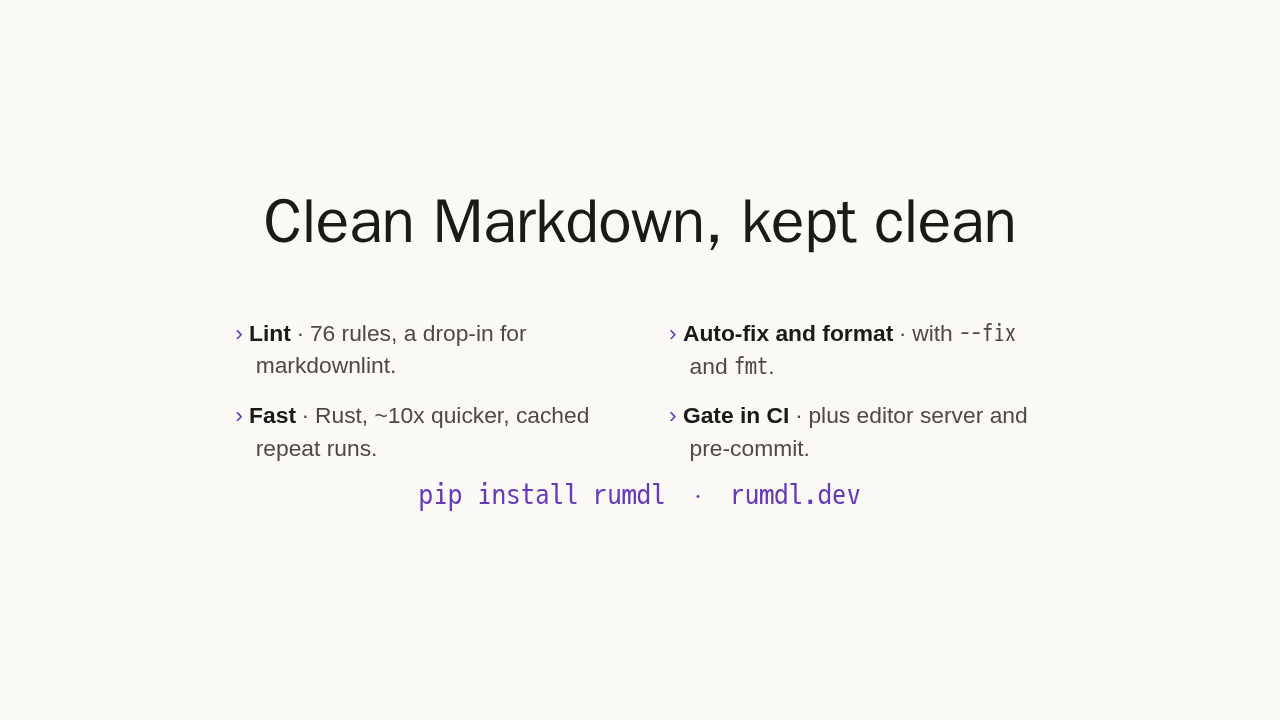
Clean Markdown, kept clean
- Lint · 76 rules, a drop-in for markdownlint.
- Auto-fix and format · with
--fixandfmt. - Fast · Rust, ~10x quicker, cached repeat runs.
- Gate in CI · plus editor server and pre-commit.
pip install rumdl · rumdl.dev
That is the loop: lint, auto-fix, and gate it in CI. It is a drop-in for markdownlint, configured with a simple config file, with an editor server and a pre-commit hook when you want them. Start at rumdl dot dev.