workmux - parallel coding agents in isolated worktrees
4 months ago
workmux is a terminal workflow tool for running coding agents in parallel without sharing one checkout. It pairs git worktrees with tmux windows, so each task gets its own branch, terminal state, editor, dev server, and agent prompt.
Ask about this presentation
Chapters
Show transcriptHide transcript
workmux is a terminal workflow tool for running coding agents in parallel without sharing one checkout. It pairs git worktrees with tmux windows, so each task gets its own branch, terminal state, editor, dev server, and agent prompt.
Slide text

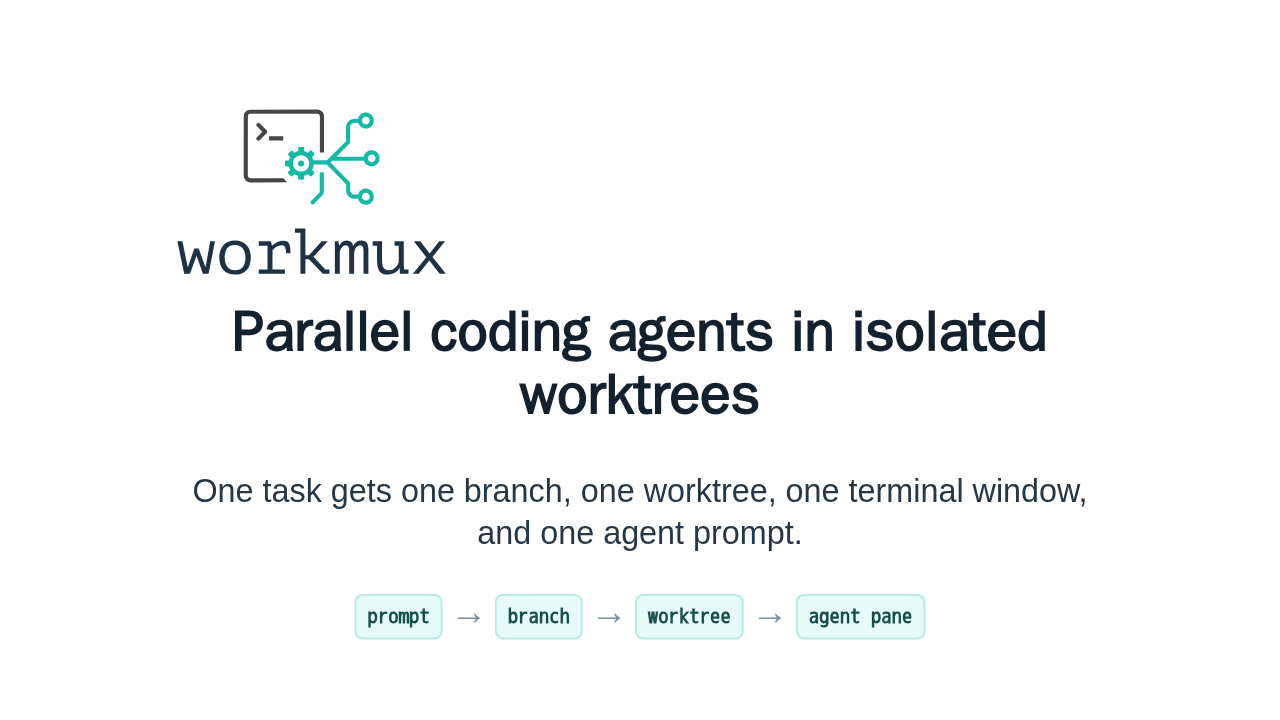
One task gets one branch, one worktree, one terminal window, and one agent prompt.
prompt → branch → worktree → agent paneThe pain shows up fast. One agent is fine. Four agents in one working tree means branch switching, stashing, file conflicts, and dev servers left in the wrong state. workmux makes the isolation the default instead of a manual setup ritual.
Slide text
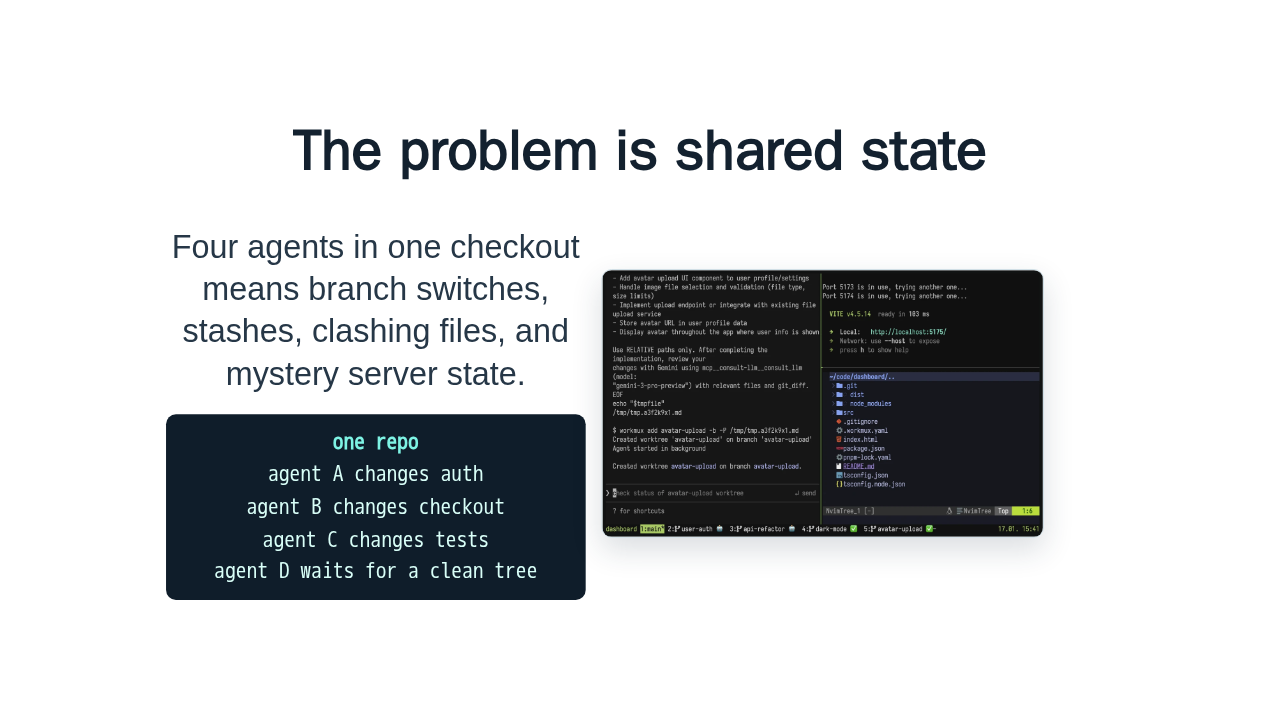
Four agents in one checkout means branch switches, stashes, clashing files, and mystery server state.
one repo
agent A changes auth
agent B changes checkout
agent C changes tests
agent D waits for a clean tree
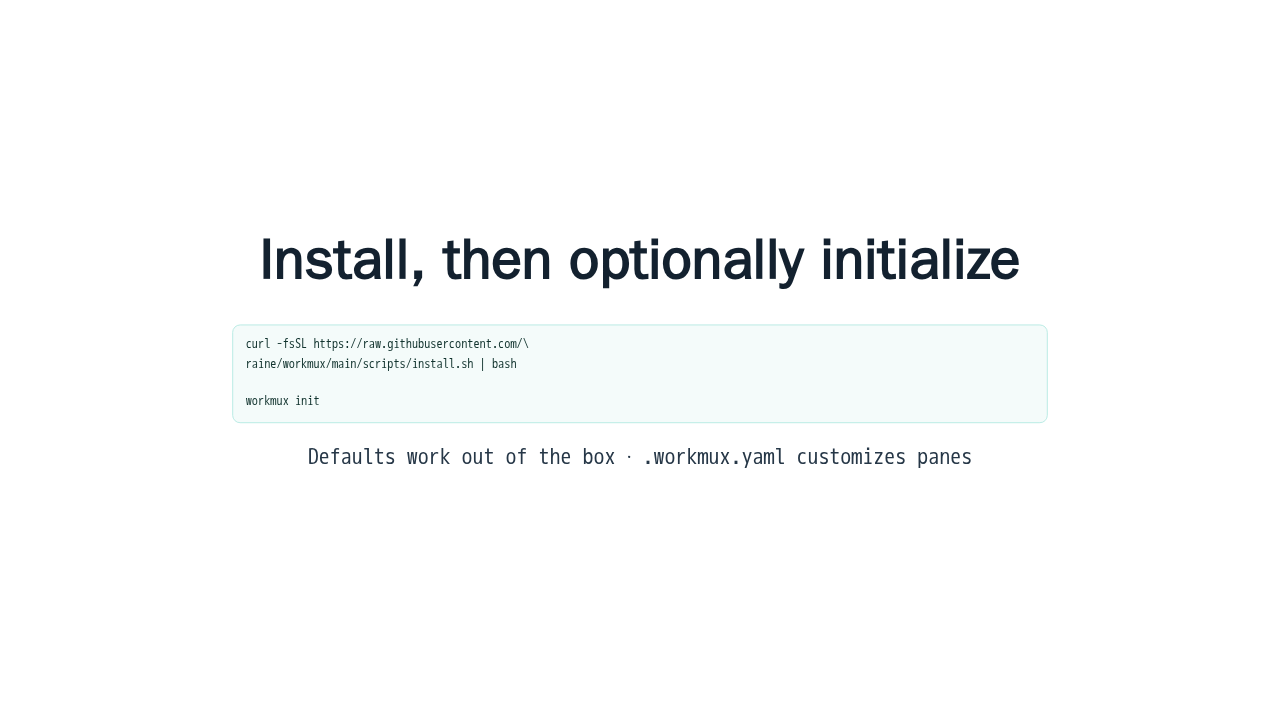
Start with the installer from the quick start. A terminal multiplexer is required, and tmux is the usual path. Then run workmux init if you want a dot workmux yaml file. The docs are clear that defaults work without that file, so configuration is optional.
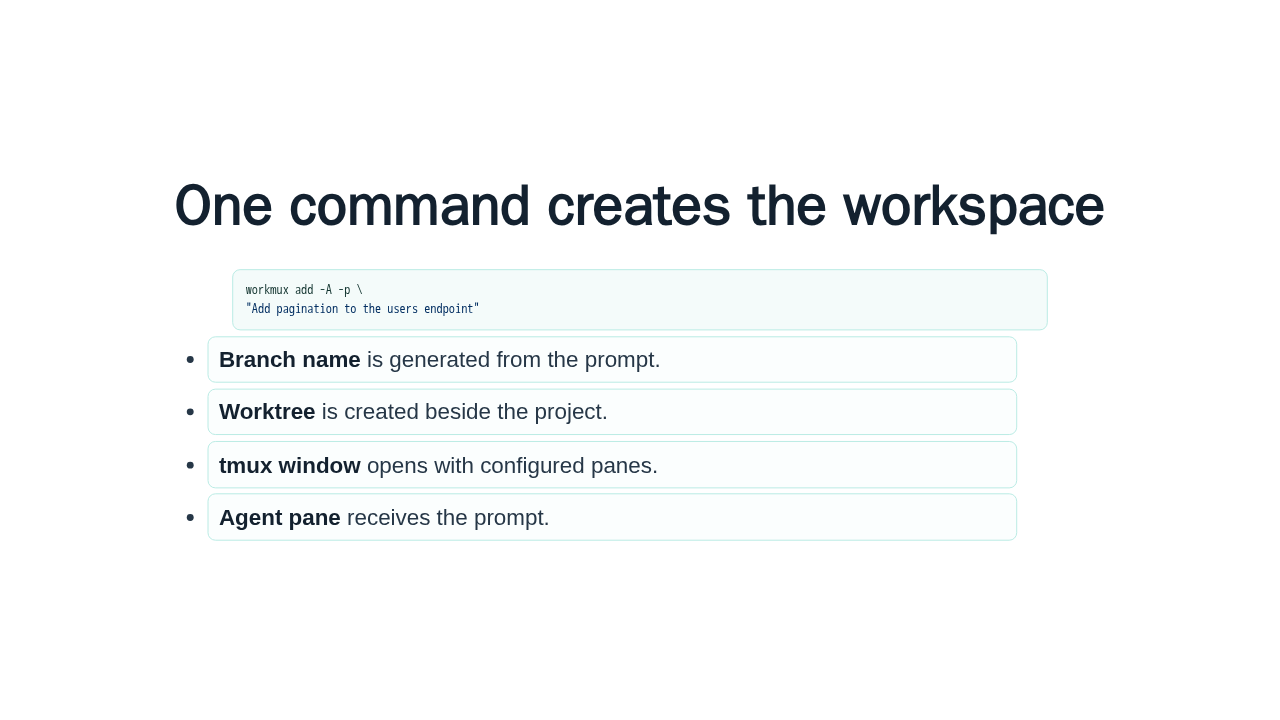
The first win is the add command. With dash A and dash p, workmux generates a branch name from your prompt, creates the worktree under the project worktrees directory, opens a tmux window, runs setup, and passes the prompt into your configured agent pane.
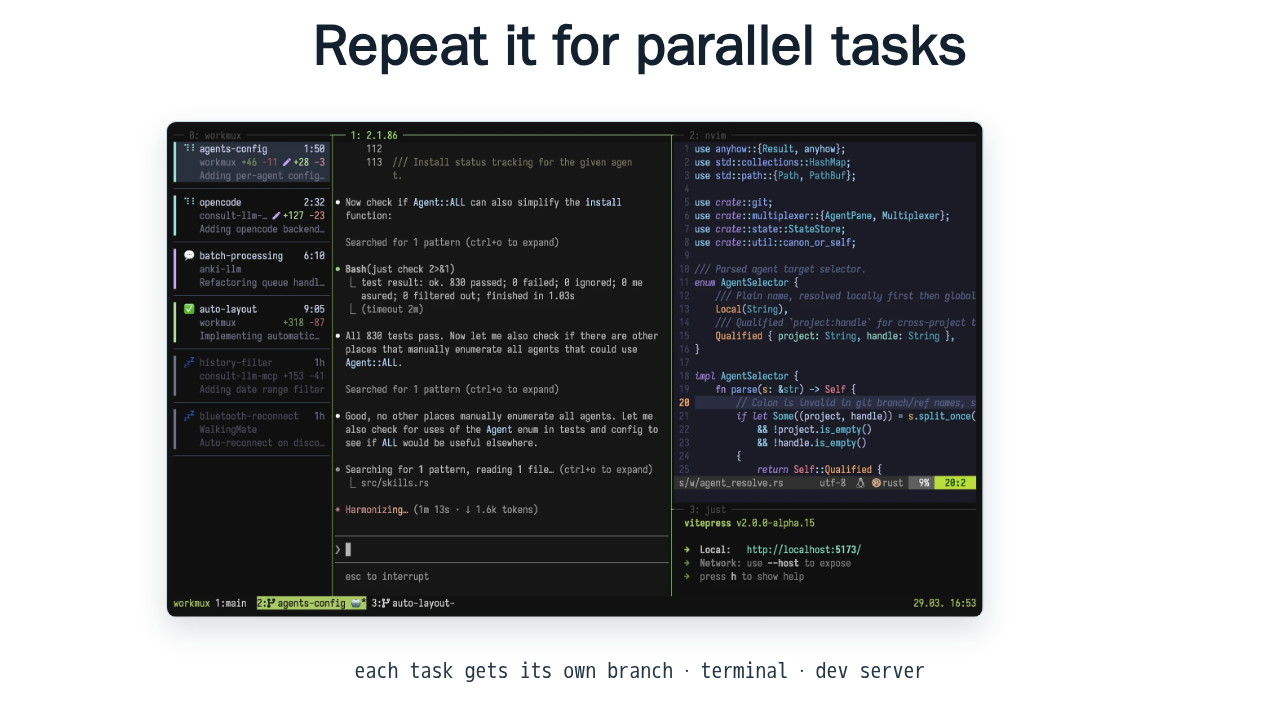
Then repeat the same command for the next task. This is where workmux becomes useful for agent work. Your pagination task, race condition task, and refactor task can all run at the same time, each with separate files and process state.
Slide text

each task gets its own branch · terminal · dev server
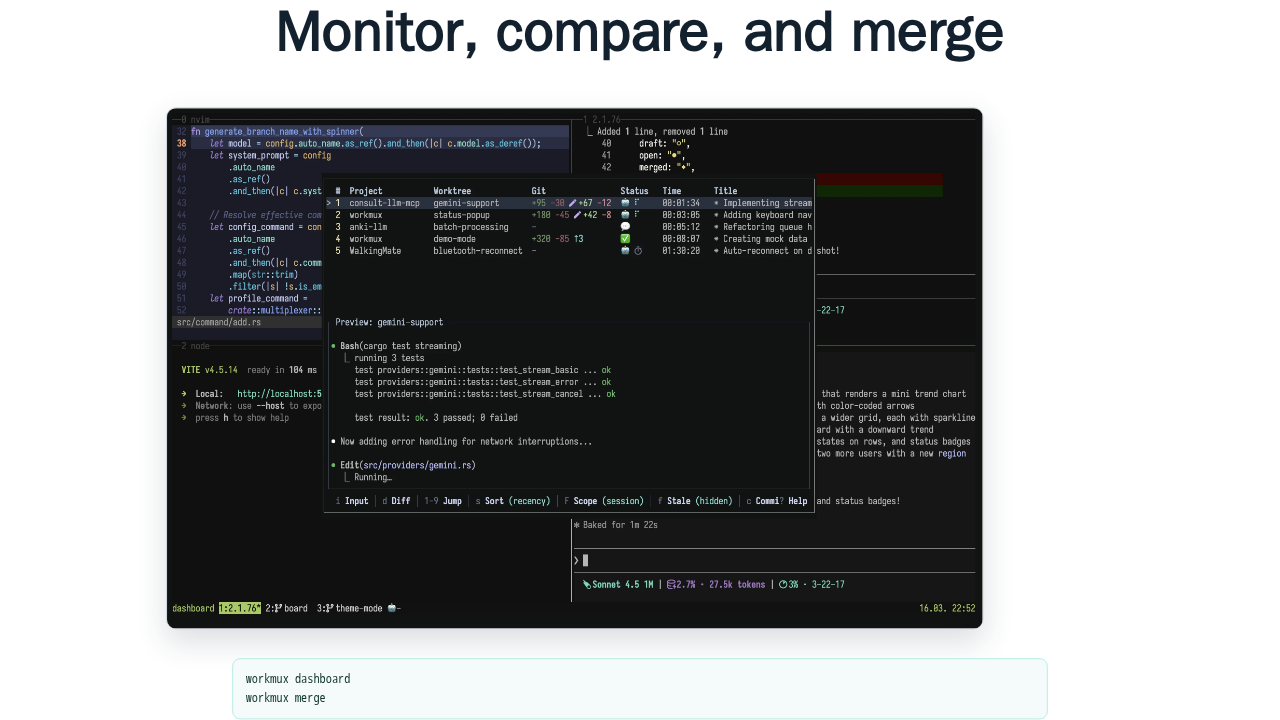
The dashboard is the control surface. It shows the active worktrees, agent status, and a diff preview, so you can see what is happening before you switch context. When a task is worth keeping, workmux merge handles the local merge and cleanup.
Slide text

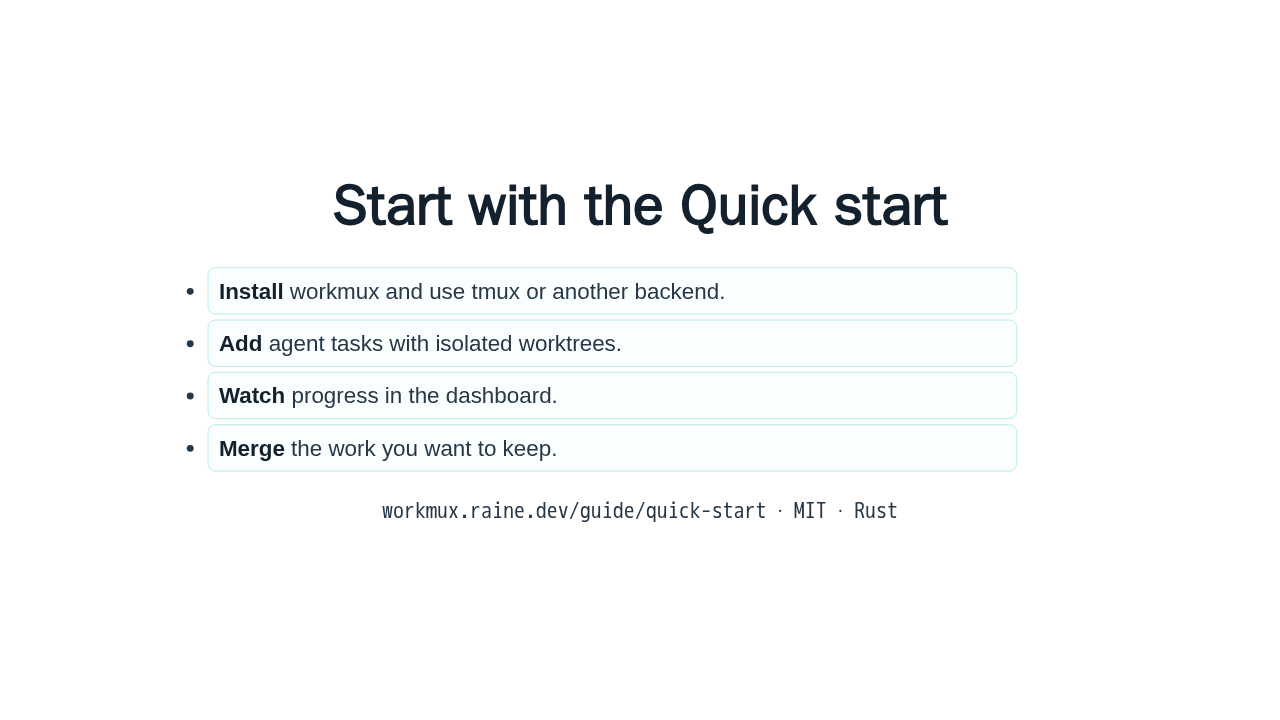
workmux dashboard workmux mergeThat is the first pass. Install workmux, add one agent task, add another when you are ready, watch them in the dashboard, and merge the result you want to keep. The next step is the Quick start at workmux dot raine dot dev slash guide slash quick start.
Up next
 2:03
cargo-nextest · a next-generation test runner for Rust
@github
4 months ago
 1:35
mq · jq, but for Markdown
@github
4 months ago
 1:24
Mimesis · realistic, locale-aware fake data in one line
@github
4 months ago
 1:38
pikepdf · open, edit and repair PDFs in Python, losslessly
@github
4 months ago
 1:22
tfswitch · the right Terraform version, automatically
@github
4 months ago
 1:21
PyPDFForm · fill a PDF form in Python in a few lines
@github
4 months ago
 1:35
MCP-UI - interactive apps for MCP tools
@github
4 months ago
 1:33
Pumpkin - start a Rust Minecraft server
@github
4 months ago
 1:39
Bifrost - your first reliable AI gateway
@github
4 months ago
 1:39
Honcho - memory that reasons across sessions
@github
4 months ago
 1:56
agentgateway · one governed proxy for your agent traffic
@github
4 months ago
 1:25
Compodoc · instant documentation for your Angular app
@github
4 months ago