ormar
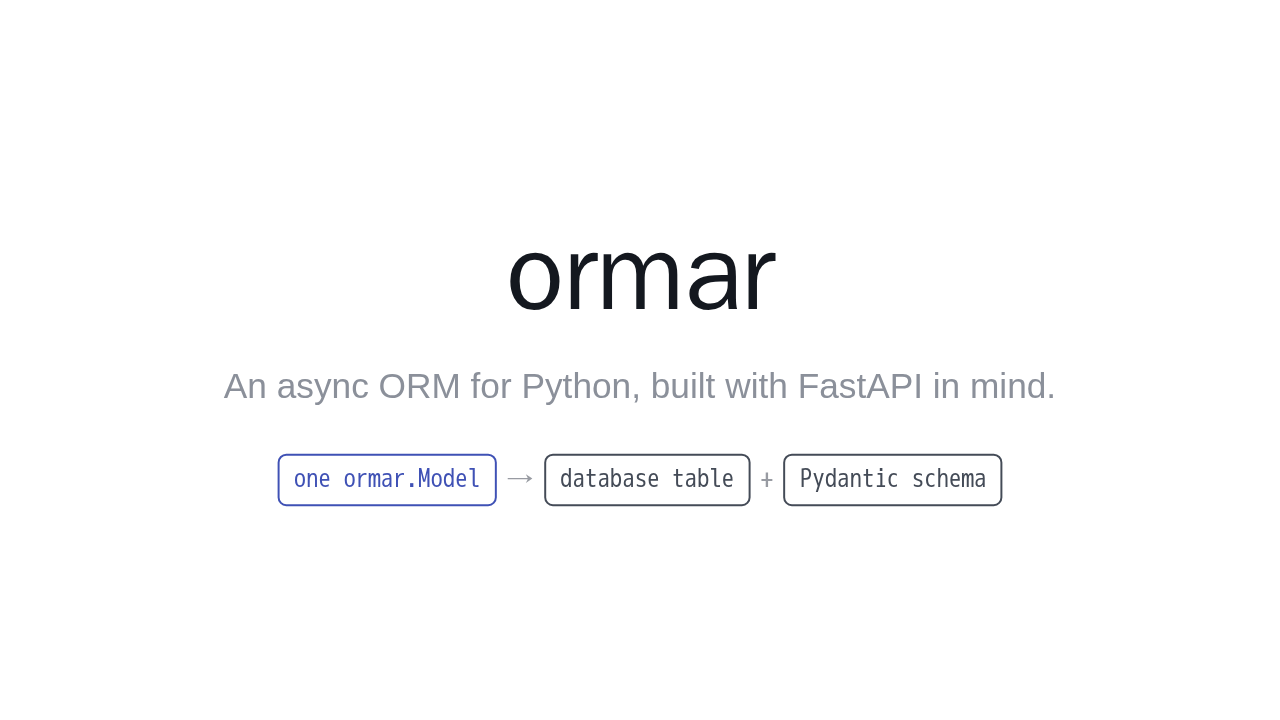
An async ORM for Python, built with FastAPI in mind.
Ormar is an async ORM for Python, built with FastAPI in mind. Its one big idea: a single model class is both your database table and your Pydantic schema. So you stop writing and syncing two models for every table. Let's build one.
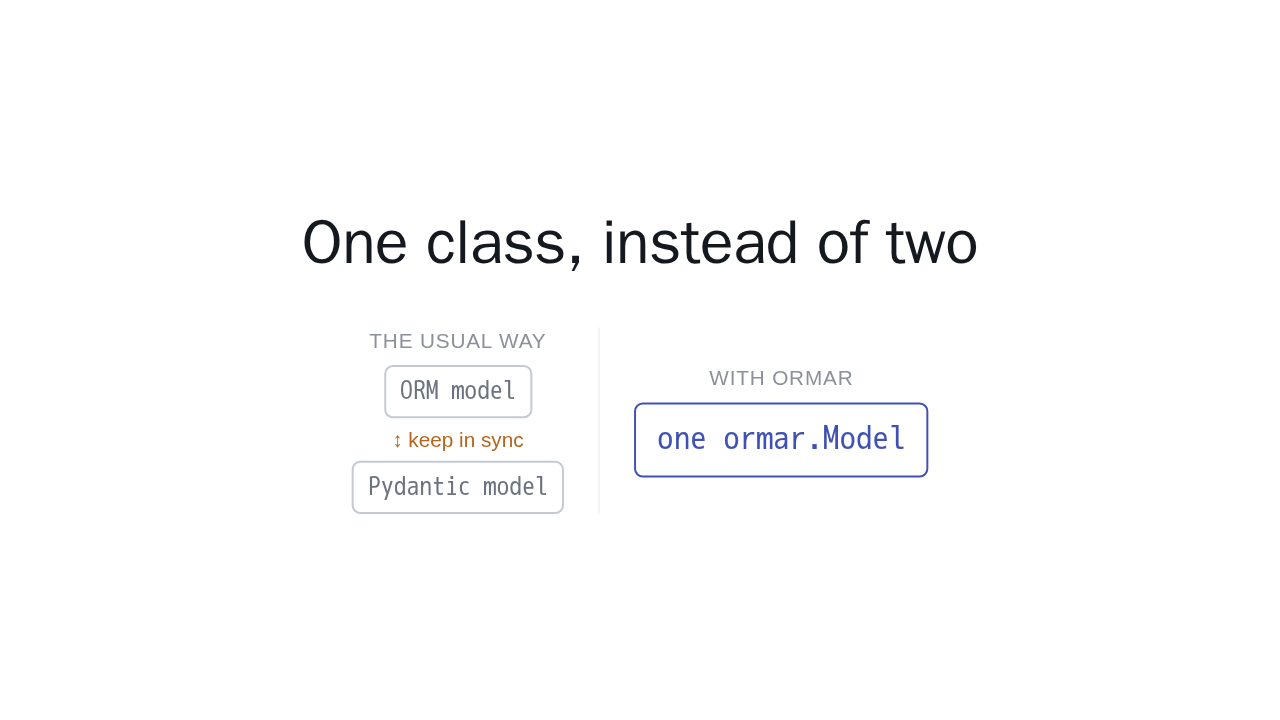
One class, instead of two
The usual way
ORM model ↕ keep in sync Pydantic modelWith ormar
one ormar.ModelNormally you keep two things in step: an ORM model for the database, and a separate Pydantic model for validation and your API. In ormar, they are the same class. Define it once, and it does both jobs.
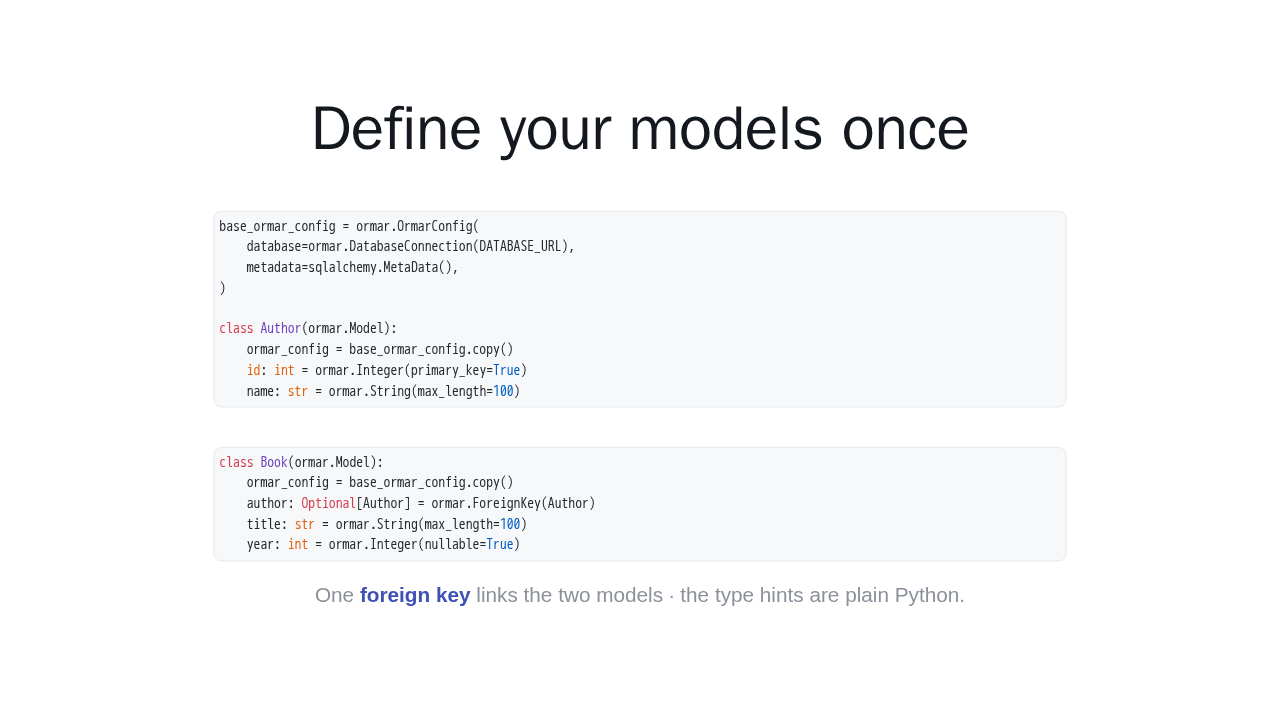
Define your models once
base_ormar_config = ormar.OrmarConfig(
    database=ormar.DatabaseConnection(DATABASE_URL),
    metadata=sqlalchemy.MetaData(),
)

class Author(ormar.Model):
    ormar_config = base_ormar_config.copy()
    id: int = ormar.Integer(primary_key=True)
    name: str = ormar.String(max_length=100)
class Book(ormar.Model):
ormar_config = base_ormar_config.copy()
author: Optional[Author] = ormar.ForeignKey(Author)
title: str = ormar.String(max_length=100)
year: int = ormar.Integer(nullable=True)One foreign key links the two models · the type hints are plain Python.
Start with one config that holds your database connection and metadata. Then declare your models. Here, an Author, and a Book. Add a single foreign key, and the two models are linked. The type hints are plain Python, so your editor and mypy understand them.
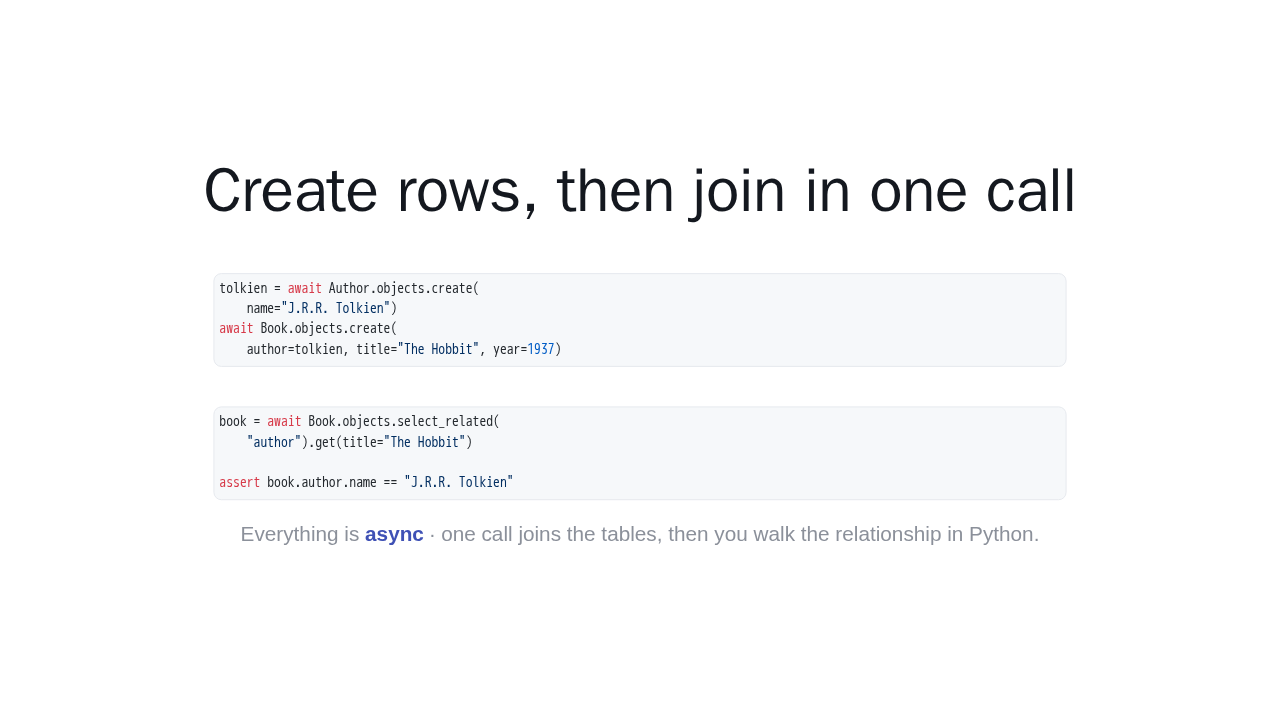
Create rows, then join in one call
tolkien = await Author.objects.create(
    name="J.R.R. Tolkien")
await Book.objects.create(
    author=tolkien, title="The Hobbit", year=1937)
book = await Book.objects.select_related(
"author").get(title="The Hobbit")
assert book.author.name == "J.R.R. Tolkien"Everything is async · one call joins the tables, then you walk the relationship in Python.
Everything is async, so you await your calls. Create an author, then create a book that points at that author. To load the relation, use select related. One call joins the tables, and then you just walk the relationship in Python: book, author, name.
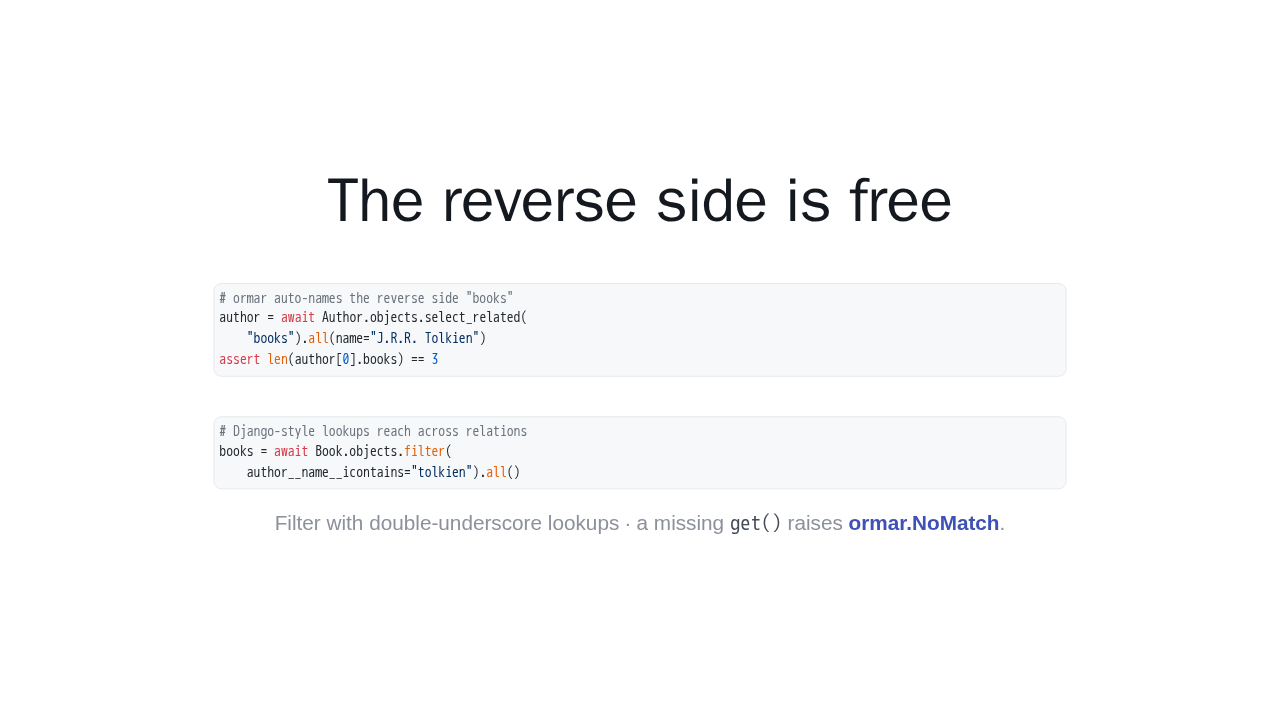
The reverse side is free
# ormar auto-names the reverse side "books"
author = await Author.objects.select_related(
    "books").all(name="J.R.R. Tolkien")
assert len(author[0].books) == 3
# Django-style lookups reach across relations
books = await Book.objects.filter(
author__name__icontains="tolkien").all()
Filter with double-underscore lookups · a missing
get() raises
ormar.NoMatch.
The reverse side is free. Ormar names it for you, so an author carries a list of their books. And filtering feels familiar: double-underscore lookups reach right across the relation. Ask for a book that isn't there, and you get a clean NoMatch.
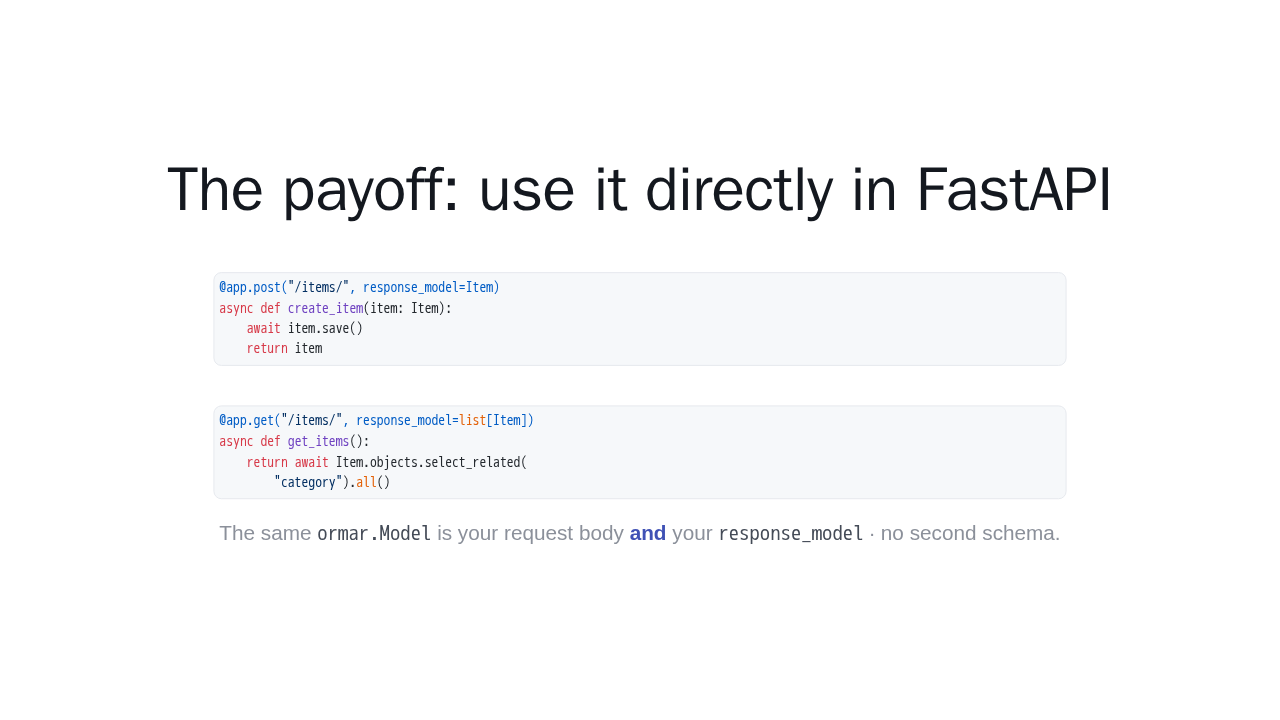
The payoff: use it directly in FastAPI
@app.post("/items/", response_model=Item)
async def create_item(item: Item):
    await item.save()
    return item
@app.get("/items/", response_model=list[Item])
async def get_items():
return await Item.objects.select_related(
"category").all()
The same ormar.Model is your request body
and your
response_model · no second schema.
Here is where one model pays off. In FastAPI, pass your ormar model straight in as the request body. And return it as the response model. Same class, both directions. There is no second schema to define or keep in sync.
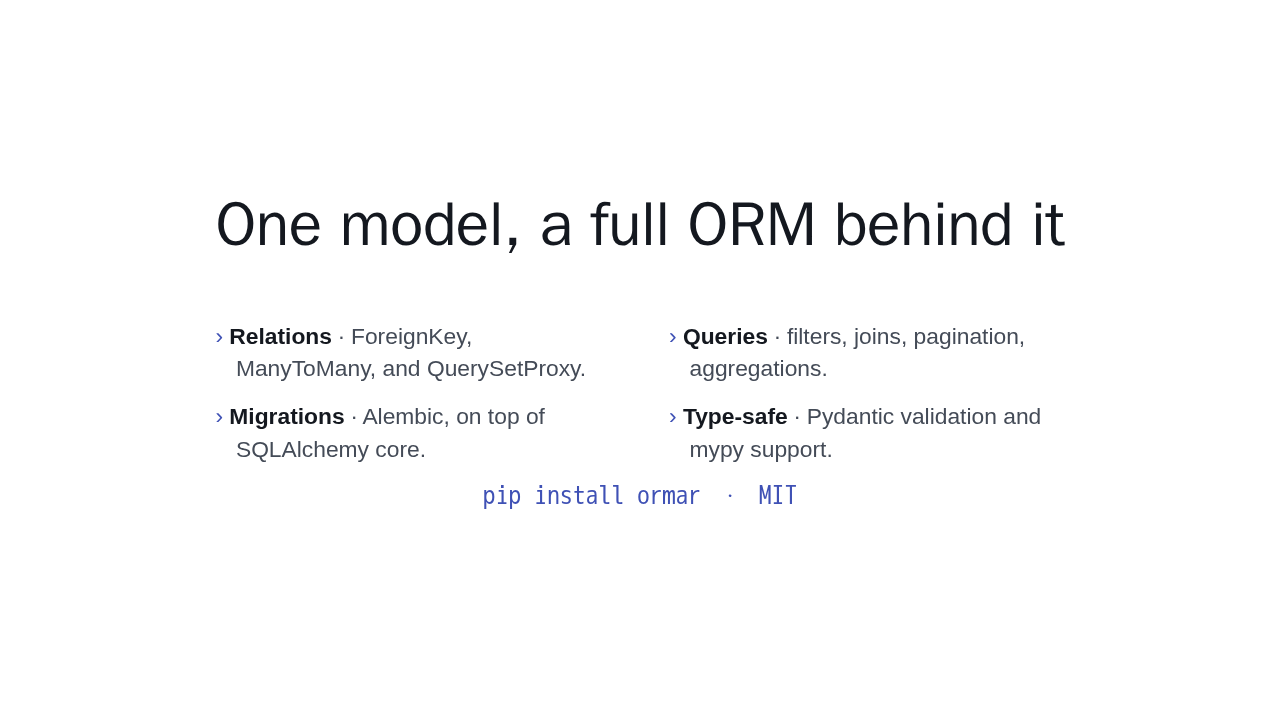
One model, a full ORM behind it
- Relations · ForeignKey, ManyToMany, and QuerySetProxy.
- Queries · filters, joins, pagination, aggregations.
- Migrations · Alembic, on top of SQLAlchemy core.
- Type-safe · Pydantic validation and mypy support.
pip install ormar · MIT
That is the core. From here ormar gives you many-to-many relations, joins and aggregations, Alembic migrations, and full mypy support. Install it with pip install ormar, and explore the rest of these docs.