Okteto
Your Kubernetes app, with a local-feeling inner loop.
Your app runs in Kubernetes, but your inner loop should not feel like it. Change one line, then wait through a docker build, a push, and a redeploy just to see it. Okteto removes that loop. It turns your Kubernetes app into a live development environment, where your local edits show up in the cluster instantly.
One command, a live dev environment

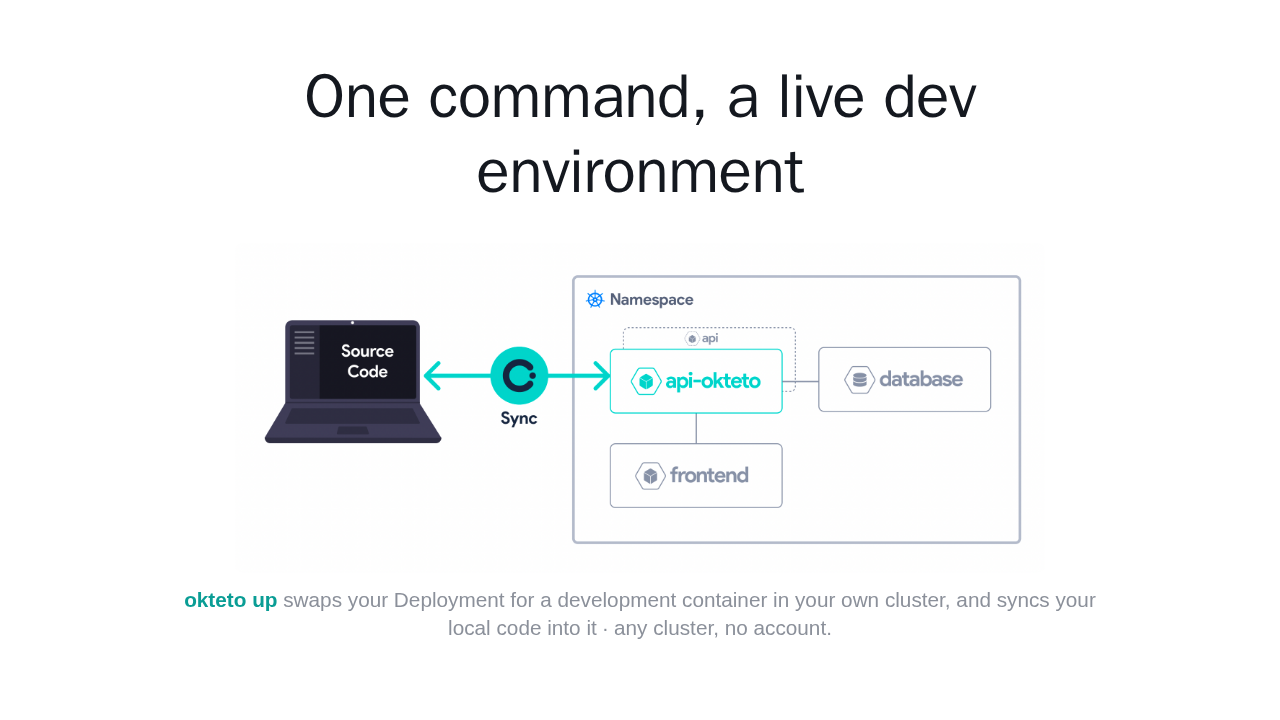
okteto up swaps your Deployment for a development container in your own cluster, and syncs your local code into it · any cluster, no account.
Run okteto up, and Okteto swaps your Deployment for a development container in your own cluster, then syncs your local code into it. You keep editing locally, and the app reloads in the cluster. It works with any Kubernetes cluster, local or remote, and needs no account.
Install, then deploy your app
brew install okteto

kubectl apply -f k8s.yml
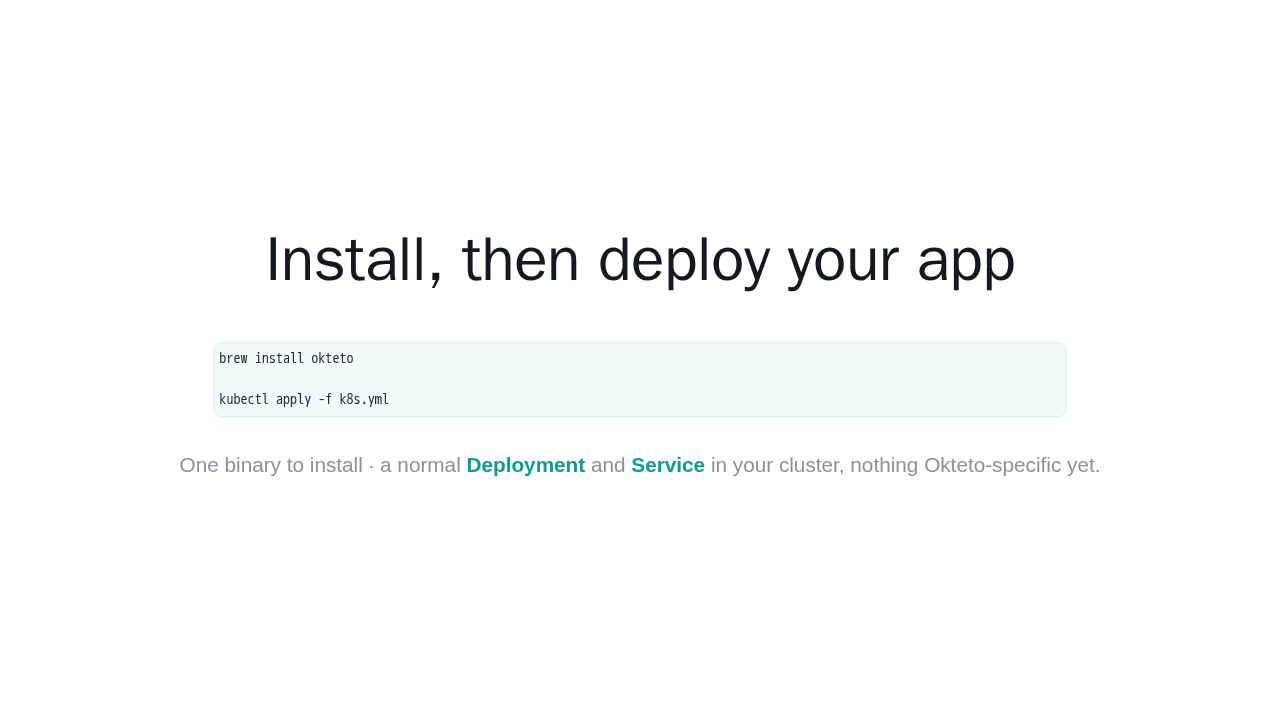
One binary to install · a normal Deployment and Service in your cluster, nothing Okteto-specific yet.
Setup is two steps. First install the CLI. On macOS or Linux, brew install okteto, or a curl script. Then deploy your app to your cluster the normal way, which creates a standard Deployment and Service, nothing Okteto specific yet.
The whole config is six lines
dev:
  hello-world:          # matches your Deployment
    command: bash
    sync:
      - .:/usr/src/app
    forward:
      - 3000:3000
      - 9229:9229
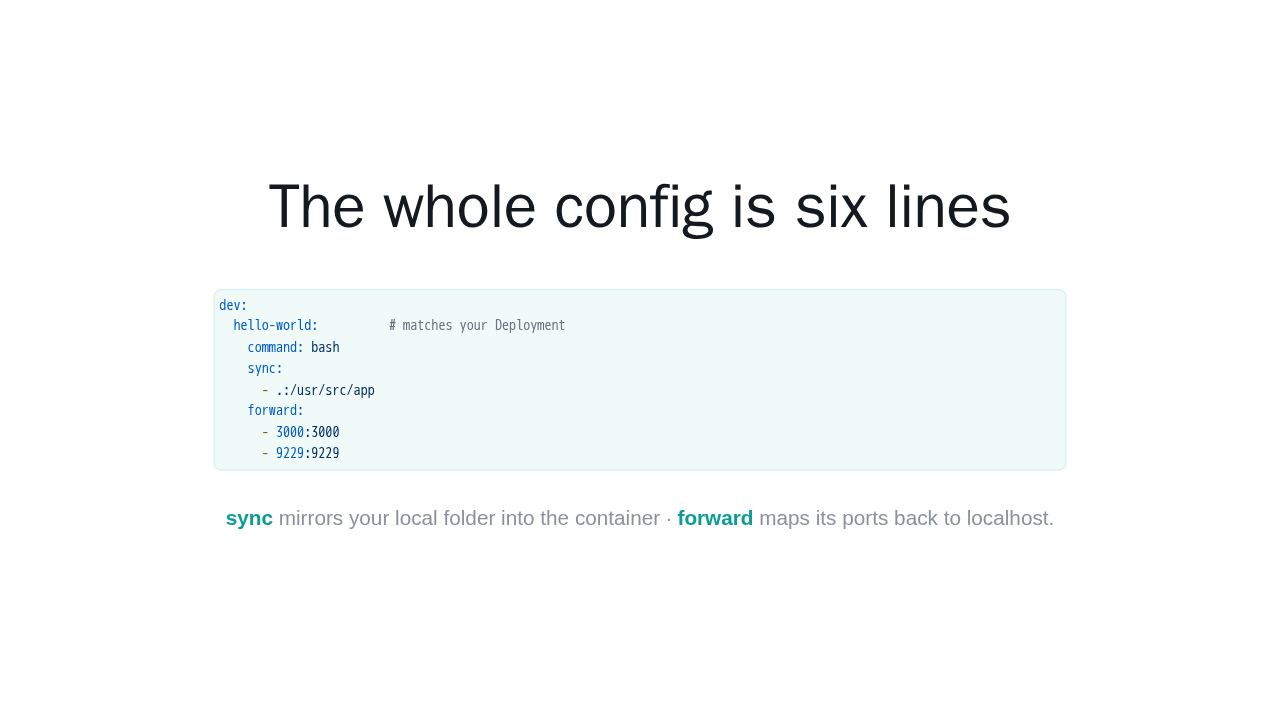
sync mirrors your local folder into the container · forward maps its ports back to localhost.
This is the only configuration Okteto needs, a dev section in a small manifest. The key matches your Deployment name. sync mirrors your local folder into the container, and forward maps container ports to localhost, here the app port and the Node debugger port. That is the whole file.
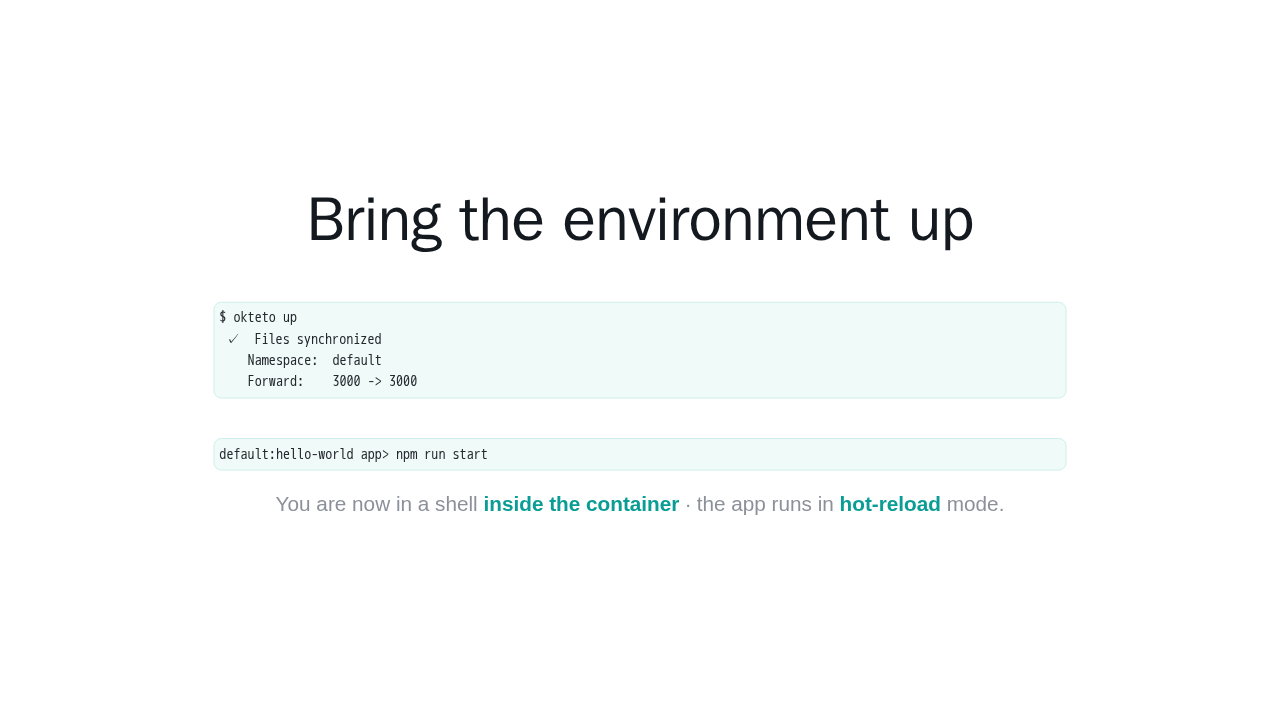
Bring the environment up
$ okteto up
 ✓  Files synchronized
    Namespace:  default
    Forward:    3000 -> 3000
default:hello-world app> npm run startYou are now in a shell inside the container · the app runs in hot-reload mode.
Now run okteto up. Okteto pulls the image, syncs your files, and sets up the port forwards. Then it drops you into a shell inside the development container, right there in your cluster. From that shell, start the app. It runs in hot-reload mode, watching for changes.
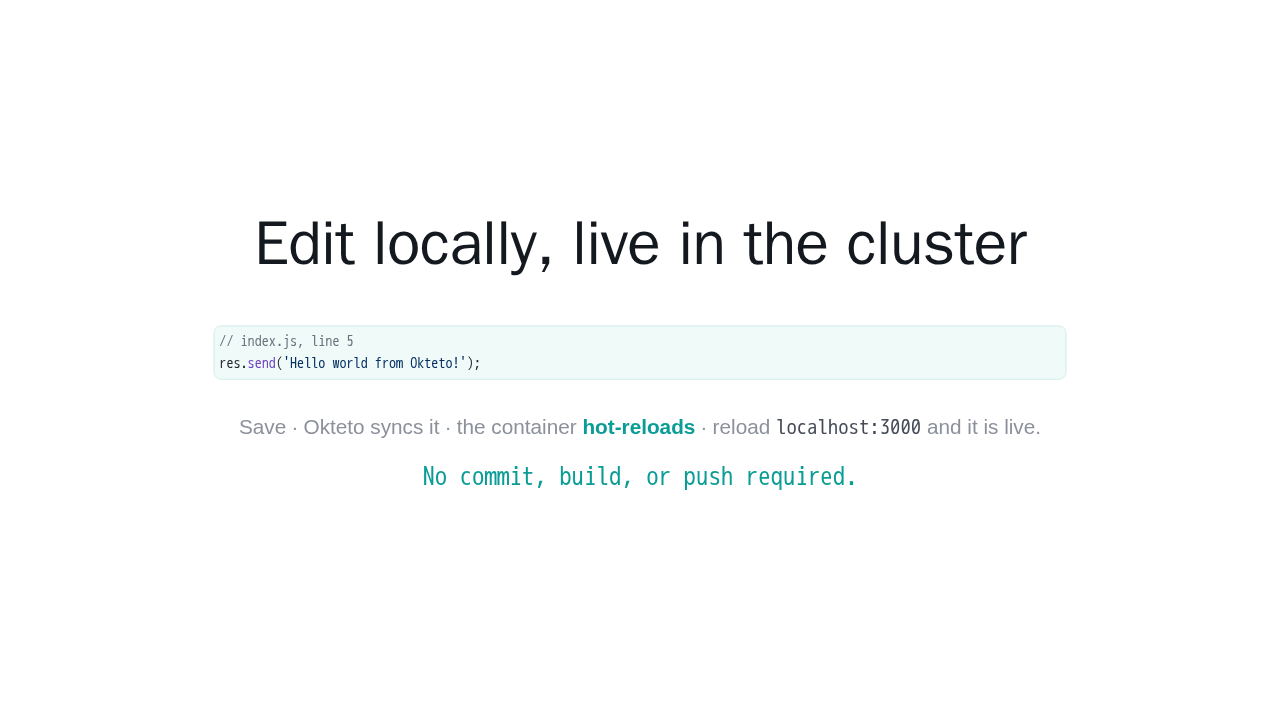
Edit locally, live in the cluster
// index.js, line 5
res.send('Hello world from Okteto!');
Save · Okteto syncs it · the container
hot-reloads · reload
localhost:3000 and it is live.
No commit, build, or push required.
Here is the payoff. Open your source file locally, change the response text, and save. Okteto syncs the change into the container, it hot-reloads, and when you refresh your browser, your edit is already live. No commit, no build, no push. That is the entire inner loop.
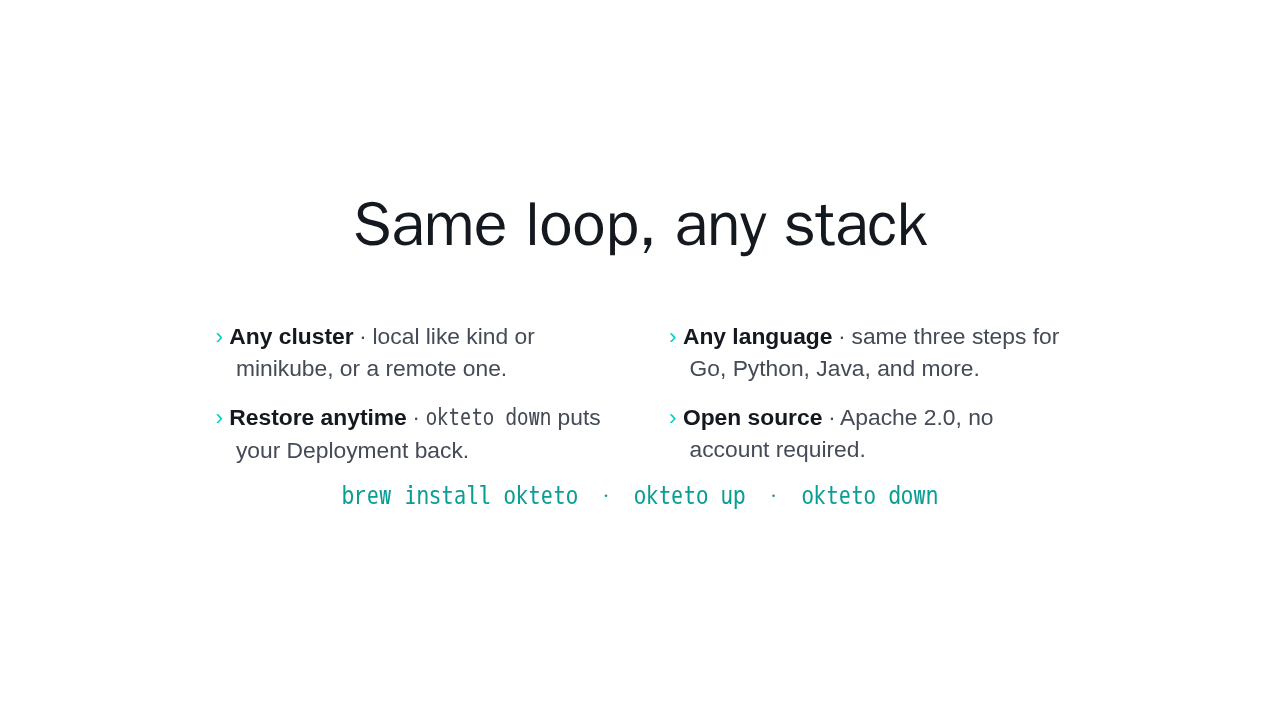
Same loop, any stack
- Any cluster · local like kind or minikube, or a remote one.
- Any language · same three steps for Go, Python, Java, and more.
- Restore anytime ·
okteto downputs your Deployment back. - Open source · Apache 2.0, no account required.
brew install okteto · okteto up · okteto down
That is Okteto. The same three steps, deploy, okteto up, then edit and save, work on any cluster and any language, Go, Python, Java, and more. When you are done, okteto down puts your original Deployment back. It is open source, Apache two point zero. The install page has everything you need to try it.