Slide 1
A next-generation test runner for Rust.
Your Rust test suite starts fast. Then it grows. cargo test runs the tests inside each binary together, and runs your binaries one after another, so a big workspace gets slow. And when something breaks, the output is a flat wall of text. Nextest is a next-generation test runner that fixes both.
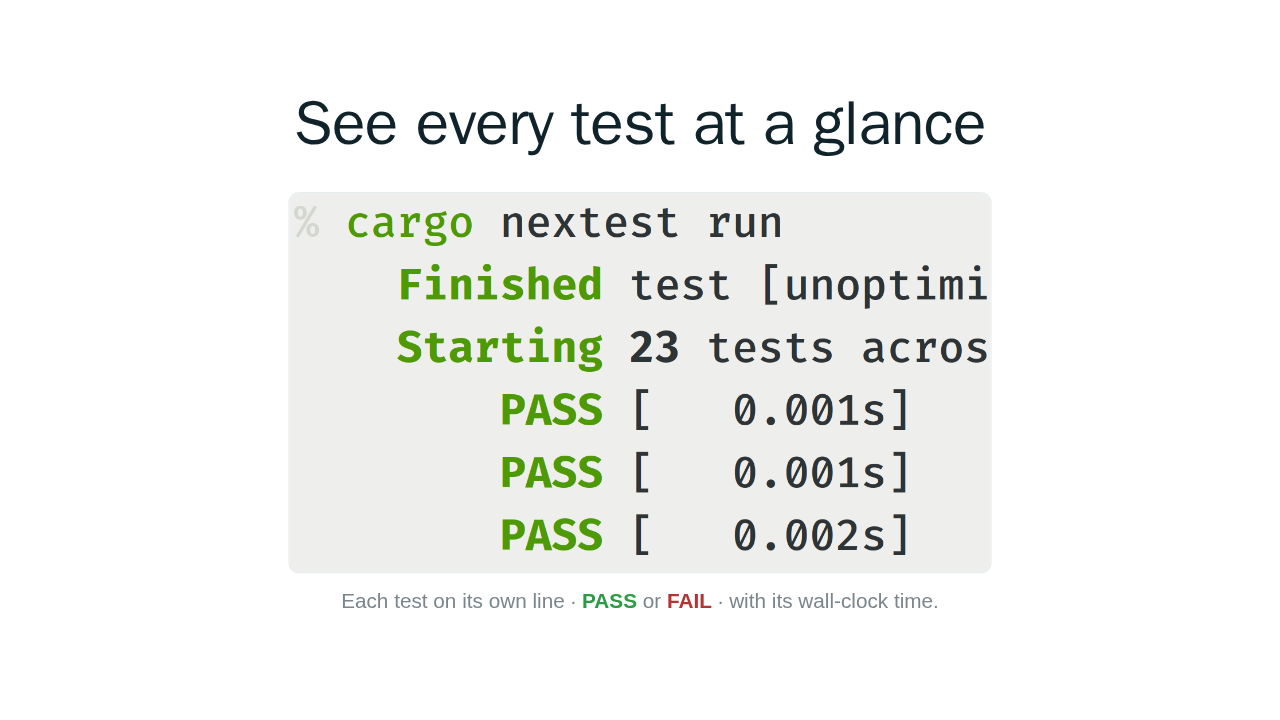
See every test at a glance

Each test on its own line · PASS or FAIL · with its wall-clock time.
Here is what nextest looks like. It runs each test in its own process, in parallel, and reports every result on its own line. Pass or fail, with the wall-clock time each test took in brackets, so you can see what passed, what failed, and what is slow at a glance.
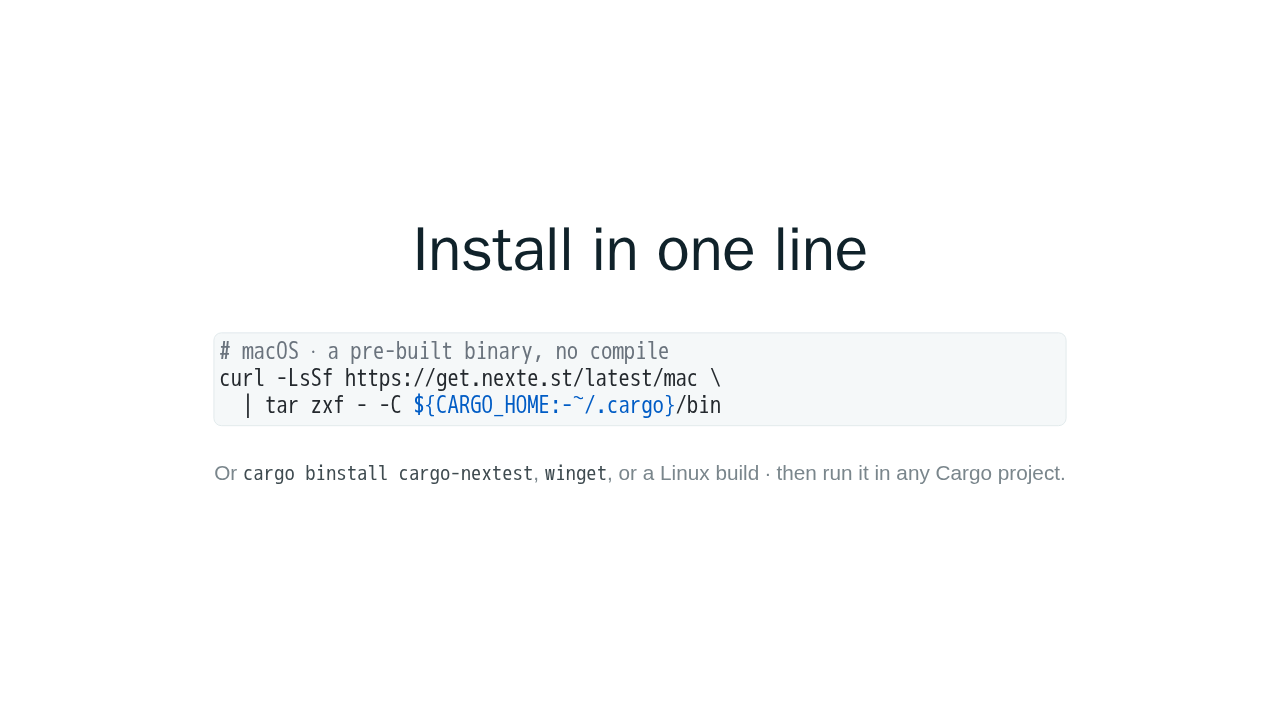
Install in one line
# macOS · a pre-built binary, no compile
curl -LsSf https://get.nexte.st/latest/mac \
  | tar zxf - -C ${CARGO_HOME:-~/.cargo}/bin
Or cargo binstall cargo-nextest,
winget, or a Linux build · then run it in any
Cargo project.
Getting it is one line. Grab the pre-built binary for your platform, no Rust compile needed. Or install it with cargo binstall, winget, or a Linux build. Once the binary is on your path, it works in any Cargo project.
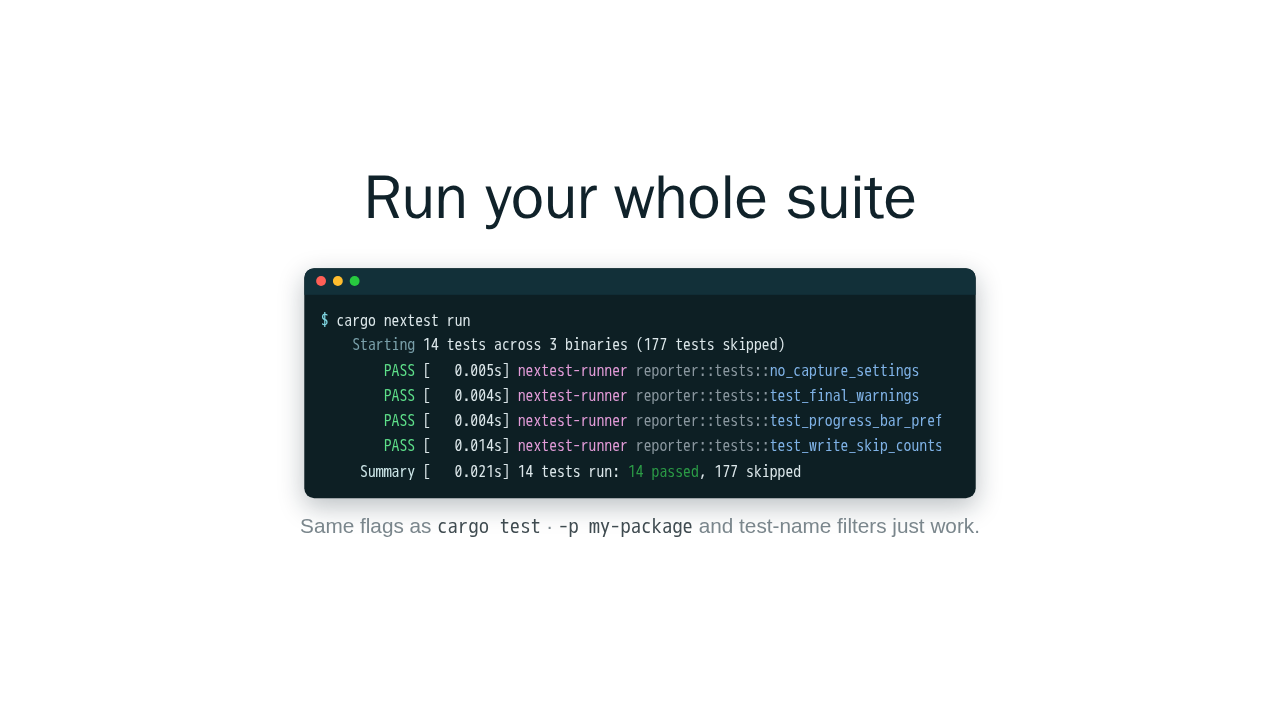
Run your whole suite
$ cargo nextest run
    Starting 14 tests across 3 binaries (177 tests skipped)
        PASS [   0.005s] nextest-runner reporter::tests::no_capture_settings
        PASS [   0.004s] nextest-runner reporter::tests::test_final_warnings
        PASS [   0.004s] nextest-runner reporter::tests::test_progress_bar_prefix
        PASS [   0.014s] nextest-runner reporter::tests::test_write_skip_counts
     Summary [   0.021s] 14 tests run: 14 passed, 177 skipped
Same flags as cargo test ·
-p my-package and test-name filters just work.
Cd into any Cargo workspace and run cargo nextest run. It builds your tests and runs each one in its own process, in parallel. Every test gets a line: pass or fail, its timing, the binary it came from, and the test name. At the end, a one-line summary. Here, fourteen tests passed in twenty-one milliseconds. And it takes all the same flags as cargo test, so dash p to pick a package, or test-name filters, just work.
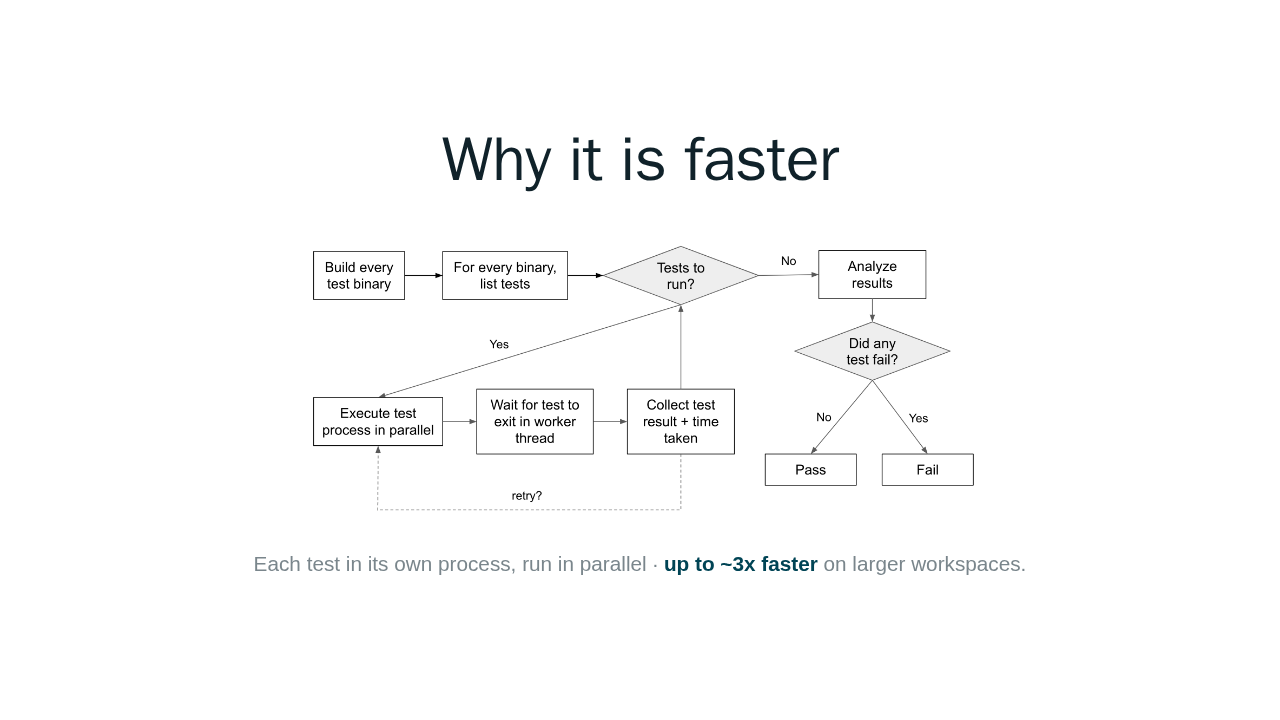
Why it is faster

Each test in its own process, run in parallel · up to ~3x faster on larger workspaces.
Here is the difference. cargo test runs the tests in each binary together, and runs your binaries one after another. Nextest builds all the binaries up front, lists every test, then runs each individual test in its own process, in parallel. On larger workspaces that is up to about three times faster. And even when it is not faster, you still get the cleaner output and per-test timings to find your slow tests.
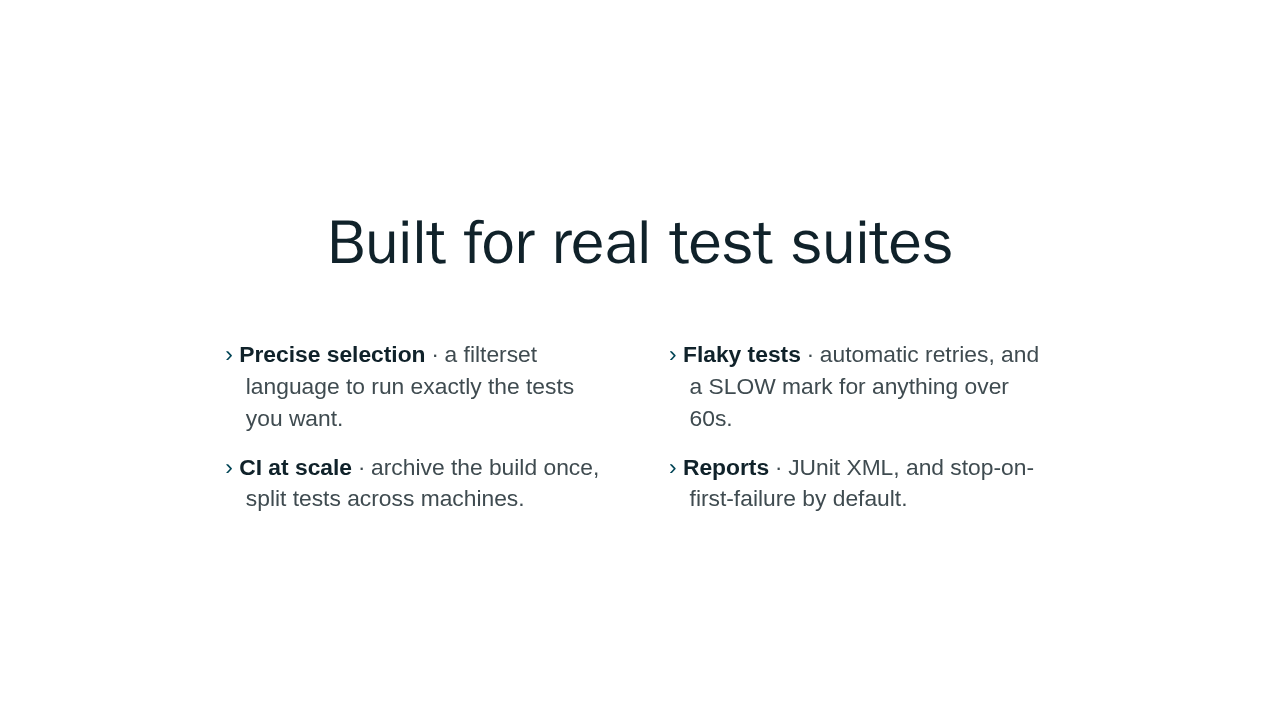
Built for real test suites
- Precise selection · a filterset language to run exactly the tests you want.
- Flaky tests · automatic retries, and a SLOW mark for anything over 60s.
- CI at scale · archive the build once, split tests across machines.
- Reports · JUnit XML, and stop-on-first-failure by default.
And it is built for real test suites. There is a filterset language to run exactly the tests you want. Automatic retries for flaky tests, and a SLOW marker for anything over sixty seconds. For CI, you can archive your build once and split the tests across several machines, with JUnit XML output. By default it stops on the first failure, or you can tell it to run everything.
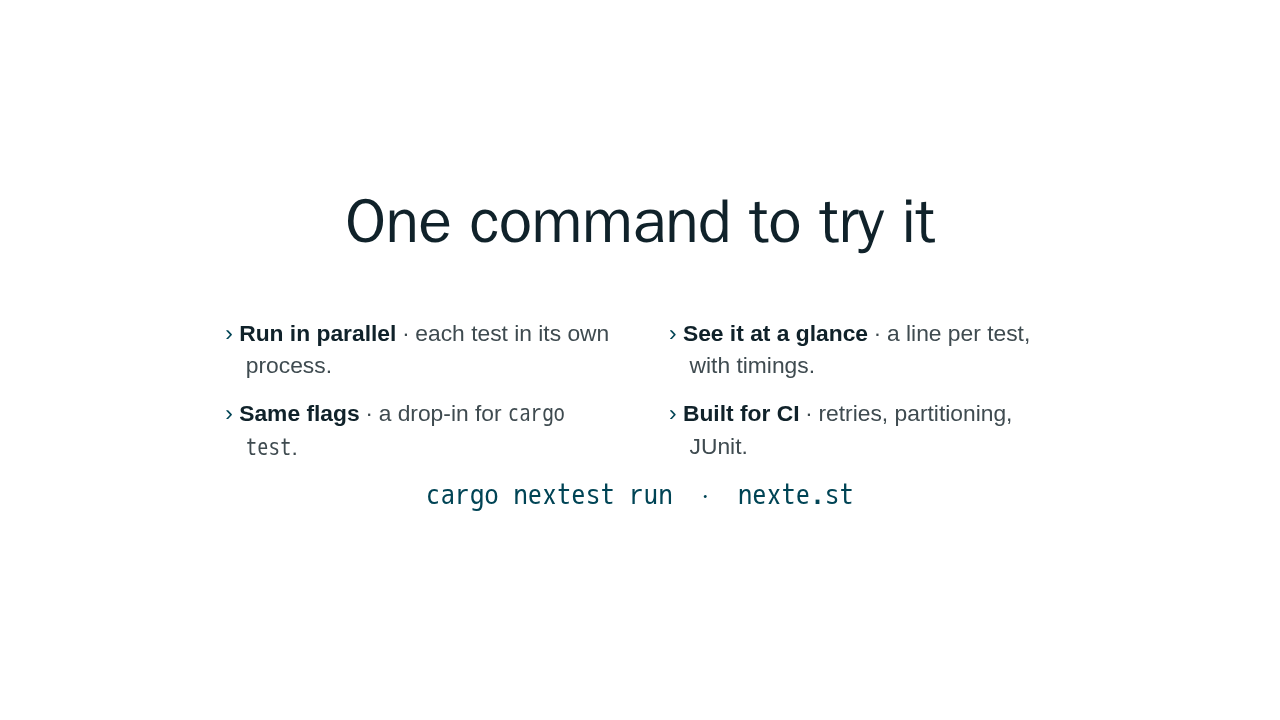
One command to try it
- Run in parallel · each test in its own process.
- See it at a glance · a line per test, with timings.
- Same flags · a drop-in for
cargo test. - Built for CI · retries, partitioning, JUnit.
cargo nextest run · nexte.st
That is nextest: run your whole suite in parallel, see every result at a glance, and wire it into CI. It takes the same flags as cargo test, so there is almost nothing to learn. Install it, then run cargo nextest run. The quickstart and every feature are in the docs.