MCPJam Inspector
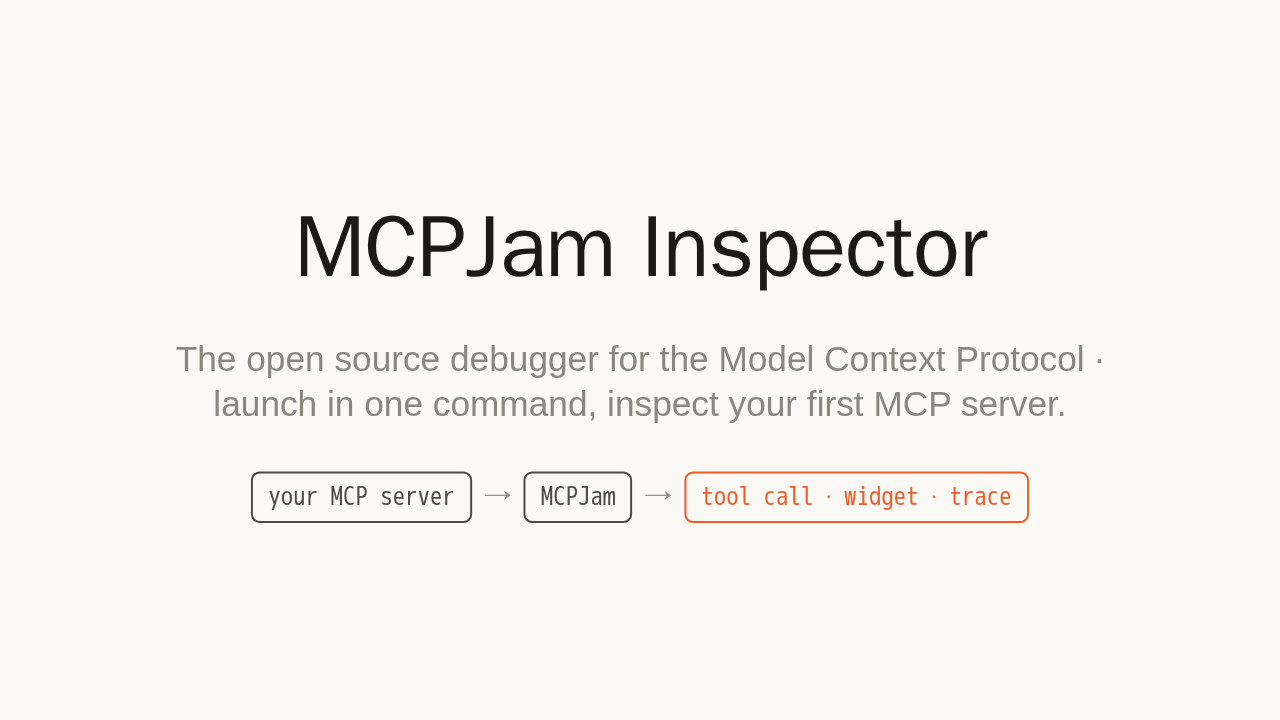
The open source debugger for the Model Context Protocol · launch in one command, inspect your first MCP server.
You built an MCP server. But does it actually work? Which messages fly across the wire, does the tool return what you expect, does the widget render, does OAuth conform? Checking all of that by hand is painful. MCPJam is the open source debugger for the Model Context Protocol.
A development platform for MCP
- Chat against your server · talk to any frontier model and invoke its tools, resources, and prompts by hand.
- Inspect the protocol · watch every JSON-RPC message and OAuth exchange, live.
- Run evals · across multiple models, to catch regressions before they ship.
MCPJam is the development platform for MCP servers, MCP apps, and ChatGPT apps. Chat with any frontier model against your server, and invoke its tools, resources, and prompts by hand. Watch every JSON-RPC message and OAuth exchange, live. Then run evals across models to catch regressions before they ship. It runs in your browser, terminal, or desktop app.
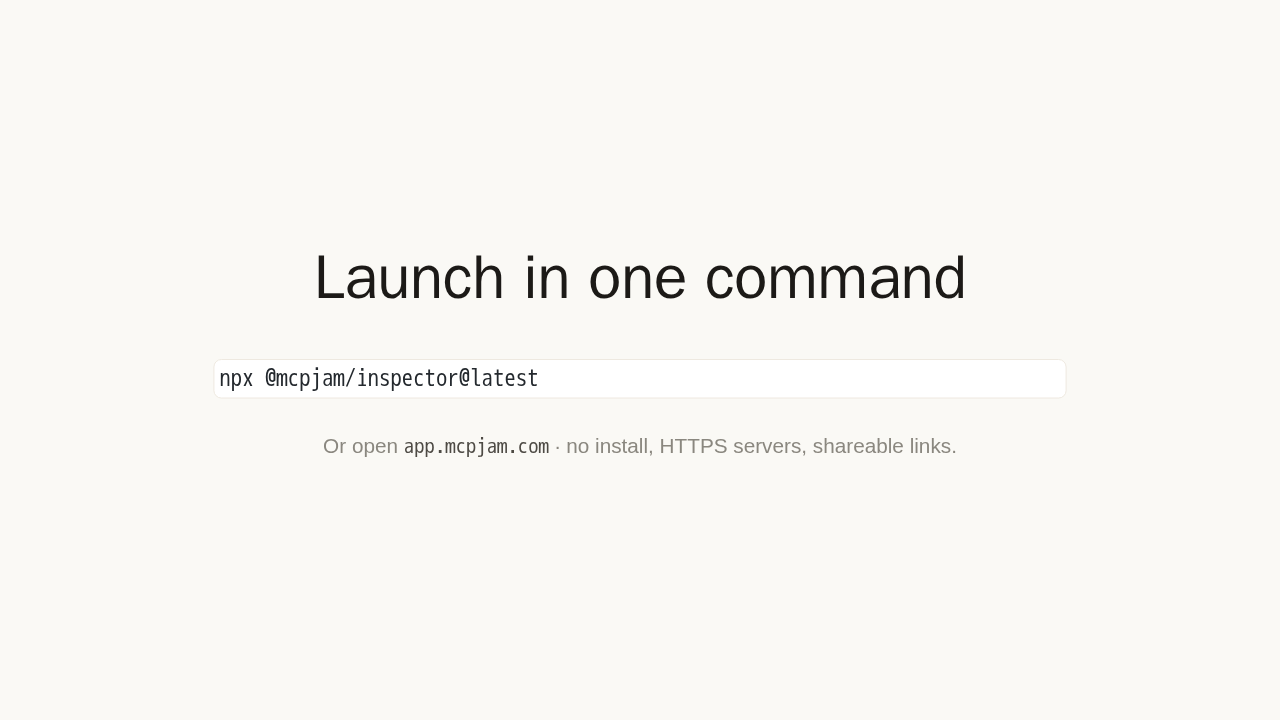
Launch in one command
npx @mcpjam/inspector@latest
Or open app.mcpjam.com · no install, HTTPS
servers, shareable links.
Start it with a single command in your terminal. It opens the Playground in your browser. Or open the hosted web app at app dot mcpjam dot com, with nothing to install.
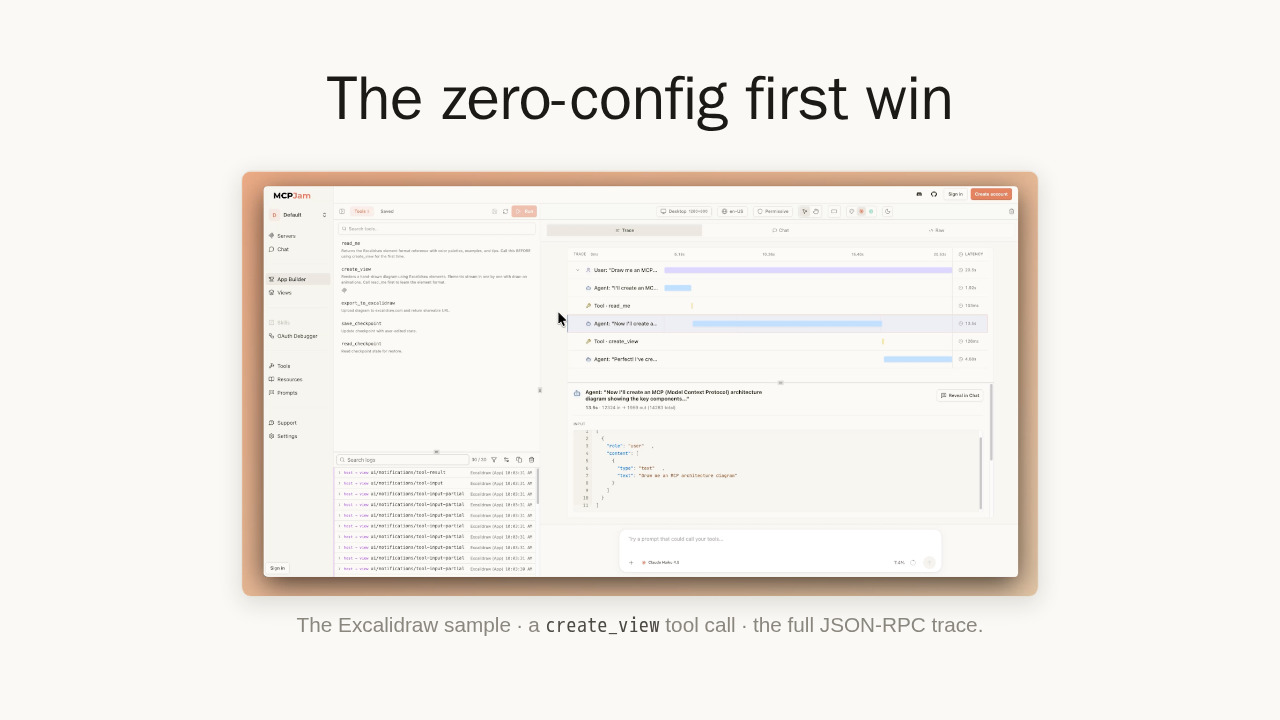
The zero-config first win

The Excalidraw sample · a create_view tool
call · the full JSON-RPC trace.
On first launch, MCPJam connects a sample server and pre-fills a prompt: draw me an MCP architecture diagram. Press Send. No API key, no tunneling, no subscription. A tool call draws the diagram, and every step is captured. Open any result to inspect it: tool input and output, widget state, and the raw JSON-RPC, across the Chat, Trace, and Raw views. This is the debugger payoff.
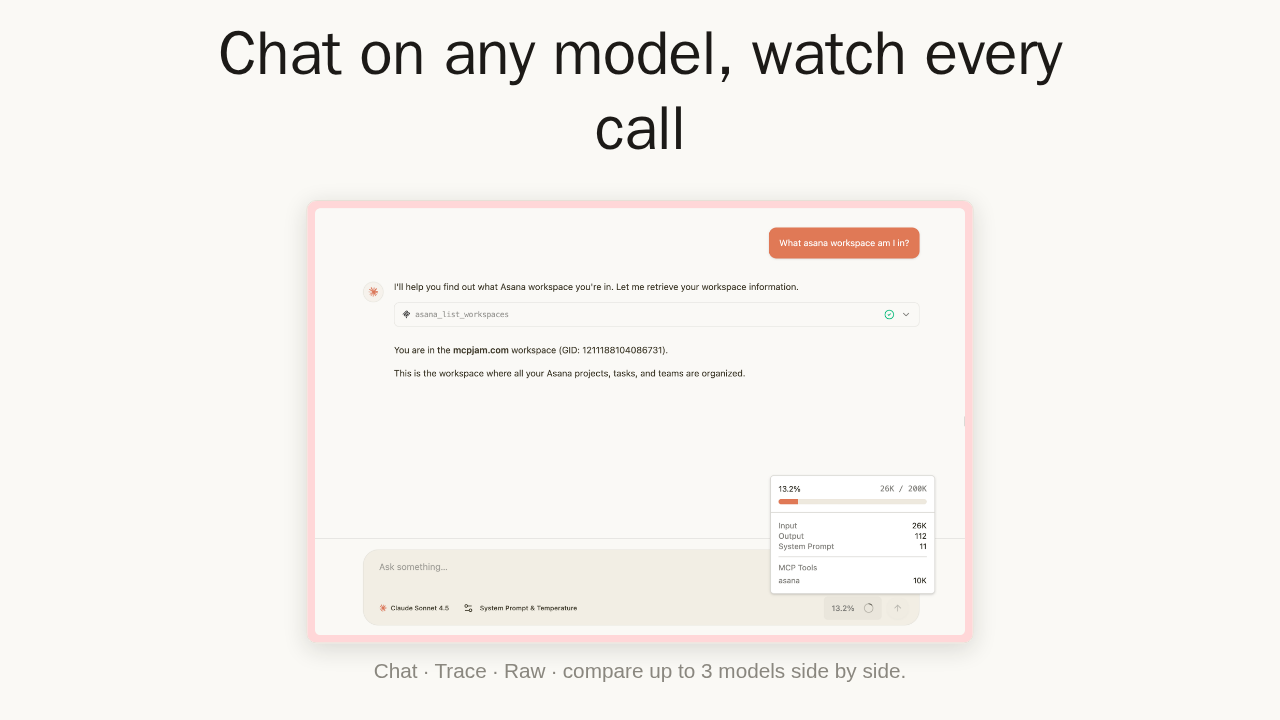
Chat on any model, watch every call

Chat · Trace · Raw · compare up to 3 models side by side.
Point it at any server and chat on frontier models. Here, Claude Sonnet answers by calling a tool on your server, and you see the result and its exact token cost inline. Compare up to three models side by side to see which drives your tools best.
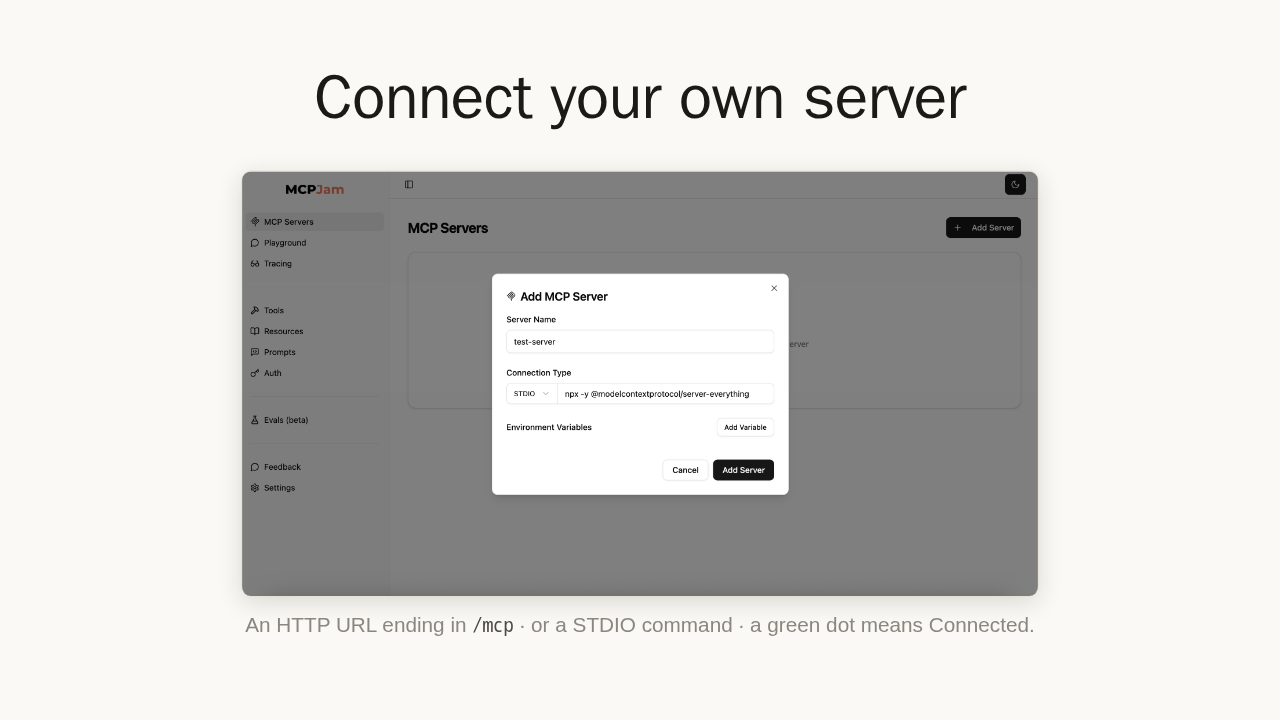
Connect your own server

An HTTP URL ending in /mcp · or a STDIO
command · a green dot means Connected.
Now connect your own. Open the Connect tab and add a server. Paste an HTTP URL ending in slash MCP, with a bearer token or the guided OAuth debugger if it needs auth. Or, in the terminal and desktop apps, paste a local command, like server-everything. A green dot means connected, and your tools show up in the Playground.
Debug your first MCP server in minutes
- Launch in one command · a zero-config first win.
- Inspect everything · JSON-RPC, widgets, OAuth.
- Chat and eval · across frontier models.
- CLI and SDK · gate CI on regressions.
npx @mcpjam/inspector@latest · docs.mcpjam.com
That is the loop. Launch in one command, watch your first tool call and its full trace, then point MCPJam at your own server. Plus a CLI and SDK to run OAuth checks and evals in your pipeline. Start here: docs dot mcpjam dot com.