MCPJam Inspector · launch in one command, debug your first MCP server
4 months ago
You built an MCP server. But does it actually work? Which messages fly across the wire, does the tool return what you expect, does the widget render, does OAuth conform? Checking all of that by hand is painful. MCPJam is the open source debugger for the Model Context Protocol.
Ask about this presentation
Chapters
Show transcriptHide transcript
You built an MCP server. But does it actually work? Which messages fly across the wire, does the tool return what you expect, does the widget render, does OAuth conform? Checking all of that by hand is painful. MCPJam is the open source debugger for the Model Context Protocol.
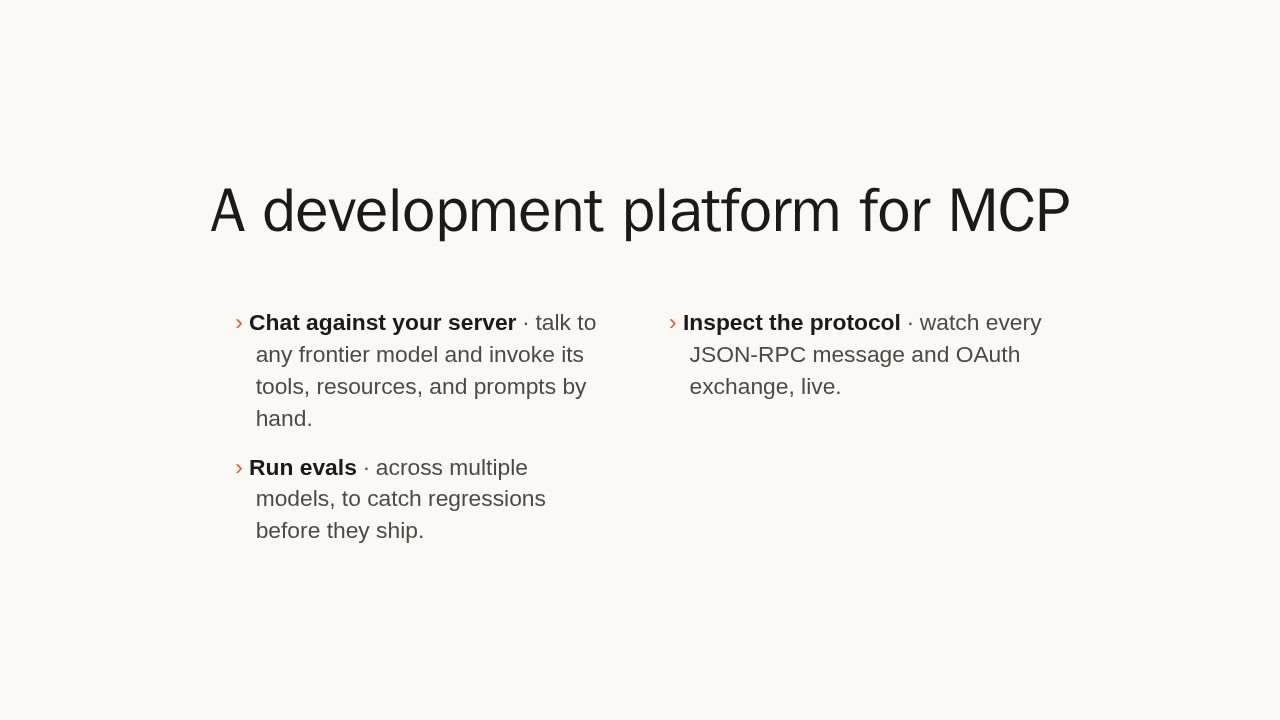
MCPJam is the development platform for MCP servers, MCP apps, and ChatGPT apps. Chat with any frontier model against your server, and invoke its tools, resources, and prompts by hand. Watch every JSON-RPC message and OAuth exchange, live. Then run evals across models to catch regressions before they ship. It runs in your browser, terminal, or desktop app.
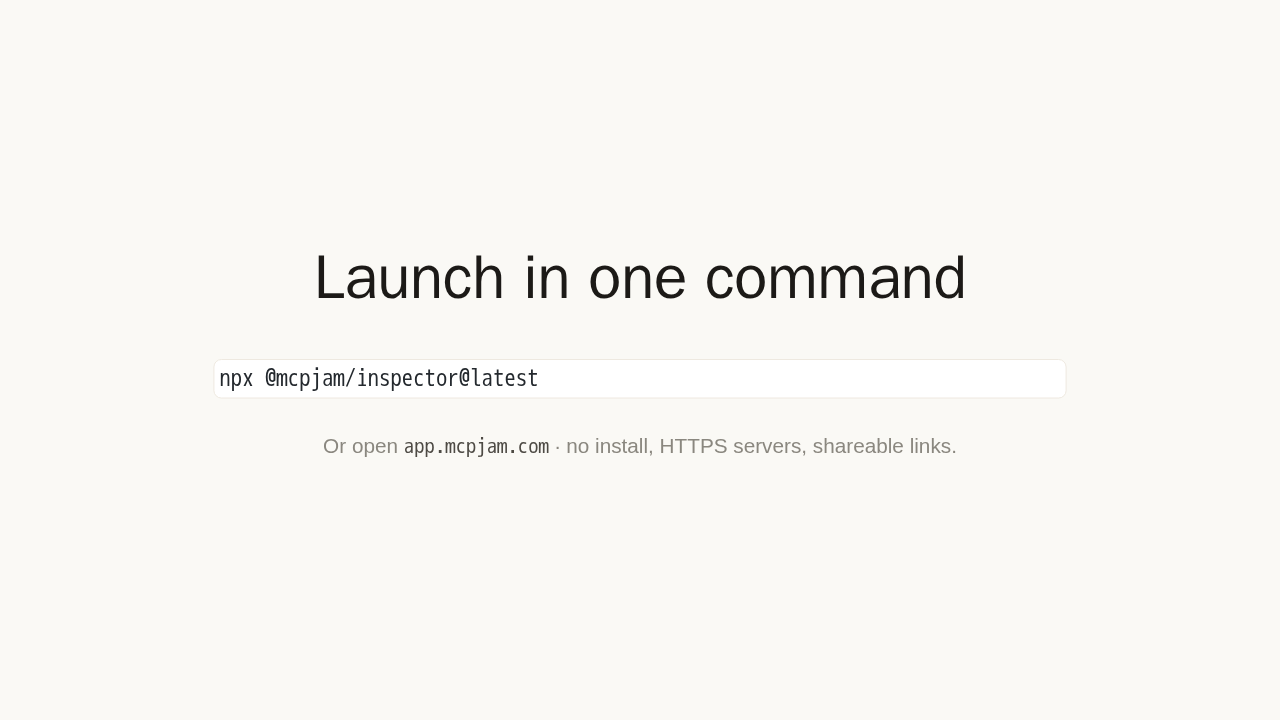
Start it with a single command in your terminal. It opens the Playground in your browser. Or open the hosted web app at app dot mcpjam dot com, with nothing to install.
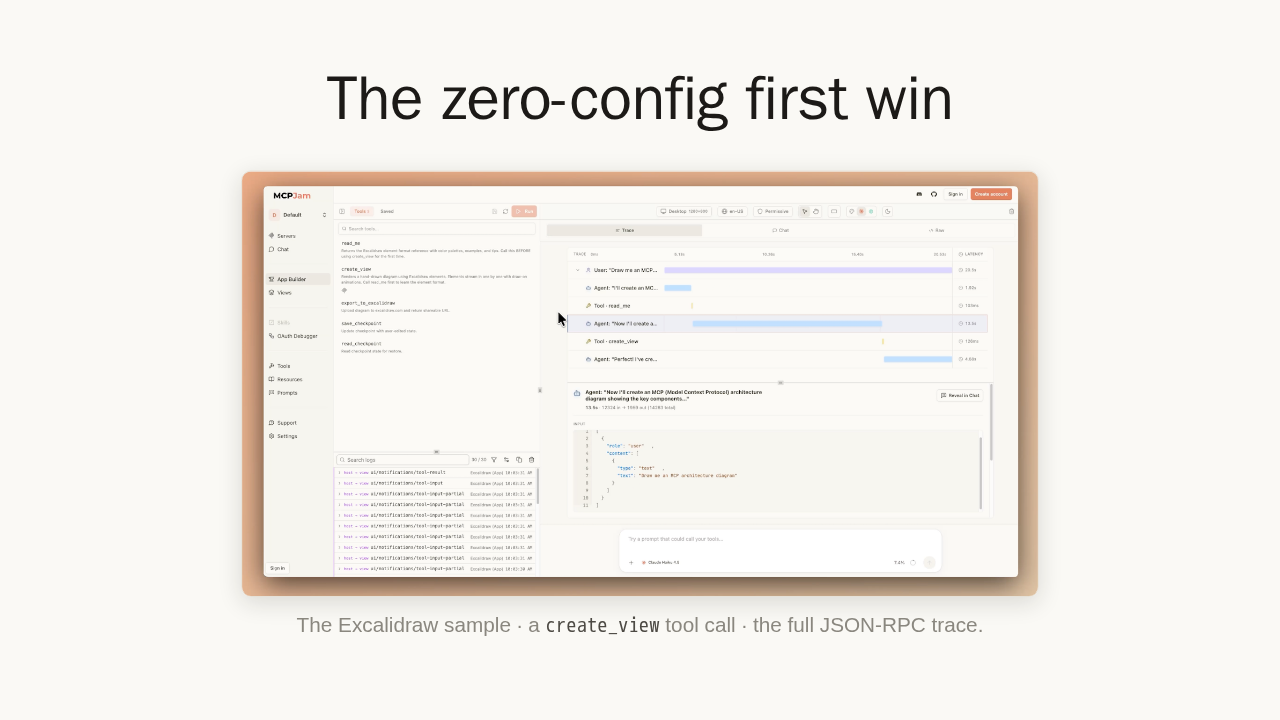
On first launch, MCPJam connects a sample server and pre-fills a prompt: draw me an MCP architecture diagram. Press Send. No API key, no tunneling, no subscription. A tool call draws the diagram, and every step is captured. Open any result to inspect it: tool input and output, widget state, and the raw JSON-RPC, across the Chat, Trace, and Raw views. This is the debugger payoff.
Slide text

The Excalidraw sample · a
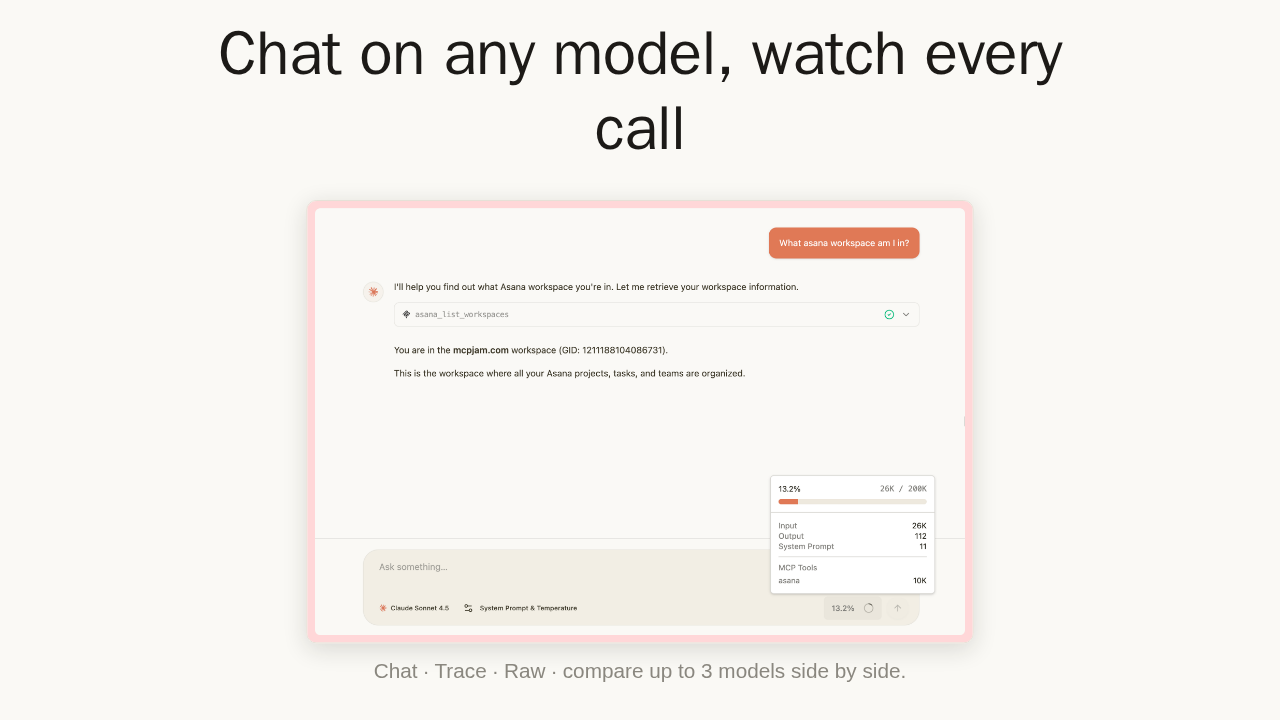
create_viewtool call · the full JSON-RPC trace.Point it at any server and chat on frontier models. Here, Claude Sonnet answers by calling a tool on your server, and you see the result and its exact token cost inline. Compare up to three models side by side to see which drives your tools best.
Slide text

Chat · Trace · Raw · compare up to 3 models side by side.
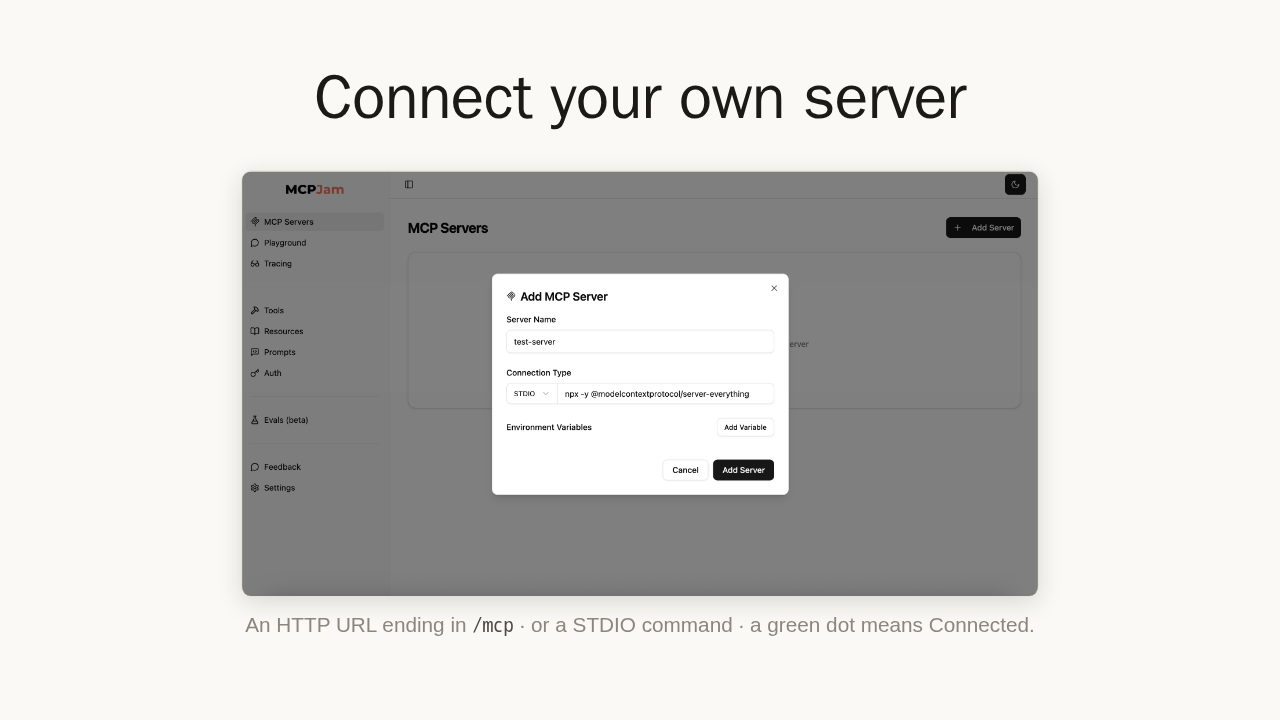
Now connect your own. Open the Connect tab and add a server. Paste an HTTP URL ending in slash MCP, with a bearer token or the guided OAuth debugger if it needs auth. Or, in the terminal and desktop apps, paste a local command, like server-everything. A green dot means connected, and your tools show up in the Playground.
Slide text

An HTTP URL ending in
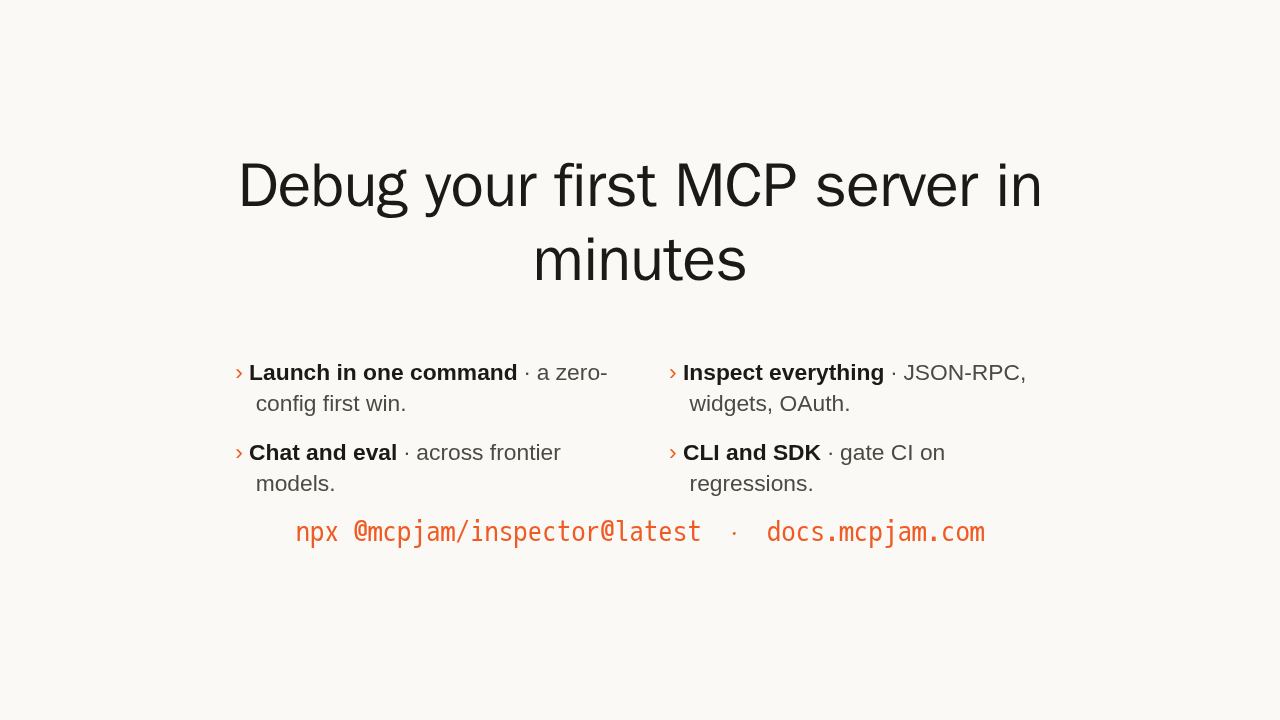
/mcp· or a STDIO command · a green dot means Connected.That is the loop. Launch in one command, watch your first tool call and its full trace, then point MCPJam at your own server. Plus a CLI and SDK to run OAuth checks and evals in your pipeline. Start here: docs dot mcpjam dot com.
Up next
 2:03
cargo-nextest · a next-generation test runner for Rust
@github
4 months ago
 1:35
mq · jq, but for Markdown
@github
4 months ago
 1:24
Mimesis · realistic, locale-aware fake data in one line
@github
4 months ago
 1:38
pikepdf · open, edit and repair PDFs in Python, losslessly
@github
4 months ago
 1:22
tfswitch · the right Terraform version, automatically
@github
4 months ago
 1:21
PyPDFForm · fill a PDF form in Python in a few lines
@github
4 months ago
 1:35
MCP-UI - interactive apps for MCP tools
@github
4 months ago
 1:39
workmux - parallel coding agents in isolated worktrees
@github
4 months ago
 1:33
Pumpkin - start a Rust Minecraft server
@github
4 months ago
 1:39
Bifrost - your first reliable AI gateway
@github
4 months ago
 1:39
Honcho - memory that reasons across sessions
@github
4 months ago
 1:56
agentgateway · one governed proxy for your agent traffic
@github
4 months ago