MCP-UI - interactive apps for MCP tools
4 months ago
MCP-UI is a set of SDK packages for putting interactive apps beside MCP tool results. Instead of returning only text, a tool can point to a UI resource, and a host can render that resource in a sandboxed iframe.
Ask about this presentation
Chapters
Show transcriptHide transcript
MCP-UI is a set of SDK packages for putting interactive apps beside MCP tool results. Instead of returning only text, a tool can point to a UI resource, and a host can render that resource in a sandboxed iframe.
Slide text

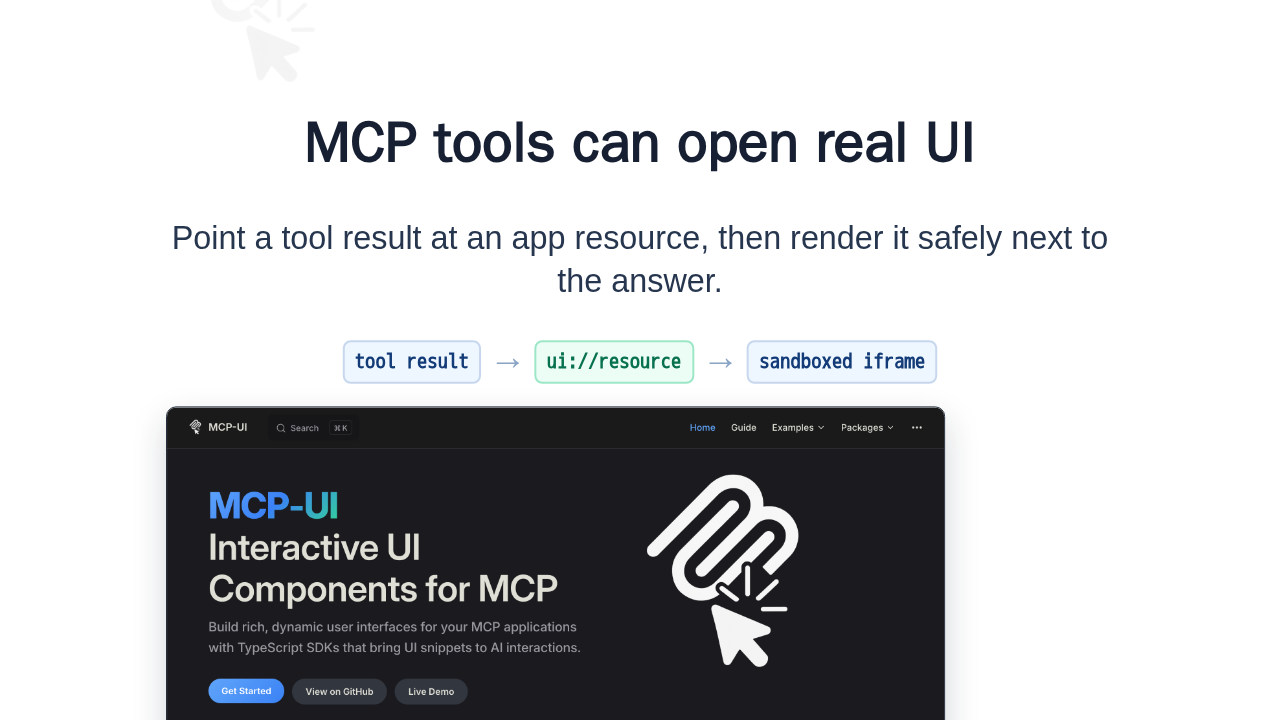
Point a tool result at an app resource, then render it safely next to the answer.
tool result → ui://resource → sandboxed iframe
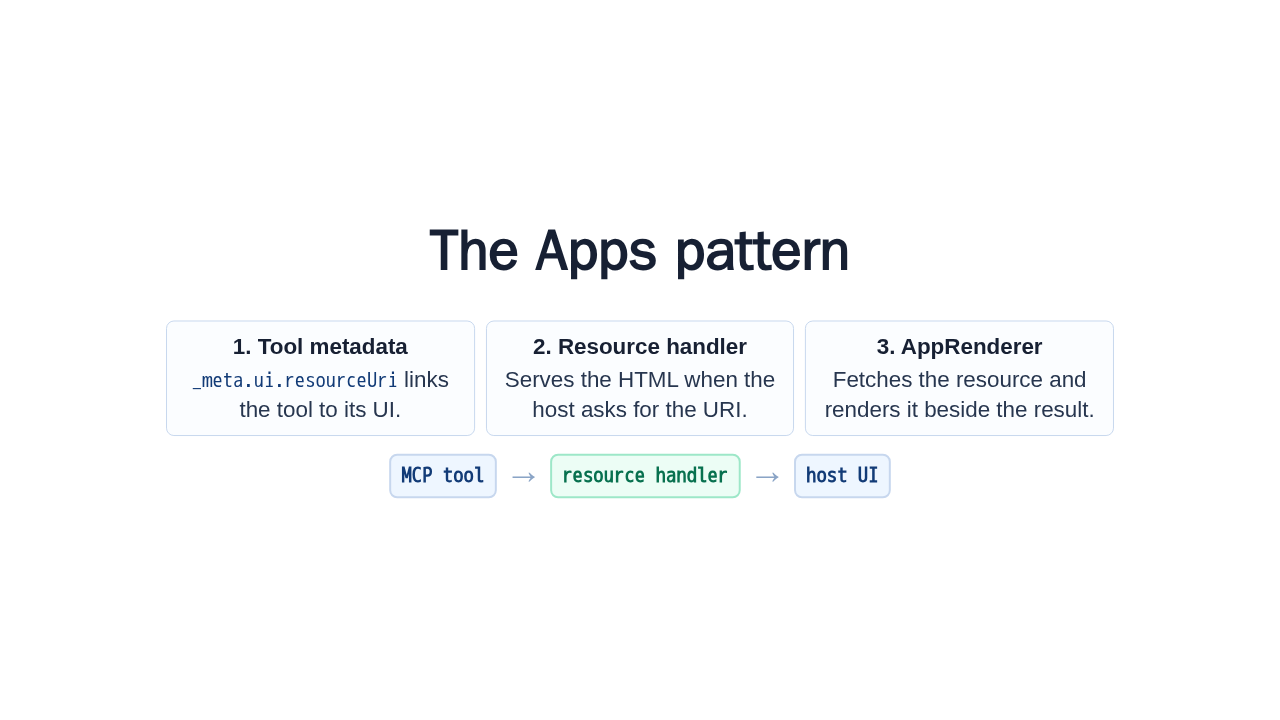
The current docs frame this as MCP Apps. The pattern has three pieces: a tool with underscore meta dot UI dot resource URI, a resource handler that serves the HTML, and AppRenderer on the host side to fetch and render the UI next to the tool result.
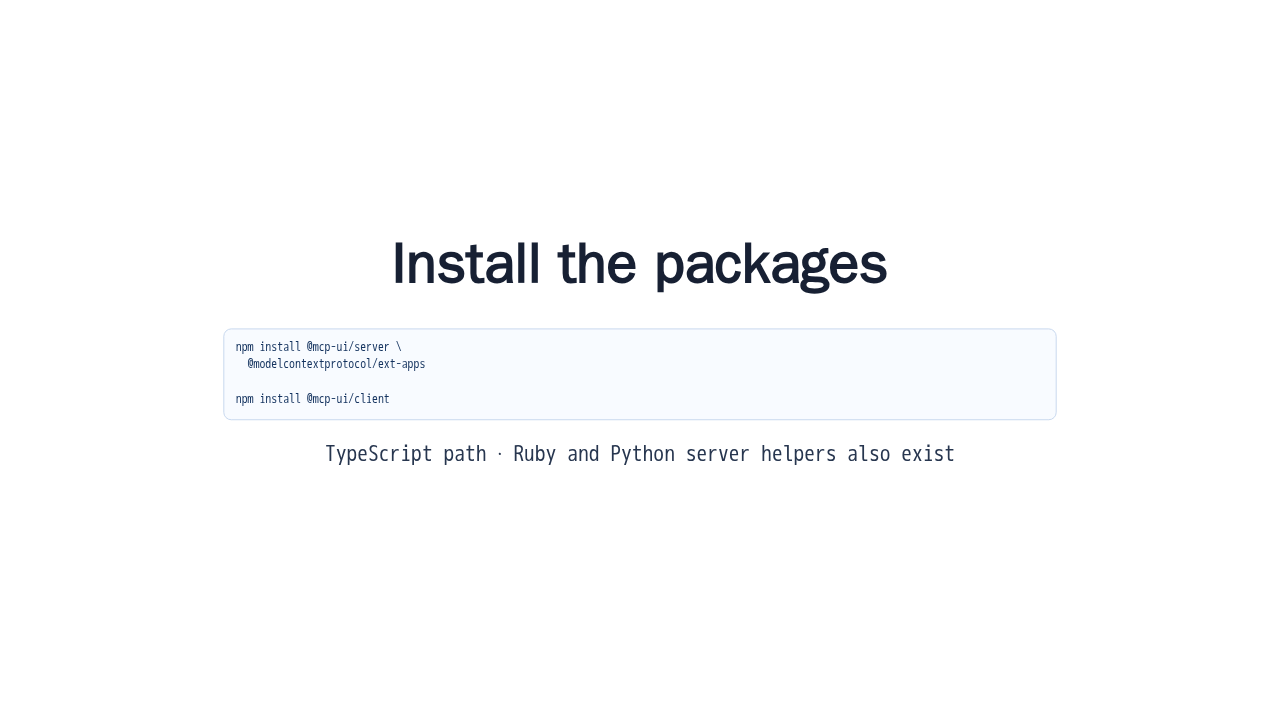
For the TypeScript path, install the server package plus the MCP Apps extension package, then install the client package for the host. The docs also list Ruby and Python server helpers, but the clearest first win is the TypeScript flow.
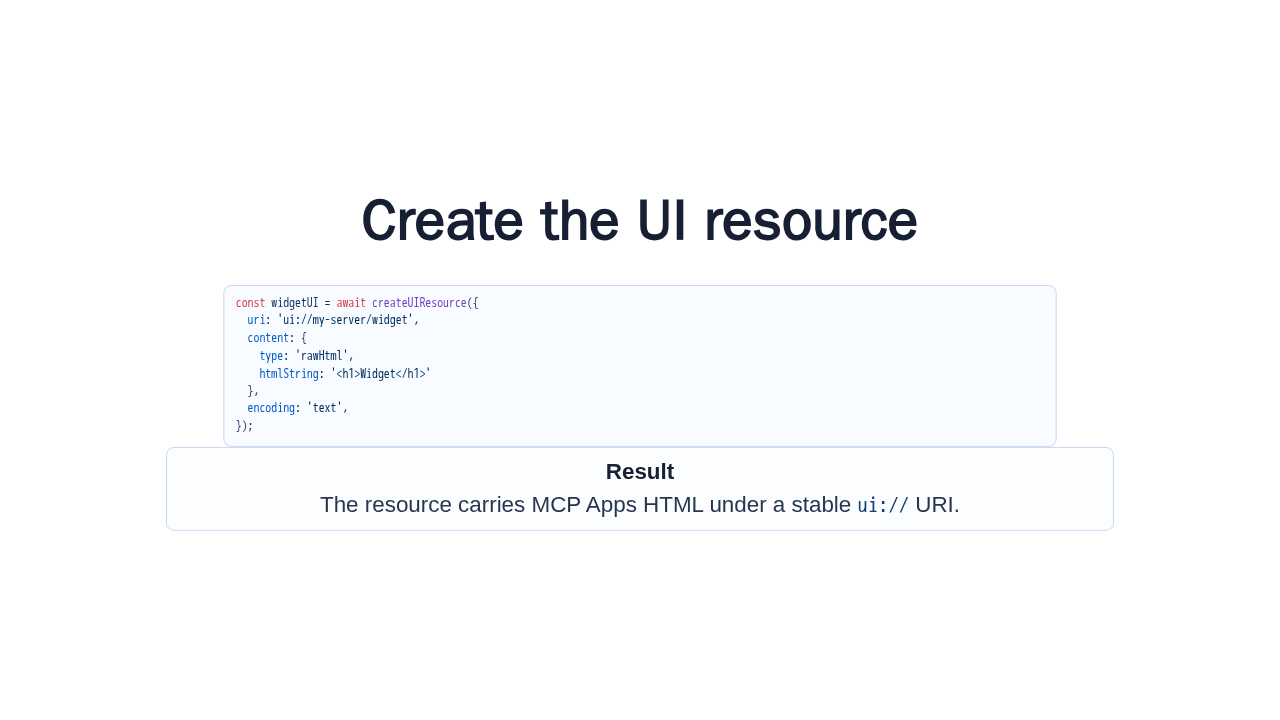
Start on the server. createUIResource gives the widget a UI scheme URI and stores the HTML as a text resource. In the quick start, that HTML can include MCP Apps client code so the widget can receive tool input and send messages back through the host.
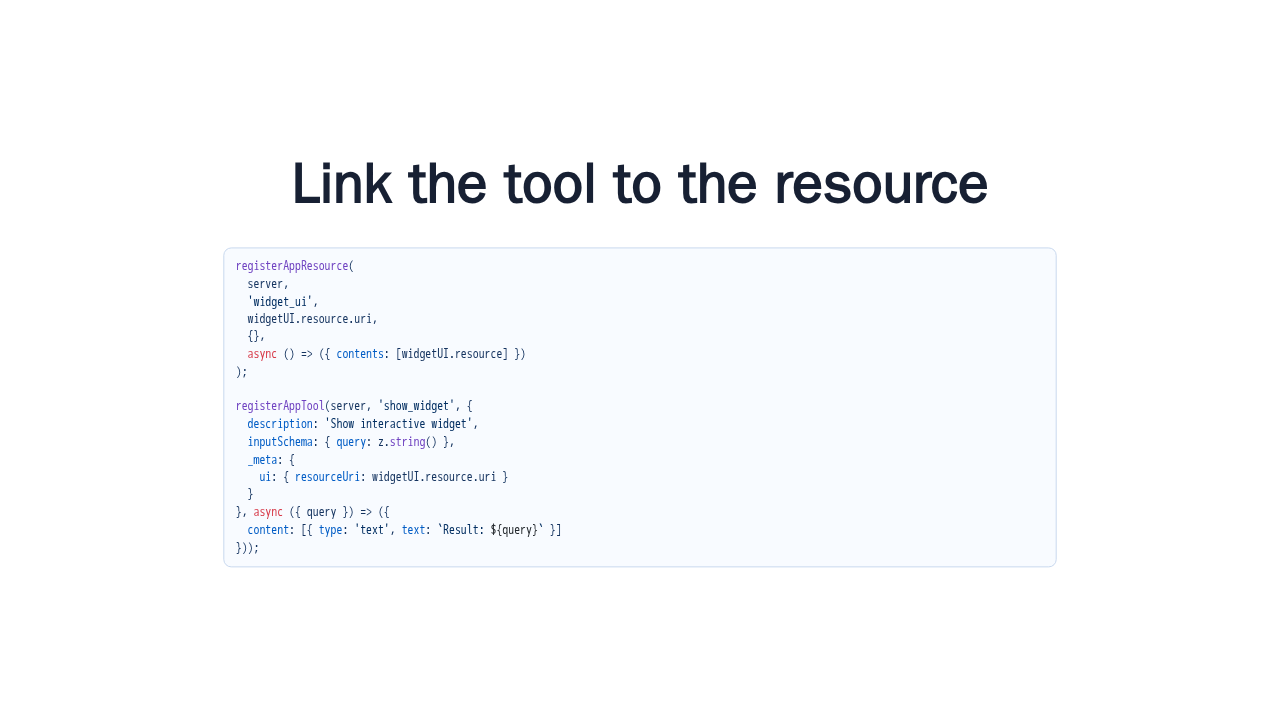
Next, register the resource handler, then register the tool. The important field is underscore meta dot UI dot resource URI. That is the link the host sees when it calls the tool, and it tells the host which UI resource to fetch.
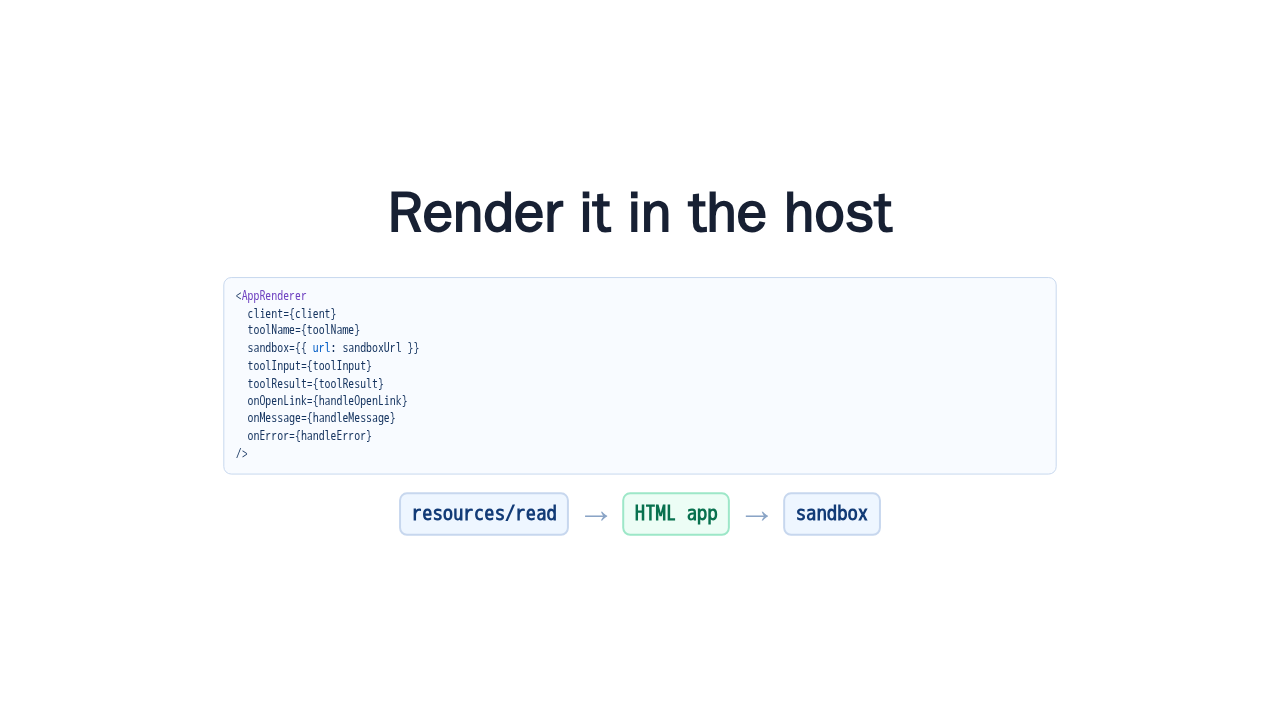
On the client side, AppRenderer takes the MCP client, the tool name, input, result, and a sandbox URL. It reads the resource, loads the HTML inside the sandboxed frame, and wires link handling, messages, and errors through callbacks.
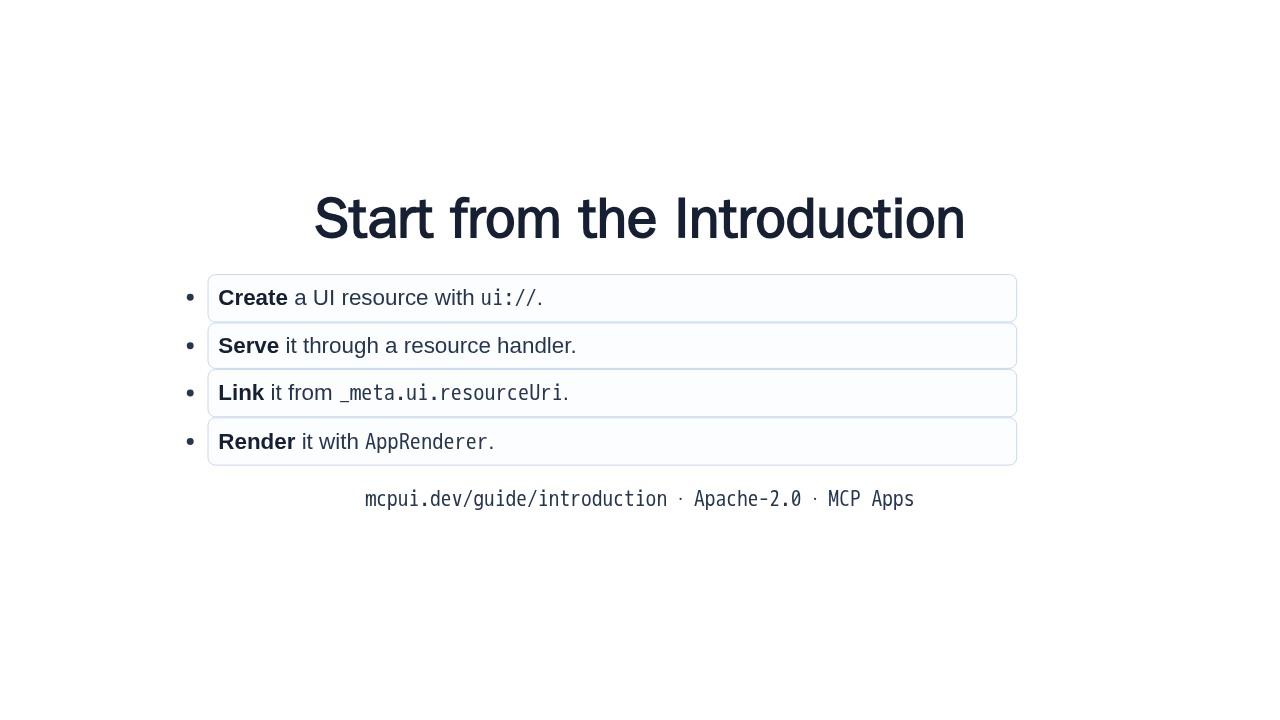
That is the first pass: create a UI resource, expose it with a resource handler, link it from the tool metadata, and render it with AppRenderer. Start with the Introduction and Getting Started pages at mcpui dot dev.
Up next
 2:03
cargo-nextest · a next-generation test runner for Rust
@github
4 months ago
 1:35
mq · jq, but for Markdown
@github
4 months ago
 1:24
Mimesis · realistic, locale-aware fake data in one line
@github
4 months ago
 1:38
pikepdf · open, edit and repair PDFs in Python, losslessly
@github
4 months ago
 1:22
tfswitch · the right Terraform version, automatically
@github
4 months ago
 1:21
PyPDFForm · fill a PDF form in Python in a few lines
@github
4 months ago
 1:39
workmux - parallel coding agents in isolated worktrees
@github
4 months ago
 1:33
Pumpkin - start a Rust Minecraft server
@github
4 months ago
 1:39
Bifrost - your first reliable AI gateway
@github
4 months ago
 1:39
Honcho - memory that reasons across sessions
@github
4 months ago
 1:56
agentgateway · one governed proxy for your agent traffic
@github
4 months ago
 1:25
Compodoc · instant documentation for your Angular app
@github
4 months ago