Slumber · a terminal HTTP client in one YAML file
5 months ago
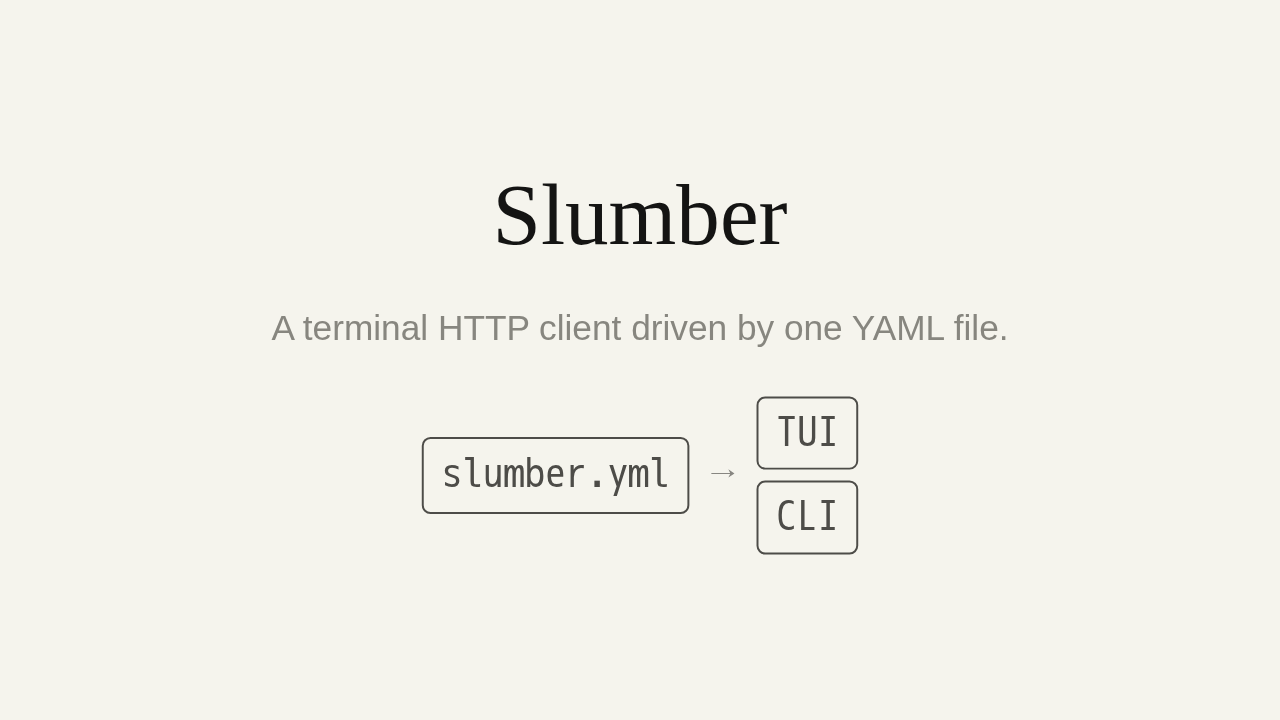
Testing an HTTP API usually means a desktop app that hides every request inside its own database. Slumber takes a different path. It's a terminal HTTP client, and every request you make sits in one plain YAML file that you own.
Ask about this presentation
Chapters
Show transcriptHide transcript
Testing an HTTP API usually means a desktop app that hides every request inside its own database. Slumber takes a different path. It's a terminal HTTP client, and every request you make sits in one plain YAML file that you own.
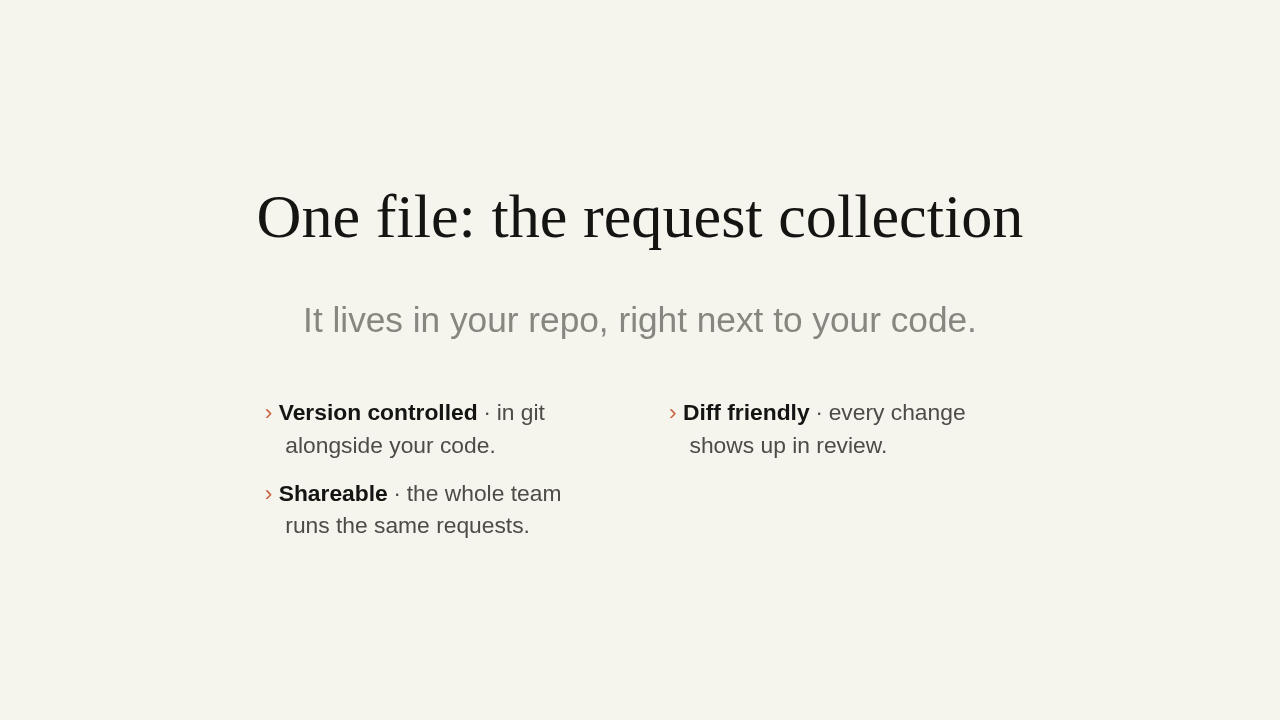
That file is called a request collection, and it sits right in your repo. So it's version controlled, sitting in git alongside your code. Every change to a request shows up in diffs and code review, like anything else. And you share one set of requests with your whole team. Nothing trapped in a desktop app's private database.
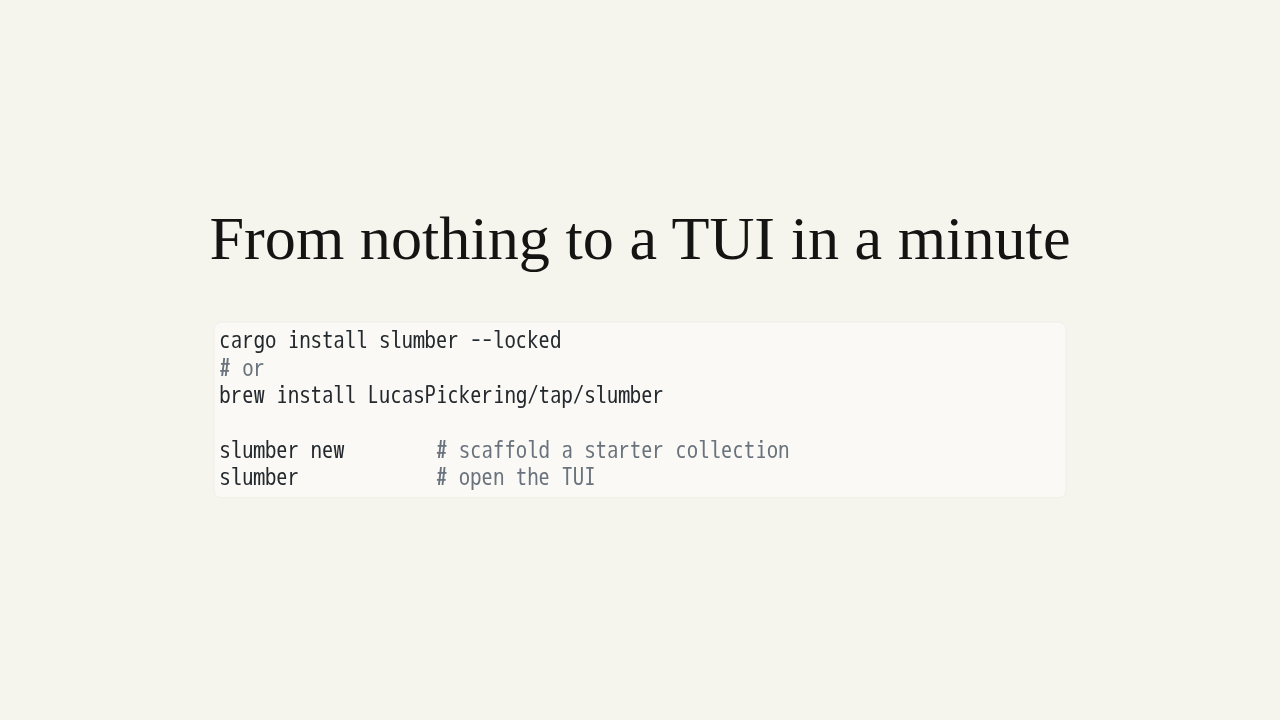
Getting started takes about a minute. Install it with cargo, or with Homebrew. Run slumber new to scaffold a starter collection in the current directory. Then just run slumber to open the terminal UI against it.
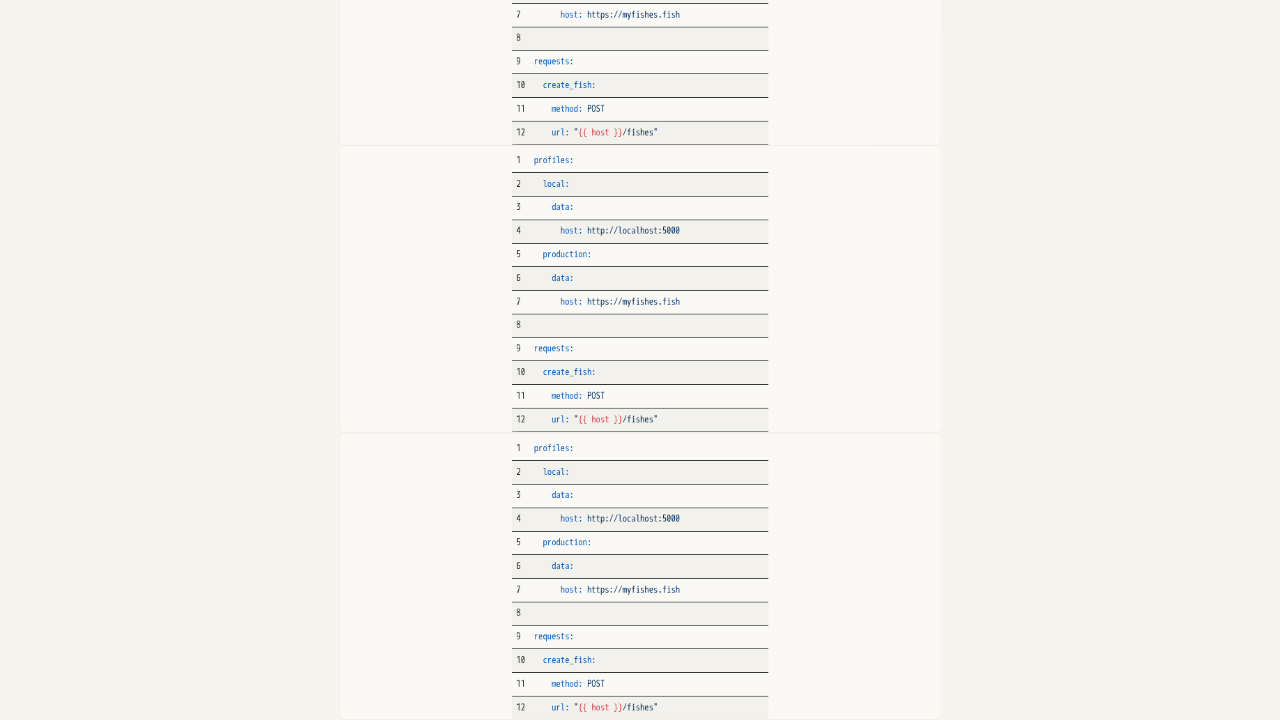
Here's what a collection looks like. Requests are recipes: create_fish is a POST, list_fish is a GET. Profiles hold per-environment values. Local points at localhost; production points at your real host. And double-curly host is a template. It swaps to match whichever profile you pick. One collection, every environment.
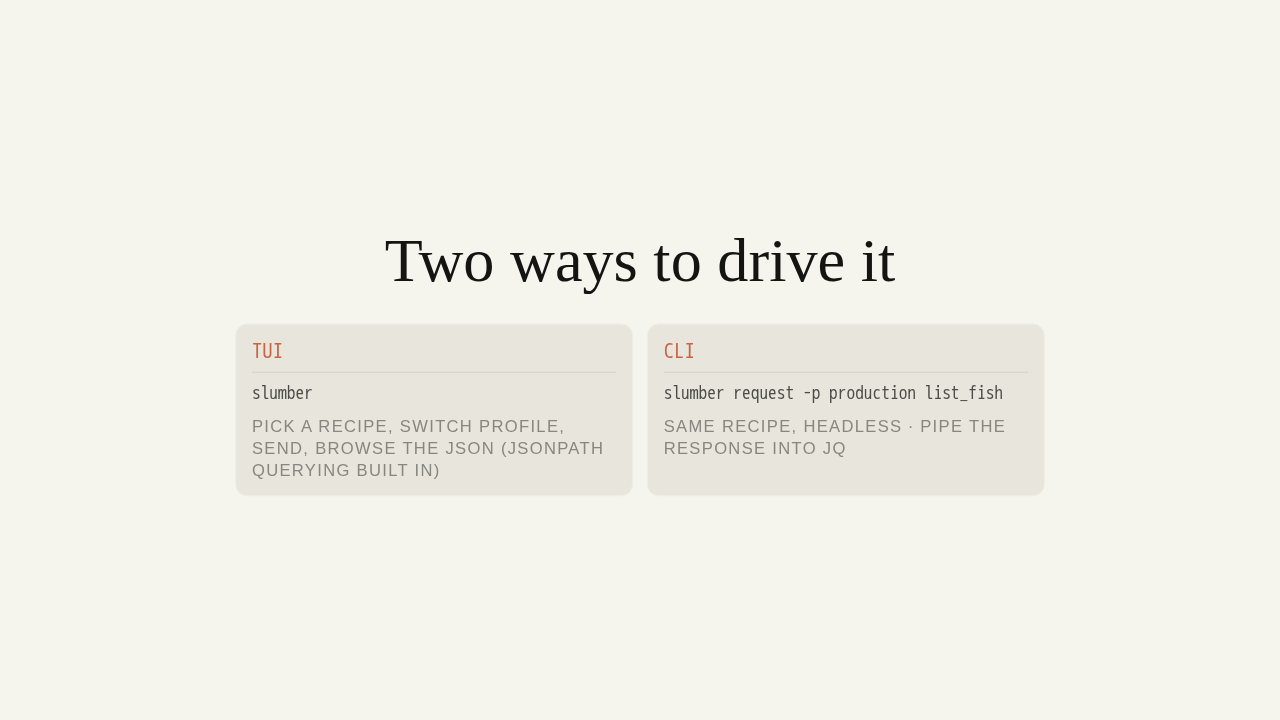
You drive that one collection two ways. In the TUI, you pick a recipe, choose a profile, send, and browse the JSON response, with JSONPath querying built in. Or from the command line: slumber request runs the same recipe headless, so you can pipe the response straight into jq.
It's free, open source software, and your requests stay yours, in git. Try it: the full guide is at slumber dot lucaspickering dot me.
Up next
 2:03
cargo-nextest · a next-generation test runner for Rust
@github
4 months ago
 1:35
mq · jq, but for Markdown
@github
4 months ago
 1:24
Mimesis · realistic, locale-aware fake data in one line
@github
4 months ago
 1:38
pikepdf · open, edit and repair PDFs in Python, losslessly
@github
4 months ago
 1:22
tfswitch · the right Terraform version, automatically
@github
4 months ago
 1:21
PyPDFForm · fill a PDF form in Python in a few lines
@github
4 months ago
 1:35
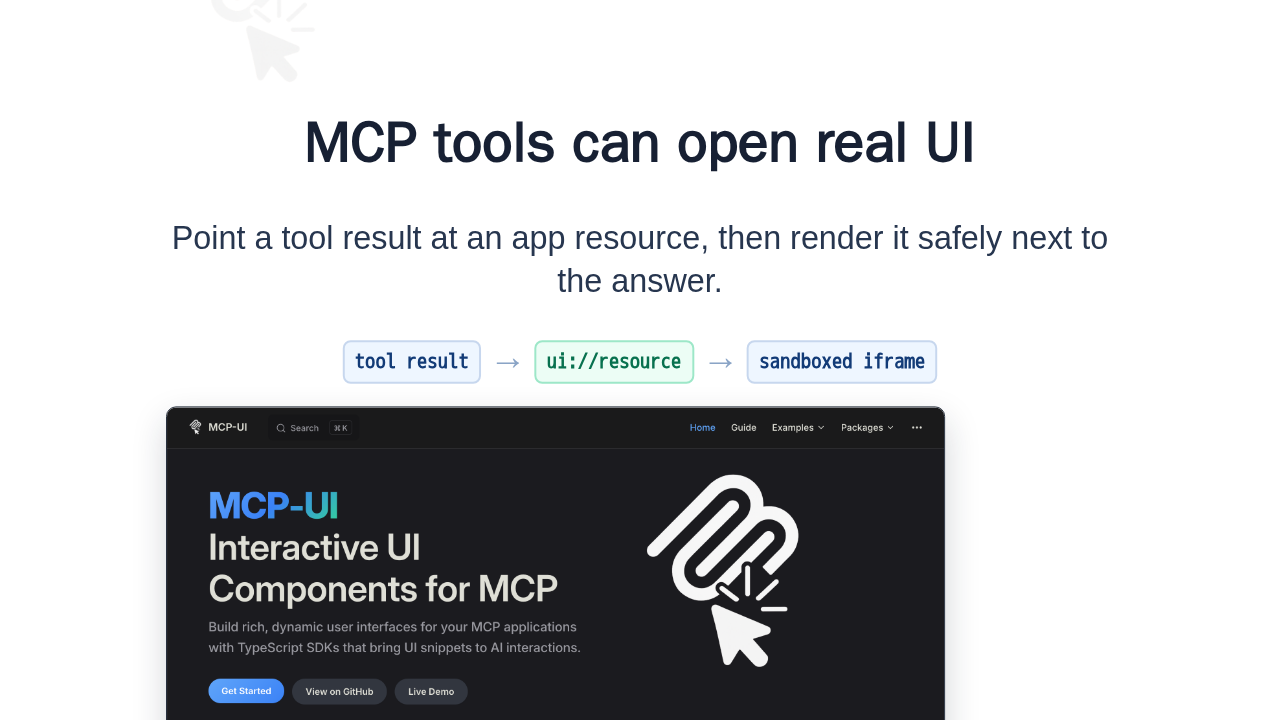
MCP-UI - interactive apps for MCP tools
@github
4 months ago
 1:39
workmux - parallel coding agents in isolated worktrees
@github
4 months ago
 1:33
Pumpkin - start a Rust Minecraft server
@github
4 months ago
 1:39
Bifrost - your first reliable AI gateway
@github
4 months ago
 1:39
Honcho - memory that reasons across sessions
@github
4 months ago
 1:56
agentgateway · one governed proxy for your agent traffic
@github
4 months ago