Slumber
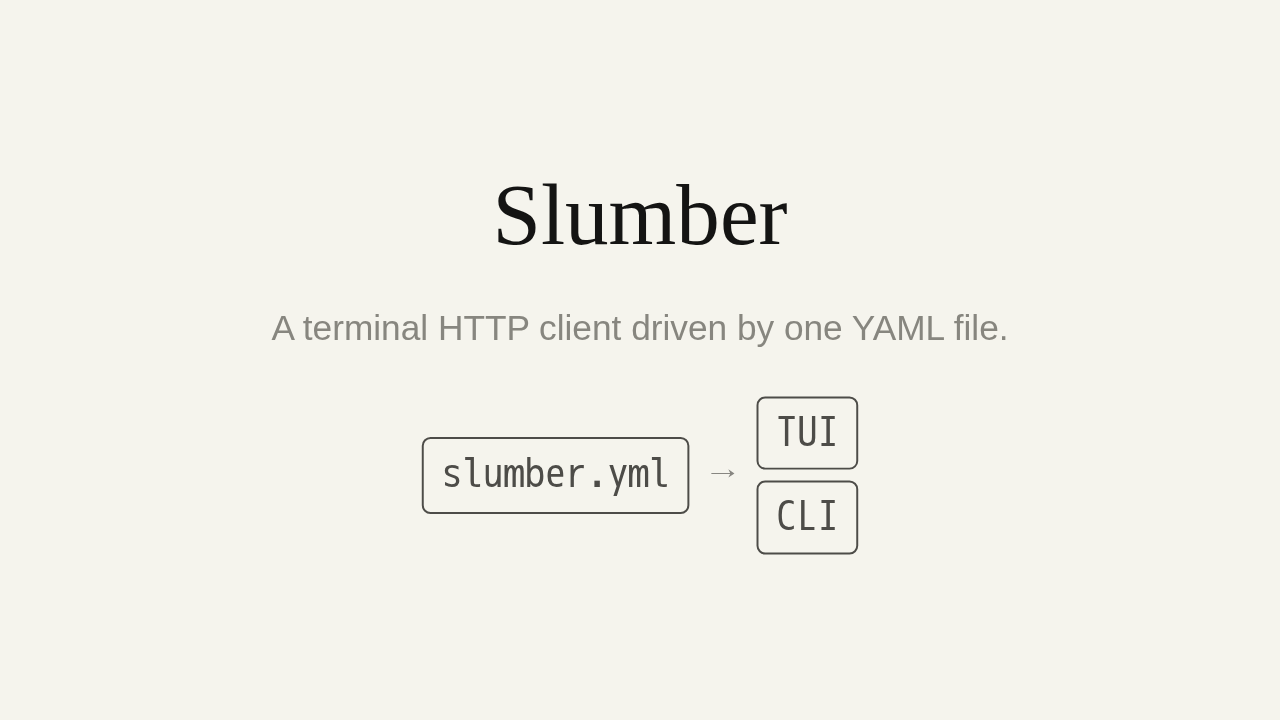
A terminal HTTP client driven by one YAML file.
Testing an HTTP API usually means a desktop app that hides every request inside its own database. Slumber takes a different path. It's a terminal HTTP client, and every request you make sits in one plain YAML file that you own.
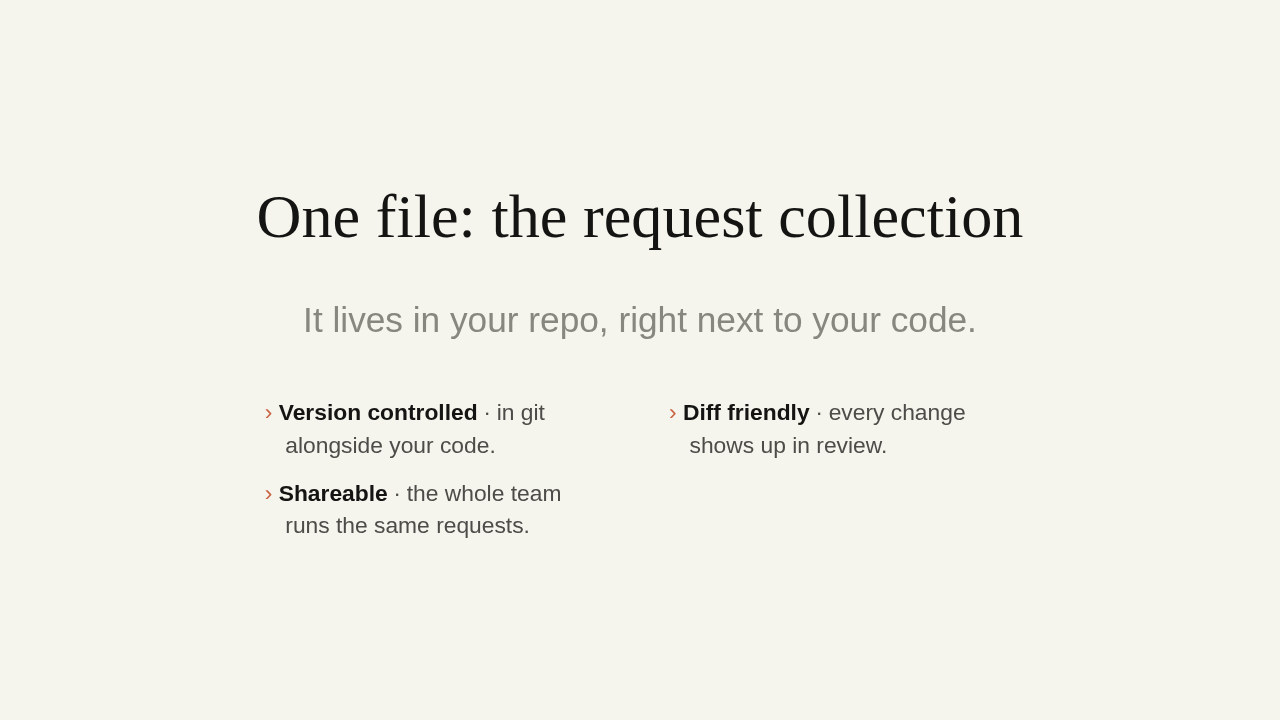
One file: the request collection
It lives in your repo, right next to your code.
- Version controlled · in git alongside your code.
- Diff friendly · every change shows up in review.
- Shareable · the whole team runs the same requests.
That file is called a request collection, and it sits right in your repo. So it's version controlled, sitting in git alongside your code. Every change to a request shows up in diffs and code review, like anything else. And you share one set of requests with your whole team. Nothing trapped in a desktop app's private database.
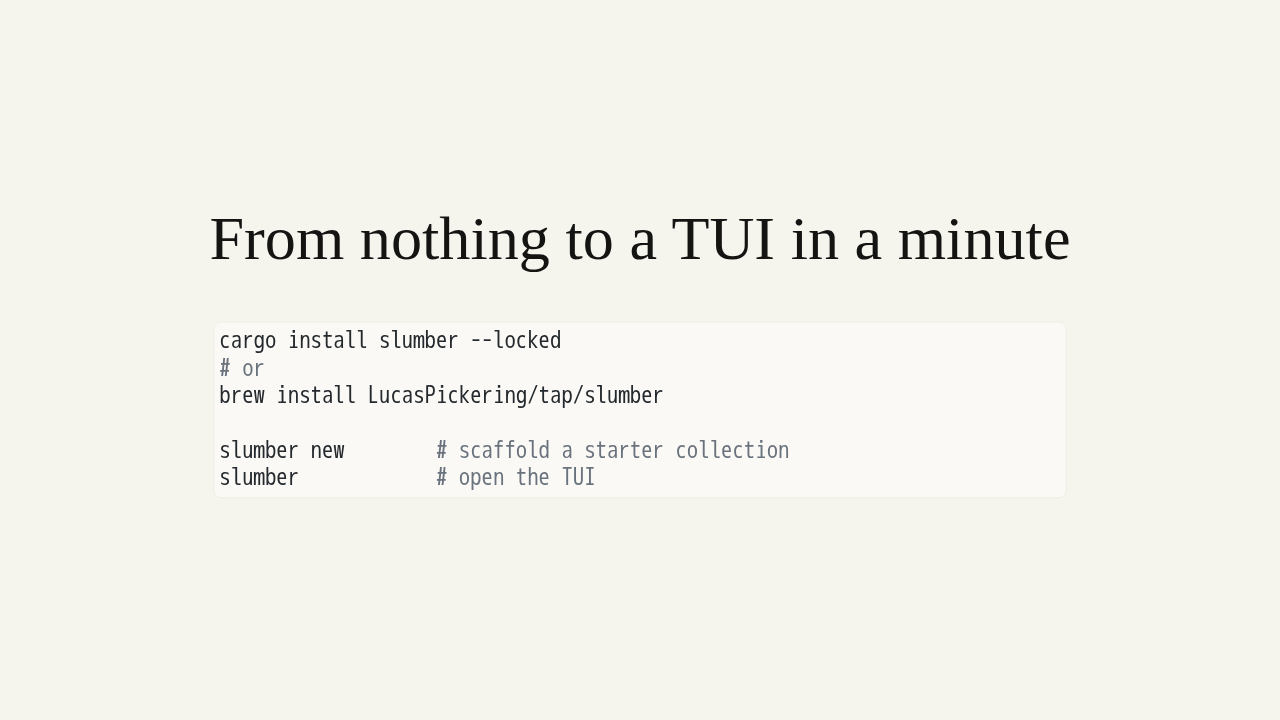
From nothing to a TUI in a minute
cargo install slumber --locked
# or
brew install LucasPickering/tap/slumber

slumber new        # scaffold a starter collection
slumber            # open the TUI
Getting started takes about a minute. Install it with cargo, or with Homebrew. Run slumber new to scaffold a starter collection in the current directory. Then just run slumber to open the terminal UI against it.
Anatomy of a collection
profiles:
  local:
    data:
      host: http://localhost:5000
  production:
    data:
      host: https://myfishes.fish

requests:
  create_fish:
    method: POST
    url: "{{ host }}/fishes"
    body:
      type: json
      data: { "kind": "barracuda", "name": "Jimmy" }

  list_fish:
    method: GET
    url: "{{ host }}/fishes"
    query:
      big: true
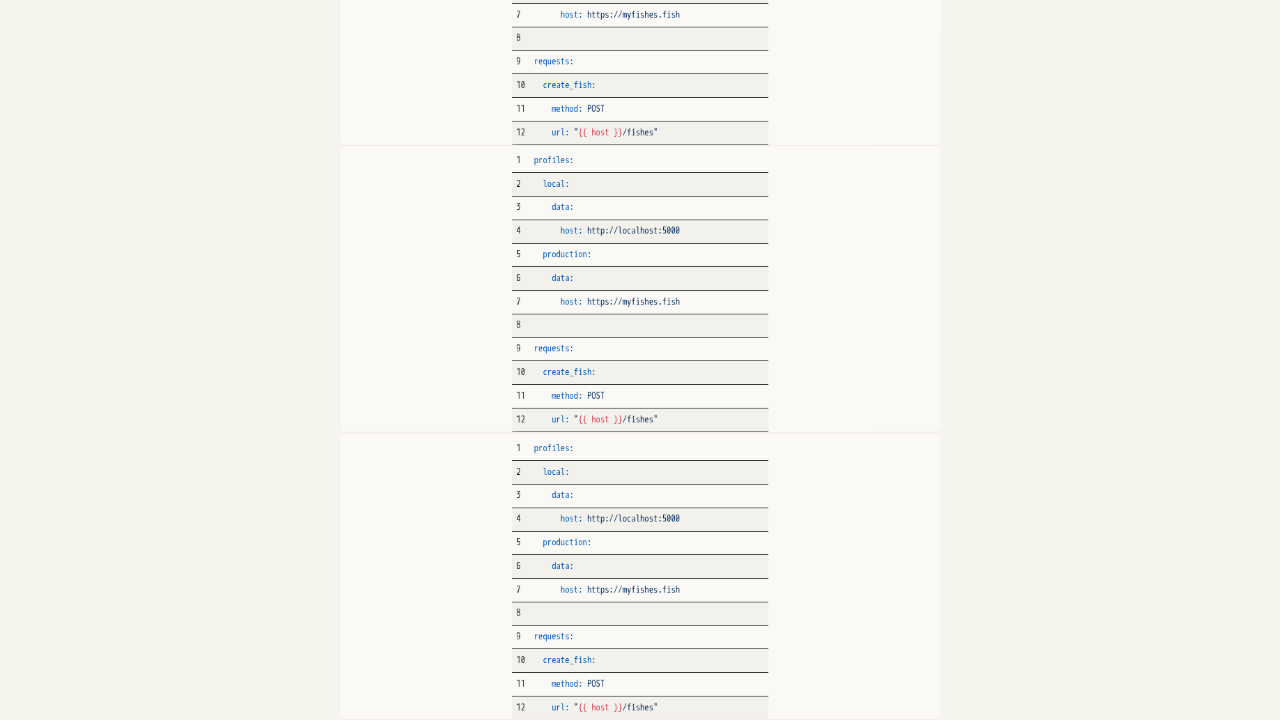
Here's what a collection looks like. Requests are recipes: create_fish is a POST, list_fish is a GET. Profiles hold per-environment values. Local points at localhost; production points at your real host. And double-curly host is a template. It swaps to match whichever profile you pick. One collection, every environment.
Two ways to drive it
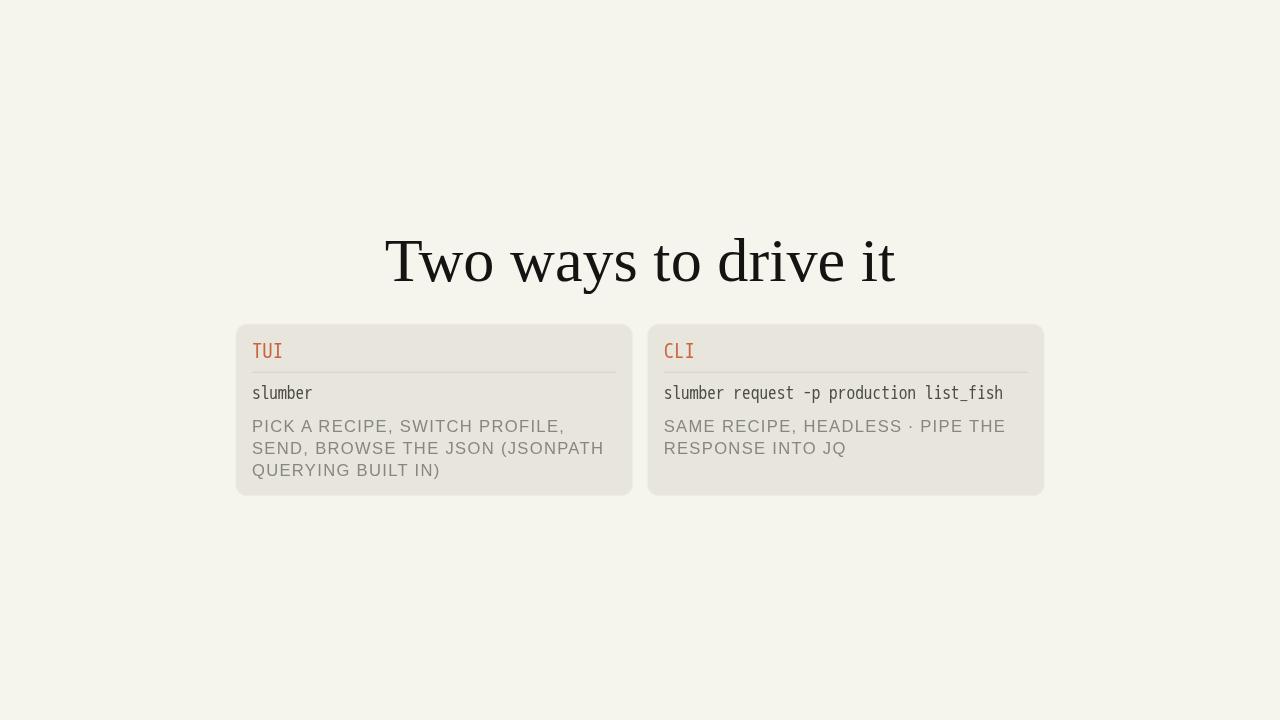
You drive that one collection two ways. In the TUI, you pick a recipe, choose a profile, send, and browse the JSON response, with JSONPath querying built in. Or from the command line: slumber request runs the same recipe headless, so you can pipe the response straight into jq.
Your requests, in your repo
Free, open source software. Try it:
slumber.lucaspickering.me
It's free, open source software, and your requests stay yours, in git. Try it: the full guide is at slumber dot lucaspickering dot me.