mq

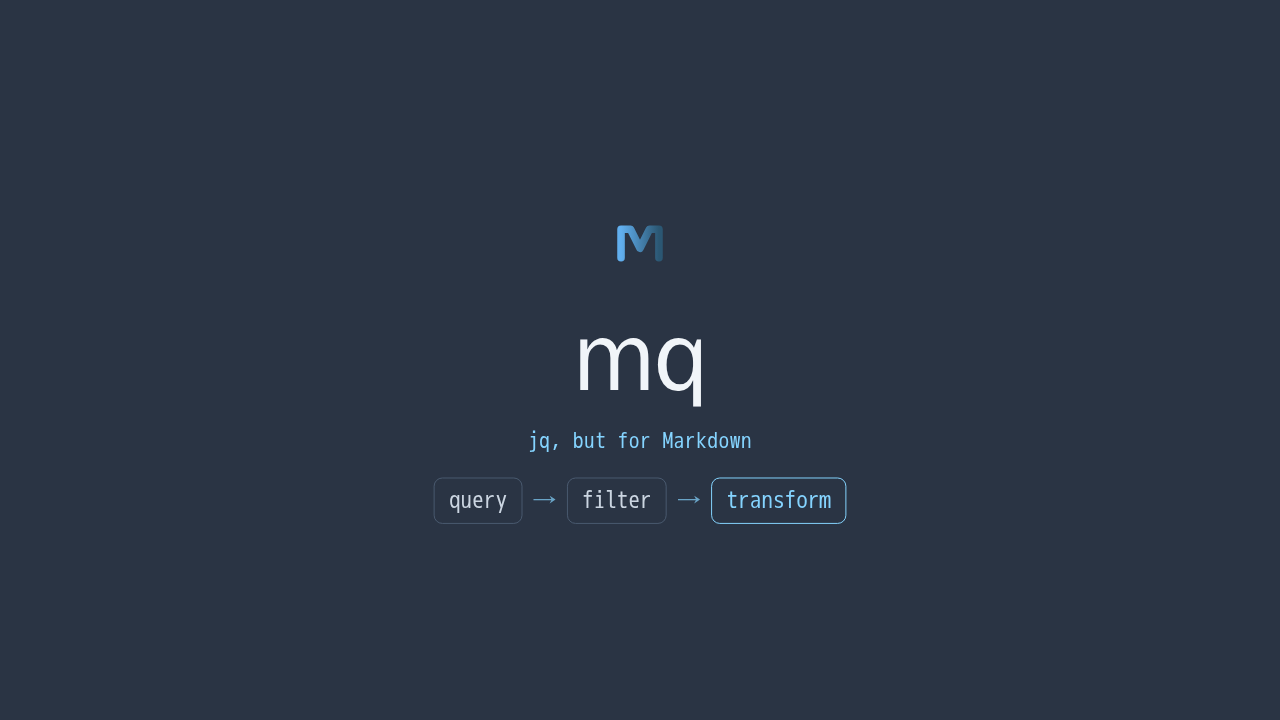
jq, but for Markdown
You reach for jq when your data is JSON. But so much of what you work with is Markdown. READMEs, docs, the prompts and answers you trade with a language model. mq is jq, but for Markdown. Query and reshape any Markdown file, right from the shell.
A query language for Markdown
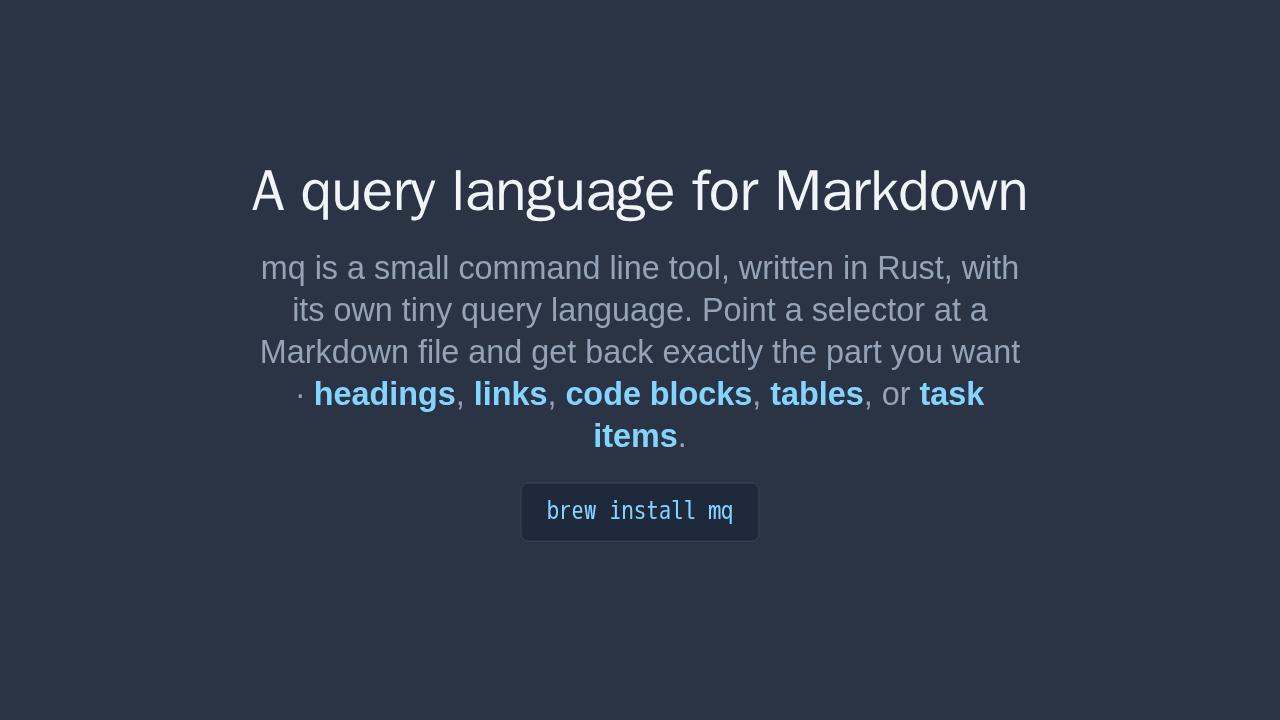
mq is a small command line tool, written in Rust, with its own tiny query language. Point a selector at a Markdown file and get back exactly the part you want · headings, links, code blocks, tables, or task items.
brew install mq
mq is a small command line tool, written in Rust, with its own tiny query language. You point a selector at a Markdown file and get back exactly the part you want. Headings, links, code blocks, tables, or task items. Install it with Homebrew.
Your first query
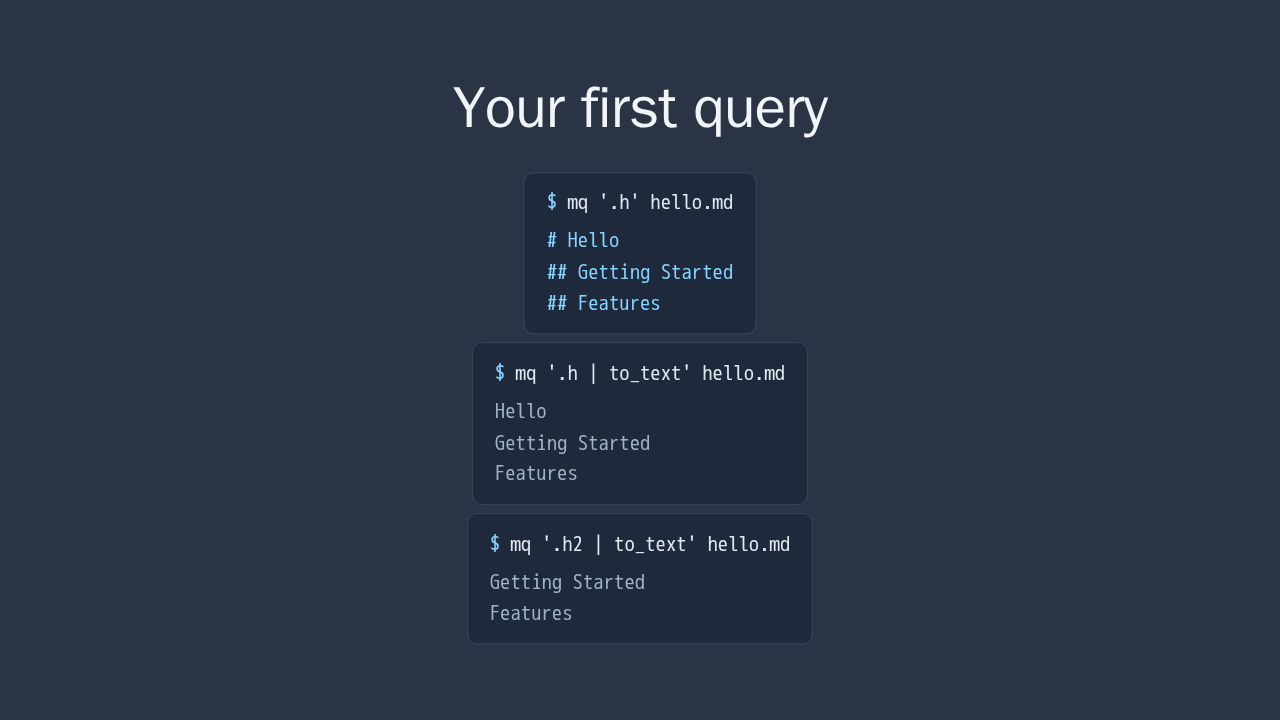
Here is your first query. Ask for the headings, and mq pulls every one out of the file. Pipe that to plain text, and you get just the words, without any Markdown syntax. Narrow the selector to the second level, and you get only those headings. A tiny query, no regular expressions, no manual parsing.
Compose, like a Unix pipe
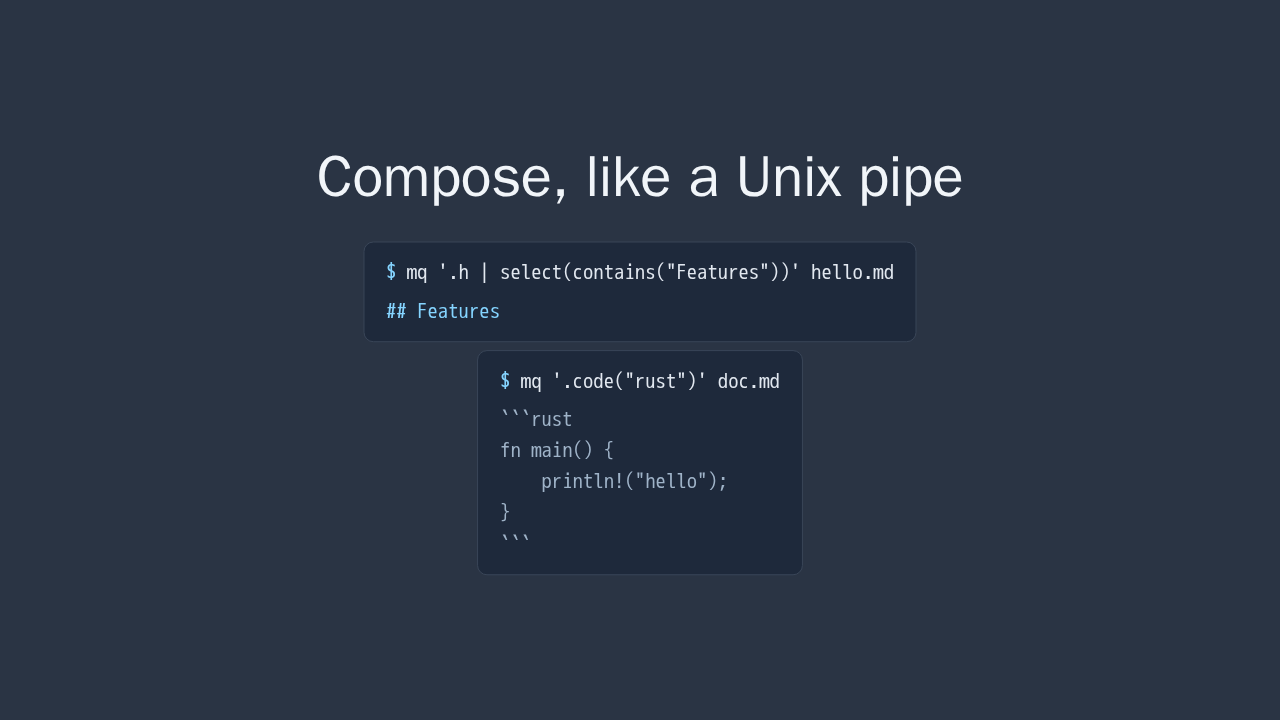
Queries compose with a pipe, exactly like a Unix pipeline. Take the headings, then keep only the ones that contain a word you care about. Or pull out a single fenced code block by its language. Small pieces, chained together.
Transform, not just query
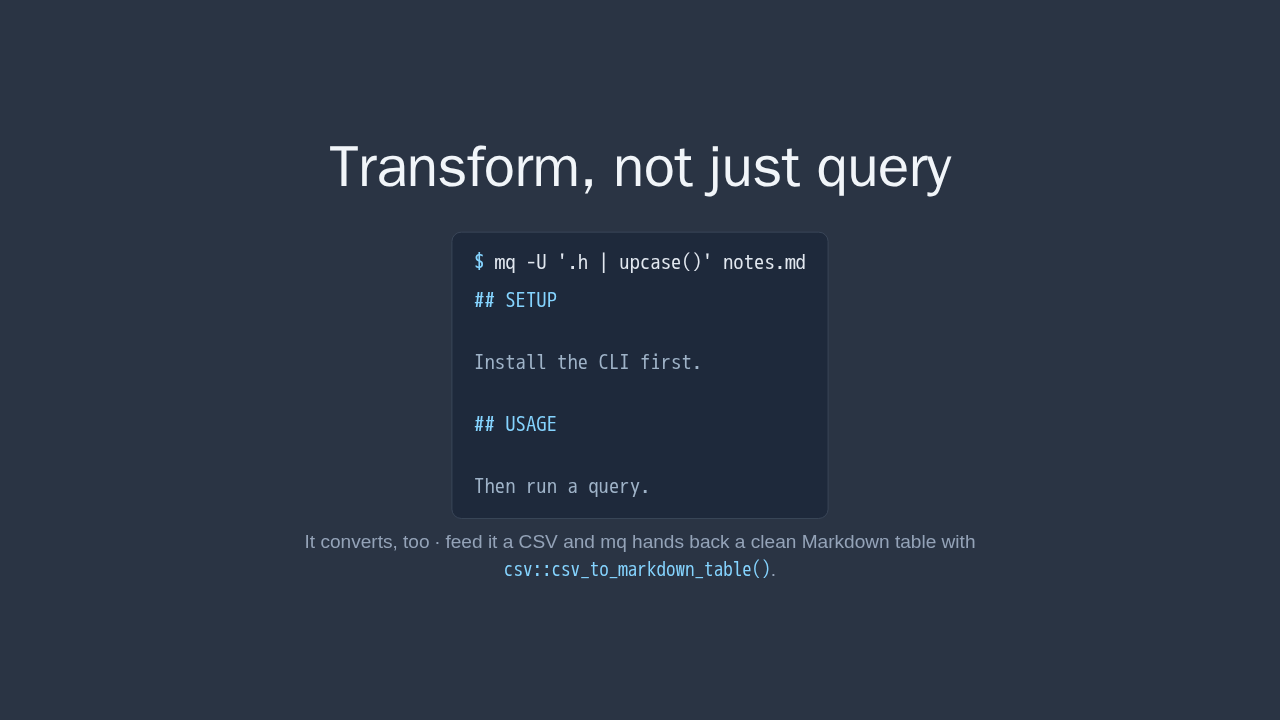
It converts, too · feed it a CSV and mq hands back a clean
Markdown table with csv::csv_to_markdown_table().
mq does not only read Markdown, it rewrites it. Update mode transforms the parts you match and leaves the rest of the document untouched. Here, every heading is uppercased, and nothing else moves. It converts, too. Hand it a CSV file, and mq gives you back a clean Markdown table.
Where it earns its place

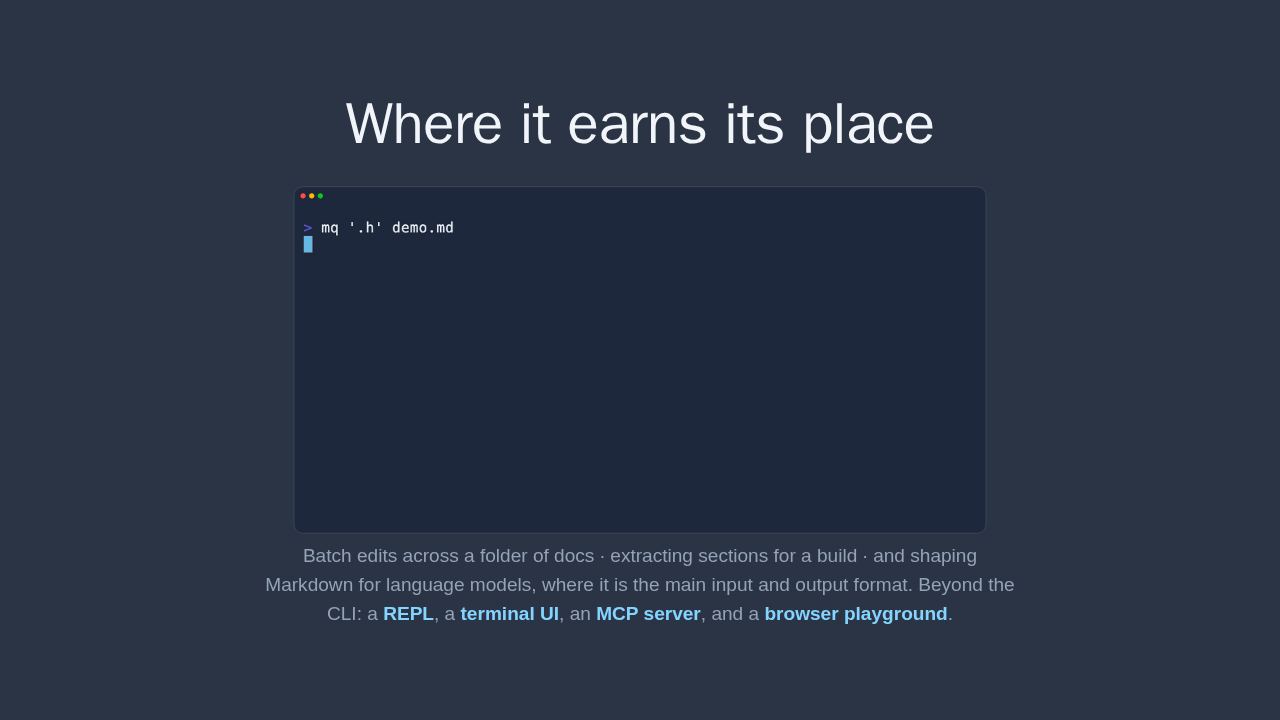
Batch edits across a folder of docs · extracting sections for a build · and shaping Markdown for language models, where it is the main input and output format. Beyond the CLI: a REPL, a terminal UI, an MCP server, and a browser playground.
This is where it earns its place. Batch edits across a whole folder of docs. Pulling sections out for a build step. And shaping Markdown for language models, where it is the main input and output format. Beyond the command line there is an interactive shell, a terminal app, an MCP server, and a browser playground.
Slice Markdown from the shell
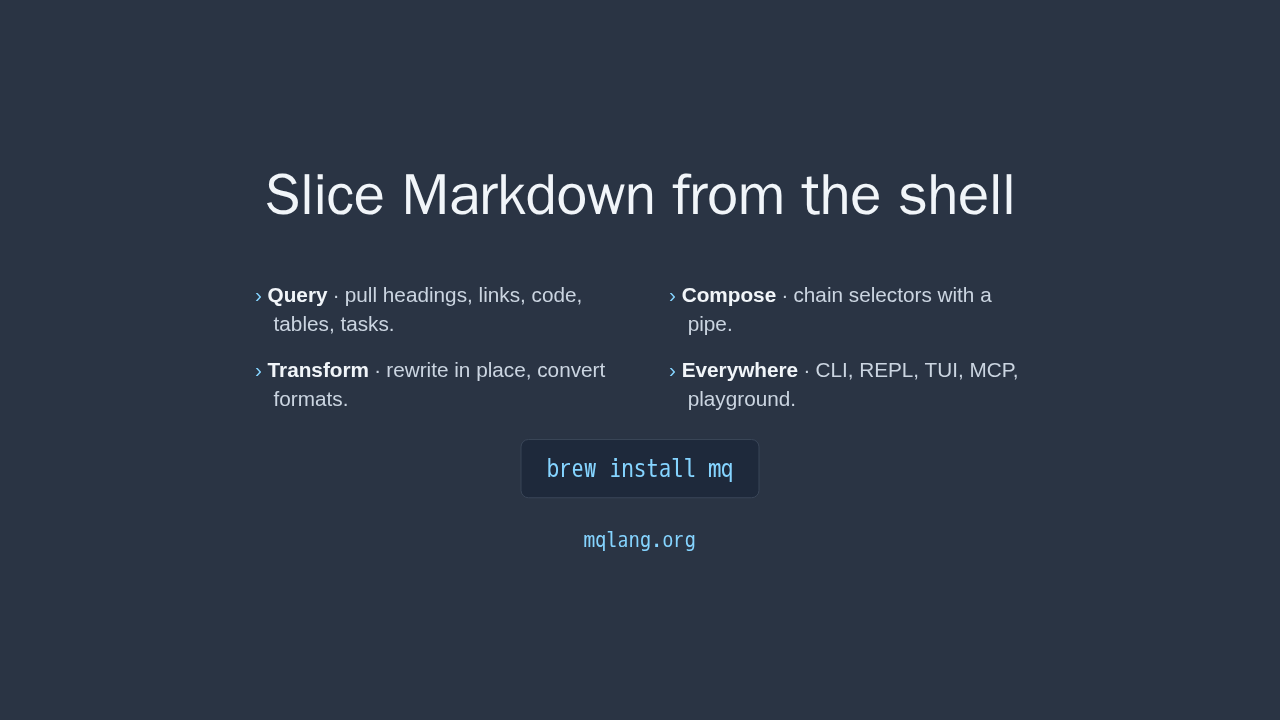
- Query · pull headings, links, code, tables, tasks.
- Compose · chain selectors with a pipe.
- Transform · rewrite in place, convert formats.
- Everywhere · CLI, REPL, TUI, MCP, playground.
brew install mq
mqlang.org
That is mq. jq, but for Markdown. Install it with Homebrew, and run your first query in under a minute. Everything you need is at mqlang.org.