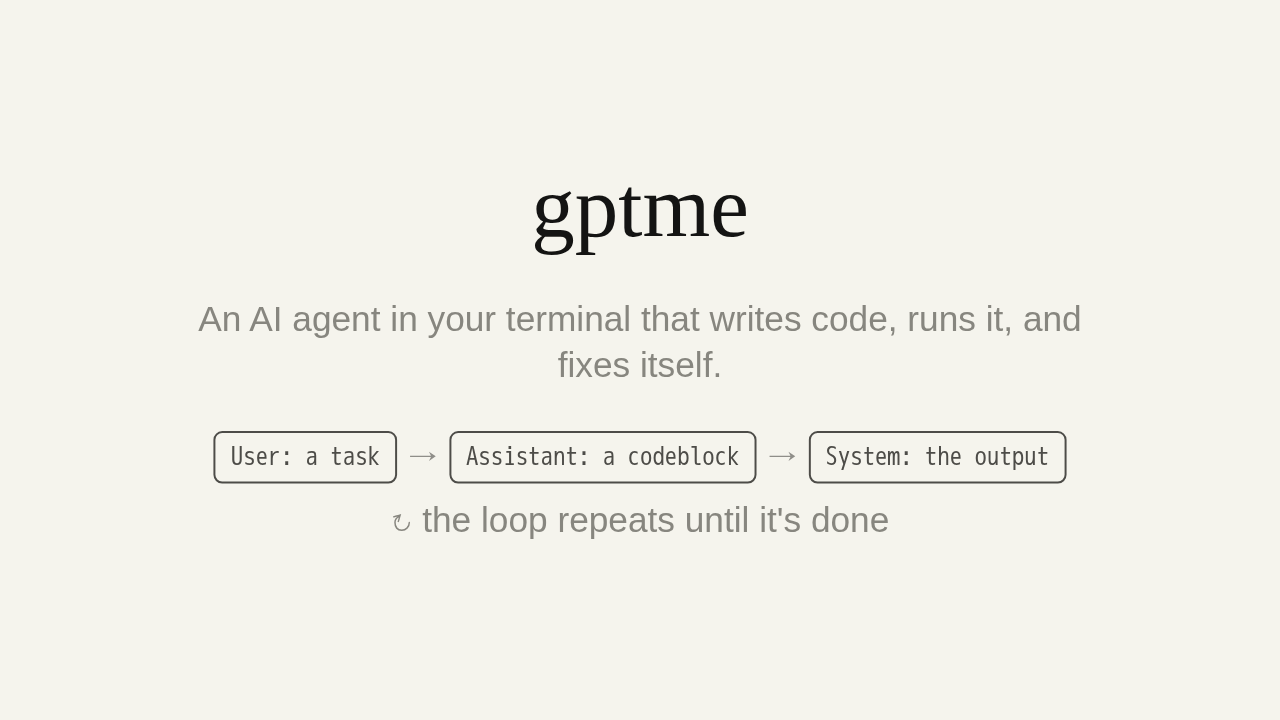
gptme
An AI agent in your terminal that writes code, runs it, and fixes itself.
↻ the loop repeats until it's done
Meet gptme: an AI agent that lives in your terminal. Give it a task in plain language, and it writes the code, runs it, reads the result, and keeps going until the job is done.
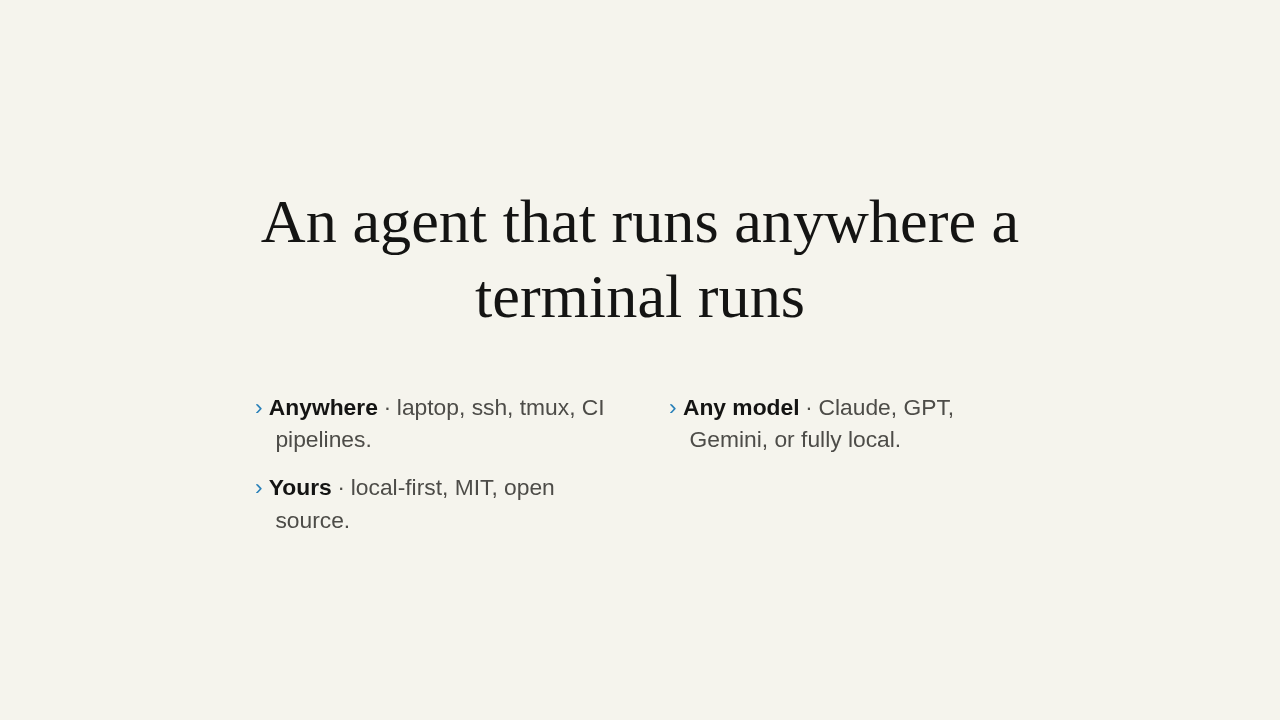
An agent that runs anywhere a terminal runs
- Anywhere · laptop, ssh, tmux, CI pipelines.
- Any model · Claude, GPT, Gemini, or fully local.
- Yours · local-first, MIT, open source.
gptme is built to go wherever you work. It runs anywhere a terminal runs: your laptop, an ssh session, a CI pipeline. It's provider-agnostic. Claude, GPT, Gemini, or a model running fully local on your own machine. And it's local-first, MIT licensed, and open source.
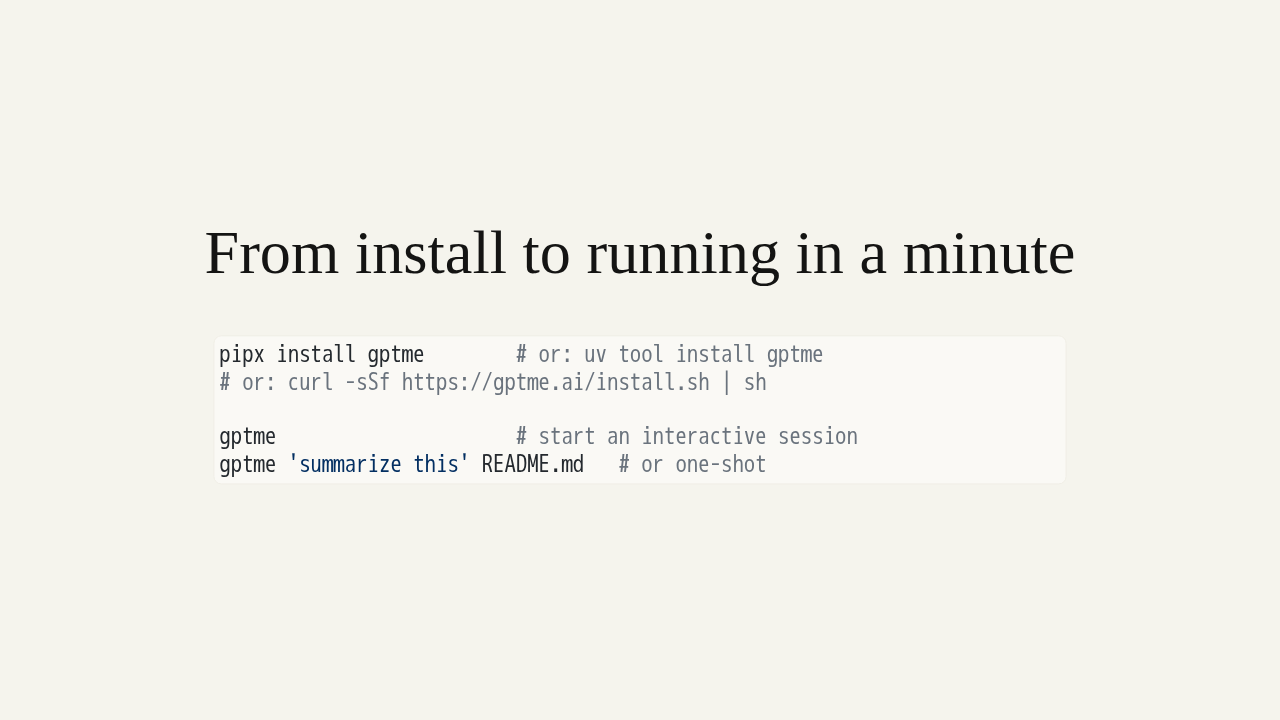
From install to running in a minute
pipx install gptme        # or: uv tool install gptme
# or: curl -sSf https://gptme.ai/install.sh | sh

gptme                     # start an interactive session
gptme 'summarize this' README.md   # or one-shot
Getting started takes a minute. Install it with pipx, with uv, or the one-line installer. Then just run gptme. It asks for a provider key the first time. Or hand it a one-shot task with a file.
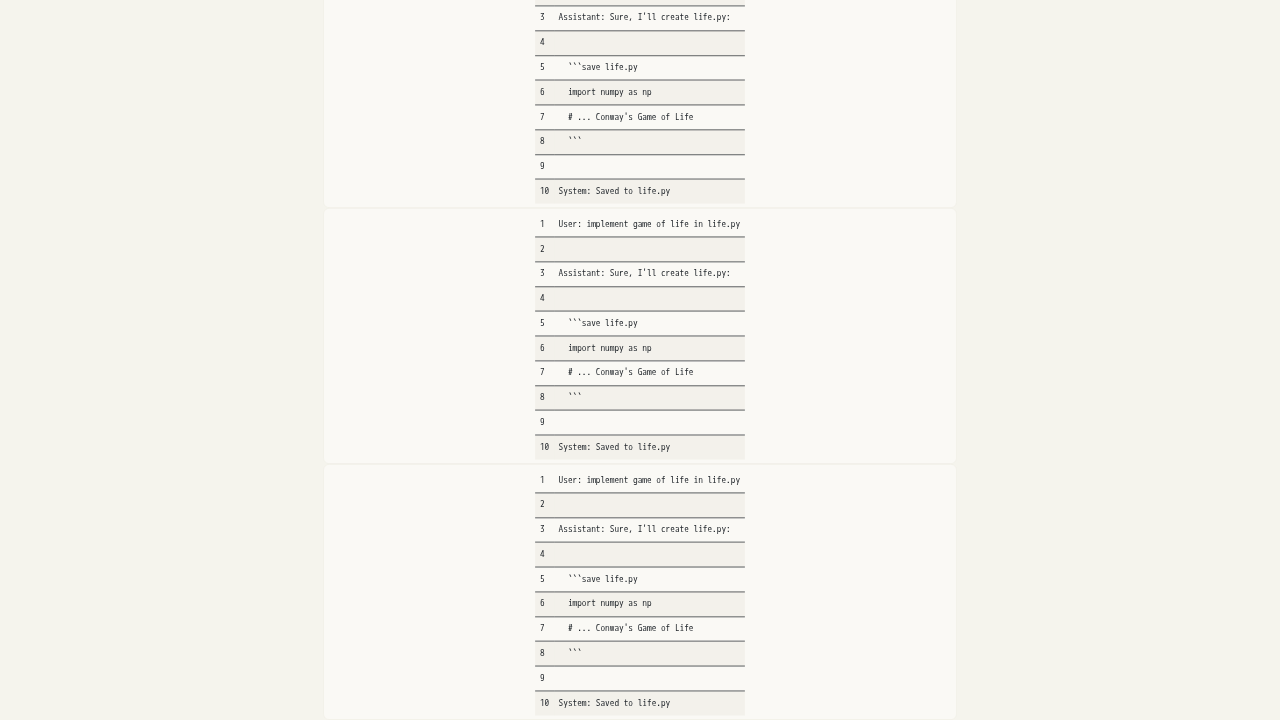
The whole architecture is one loop
The codeblock's language picks the tool.
User: implement game of life in life.py

Assistant: Sure, I'll create life.py:

  ```save life.py
  import numpy as np
  # ... Conway's Game of Life
  ```

System: Saved to life.py
Here's the whole architecture. The conversation is just a log of messages. When the assistant needs to act, it writes a markdown codeblock, and the codeblock's language picks the tool. Ask for Conway's Game of Life. The model replies with a save block. gptme runs it and appends the result: saved to life dot py. Propose a tool, run it, feed the output back, then repeat. That loop is the engine.
It self-corrects
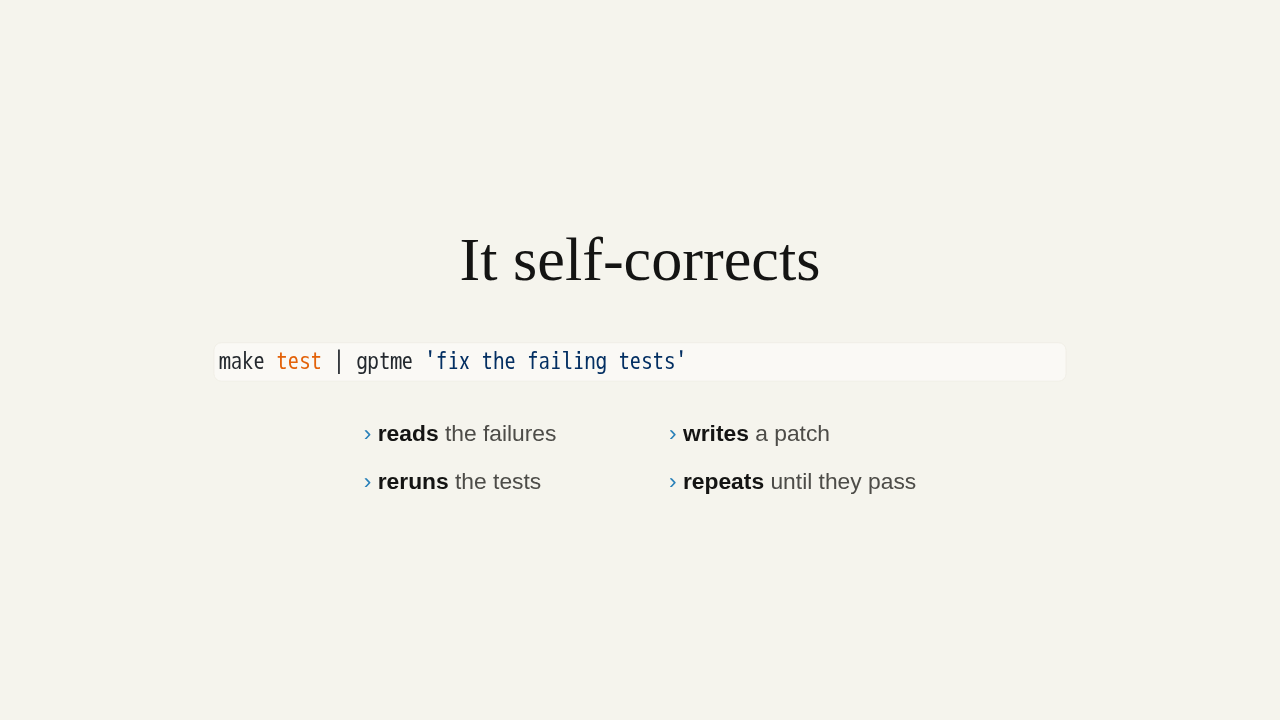
make test | gptme 'fix the failing tests'- reads the failures
- writes a patch
- reruns the tests
- repeats until they pass
Because tool output flows back into the loop, gptme reacts to what actually happened. Pipe your failing tests straight in. It reads the errors, writes a patch, reruns, and keeps going until they pass. Self-correcting is built in.
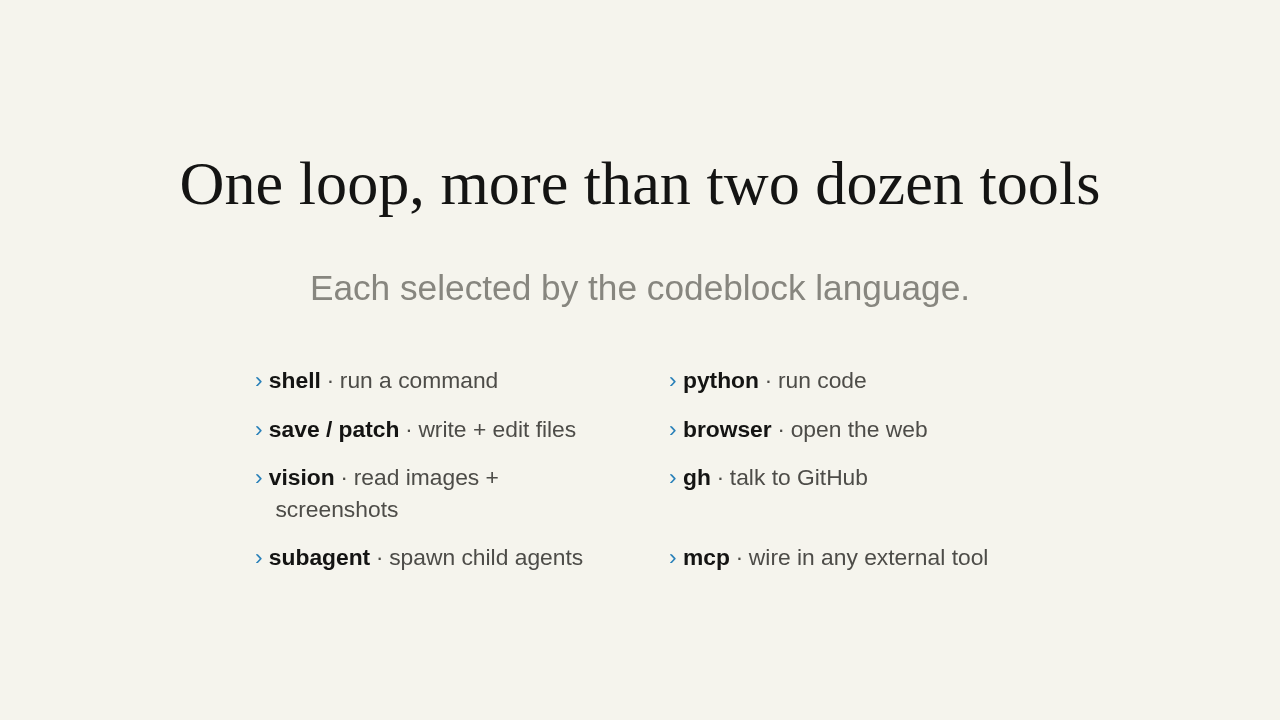
One loop, more than two dozen tools
Each selected by the codeblock language.
- shell · run a command
- python · run code
- save / patch · write + edit files
- browser · open the web
- vision · read images + screenshots
- gh · talk to GitHub
- subagent · spawn child agents
- mcp · wire in any external tool
And it's all one mechanism. The same loop drives more than two dozen built-in tools, each selected by the codeblock language: shell, python, save and patch for files, a browser, vision, GitHub, even subagents and MCP. Nothing bolted on.
Your terminal, now an agent
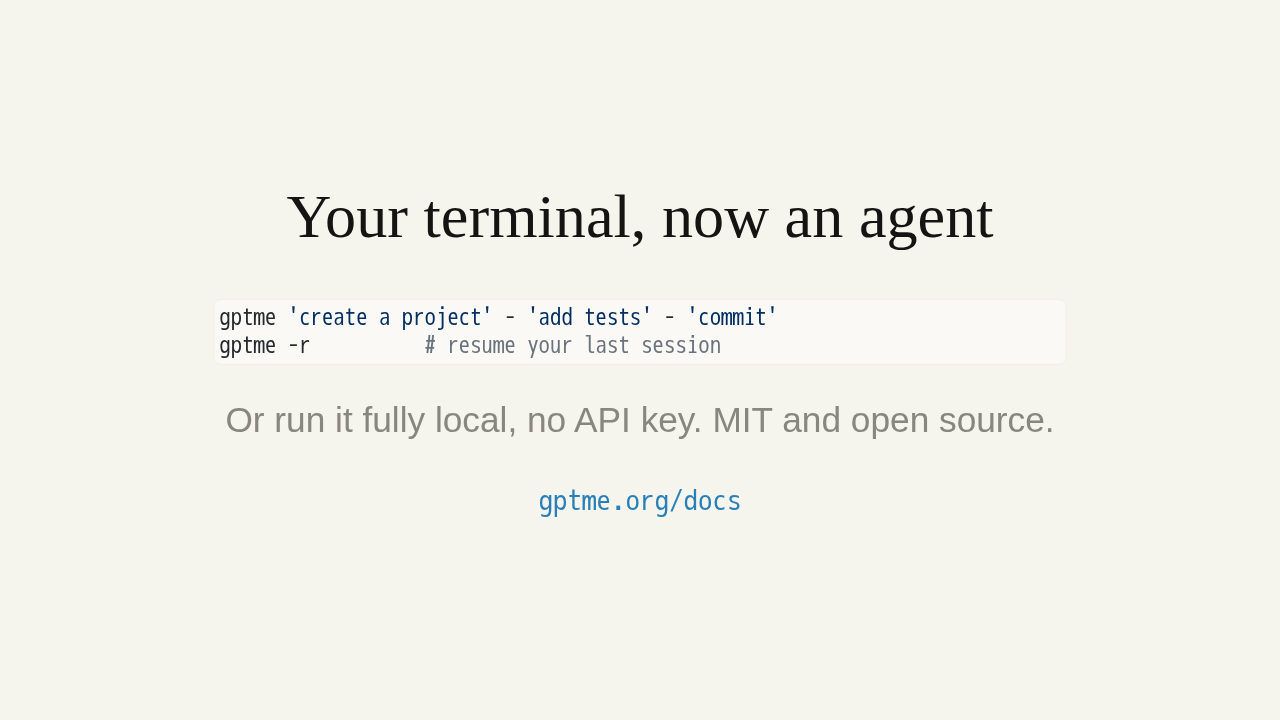
gptme 'create a project' - 'add tests' - 'commit'
gptme -r          # resume your last session
Or run it fully local, no API key. MIT and open source.
gptme.org/docs
Chain steps with a dash, resume any session with dash r, or run it fully local with no API key. gptme is MIT and open source. Start here: gptme dot org slash docs.