Slide 1

A batteries-included, Django-inspired web framework for Rust.
Building a web app in Rust usually means wiring up a web server, a database layer, templates, and authentication yourself. Cot is the batteries-included alternative: think Django, but in Rust. It is built on axum, and it hands you the whole stack in one box.
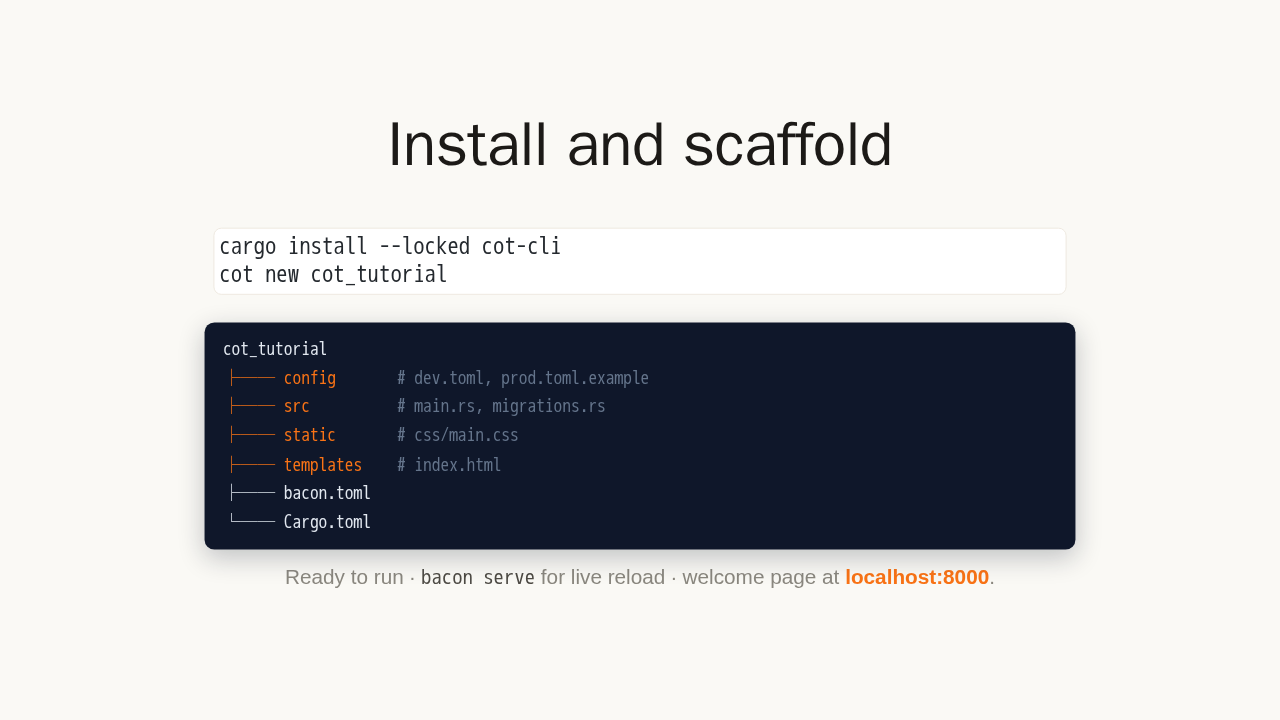
Install and scaffold
cargo install --locked cot-cli
cot new cot_tutorial
cot_tutorial ├── config # dev.toml, prod.toml.example ├── src # main.rs, migrations.rs ├── static # css/main.css ├── templates # index.html ├── bacon.toml └── Cargo.toml
Ready to run · bacon serve for live reload
· welcome page at localhost:8000.
Install the command-line tool with one Cargo command, then create a project with cot new. You get a complete project: config, source, static files, and templates, ready to run. Start it with bacon serve and open localhost on port 8000 to see your welcome page.
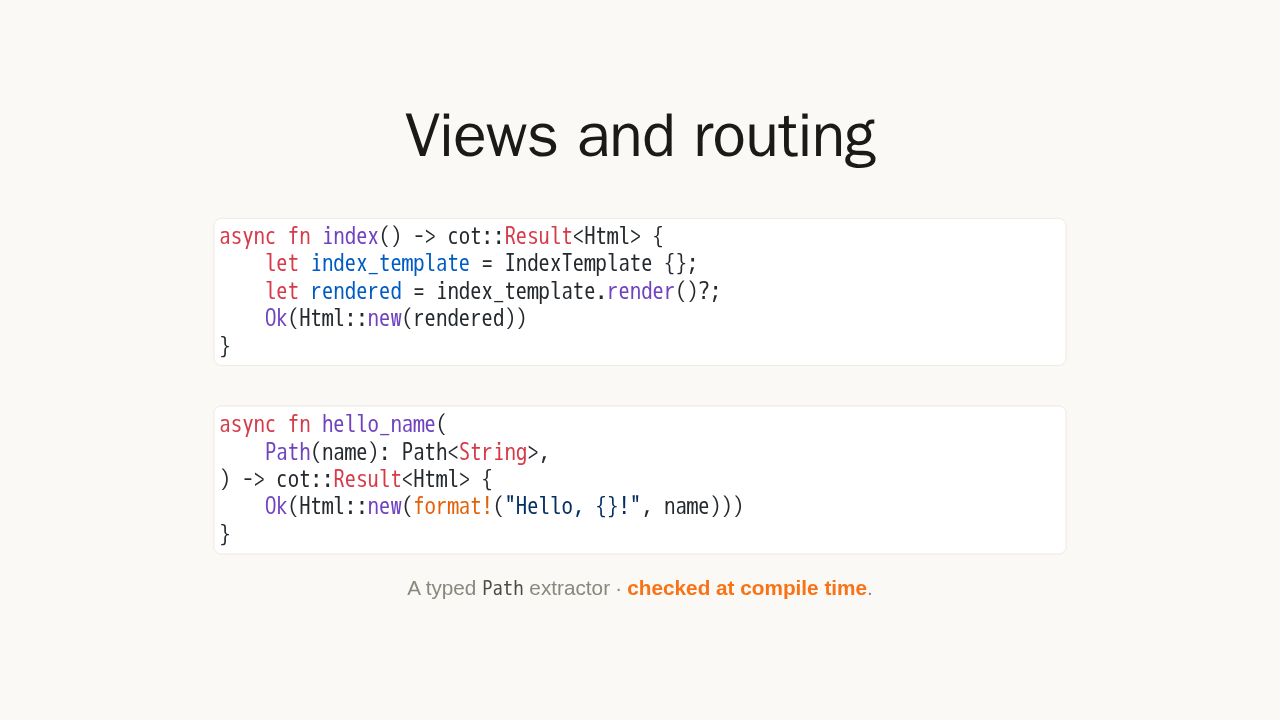
Views and routing
async fn index() -> cot::Result<Html> {
    let index_template = IndexTemplate {};
    let rendered = index_template.render()?;
    Ok(Html::new(rendered))
}
async fn hello_name(
Path(name): Path<String>,
) -> cot::Result<Html> {
Ok(Html::new(format!("Hello, {}!", name)))
}
A typed Path extractor ·
checked at compile time.
A view is just an async function that returns some HTML. You register it on a route with a path and a name. Need a dynamic segment in the URL? Add a typed path extractor. The value comes back as a real Rust string, checked at compile time, instead of parsed by hand.
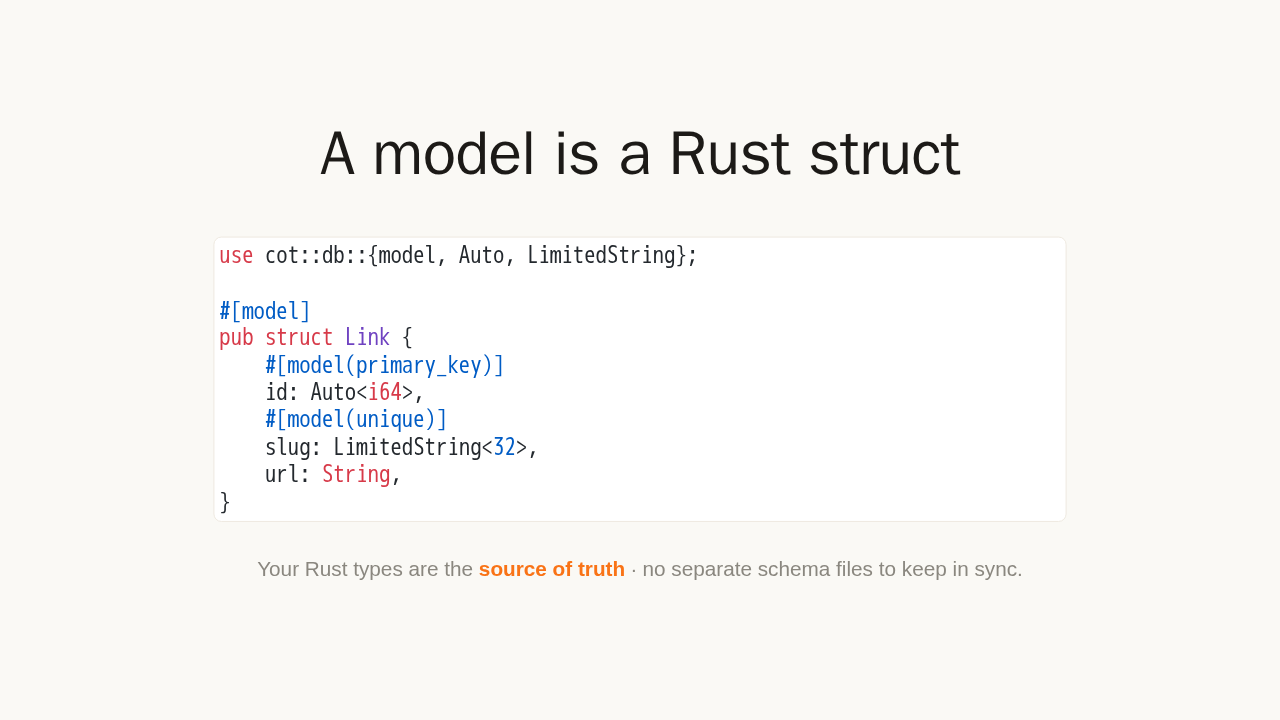
A model is a Rust struct
use cot::db::{model, Auto, LimitedString};

#[model]
pub struct Link {
    #[model(primary_key)]
    id: Auto<i64>,
    #[model(unique)]
    slug: LimitedString<32>,
    url: String,
}
Your Rust types are the source of truth · no separate schema files to keep in sync.
Here is where Cot shines. A database model is a plain Rust struct with one attribute on top. Your Rust types are the source of truth: a primary key, a unique slug, a link. There are no separate schema files to keep in sync by hand.
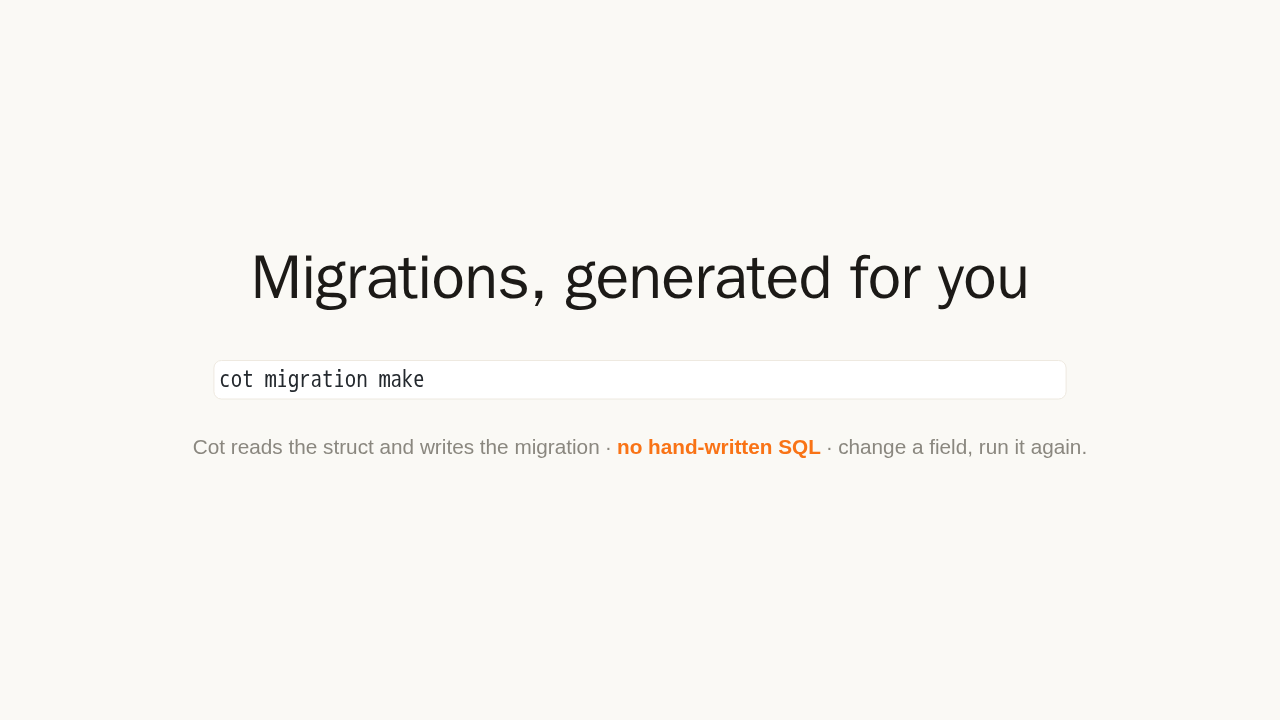
Migrations, generated for you
cot migration makeCot reads the struct and writes the migration · no hand-written SQL · change a field, run it again.
When your struct changes, you do not write SQL. Run cot migration make, and Cot generates the migration for you, straight from the struct. Change a field, run it again, and your database schema keeps up automatically.
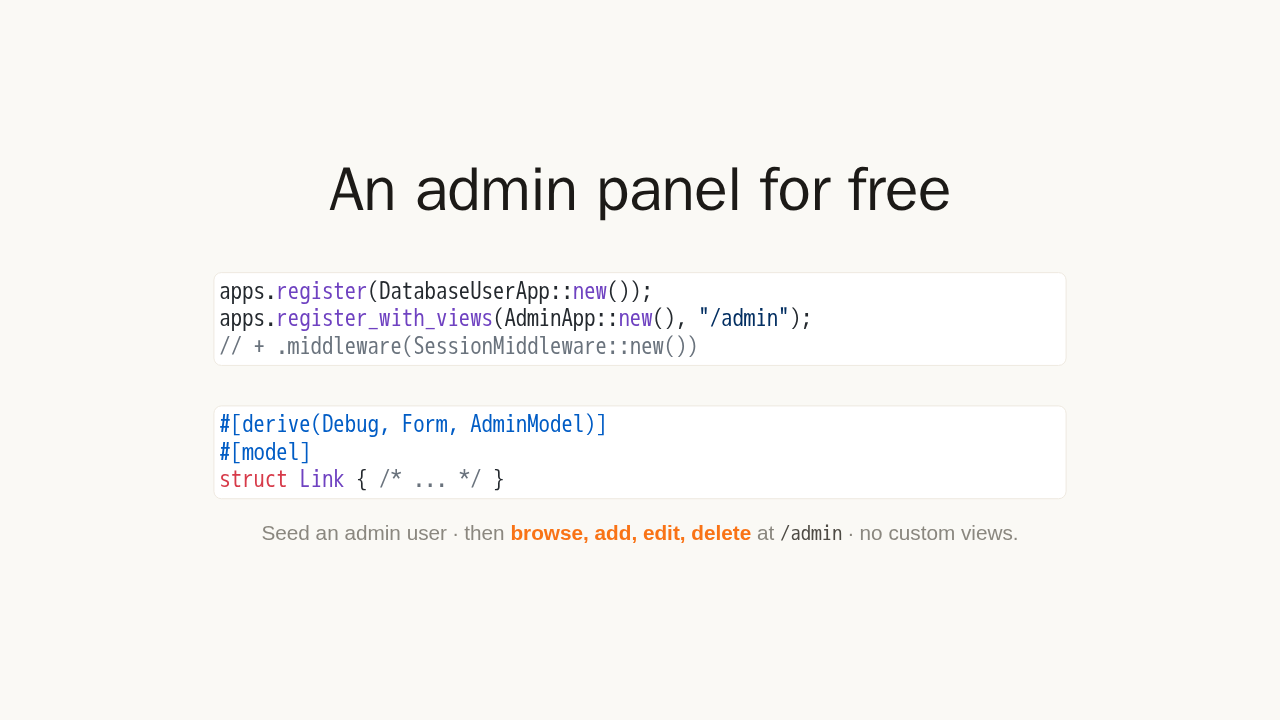
An admin panel for free
apps.register(DatabaseUserApp::new());
apps.register_with_views(AdminApp::new(), "/admin");
// + .middleware(SessionMiddleware::new())
#[derive(Debug, Form, AdminModel)]
#[model]
struct Link { /* ... */ }
Seed an admin user · then
browse, add, edit, delete at
/admin · no custom views.
Now the payoff. Register the admin app and a session, seed an admin user, then add one derive to your model and register it. That is it. You get a full admin panel, right in your browser, where you can browse, add, edit, and delete every model you register. No custom views, no templates.
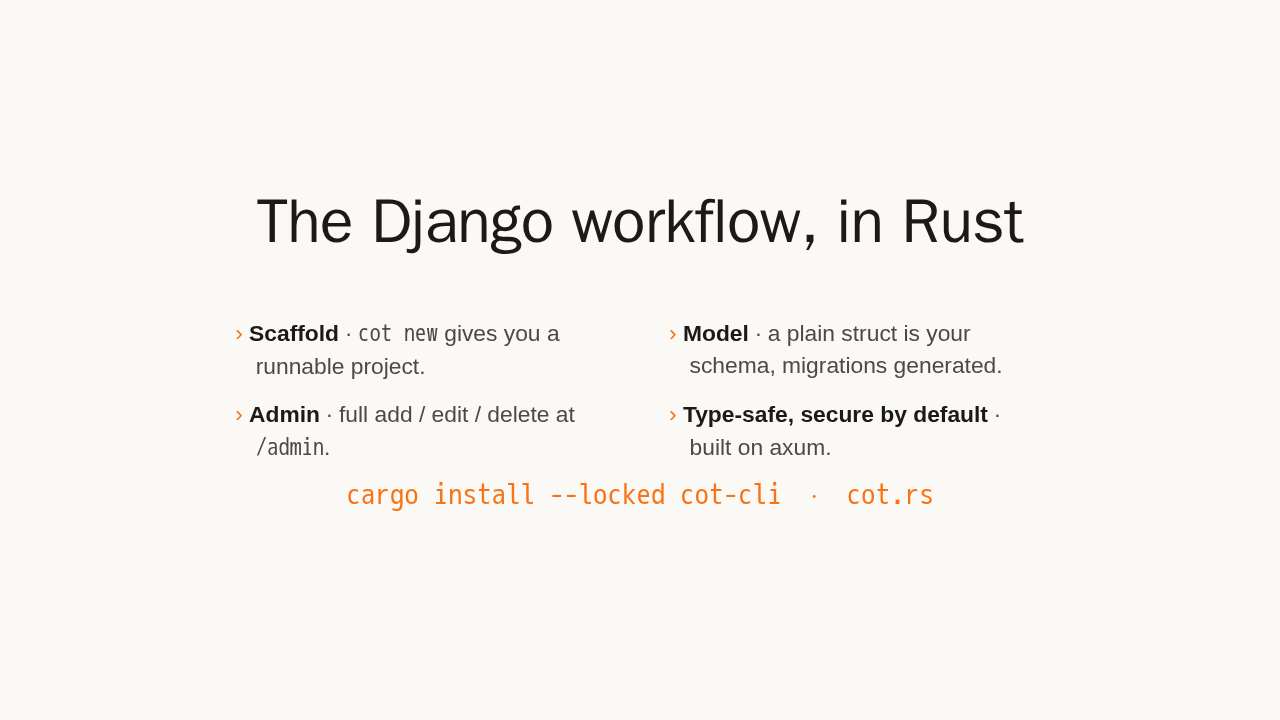
The Django workflow, in Rust
- Scaffold ·
cot newgives you a runnable project. - Model · a plain struct is your schema, migrations generated.
- Admin · full add / edit / delete at
/admin. - Type-safe, secure by default · built on axum.
cargo install --locked cot-cli · cot.rs
That is the Django workflow, with Rust's type safety and speed: scaffold a project, define a model, get an admin panel, all secure by default. Install cot-cli, run cot new, and read the guide at cot dot R S. Give it a try.