Cot · build a Django-style web app in Rust (project → model → admin)
4 months ago
Building a web app in Rust usually means wiring up a web server, a database layer, templates, and authentication yourself. Cot is the batteries-included alternative: think Django, but in Rust. It is built on axum, and it hands you the whole stack in one box.
Ask about this presentation
Chapters
Show transcriptHide transcript
Building a web app in Rust usually means wiring up a web server, a database layer, templates, and authentication yourself. Cot is the batteries-included alternative: think Django, but in Rust. It is built on axum, and it hands you the whole stack in one box.
Slide text

A batteries-included, Django-inspired web framework for Rust.
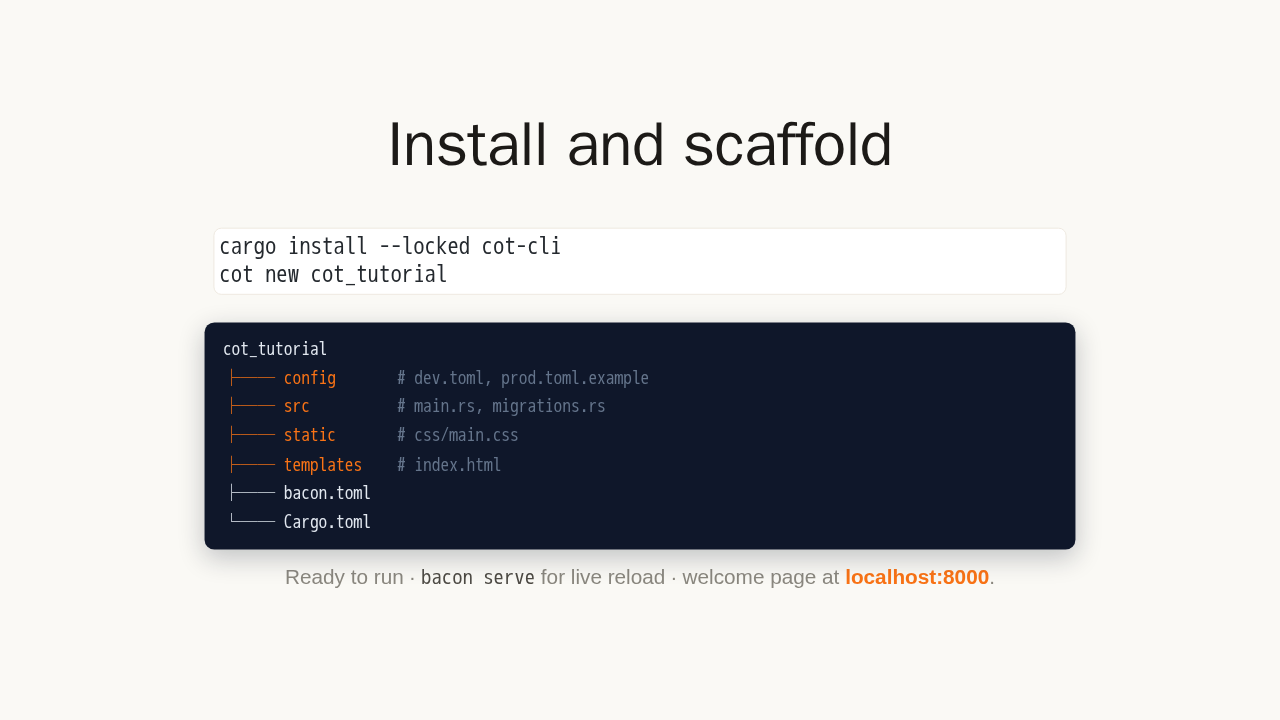
cot new → #[model] → admin panelInstall the command-line tool with one Cargo command, then create a project with cot new. You get a complete project: config, source, static files, and templates, ready to run. Start it with bacon serve and open localhost on port 8000 to see your welcome page.
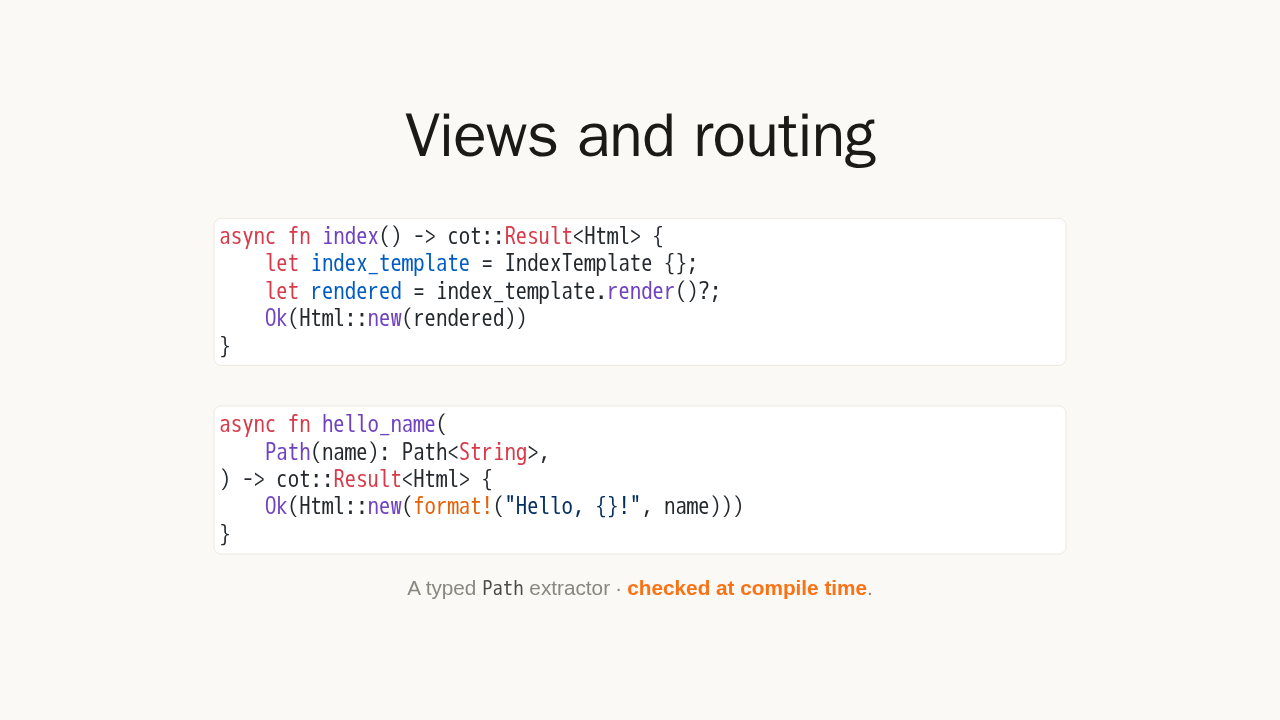
A view is just an async function that returns some HTML. You register it on a route with a path and a name. Need a dynamic segment in the URL? Add a typed path extractor. The value comes back as a real Rust string, checked at compile time, instead of parsed by hand.
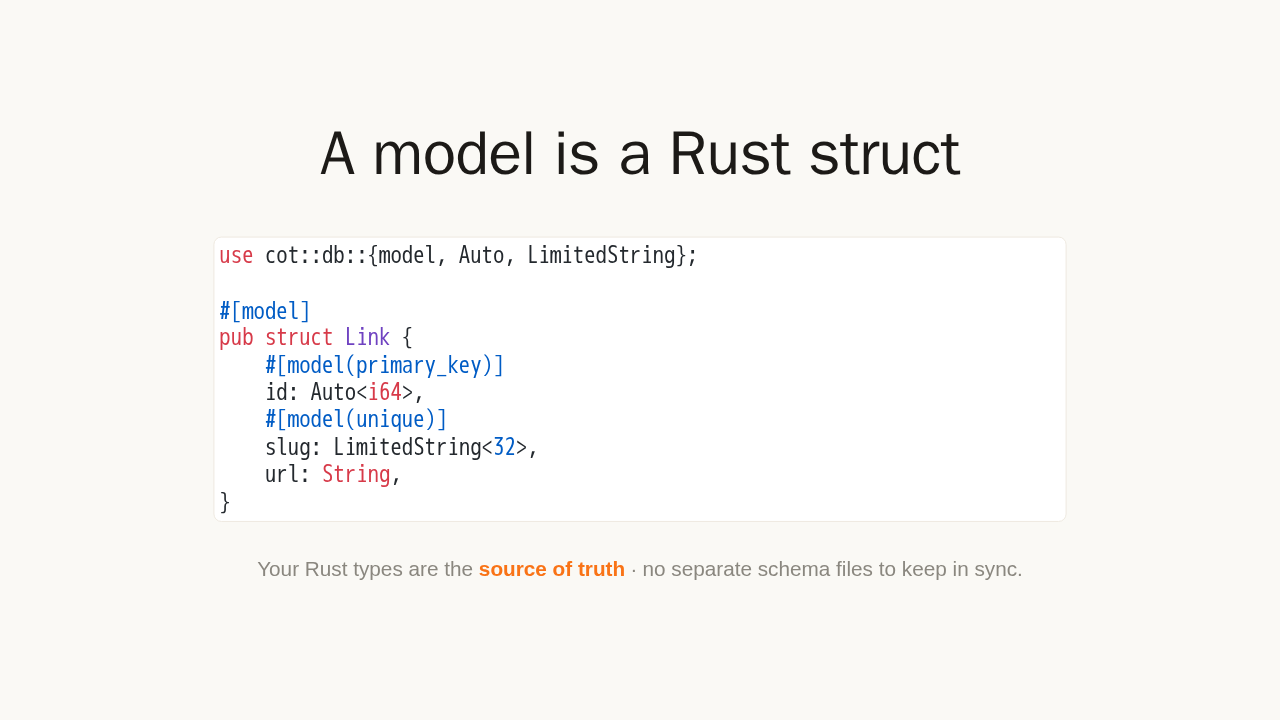
Here is where Cot shines. A database model is a plain Rust struct with one attribute on top. Your Rust types are the source of truth: a primary key, a unique slug, a link. There are no separate schema files to keep in sync by hand.
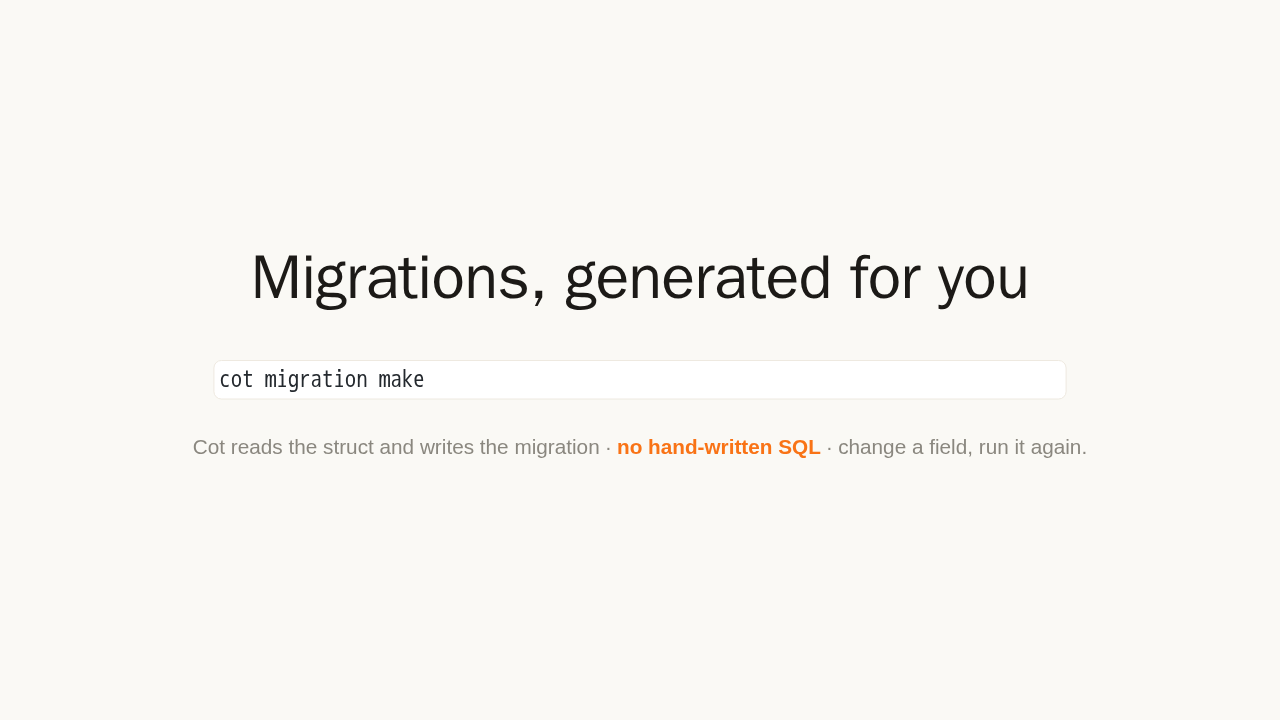
When your struct changes, you do not write SQL. Run cot migration make, and Cot generates the migration for you, straight from the struct. Change a field, run it again, and your database schema keeps up automatically.
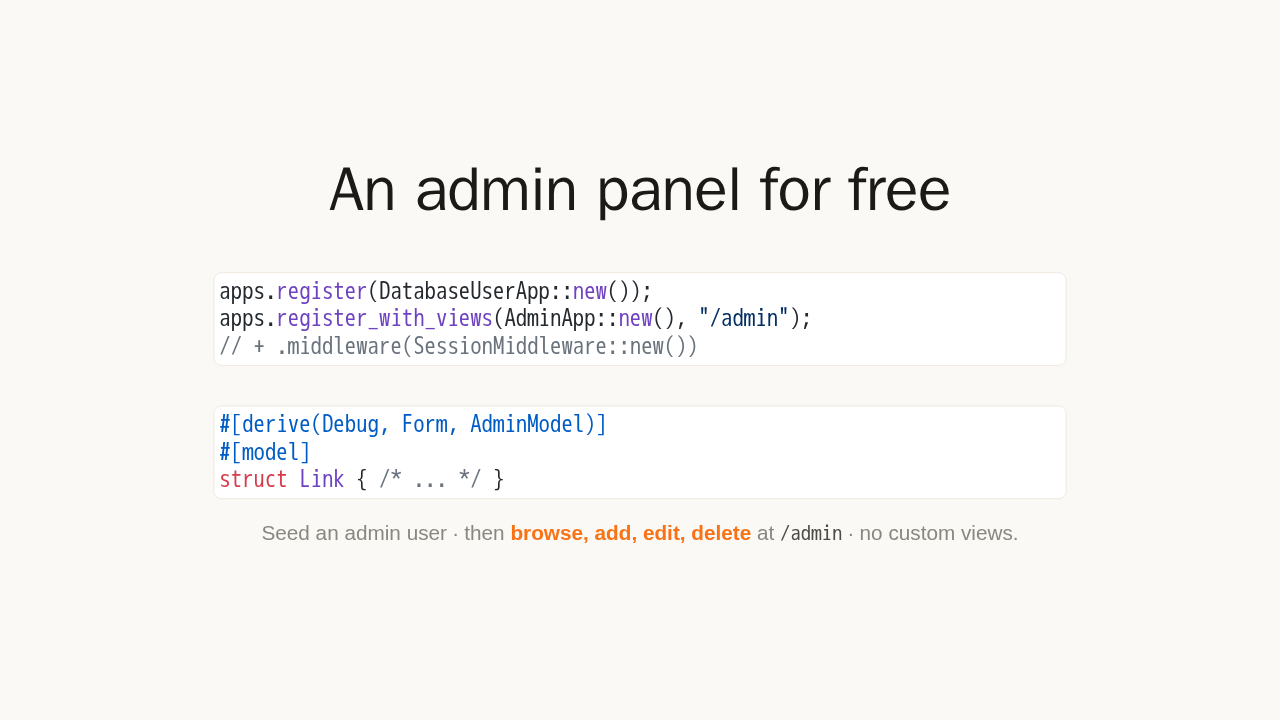
Now the payoff. Register the admin app and a session, seed an admin user, then add one derive to your model and register it. That is it. You get a full admin panel, right in your browser, where you can browse, add, edit, and delete every model you register. No custom views, no templates.
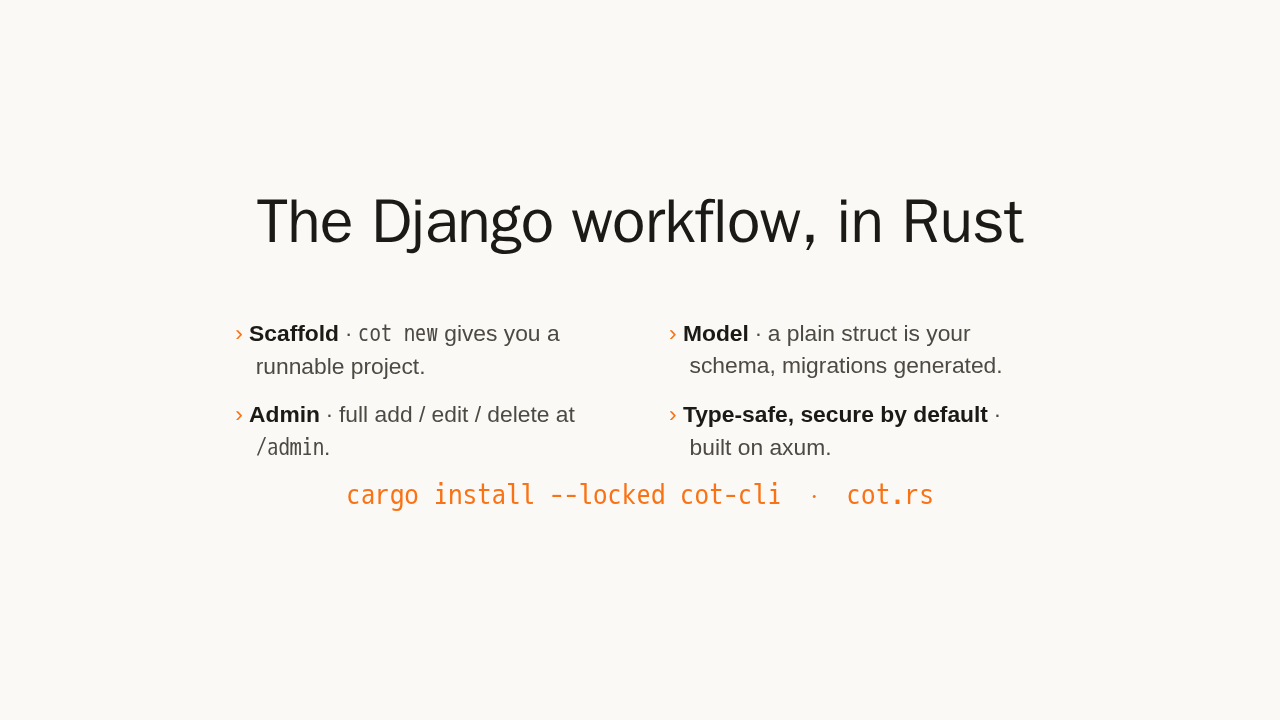
That is the Django workflow, with Rust's type safety and speed: scaffold a project, define a model, get an admin panel, all secure by default. Install cot-cli, run cot new, and read the guide at cot dot R S. Give it a try.
Up next
 2:03
cargo-nextest · a next-generation test runner for Rust
@github
4 months ago
 1:35
mq · jq, but for Markdown
@github
4 months ago
 1:24
Mimesis · realistic, locale-aware fake data in one line
@github
4 months ago
 1:38
pikepdf · open, edit and repair PDFs in Python, losslessly
@github
4 months ago
 1:22
tfswitch · the right Terraform version, automatically
@github
4 months ago
 1:21
PyPDFForm · fill a PDF form in Python in a few lines
@github
4 months ago
 1:35
MCP-UI - interactive apps for MCP tools
@github
4 months ago
 1:39
workmux - parallel coding agents in isolated worktrees
@github
4 months ago
 1:33
Pumpkin - start a Rust Minecraft server
@github
4 months ago
 1:39
Bifrost - your first reliable AI gateway
@github
4 months ago
 1:39
Honcho - memory that reasons across sessions
@github
4 months ago
 1:56
agentgateway · one governed proxy for your agent traffic
@github
4 months ago