Compodoc · instant documentation for your Angular app
4 months ago
Compodoc turns your Angular app into a complete documentation site. It reads your TypeScript, and generates browsable, searchable docs for every component, module, and service, with nothing written by hand. Let me show you the whole thing in about a minute.
Ask about this presentation
Chapters
Show transcriptHide transcript
Compodoc turns your Angular app into a complete documentation site. It reads your TypeScript, and generates browsable, searchable docs for every component, module, and service, with nothing written by hand. Let me show you the whole thing in about a minute.
Slide text

It reads your TypeScript and generates the docs. Nothing written by hand.
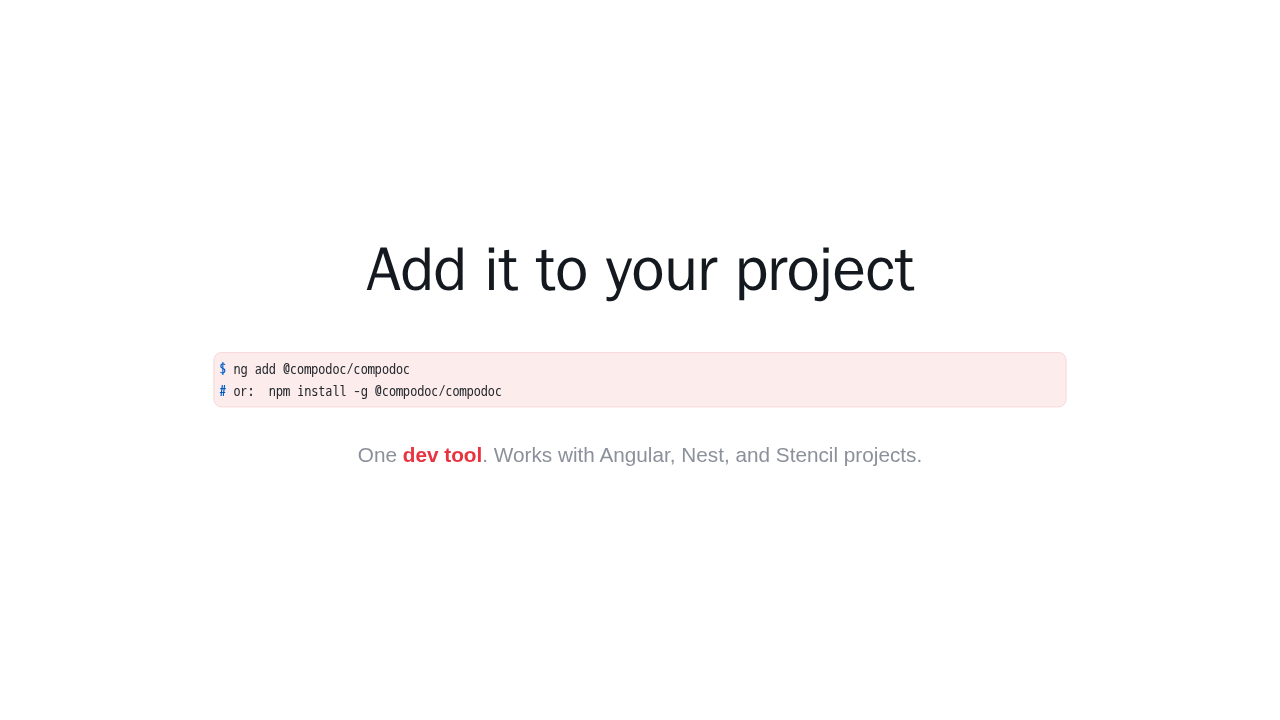
ng add → compodoc -s → full docs siteStart by adding Compodoc to your project. With the Angular CLI it is a single command, or a one line npm install. It is one dev tool, and it also supports Nest and Stencil projects.
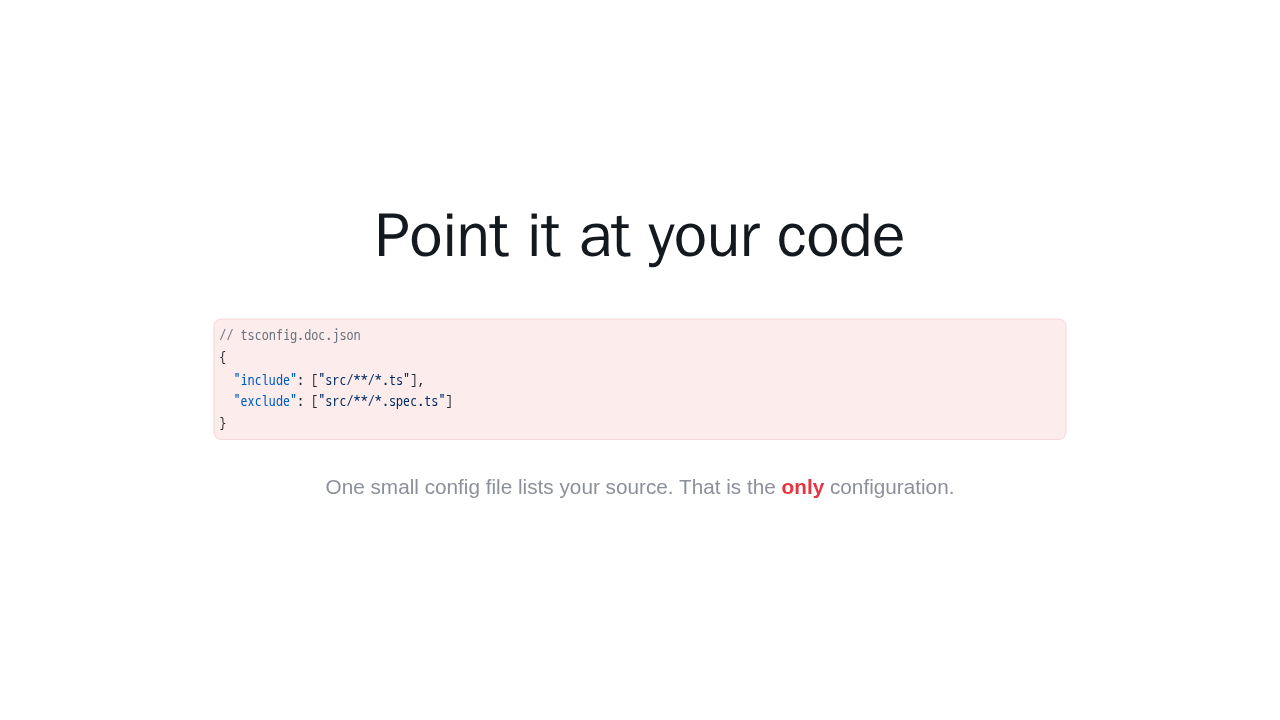
Next, point Compodoc at your code. You add one small config file that lists your source folder. That is the only configuration, and there is nothing else to wire up.
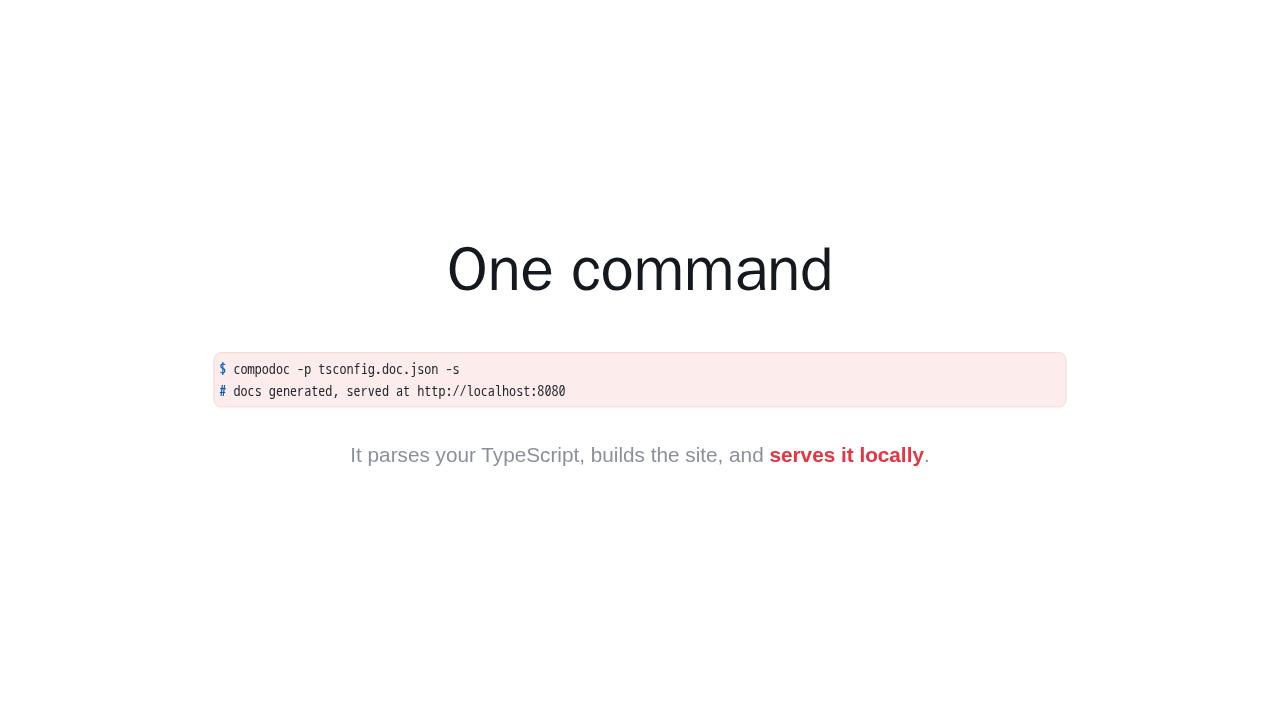
Now run Compodoc with that config, and pass dash s to serve. It parses your TypeScript, builds the whole site, and hosts it at localhost port 8080. One command, and your docs are live.
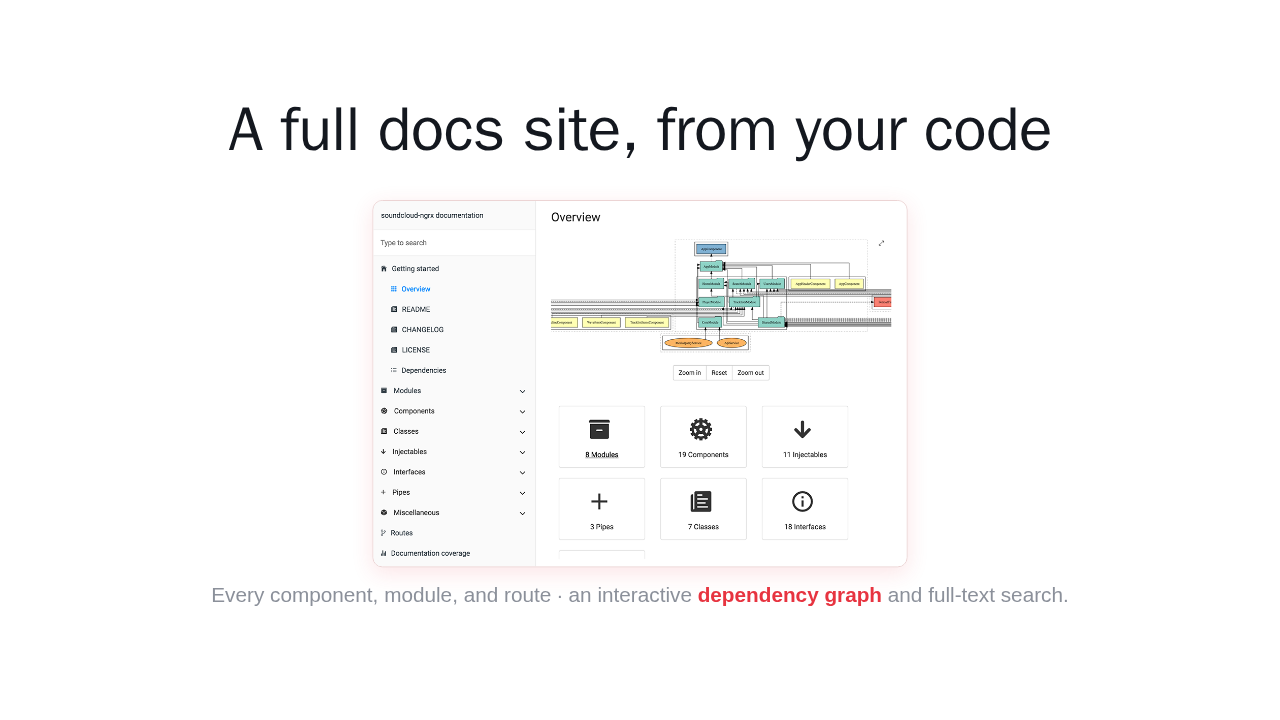
Here is what you get. A full documentation site covering every component, module, injectable, and route, an interactive dependency graph, and instant search across all of it. Every page is generated from your code, so it stays in sync as your app changes.
Slide text

Every component, module, and route · an interactive dependency graph and full-text search.
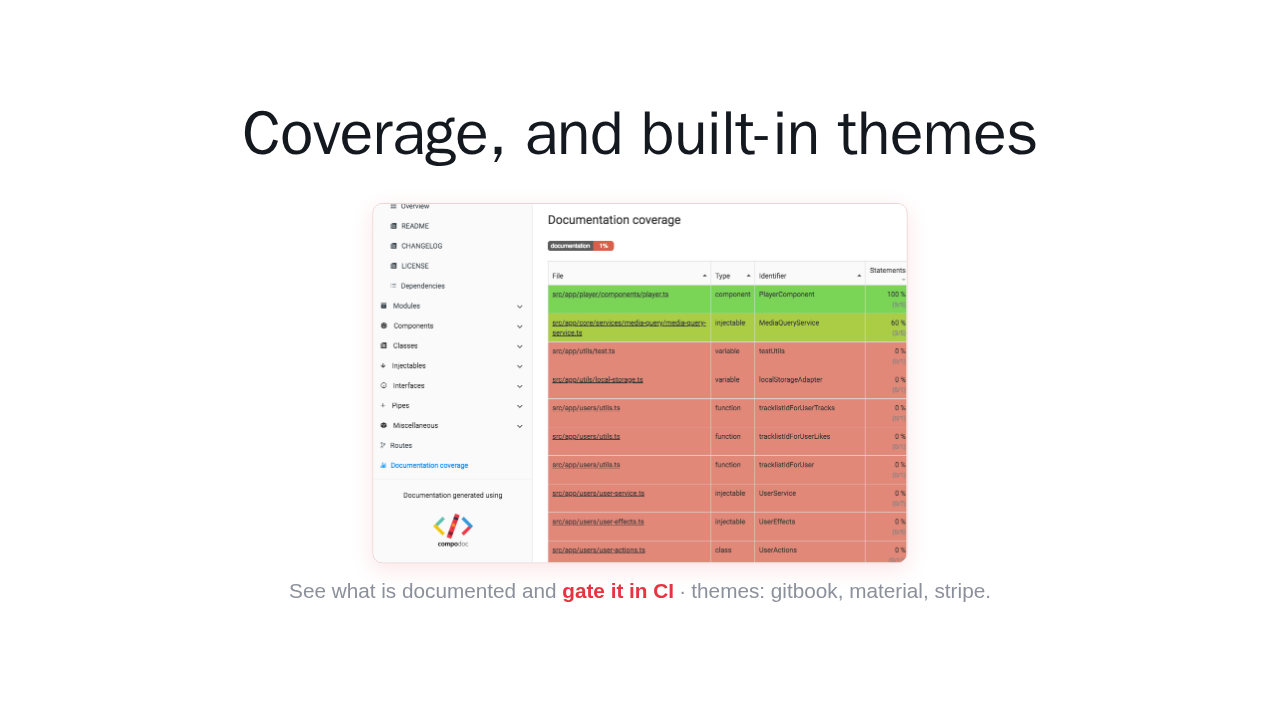
There is more under the surface. Compodoc measures your documentation coverage, so you can see exactly what is documented and gate it in your CI. And it ships with built in themes, including gitbook, material, and stripe, so the docs can match your project.
Slide text

See what is documented and gate it in CI · themes: gitbook, material, stripe.
That is Compodoc. Point it at your Angular, Nest, or Stencil code, run one command, and get a complete, searchable docs site you never have to write by hand. It is open source and free. Get started at compodoc dot app.
Up next
 2:03
cargo-nextest · a next-generation test runner for Rust
@github
4 months ago
 1:35
mq · jq, but for Markdown
@github
4 months ago
 1:24
Mimesis · realistic, locale-aware fake data in one line
@github
4 months ago
 1:38
pikepdf · open, edit and repair PDFs in Python, losslessly
@github
4 months ago
 1:22
tfswitch · the right Terraform version, automatically
@github
4 months ago
 1:21
PyPDFForm · fill a PDF form in Python in a few lines
@github
4 months ago
 1:35
MCP-UI - interactive apps for MCP tools
@github
4 months ago
 1:39
workmux - parallel coding agents in isolated worktrees
@github
4 months ago
 1:33
Pumpkin - start a Rust Minecraft server
@github
4 months ago
 1:39
Bifrost - your first reliable AI gateway
@github
4 months ago
 1:39
Honcho - memory that reasons across sessions
@github
4 months ago
 1:56
agentgateway · one governed proxy for your agent traffic
@github
4 months ago