Slide 1
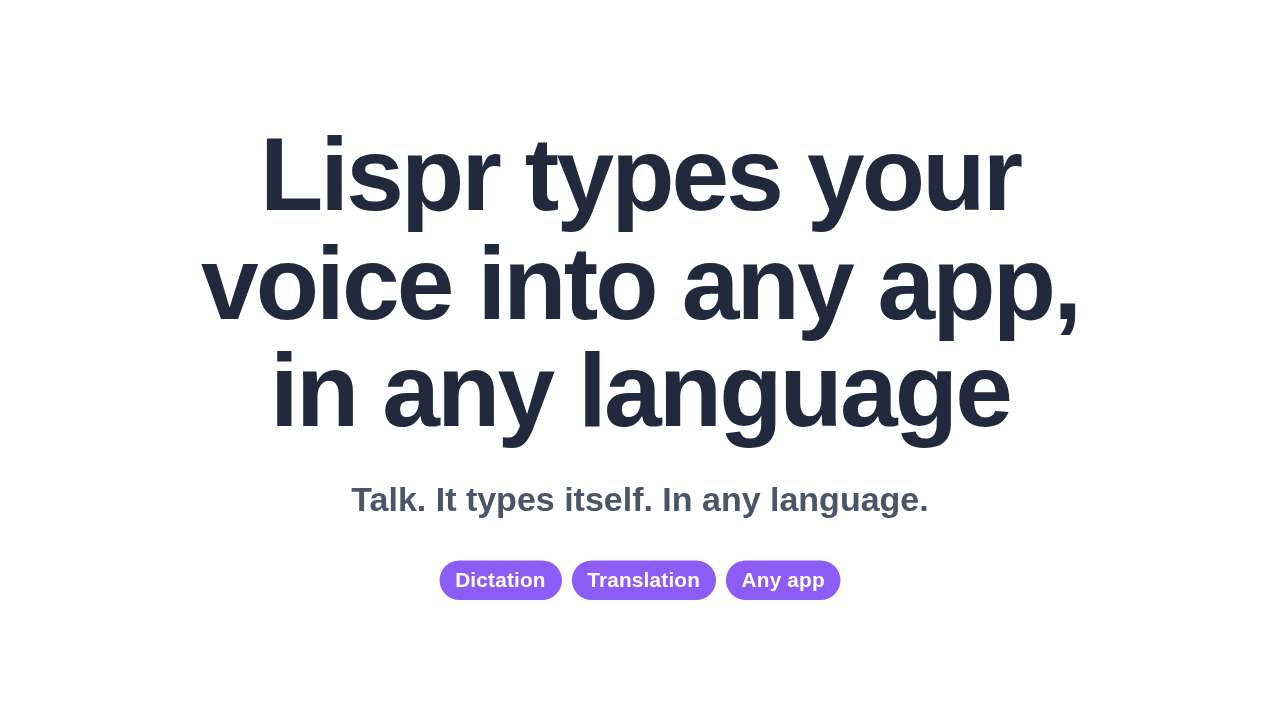
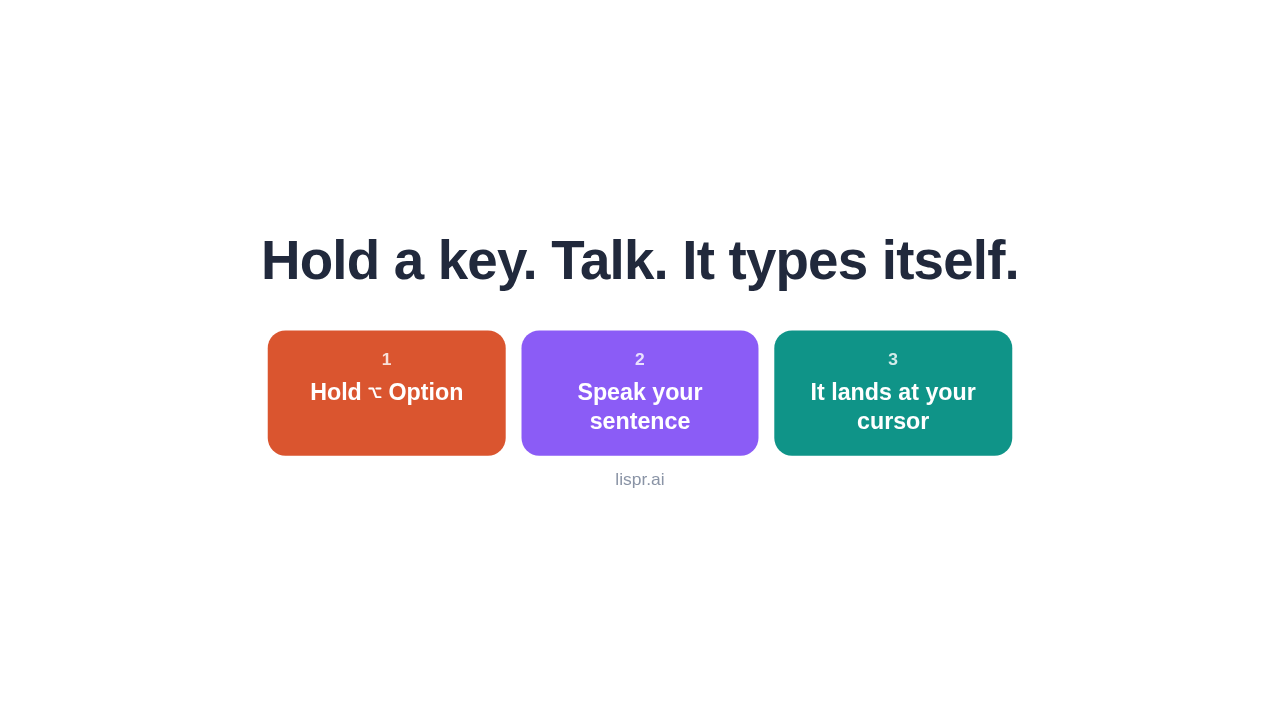
Hold one key and talk. Let go, and your words are already typed, right where your cursor was, in any app.
Hold a key. Talk. It types itself.
It's called Lispr. Hold the Option key, say your sentence, and let go. The text lands at your cursor. No window pops up, nothing to copy or paste. If you type all day, it just types for you.
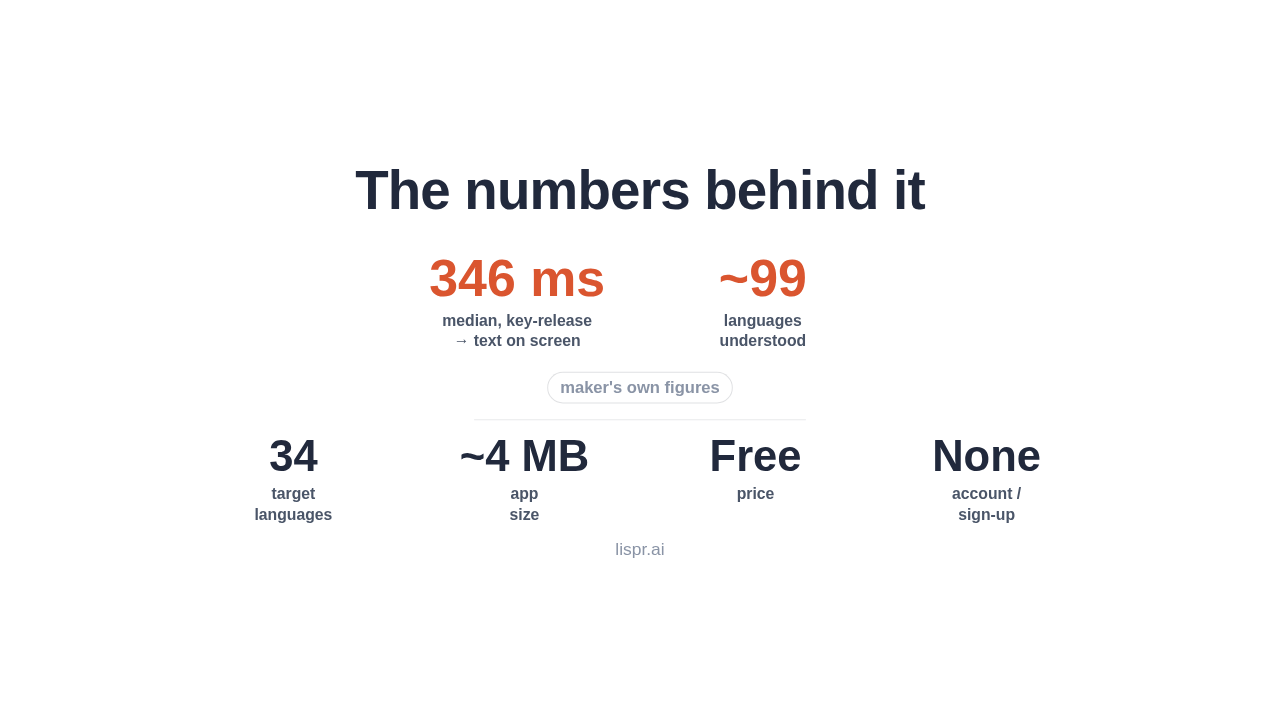
The numbers behind it
→ text on screen
understood
languages
size
sign-up
The maker says it's quick: about three hundred and forty-six milliseconds from letting go to seeing your words on screen. And the whole app is only around four megabytes.
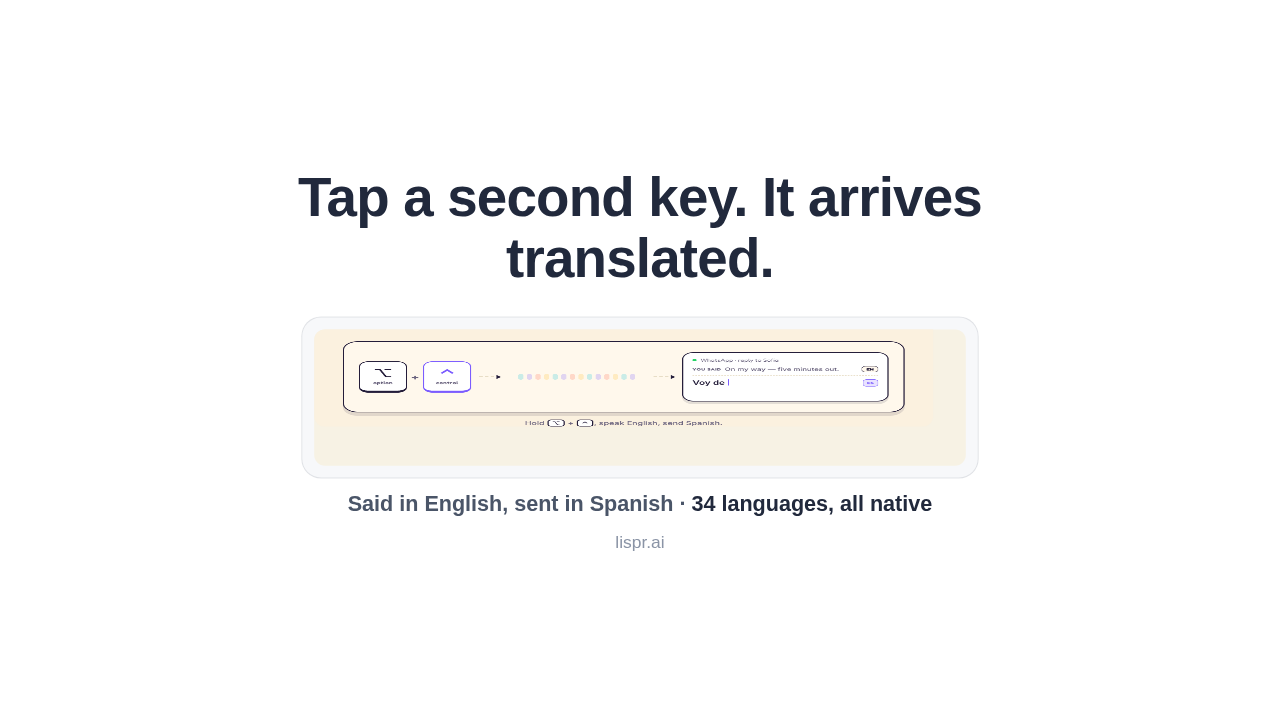
Tap a second key. It arrives translated.
Now the part built-in dictation can't do. Keep talking, tap Control, and the same sentence lands translated. Say it in English, and it arrives in Spanish, right in the chat. Thirty-four languages, all native.
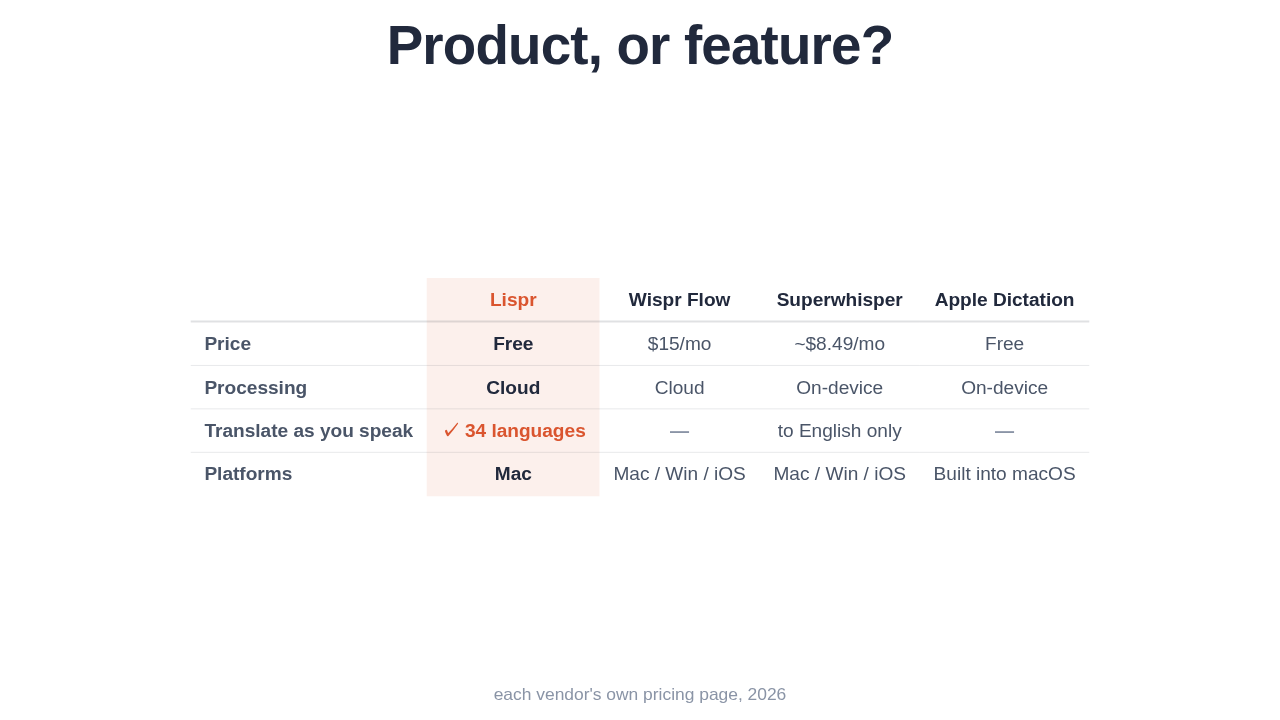
Product, or feature?
| Lispr | Wispr Flow | Superwhisper | Apple Dictation | |
|---|---|---|---|---|
| Price | Free | $15/mo | ~$8.49/mo | Free |
| Processing | Cloud | Cloud | On-device | On-device |
| Translate as you speak | ✓ 34 languages | — | to English only | — |
| Platforms | Mac | Mac / Win / iOS | Mac / Win / iOS | Built into macOS |
So is this a real product, or a feature? Plain dictation is a feature. Your Mac already does it, and paid apps do too. What none of them do for free is translate as you speak.
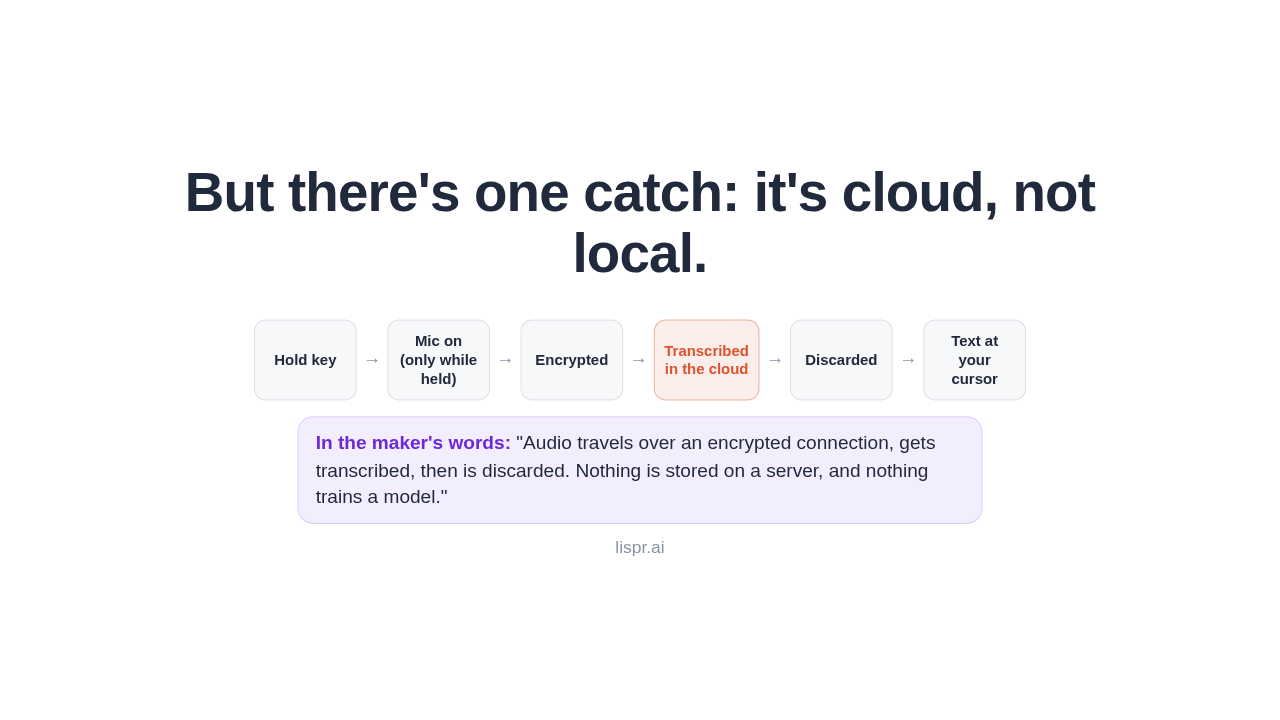
But there's one catch: it's cloud, not local.
(only while held)
in the cloud
your cursor
But there's one catch: this runs in the cloud, not on your device. The maker says that's what makes it fast. Your audio is encrypted, then discarded. Still, if you need everything to stay local, this isn't it.
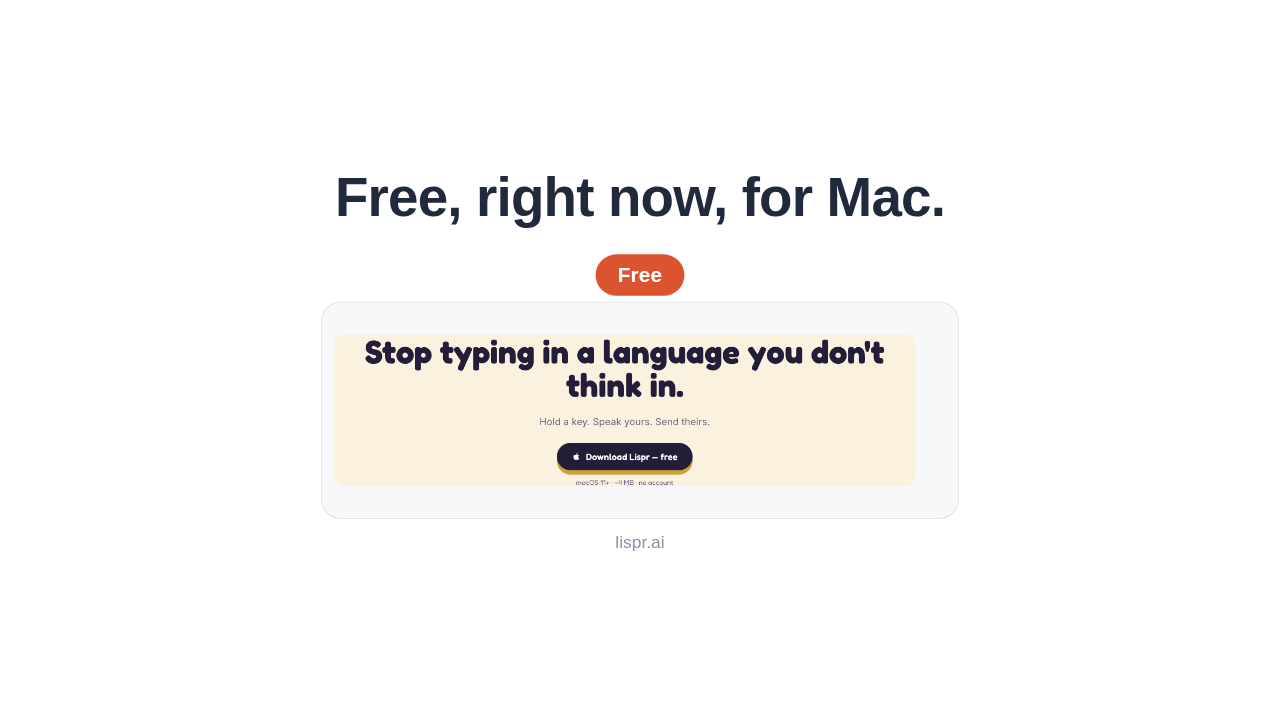
Free, right now, for Mac.

It's free, right now, for Macs on Big Sur or newer. No account, nothing to sign up for. It's built by Konstantin Karpushin and his team at Codebridge.
Slide 8
So: a free voice keyboard whose real trick is translation. Worth a look if you write in more than one language.