Gotcha: say it, and your Android phone does it

Gotcha
Ask your phone to set a timer, and it will. Ask it to go into your apps and do the thing you wanted, and you get a web search. Your phone is smart enough. It just cannot reach your apps. Gotcha is an Android app that reaches them.
One request, and it works your real apps
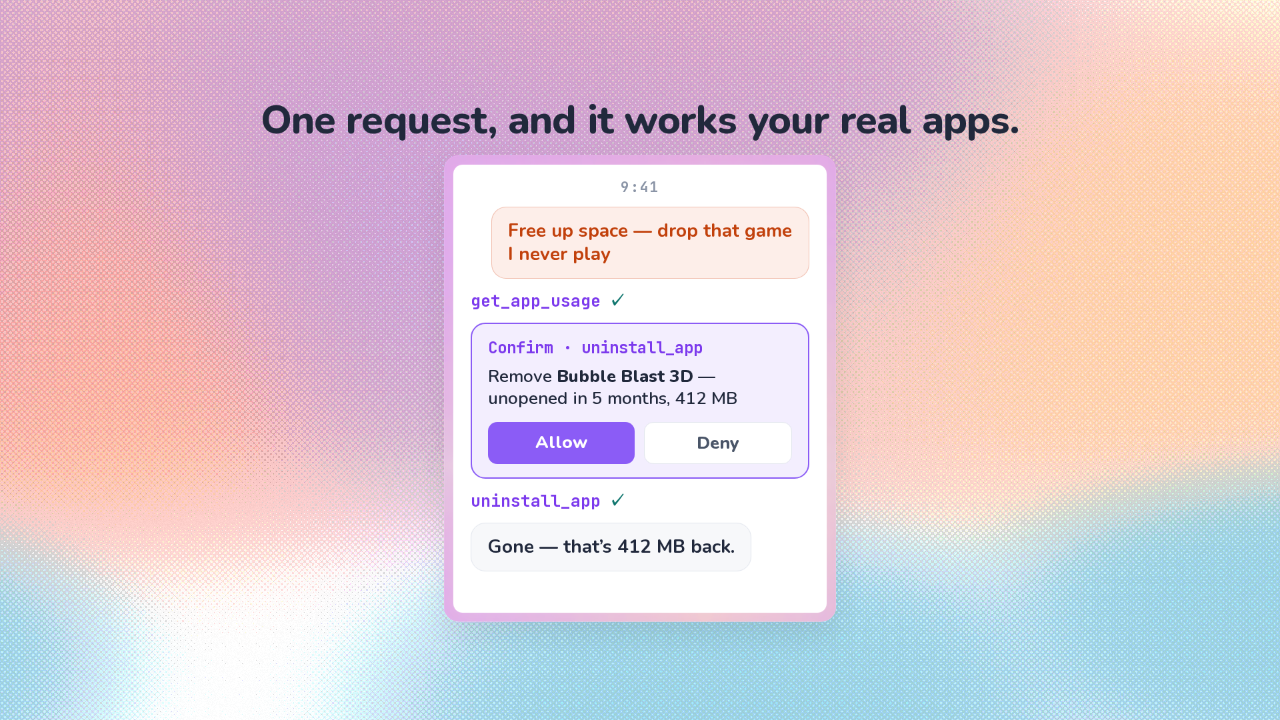
One request, and it works your real apps.
You ask for space back, and say to drop the game you never play. Gotcha checks which apps you actually use. Then it stops and asks you to confirm the game it picked. You tap Allow. The game goes, and Gotcha tells you how much space you got back.
No commands to learn: you say what you want
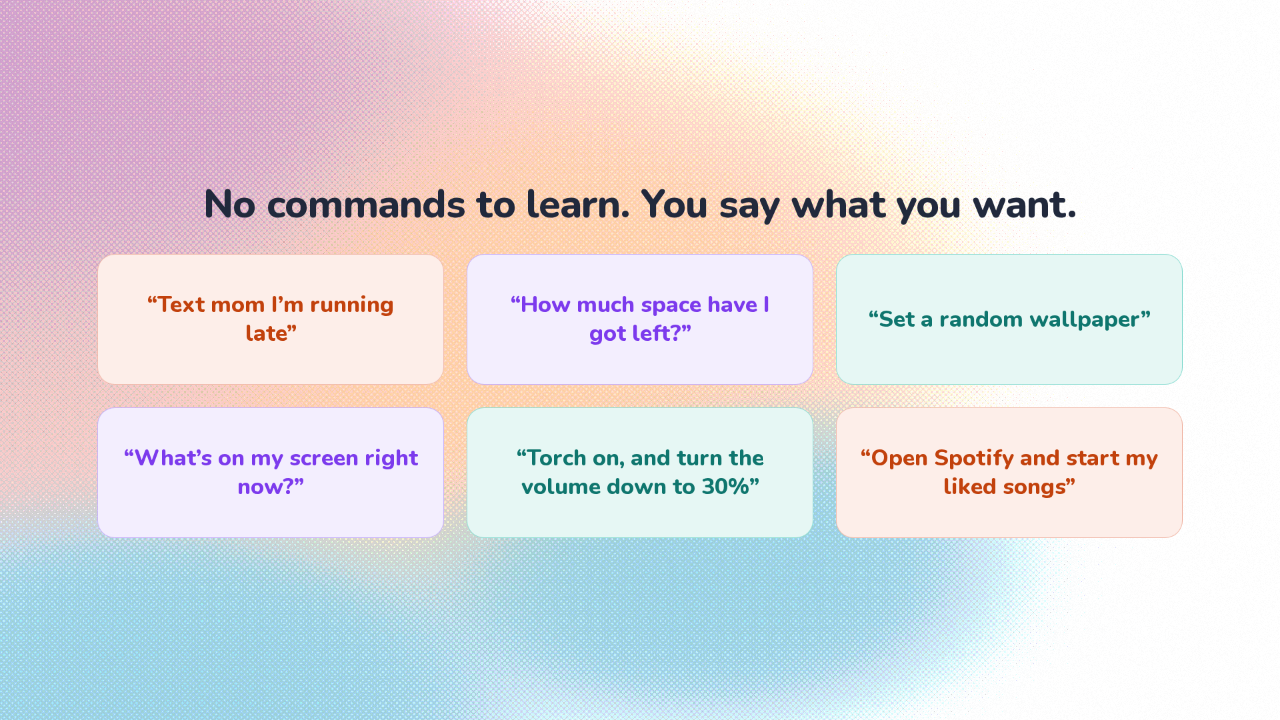
No commands to learn. You say what you want.
Gotcha is for anyone whose phone is already full of the apps they use every day. You say, text mom I'm running late. Or, open Spotify and start my liked songs.
It reads and taps your screen the way a screen reader does
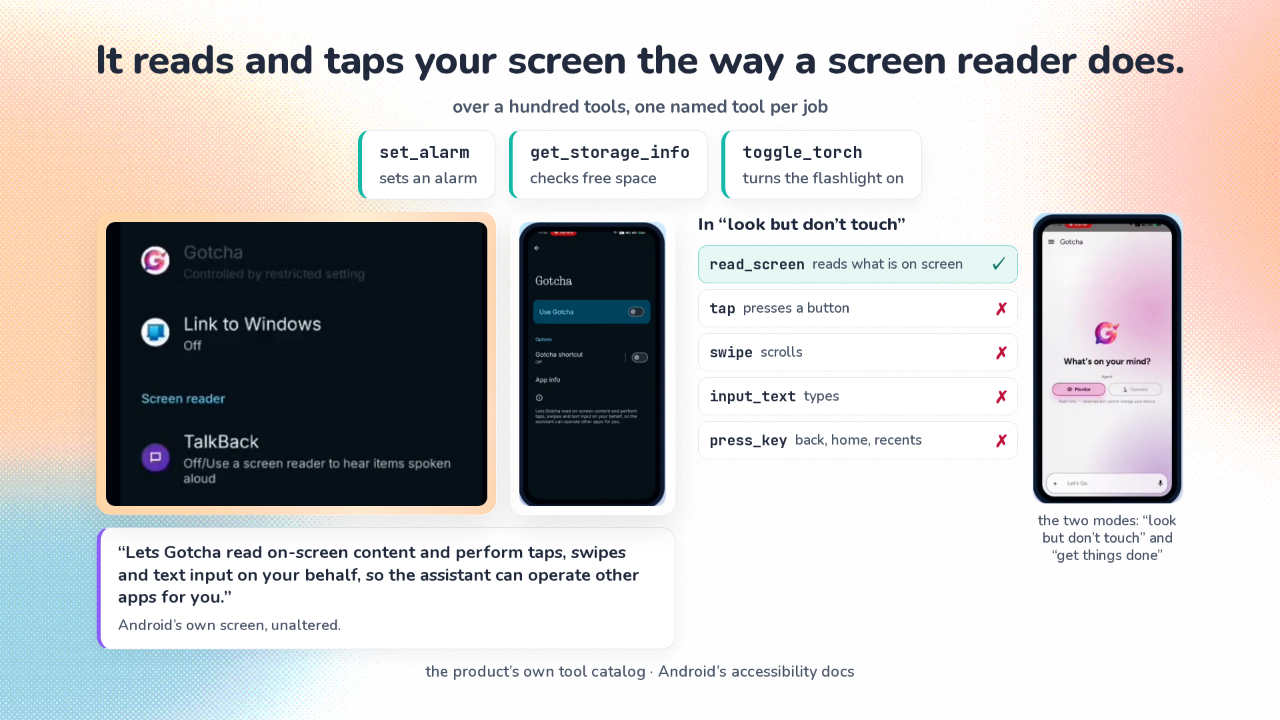
It reads and taps your screen the way a screen reader does.

Everything Gotcha can do is written into the app as a fixed list. That list holds over a hundred tools. Each tool is one thing Gotcha is allowed to do on your phone: set an alarm, turn on the torch. The AI picks from that list and cannot add to it. A handful of those tools read what is on your screen, and press it. Those tools run on the part of Android built for helper apps like screen readers, which read a page aloud and press the buttons for someone who can't see them. That is the reach your phone was missing. That reach is why there are two modes. One gets things done. The other is look but don't touch. In that mode Gotcha still reads your screen, and switches off every tool that presses it. Gotcha checks that before a tool runs.
Four actions always stop and ask
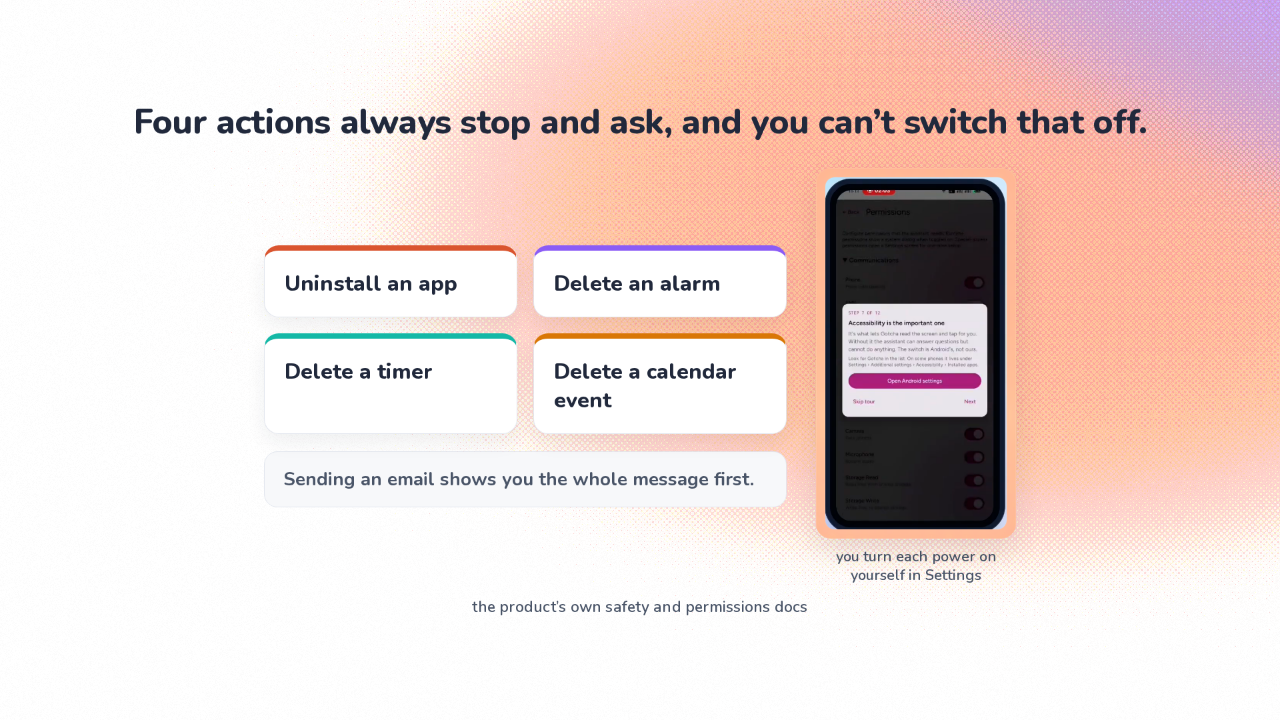
Four actions always stop and ask, and you can’t switch that off.
For ordinary actions there is no Allow or Deny popup. The maker took it out on purpose. Their reasoning: consent belongs where you can read it calmly, instead of a dialog you learn to tap through mid task. So you turn on each power yourself, once, in Settings. And a short list of things you cannot undo still stops every time, whatever you have switched on.
You install it yourself
Play doesn’t allow apps that control other apps, so you install it yourself.
So, product or feature? Product. But Gotcha never arrives through the Play Store, where Android apps normally come from. Gotcha is free. The code is public. And it needs something to think with. Sign in to the maker's own service to start, or point it at an AI service or a computer of your own. Built by Rishabh Bajpai and Durganshu Mishra.
It works your apps the way you would
Your phone was always smart enough. Gotcha gives it the reach, in the apps you already have.