
Ododok counts every chew with the AirPods you already own

Ododok
Your AirPods can feel you chew. The same motion sensors that track which way your head is turned can pick up the small jaw movement every bite makes. Ododok is a free iPhone app that reads that movement. While you eat, it counts each chew, live.
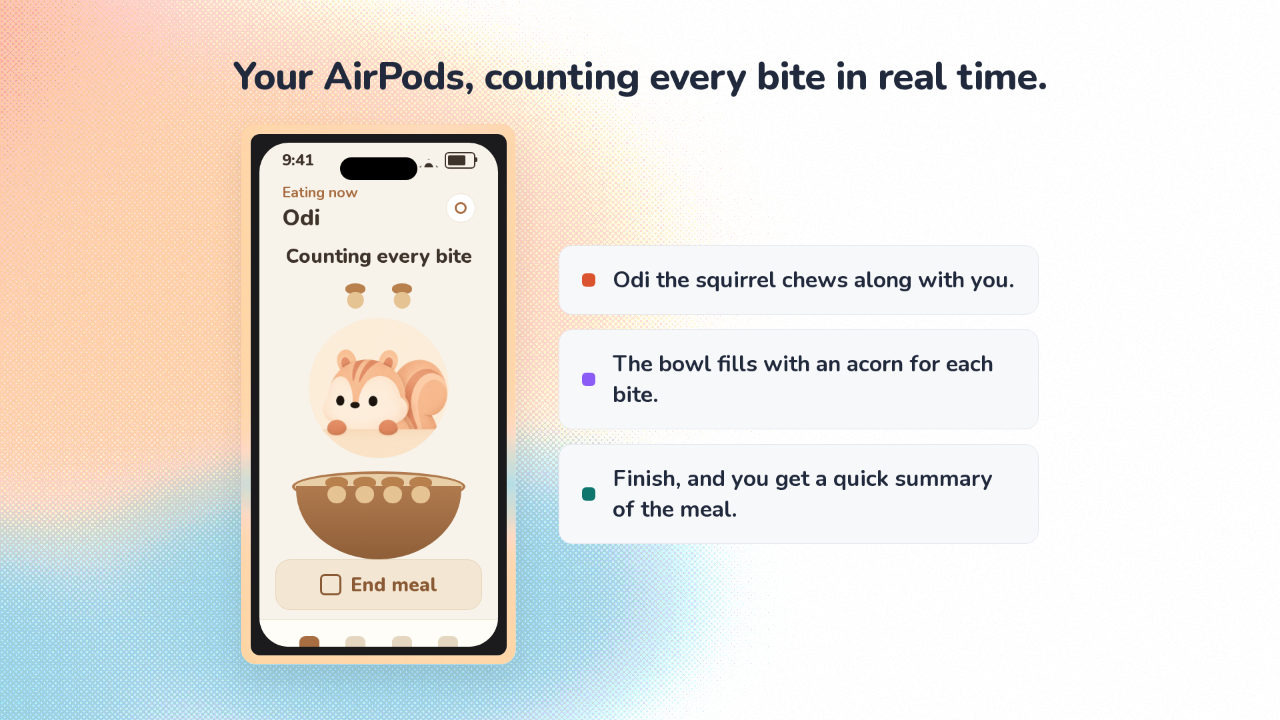
Your AirPods, counting every bite in real time
Your AirPods, counting every bite in real time.
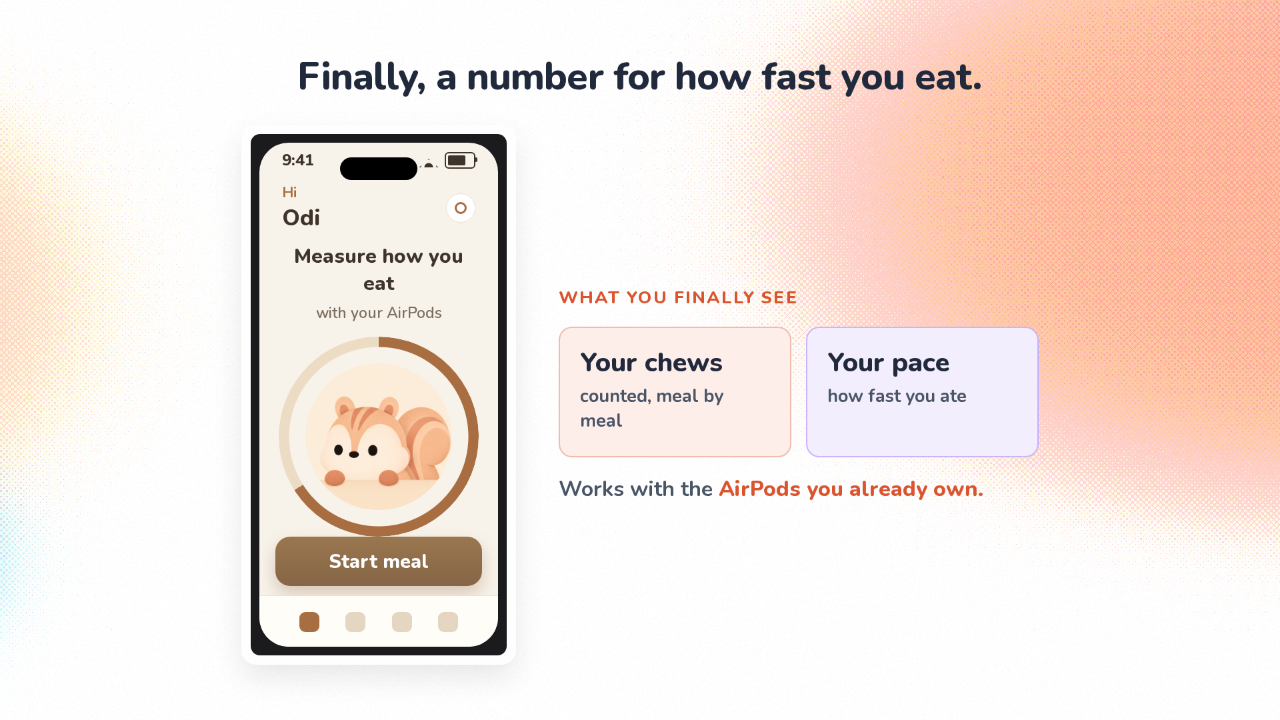
You put your AirPods in, tell Ododok you’re starting a meal, and start eating. On screen, a squirrel named Odi chews along with you, filling a bowl with acorns. When you finish, Ododok hands you a quick summary of how fast that meal went.
Finally, a number for how fast you eat
Finally, a number for how fast you eat.
Slowing down at meals is advice you have heard your whole life. But you finish a meal with no idea how fast you actually went. Ododok gives you a real number: how many times you chewed, and how quickly. Anyone with recent AirPods can use it.
Chewing shows up in your AirPods' motion
Chewing shows up in your AirPods’ motion.
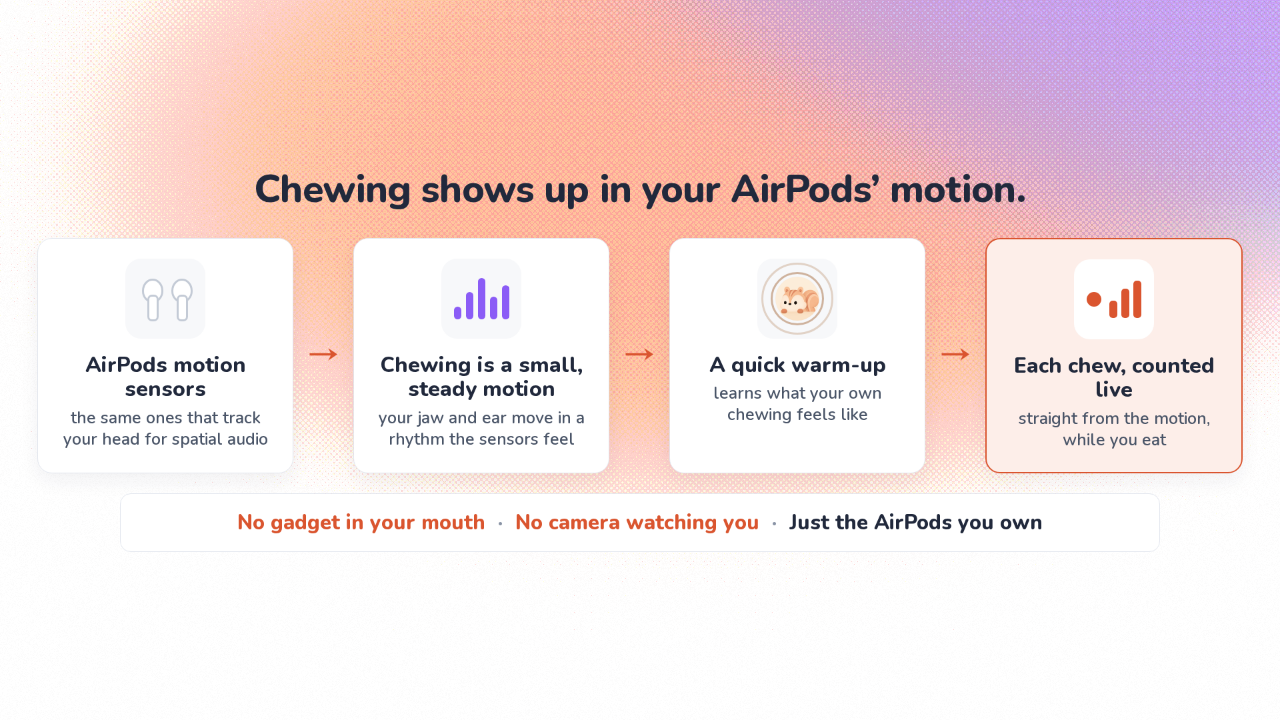
Here is the actual trick. Recent AirPods carry tiny motion sensors. Normally, those sensors power spatial audio, the feature that keeps sound in one spot when you turn your head. Apple also lets apps read that same motion. When you chew, your jaw and ear move in a small, steady rhythm, and the sensors feel it. So you need no gadget in your mouth and no camera watching you eat. Ododok reads the AirPods you already own. Everyone chews a little differently, so Ododok first runs a short warm-up to learn what your chewing feels like. After that, it counts each chew live, straight from the motion.
The game is what makes it stick
The game is what makes it stick.
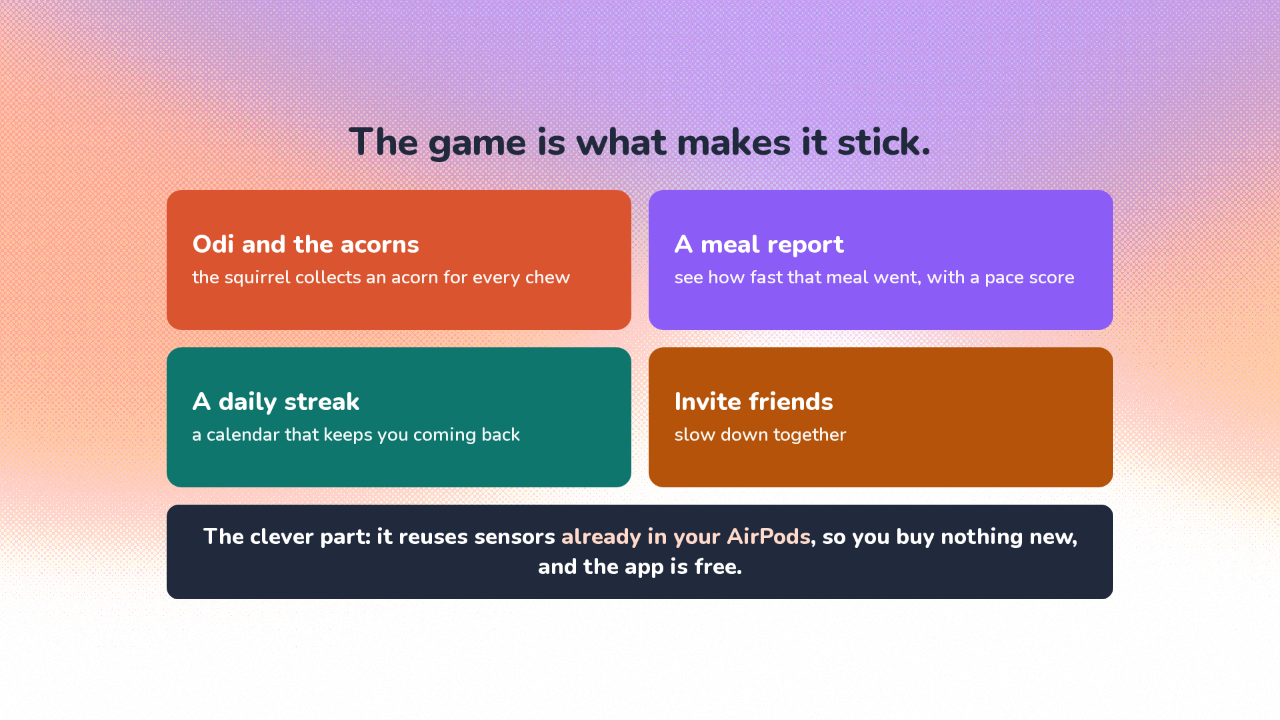
On its own, a chew counter is a novelty. So Ododok makes it a game: Odi collects acorns as you chew, and a daily streak keeps you coming back. The clever part is the detection. Ododok reuses sensors Apple already put in your AirPods, so you buy nothing new, and the app is free. The maker’s bet is that slowing down is good for you. Ododok shows you your pace.
Free on iPhone, with recent AirPods
Free on iPhone, with recent AirPods.
Ododok is a free iPhone app, made by Sungho Choi. You’ll need a recent iPhone, and AirPods that carry motion sensors. That means AirPods Pro, or the third or fourth generation AirPods. Right now, it’s live only in the Korea and Japan App Stores, so most people can’t install it from their own store yet.
Your AirPods can count how fast you eat
Ododok
So the earbuds already in your ears can tell you how fast you eat. Ododok turns that into a chew count, and a game.