

StepGrab turns any Mac task into a step-by-step guide

StepGrab
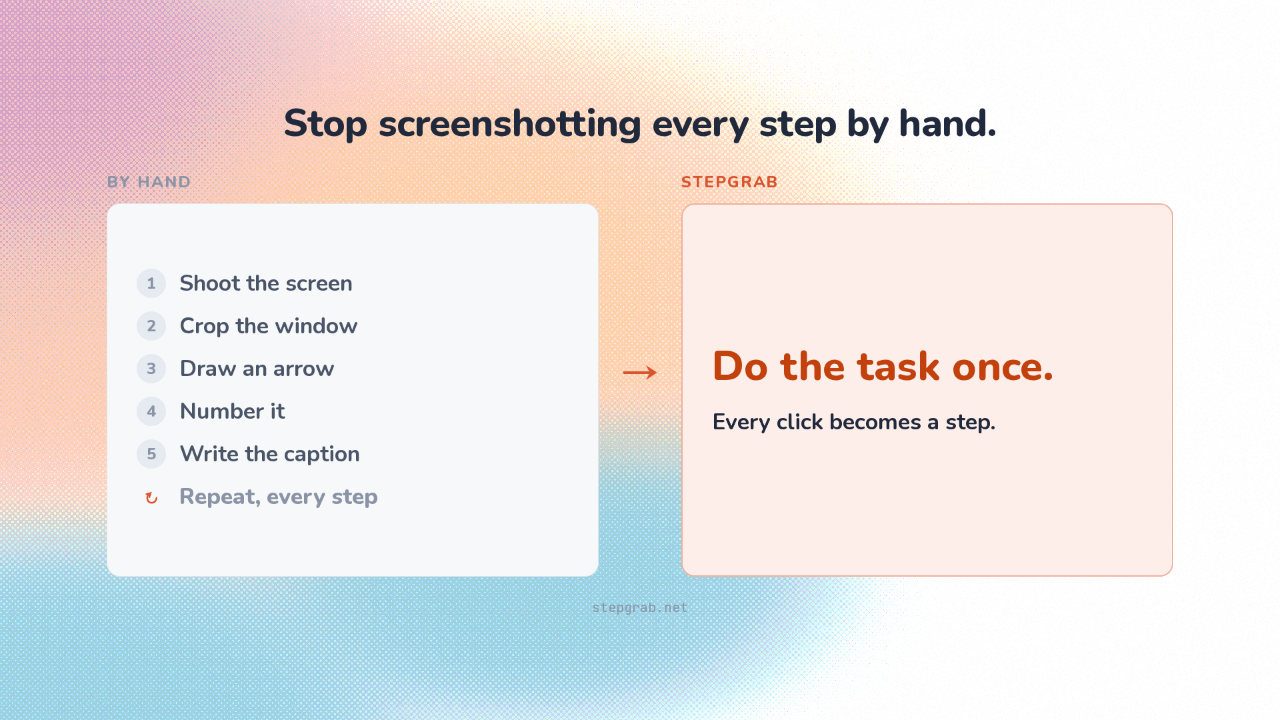
Writing a how-to guide is the same busywork every time. Screenshot, crop, draw an arrow, number it, repeat. StepGrab does all of that for you. You run through the task once, and every click becomes a step.
A finished how-to guide, built from your clicks
A finished how-to guide, built from your clicks.
StepGrab lives in your Mac’s menu bar, the row of icons at the top of the screen. You pick a window, click through your task, and it hands you a finished guide, ready to share.
Stop screenshotting every step by hand
Stop screenshotting every step by hand.
You’re forever explaining how something works. Onboarding a hire, a support reply, or walking a parent through their laptop. That used to mean building the guide by hand. StepGrab is for anyone who has to show someone how.
Each click becomes a screenshot, an arrow, and a caption
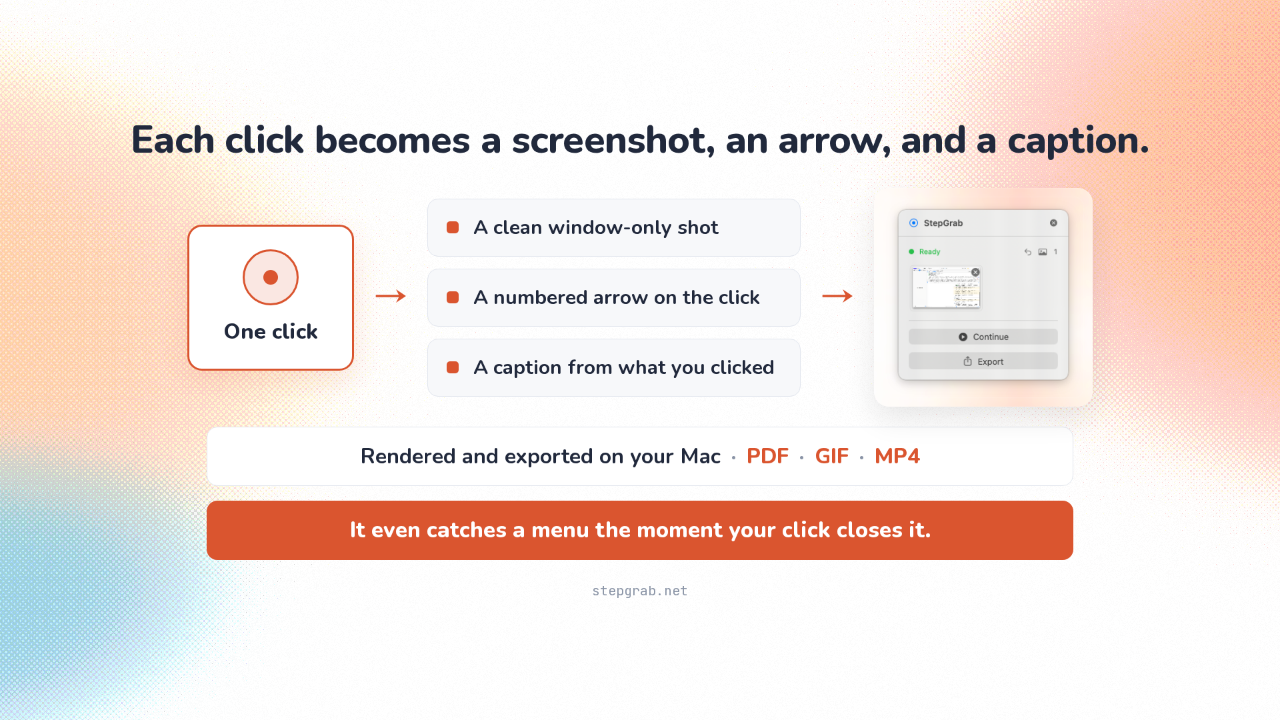
Each click becomes a screenshot, an arrow, and a caption.
You pick a window and hit start, and the menu-bar icon turns red. From then on, every mouse click sets off three things at once. StepGrab freezes a clean shot of just that window, no desktop, no clutter. It drops a numbered arrow right where you clicked, in your color and size. And it writes that step’s caption from what you clicked, on your Mac. One click becomes one finished step. The clever part. It even catches a menu or a drop-down at the exact moment your click closes it, the frame a plain screenshot would miss. Then it builds the whole guide on your machine and saves it as a printable PDF, a looping clip, or a full video.
All on your Mac, and yours for one price
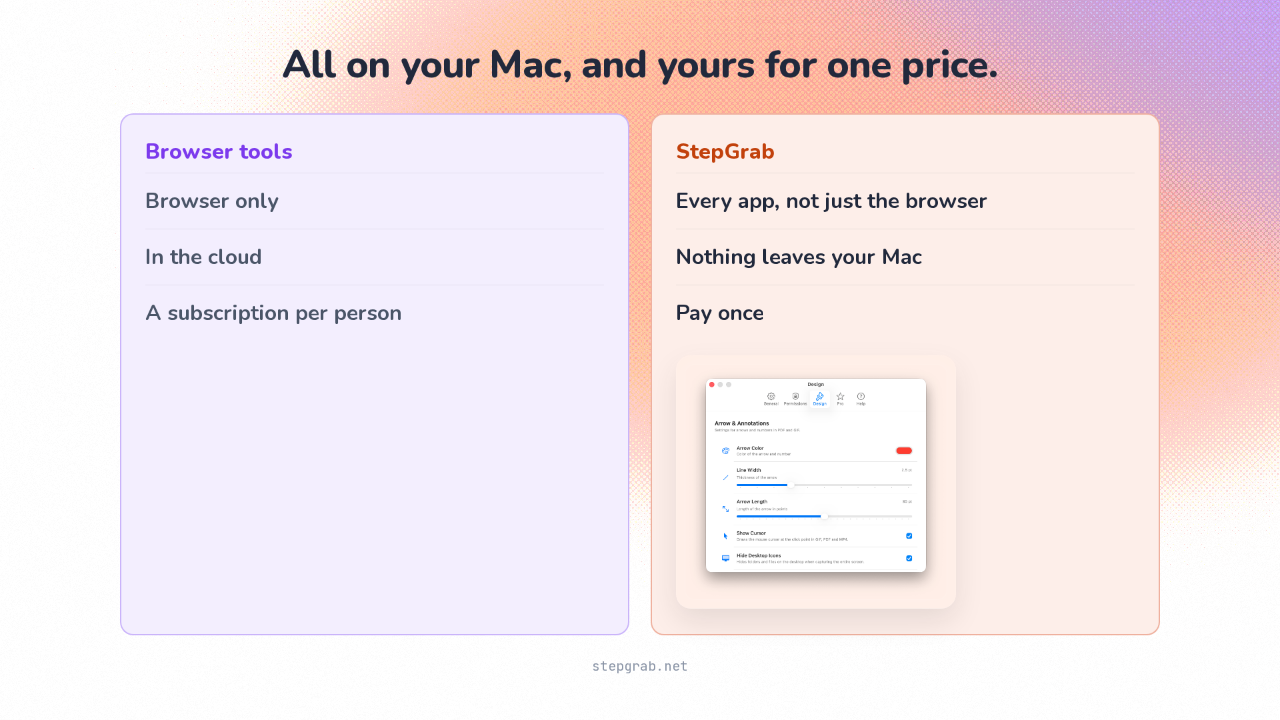
All on your Mac, and yours for one price.
What’s nice is it all happens on your own Mac. The screenshots and the finished guide never get uploaded, and you don’t need an account. Capturing steps this way isn’t new, but today’s tools are browser add-ons, stuck inside the browser and charging for every person on your team. StepGrab grabs any app on your Mac, runs offline, and you pay once. For pure web work a free add-on still competes. Everywhere else, this wins.
Free to try, about thirteen dollars a year, or forty-five once
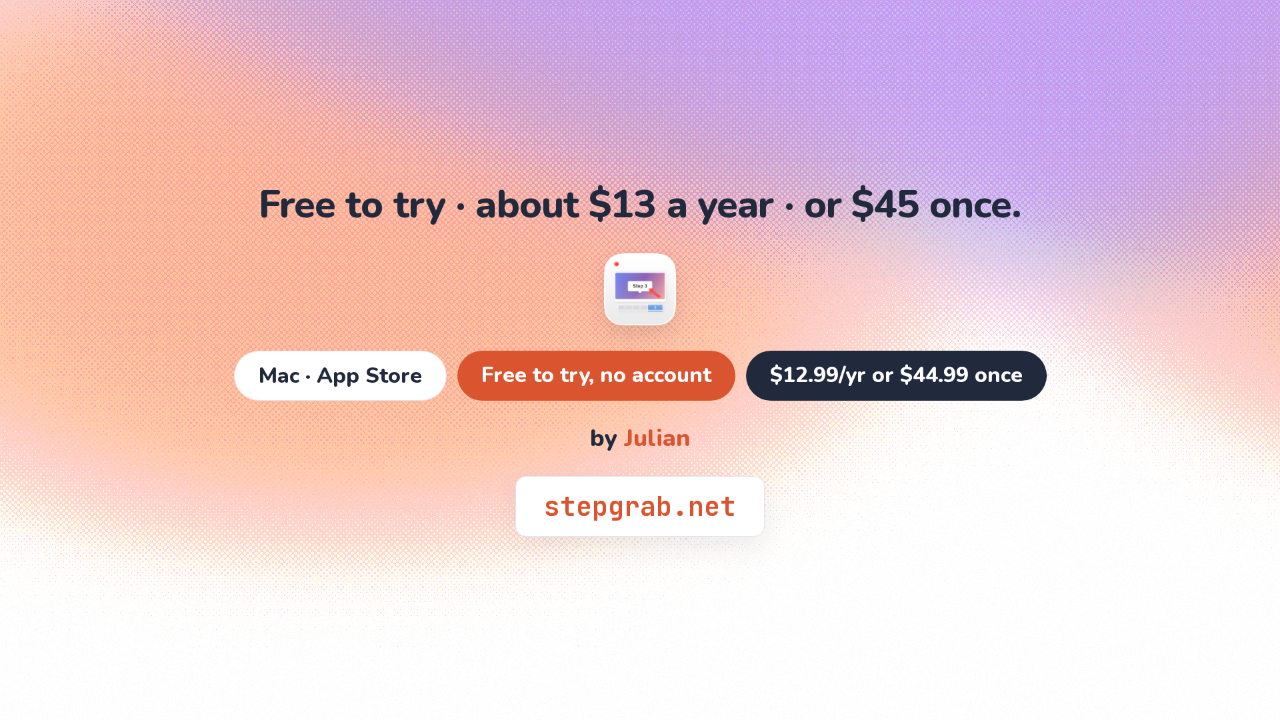
Free to try · about $13 a year · or $45 once.
StepGrab is a Mac app from the App Store, made by a developer named Julian. There’s a free tier, no account needed. Pro is about thirteen dollars a year, or forty-five dollars once to own it.
Do the task once. The guide builds itself
StepGrab
Next time you need to show someone how, don’t screenshot a thing. Run through it once, and you’ve got your guide.