Claude Cowork drafts the 1:1 agenda from last week's notes
1 month ago
A people manager walks into this meeting every week. Last week’s notes are still sitting there. Claude Cowork reads those notes and drafts this week’s page. A one-on-one agenda is the one-page list a people manager walks into the weekly meeting with. Last week’s open items sit on that list. This week’s calendar sits on that list too. Ship the API stub fills from last week’s notes. A talk about a promotion stays empty. Thursday’s overlap with engineering all-hands stays flagged. The slow part is rereading last week’s notes on the clock. Then you decide. What still belongs on this week’s page?
Ask about this presentation
Chapters
 0:00Claude Cowork drafts the 1:1 agenda from last week’s notes
 0:32Claude Cowork reads and writes only the folder you connect
 1:15A 1:1 agenda is a carry-forward ledger plus a calendar constraint
 2:16Carry-forwards come from last week’s notes. New asks stay blank
 2:54Claude writes a one-page agenda into the same folder
 3:19The draft carries ship the API stub and leaves the promotion talk empty
 3:51The people manager still decides every new commitment
 4:27Invented commitments, HR files, and calendar cancellations stay off Claude
 5:21This 1:1 packet: 8 minutes by hand, 3 minutes with Cowork drafting
 5:41You walked in without rereading last week’s notes on the clock
Show transcriptHide transcript
A people manager walks into this meeting every week. Last week’s notes are still sitting there. Claude Cowork reads those notes and drafts this week’s page. A one-on-one agenda is the one-page list a people manager walks into the weekly meeting with. Last week’s open items sit on that list. This week’s calendar sits on that list too. Ship the API stub fills from last week’s notes. A talk about a promotion stays empty. Thursday’s overlap with engineering all-hands stays flagged. The slow part is rereading last week’s notes on the clock. Then you decide. What still belongs on this week’s page?
Claude Cowork is Anthropic’s desktop workspace. Claude Cowork can read and write files in folders you connect. Paid Cowork runs on Pro, Max, Team, or Enterprise. This walk uses Claude Desktop, open and connected. You create a Cowork Project from an existing folder on the computer. A Cowork Project is a dedicated workspace with its own folder, its own instructions, and its own memory. Memory stays inside that project. A project created from a local folder stays on that computer. Anthropic does not save that project to the Claude account. Approval on this project is Manually approve: you click Allow before Claude writes. Anthropic’s help page says scheduled tasks cannot be tied to a folder on your computer. This walk is an on-demand Cowork run. Cowork also runs on the web and on the phone. Those surfaces reach local files only through Desktop.
A one-on-one agenda is a carry-forward ledger plus a calendar constraint. Last week’s notes name what was promised. This week’s calendar dump names what will not fit. Claude reads the notes. Claude lists items that were still open. Those items are carry-forwards. A carry-forward is an item last week’s notes still listed as open. A carry-forward stays on this week’s agenda until the manager closes it. Claude checks the calendar dump for collisions. Claude drafts a one-pager. Claude finds an ask with no line in last week’s notes. That blank is an invented commitment. An invented commitment is an ask that is not in last week’s notes. Claude leaves the invented commitment blank. The manager says the new ask in the room. Cowork Projects give the ledger and the skip list a physical shape. You connect one folder of last week’s notes plus this week’s calendar dump. Project instructions name the skip list. The skip list is the items Claude must leave blank. Invented commitments stay off. Performance files stay out. Claude extracts from that folder. The people manager owns the new commitments. The connected folder is last week’s record. The manager writes new commitments in the room.
Ship the API stub comes back as a carry-forward. Last week’s notes still listed that item as open. The promo conversation stays blank. Last week’s notes never recorded that talk about a promotion. Thursday at two p.m. overlaps engineering all-hands. Claude flags the overlap. The manager decides whether the one-on-one still happens. Claude can only read and write files in folders you have connected. That sentence is Anthropic’s. Anthropic’s safety page says the impact of a mistake is what Claude can read and what Claude is allowed to do. A dedicated working folder is the product’s recommended shape. Work Claude opens through Desktop is processed on Anthropic’s servers.
The packet is Priya, a people manager at Northglass Labs, and Sam, her direct report. You drop last week’s notes and this week’s calendar dump into the connected folder. The project instructions already name the skip list. Manually approve is on. You click Allow before Claude writes. Claude writes a one-pager into the same folder. Three carry-forwards come back filled from last week’s notes. One invented ask stays blank. That invented ask is the promo conversation. One calendar overlap is flagged.
You open the one-pager. Ship the API stub is filled. Last week’s notes still listed that item as open. Sam said the stub would land that week. The stub did not land. That line is a carry-forward. Review Sam’s on-call rotation draft is filled the same way. Confirm the staging deploy window with platform is filled the same way. The promo conversation stays blank. Last week’s notes never recorded a promo conversation. Thursday at two p.m. overlaps engineering all-hands from two p.m. to three p.m. The draft flags the overlap. The one-on-one is still on the page.
Claude extracts. The people manager owns the new commitments. Carry-forwards that are in the notes stay on the draft. Invented asks stay blank. A calendar collision is time pressure. The dump can say the manager is in a conflict. The notes still list the commitment. The manager decides whether that commitment stays. Anthropic does not lock those rows. The authority is the manager’s. You write the skip list into the project instructions. Then the output shows blanks. Here is where I’d stop and read every drafted line myself. Claude needs an explicit Allow before Claude permanently deletes a file. That prompt appears in every approval mode. Manually approve is the mode for this task.
Three things stay off Claude when it drafts your one-on-one agenda. Invented commitments stay off first. Last week’s notes never recorded a hiring plan for the third quarter. That line stays off the agenda. The manager says the new ask out loud. On this packet the invented ask is the promo conversation. That row stays blank. HR files stay off next. HR files are the people-team files for reviews, pay, and performance-improvement drafts. You grant a dedicated working folder of one-on-one notes plus a calendar export. You leave HR files out of that folder. Calendar as authority for people stays off last. The dump can say the manager is in a conflict. Time pressure is a human call. The notes still list the commitment. The manager decides whether that commitment stays. Anthropic’s safety page says scheduled tasks run when you are not watching. Anthropic’s help page says scheduled tasks cannot be tied to a folder on your computer. This job stays an on-demand run against local notes.
The same person prepped the same one-on-one twice. By hand from last week’s notes: eight minutes. That number is an estimate. With Cowork drafting, and the people manager owning invented asks and calendar calls: three minutes. That number is an estimate too. The three minutes include reading every drafted line. That reading is the job. The Cowork Desktop run was not recorded. Both of those minute counts are estimates.
Here is the agenda again. You walked into this week’s one-on-one without rereading last week’s notes on the clock. The folder was last week’s record. Every new ask stayed in your mouth. You connect one folder. You own the commitments.
Up next
 5:36
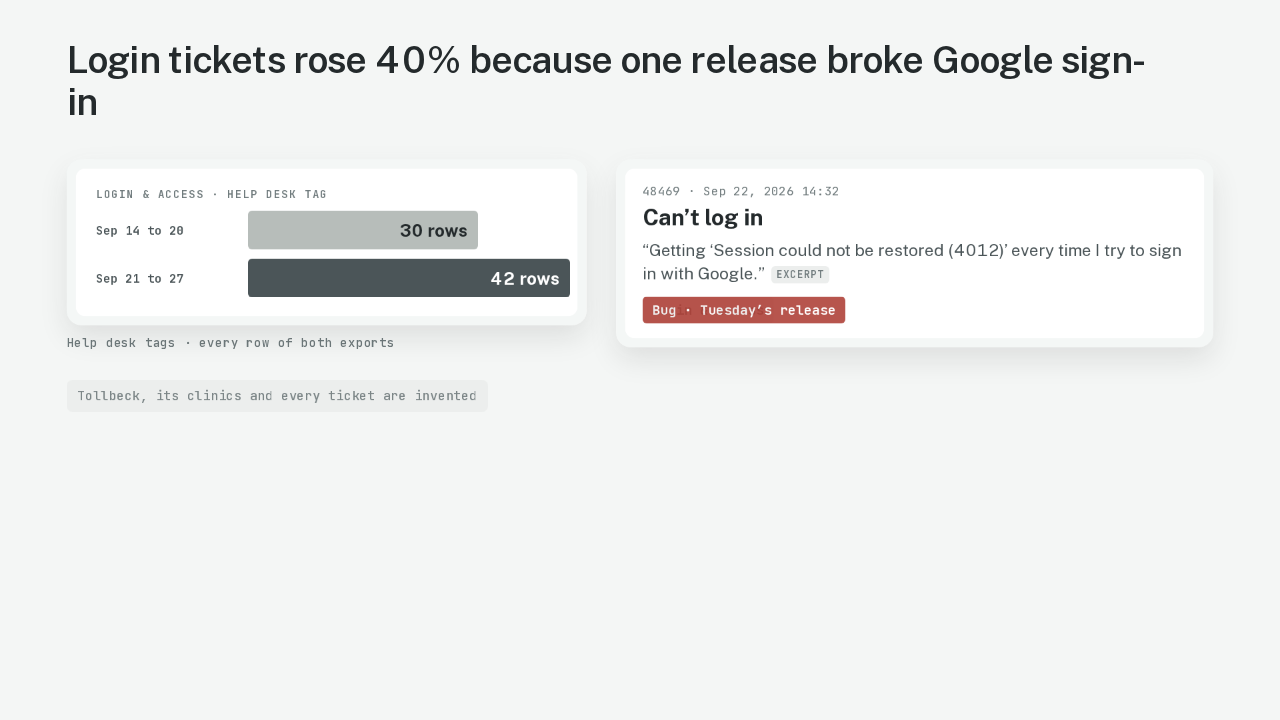
5:36Claude Docs writes the weekly support trends note
@ai-at-work · 4 weeks ago
 5:56
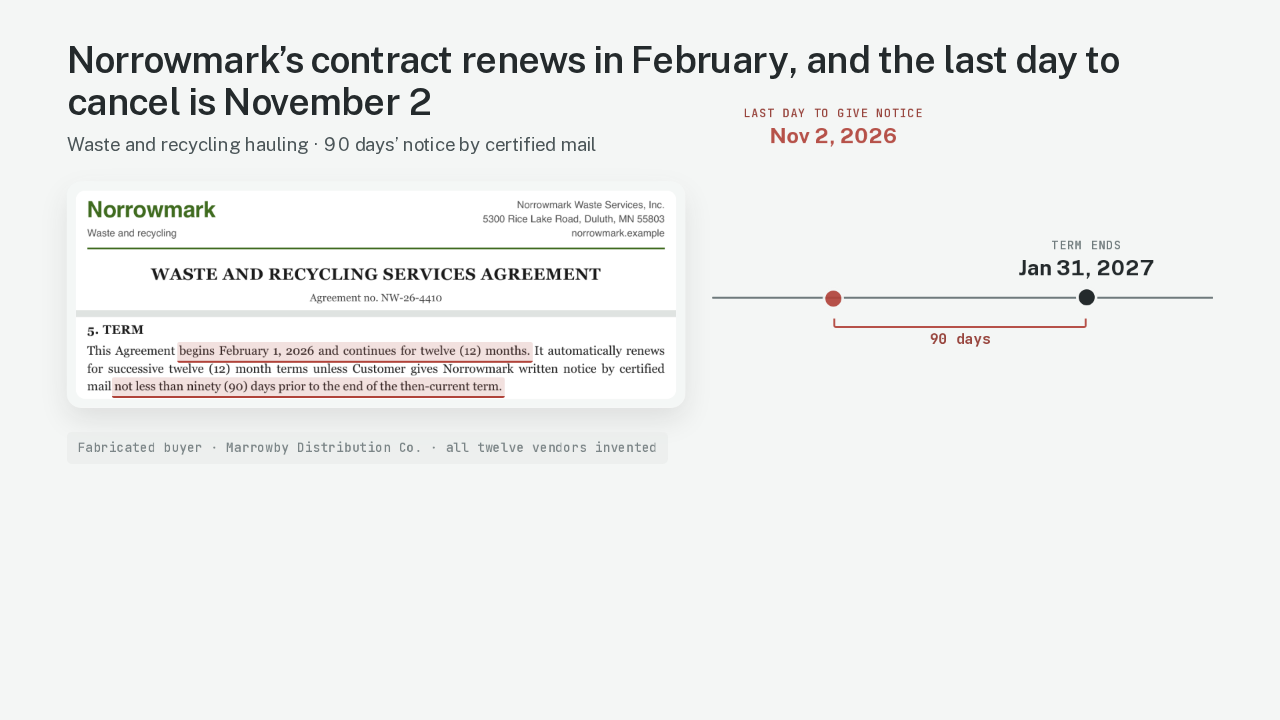
5:56Claude Docs finds the last day to cancel 12 vendor contracts
@ai-at-work · 4 weeks ago
 5:21
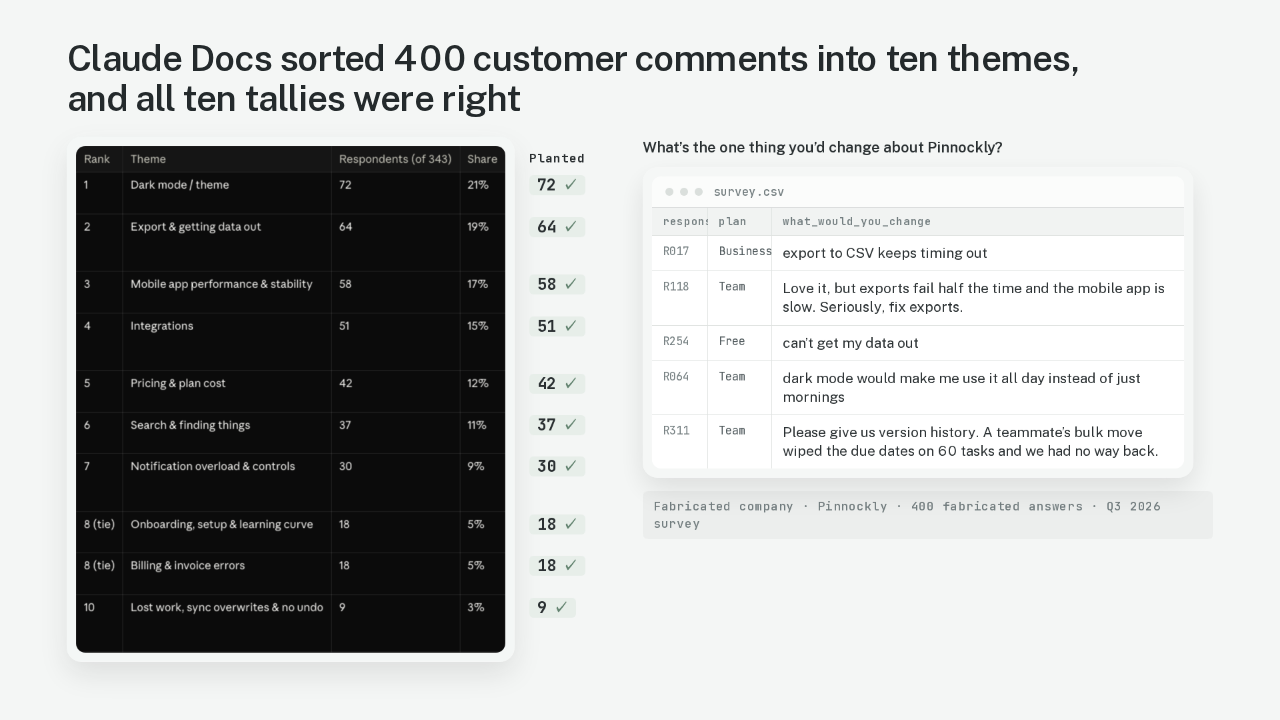
5:21Claude Docs counts the themes in 400 survey answers
@ai-at-work · 1 month ago
 5:49
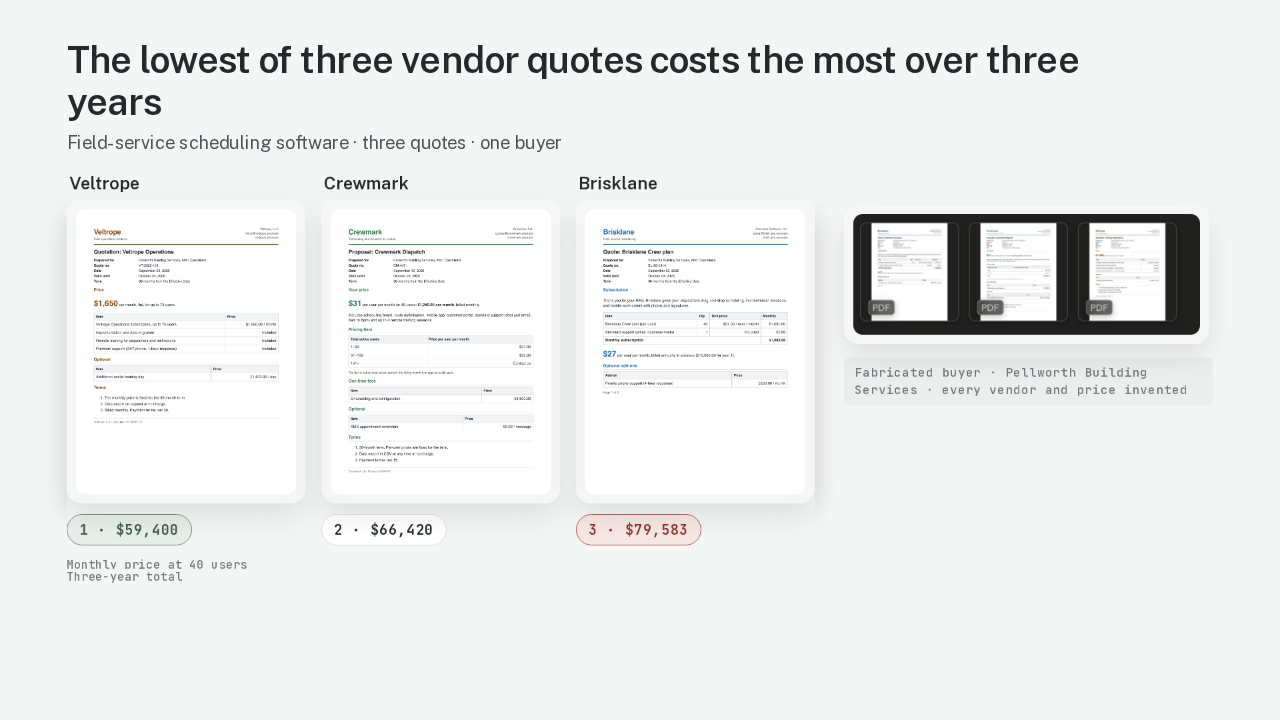
5:49Claude Docs compares three vendor quotes on three-year cost
@ai-at-work · 1 month ago
 5:55
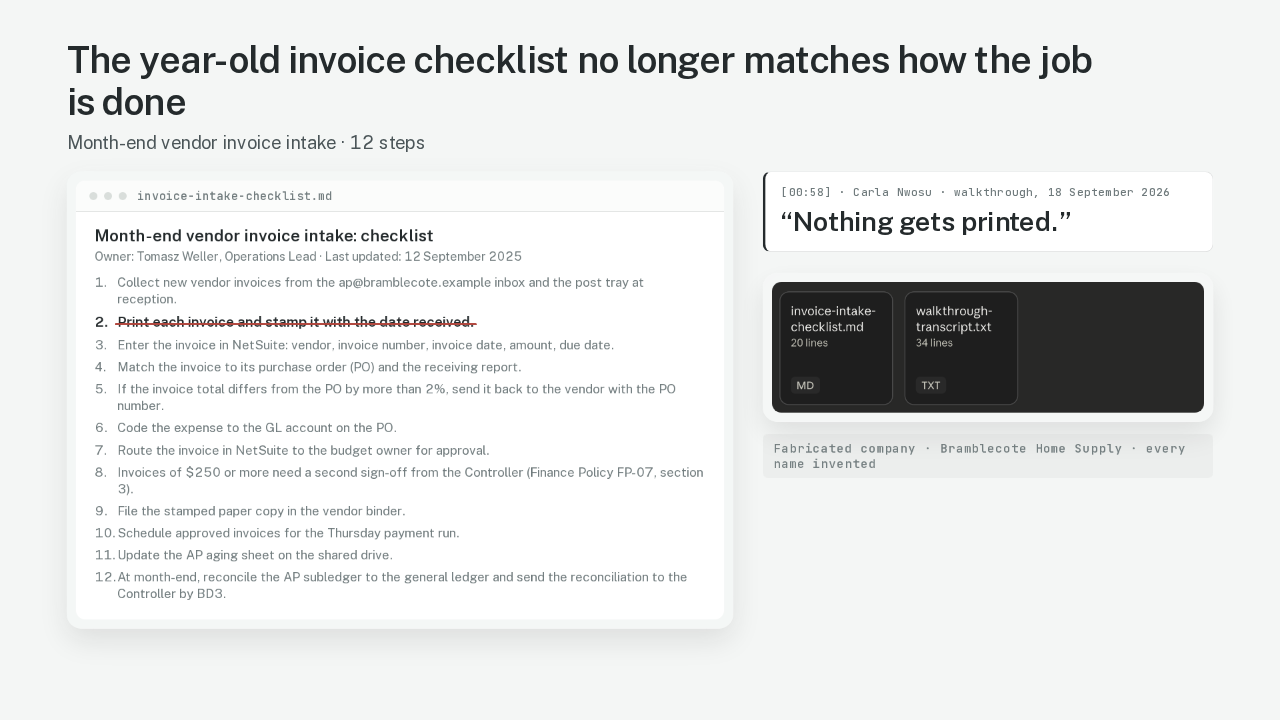
5:55Claude Docs rewrites a year-old SOP from a recorded walkthrough
@ai-at-work · 1 month ago
 5:10
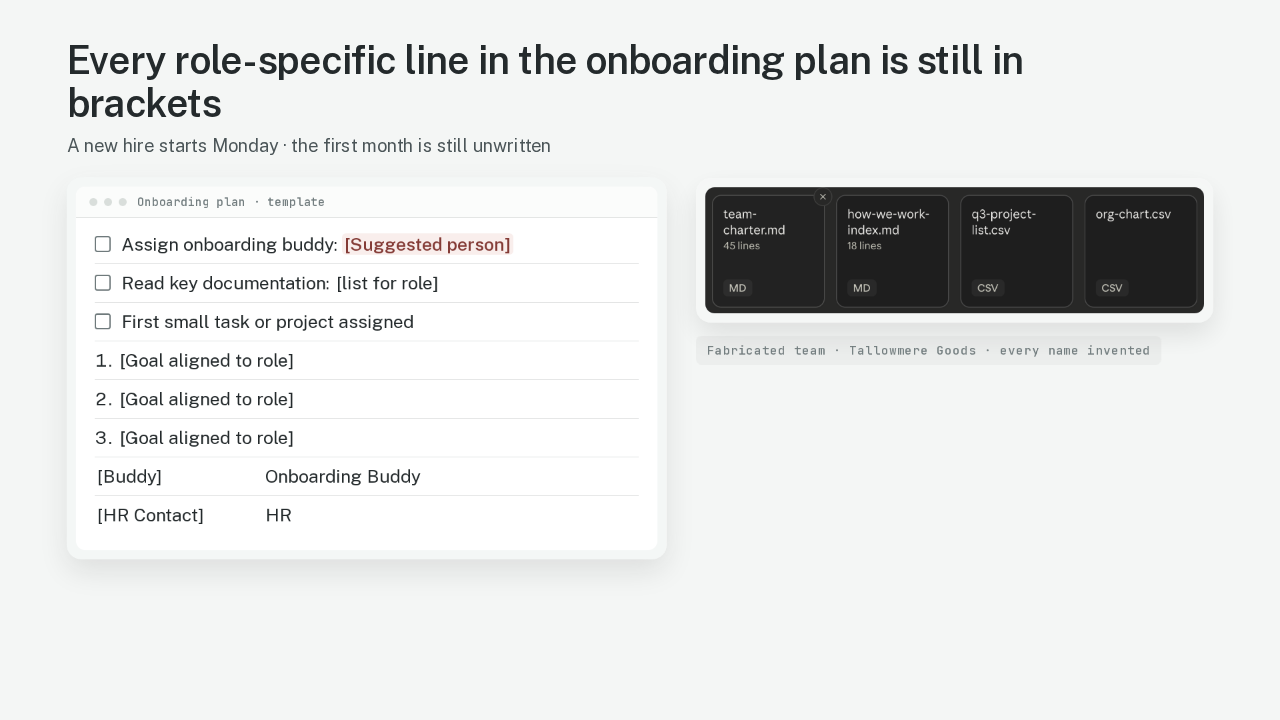
5:10Claude Docs turns your team folder into a new hire onboarding plan
@ai-at-work · 1 month ago
 5:40
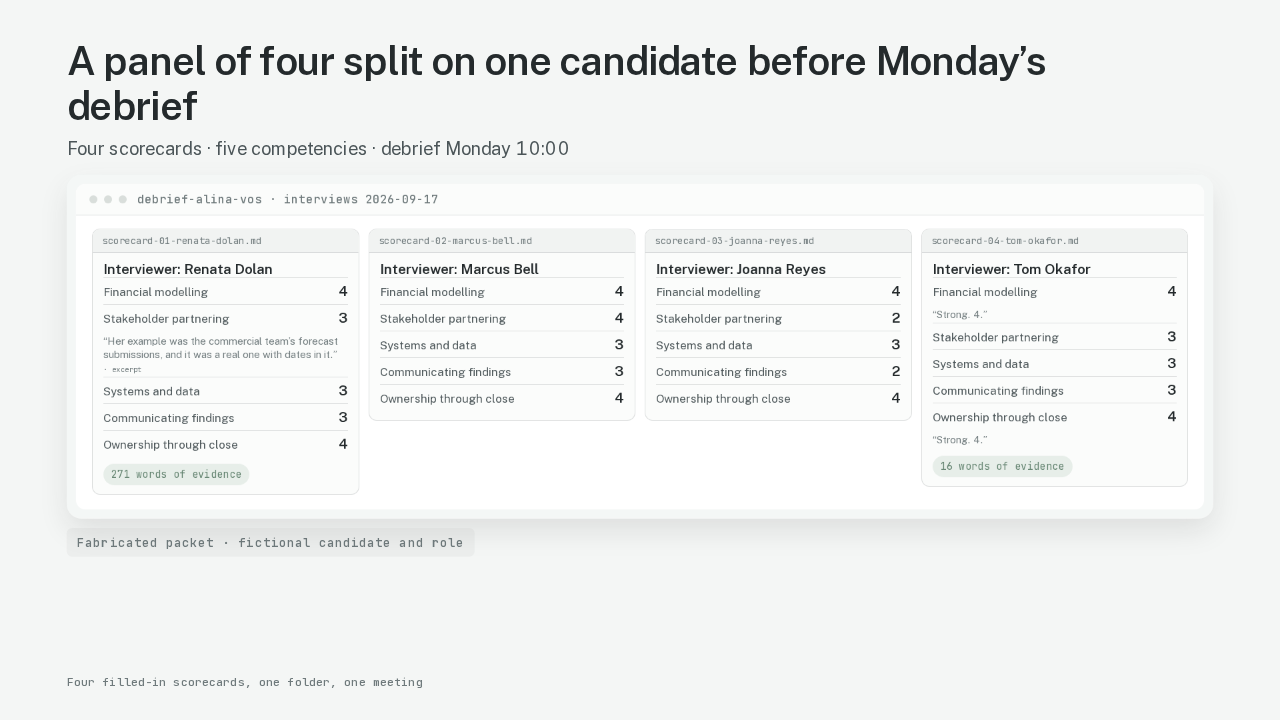
5:40Claude Cowork shows where your interview panel disagreed
@ai-at-work · 1 month ago
 5:30
5:30Google Vids turns this week’s policy PDFs into a Friday catch-up video
@ai-at-work · 1 month ago
 5:41
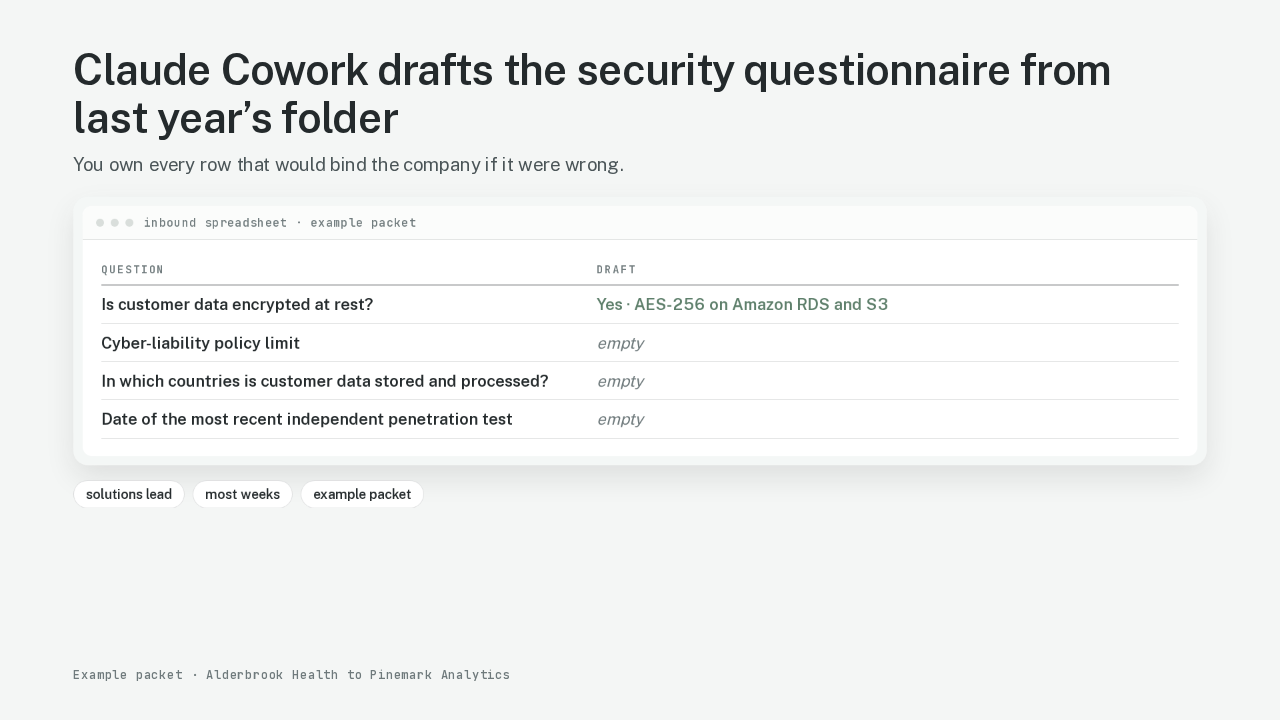
5:41Claude Cowork drafts the security questionnaire from last year’s folder
@ai-at-work · 1 month ago
 2:21
2:21Turn a messy meeting transcript into a decision memo — before the next meeting
@ai-at-work · 2 months ago