Claude Cowork drafts the security questionnaire from last year’s folder
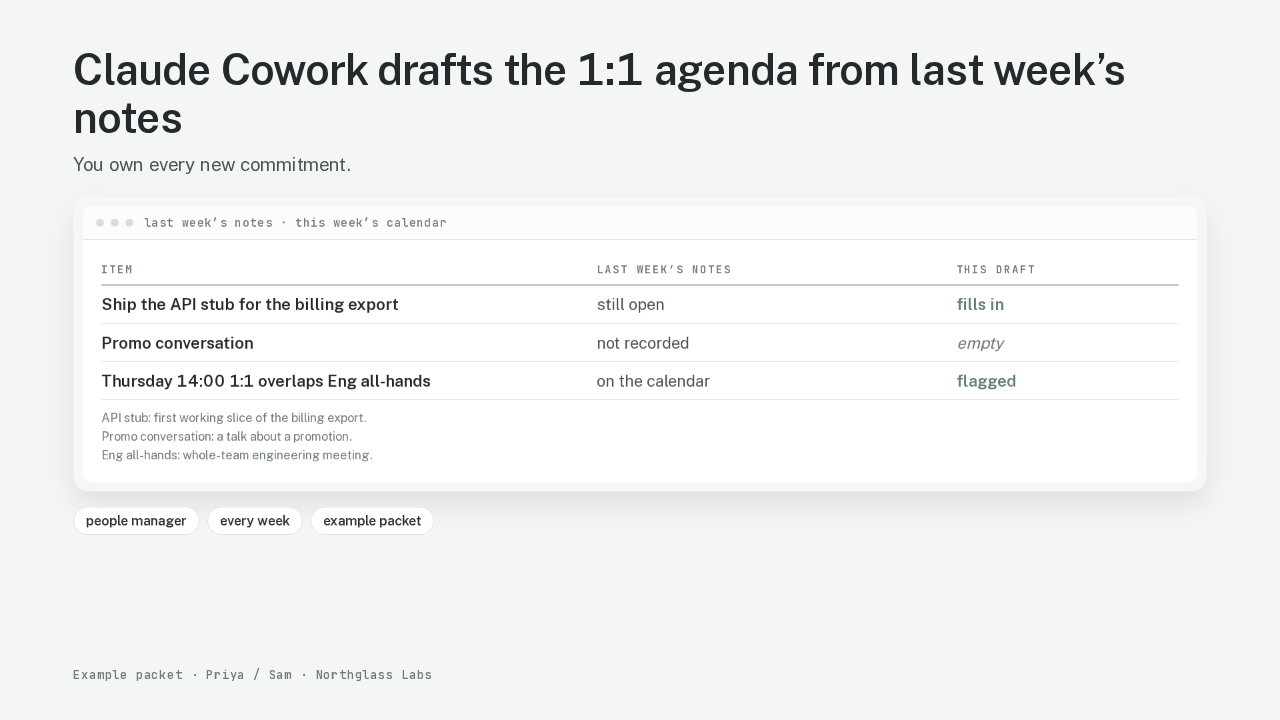
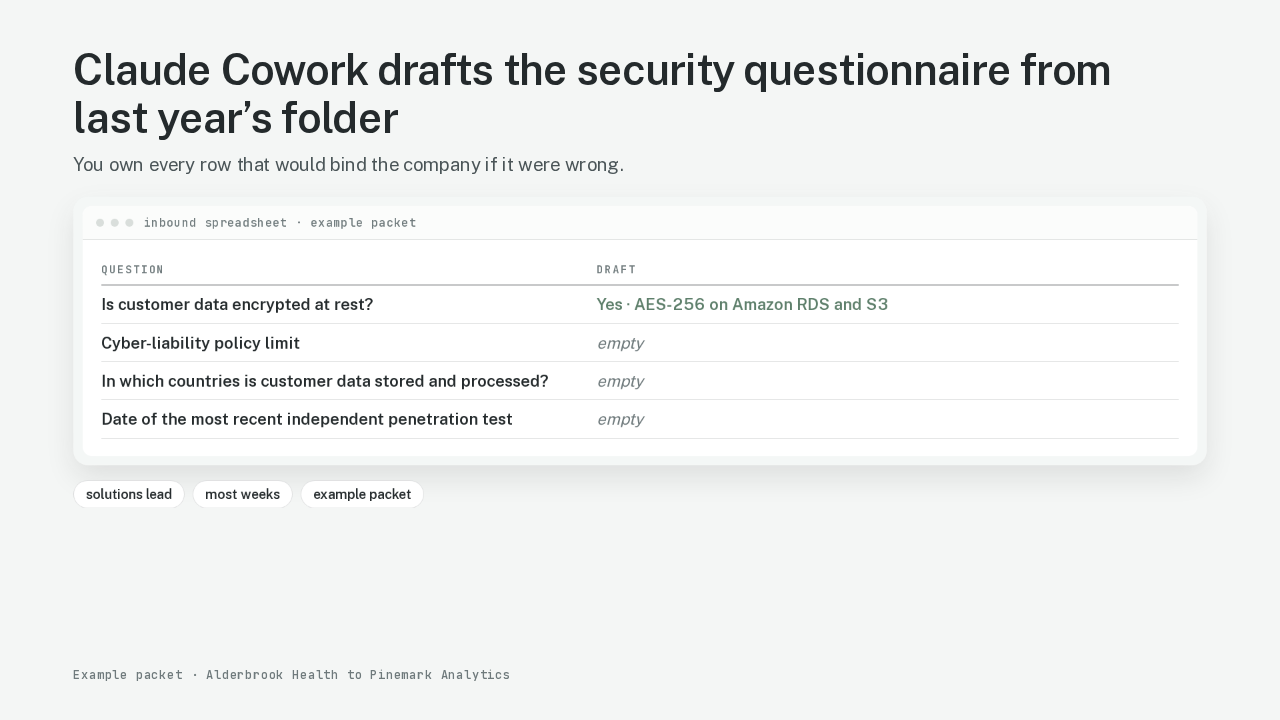
| Question | Draft |
|---|---|
| Is customer data encrypted at rest? | Yes · AES-256 on Amazon RDS and S3 |
| Cyber-liability policy limit | empty |
| In which countries is customer data stored and processed? | empty |
| Date of the most recent independent penetration test | empty |
A solutions lead gets this spreadsheet most weeks. The questions are about how you keep the customer’s data. Claude Cowork drafts the filled rows from last year’s folder. That packet is a security questionnaire: the spreadsheet a customer sends before they will buy from you. The encryption row fills from last year’s answer. Insurance stays empty. The country the data lives in stays empty. The date of the last outside security test stays empty. The slow part is finding last year’s answer. Then you decide. Is that answer still allowed to leave the building?
Claude Cowork reads and writes only the folder you connect
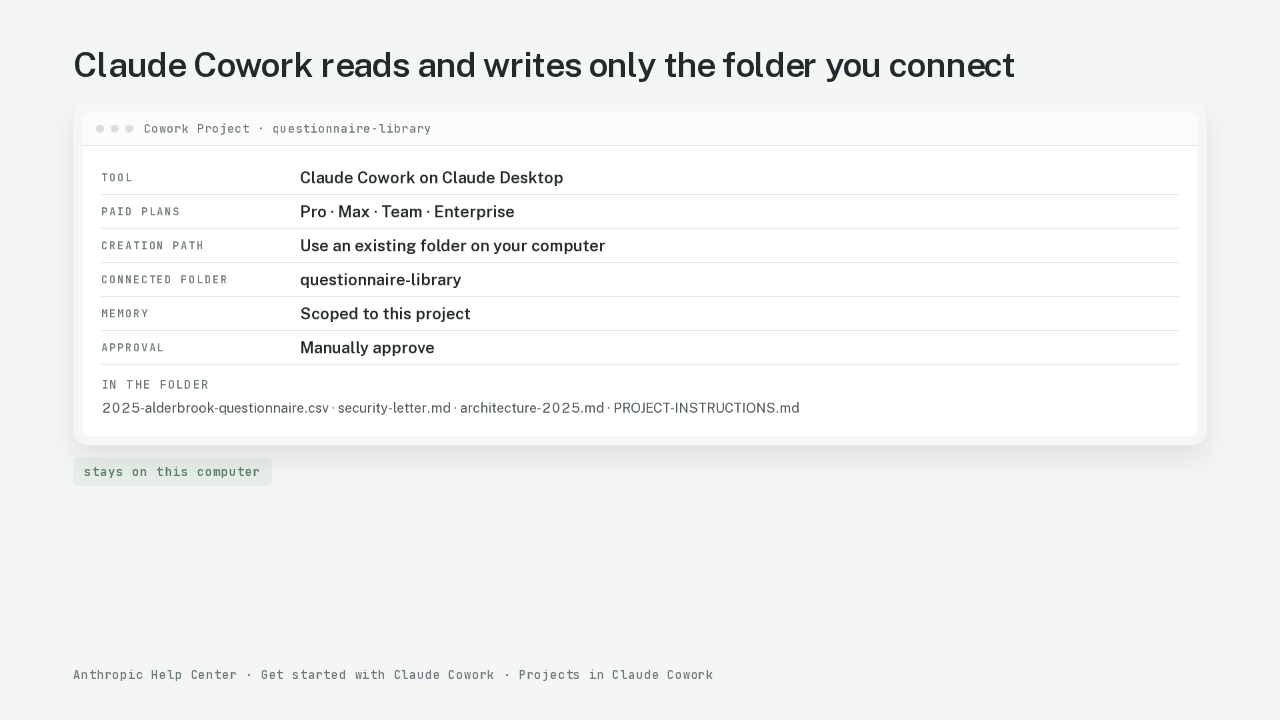
| Tool | Claude Cowork on Claude Desktop |
|---|---|
| Paid plans | Pro · Max · Team · Enterprise |
| Creation path | Use an existing folder on your computer |
| Connected folder | questionnaire-library |
| Memory | Scoped to this project |
| Approval | Manually approve |
Claude Cowork is Anthropic’s desktop workspace. Claude Cowork can read and write files in folders you connect. Paid Cowork runs on Pro, Max, Team, or Enterprise. This walk uses Claude Desktop, with the app open and connected. You create a Cowork Project from an existing folder on the computer. A Cowork Project is a dedicated workspace with its own folder, its own instructions, and its own memory. Memory stays inside that project. A project created from a local folder stays on that computer. Anthropic does not save that project to the Claude account. Approval on this project is Manually approve: you click Allow before Claude writes. Chat Projects exist on free Claude. Cowork also runs on the web and on the phone. Those surfaces reach local files only through Desktop.
Claude matches each inbound row to last year’s packet
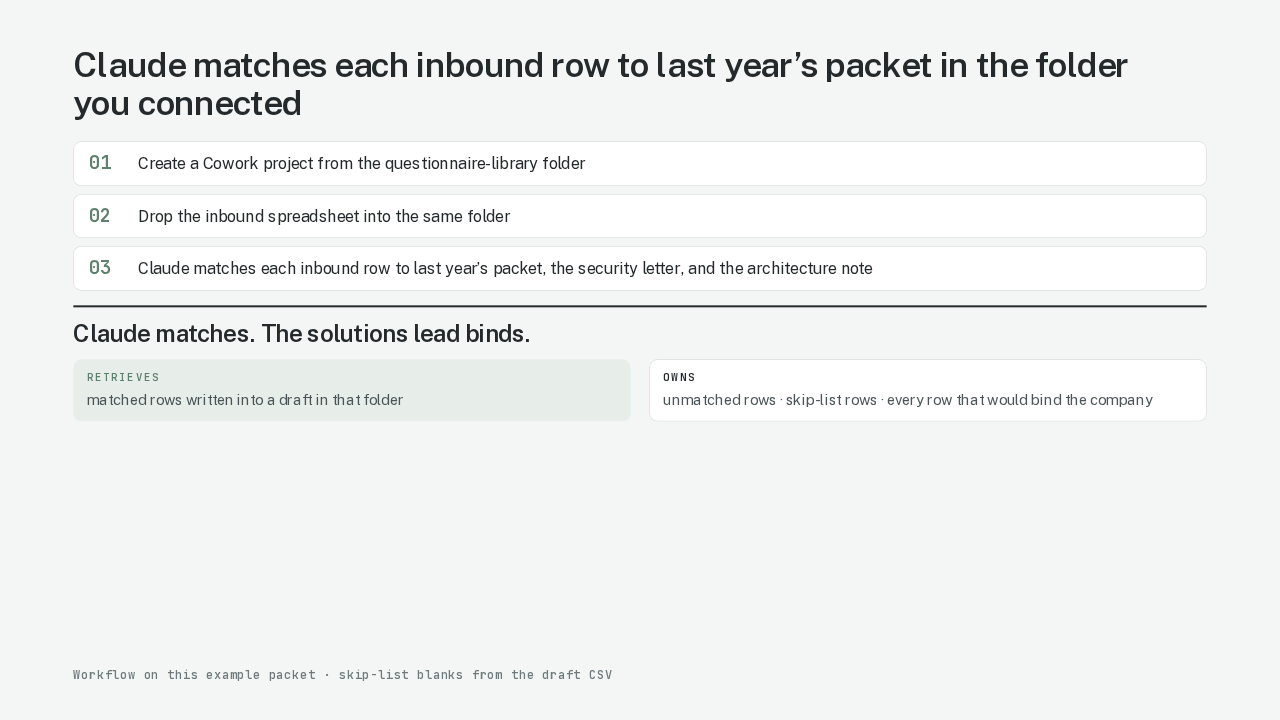
retrieves
matched rows written into a draft in that folder
owns
unmatched rows · skip-list rows · every row that would bind the company
A questionnaire is a retrieval job with an authority line. Most rows already have an approved answer sitting in last year’s packet. You could paste those answers in an afternoon. The danger is last year’s answer being wrong this year. Some rows are representations. Send a wrong representation. That sentence becomes a contract term. Cowork Projects give that split a physical shape. You connect one folder. Last year’s filled packets go in. The security letter goes in: a one-page note from the head of security. The architecture one-pager goes in: a snapshot of where the product ran last year. Project instructions name the skip list: insurance, the country the data lives in, and this year’s evidence. Claude matches each inbound row to files in that folder. Matched rows become draft text in the same folder. Unmatched rows stay on the solutions lead’s side of the line. Skip-list rows stay on the solutions lead’s side of the line. The draft is only as current as the files in that folder. The rows that bind you stay blank until a human writes them.
The connected folder is the only part of the laptop Claude can see
Claude can see
- questionnaire-library
- last year’s packets
- security letter
- architecture note
Out of reach
- customer contracts
- credentials
- HR files
- the rest of the laptop
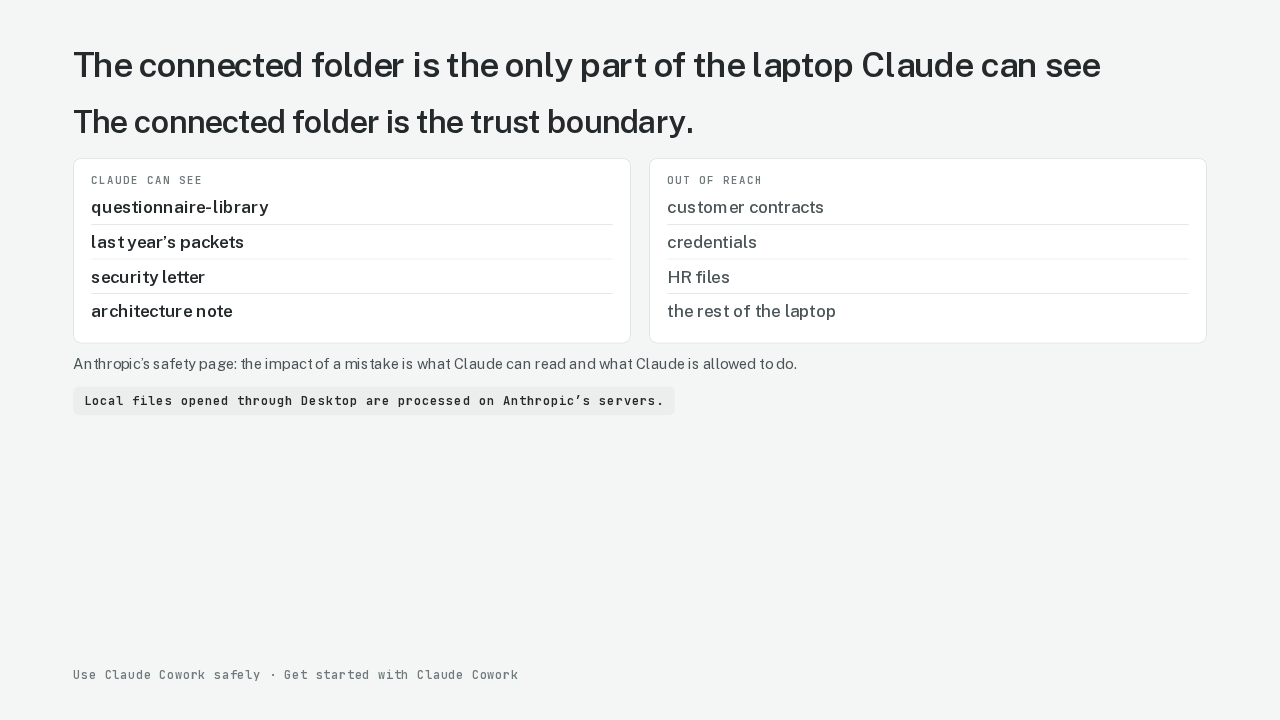
Claude can only read and write files in folders you have connected. That sentence is Anthropic’s. The connected folder is the trust boundary: the one folder on your computer Claude is allowed to see. Everything else on the laptop is out of reach. You did not connect the rest of the laptop. Anthropic’s safety page says the impact of a mistake is what Claude can read and what Claude is allowed to do. A dedicated working folder is the product’s recommended shape. You leave customer contracts, credentials, and HR files out of that folder. Work Claude opens through Desktop is processed on Anthropic’s servers. The review runs in the cloud against a local folder.
Claude writes a draft in the same folder, with skip-list rows left empty
| Question | Draft |
|---|---|
| Encrypted at rest | Yes |
| MFA | Yes |
| Written security policy | Yes |
| INS-02 | empty |
| DSP-RES | empty |
| TVM-PT | empty |
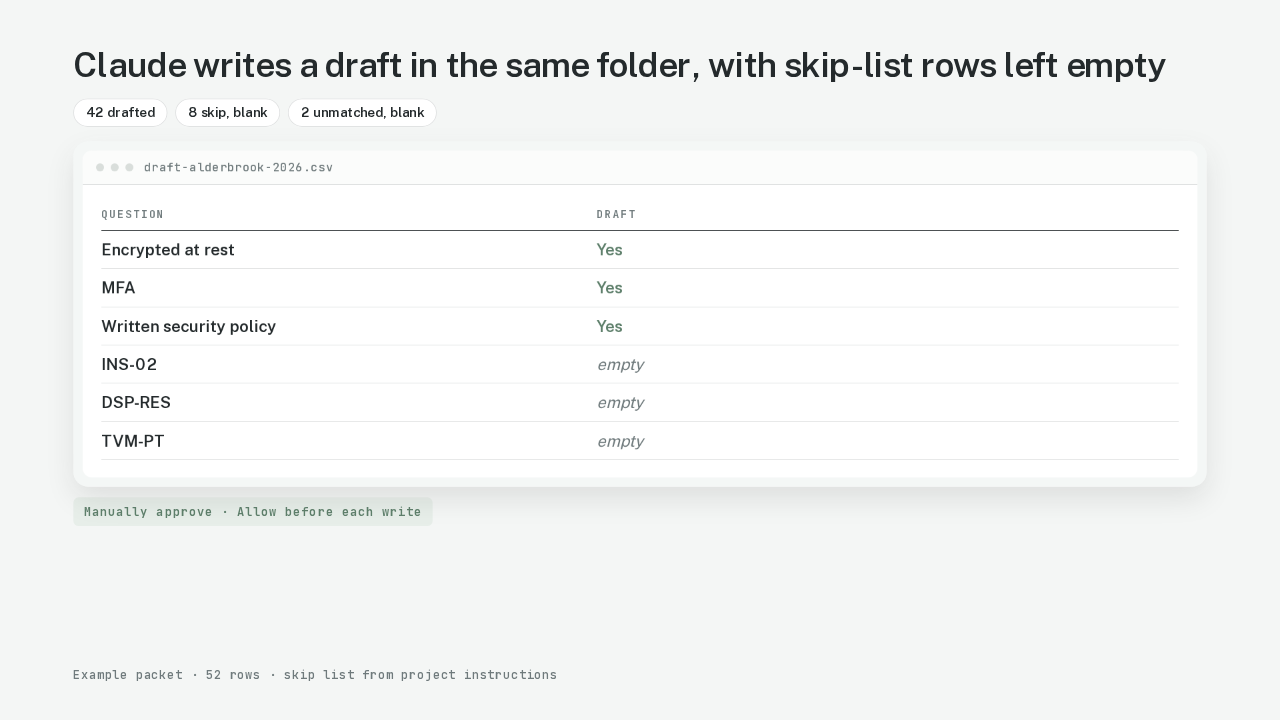
The inbound spreadsheet is from Alderbrook Health to Pinemark Analytics. You drop that file into the connected folder. The project instructions already name the skip list. Manually approve is on. You click Allow before Claude writes. This task touches representations. Claude writes a draft into the same folder. This packet has fifty-two rows. Forty-two matched rows come back drafted from the library. Eight skip-list rows stay blank. Two new questions with no library row stay blank.
The draft copies last year’s encryption answer and leaves the binding rows empty
| Question | Last year | This draft |
|---|---|---|
| Encrypted at rest | AES-256 on Amazon RDS and S3 | ✓ same text, drafted |
| Cyber-liability limit | $5,000,000 / $5,000,000 (2025 certificate) | empty · skip |
| Countries stored and processed | United States, us-east-1 only (2025 architecture)one Amazon region in the United States | empty · skip |
| Date of last independent penetration test | 2025-04-12, Redcedar Labslast year’s outside security test | empty · skip |
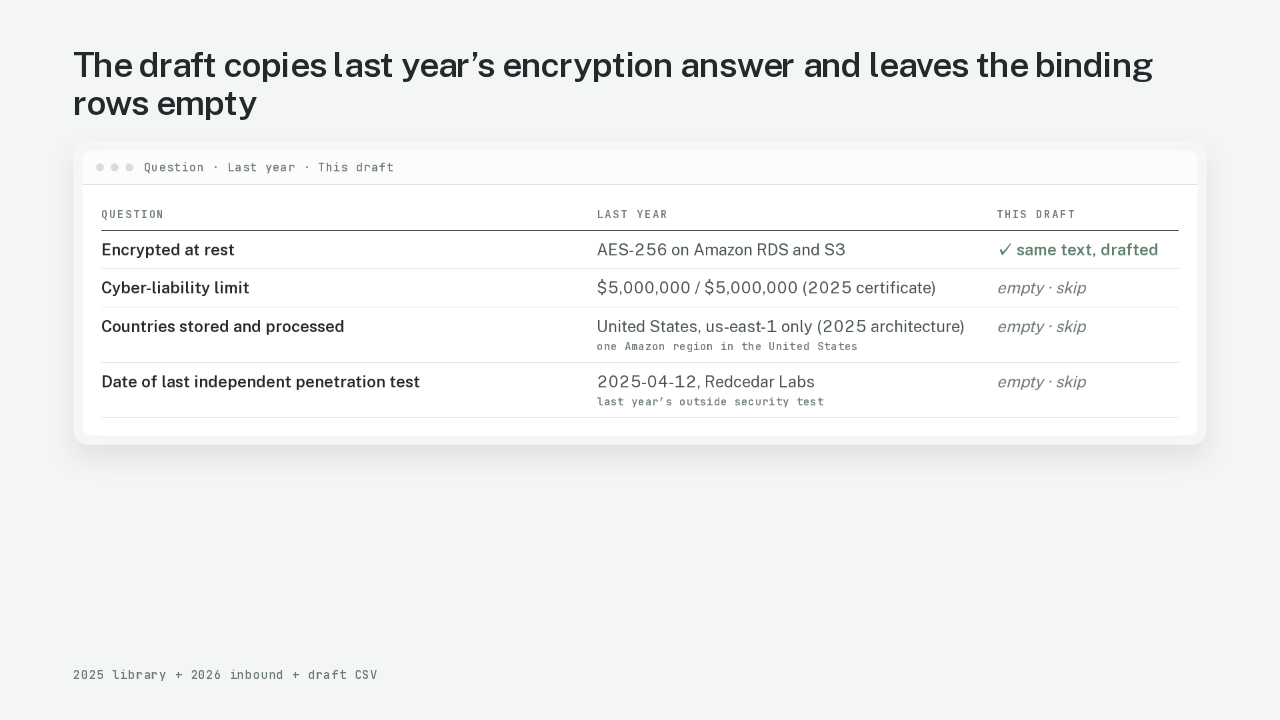
You open the draft. The encryption-at-rest question is filled. Customer data sitting on disk is encrypted. The library names AES-256 on Amazon’s database and file storage. Amazon manages the keys. That text came from last year’s packet and from the security letter. Last year’s architecture note says the same thing. Encryption at rest is a property of how the product stores data. Last year’s answer is the kind of row Cowork should retrieve. The cyber-liability limit stays blank. Insurance is a certificate with a date. Last year’s certificate can be expired this morning. The country the data lives in stays blank. The date of the last outside security test stays blank.
The solutions lead still decides whether a matched answer is true this year
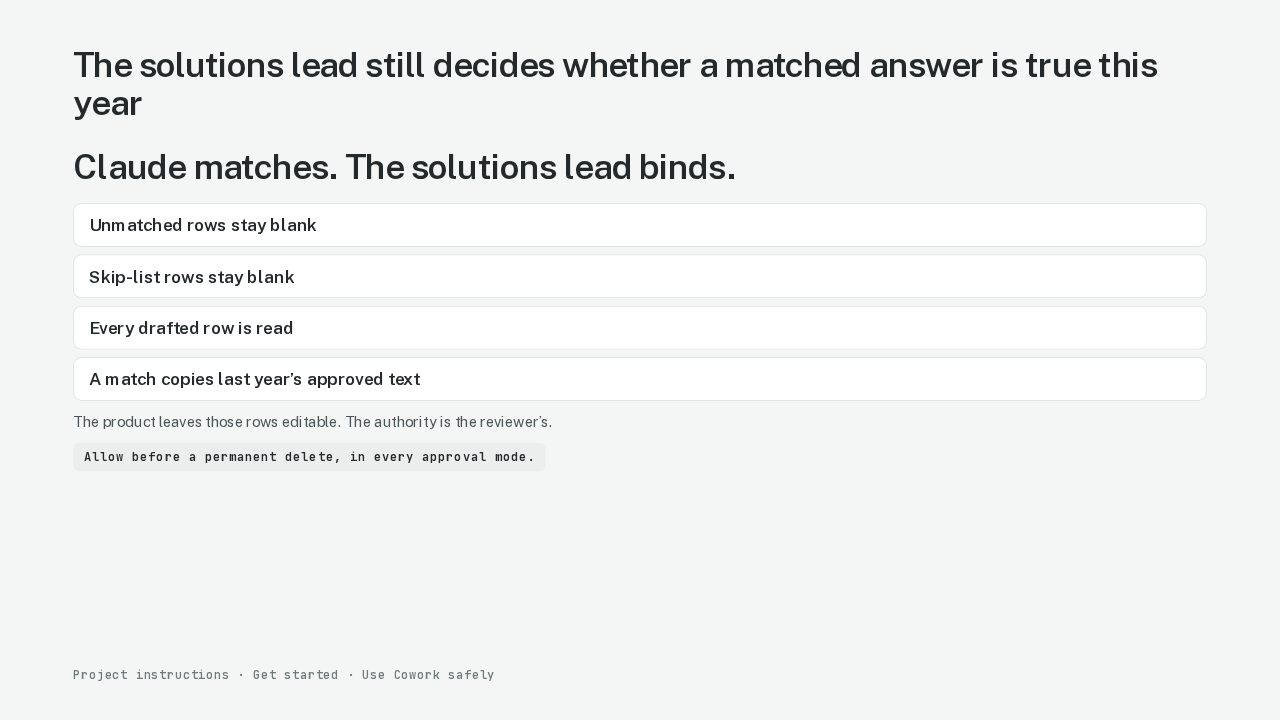
Claude matches. The solutions lead binds. Unmatched rows stay on the solutions lead’s side of the line. Skip-list rows stay on the solutions lead’s side of the line. Any row that would become a contract term if it were wrong stays on that side too. Anthropic does not lock those rows. The authority is the reviewer’s. You write it into the project instructions. Then the output shows blanks. A matched row copies last year’s approved text. The solutions lead still decides. Does last year’s control still hold this year? Here is where I’d stop and read every drafted row myself. Claude needs an explicit Allow before it permanently deletes a file. That prompt appears in every approval mode. Manually approve is the mode for this task.
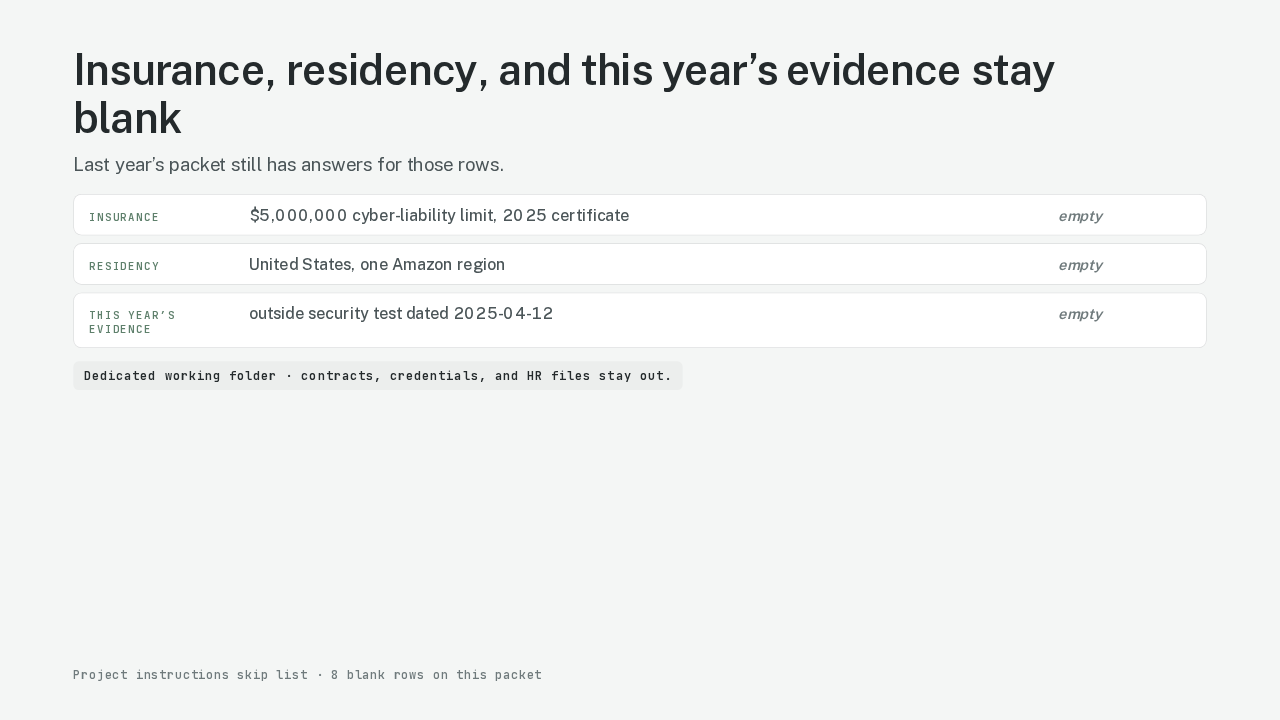
Insurance, residency, and this year’s evidence stay blank
Three classes of row stay blank even when last year’s packet has an answer. Start with insurance. Limits, carriers, and certificate dates change. Last year’s cyber-liability limit on this packet was five million dollars per incident and five million dollars in aggregate. Copy that number. You have made a representation. Residency is next. Last year’s region is last year’s architecture. The 2025 note puts customer data in the United States, in one Amazon region. Other companies that process the data sit on the same skip. This year’s evidence comes last: the date of the last outside security test, the last practice of the incident plan, and the last access review. The library still holds 2025. The customer asked for 2026. A second skip comes from Anthropic’s safety page. You grant a dedicated working folder. You leave customer contracts, credentials, and HR files out of that folder.
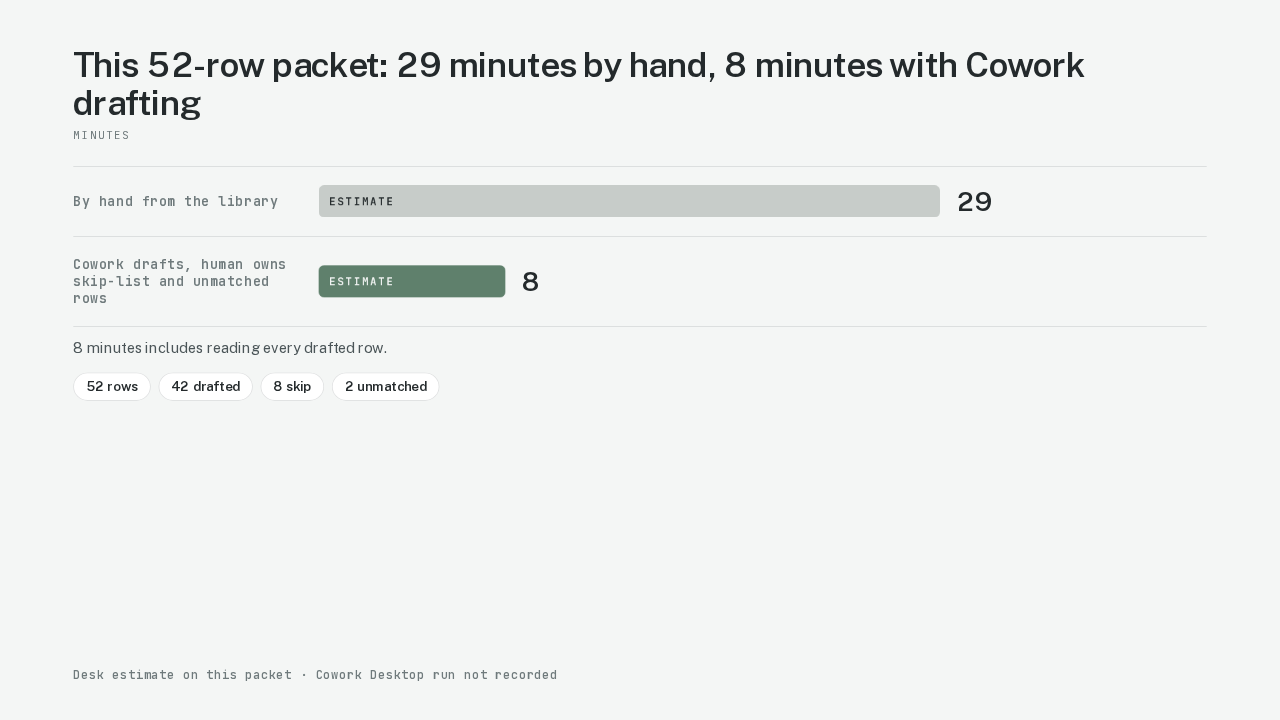
This 52-row packet: 29 minutes by hand, 8 minutes with Cowork drafting
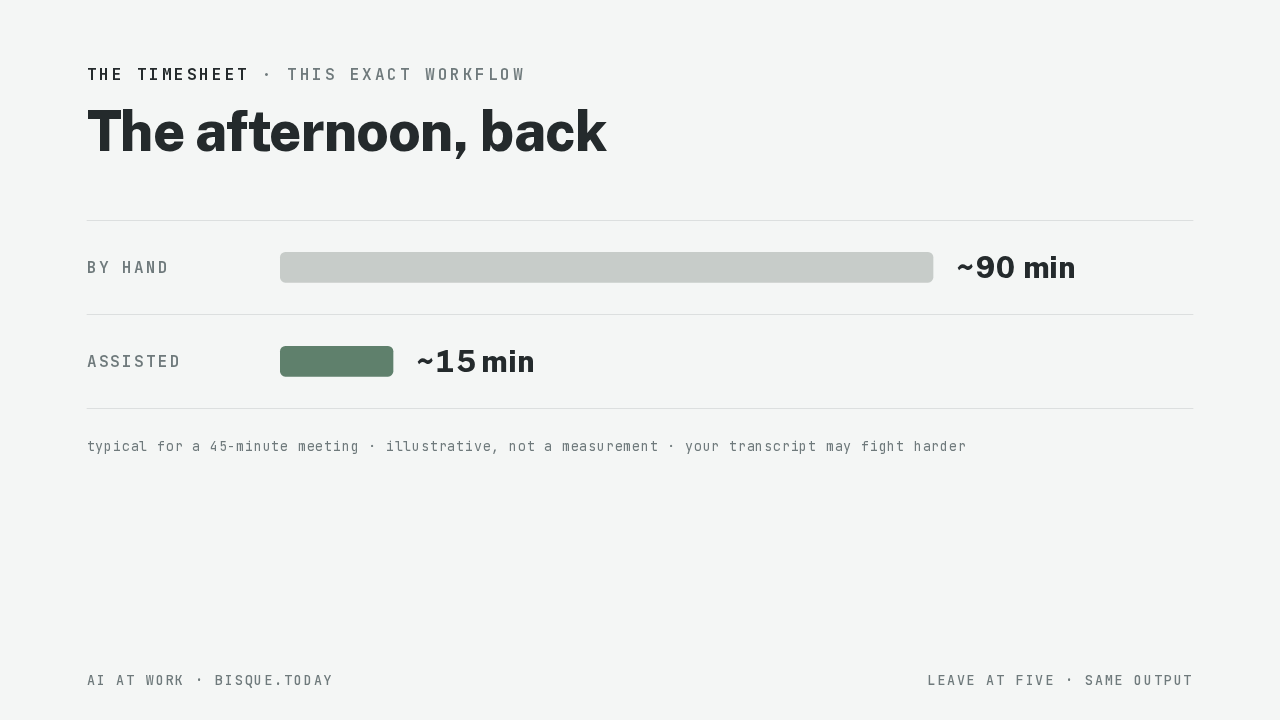
The same person filled the same packet twice. By hand from the library: twenty-nine minutes. That number is an estimate. With Cowork drafting, and the solutions lead owning the skip-list rows and the unmatched rows: eight minutes. That number is an estimate too. The eight minutes include reading every drafted row. That reading is the job. This packet has fifty-two rows. The Cowork Desktop run was not recorded. Both of those minute counts are estimates.
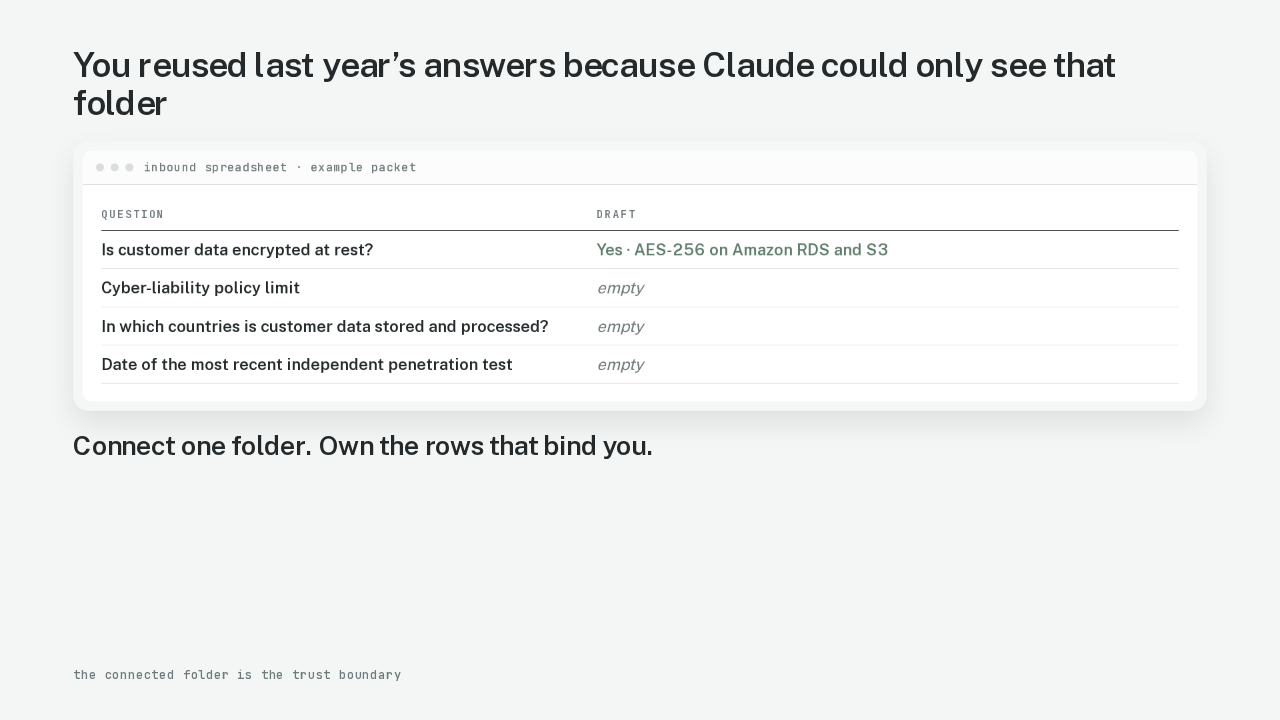
You reused last year’s answers because Claude could only see that folder
| Question | Draft |
|---|---|
| Is customer data encrypted at rest? | Yes · AES-256 on Amazon RDS and S3 |
| Cyber-liability policy limit | empty |
| In which countries is customer data stored and processed? | empty |
| Date of the most recent independent penetration test | empty |
Here is the spreadsheet again. You reused last year’s answers. The skip-list rows never left your hands. The folder was the only thing Claude could see. You connect one folder. You own the rows that bind you.