Managers

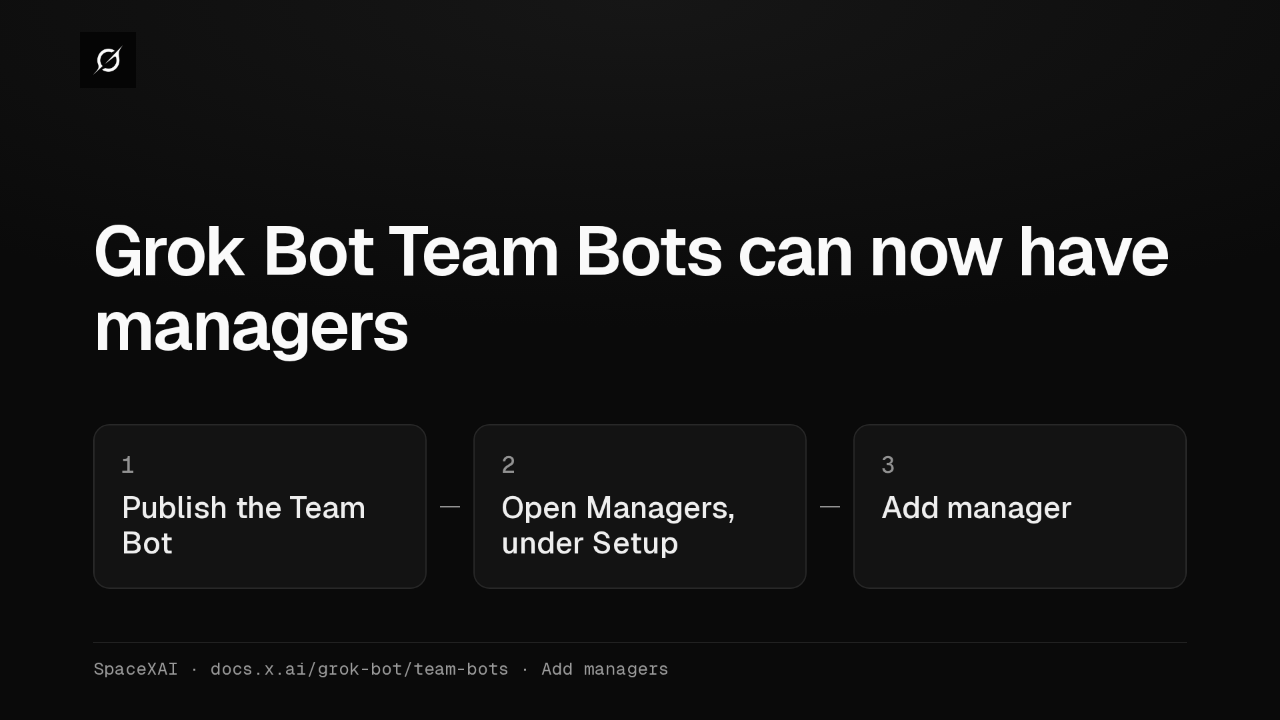
Grok Bot Team Bots can now have managers
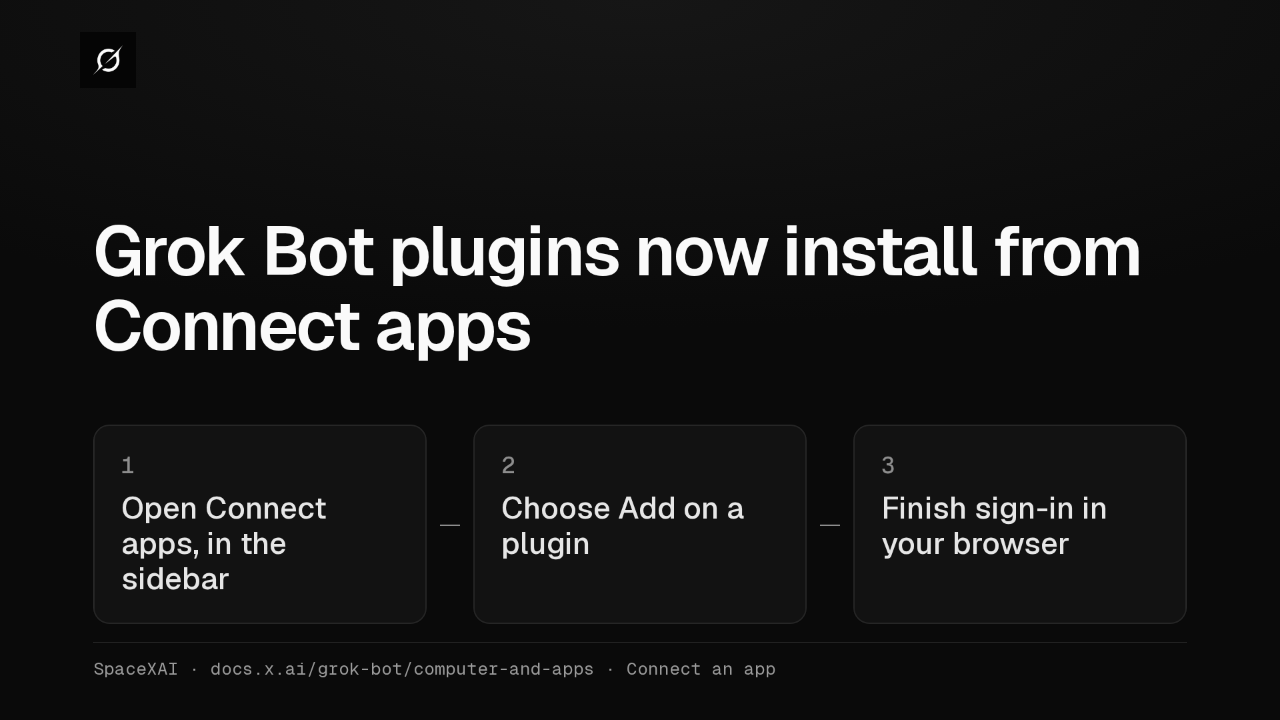
Grok Bot's Team Bots, the shared Bots a whole team chats with, can now have managers. Once a Team Bot is published, its owner picks teammates in the Managers section, under Setup.
What a manager can change
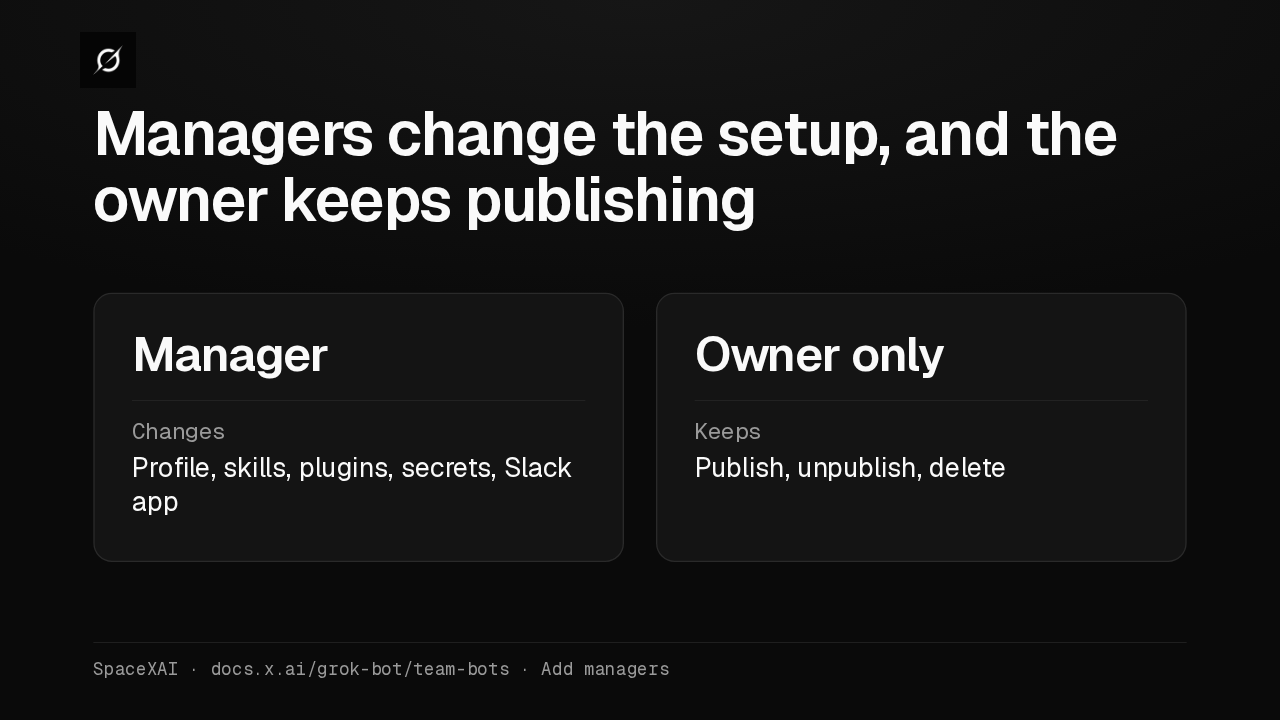
Managers change the setup, and the owner keeps publishing
A manager can change the Bot's profile, skills, plugins, secrets and Slack app, and every change reaches the whole team. Publishing, unpublishing and deleting the Bot stay with the owner.
Setup cards
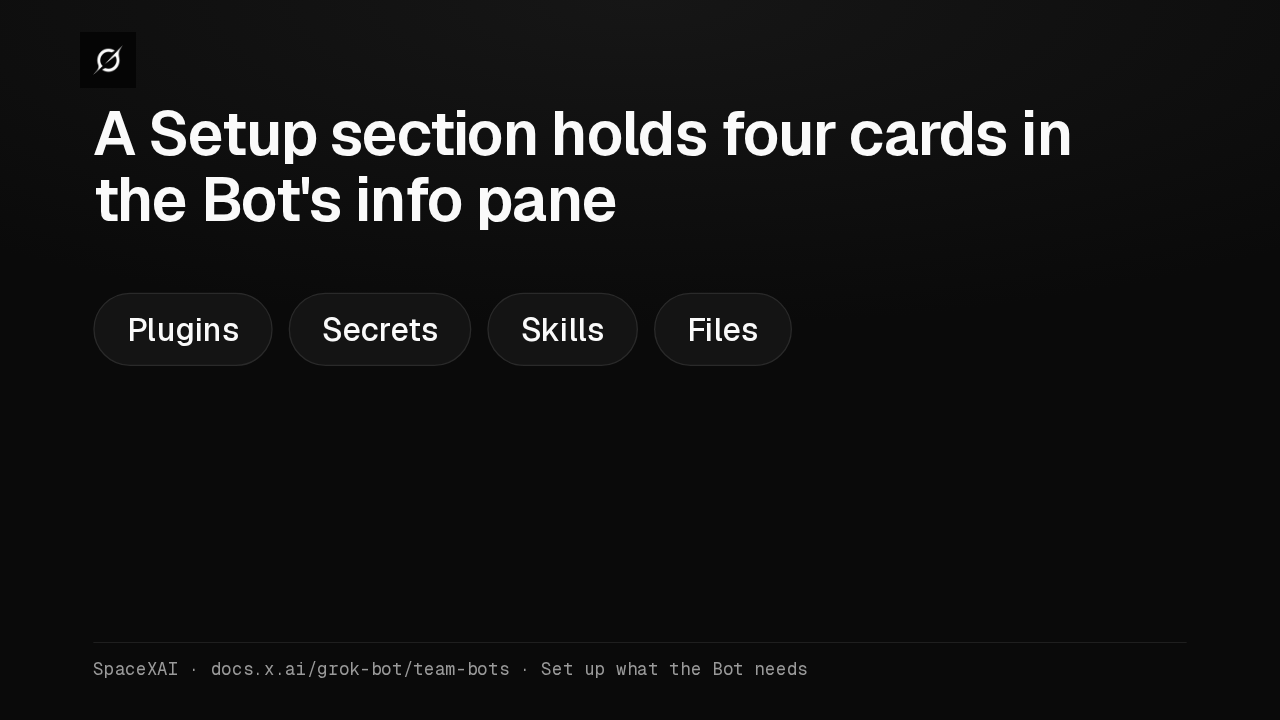
A Setup section holds four cards in the Bot's info pane
The Bot's info pane has a Setup section. Its cards for plugins, secrets, skills and files each show what's there, or None. Only the owner and managers can change them.
Secret requests
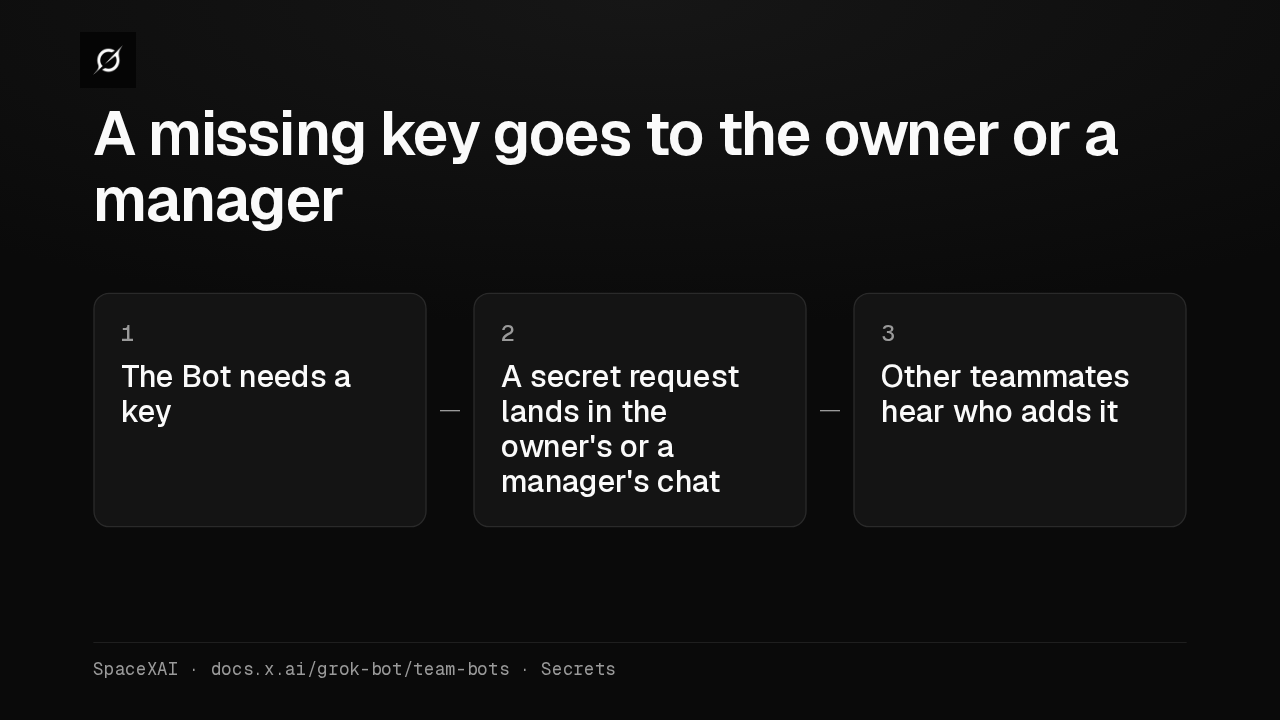
A missing key goes to the owner or a manager
When the Bot needs a key it doesn't have, it sends a secret request in the owner's or a manager's own chat. Any other teammate who needs one hears that the owner or a manager adds it.
Team skills
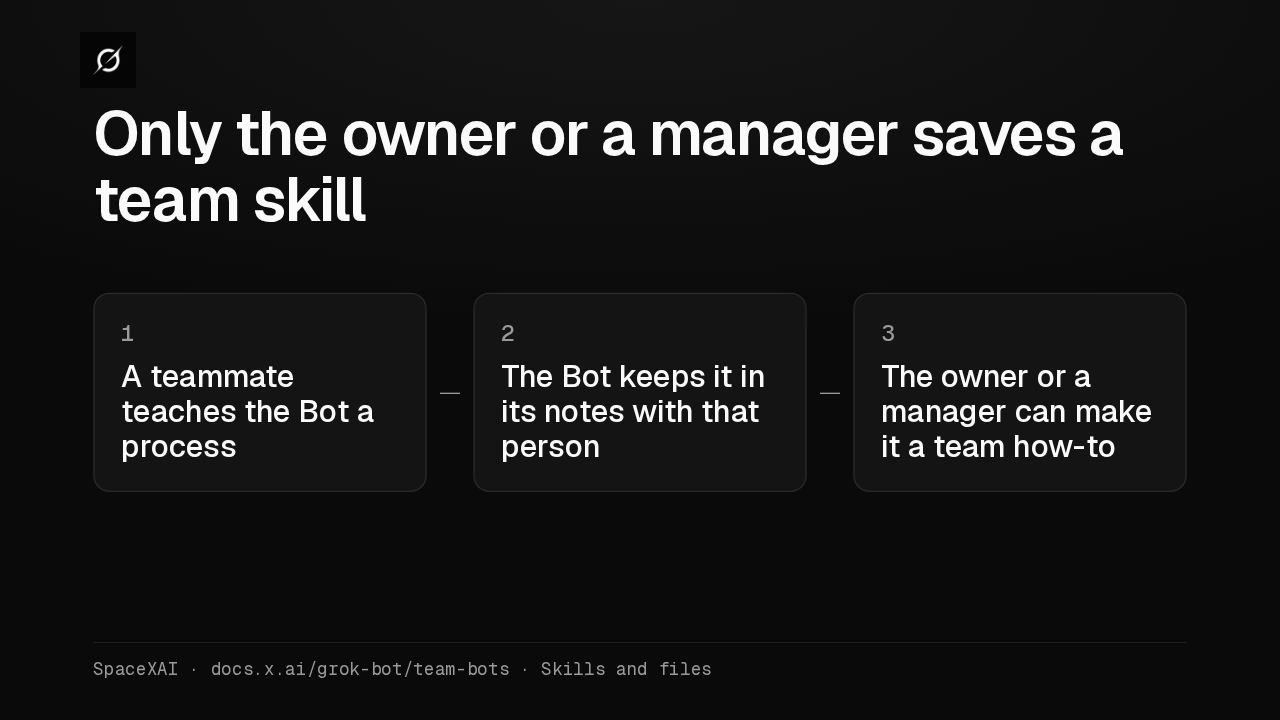
Only the owner or a manager saves a team skill
Team skills are the owner's and managers' to save. A process another teammate teaches the Bot stays in its notes with that person, and the owner or a manager can make it a team how-to.
Teammates
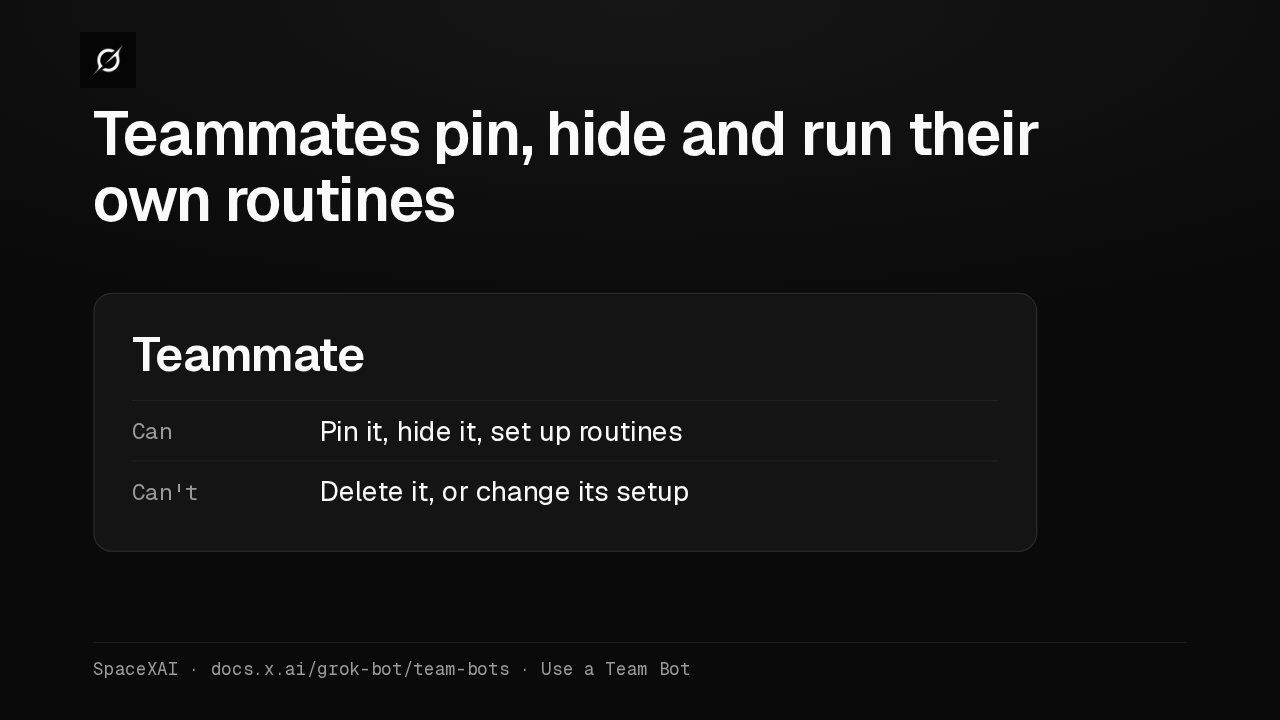
Teammates pin, hide and run their own routines
Everyone else on the team can pin a Team Bot, hide it from the sidebar and set up their own routines with it. Changing its setup takes the owner making you a manager.
Slack
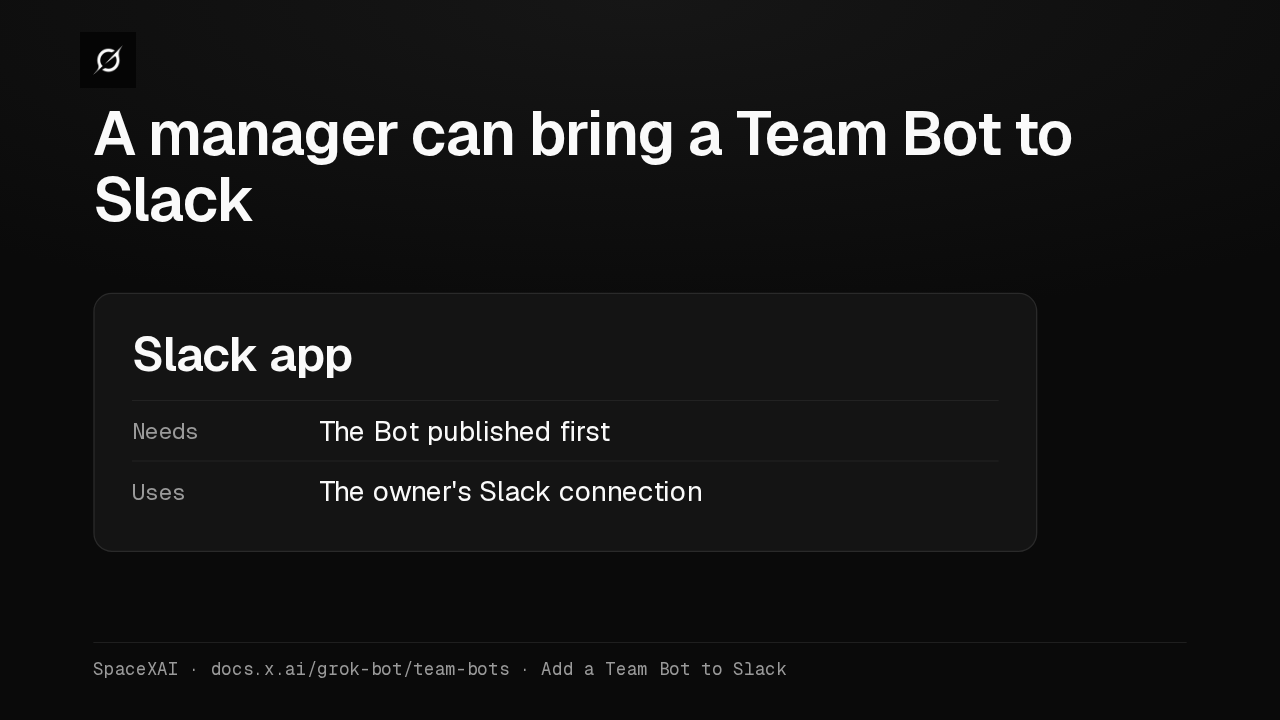
A manager can bring a Team Bot to Slack
The owner adds a Team Bot to Slack, and a manager can now add it too, once the Bot is published. The setup uses the owner's Slack connection, so the owner connects Slack first.
Three kinds of Bot
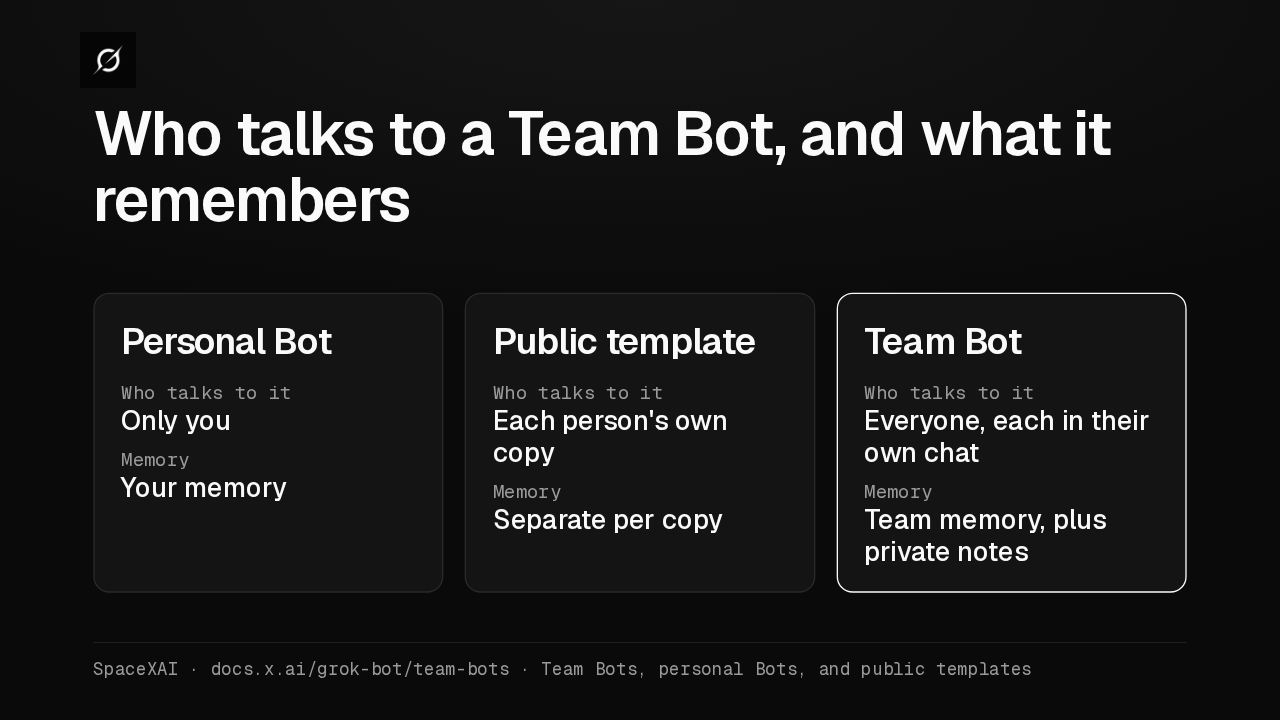
Who talks to a Team Bot, and what it remembers
A personal Bot talks only to you. A public template gives each person their own copy. A Team Bot gives everyone their own chat with one Bot, using team memory plus private notes with each person.
Search and read X
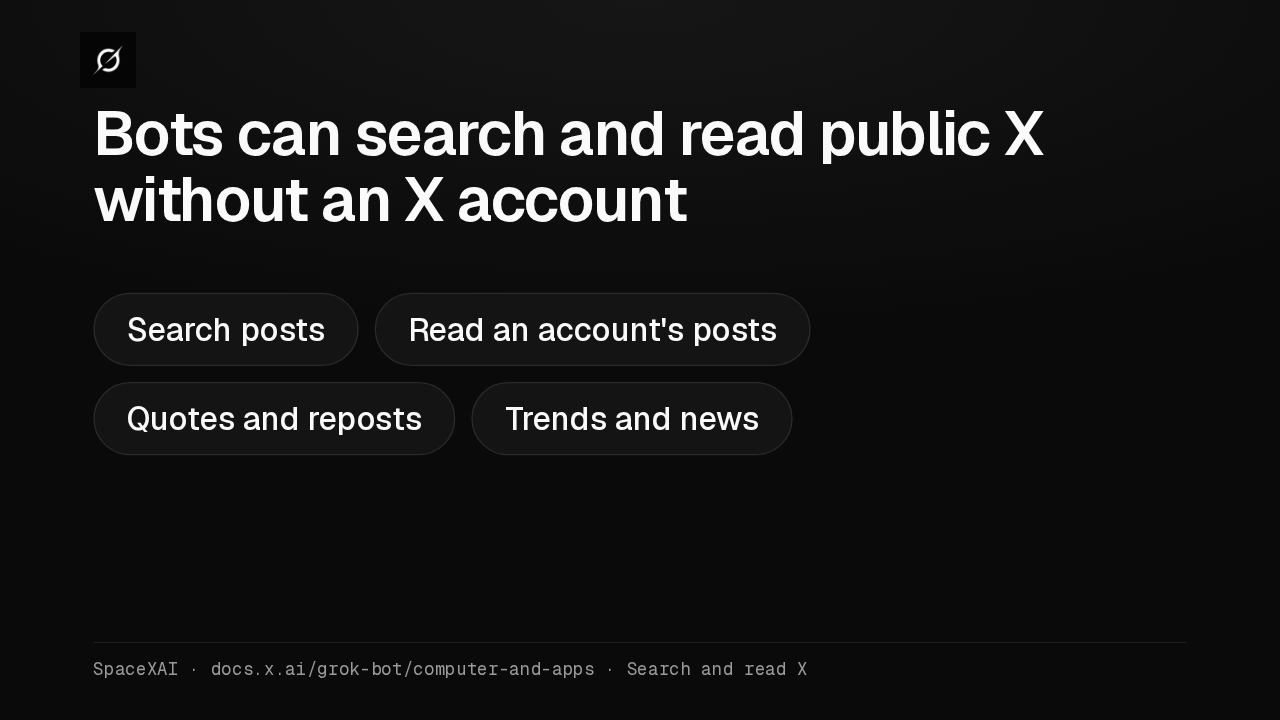
Bots can search and read public X without an X account
Every Bot can now search and read what's public on X, with no X account connected. That access is read-only. For your DMs, bookmarks or home timeline, add the X plugin from Marketplace.