Slide 1
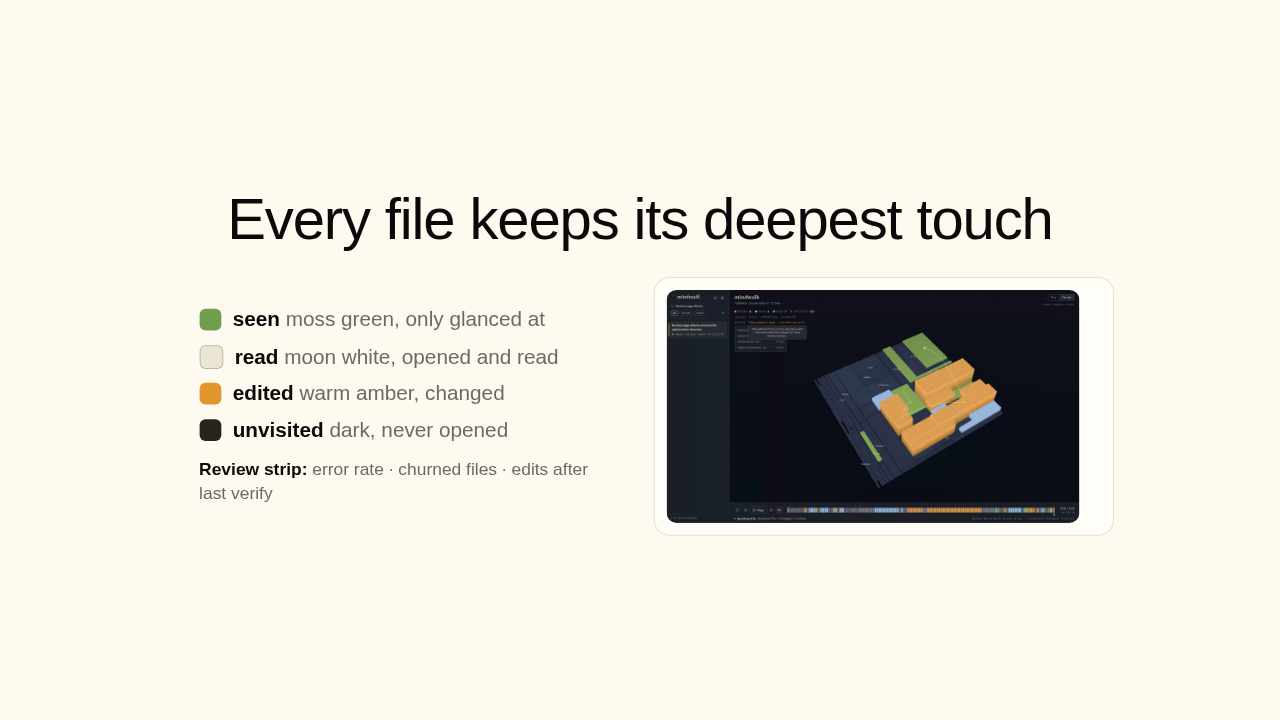
Your coding agent just ran a session you can't read. Mindwalk plays it back as light on a three-D map of your code, and you watch exactly where it went.
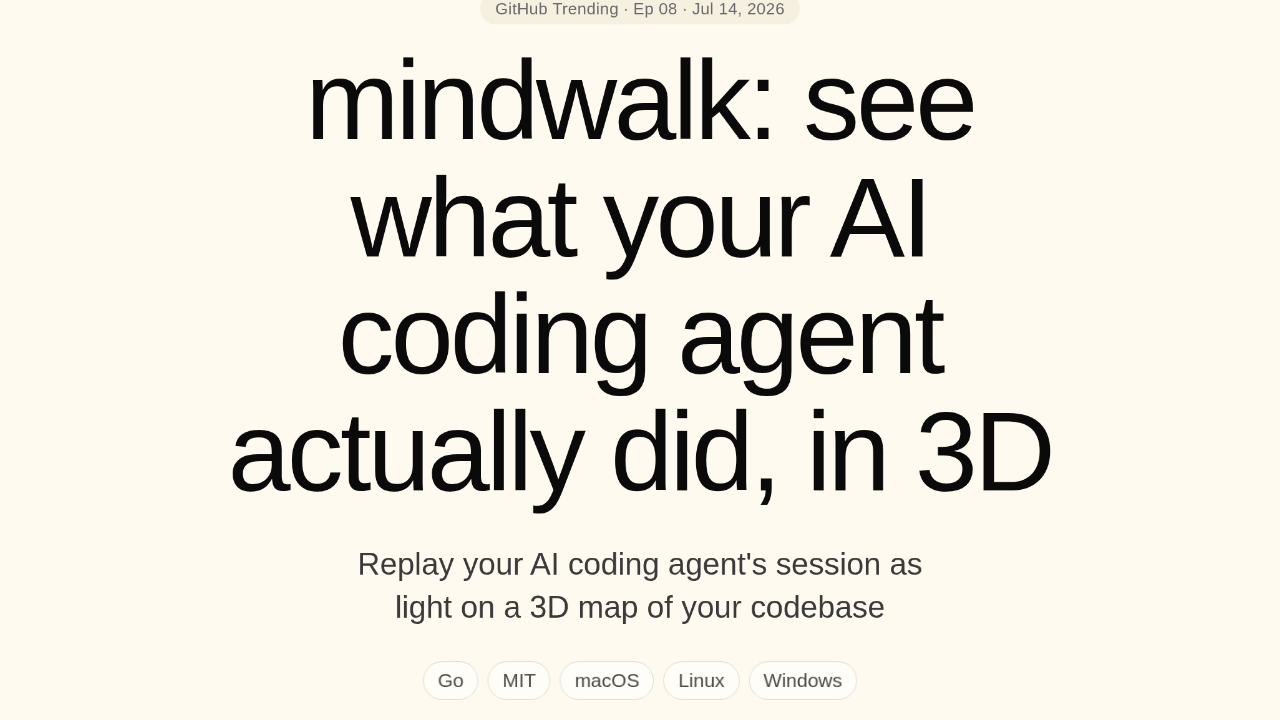
It draws your repo, then replays the run on it

Point it at a session from Claude Code or Codex, and it draws your repo as a map, then replays the run on top. Wherever the agent searched, read, or edited, the map glows. Everything else stays dark. The agent's grasp of the task becomes a shape you read at a glance.
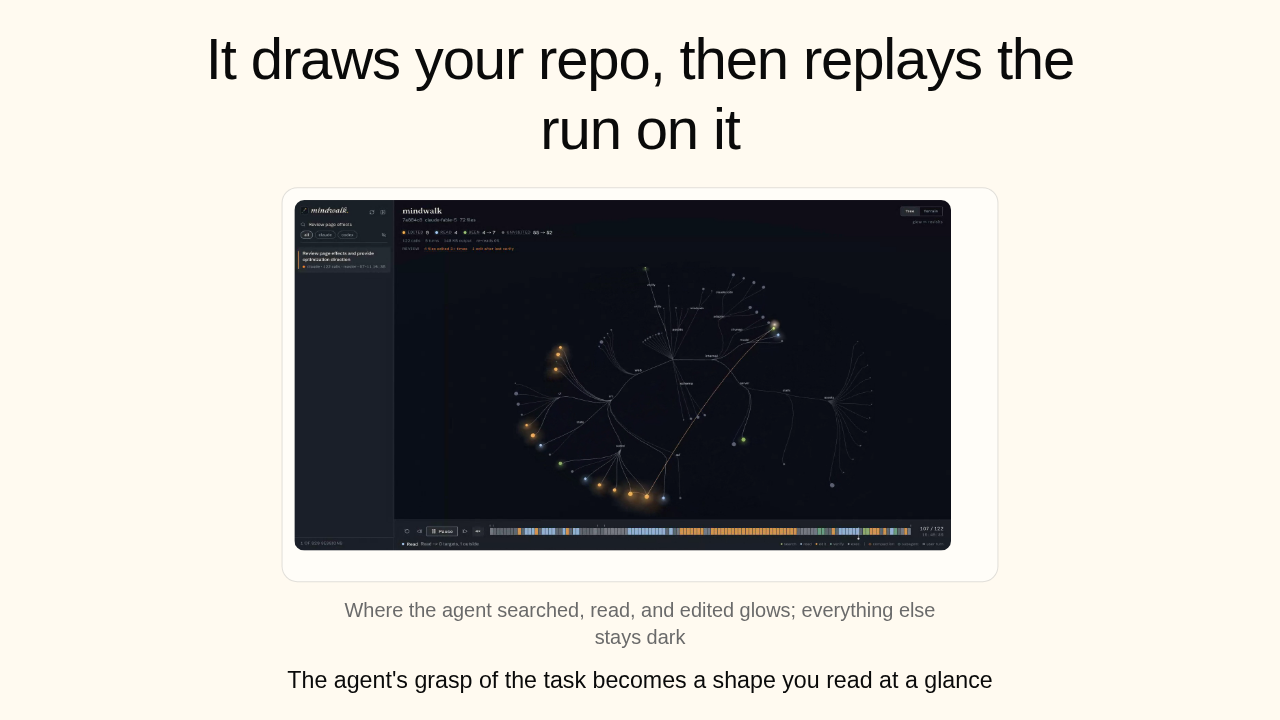
The log exists. Nobody can read it.

That log already exists, but it's raw JSONL. Reading it line by line never tells you which parts the agent leaned on, or whether it stayed in scope. Mindwalk turns it into a picture you read in seconds.
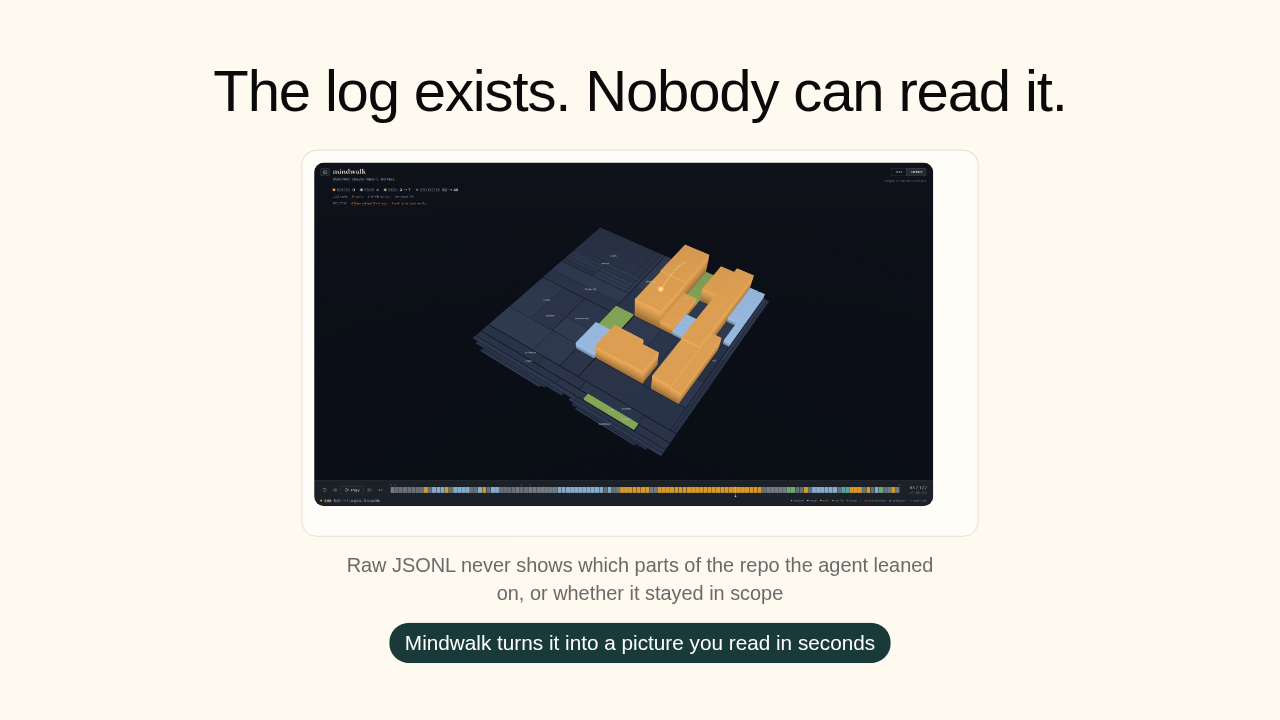
Every file keeps its deepest touch
Every file keeps its deepest touch, color-coded. Green, the agent only glanced at it. White, it read it. Amber, it made edits. Still dark, it never opened it. And up top, a review strip pulls out the friction it found.
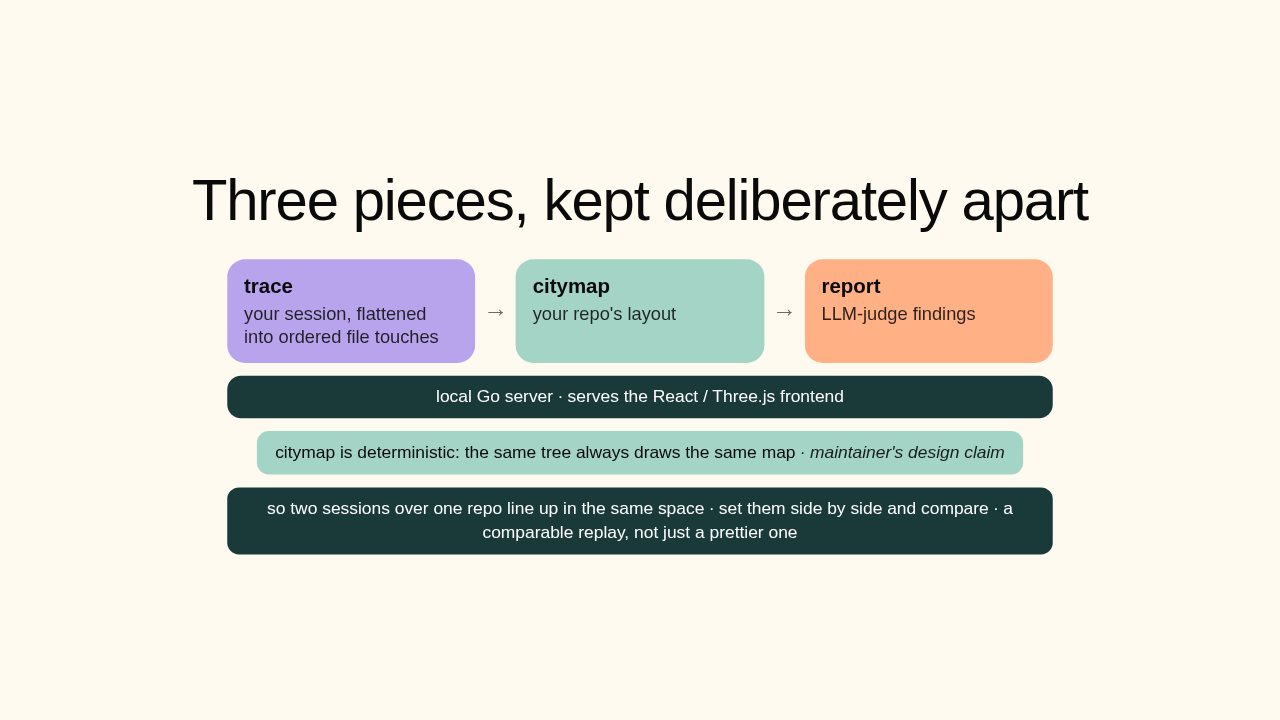
Three pieces, kept deliberately apart
Under the hood, three pieces kept apart. The trace is your session, flattened into ordered file touches. The citymap is your repo's layout, and here's the clever bit, it's deterministic: the same tree always draws the same map. So two sessions over one repo line up in the same space, and you can set them side by side and compare. Not a prettier replay, a comparable one.
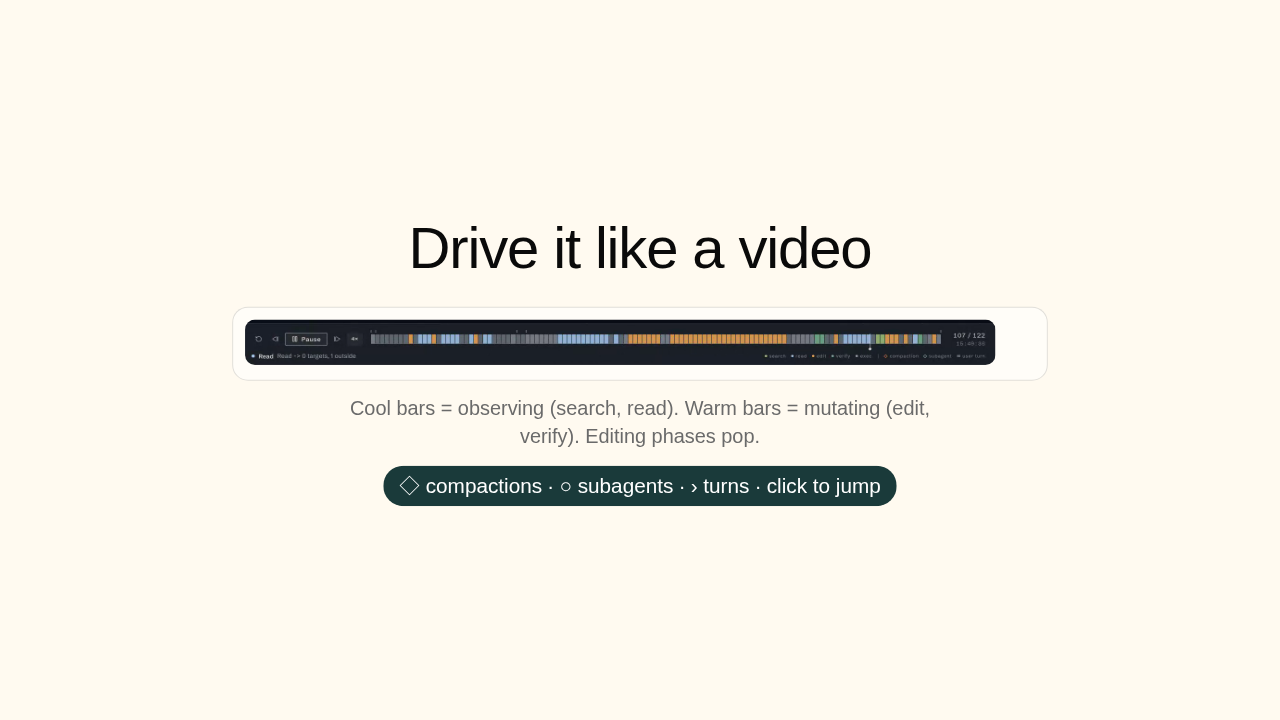
Drive it like a video

You drive it like a video. Scrub or play the session over a histogram: cool bars are the agent looking around, warm bars are it editing, so the edits pop out. And every big event, context compactions, subagent launches, is a mark you can jump straight to.
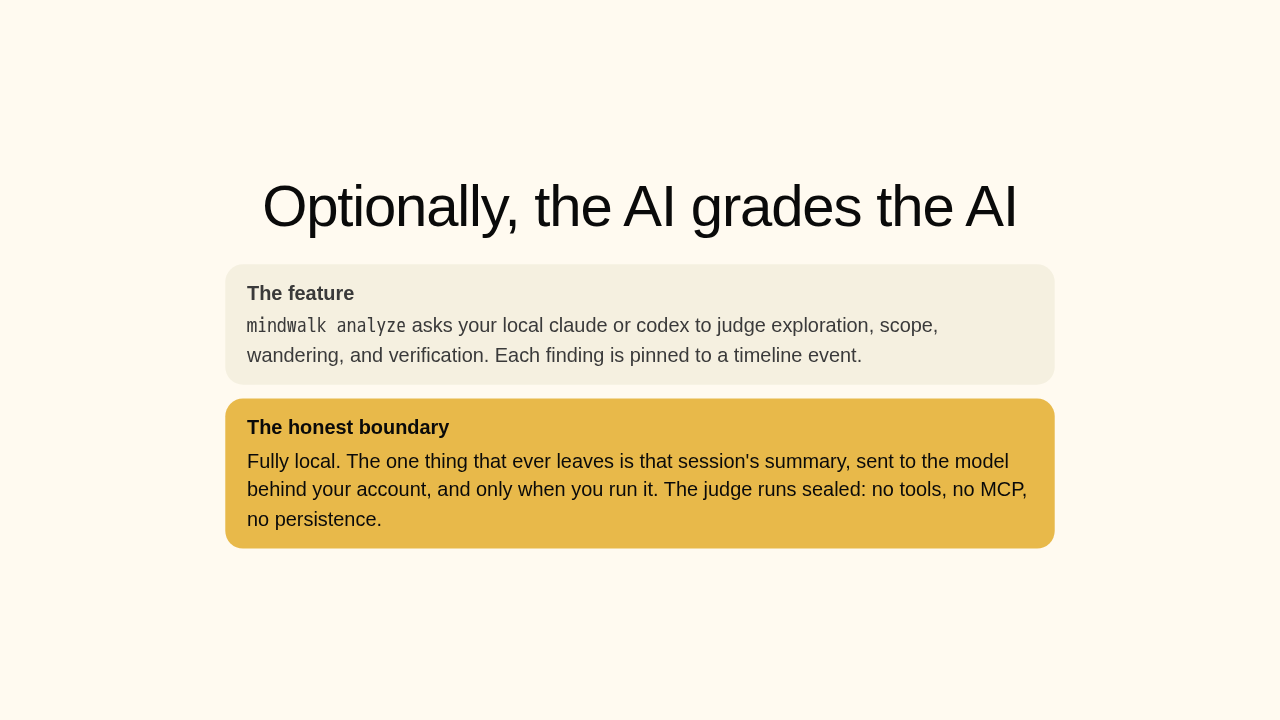
Optionally, the AI grades the AI
mindwalk analyze asks your local claude or codex to judge exploration, scope, wandering, and verification. Each finding is pinned to a timeline event.
And it can grade the session. Optionally, mindwalk asks your own local claude or codex command line to judge how the agent worked, where it wandered, whether it verified. Now the honest part. Everything else is fully local. This one step is the exception: when you run it, and only then, a summary of that session goes to the model behind your own account. Nothing leaves while you're just viewing.
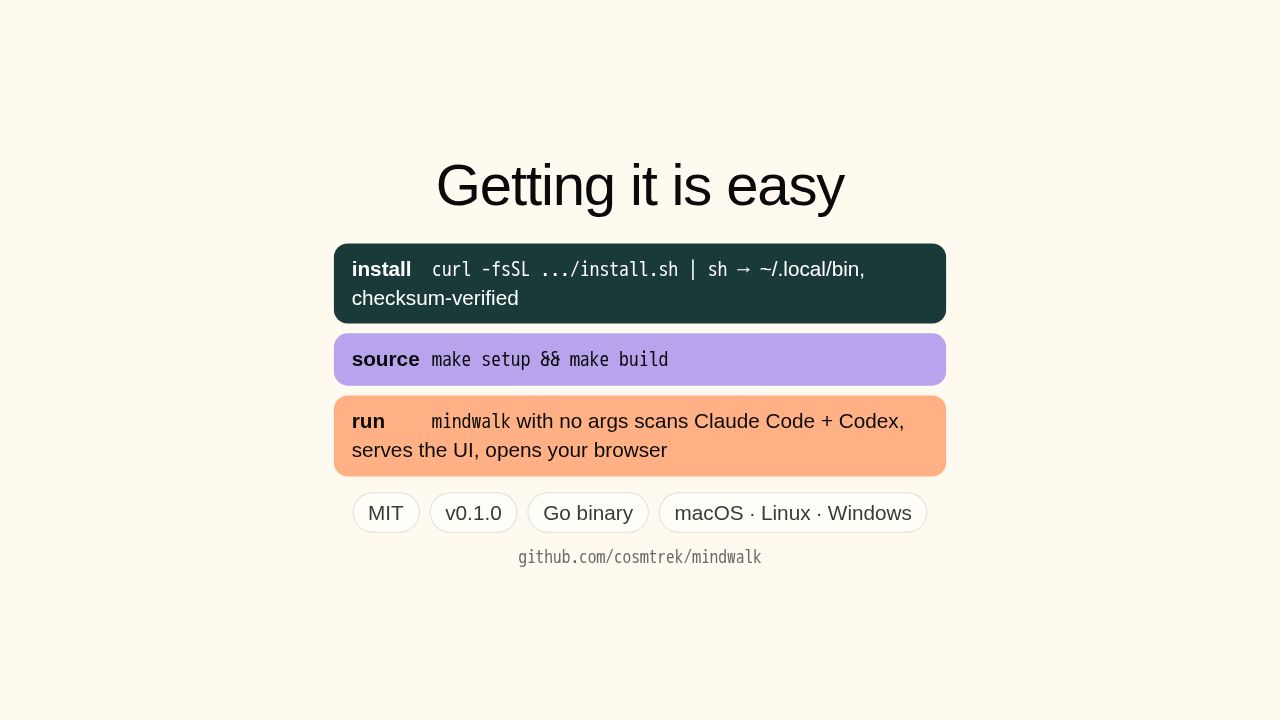
Getting it is easy
curl -fsSL .../install.sh | sh → ~/.local/bin, checksum-verified
make setup && make build
mindwalk with no args scans Claude Code + Codex, serves the UI, opens your browser
Getting it is easy. A curl script drops a single Go binary into your local bin, or you build from source with make. Then run mindwalk with no arguments, and it finds your Claude Code and Codex sessions, serves the UI locally, and opens your browser. MIT, version zero point one, macOS, Linux, and Windows.
mindwalk
So, mindwalk. It's brand-new, version zero point one, from cosmtrek, the developer behind air. Not battle-tested yet. But if you run a coding agent every day, this is a genuinely new way to see what it actually did. Worth a star and a weekend. The link's on screen, and there's a new repo tomorrow.











