tailcat · one short string is the whole connection

tailcat
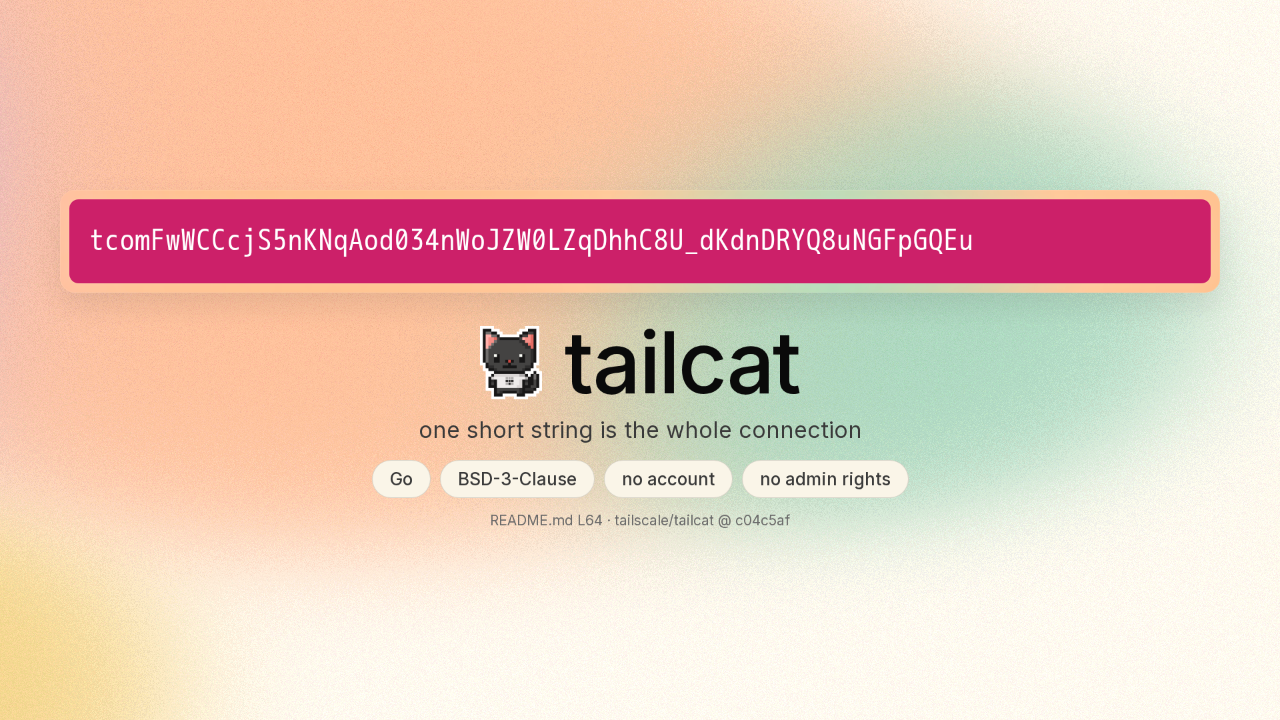
One machine prints this short string. A friend in another country pastes it into the same program, and the two machines are talking. This is tailcat. You never signed in to anything.
One side listens, the other side pastes
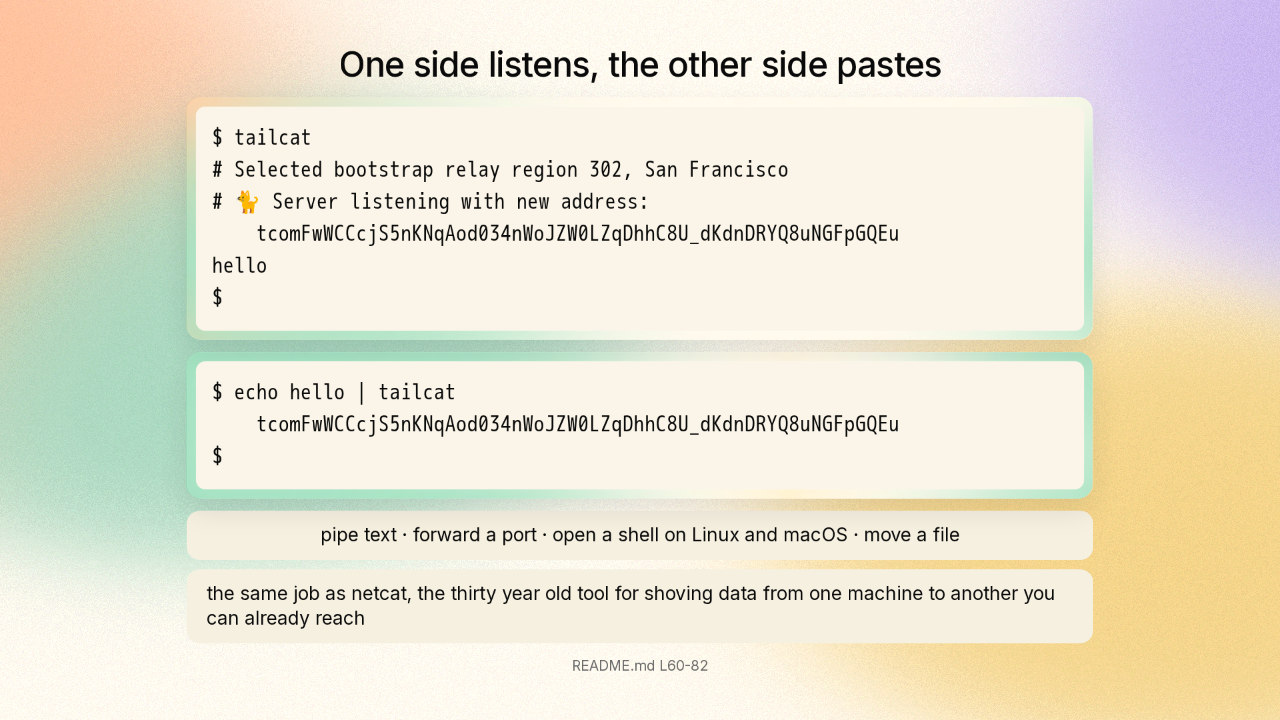
One program runs on both machines. The first machine prints the string and waits. On the second machine, you hand that same string to tailcat along with a line of text. The text comes out on the first machine. Those two machines are on different networks in different countries.
Something has to be holding the address book
Your machine at home sits behind a router with one address for the whole house, and so does your friend’s. The two machines have no path to each other. Tailscale makes a service that joins your own machines into one private network. The service works because a server Tailscale runs holds the address book: where every machine is, and which key belongs to it. Tailcat is Tailscale’s own program, built from the same code with the account taken out. What is the other machine actually told?
The string is the account
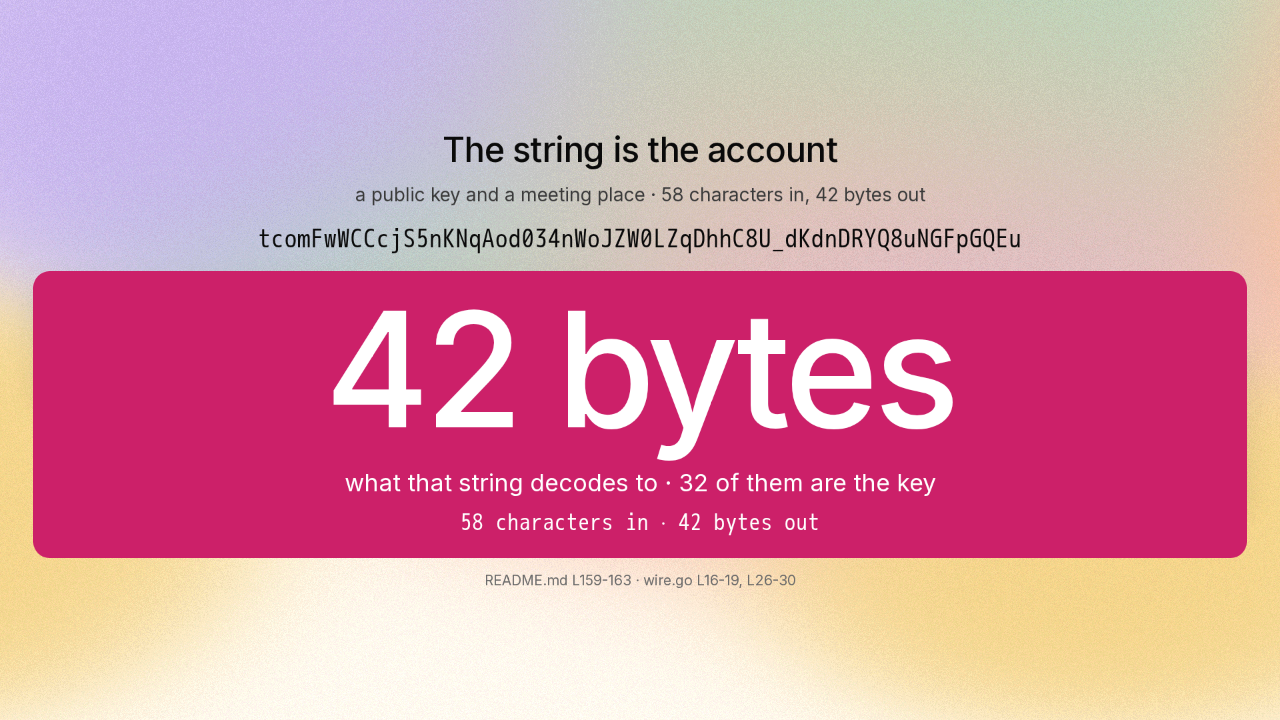
Here is the part worth knowing. One command opens the string up and prints everything inside, without connecting to anything. Two things come out. A public key. That is the half of a key pair you are allowed to hand out, because it only lets someone start an encrypted conversation with you. And a meeting place, written as a single number. The source code says it too. The piece that decides what a string like this may contain has exactly three fields, and two of them are the key and the meeting place. A comment above those fields says never to change them. The whole string is fifty eight characters, and it unpacks to forty two bytes. Thirty two of those forty two bytes are the key.
Two messages, and the machines try for a direct path
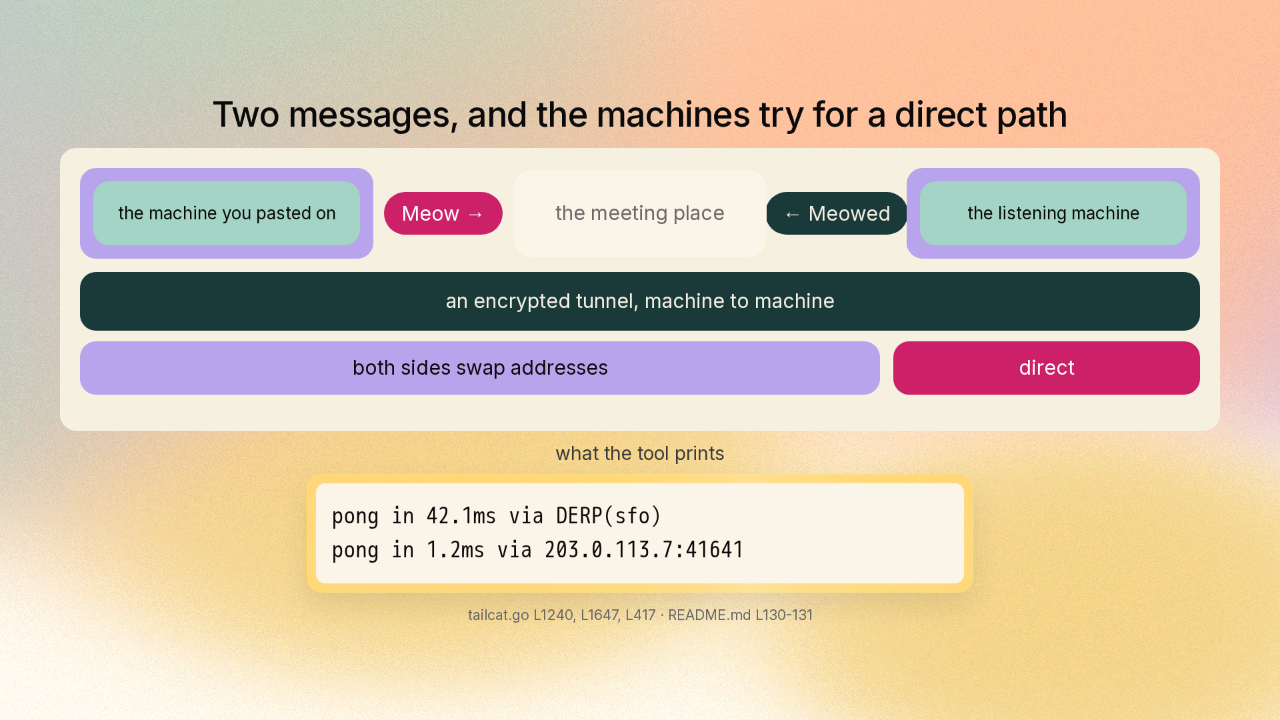
Both machines now know the same two things. The machine you pasted the string on goes to the meeting place and sends one message carrying its own public key. The code calls that message a Meow. The listening machine takes the sender’s key, adds it to the machines it will talk to, and answers Meowed. The two machines then build an encrypted tunnel, using WireGuard, the encryption scheme Tailscale’s products are built on. Each machine tells the other every address it thinks it has, and the two try to reach each other directly. When that works, the traffic leaves the meeting place and goes straight across. Tailcat prints both paths. The first reply came back through the meeting place. The second came straight from the other machine.
The first messages always go through a relay
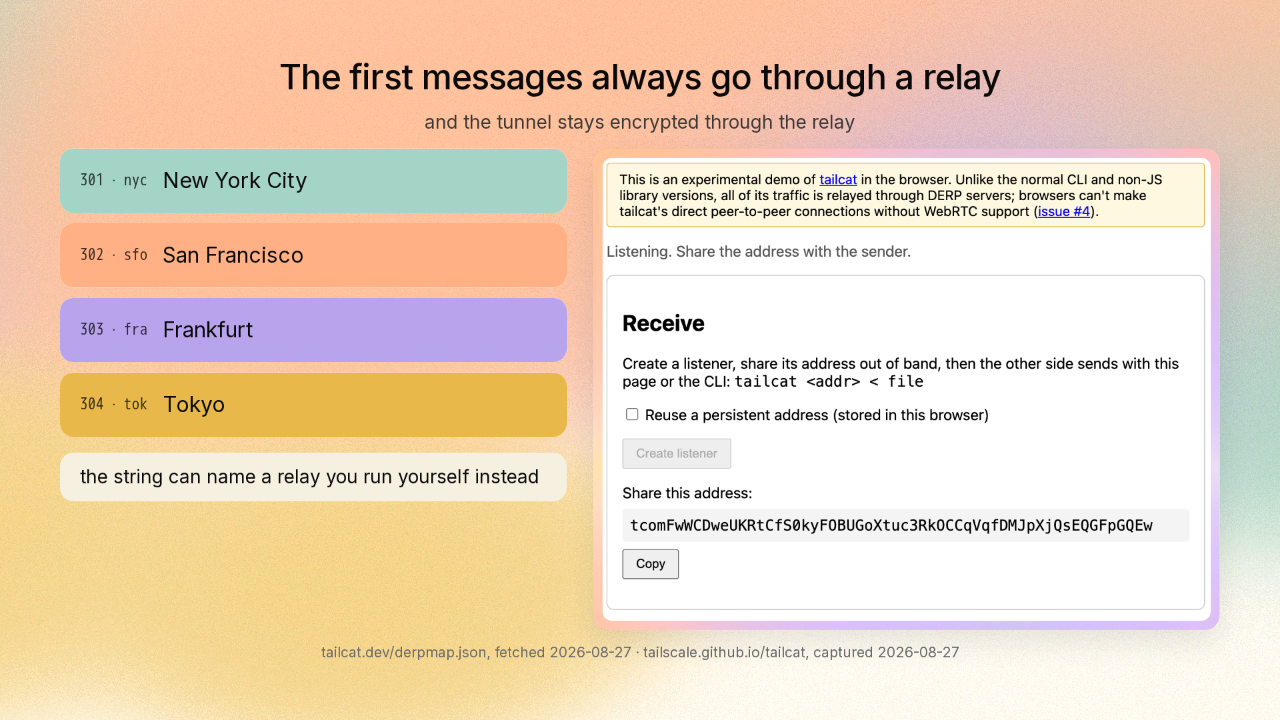
That meeting place is a relay, a computer with an address both machines can reach, and its only job is to pass those first messages along. By default that relay is one of four that Tailscale runs. New York, San Francisco, Frankfurt, and Tokyo. The string can name a relay you run yourself instead. One side can even be a browser tab, and that tab stays on the relay.
One command, and it changes nothing on your machine
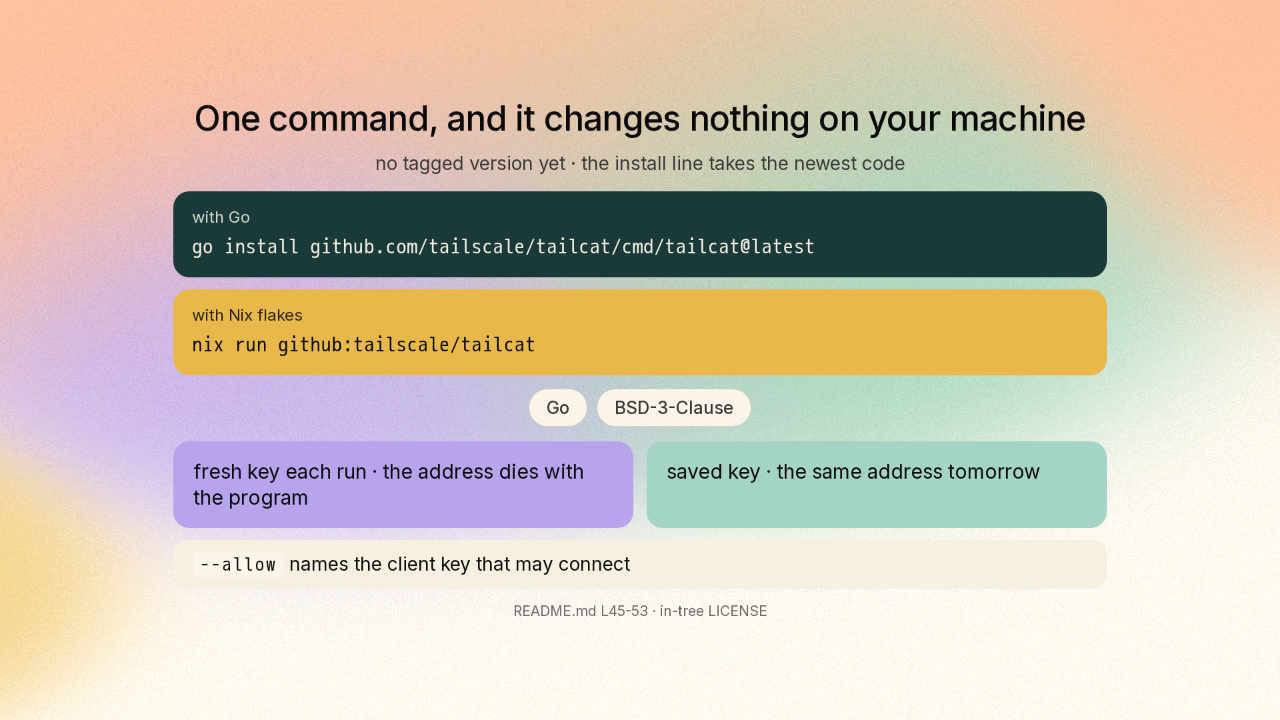
One command installs tailcat, and it is open source under the BSD three clause licence. It never asks for an administrator’s password, and it leaves your network settings alone. Every run makes a brand new key in memory and prints an address that has never existed. Stop the program and that address is gone. Save a key, and the same address works tomorrow. You can also name the one machine allowed to connect. Anyone else gets no answer at all.
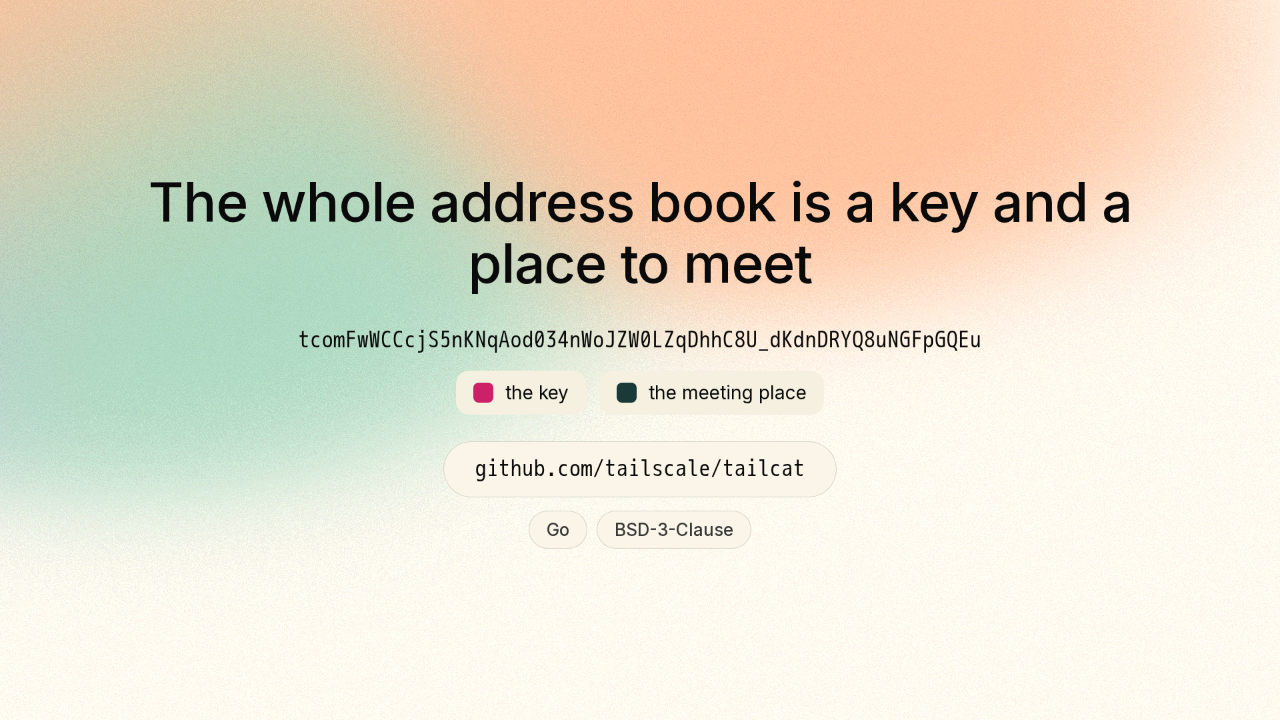
The whole address book is a key and a place to meet
Two machines on opposite sides of the internet need something holding the address book. Tailcat hands the entire thing to you as a string you can open and read. That is tailscale slash tailcat, on GitHub. New repo tomorrow.