portless · a name instead of a number
portless
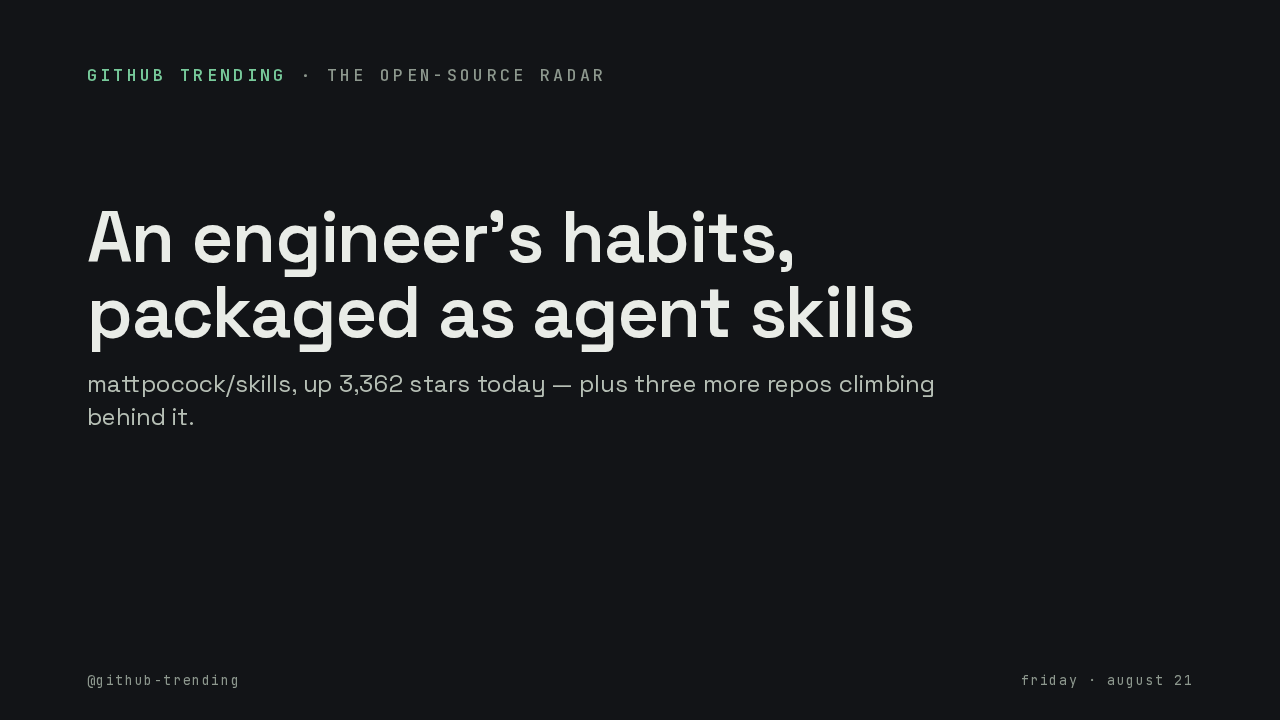
Everything you build on your own computer answers at a number. You never remember which is which. This is portless. You put one word in front of the command that starts your project, and the project answers at a name with a padlock instead. That number is a port number: your computer has thousands of numbered slots, and every program picks one to answer on.
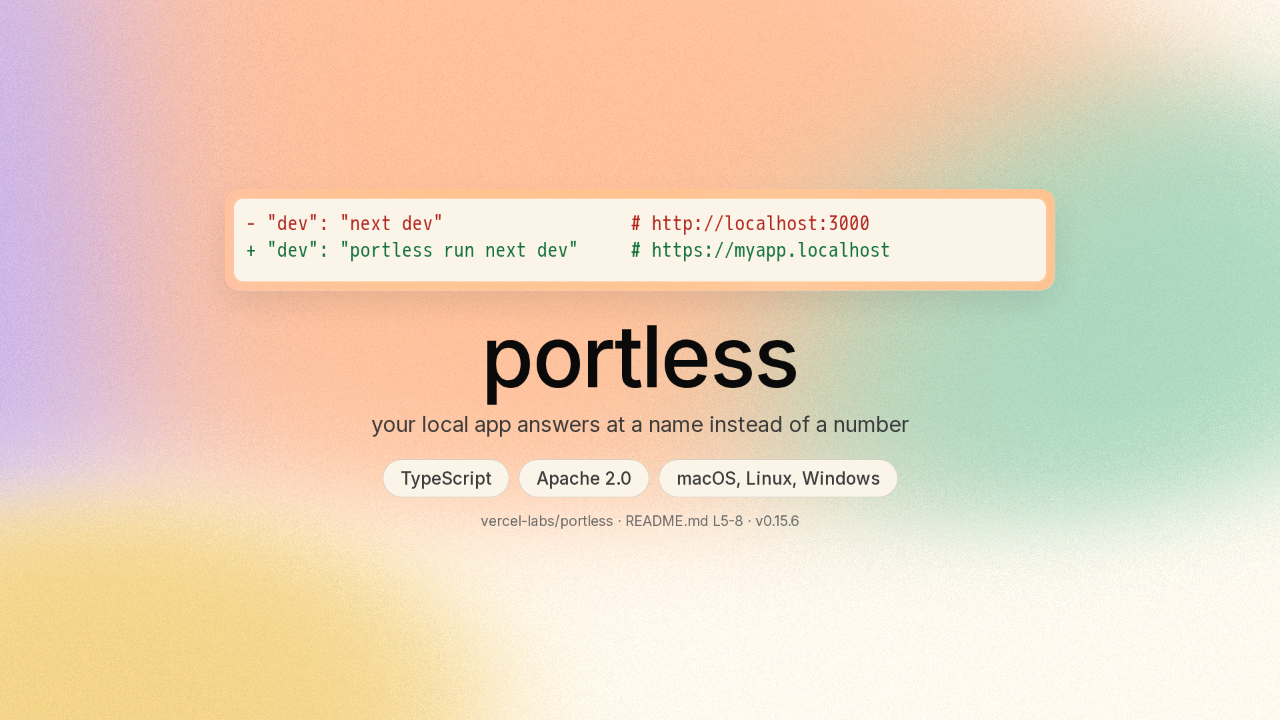
You choose the name when you start the app
You type portless, then a name you choose, then the command you already run. The copy of the site you are building starts up, and portless hands you that name, dot localhost, with a padlock on it. Your browser trusts that padlock, so the page loads clean.
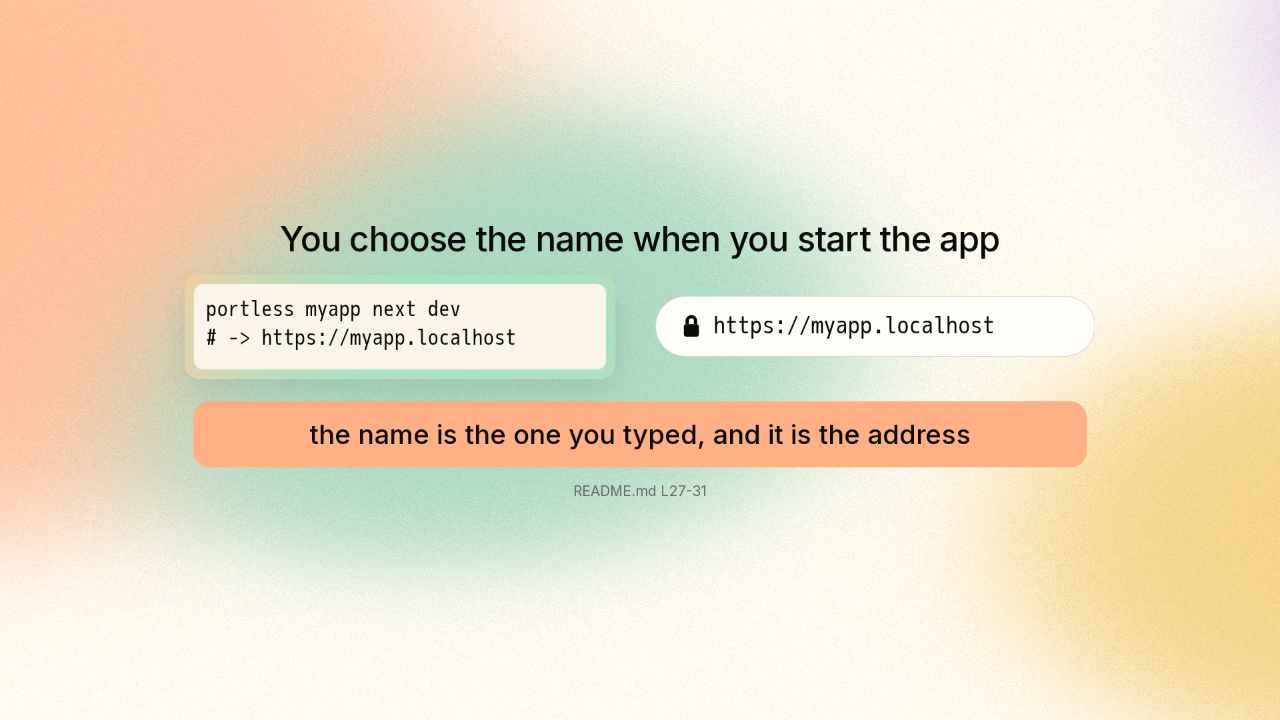
Handing your app a name sounds like it needs setup
So how does your computer know where myapp dot localhost is? It already does. Any address ending in dot localhost goes straight back to your own machine. Portless never teaches your computer that name. What is left is answering the door.
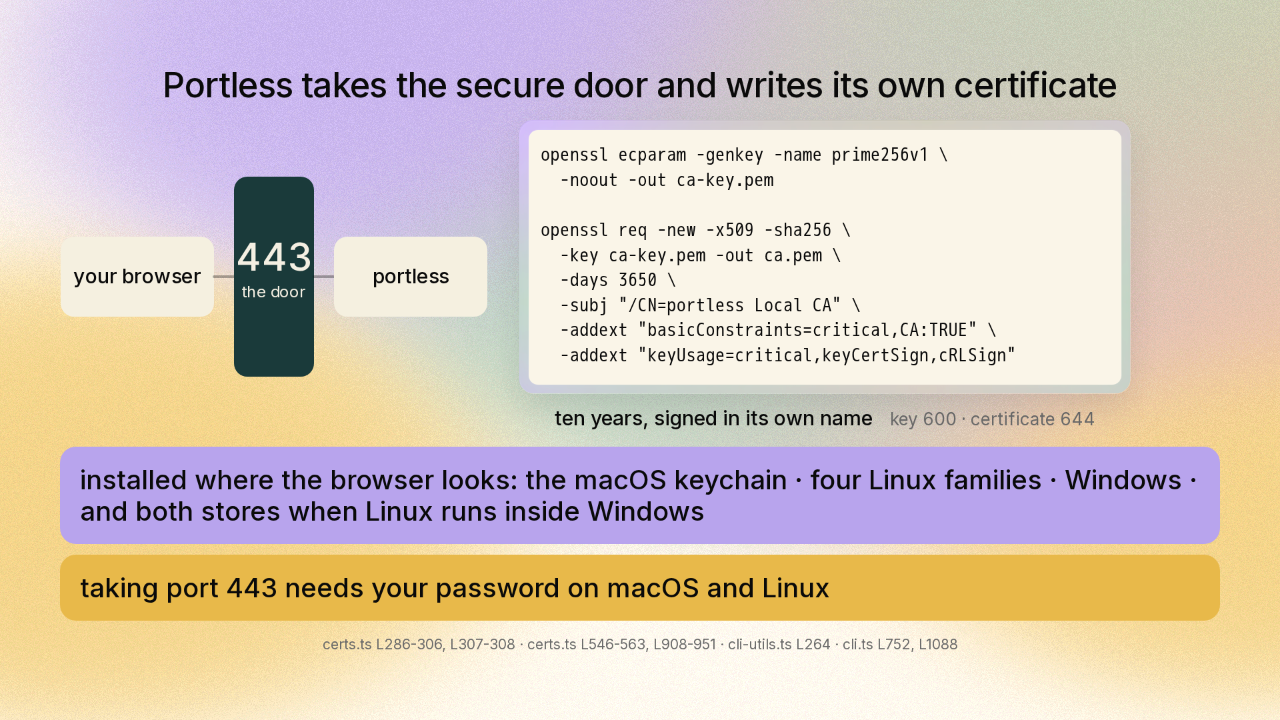
Portless takes the secure door and writes its own certificate
Your machine has one door that every secure website on the internet uses, and portless takes that door. That is port four four three. A browser only shows a padlock when the certificate comes from an outfit it already trusts. So portless makes itself into one of those, on your machine only. Two commands: a key, and a certificate good for ten years that portless signs in its own name. Then portless installs it where the browser looks, on macOS, Linux and Windows. Taking that door needs your password, and portless asks each time it starts.
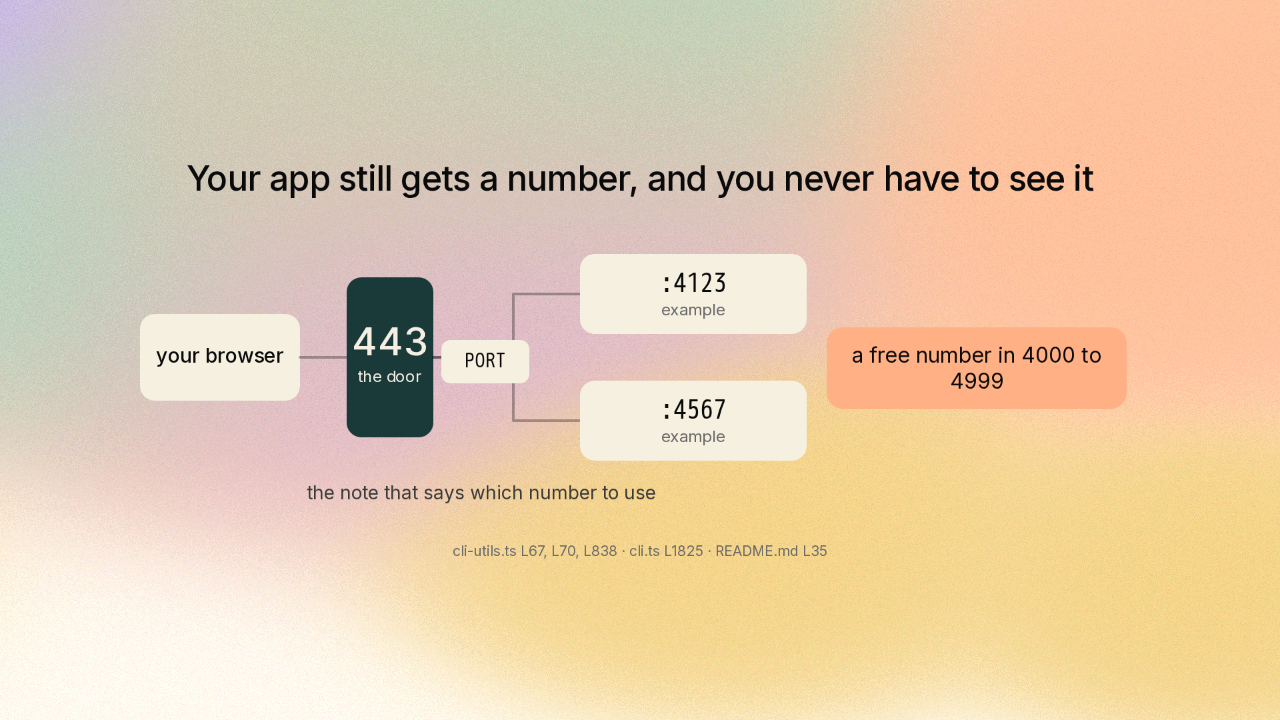
Your app still gets a number, and you never have to see it
Think of a building with one front door, and rooms behind it with numbers visitors never learn. Portless picks a free number between four thousand and four thousand nine hundred ninety nine, and starts your app on it. Portless hands that number over in an environment variable. That is just a note the program starting your app leaves for it to read. Then the door forwards your name to that room.
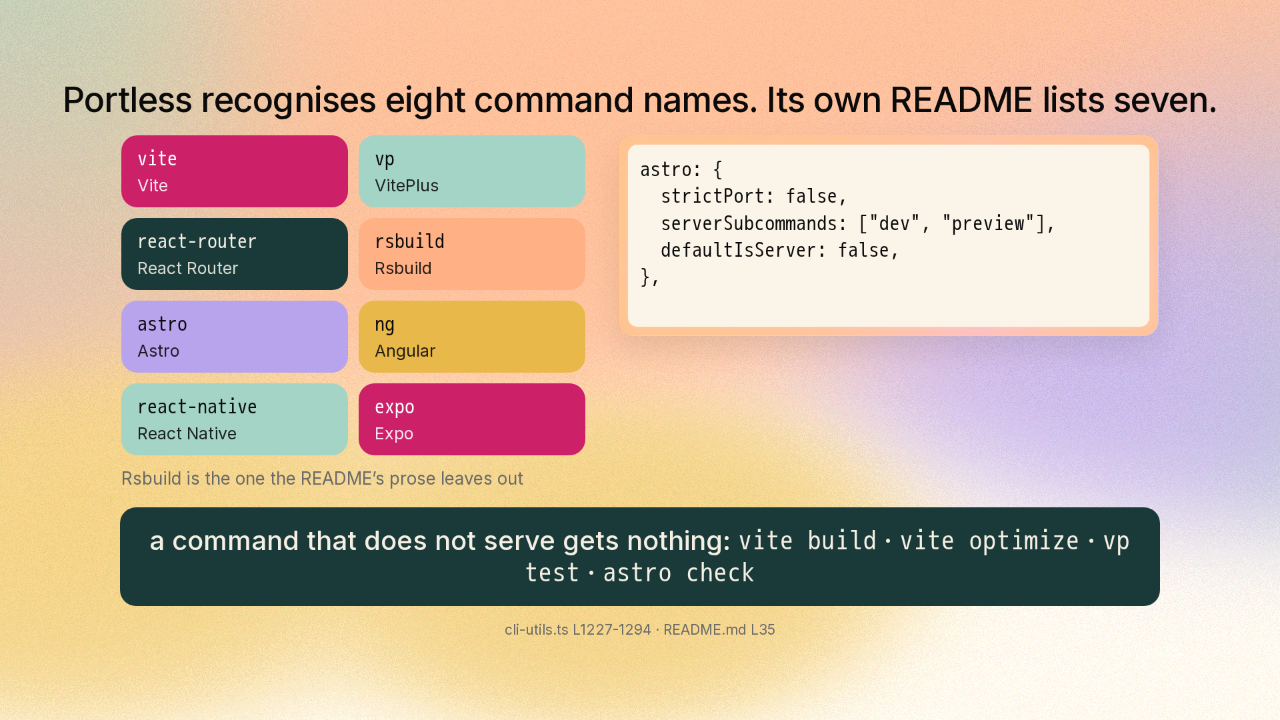
Portless recognises eight command names
Portless recognises eight command names. Its own README lists seven.
Most tools that build websites read that note and use the number. A few ignore it. So portless keeps a list of eight command names: Vite, VitePlus, React Router, Rsbuild, Astro, Angular, React Native, Expo. Those are frameworks, the toolkits a website gets built with. For those eight, portless puts the port into the command itself. Each entry also says which of that tool's own commands actually start a server. Ask one to build instead of to serve and portless adds nothing.
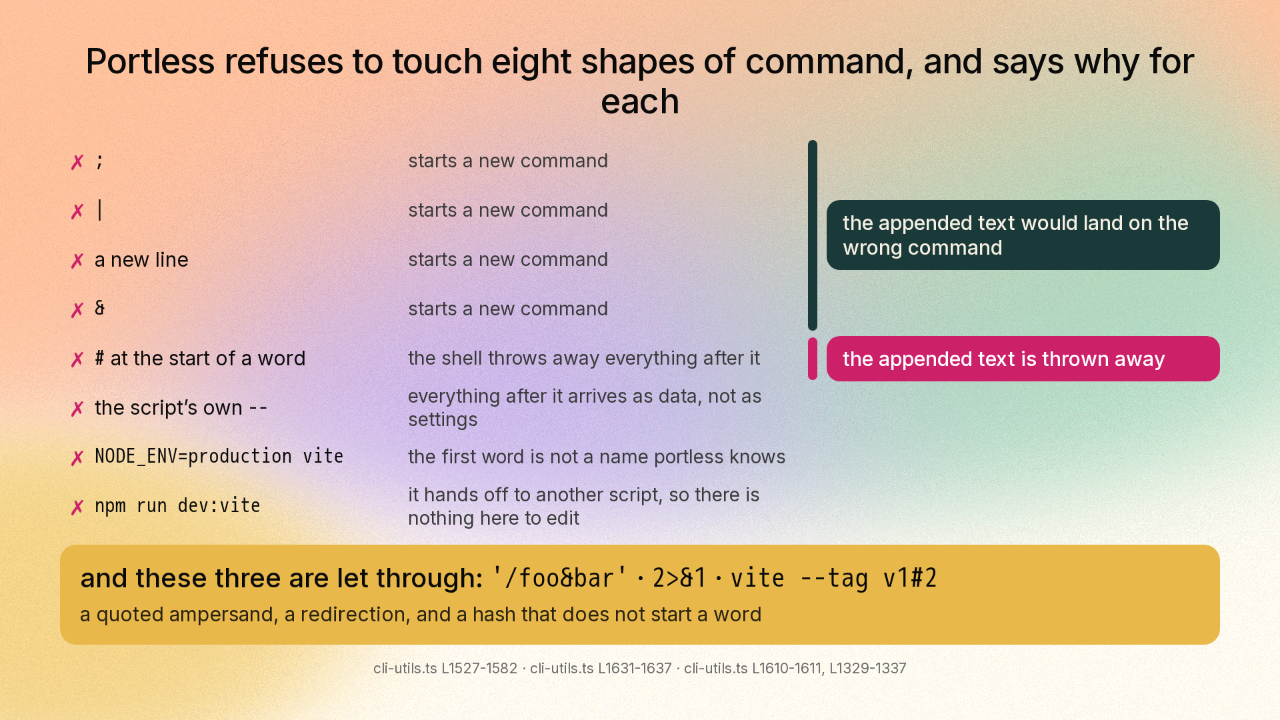
Portless refuses to touch eight shapes of command
Portless refuses to touch eight shapes of command, and says why for each
This part is clever. Portless adds text to a command you already wrote, and the shell, the program that runs what you type, reads that command again. So there is a scanner in here that walks your command one character at a time, tracking quotation marks and backslashes, to work out when to leave your command alone. A semicolon, a vertical bar, an ampersand or a new line each start a second command, so the added text would land on the wrong one. A hash mark at the start of a word opens a comment, and the shell throws away the rest. And an ampersand inside quotation marks is just your text, so it goes through. Somebody wrote that by hand.
One line installs it · v0.15.6
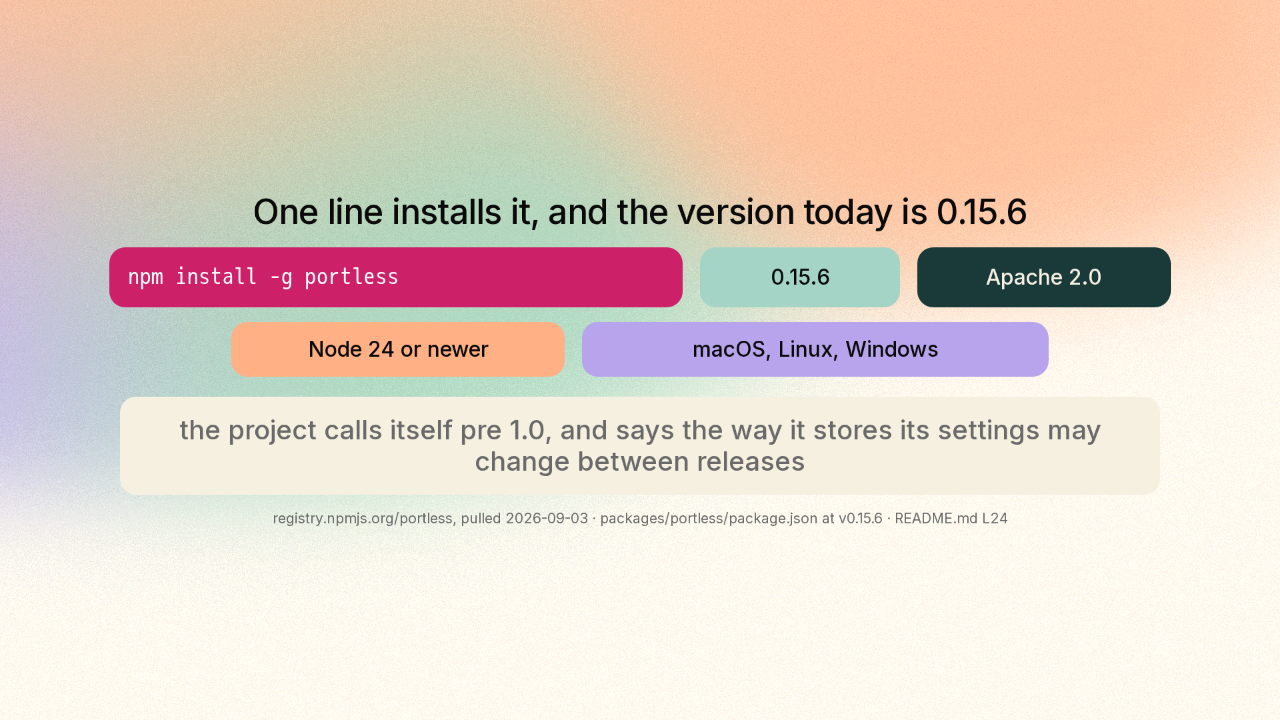
One line installs it, and the version today is 0.15.6
One line installs portless, from npm, where developers publish their tools. The licence is Apache two point oh, so portless is free to use at work. The project says it is still pre one point oh, so the way it stores settings may change.
Signs its own certificate · refuses eight shapes
So: one word in front of the command you already run, a name that carries a padlock, and a scanner that decides when to leave your command alone. That is vercel dash labs slash portless, on GitHub. New repo tomorrow.