Omarchy 4 · a Linux system that rebuilt its own desktop
Omarchy 4
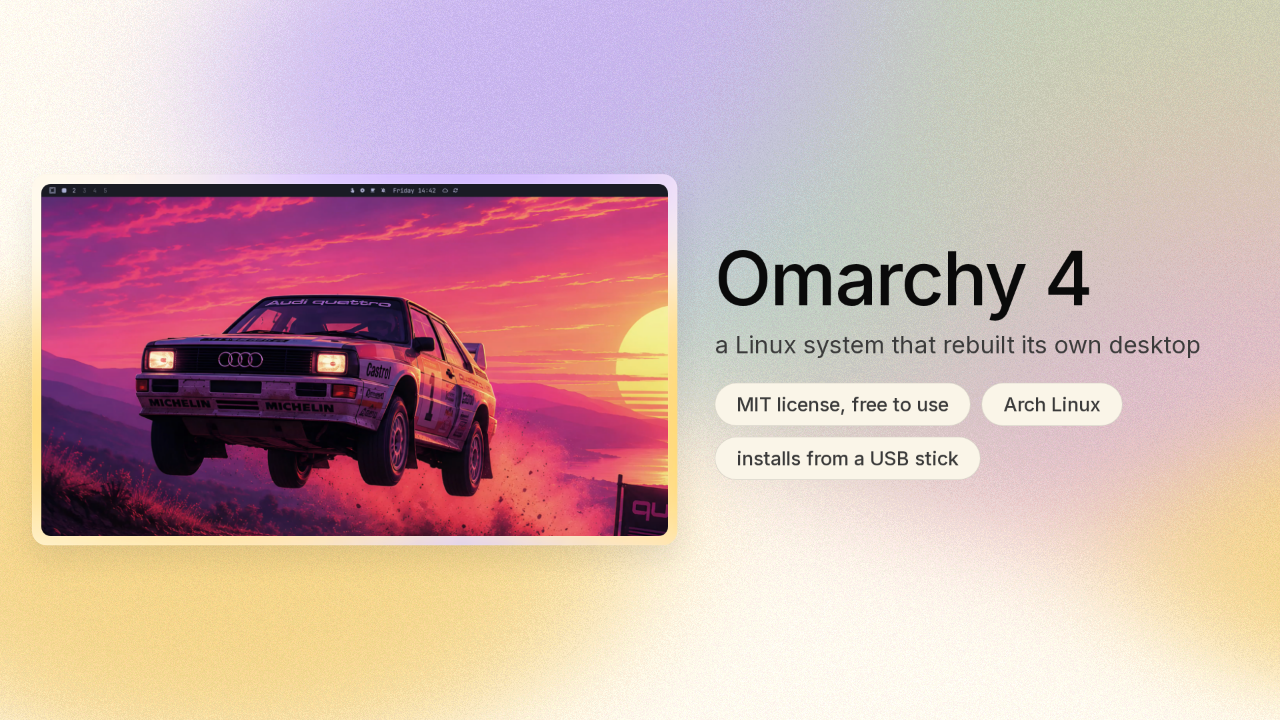
Every computer has a seam in it. A popup or a window that looks like it came off a different machine. Omarchy 4 is Linux, a free operating system you install instead of Windows. This release deleted eight of the programs that used to draw its own screen.
Every piece of the screen came from a different program
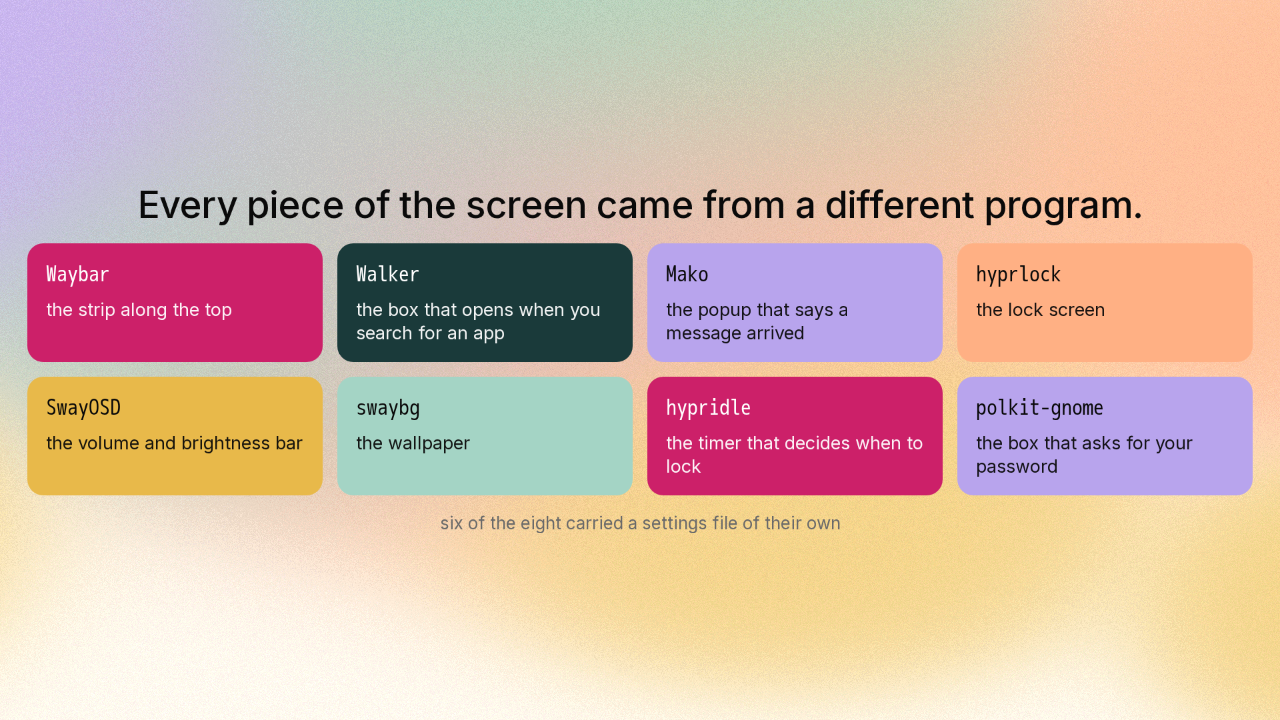
Every piece of the screen came from a different program.
The strip along the top of a desktop is one program. The box that opens when you search for an app is a second. The popup that says a message arrived is a third. And the lock screen is a fourth. Before this release there were eight of these pieces, each a separate program with its own idea of what a colour is. They match each other only by luck, and that is where the seam comes from.
The eight programs became eight parts of one program
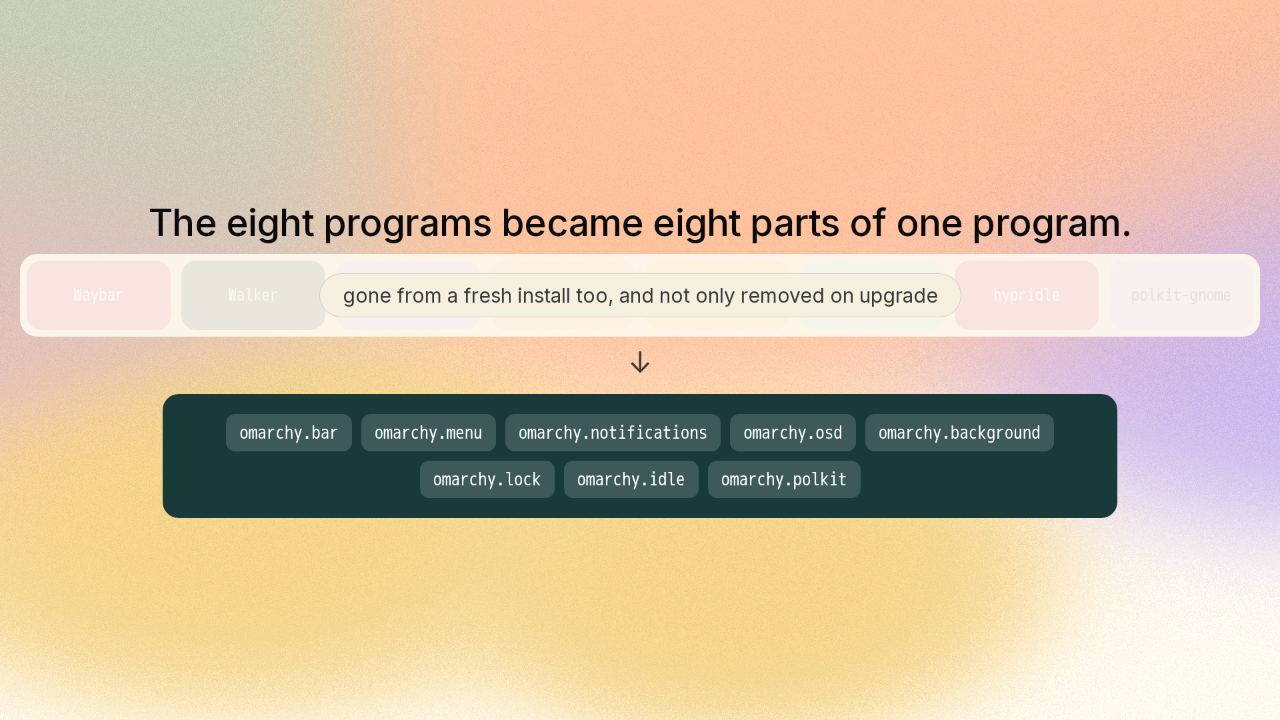
The eight programs became eight parts of one program.
Upgrading to Omarchy 4 removes all eight of those programs. Install Omarchy 4 fresh today and the machine arrives without those eight. One program draws the strip, the search box, the notifications, the volume bar and the lock screen now. That program starts with the desktop and keeps running the whole time you are logged in.
One program means one set of colours
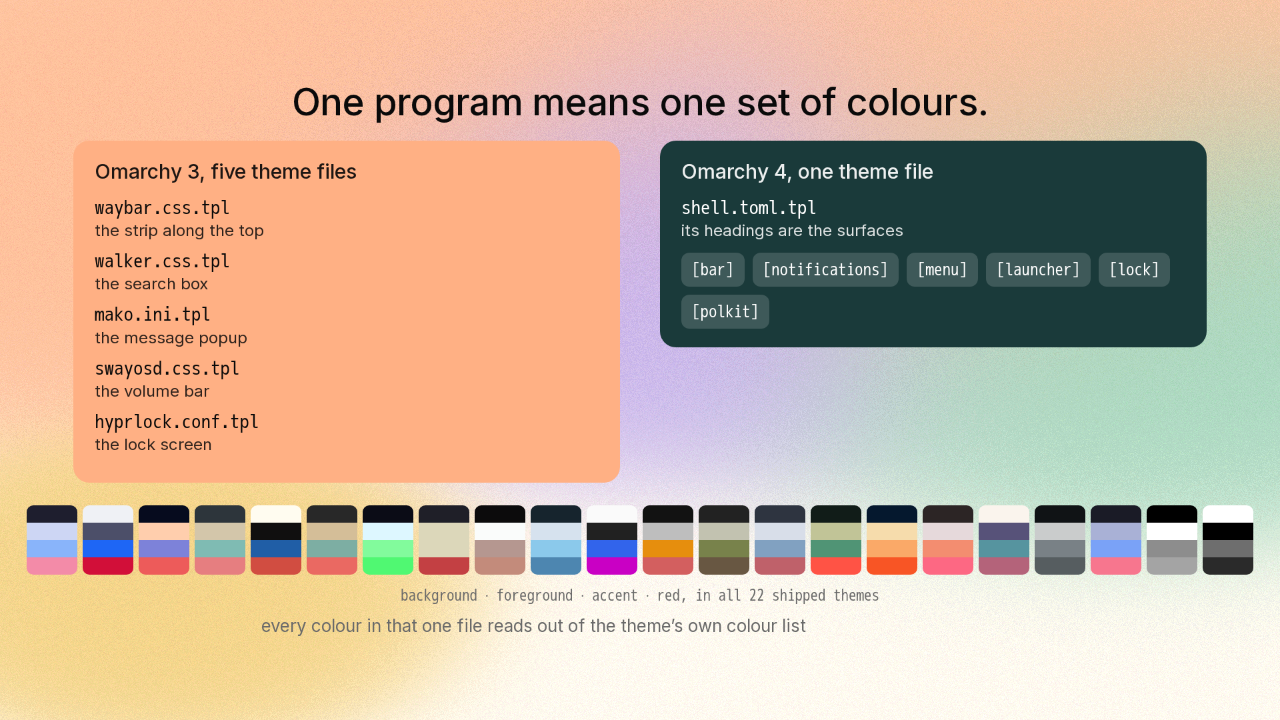
One program means one set of colours.
Colouring the old desktop meant five separate theme files. One for the strip, one for the search box, one for the popup, one for the volume bar, one for the lock screen. Omarchy 4 ships one file instead, and the headings inside it are the surfaces themselves. Every colour in that file points at one short list of colours the whole theme shares, so picking a different theme recolours the strip, the search box, the notifications and the lock screen together.
Every surface here is a folder you can swap
Every surface here is a folder you can swap.
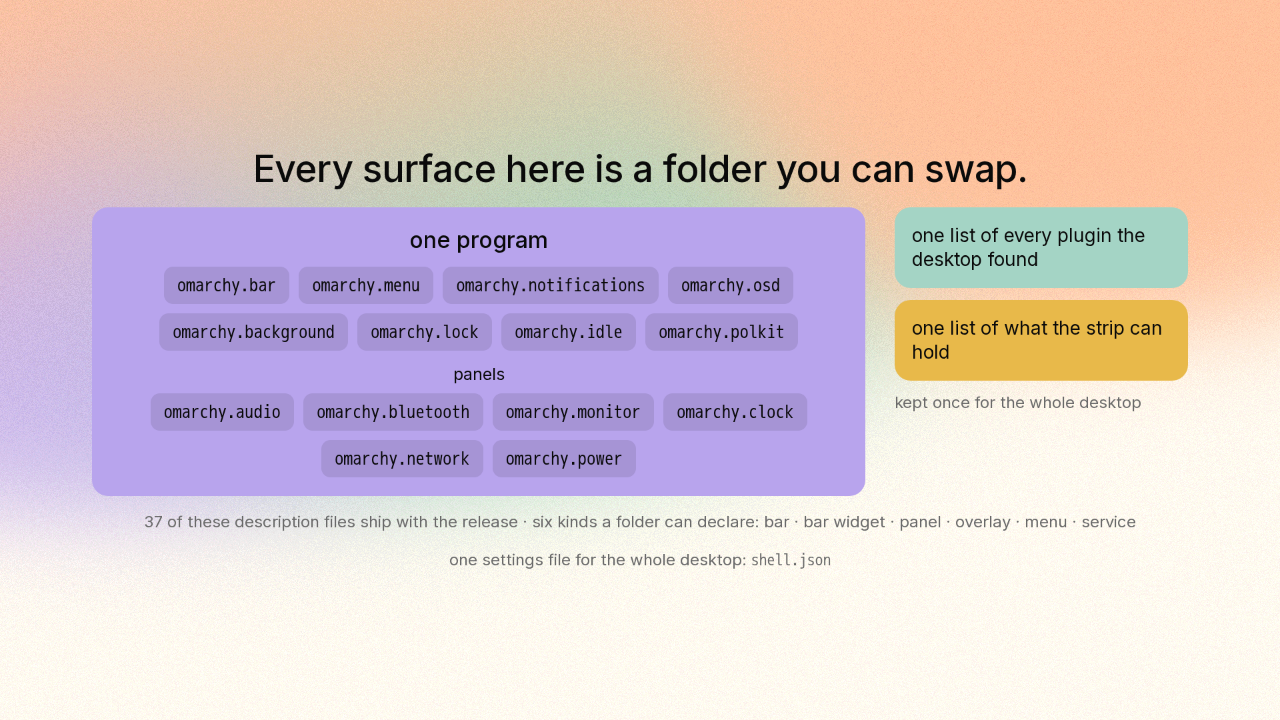
One program sounds like the version of this where you give up being able to change anything. Inside that one program every surface is still its own separate piece. A plugin here is a folder with a small description file saying what kind of thing it is. The strip is a plugin. The notifications are a plugin. The lock screen is a plugin. And which one sits where lives in a single settings file you can open and edit, for the whole desktop.
The keypress became a message to a program that never stopped running
The keypress became a message to a program that never stopped running.
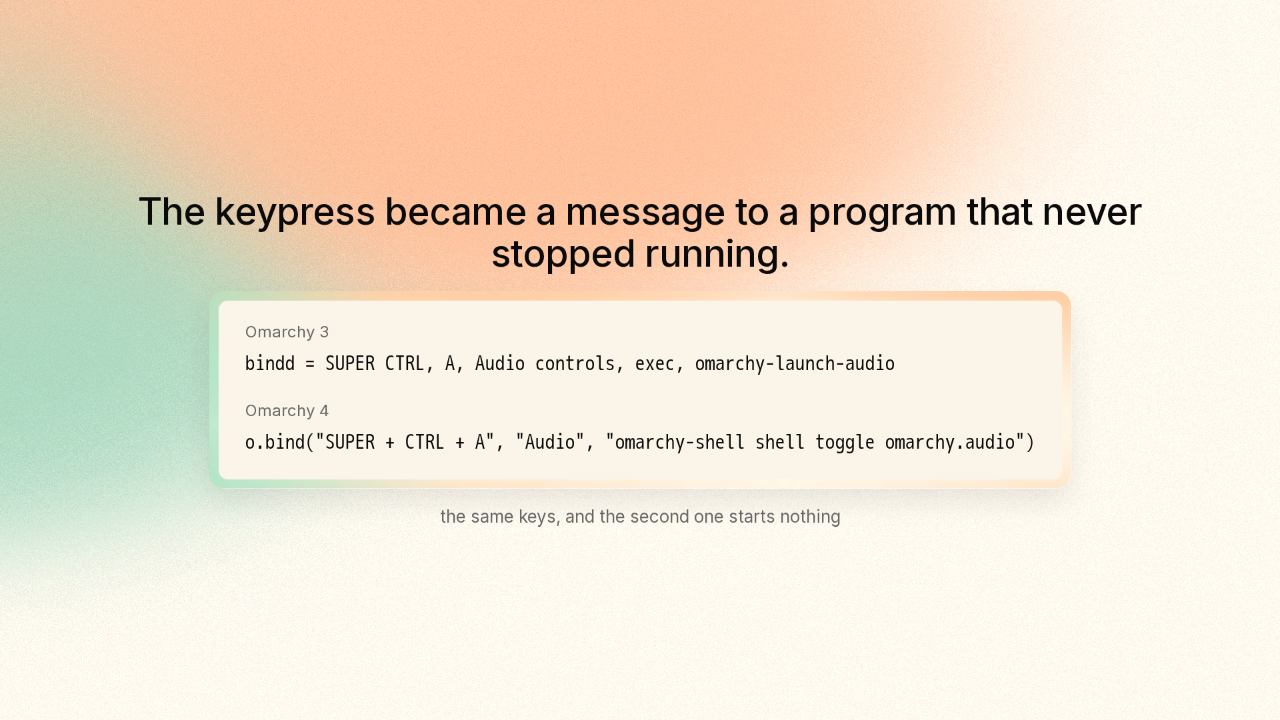
bindd = SUPER CTRL, A, Audio controls, exec, omarchy-launch-audio
o.bind("SUPER + CTRL + A", "Audio", "omarchy-shell shell toggle omarchy.audio")
The shipped keyboard shortcuts show the same idea from the outside. The shortcut for the sound panel is Super, Control, A. Before this release those three keys ran a script that started a sound program in a terminal window. Now the same three keys ask the desktop itself to show the sound panel. That desktop program was already running.
A plugin runs as part of the desktop itself
A plugin runs as part of the desktop itself.
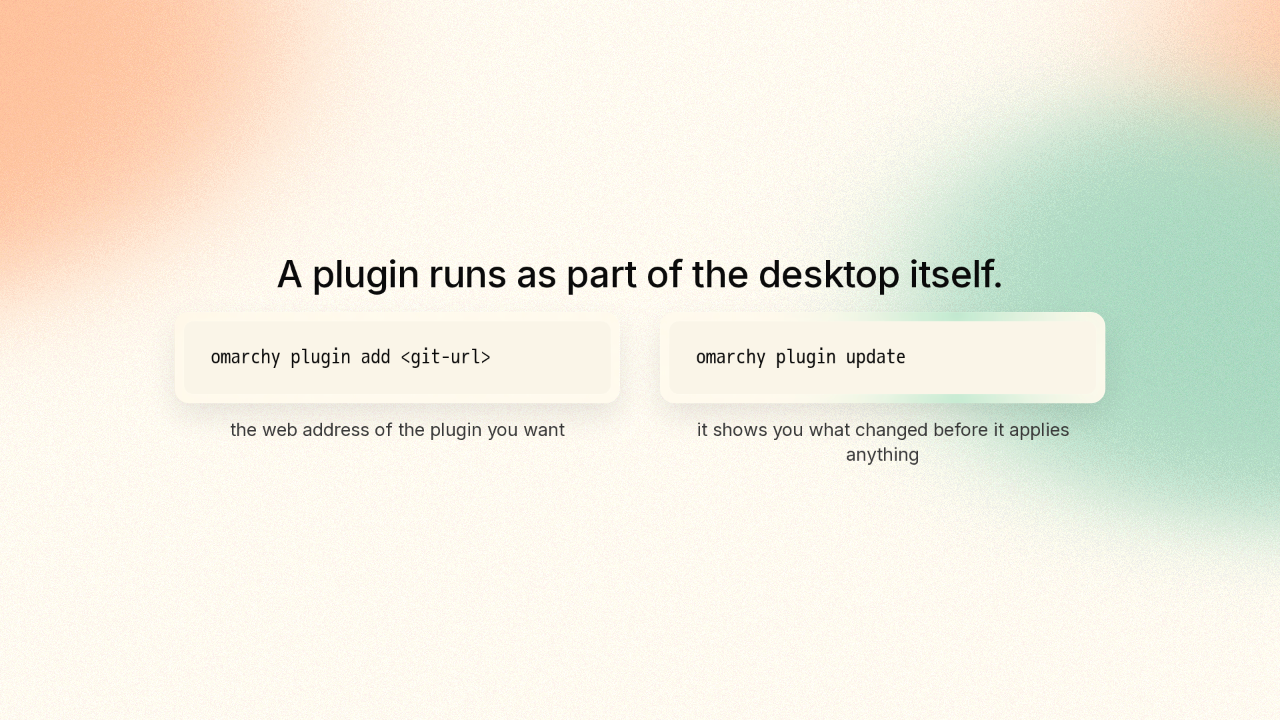
omarchy plugin add <git-url>
omarchy plugin update
Anyone can write one of these surfaces. You point Omarchy at a web address, Omarchy copies the folder down, and then it asks you before switching the new plugin on. Omarchy never switches a new plugin on by itself, because the project wants you to read the code first.
The full disk install erases the drive you point it at
The full disk install erases the drive you point it at.
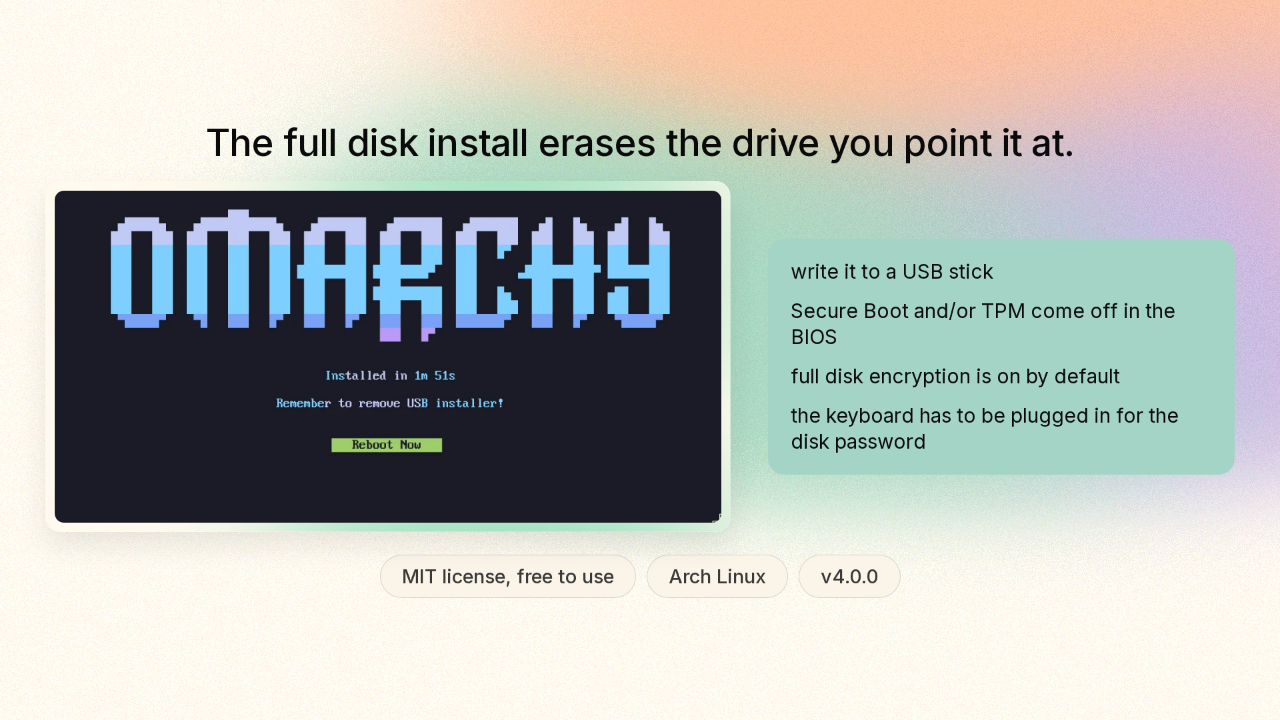
It is free and open, and it is Arch underneath, the build it yourself flavour of Linux. You write it to a USB stick and install it, and the full disk option erases the drive you point it at. You turn off Secure Boot, the TPM, or both, in the BIOS first. And you have to plug the keyboard in, because a Bluetooth one cannot type the disk password before the system is up.
Every part of this desktop is now something you can open
Every part of this desktop is now something you can open.
The desktop stopped being a pile of programs sitting next to each other. All of it shipped five days ago, so what this desktop turns into next is up to whoever writes the next plugin. Omarchy 4 is on GitHub, at basecamp slash omarchy. There is a new repo here tomorrow.











