Kaneo: the project board you host yourself, and your AI can drive it
Kaneo
Every task board your team uses lives in someone else's cloud. Kaneo is one you run on your own server instead. And your AI assistant can drive it, right alongside your team.
A task board that lives on your server, not in the cloud
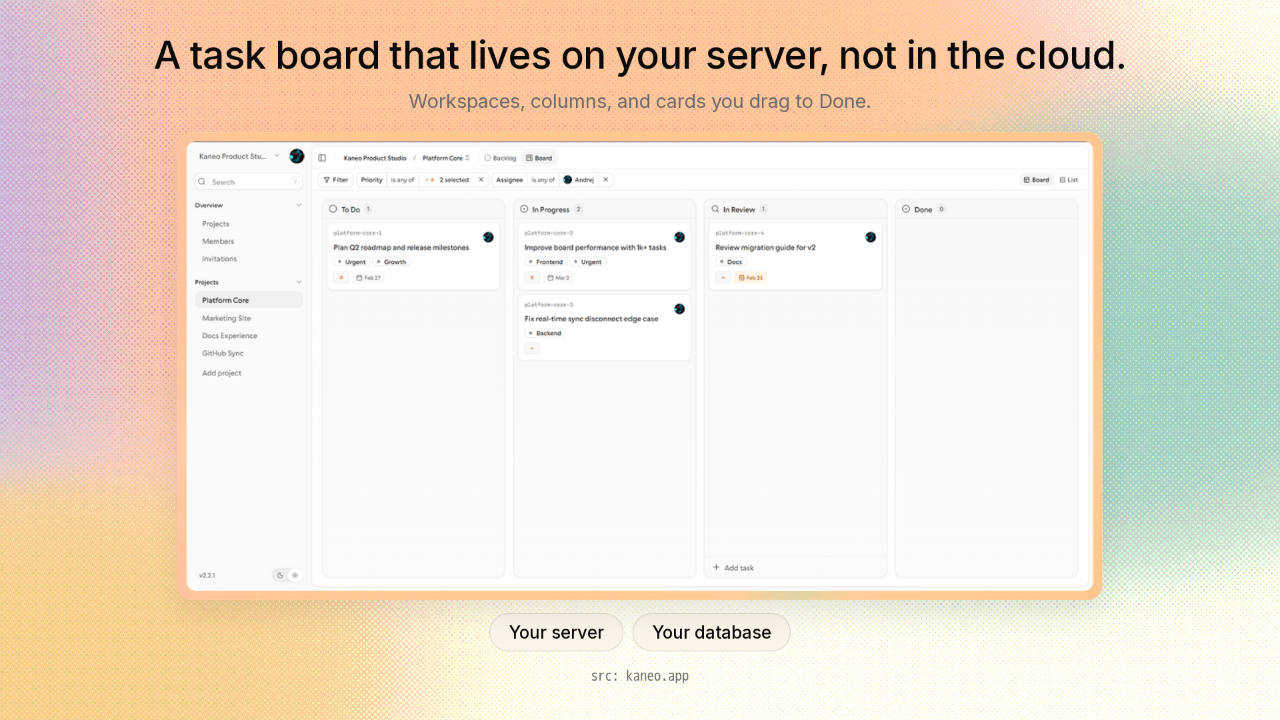
A task board that lives on your server, not in the cloud.
Here's the board. Workspaces down the side, then columns: To Do, In Progress, In Review, Done. Every task is a card, and you drag it from one column to the next as the work moves. It's the kind of board you'd rent from Trello or Jira. The difference is where it lives. This one runs on your own server, not a company's cloud, and your tasks sit in your own database.
Own your task board instead of renting it
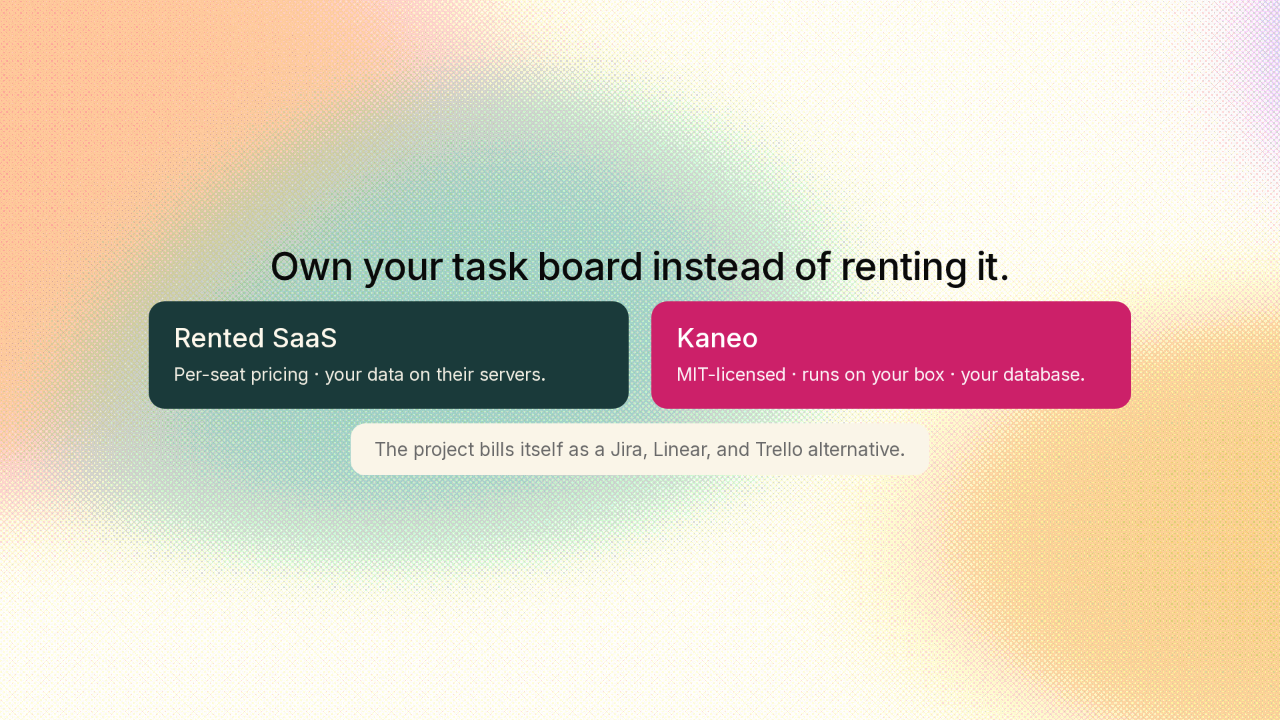
Own your task board instead of renting it.
So why run it yourself? The tools most teams reach for, like Jira, Linear, and Trello, charge you per person every month, and your tasks live on their servers. Kaneo charges you nothing, and the code is open and free under the MIT license. It's the same kind of board, but the data is yours and there's no per-seat bill. The project bills itself as a lean alternative to those three.
One board, two front doors
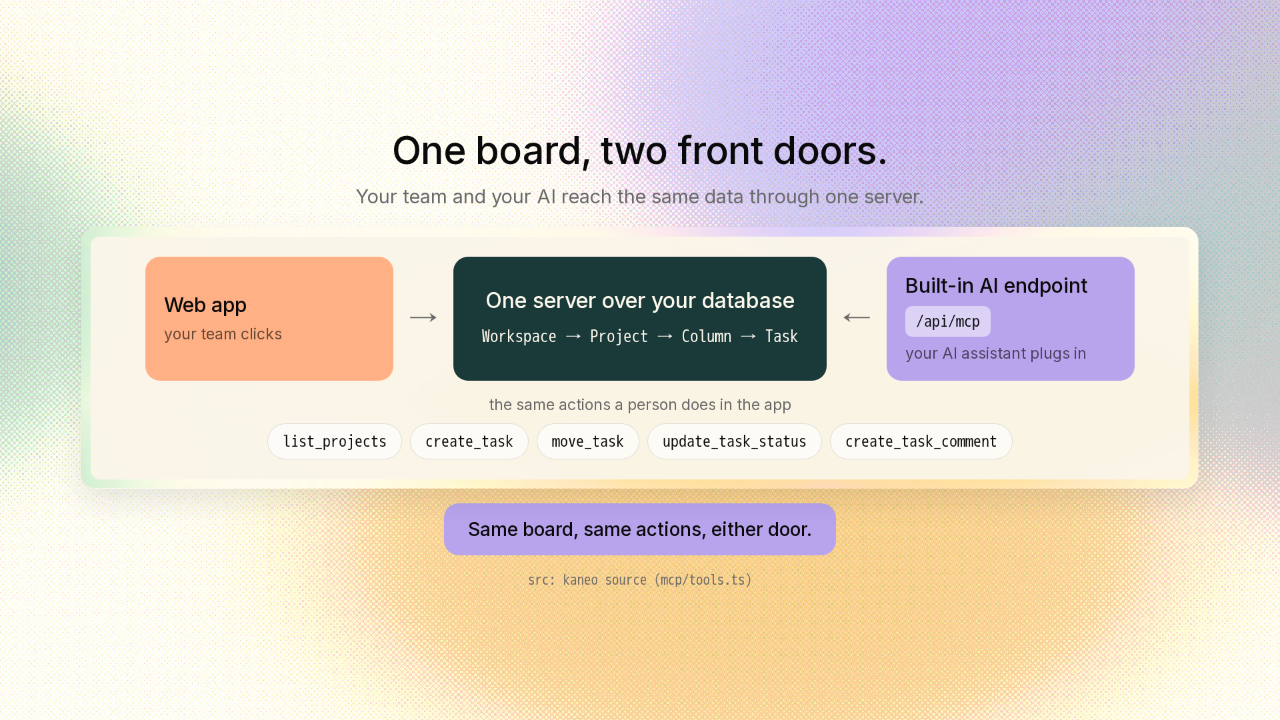
One board, two front doors.
Here's the part that makes Kaneo interesting. Underneath, the whole board is just rows in your database. A workspace holds projects, a project holds columns, and a column holds task cards. One small server reads and writes all of it. That one server opens two front doors. The first is the web app your team clicks. The second is a built-in connection your AI assistant plugs into. It's the same standard Claude Code and Cursor already speak. Your assistant signs in as you, and then it does the exact things you do: list your projects, create a task, move a card to Done, leave a comment. So moving a card to Done is the same step either way, whether you drag it or your AI does. You might expect the AI part to be a feature bolted onto an app. It isn't. The board is just your data behind one door, and your team and your AI both come through it.
When a code change is accepted, the card moves to Done on its own
When a code change is accepted, the card moves to Done on its own.
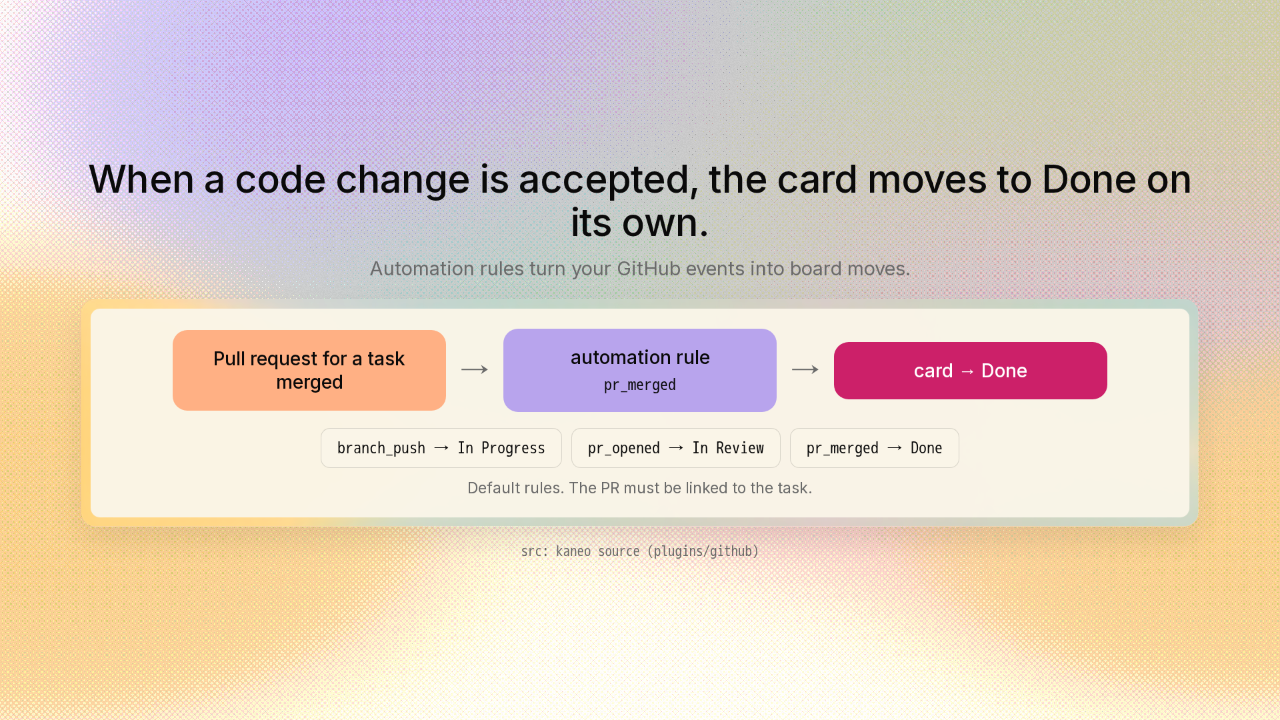
There's a third way to move a card, and this time it's your code doing it. Each project can hold automation rules. A rule watches for something outside the board, and it moves a card the moment that thing happens. Connect a project to GitHub, and when the pull request for a task gets merged, meaning a proposed code change is accepted, Kaneo slides that card to Done. The card moves itself. You never touch it. Wire up the earlier steps the same way, and a card can walk clear across the board as the work ships.
Everything a task tracker needs, already built in
Everything a task tracker needs, already built in.
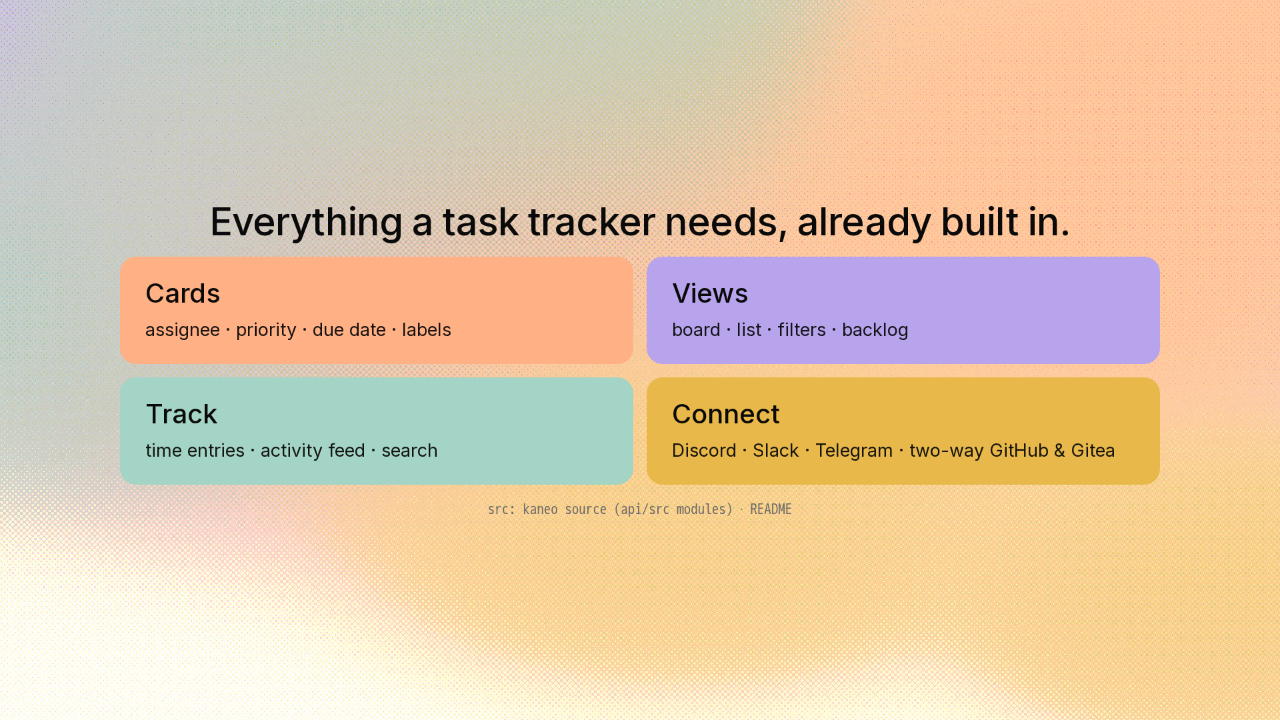
And this is a real product, not a weekend toy. Every card carries an assignee, a priority, a due date, and labels. You get a board view and a plain list, filters, a backlog, time tracking, an activity feed, and search across all of it. It posts updates into Discord, Slack, or Telegram, and it syncs both ways with GitHub and its self-hosted cousin Gitea.
Run it with one container command
Run it with one container command.
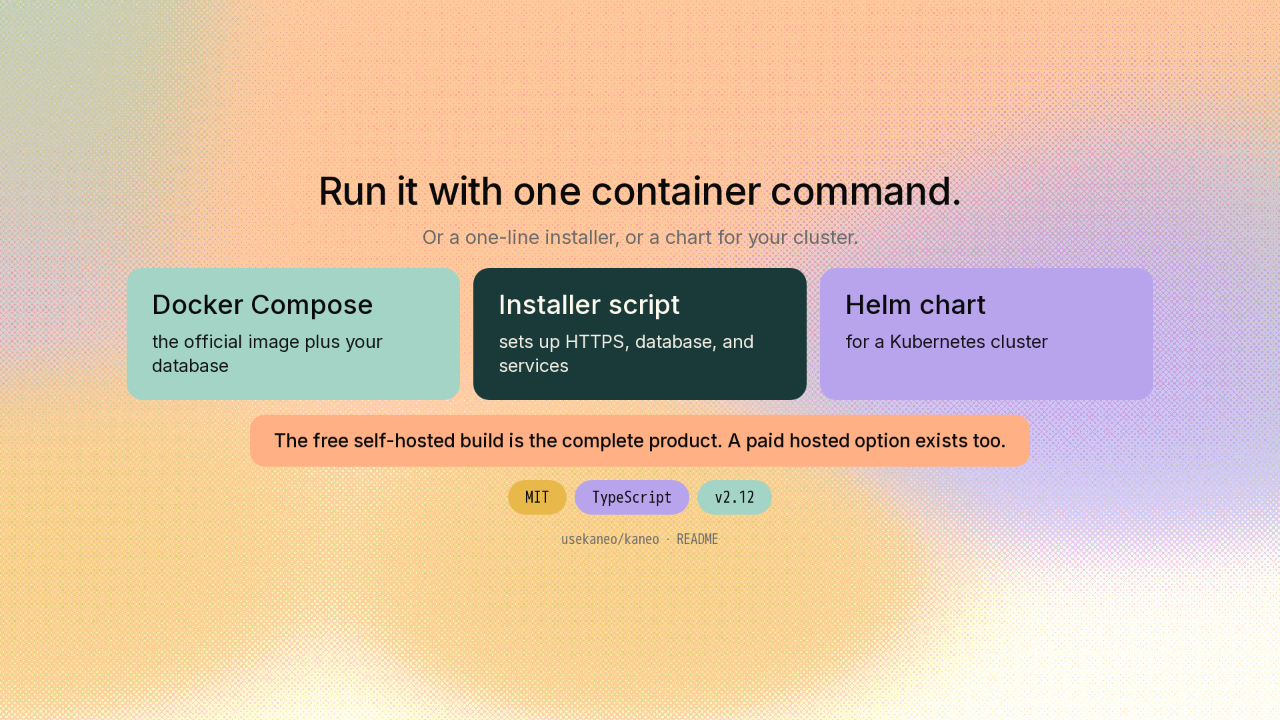
Getting it running is quick. One container command plus your own database, and the board is live. Want less setup? A single installer script sets up the whole thing for you: the web address, the database, and the services. There's also a chart if you run a cluster. It's free and MIT-licensed, and it's on version two-twelve now. The copy you run yourself is the complete product. There's a paid hosted option too, if you'd rather someone else ran the server.
One board. Three ways to move the cards.

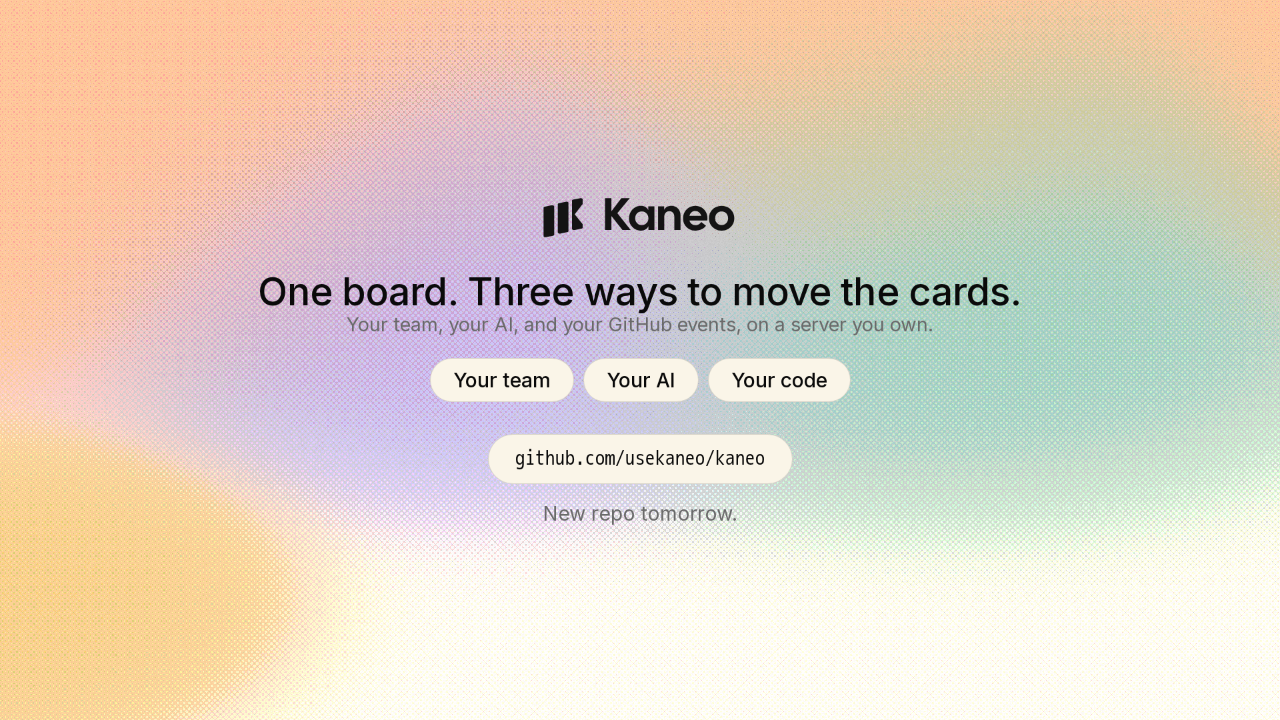
So that's Kaneo. One board, three ways to move the cards: your team's clicks, your AI assistant, and your own code as it ships. All of it plain data behind one open server you run yourself. The link's on screen. New repo tomorrow.











